
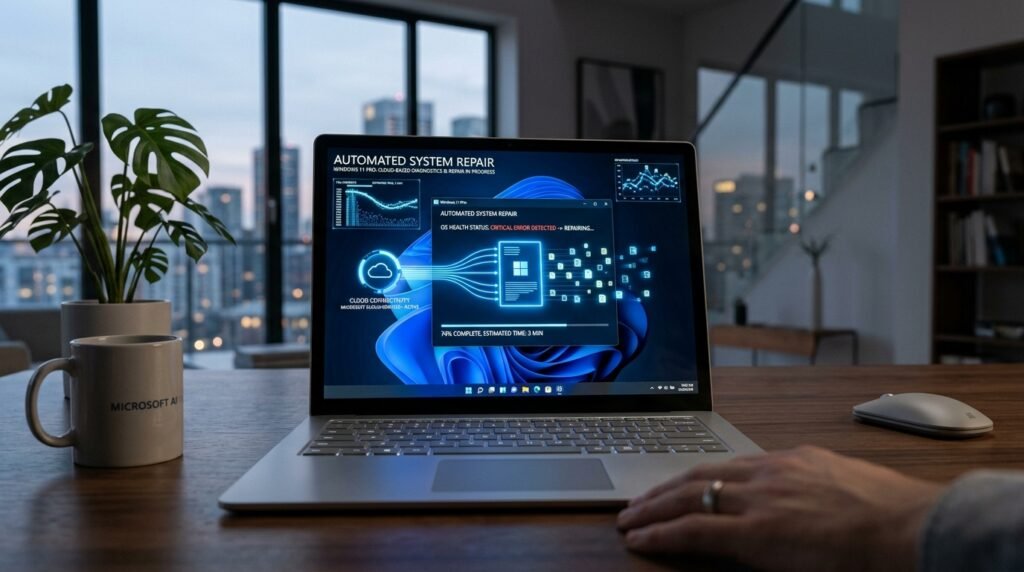
How many times have we felt that dread when we see a laptop screen go blank or when it takes a long time to load during a hectic morning? When a computer’s operating system became corrupted, the typical solution was to find another thumb drive or a working computer. More recently, Windows 11 has added a cloud-based recovery feature that may completely remove that stress, as it mends itself with just an internet connection.
The Shift Toward Cloud Recovery
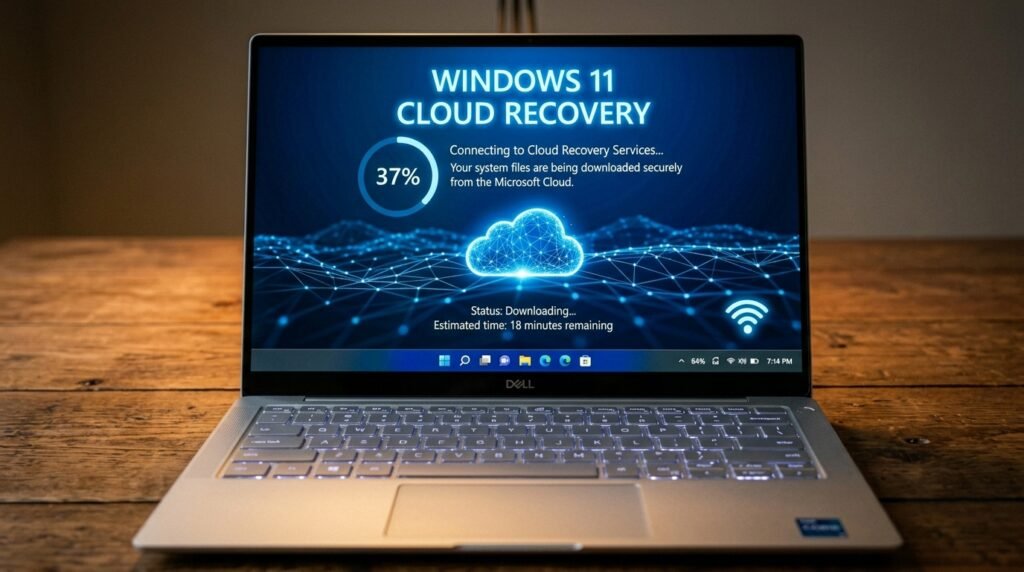
Microsoft’s new architecture is more resilient and is designed to be like recovering a smartphone. The new system makes use of fresh files from servers, rather than local hidden partitions, which could be corrupted.
No More USB Hunting

When your main computer fails, one of the issues that often plagues you is finding a flash drive. This is a nice feature, as it implies that physical bootable media may not be a prerequisite for most users.
How the Cloud Reinstall Works
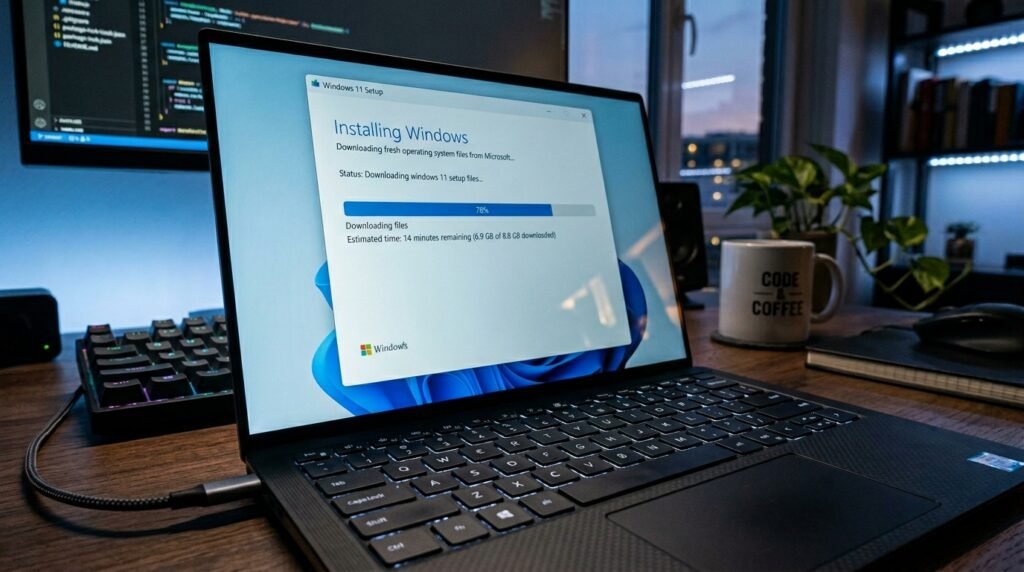
What it basically does is download a new version of the OS directly from Microsoft. It may be a more sanitary approach to rejuvenating the device without having to worry about the local files needing an update.
Fixing Files on the Fly

A special addition is the “Fix Problems Using Windows Update” tool, which is supposed to fix the existing installation. It can restore system components without touching your files and apps.
Keeping Your Files Intact

Losing important photos or documents is one of the greatest concerns when making a repair. It’s a built-in mode that focuses on preserving data so that the recovery feels less like a gamble.
Bypassing Local Corruption Issues
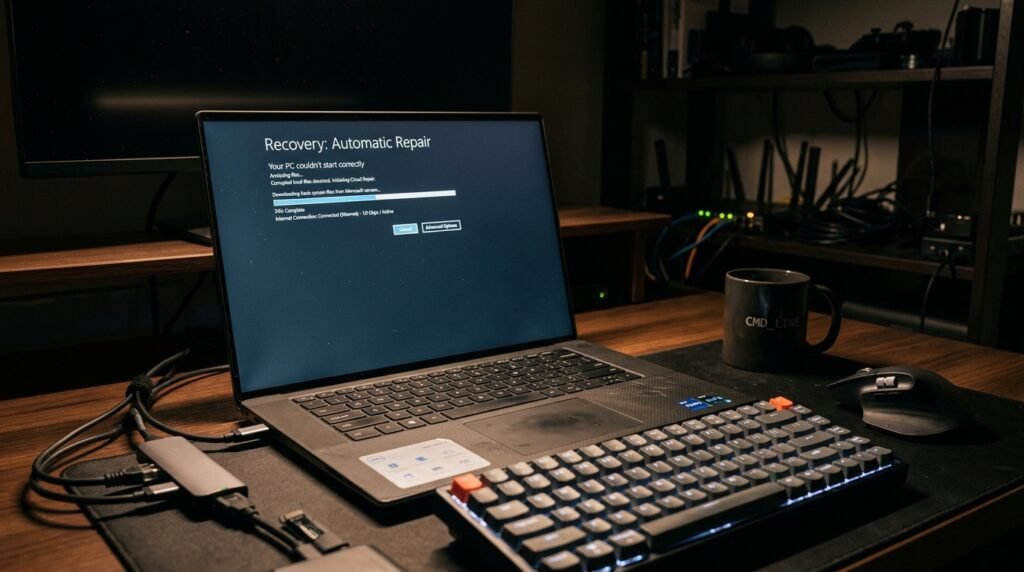
At times, the recovery files on the hard drive get damaged along with the system. Windows 11 may be able to avoid those specific issues with the hardware or software in the localized environment, as it sources them from the cloud.
The Role of Windows Update

This repair capability is well intertwined with the regular update system itself. It uses the same secure channels to guarantee that replacement files are all valid, current, and patched.
Resolving Persistent System Stutter

A cloud-based repair may be a less drastic solution if your computer is buggy or slow. It can only replace the broken parts and leave most of your customized settings intact.
Automating the Difficult Tasks
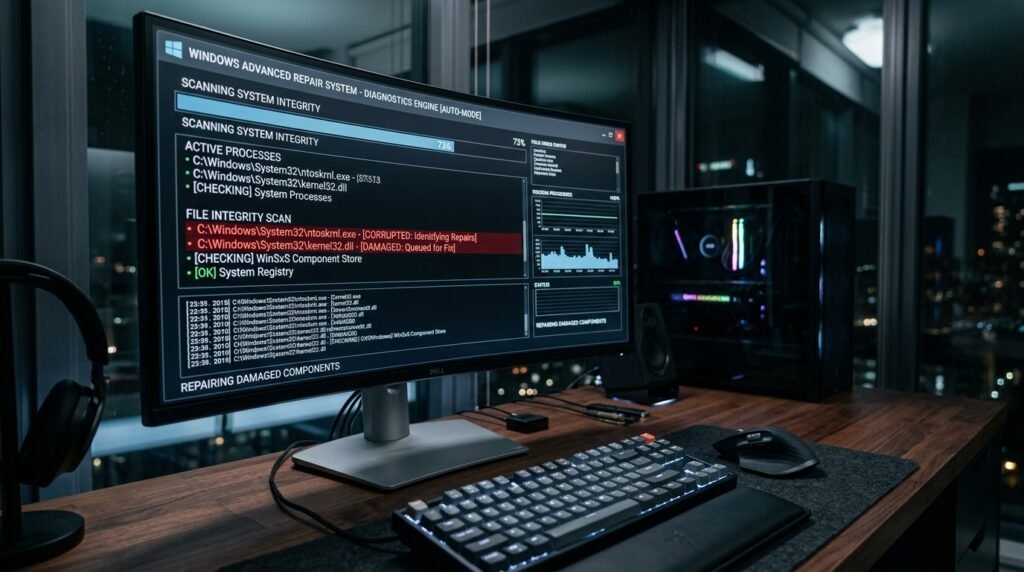
The system does a lot of the work of determining which files are missing or damaged. This automation may minimize the human error normally involved with attempting to resolve registry problems by hand.
Comparing Old and New Methods

The PC would usually be reset to the program state you had when you purchased it. The new cloud-based approach will probably ensure that you are always running the most up-to-date and secure software version.
Future of System Maintenance
This change signals a future of completely self-healing operating systems. Microsoft’s intent appears to be building a world where software issues are fixed in a few clicks and with a connection.
