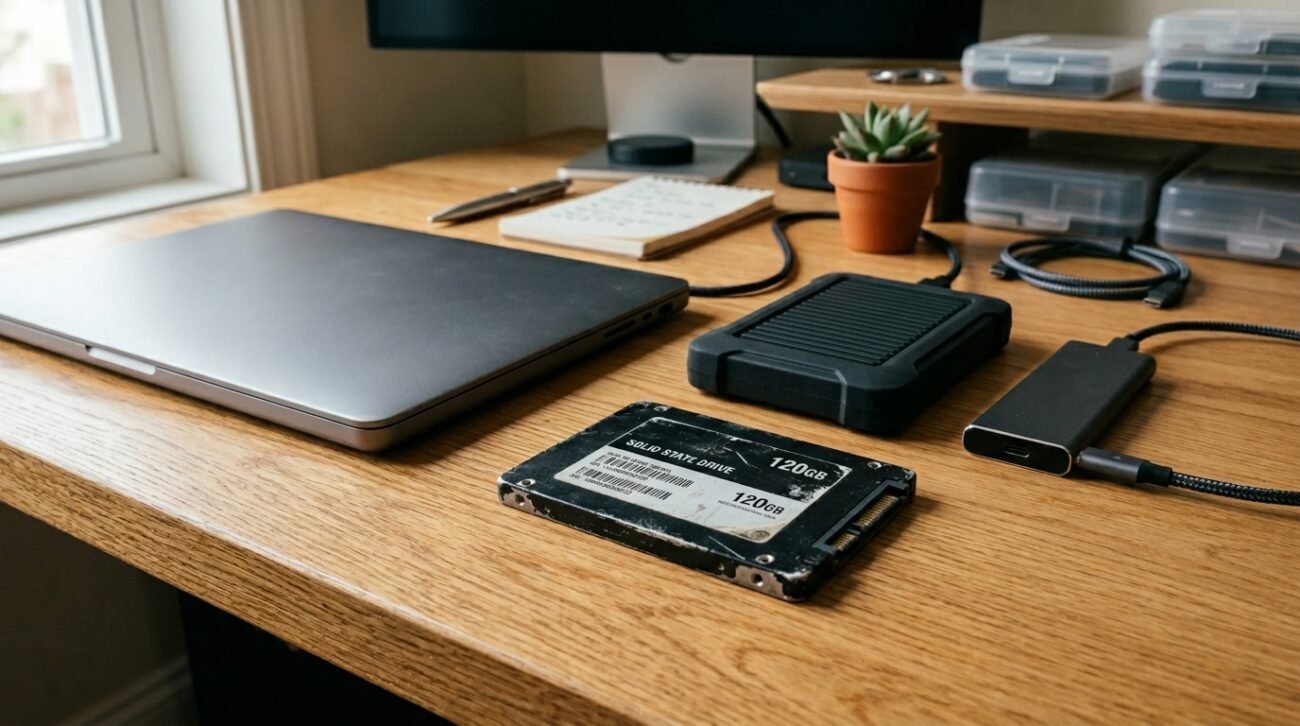
It’s so easy to put the old laptop drive in a desk drawer along with the loose charging cables and feel like you are keeping your precious family photos safe. But data obtained from the Joint Electron Device Engineering Council indicates that solid-state storage needs time in the form of electrical power in order to store data reliably. Those digital memories could gradually slip away if they were not charged from time to time. Let’s take a look at how these drives retain your files.
Understanding the Floating Gate Mechanics
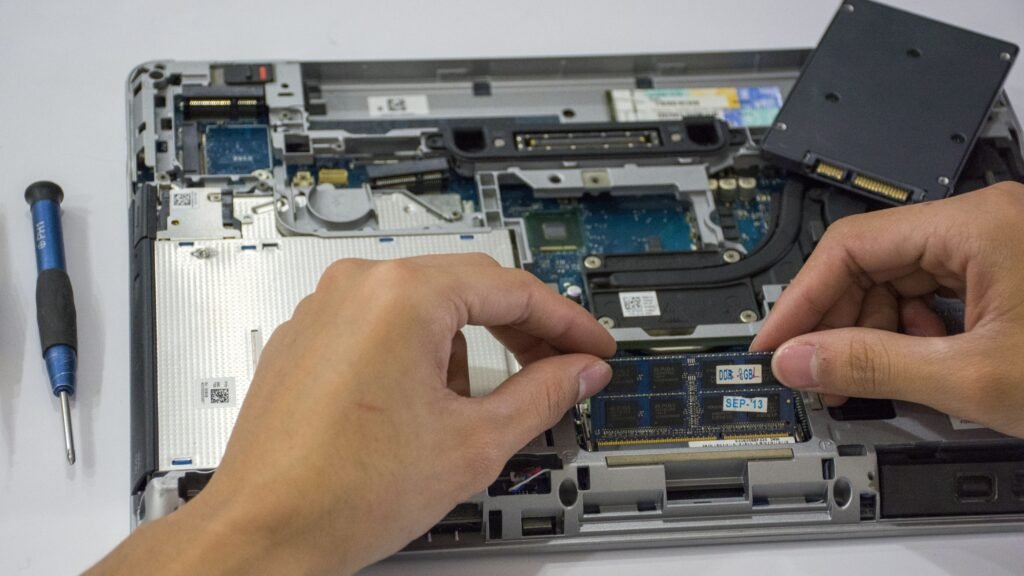
Solid-state drives trap microscopic electrical charges inside tiny internal silicon pockets to record data. Physical electronics data suggests these tiny charges can slowly migrate out of their designated zones over time.
Recognizing the Threat of Data Degradation

When electrical charges slowly leak away from their original cells, bit rot can occur. Data storage research indicates that this gradual change could eventually make your stored files totally unreadable.
Evaluating the Impact of Ambient Temperature
Storing hardware in a hot attic can greatly accelerate internal charge leakage. Technical guidelines indicate that elevated storage temperatures might drastically reduce the data retention lifespan of unpowered flash memory.
Differentiating From Traditional Magnetic Hardware
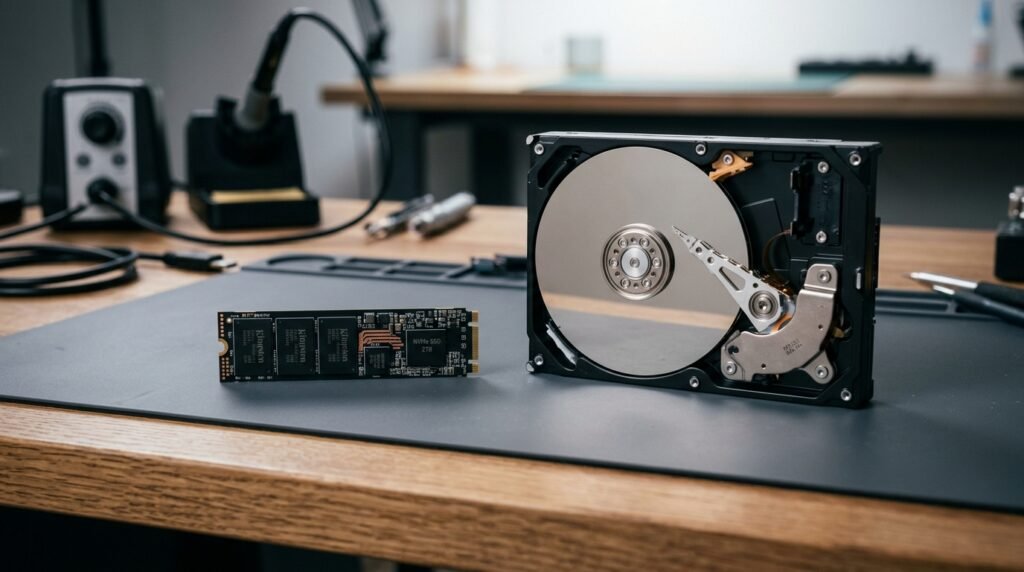
Old-school spinning hard drives rely on magnetic platters that naturally retain orientation for decades without electricity. Flash memory chips operate on entirely different physical principles that require regular structural maintenance.
Considering the Overall Age of Your Drive
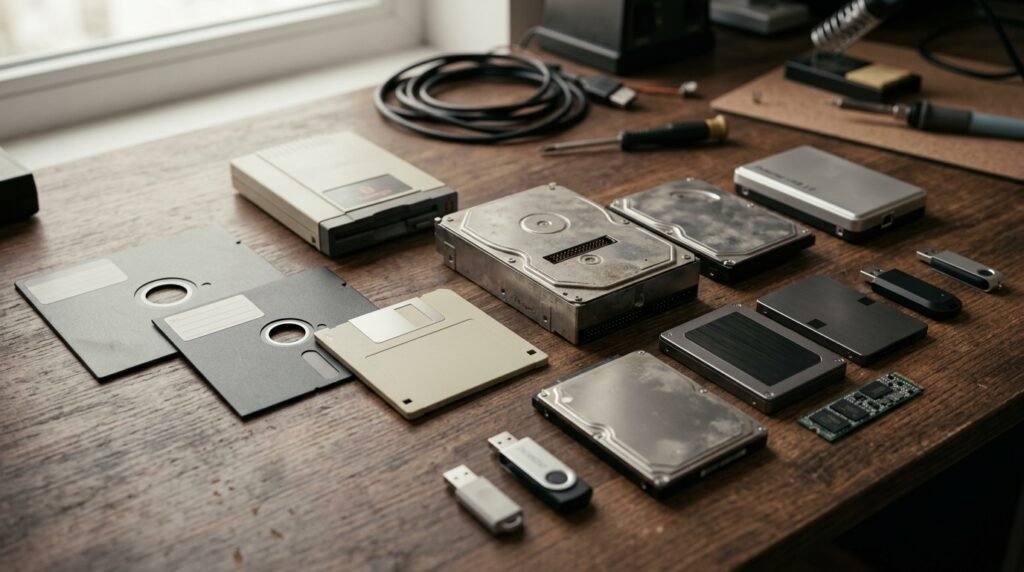
Older flash storage devices often utilize early manufacturing architectures that are less efficient. It is possible that the older generation drives experience charge loss much faster than modern, high-grade silicon options.
Assessing the Total Read Write Wear Cycle
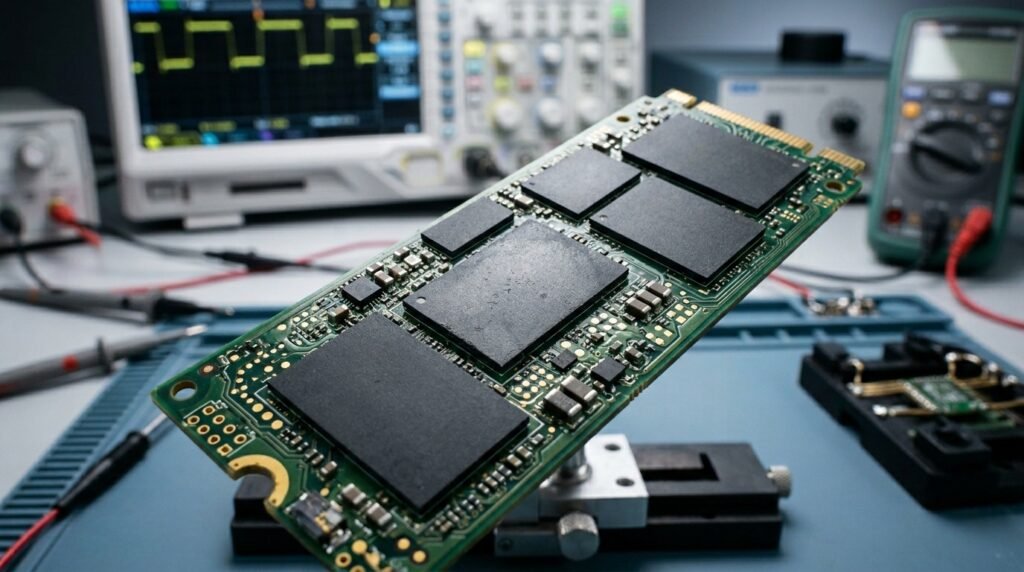
A drive that has endured years of heavy file transfers faces increased cell degradation. Solid-state research implies that heavily used cells might struggle to hold an unpowered charge long-term.
Learning About Error Correction Code Limits
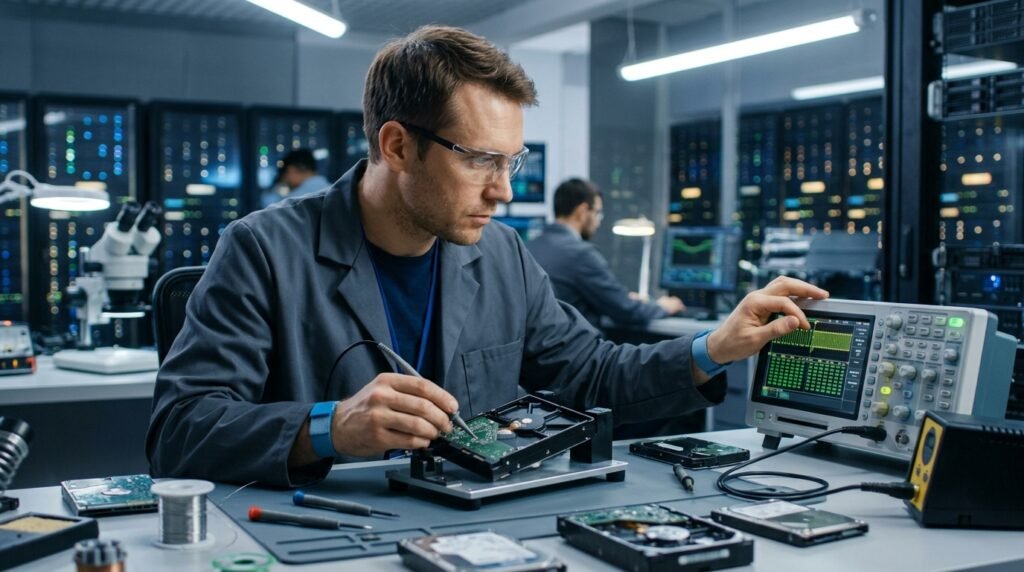
Modern systems feature built-in algorithms designed to repair minor data corruption automatically upon boot. However, massive charge loss across the chip can easily overwhelm these integrated data rescue protocols.
Plugging In Your Hardware Periodically

Giving your backup storage devices a quick data connection once a year might refresh the fading charges. This brief electrical jolt allows the internal controller to restabilize weak data blocks.
Creating a Smart Redundant Backup Plan
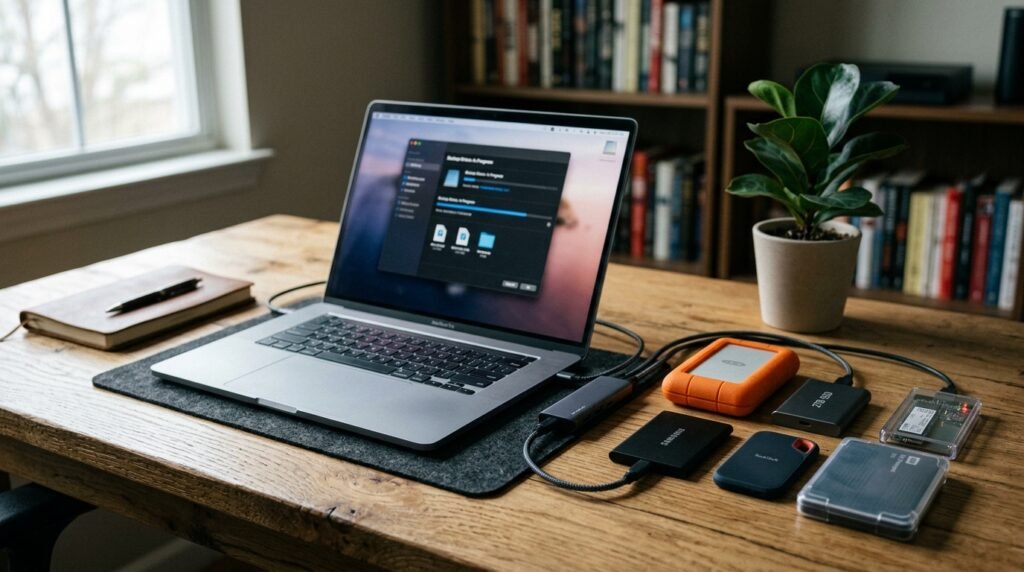
Having your irreplaceable digital archives held in one piece of hardware in one location can be very risky. Having more than one file medium can help keep your family history safe from any potential loss.
Exploring the Reliability of Cloud Storage

Moving your most critical documents to a secure online server removes physical hardware dependencies entirely. Cloud providers constantly manage server drive health, potentially minimizing your personal data loss risks.
Choosing the Best Archival Hardware Media
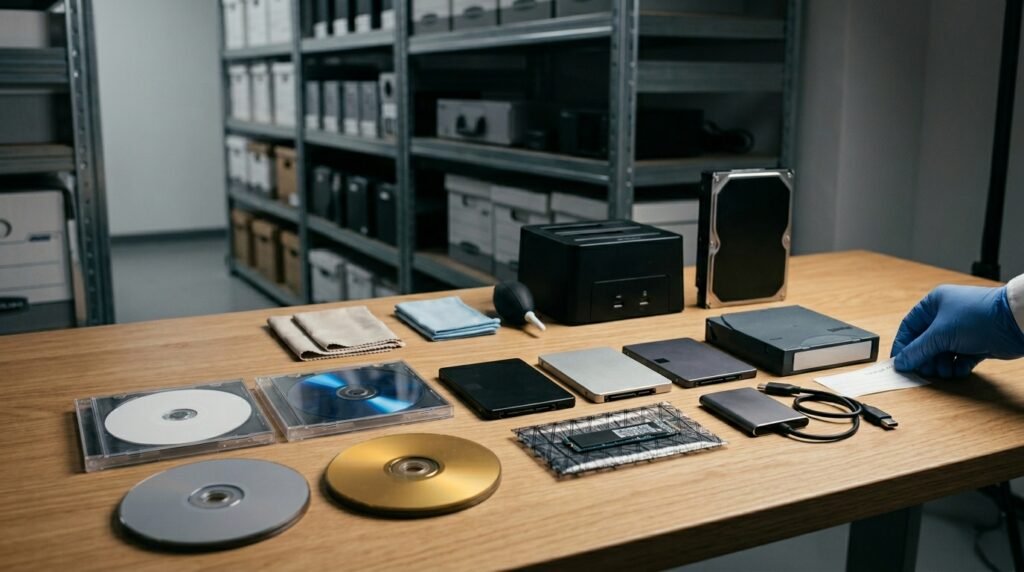
For long-term, non-volatile storage, magnetic tape or special optical discs are great choices. These physical mediums remain incredibly stable over decades without requiring any electrical top-offs.
Monitoring Drive Health With Smart Tools

Connecting your drive to a desktop PC lets you run helpful diagnostic health utility scans. These applications check the internal cell status to warn you well before a failure occurs.
