
Staring at a sluggish smartphone screen while waiting for a familiar webpage to load is a minor daily frustration many people share. While we often blame a weak cellular signal, accumulated web data sitting quietly in the background might actually be the primary culprit. According to data published by Security.org, over eighty-five percent of consumers in the United States express active concern regarding how corporate entities track and sell their private mobile browsing habits. Taking a moment to wipe the slate clean could completely transform your daily digital experience. Let us dive into what really happens when you hit that reset switch.
Reclaiming Hidden Mobile Storage Space
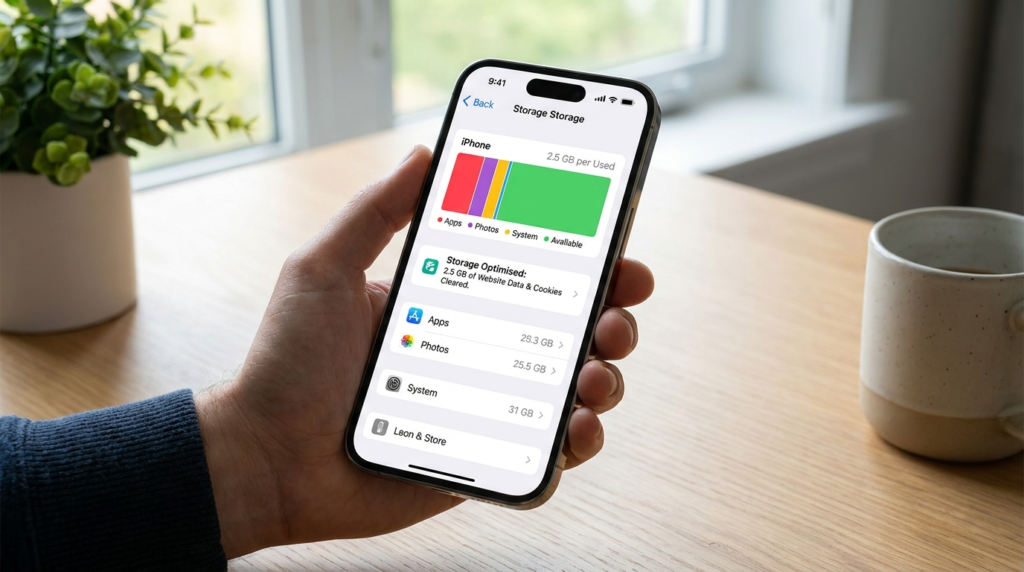
Over time, hundreds of tiny tracking files can quietly accumulate inside your device’s memory. Clearing this digital clutter can instantly free up several megabytes of valuable storage space for photos and apps.
Breaking Free From Targeted Advertisement Profiles

Marketing firms use persistent trackers to build highly detailed consumer profiles based on your shopping habits. Emptying your local file cache disrupts this tracking chain, resulting in significantly less personalized advertisements.
The Temporary Slowdown of Familiar Webpages
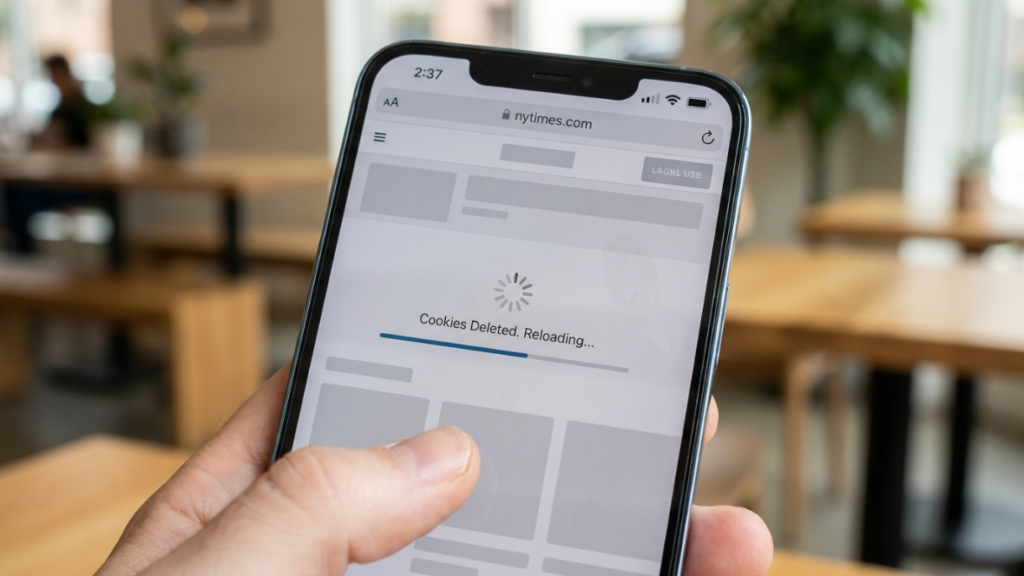
Your favorite blogs or news portals might seem slightly slower to open immediately after a cleanup. The browser must completely redownload all images, scripts, and layout elements from scratch.
Banishing Frustrating Website Loading Glitches
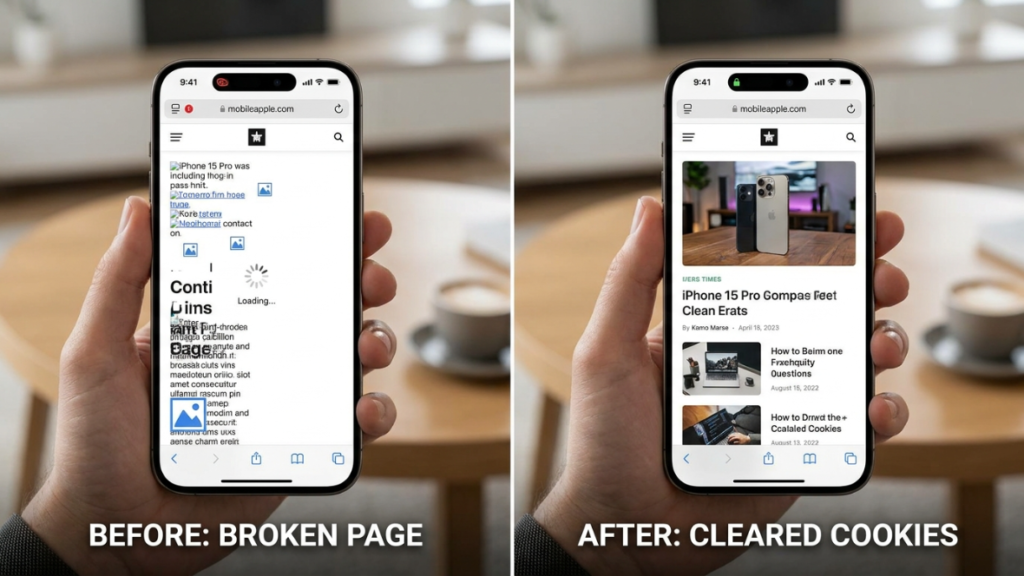
When local site data becomes deeply outdated or corrupted, formatting errors and frozen screens often occur. Forcing a fresh data download by clearing your storage frequently resolves these stubborn technical hiccups.
Shopping Carts Automatically Reset to Empty

Leaving items in an online retail cart to think over a purchase relies entirely on active session tracking. Wiping your device data means those saved items will likely vanish into thin air.
Keeping Stored Password App Credentials Safe
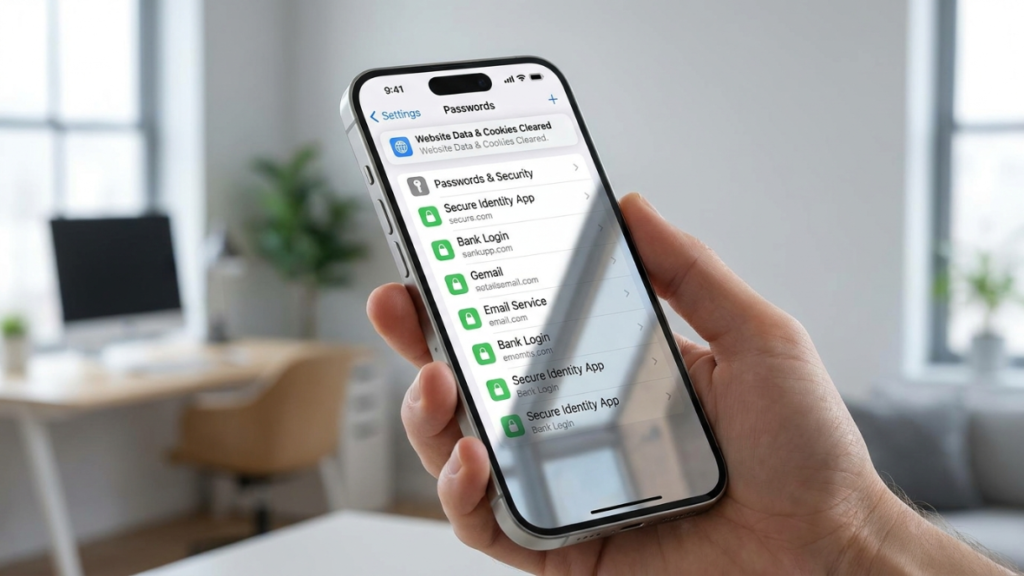
Wiping your local browser files does not alter data secured within the native iOS Passwords utility. Your carefully saved credentials remain perfectly secure and ready for automatic form filling later.
Individual Website Custom Preferences Reset
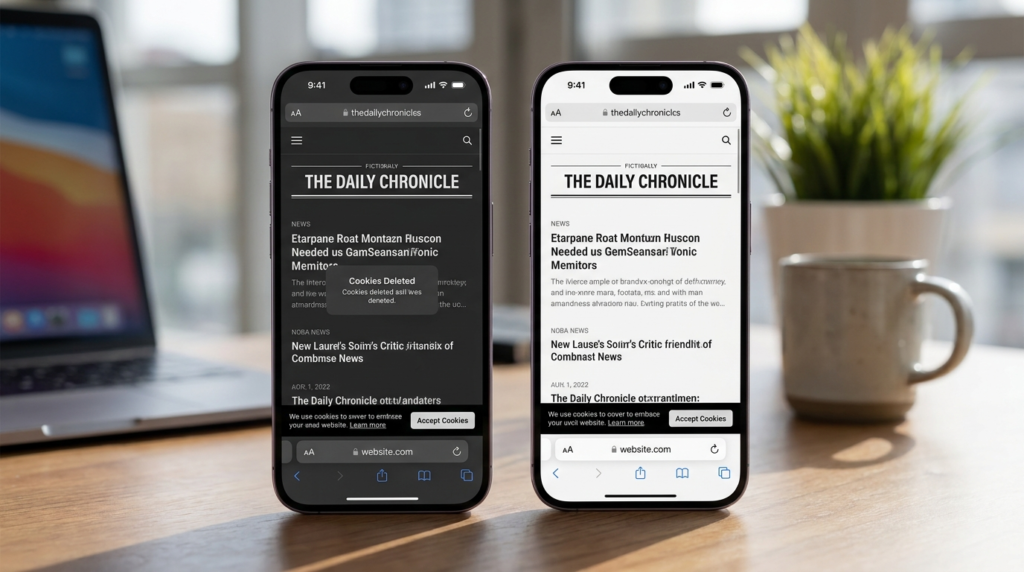
Any custom display settings, such as a forced dark mode or specific text scaling, will likely revert to default. The website will treat your visit as if you were a brand-new guest.
Stopping Intrusive Cross-Site Tracker Behavior

Many modern platforms place background files specifically designed to shadow your movements across unrelated domains. Clearing these files actively hinders companies from quietly monitoring your daily path around the web.
Bypassing Certain Soft Media Paywall Limits

A few digital publications track the number of free articles you read each month using local files. Removing these indicators can occasionally reset the visible counter on certain basic news platforms.
Choosing Target Deletions Over Full Wipes

You do not always have to erase everything to fix a single broken page. The advanced developer menu lets you selectively remove data for one specific troublesome website while keeping everything else.
The Illusion of Absolute Digital Anonymity

While refreshing your local files offers excellent privacy benefits, it does not make you entirely invisible online. Companies can still utilize your cellular internet address or unique browser fingerprints to identify you.
