
We often react with instant frustration when our smartphone becomes slow and unresponsive. Yet the fixing of it could be far less complicated than we imagine. New diagnostic consumer reports from ZDNET revealed that a delay in the functioning of your device could be mainly due to the pile-up of temporary background data. Now, if you frequently get rid of these digital spaces left behind, you will quite likely get a new-performing system, better efficiency of the operations, and more free gigabytes of local storage for your iOS device.
Reclaiming Valuable Local Storage Space
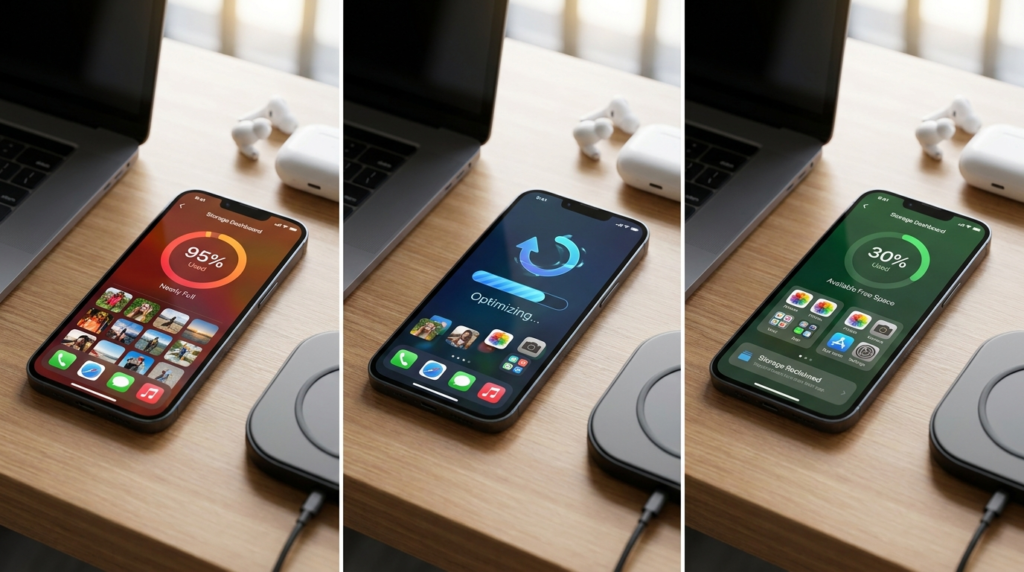
Accumulated background data may quietly consume gigabytes of your internal drive over several months. Clearing these files might instantly create room for new photos, offline music, and essential software updates.
Boosting Your Device Browsing Speed

Web browsers frequently struggle under the weight of thousands of old, stored images. Emptying the system memory can allow web pages to load with significantly greater efficiency and speed.
Resolving Unexpected Mobile App Crashes

Overloaded temporary data files occasionally become corrupted after prolonged periods of heavy use. Erasing these specific files might stop problematic apps from closing unexpectedly during your daily tasks.
Refreshing Your Stored Website Data

Websites occasionally display outdated layouts because your device continues loading older saved versions. Forcing a complete system refresh ensures you always view the most current web content available online.
Minimizing Hidden Background Tracking Risks

Browsers naturally save tracking elements that monitor your movements across various online platforms. Periodic cleanup could potentially minimize your overall digital footprint and enhance baseline personal privacy on the web.
Erasing Cache in Safari Settings
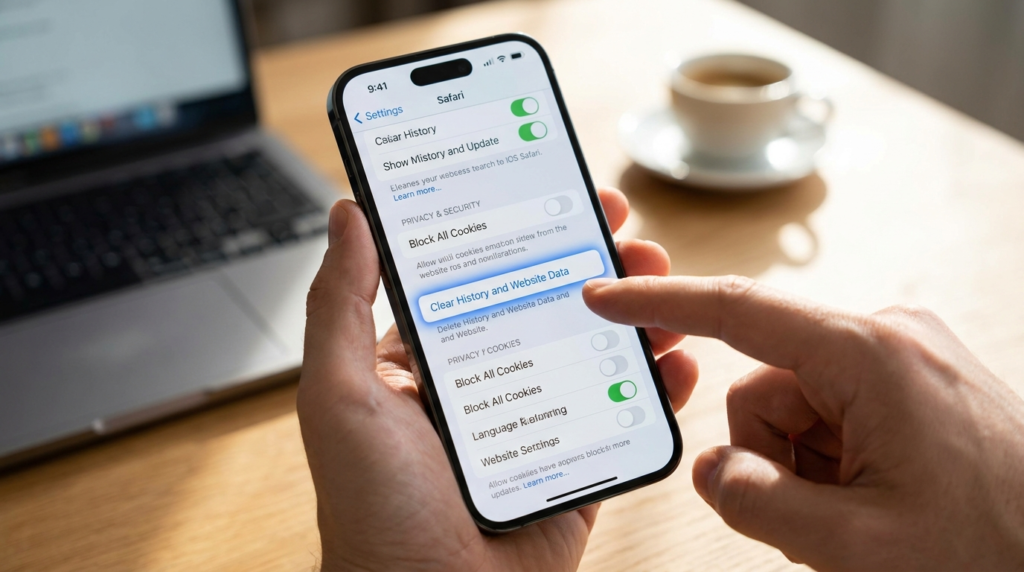
To refresh your primary browser, navigate through your main system menu directly to the designated Safari section. Selecting the option to erase history and website data clears out redundant files.
Clearing Chrome App Browsing Files

If you prefer alternative browsers, open the application directly to access its internal security panel. Choosing the option to delete cached images instantly purges those specific localized browsing files.
Utilizing the Built-In Offload Feature
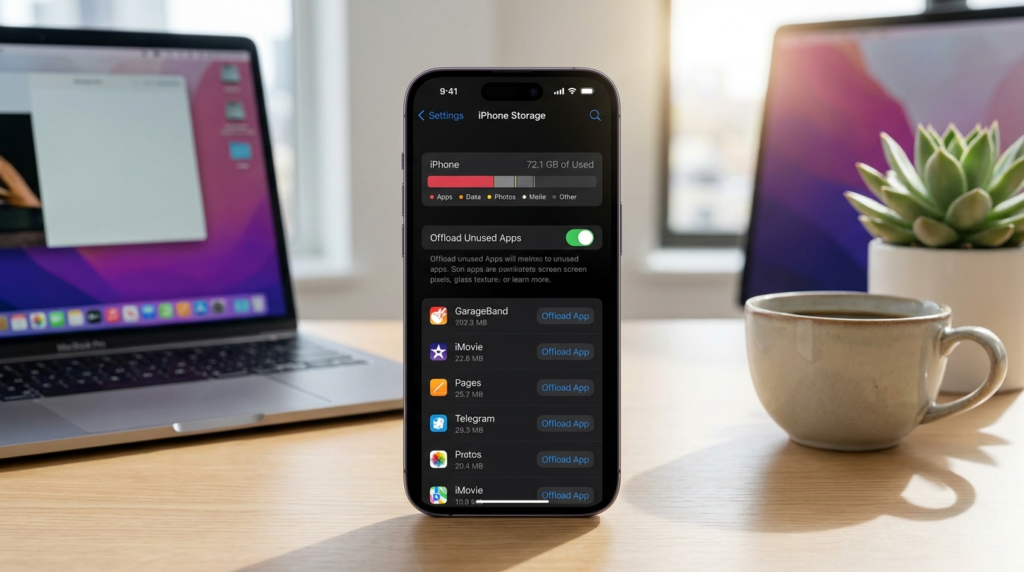
For large applications that lack dedicated cleanup controls, the system offload function offers a great alternative. This built-in option removes the core software application while safely preserving your personal documents.
Reinstalling Heavily Loaded Social Apps

Social media platforms are known to accumulate massive amounts of temporary data very quickly. Completely deleting and downloading these applications again could potentially shrink their total storage footprint significantly.
Performing a Standard System Restart

A simple weekly power cycle can do wonders for your phone’s internal memory management. Rebooting helps clear out temporary system logs that might be causing minor operational performance glitches.
Preserving Essential Personal Saved Passwords

Many people worry that clearing temporary files will accidentally erase their secure credentials. Fortunately, performing standard maintenance procedures safely leaves your saved keychain passwords completely untouched and secure.
