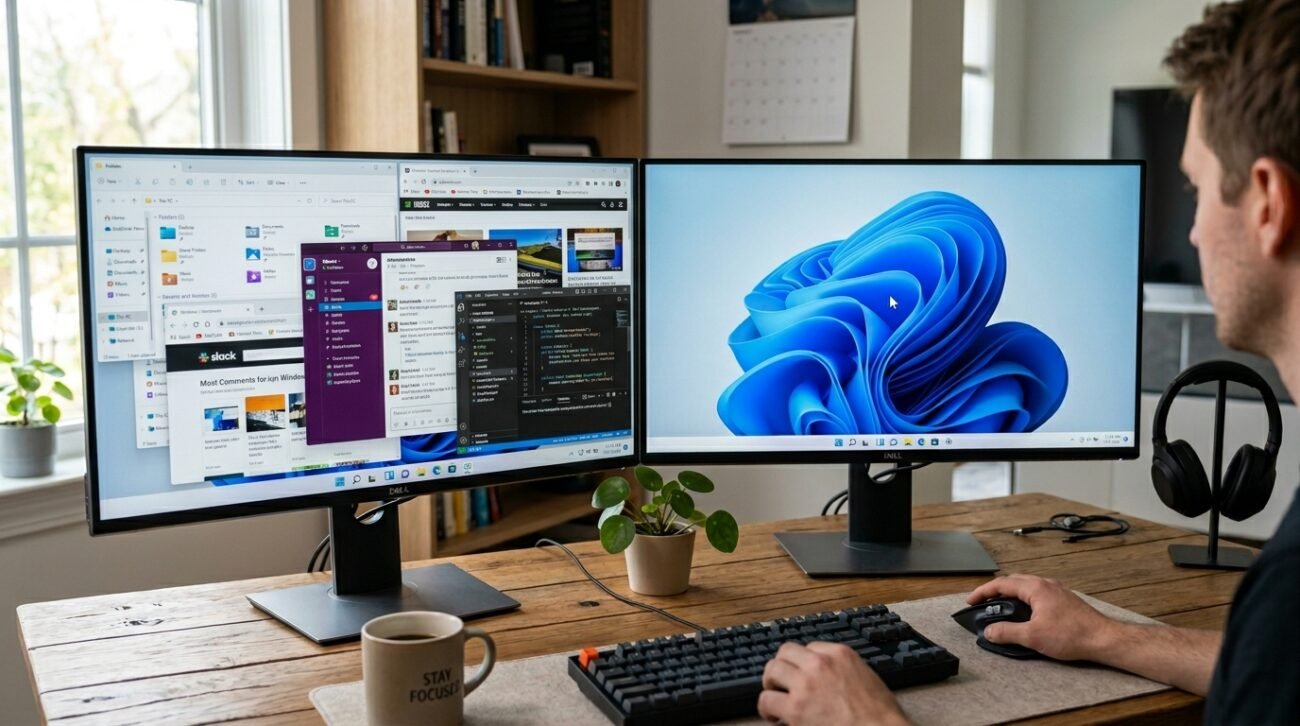
Looking at a mess of a screen with so many windows that they overlap can easily spoil a day that was meant to be productive and turn it into a disaster. Based on research on usability published in The International Journal of Human-Computer Interaction, too much visual clutter in a digital working environment can cause a higher cognitive load and a delay in task execution. Luckily, an ingenious interface innovation might be the solution to this very common irritation for PC users. Let us explore the fresh workspace changes arriving on your computer monitor.
Discovering the PeekDesktop Workflow Innovation
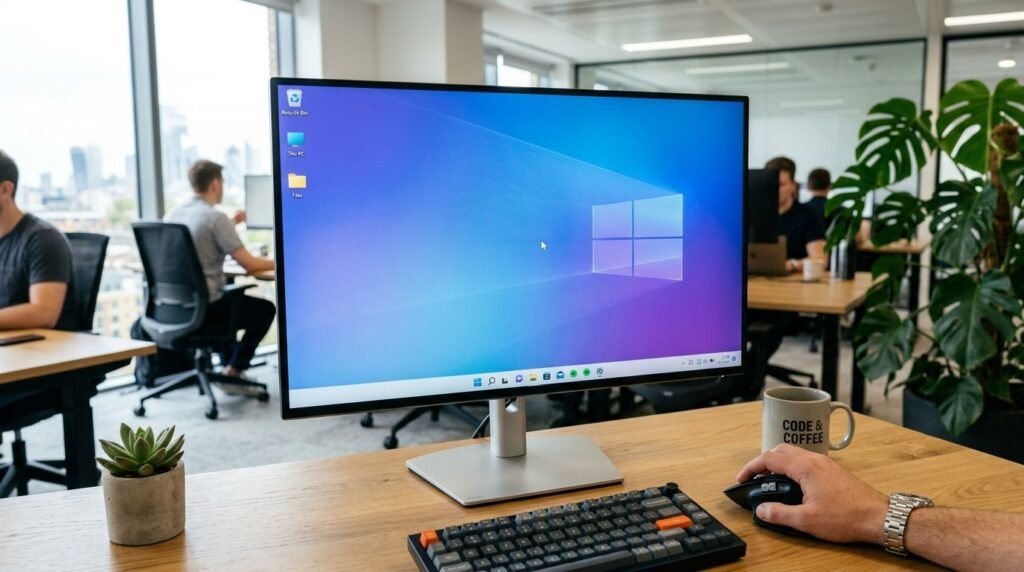
A brand-new desktop utility allows you to instantly clear away open windows by simply clicking an empty patch of your wallpaper. It provides a seamless window-management alternative.
Mimicking a Beloved Apple Feature
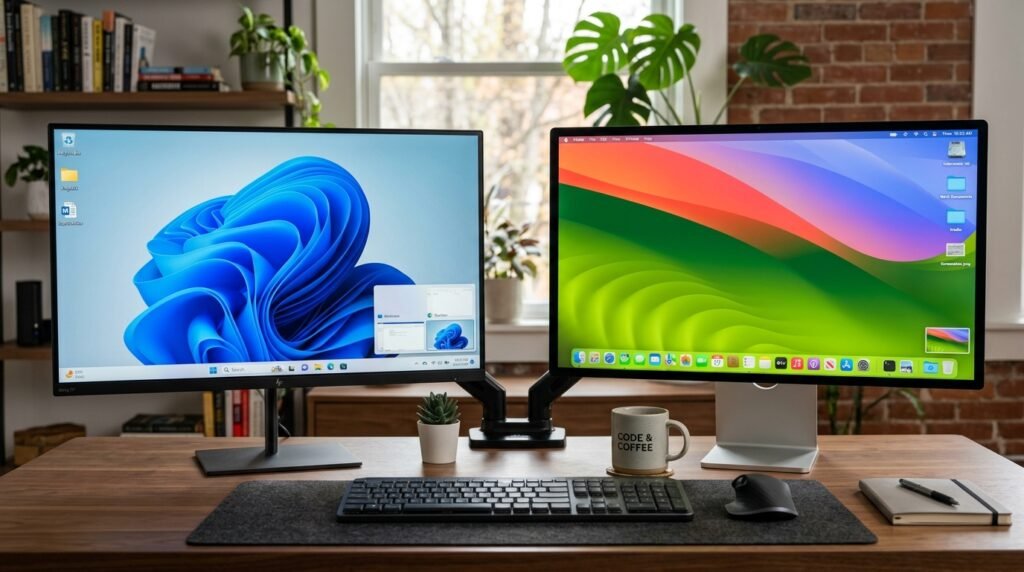
This sleek addition works similarly to the popular click-wallpaper-to-reveal-desktop mechanism found in macOS. It may help long-time Mac users feel infinitely more comfortable on Windows.
Moving Beyond Clunky Keyboard Shortcuts
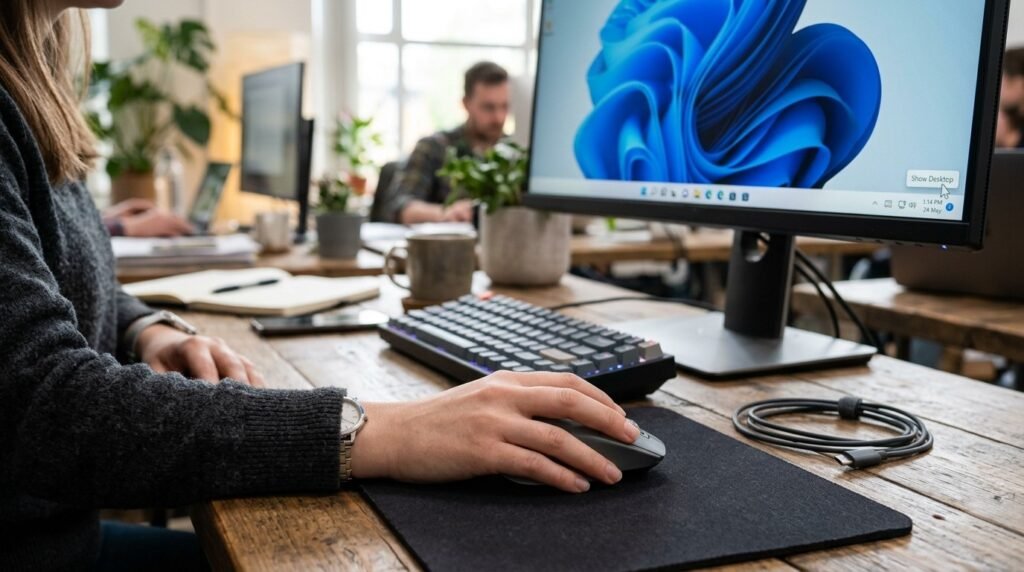
While traditional key combinations exist, tapping physical keys can sometimes disrupt your natural mouse movements. A single mouse click feels significantly more organic during active design sessions.
Streamlining Everyday File Dragging Tasks
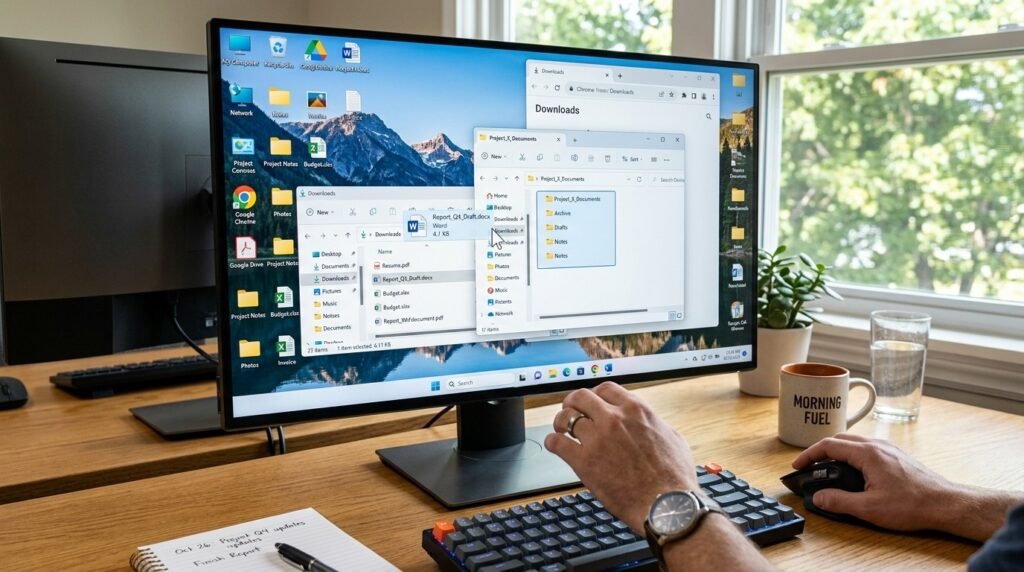
Grabbing a downloaded document from your background screen often requires minimizing multiple apps one by one. This tool gets everything out of the way simultaneously.
Instantly Reverting Your Active Workspace
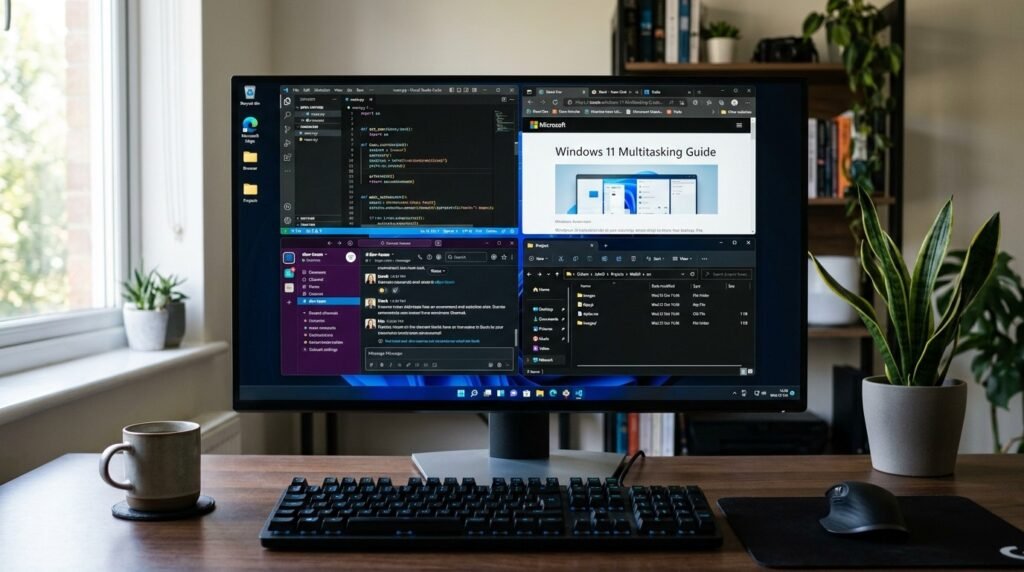
Clicking an open app window or the taskbar immediately restores your entire desktop layout. Your windows return to their precise original dimensions without any layout errors.
Enjoying an Unbelievably Lightweight Tool
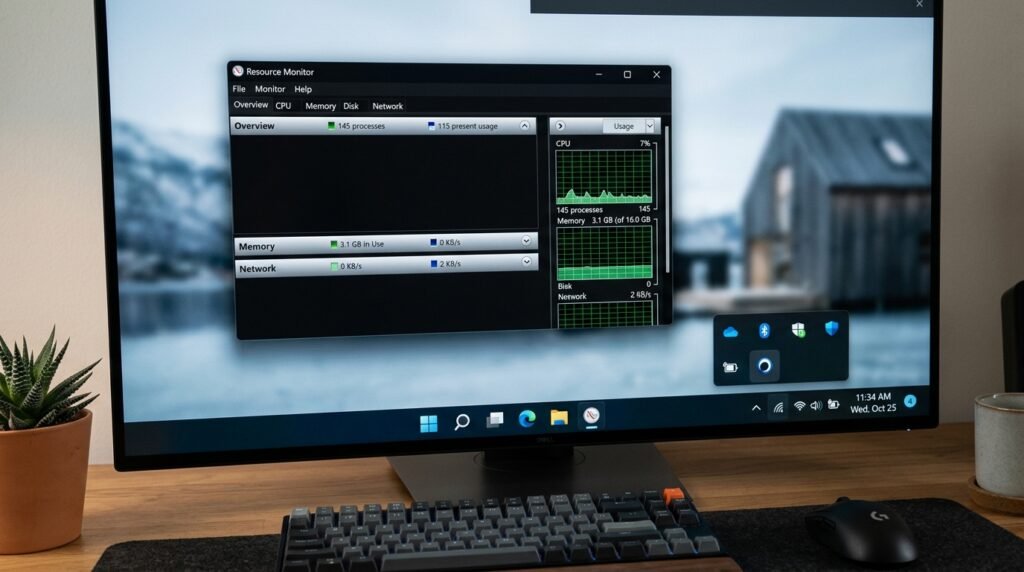
The underlying background application relies on minimal processing memory to monitor your desktop mouse clicks. It sits quietly in your taskbar system tray without slowing down gaming performance.
Preventing Accidental Icon Misclicks Safely
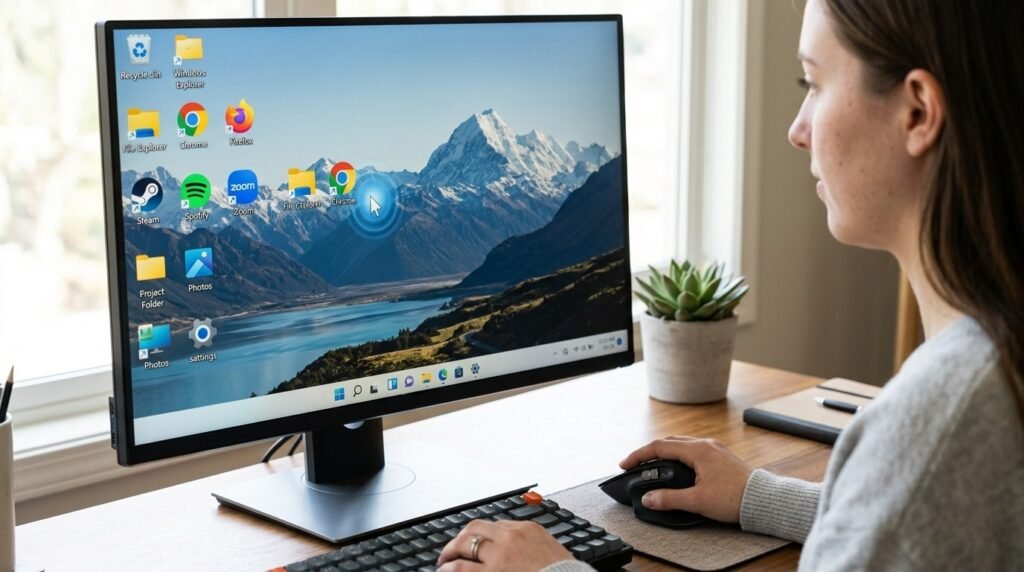
Advanced accessibility layer detection ensures the system knows exactly when you want to clear the screen. Accidentally clicking an existing app icon will not trigger the minimization process.
Enhancing Complex Multi-Monitor Setups
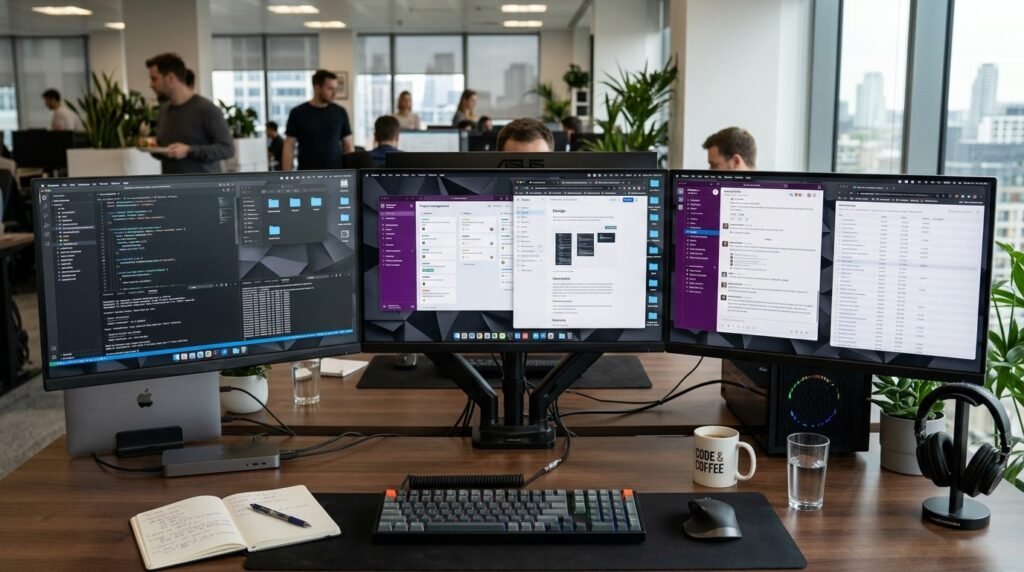
Managing several application windows across multiple displays can feel incredibly overwhelming. This smart utility tracks window placements across advanced setups to maintain complete spatial consistency during restoration.
Tailoring the Interface for Arm Laptops
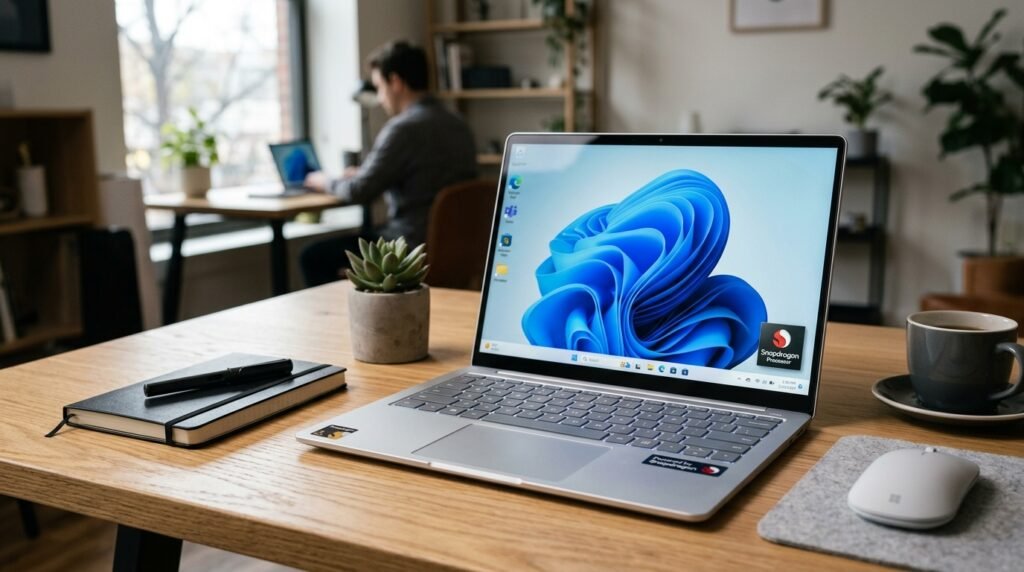
The clever utility fully supports modern hardware architectures, including efficient Qualcomm Snapdragon processors. Users with lightweight portable laptops can enjoy the exact same fluid desktop animations.
Matching Evolving Global Layout Standards
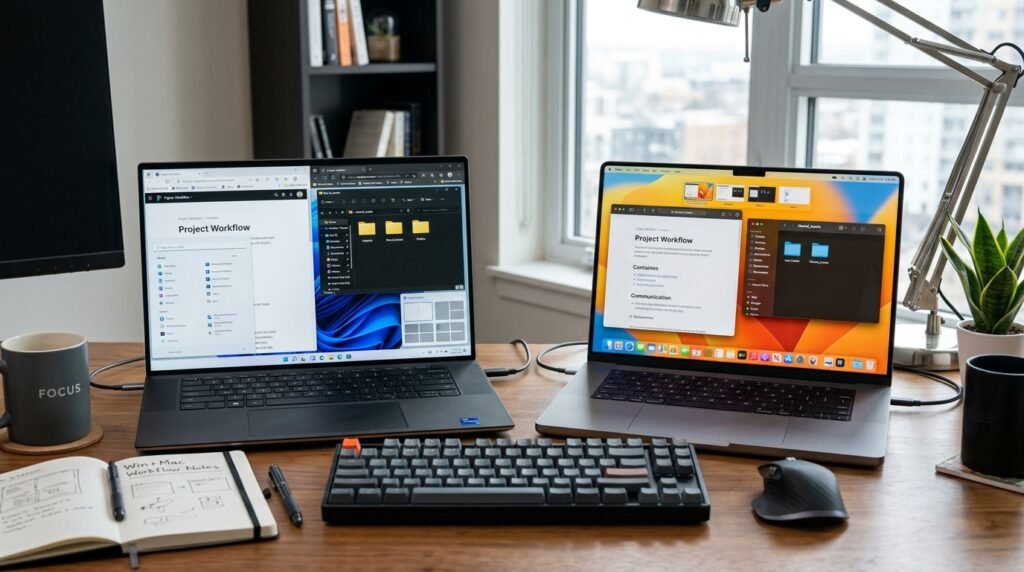
Operating systems are gradually borrowing successful interface ideas from one another to maximize efficiency. This convergence ultimately benefits everyday consumers who routinely switch between multiple devices.
Eliminating Frustrating Third-Party Workarounds
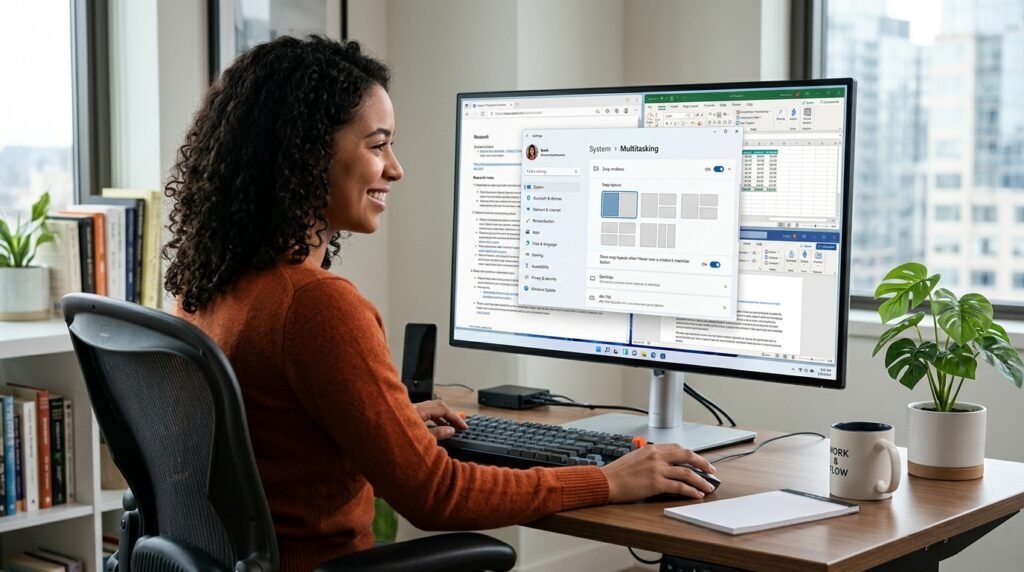
Many users previously relied on unstable third-party software tweaks to achieve a clean look. Having executive-backed tools minimizes system errors and keeps your data perfectly secure.
Upgrading Your Daily Computing Habits
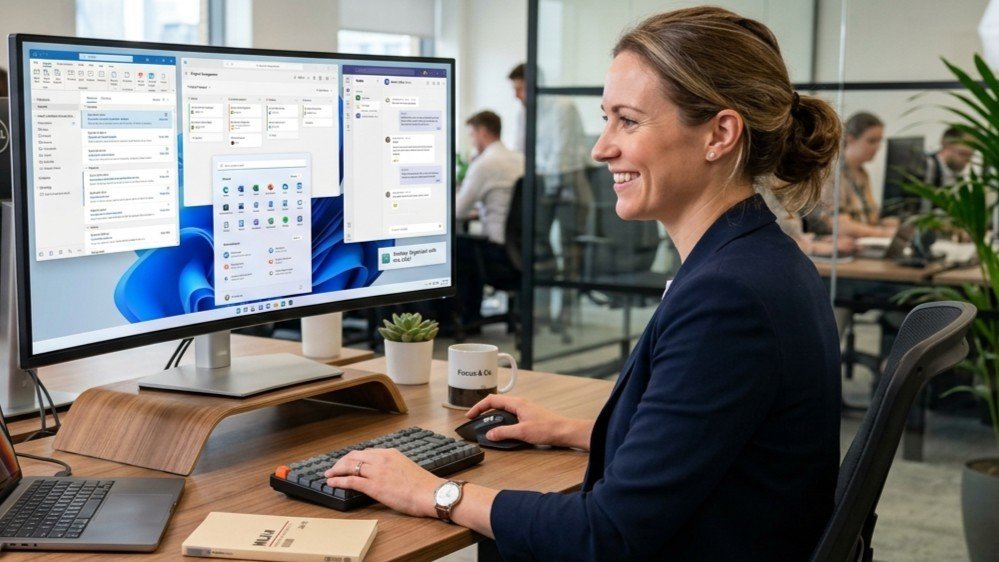
Trying out this fresh desktop interaction could permanently change how you organize your daily work assignments. It turns a tedious multitasking chore into a thoroughly satisfying mouse click.
