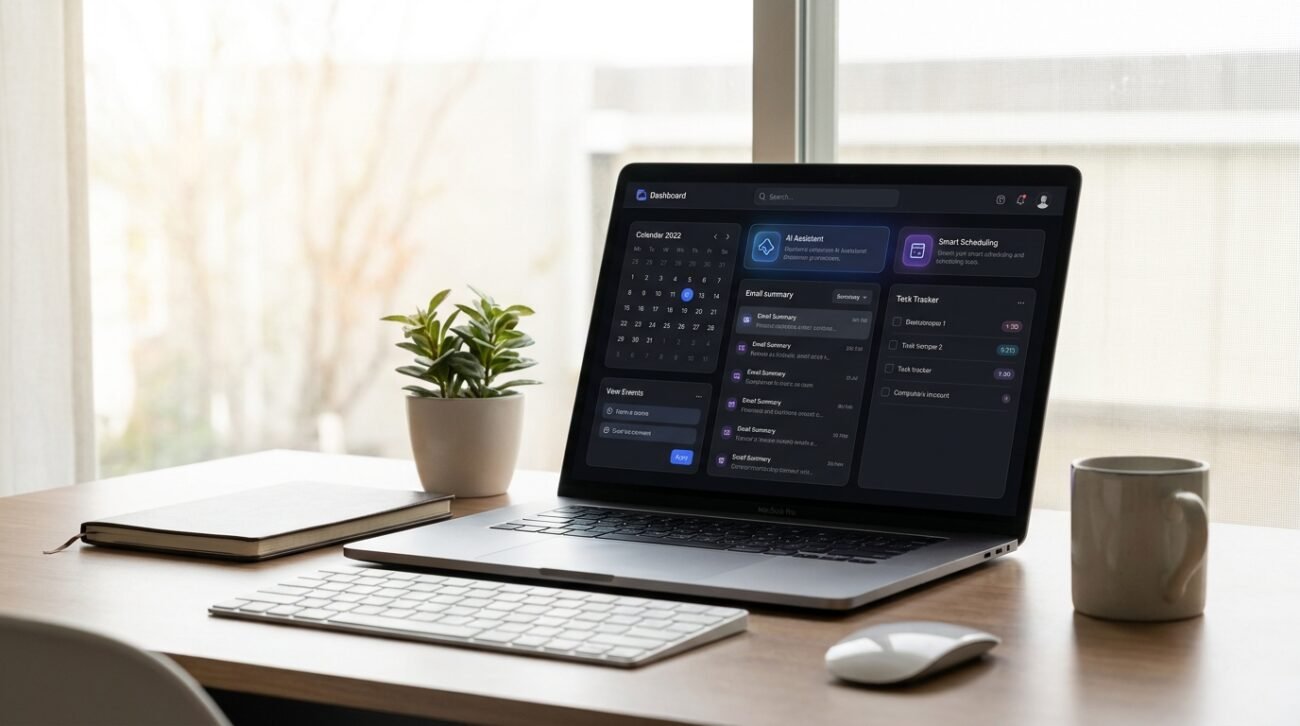
With the vast amount of software applications available, it’s easy to get lost and end up exhausted before your day at work is even over. But new workplace research from the Harvard Business Review indicates that micro-automations and clean digital environments could potentially have a tangible impact on day-to-day productivity loss in cognitive fatigue. You could be making an unnoticeable change in your everyday life. Let us explore some incredibly simple ways to build an elegant, stress-free digital dashboard.
Embracing a Clean, Single-Purpose Search
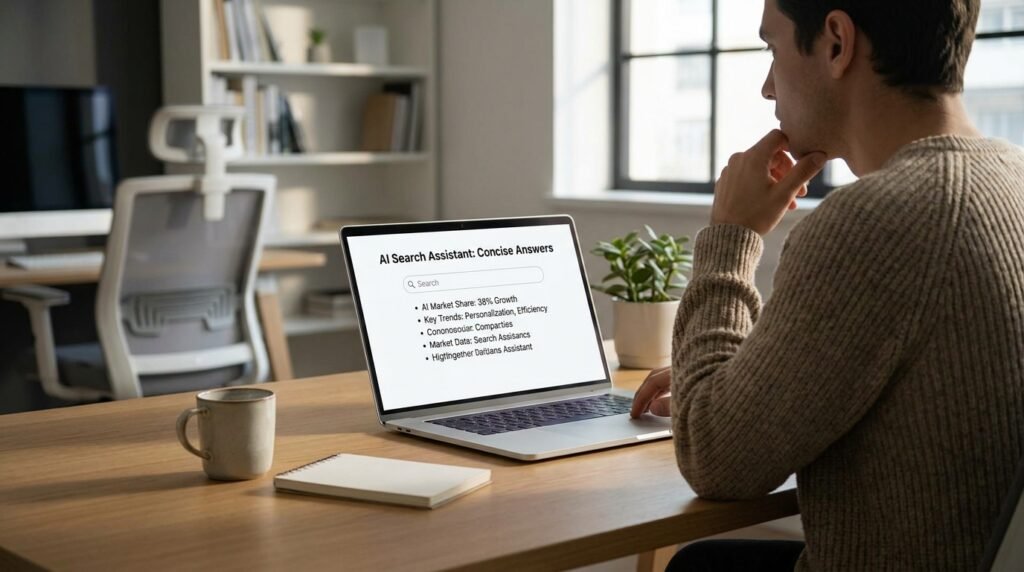
Swapping out bloated, ad-heavy search engines for streamlined, conversational information assistants instantly clears away web clutter. This direct approach allows you to grab quick, accurate facts without losing your focus.
Relying on Fast Audio Transcription Notes

Dictating your random thoughts into a minimal voice app that automatically tidies up your spoken sentences preserves mental energy. It lets you capture fleeting creative ideas without typing a single word.
Utilizing Automated Email Summary Previews

Letting a quiet digital assistant condense long, winding email threads into three simple bullet points saves precious time. This summary method keeps you informed without burying you in unnecessary text.
Choosing Smart Text Expansion Shortcuts

Setting up lightweight text expanders to instantly paste your frequent replies eliminates repetitive typing strain. This simple habit keeps your client communications remarkably swift and beautifully organized all day long.
Cleaning Up Your Digital Calendar Links
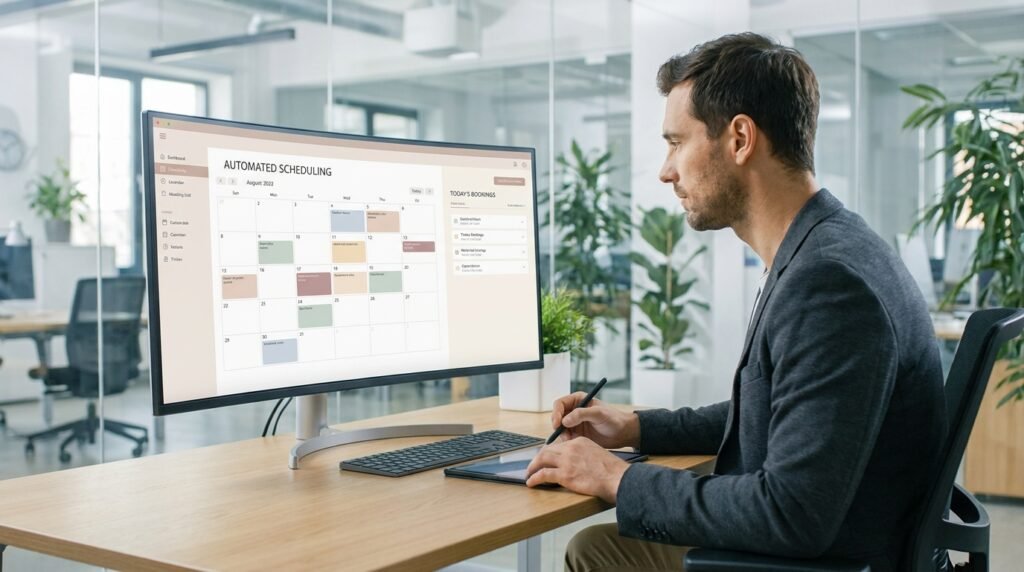
Using a minimalist scheduling assistant allows people to book meetings on your calendar completely hassle-free. It removes the exhausting back-and-forth messages that usually clutter up your personal morning inbox.
Simplifying Complex Long-Form Documents

Running dense, multi-page business reports through a basic text summarizer helps you grasp core concepts instantly. This rapid overview method allows you to review heavy data packs without feeling completely overwhelmed.
Generating Quick Neutral Presentation Outline Templates

Using minimalist assistants to draft foundational structures for your next big slide deck saves hours of staring at blank screens. This head start allows you to focus entirely on adding your own unique voice.
Automating Tedious Daily Digital Filing
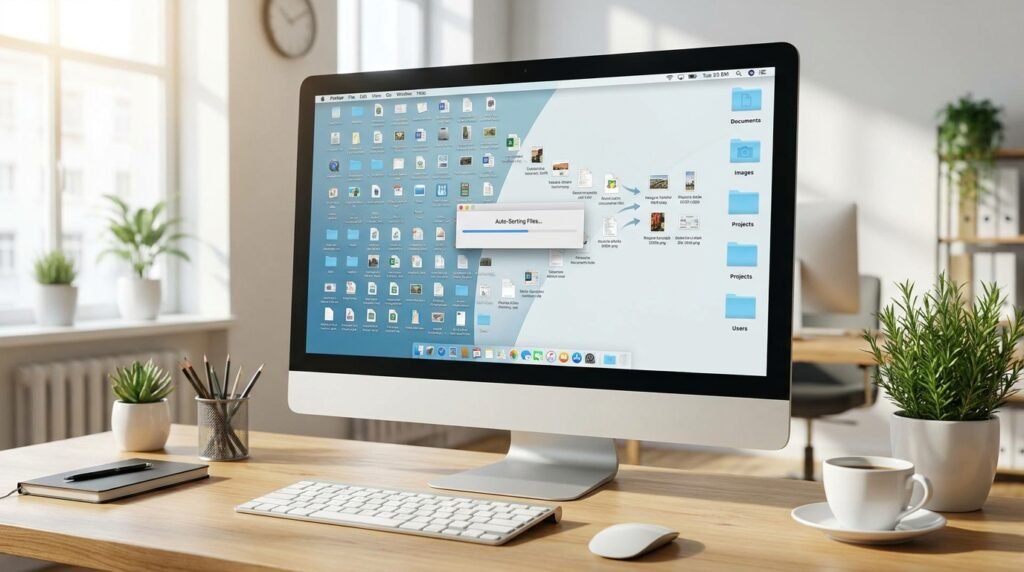
Allowing a simple background program to sort your messy desktop downloads into tidy, labeled folders creates visual calm. A clean digital workspace makes starting your morning projects feel completely effortless.
Polishing Your Everyday Professional Phrases

Running your quick draft messages through a lightweight grammar checker ensures your communications remain beautifully polished. This quick step helps you send off emails with absolute confidence and zero hesitation.
Designing Simple Eye-Catching Layouts

Using basic graphic helpers to format your weekly newsletters keeps your content looking incredibly sharp. Minimalist design choices ensure your readers stay fully engaged with your core message without distractions.
Tracking Your Daily Task Deadlines Effortlessly
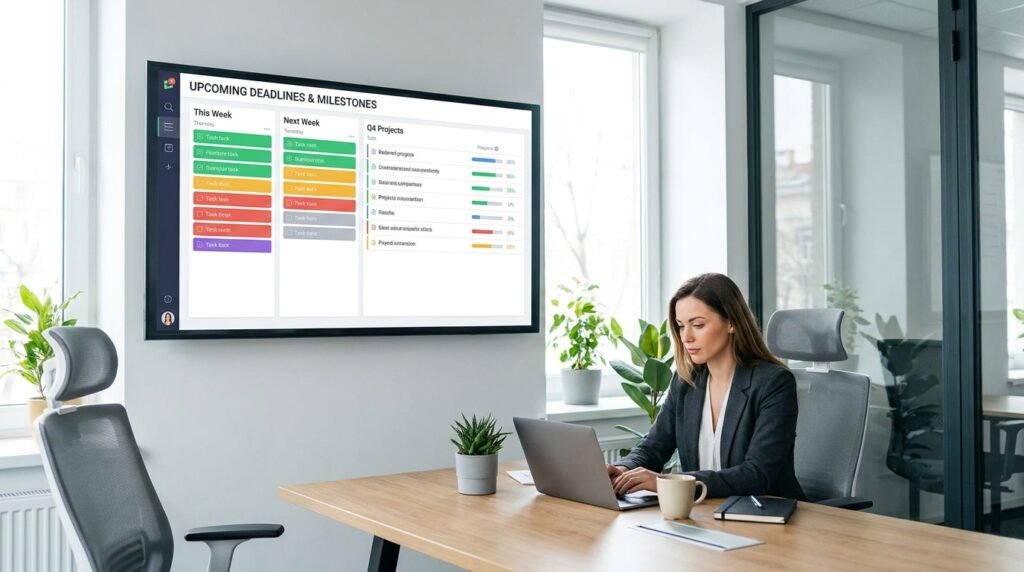
Letting a quiet tracking tool monitor your upcoming project milestones prevents important duties from slipping away unnoticed. This gentle organization method frees up mental space for your actual creative work.
Brainstorming Fresh Creative Article Ideas
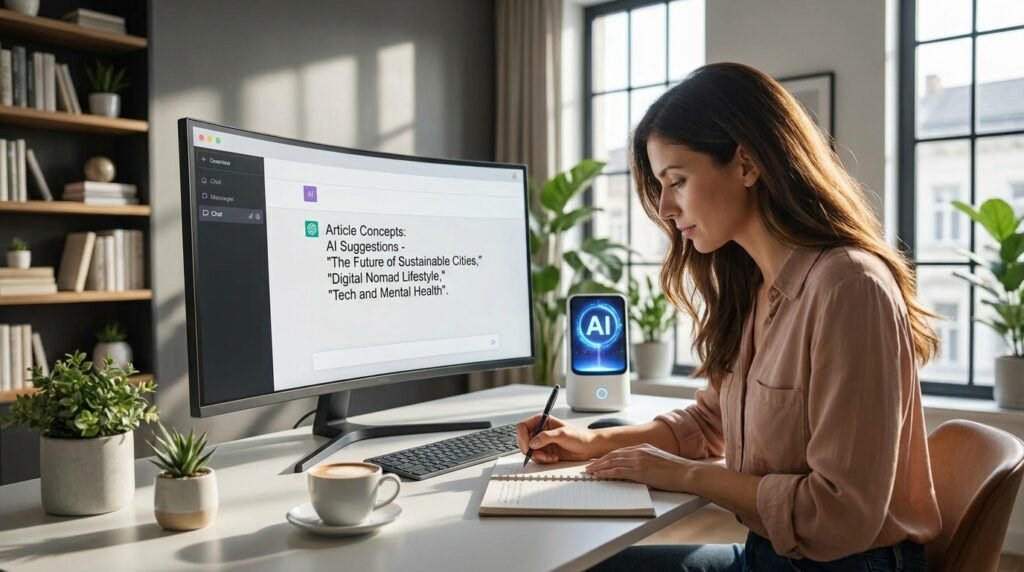
When you’re at a total loss for words, a simple text prompt tool can lead to unexpected inspiration. Such a collaborative project can show you things that you never thought of seeing yourself.
