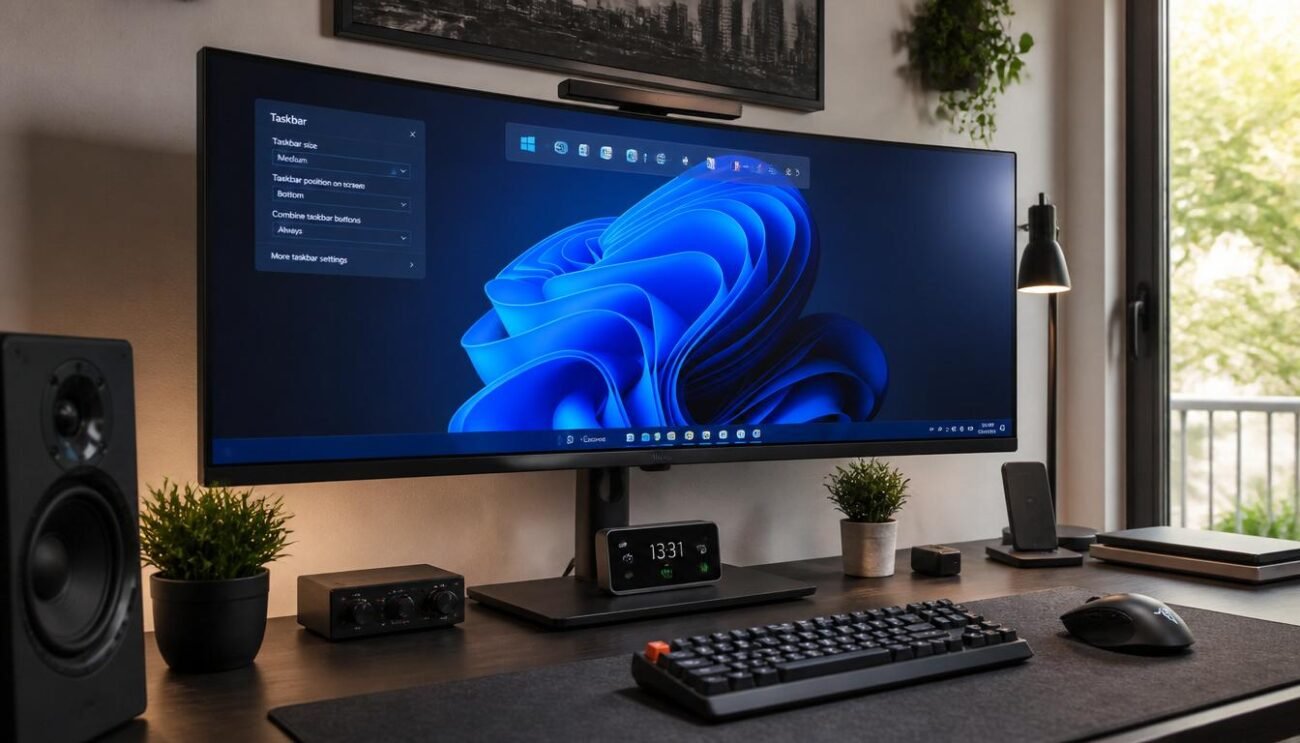
Staring at that permanently centered strip at the bottom of your monitor has been a daily reality for years. However, recent design logs published in the Windows Insider Blog reveal that Microsoft is finally testing official options to change its placement. Forcing users to accept a single layout reportedly caused significant workflow friction across the tech community. Let us explore how these upcoming changes might completely transform your desktop layout.
The Return of Desktop Edge Flexibility
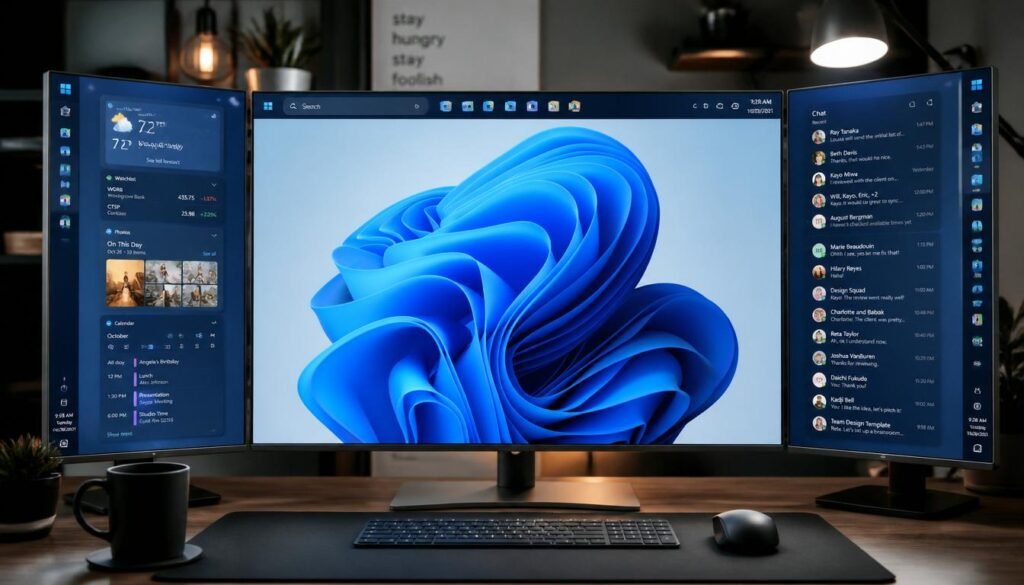
Allowing your interface to dock at the top or sides of the screen may soon become an official setting. This potential update addresses long-running requests from users who prefer vertical tracking.
Reclaiming Valuable Screen Space Easily
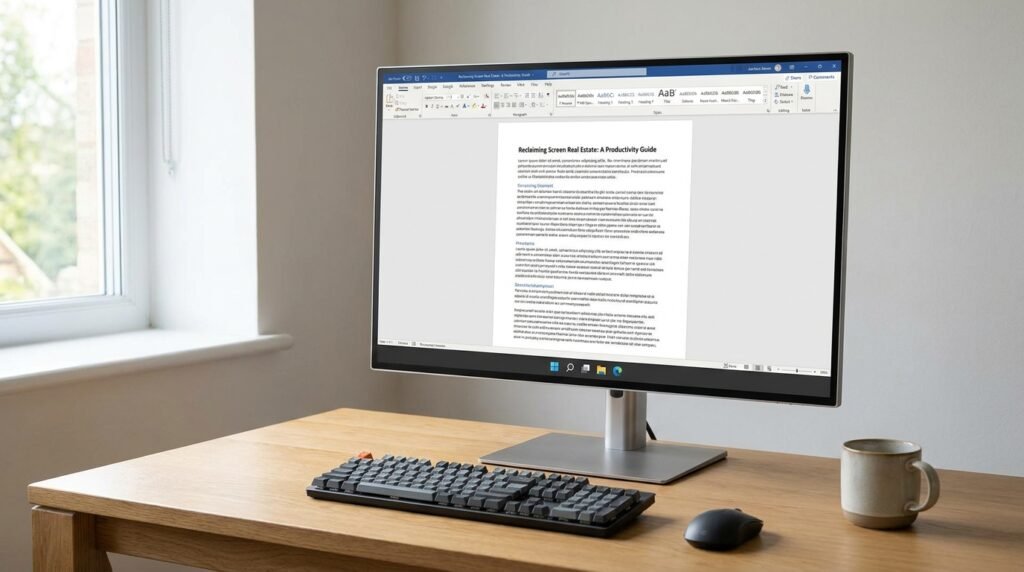
Activating a more compact interface might significantly reduce the overall height of your bottom bar. This adjustment could instantly give you extra vertical room for reading long documents or articles.
How Icon Scaling Changes Everything
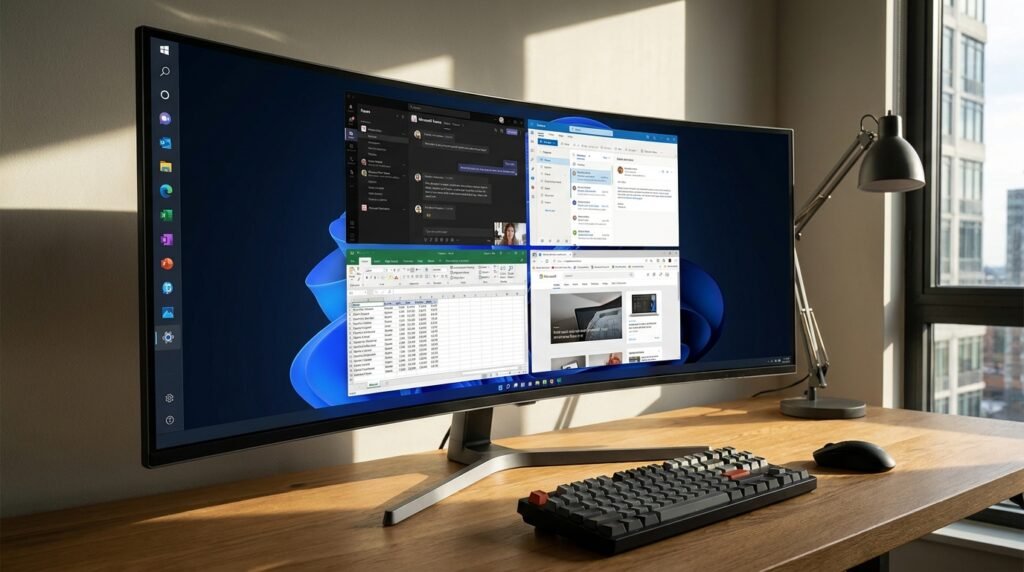
Enabling a more compact layout will likely reduce the size of individual application shortcuts automatically. Shrinking these elements helps fit many more shortcuts across your display without causing awkward clutter.
The Freedom of Side Docking Layouts
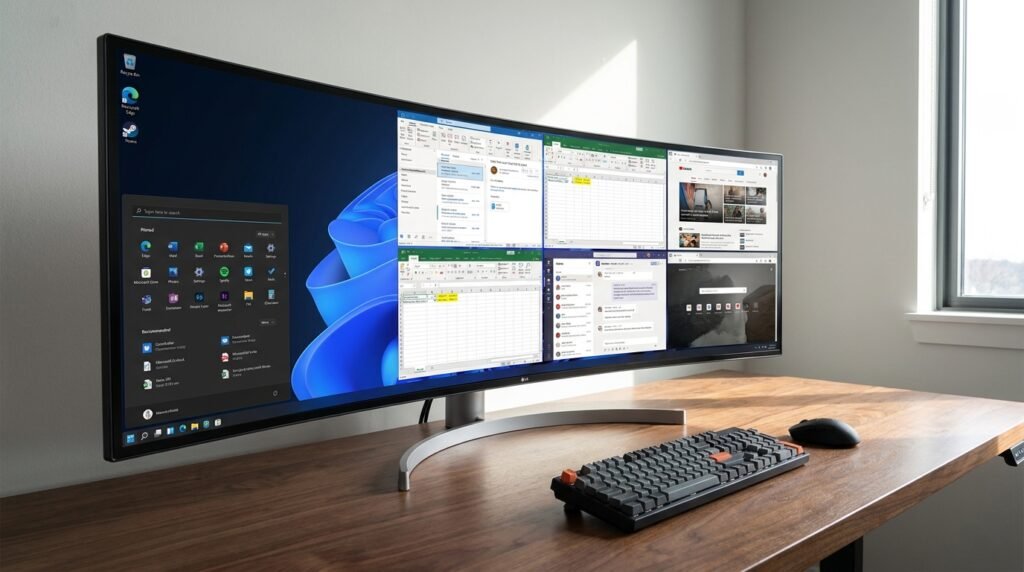
Placing your system shortcuts along the left or right monitor boundary offers an alternative for ultrawide monitors. This orientation might make tracking open windows feel far more natural and organized.
Navigating the Settings Menu Update
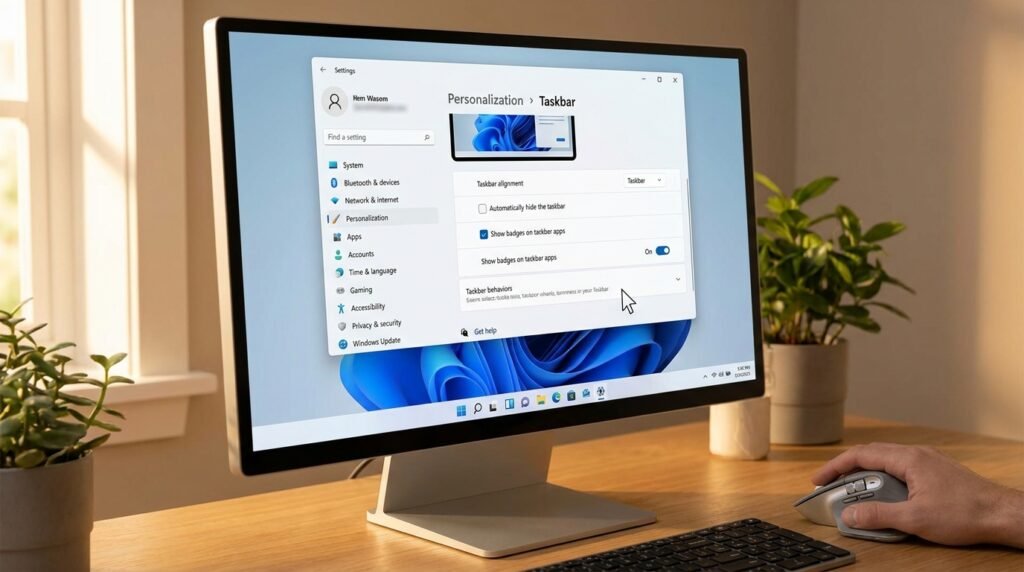
Finding the new configuration tools will probably involve a quick trip to your personalization dashboard. Microsoft is reportedly embedding these options directly inside the existing behavior controls for seamless access.
Uncombining Windows for Faster Toggling
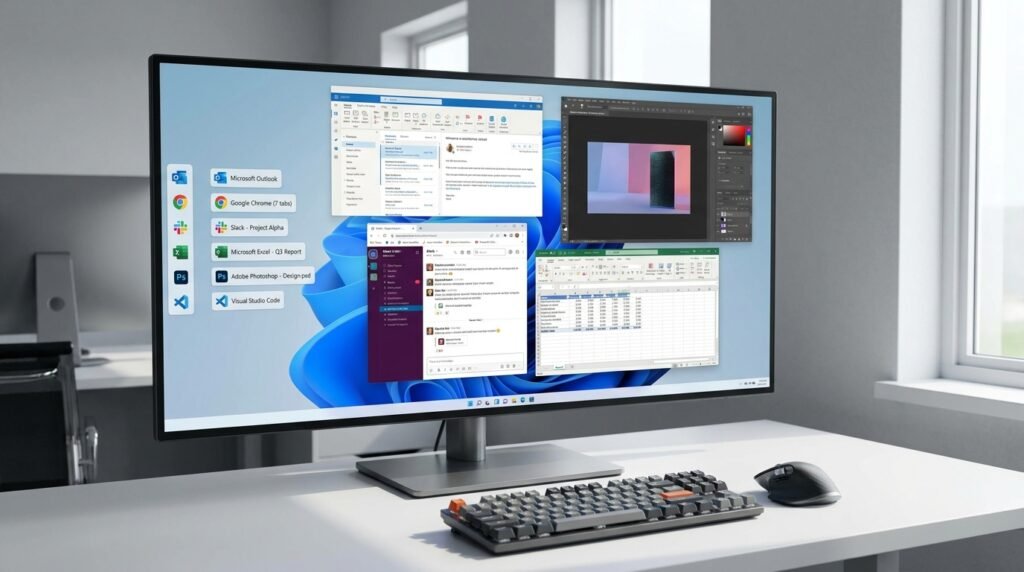
Moving the panel to a vertical border may fully support ungrouping your open application icons. This layout allows you to view detailed text labels for every individual window simultaneously.
A Native Fix Over Registry Hacks
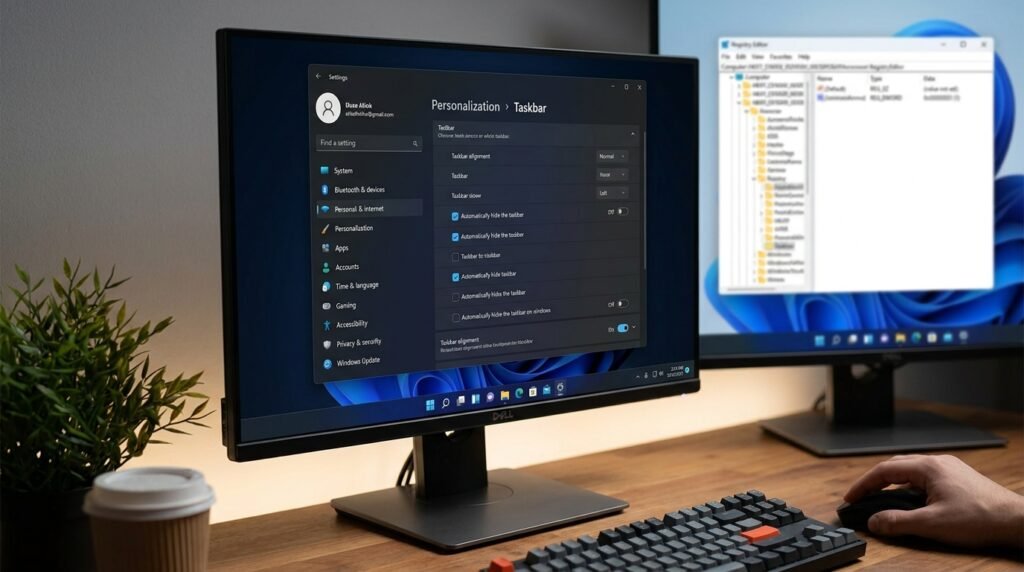
Relying on risky third-party software or complex registry edits might finally become a thing of the past. An official toggle ensures your operating system remains completely stable and secure during customization.
Adapting System Flyouts and Animations
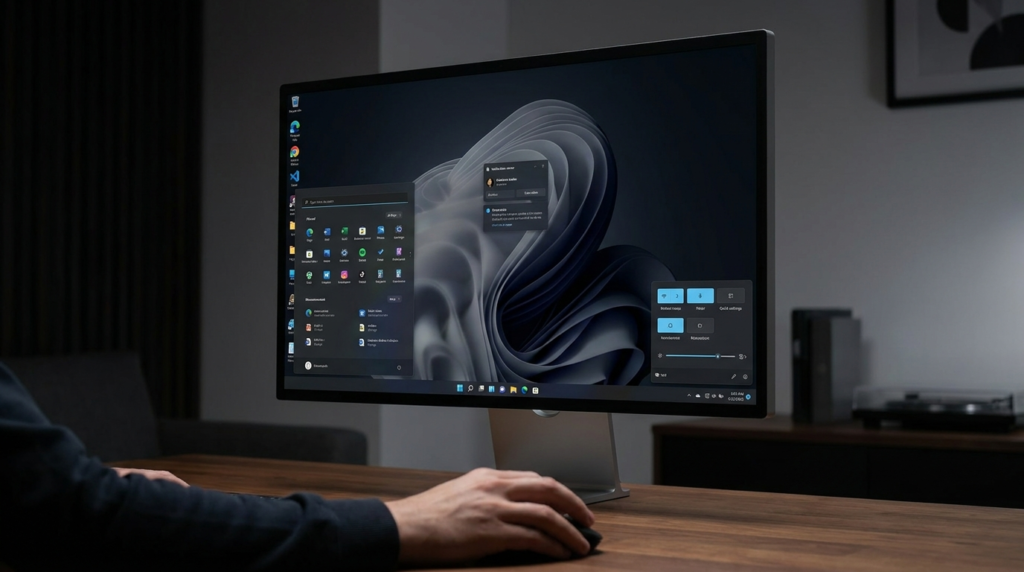
Shifting the primary bar means critical menus like the Start layout must dynamically adjust their opening direction. Early tests show notification boxes sliding out relative to your chosen screen edge location.
Limitations of Alternate Edge Placements

Certain legacy functions, like touch-optimized swipe gestures, do not yet operate correctly on the side walls. Microsoft developers are reportedly working to resolve these specific functional gaps before the public launch.
The Search Box Adapts to Shifting
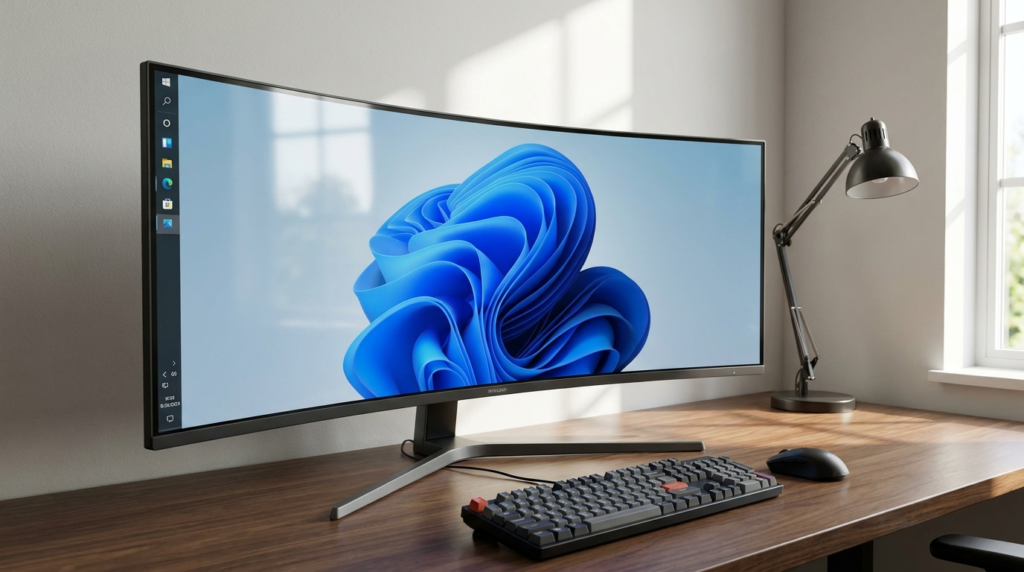
Positioning the control panel vertically will likely alter how your search field appears on the screen. The wide input box might automatically convert into a simple icon to save precious space.
Streamlining the Core Start Menu
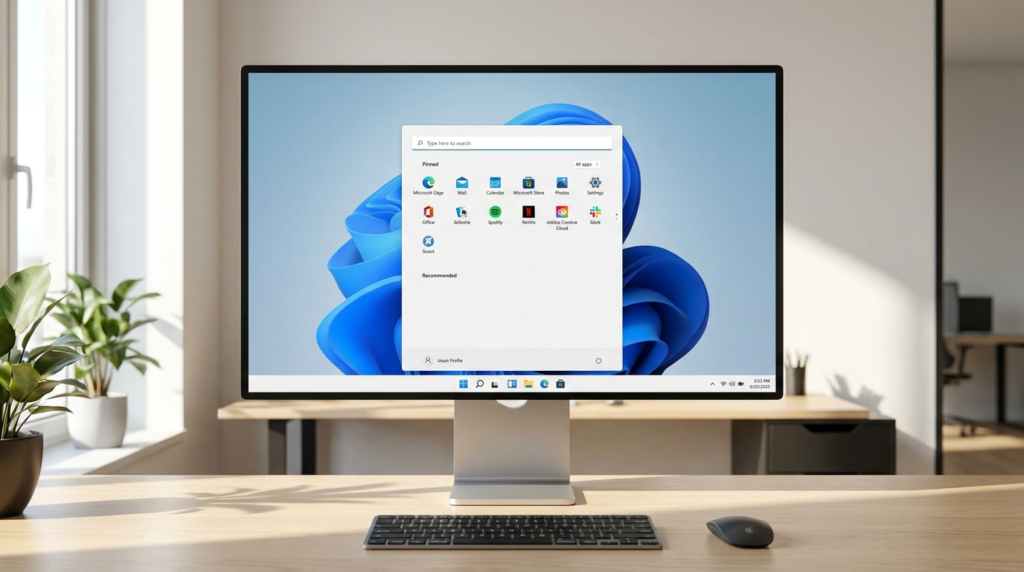
Alongside layout flexibility, upcoming options might let you hide the recommended files section entirely. This decoupling cleanup allows for a highly minimal launcher experience focused purely on pinned applications.
Choosing Your Ideal Menu Scale
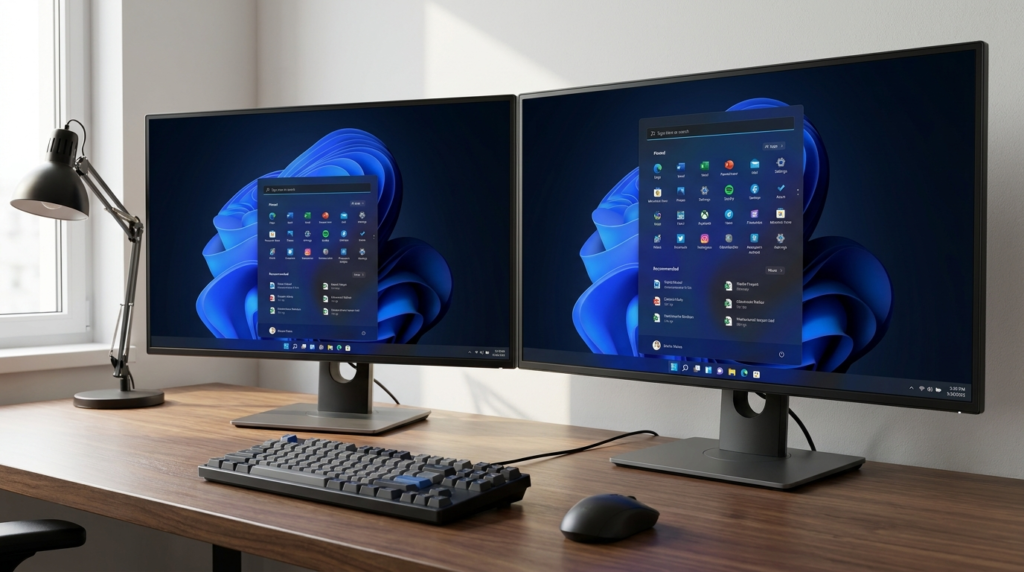
Future adjustments may also allow you to pick between a distinct small or large launchpad footprint. Maintaining a consistent interface size across multiple monitors helps preserve your natural daily muscle memory.
