
Oddly enough, the Files app does more than just hold files. At first look, it feels basic – yet tucked away are features many miss entirely. Tapping once brings up ways to arrange papers similar to how computers handle them. Suddenly, shortcuts show themselves, turning changes into something fluid, nearly effortless. Under minimal design and open layouts lies a calm power few expect.
Hidden right where you look every day – your iPhone holds a trick you’ve walked past too many times. This feature sits quiet, yet works hard when called.
Scan documents straight into files
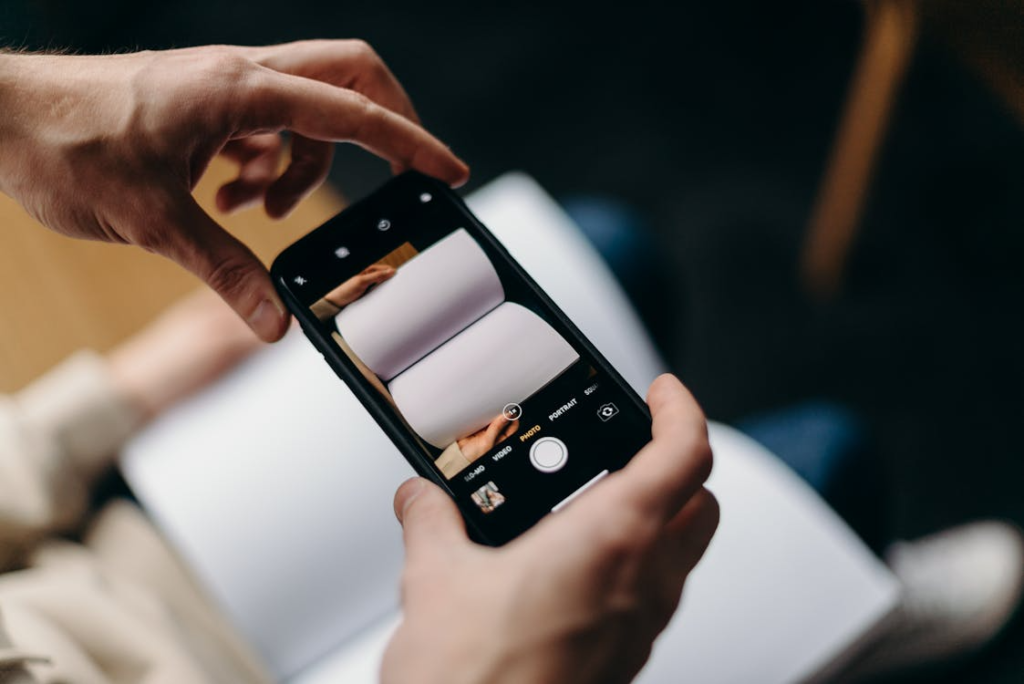
Snap a picture, papers become stored PDFs – right within the Files app. Thanks to your camera, scanning happens naturally, no extra apps needed. All of it lives together, already there. Built-in means never looking elsewhere.
Simple file compression and extraction
Pressing longer on a file or folder packs it into a zip instantly – or pulls everything out just as fast. That little touch and hold handles the work smoothly, cutting out extra moves along the way.
Visit the web space where files live

Start by tapping into various online storage areas – maybe Google Drive, perhaps Dropbox – right within the Files application. Instead of switching between separate apps, everything works through one central place.
Tag Files to Sort Quickly

Red on a file grabs your eye right away. When something needs quick attention, that shade often shows up. Green ones? They usually say the job is complete. Spotting which one to grab happens quicker these days. Color makes the difference visible before you even think.
Moving Data Between Apps
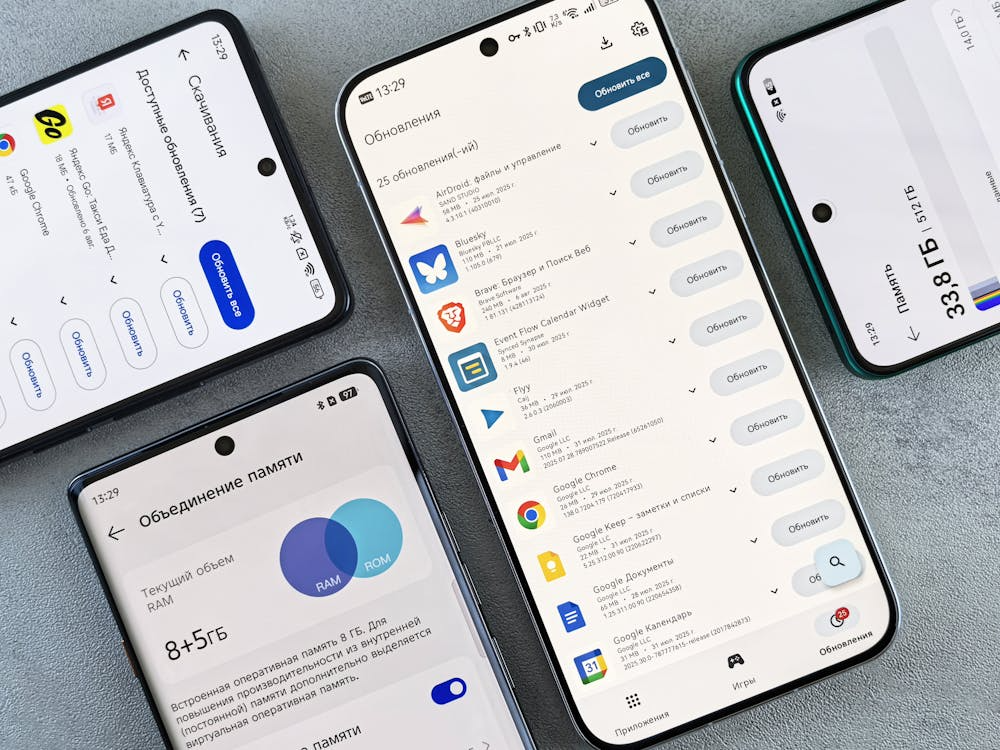
Files glide between apps on devices that play nice together, speeding up how you manage chores. Shifting items through drag actions cuts the hassle of constant toggling. If your machine agrees, tossing a document straight into another space keeps flow smooth. Where supported, yanking a piece from here to there simplifies handling many jobs without tripping over steps.
Open and change PDF files without installing more software
Pictures of pages show up straight in the file list – no detours needed. When a document opens, editing options appear without asking. Adding a scribbled name works much like dropping in a comment. Every small fix lives where it started, so there is no jumping around.
Keep files available without internet

Files saved directly to your device stay on hand even when you lose connection – handy during travel or in spots with weak signal.
Find files quicker than you thought possible
Most searches finish fast because the system checks file contents, names, or formats all at once. As storage gets full, performance stays steady since messiness isn’t allowed to interfere.
