
And we have all been there—looking at a loading circle and thinking that the router has gone wrong again. Although we typically rush to a third-party site and confirm our connection, recent 2026 posts by PCWorld and Windows Latest have verified that Microsoft has indeed slipped a Perform Speed Test shortcut into the taskbar. This is a little addition to facilitate the process of troubleshooting since the user does not have to search to access performance metrics.
Accessibility From the Taskbar
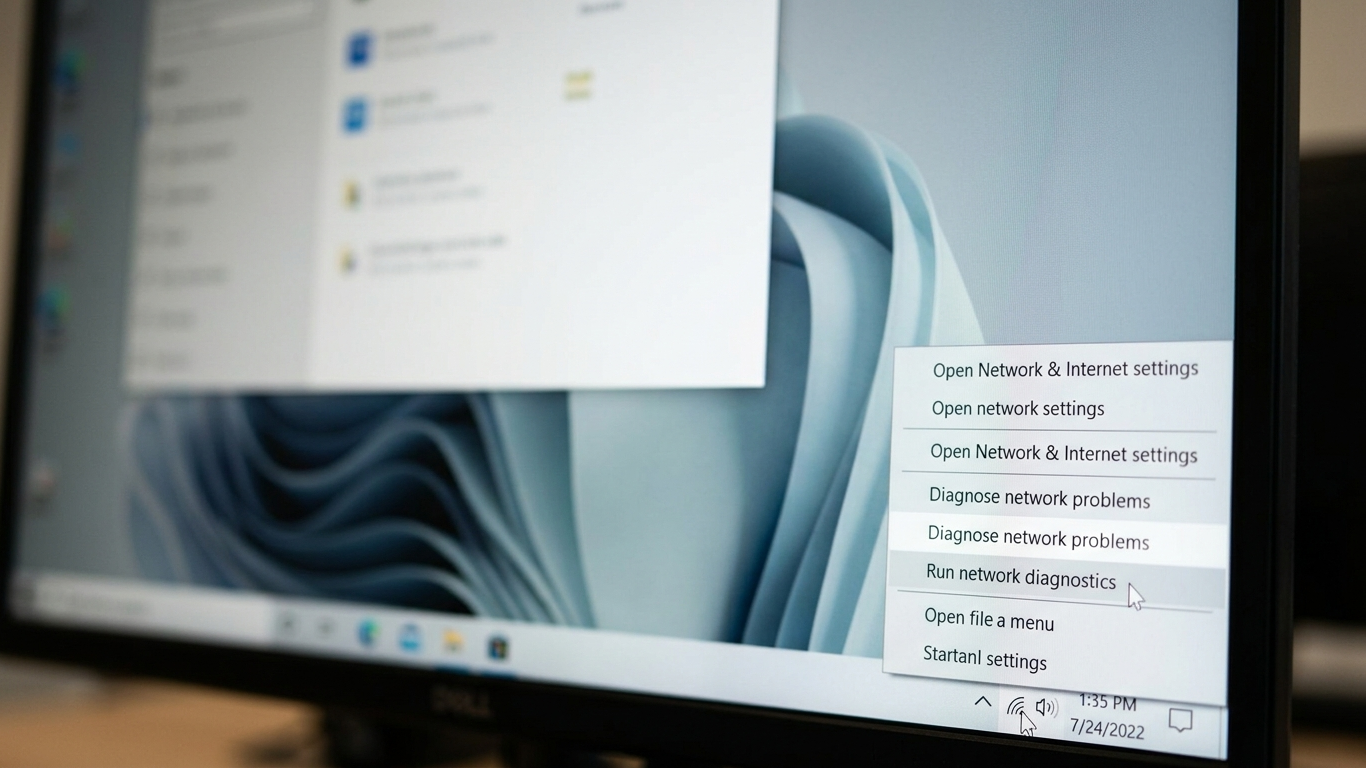
The new option resides in the system tray, and by right-clicking on the network icon, you may access it on the fly. It could save a number of clicks, as it puts the diagnostic tools in the natural first-glance position of the users.
Powered by Trusted Tech
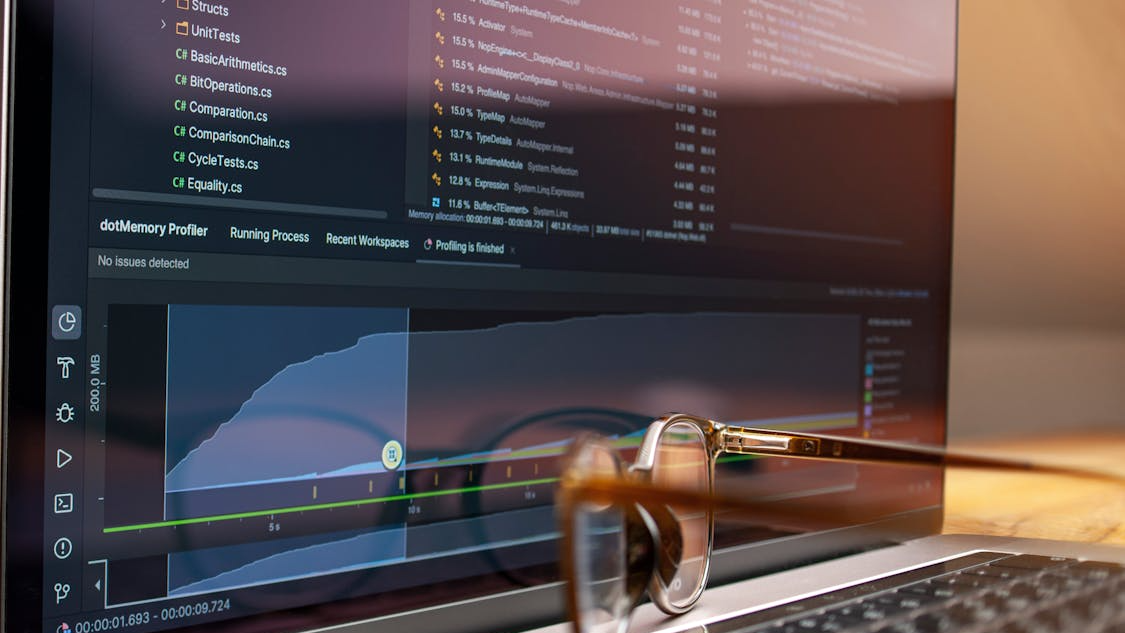
The product is based on the Bing speed test tool that takes advantage of the popular Ookla backend. According to research by XDA Developers, it is possible to use established infrastructure to make sure that results are consistent and highly reliable.
Respecting Your Browser Choice
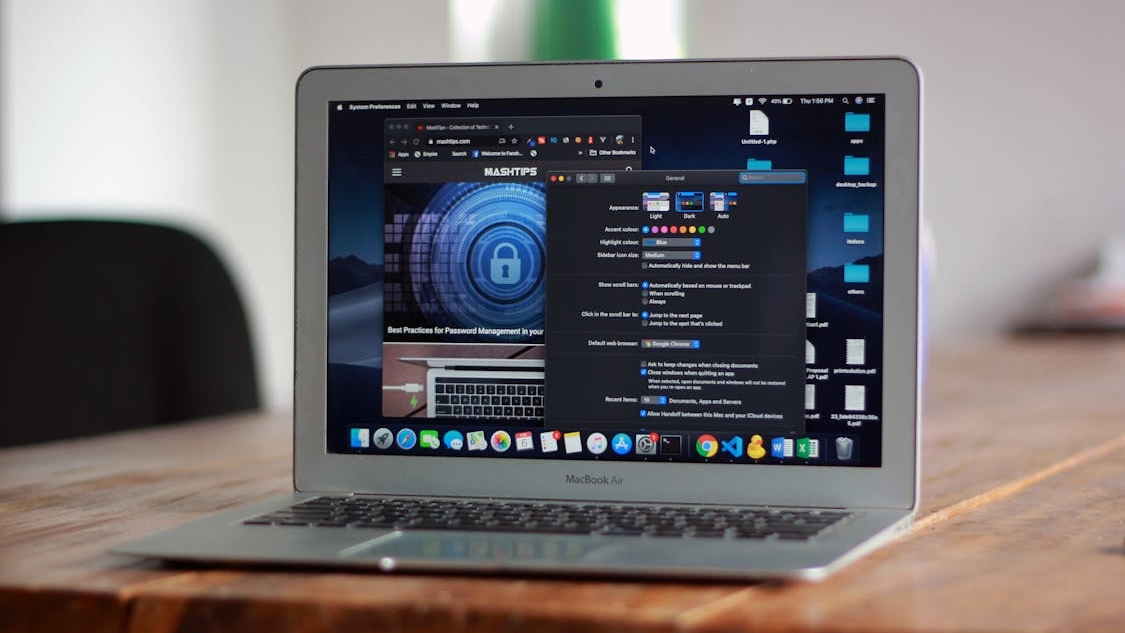
This shortcut will open your system’s default browser, unlike some features that compel you to use a certain application. This will allow your desired privacy settings and extensions to be present throughout the measurement process.
Measuring All Connection Types
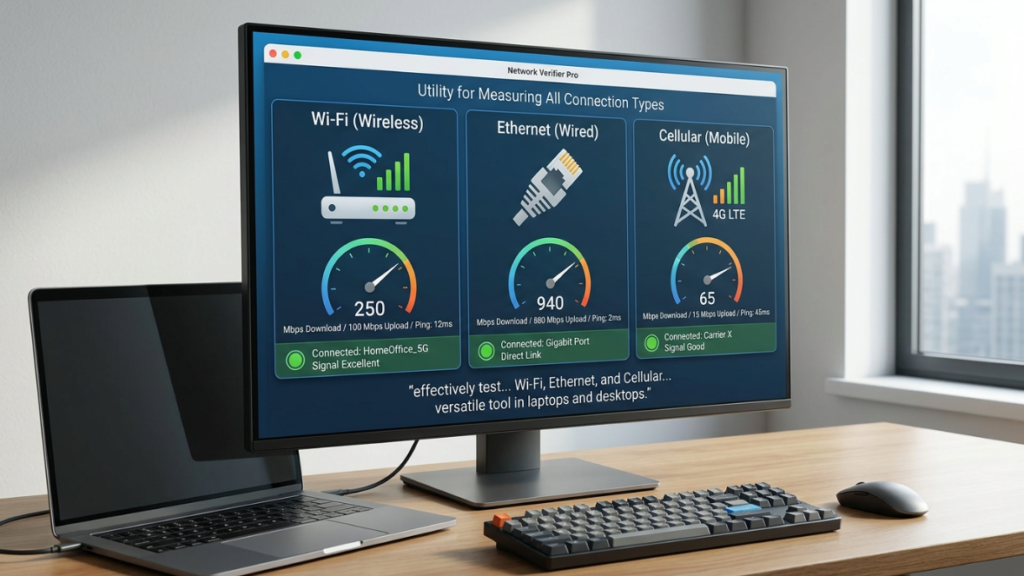
The utility can be used not only with Wi-Fi, but also with Ethernet and cellular connections, which it can effectively test. TechPowerUp argues that this flexibility will render it a versatile tool in laptops and desktops.
Understanding Latency and Ping
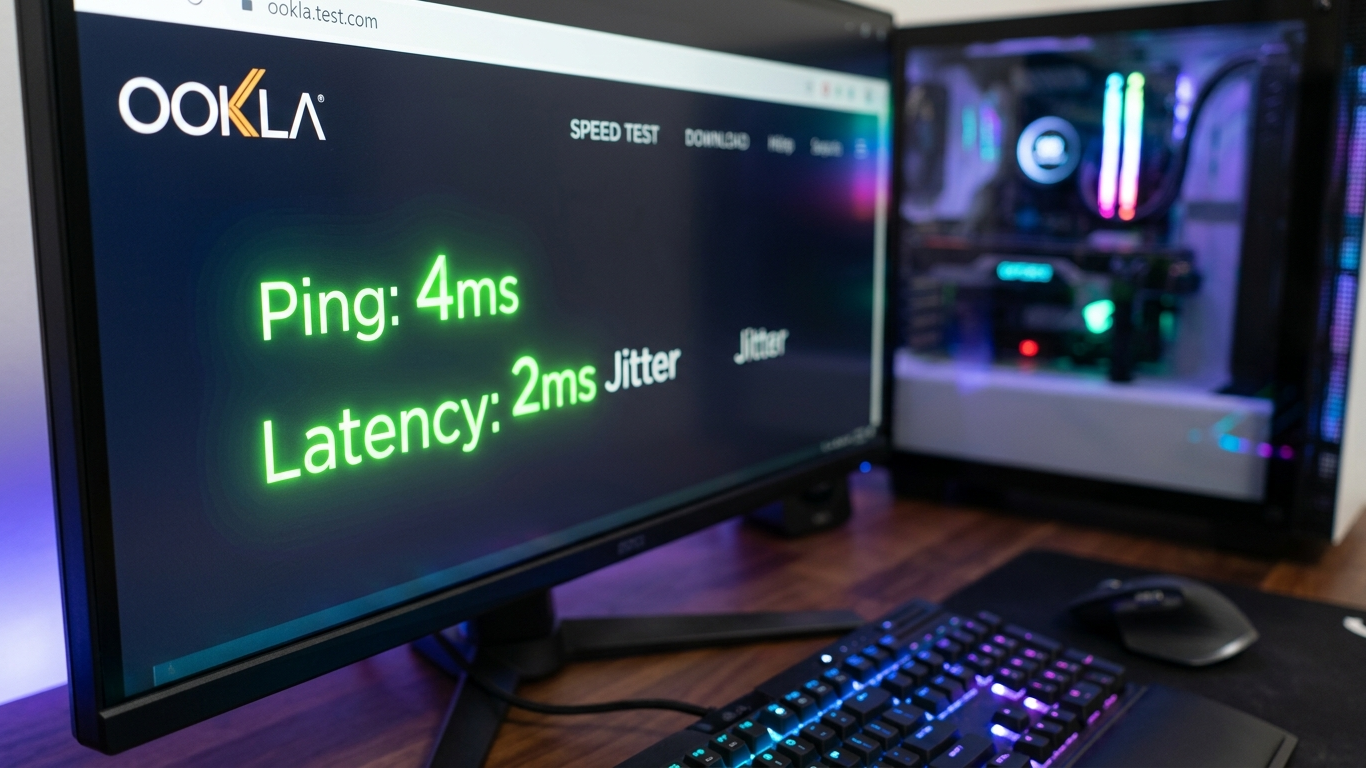
When the test is executed, it will show your ping in milliseconds in a prominent display that is important in the speedy gaming process. The reduction of latency tends to imply a more reactive connection, which is crucial in real-time digital communication.
Checking Your Download Speed

The meter gives a clear understanding of your megabits/sec of data coming in. This measure may be the most significant aspect when you are attempting to stream high-definition movies or video.
Assessing Upload Capacity Needs

The speed of uploading is not a concern that is frequently taken care of, yet it is necessary to enable video calls and file sharing. This embedded test has a special readout to assist you in determining whether your outgoing bandwidth is adequate.
Minimal System Resource Impact
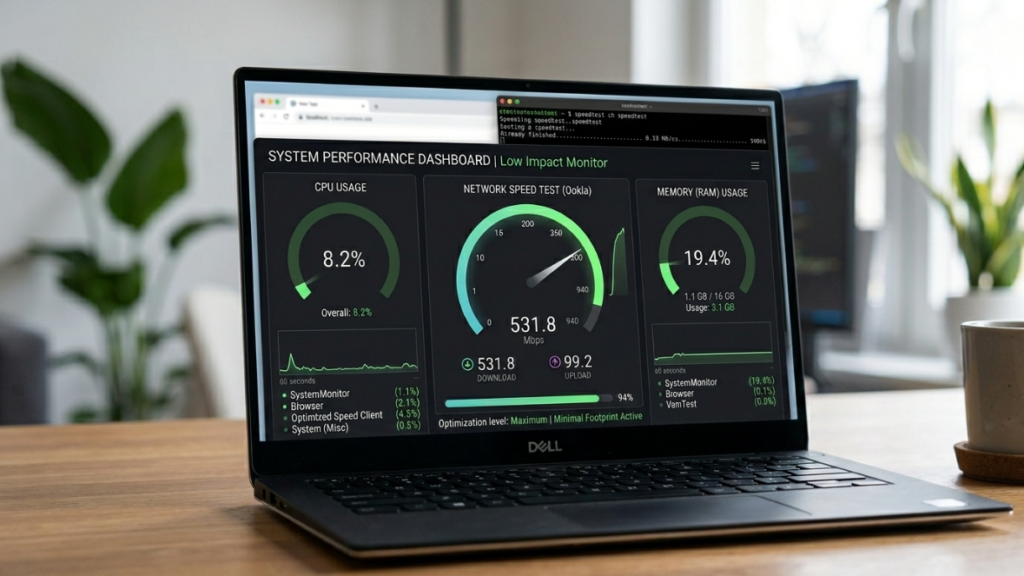
The tool is lightweight, as it does not execute a heavy background process but activates a web-based widget. This design will avoid the diagnostic itself, slowing down the overall performance of your computer.
Streamlining Connection Troubleshooting
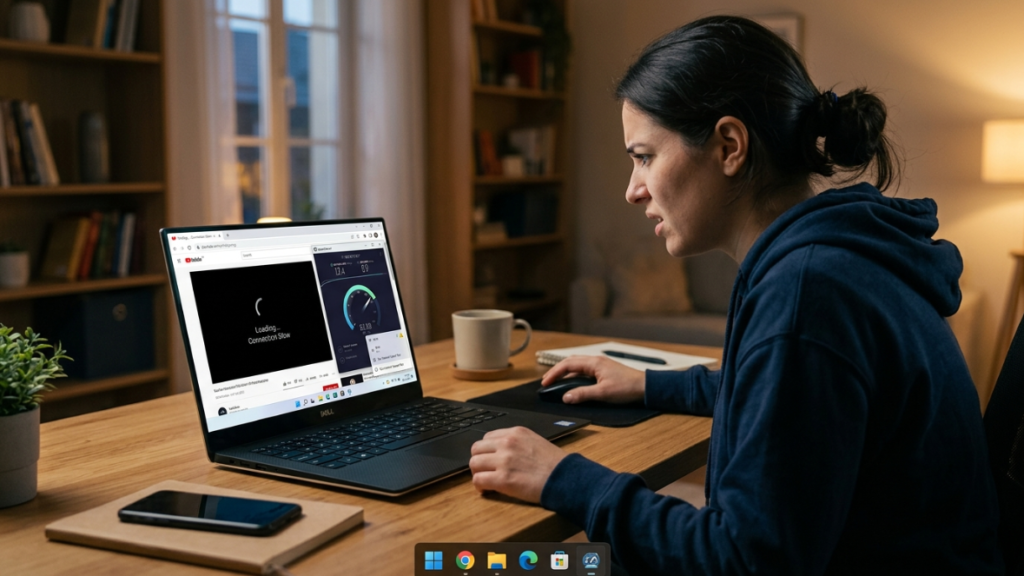
Should a site load slowly, it can be useful to run this quick check to see whether the problem is local. The experts indicate that the presence of a one-click sanity check can make the internet outages less frustrating when they occur unexpectedly.
Comparison to Native Apps
This shortcut is a more organized experience, whereas other users would like a full native application with history logs. It gives you the necessary information that the majority of the population requires without bogging down your start menu with other programs.
Privacy and Data Security

The test runs on a normal HTTPS connection, making your measurement data encrypted. Although it does send your IP to the provider, this is a normal requirement with any speed measurement.
Future of Windows Diagnostics

The implication of integrating these tools would imply a transition to a self-diagnosing operating system. More hardware and software health checks could become an inseparable part of the Windows 11 interface.
