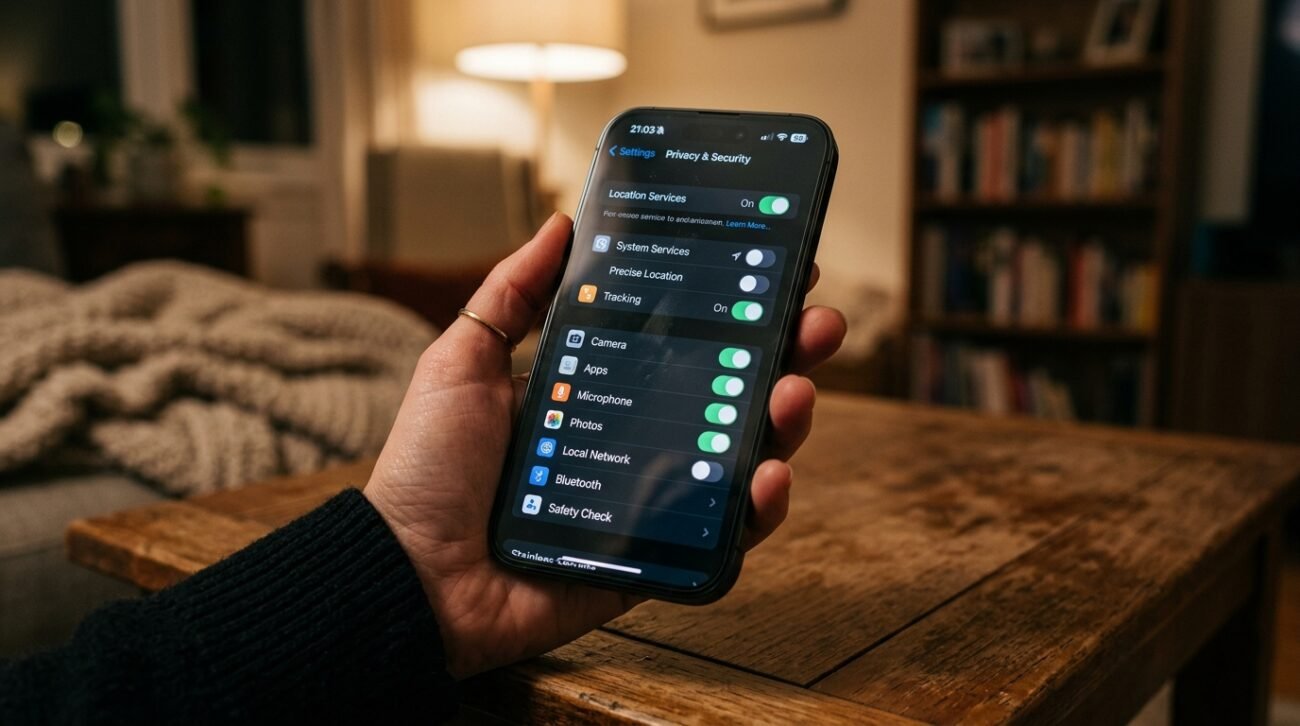
Phones have become the place to store nearly everything, whether it be banking apps, private photos, passwords, or work documents. In recent months, several privacy announcements and digital scams have made the news in the U.S., which may be a reason why privacy has become a more key focus for more iPhone users now than ever before, with research from the Federal Trade Commission and Apple emphasizing the security features that could limit some privacy risks when activated.
Leave Face ID Enabled

Face ID could add another layer of protection compared to simple passcodes alone. Apple states facial data is designed to stay encrypted within the device’s Secure Enclave.
Don’t Disable Two-Factor Authentication
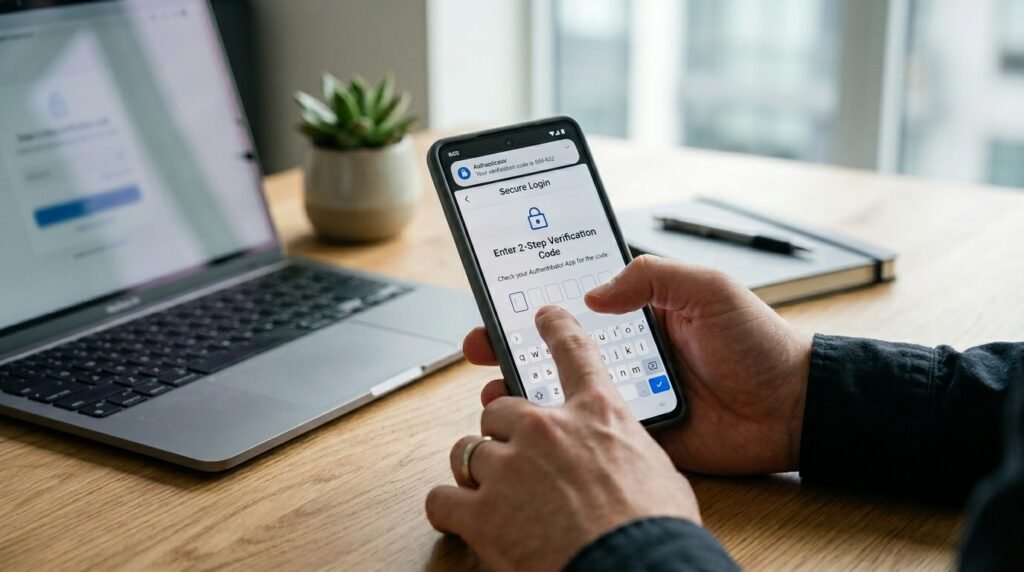
Two-factor authentication can help to ensure that even if the password is leaked on the Internet, unauthorized use of the account will not be possible. Multi-step login protection is a regular theme of the Cybersecurity and Infrastructure Security Agency.
Keep App Tracking Restrictions On
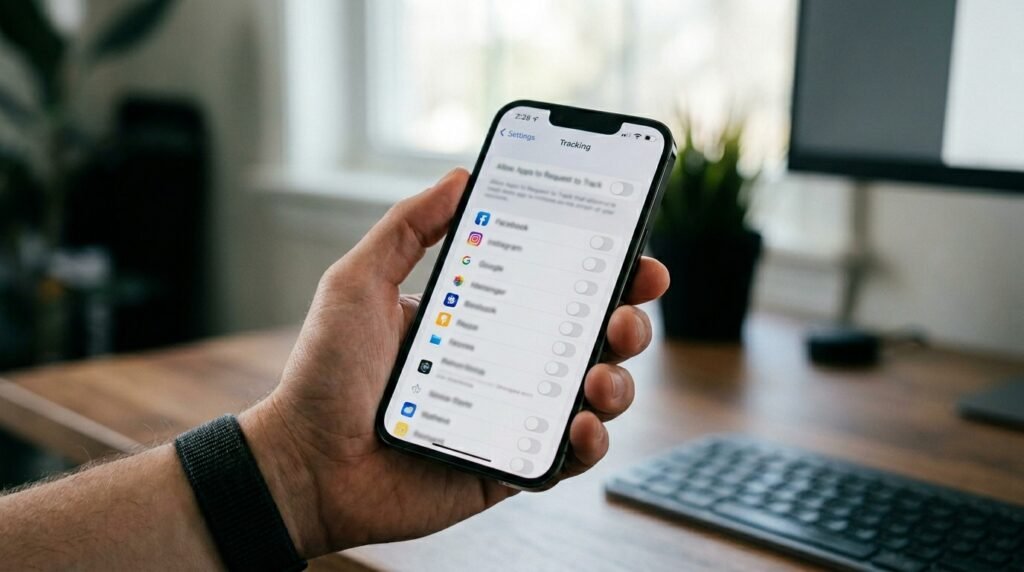
App Tracking Transparency gives users more control over cross-app tracking activity. Privacy researchers continue studying how limiting tracking permissions may reduce targeted data collection.
Turn On Stolen Device Protection
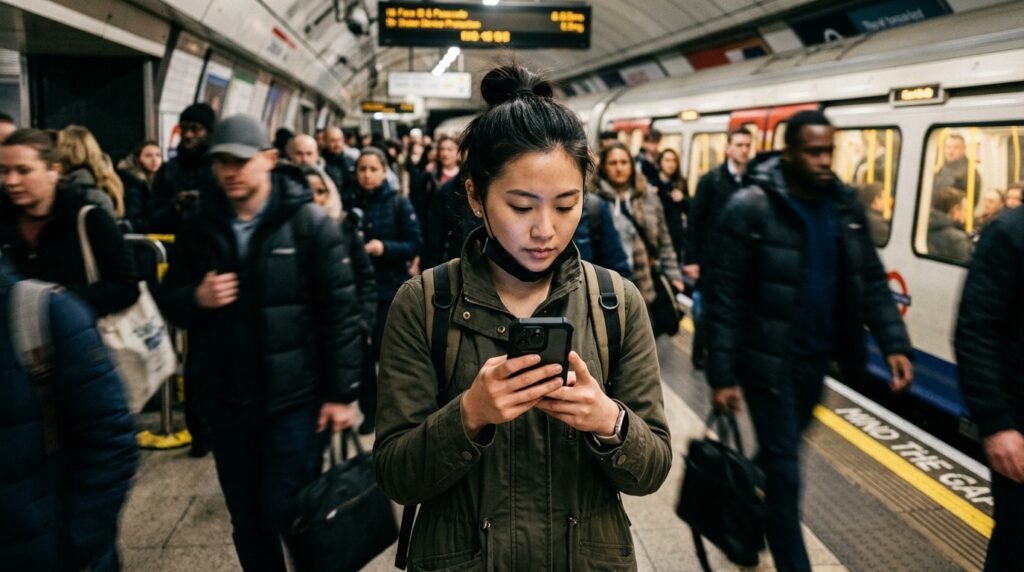
Newer iPhone models include Stolen Device Protection for sensitive actions away from familiar locations. This setting may slow criminals attempting to access passwords or account information after theft.
Leave Safari Fraud Warnings Enabled
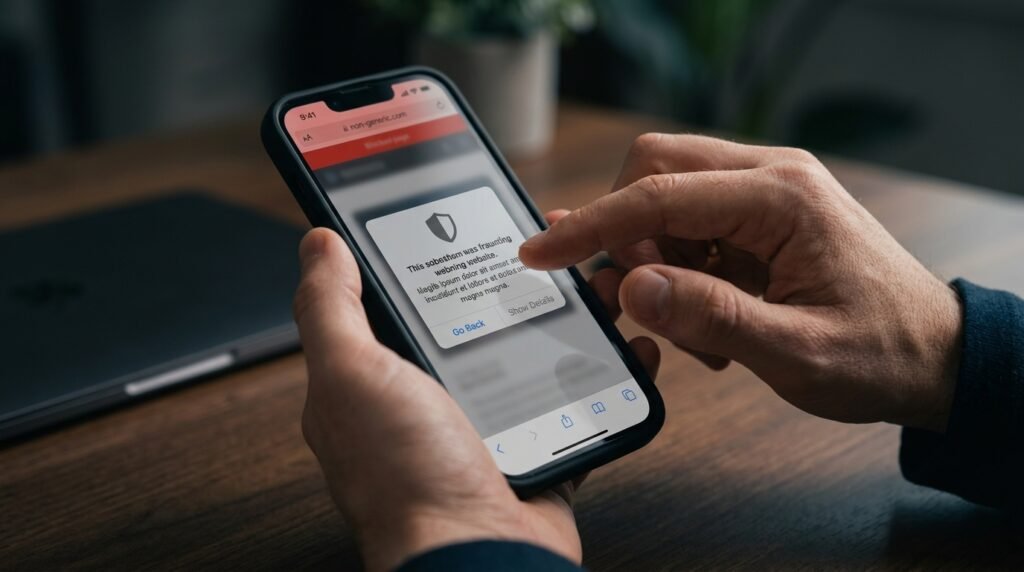
Safari’s fake website alerts could warn people before they enter dubious websites. Phishing websites are still a common threat to mobile users, and security agencies often remind users of this.
Keep Mail Privacy Protection Active
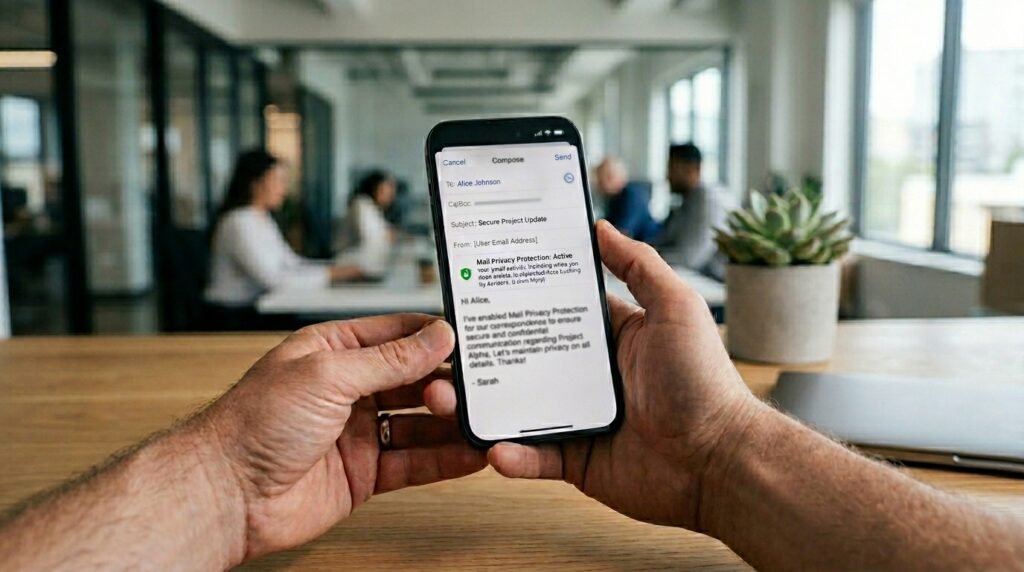
Mail Privacy Protection may reduce hidden email tracking pixels’ collecting activity’s information. Some marketers use these trackers to estimate when and where messages are opened.
Review Microphone Access Often

Apps with unnecessary microphone permissions could potentially collect more information than expected. Privacy specialists generally recommend checking permission settings every few months for better awareness.
Keep Camera Permissions Limited
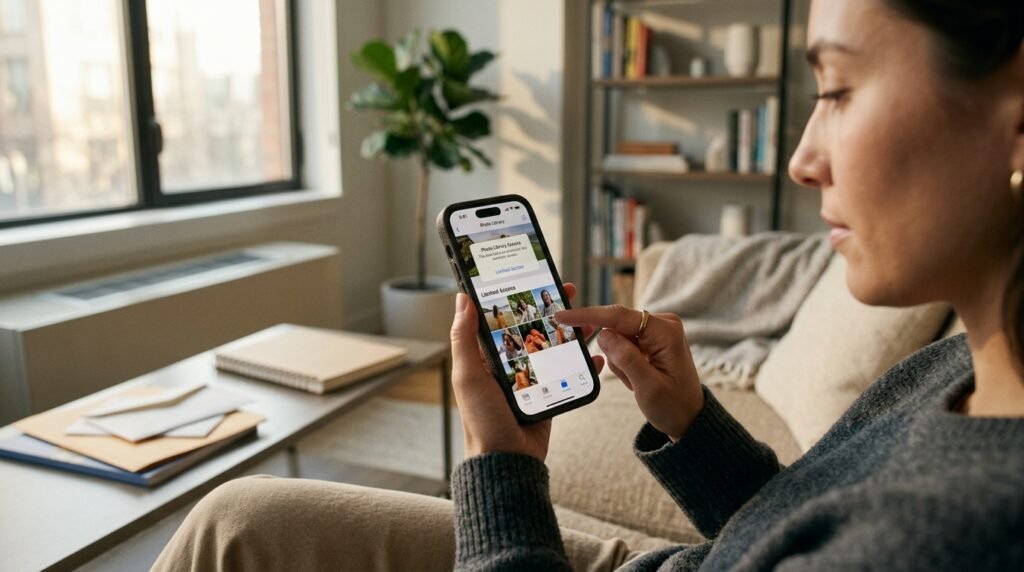
Limiting camera access to trusted apps may reduce accidental exposure of personal surroundings or sensitive documents stored nearby during app usage.
Use Lock Screen Privacy Controls
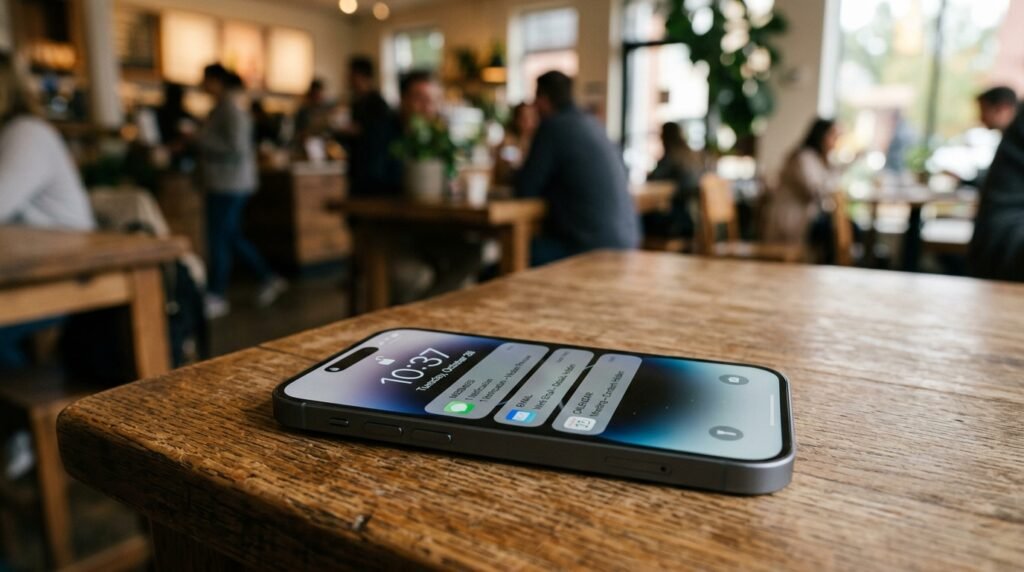
Private information might not be visible on the lock screen, which could be helpful in preventing it from showing up in public places, particularly in the workplace, when traveling, or in crowded areas.
Keep Bluetooth Sharing in Check
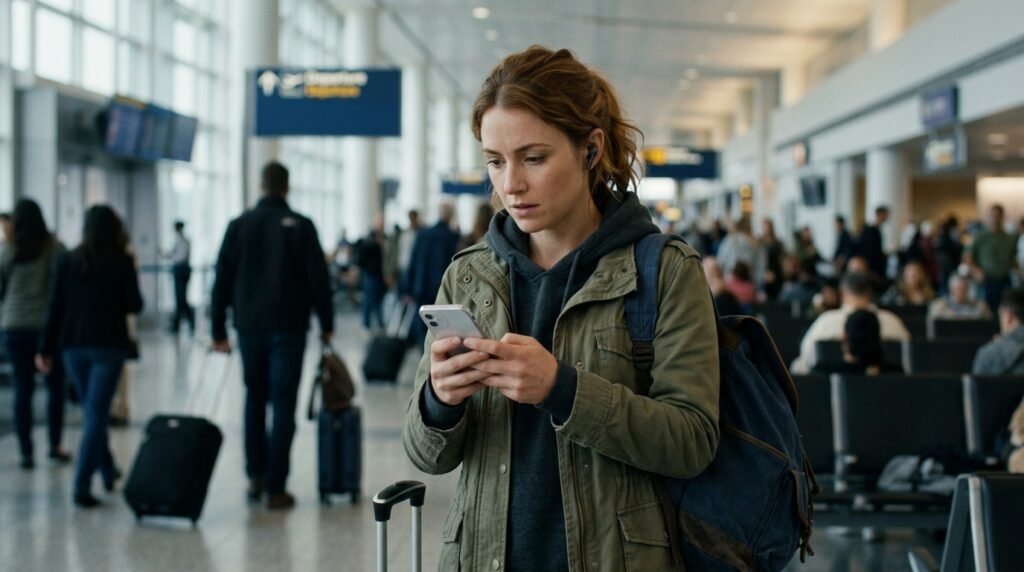
While Bluetooth can be helpful, having extra sharing settings on can attract additional unwanted connections in crowded environments, such as airports or shopping centers.
Leave Advanced Data Protection Enabled
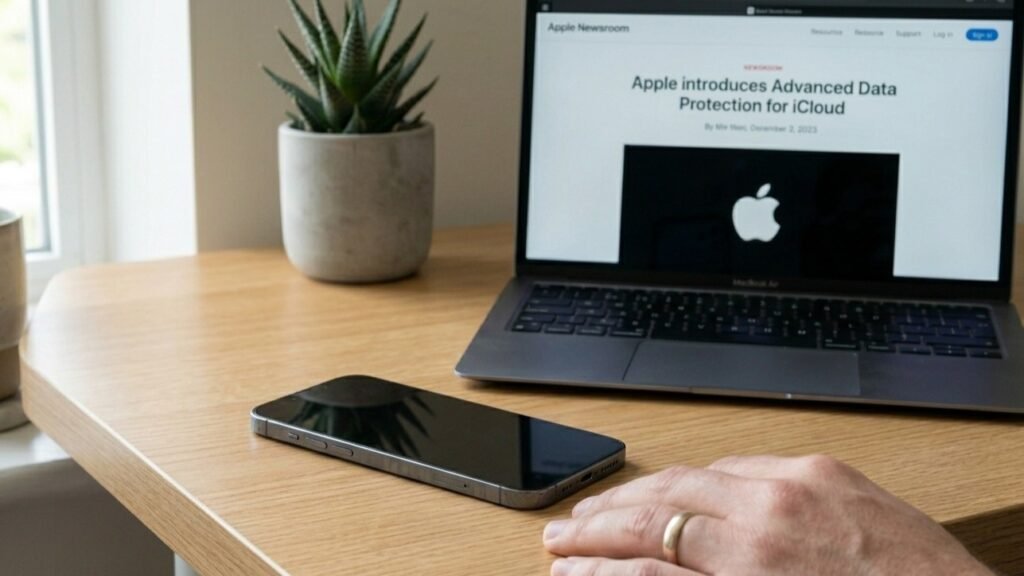
Advanced Data Protection expands end-to-end encryption for additional iCloud categories. Apple announced the feature to provide users with stronger cloud privacy protections against certain external access attempts.
