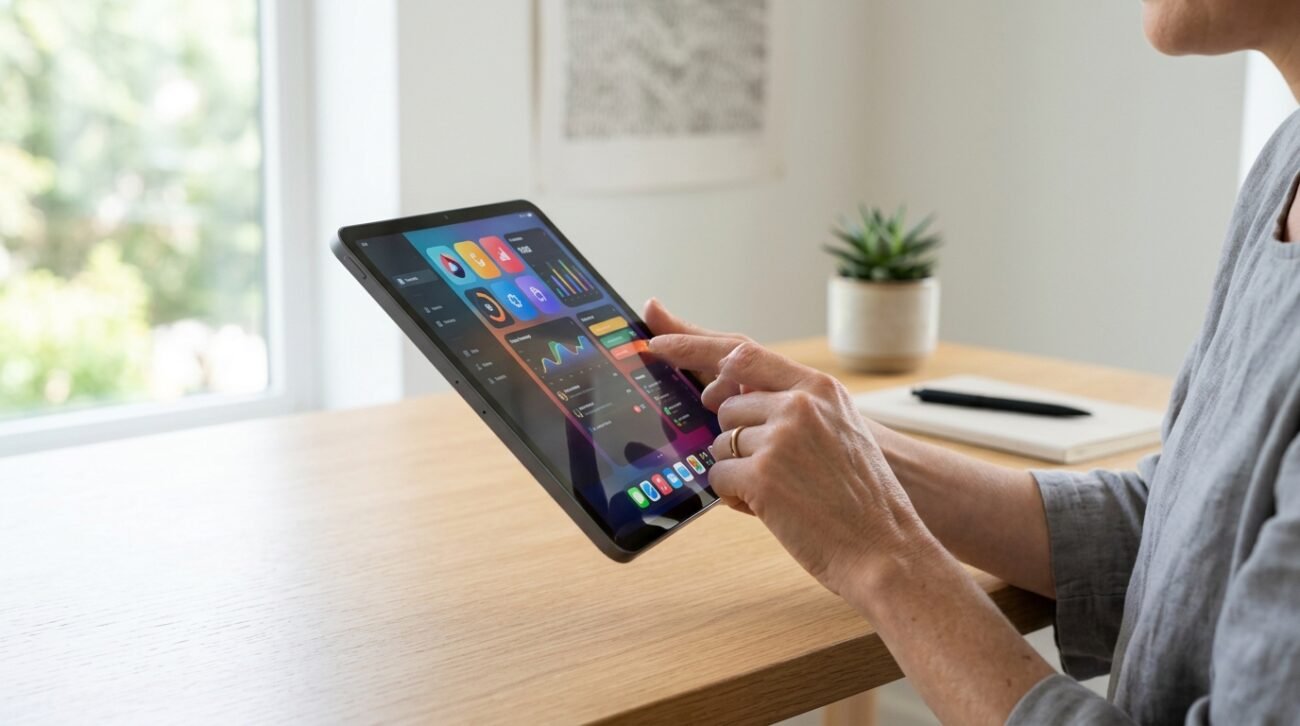
Tech enthusiasts often scramble to download the latest productivity software, yet the most seamless tablet upgrades hide right inside the hardware itself. Documented guidelines from Apple Support show that modern iPads utilize an intelligent, orientation-based configuration system to fluidly change physical controls. Rather than relying on a digital download, this subtle internal mechanism completely transforms how you handle your device. It appears that true convenience might simply come built-in.
Discover the Dynamic Buttons Feature
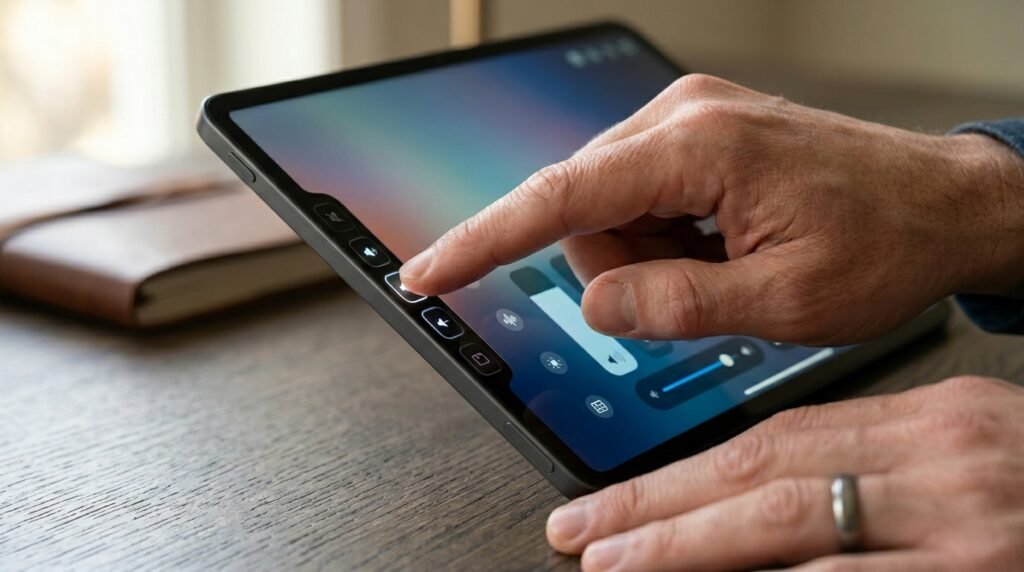
Your tablet silently alters what its physical hardware switches do depending on how you choose to hold it. This built-in orientation logic removes the annoyance of guessing which toggle to press.
Understand the Orientation Shift

When you flip your tablet around, the internal sensors communicate with the hardware controls. Official documentation notes that the button on the top or right always functions to increase audio.
Keep the Top Button High

Holding the device vertically means the uppermost toggle raises the sound level. This orientation tracking prevents you from accidentally blasting media into your room when you intend to lower it.
Master the Horizontal Alignment
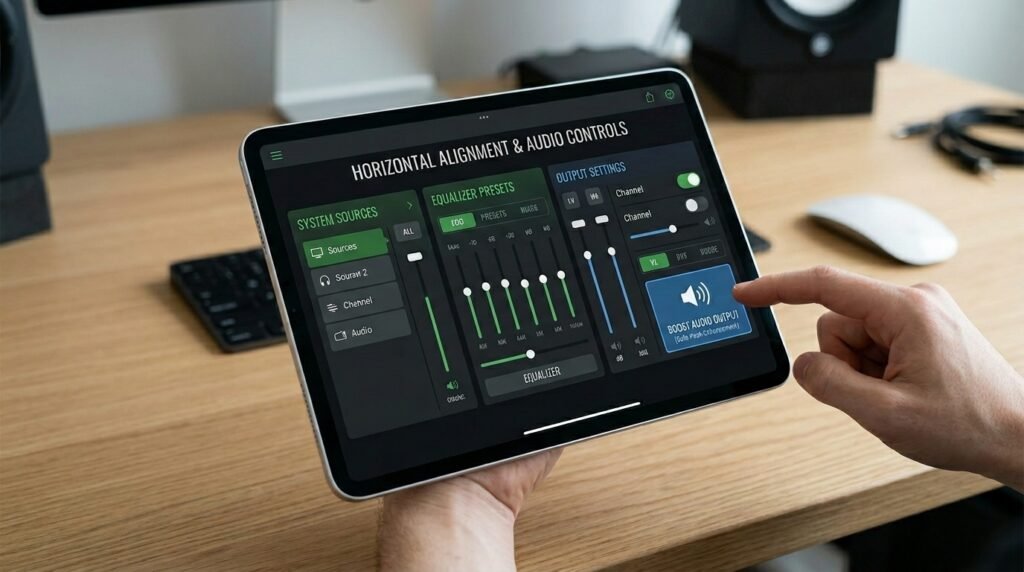
Rotating your screen into landscape mode shifts the configuration over to a left-to-right setup. In this horizontal state, the button situated on the far right safely boosts your audio output.
Simplify Daily Media Control

Adjusting your audio while watching a late-night show becomes entirely frictionless and intuitive. You do not have to look away from your screen or search for any hidden on-screen sliders.
Identify Your iPad Model
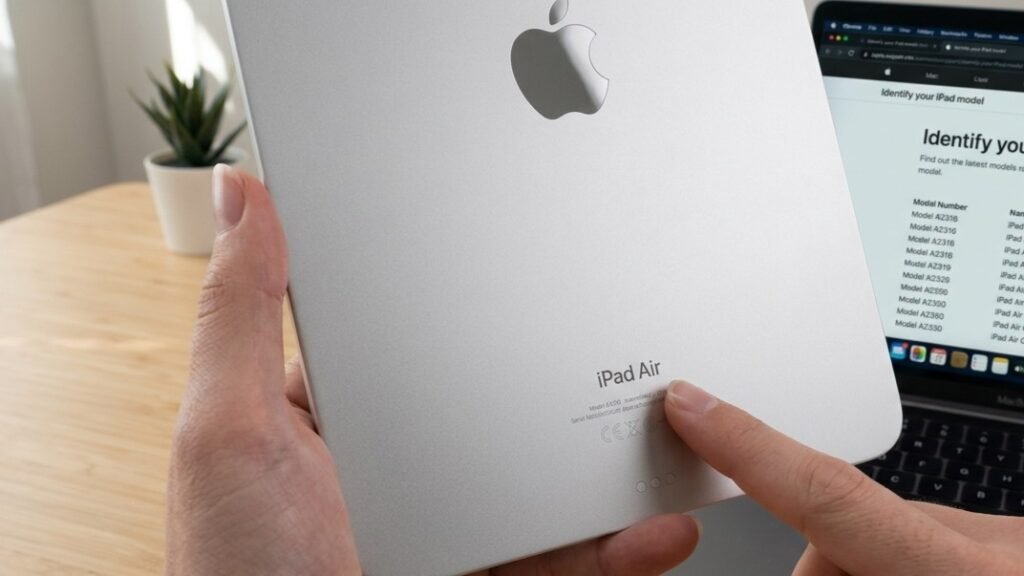
Newer devices feature this smart configuration natively without requiring any deep digging into menus. Devices like the newer Air and Pro lineups handle this hardware reassignment completely in the background.
Check Your Operating System
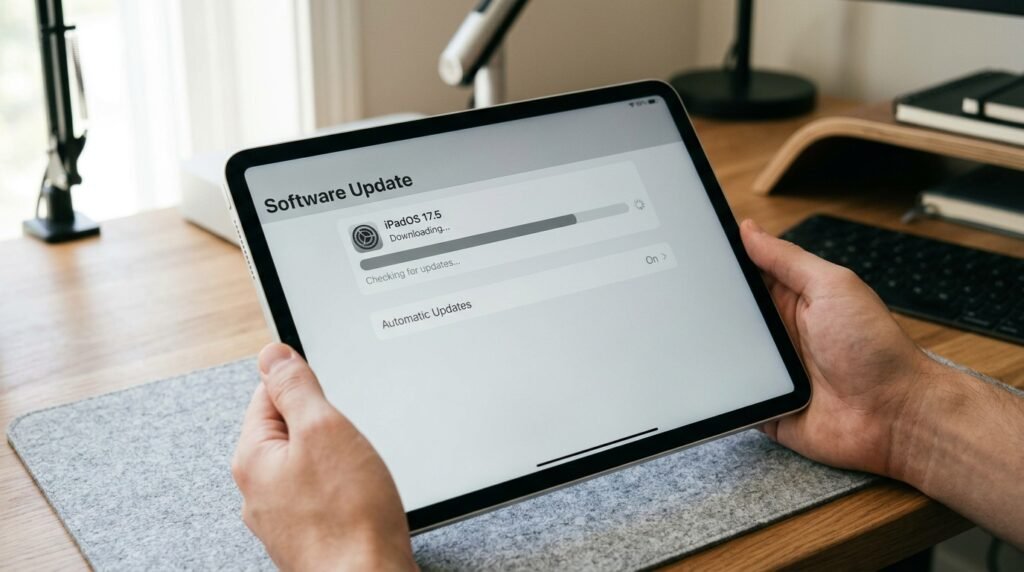
This adaptive control layout is deeply tied to modern iterations of Apple tablet software. Ensuring your device runs updated system software possibly gives you instant access to this subtle trick.
Explore the Sound Settings
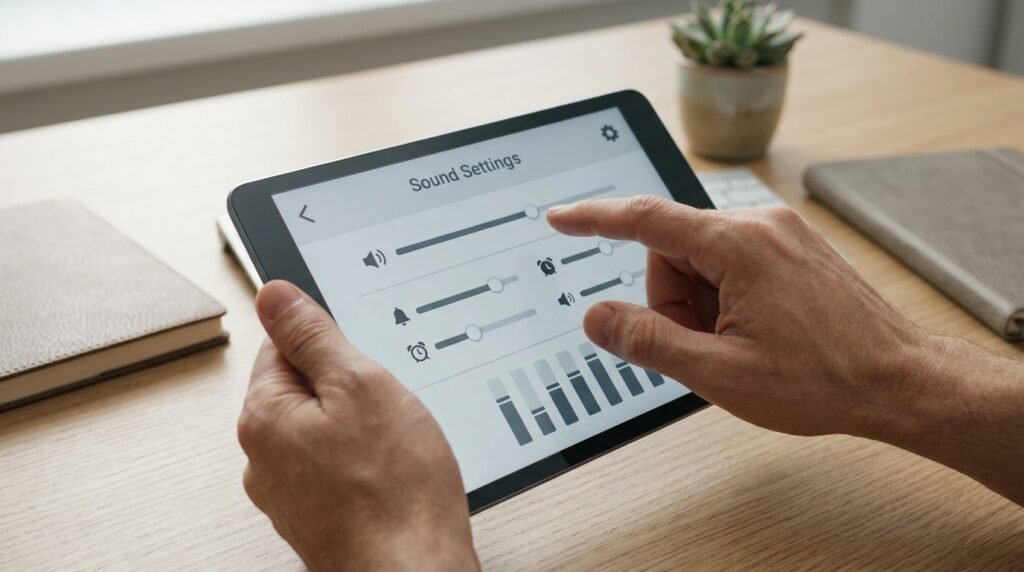
For older compatible models, a quick trip to the configuration menu unlocks this secret power. Users can navigate directly to the audio panel to find the fixed position control toggle.
Maintain Control Under Rotation Lock
Engaging the software rotation lock preserves the current layout assignment of your physical toggles. The buttons remain tethered to that locked perspective until you decide to release the display lock.
Reduce Daily Screen Friction

Skipping the swipe-down gesture for the Control Center saves time during intense work sessions. You can confidently adjust the environment without interrupting your active workflow or closing an application.
Enhance Single-Handed Use

Holding a larger tablet with one hand often limits your reach to the secondary buttons. This intelligent switching ensures that the nearest accessible switch functions exactly how your brain expects.
Minimize Accidental Maximum Volume

We have all accidentally cranked a video too loud in a quiet workspace. This fluid remapping prevents that specific error by ensuring the lower button consistently drops the sound level down.
Appreciate Smart Hardware Design
True innovation often means making complex tech feel invisible and entirely second nature to the user. This quiet layout adjustment proves that great features do not always require an app store.
