
It is incredibly frustrating when your phone suddenly runs out of space, preventing you from snapping a quick photo. Reports in publications like Gadget Hacks note that a mysterious category called System Data frequently hoards dozens of gigabytes silently. Instead of a single permanent glitch, this issue represents a recurring storage management challenge across multiple software updates. Let us dig into where this digital ghost lives and how you might reclaim your device.
Understand the System Data Monster

This elusive category acts as a catch-all folder for the operating system. It holds various temporary files, system logs, and operational assets that your phone needs to run smoothly every day.
Blame the Heavy App Caches
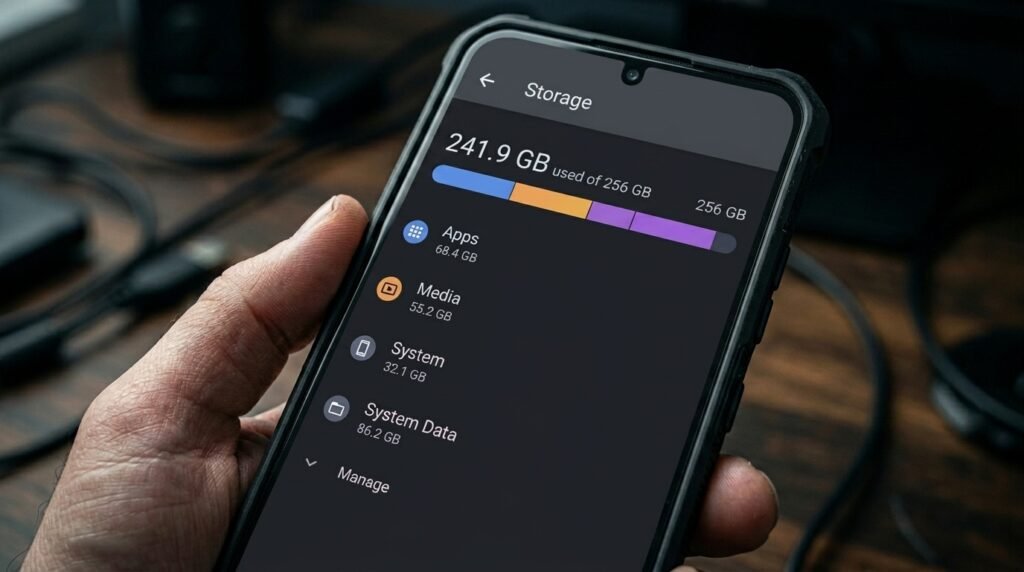
Every time you scroll through social media or stream videos, apps dump temporary data here. This hidden folder keeps stacking files so the apps do not have to reload everything constantly.
Examine the Safari Browser Logs

Your default web browser might be a massive culprit for missing space. Caching website data speeds up your browsing experience, but it also fills up that hidden system folder quite rapidly.
Investigate the Massive Messages Index

Old text threads containing high-resolution photos, videos, and voice memos accumulate quietly. The system indexes these attachments background-style, which potentially swells the size of your internal system folder over time.
Watch for Failed Software Updates
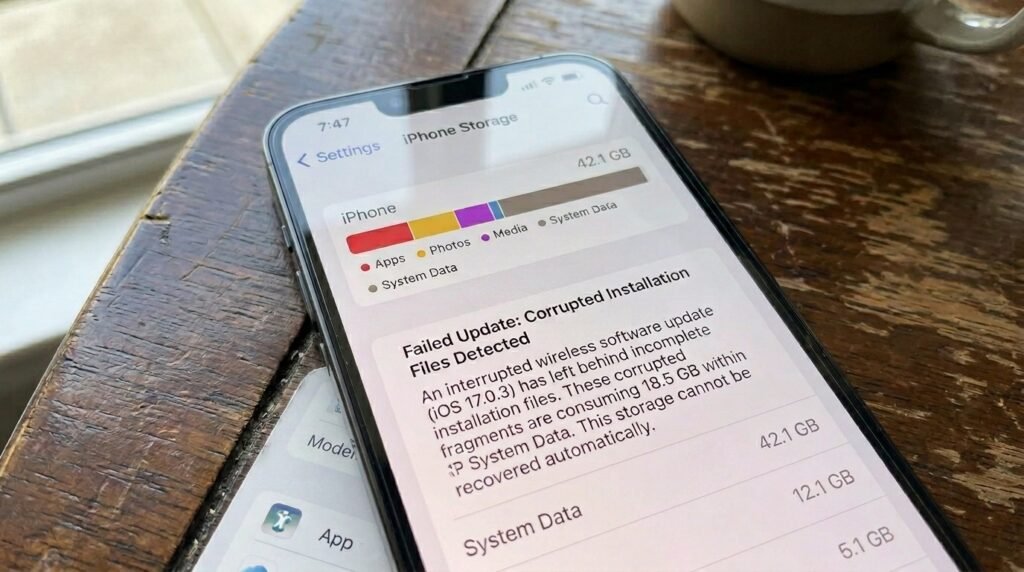
An interrupted or failed wireless software update can leave broken installation files behind. The system often drops these corrupted fragments directly into System Data, where they take up permanent residence.
Check Invisible App Crash Logs

When background applications crash repeatedly without your knowledge, the system generates diagnostic logs. Hundreds of these tiny text documents can pile up, creating a surprisingly large footprint inside your storage.
Try the Quick Force Restart

A standard reboot might help clear out basic temporary operational files. Forcing the device to restart completely cuts the power cycle, which sometimes prompts the system to flush its active RAM.
Clear Out Web Browsing History

Heading into your browser settings and wiping the historical data is a great start. This simple action directly vaporizes a massive chunk of ghost files that are no longer strictly needed.
Cap Your Message History Early

Changing your message retention settings from forever to a shorter duration could help. The operating system will automatically delete older, heavy threads, which might shrink the system indexing file significantly.
Offload the Heaviest Media Apps

Using the offload feature removes the core application bundle while keeping your personal documents safe. This clever trick targets the connected system cache, flushing away bloated files without erasing data.
Try the Computer Sync Trick

Plugging your device into a computer running iTunes or Finder might trigger a hidden cleanup. The computer asks for diagnostic logs, which potentially coaxes the phone into transferring those heavy files.
Delete and Reinstall Social Apps

Completely removing an app and downloading it again is highly effective for stubborn caches. Since most accounts store data in the cloud, you will likely only lose the bloated temporary files.
Address Stuck iCloud Sync Glitches
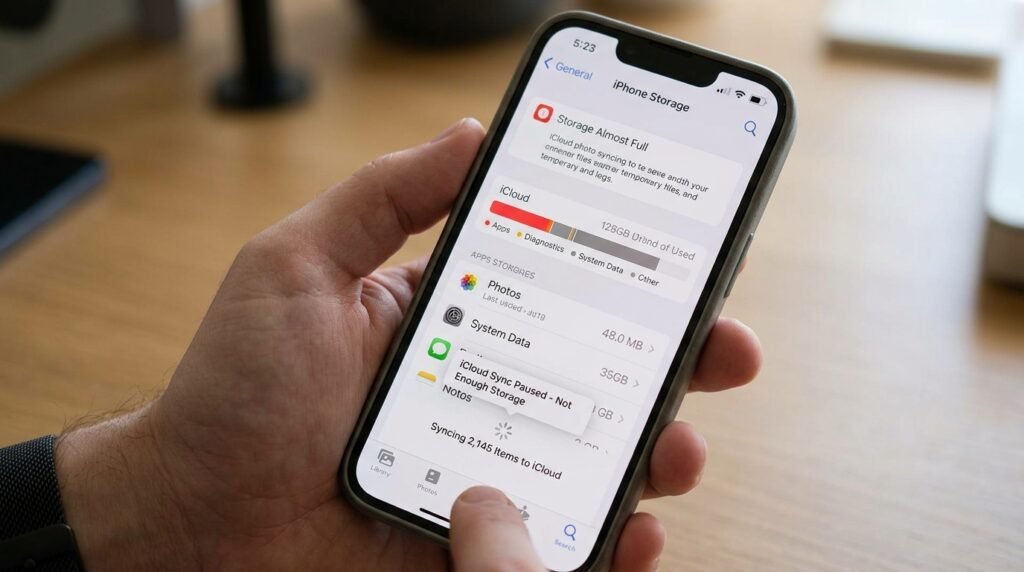
Sometimes, cloud photo syncing processes get hung up in an endless loop. This background glitch creates a mountain of temporary sync logs that can quickly drown your remaining physical storage space.
