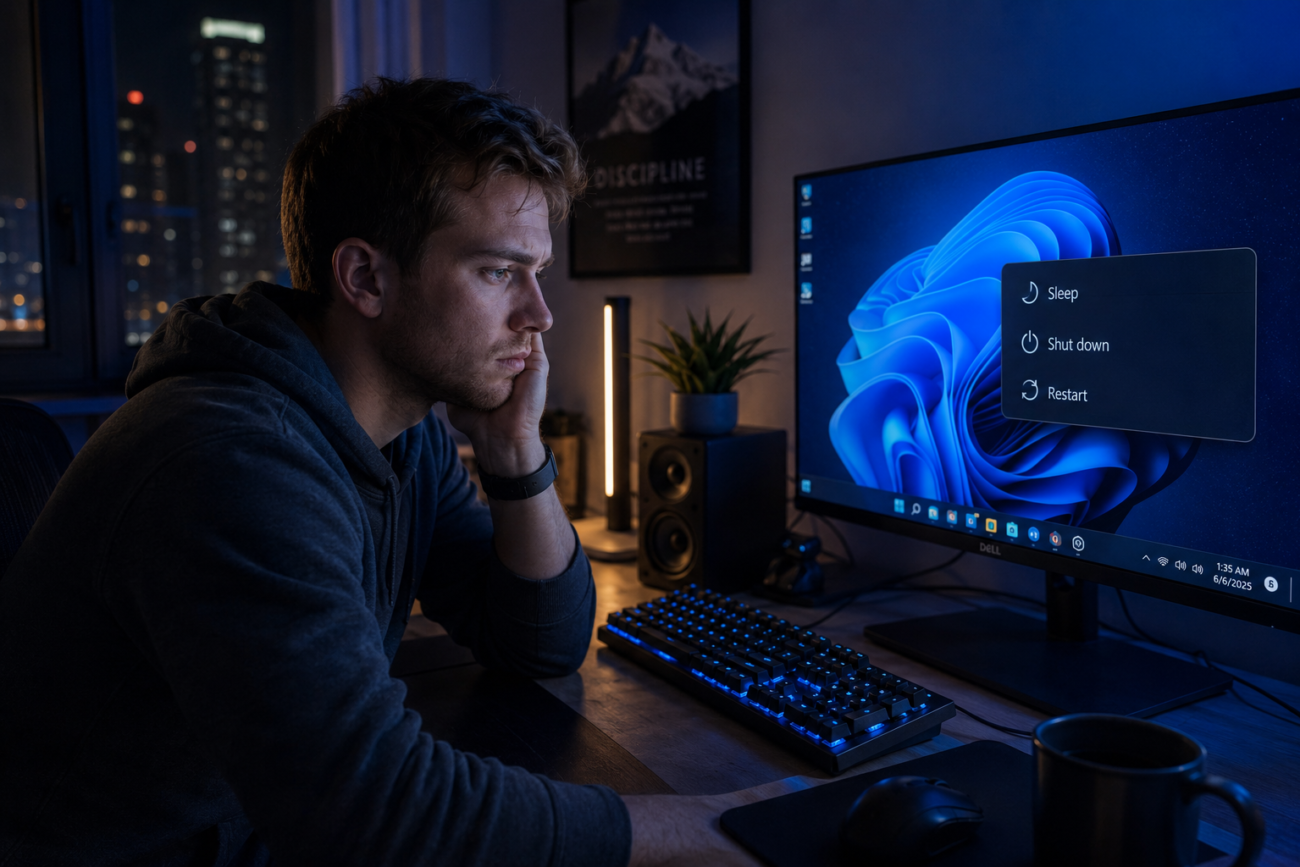
Everyone has been there at 2:00 AM, having just come back from a long day at work or a long game and hovering over the power menu. For our hardware, it’s a small moral dilemma to decide whether to click “sleep” or “shutdown.” Recent energy efficiency research by the Department of Energy indicates that the decision can have a significant effect on power usage and the life of the components. It’s a question of conserving digital longevity and modern convenience.
Understand the Basics of Sleep Mode
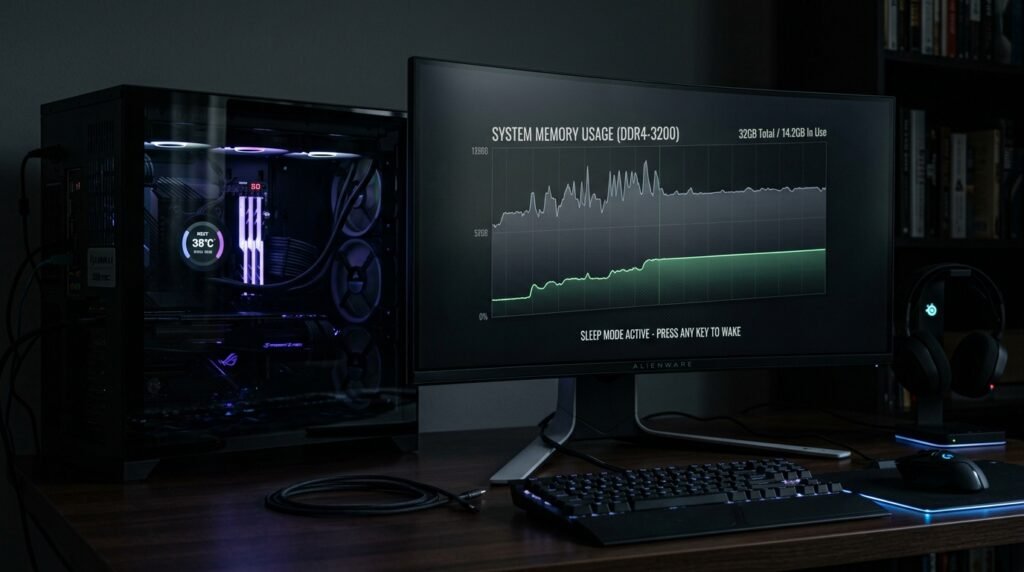
Puts the current session in the RAM when sleep mode is activated. This means fast wake-up, the ultimate convenience for the multitasker.
The Mechanics of a Full Shutdown
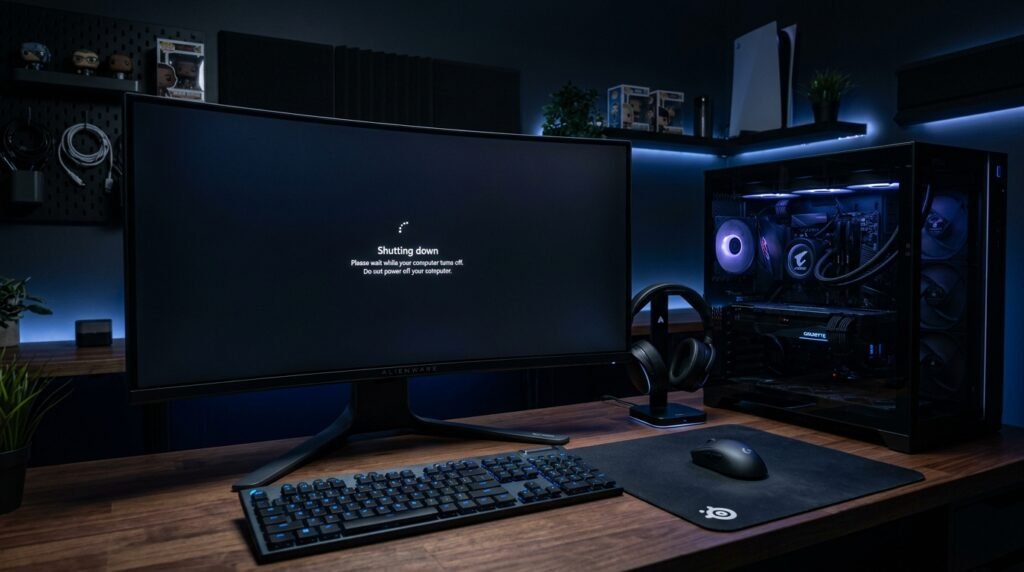
Total shutdown will shut all programs down and empty out all of the system memory. Microsoft Support says this is to make sure the hardware is thoroughly turned off so that it can be turned on again later.
Evaluate Daily Energy Consumption Rates
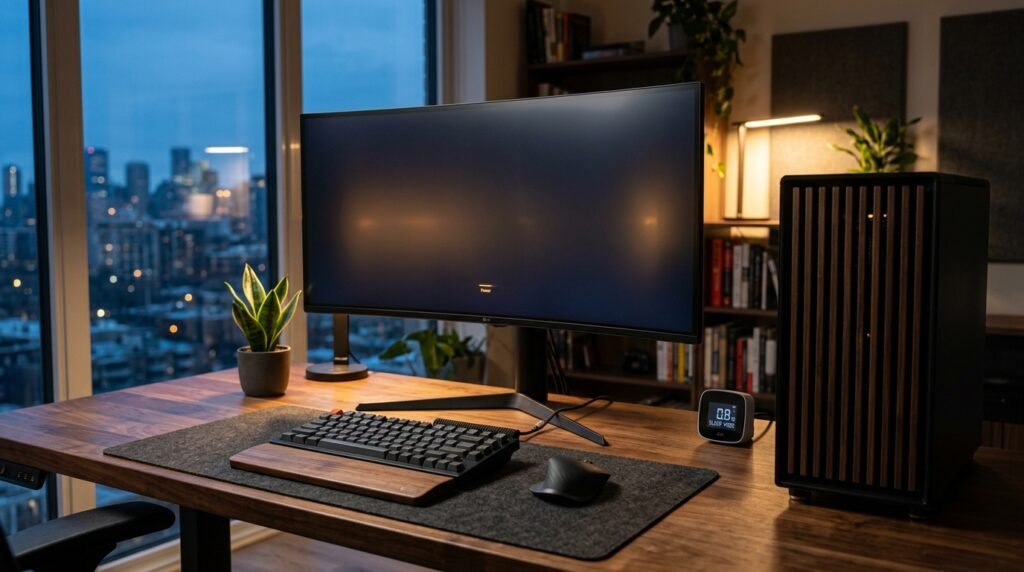
In sleep mode, it consumes a small amount of energy to maintain RAM memory. Although this may appear to be a minor issue, Energy Star says that these draws can mount up over time.
Clear Out Your System RAM
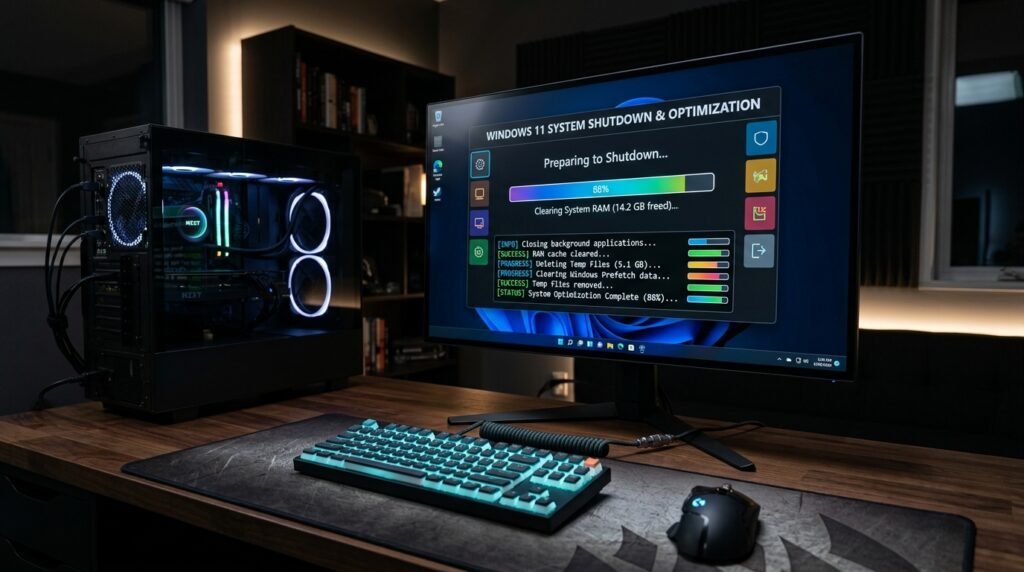
Shut Down is a digital cleaning of your computer. It can clear temporary data and minor software glitches that may have built up throughout your work session and may help future performance.
Consider the Wear on Hardware
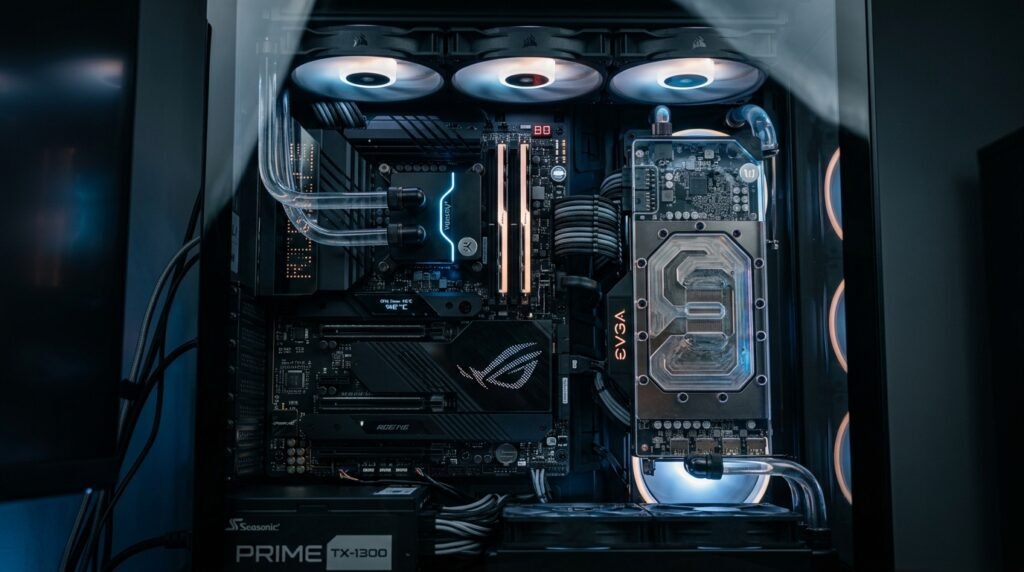
Some hardware experts recommend that frequent switching on and off may cause stress on the components because of temperature changes. In general, however, modern power supplies are designed to withstand daily “power down” without serious structural problems.
Address Automatic Software Updates
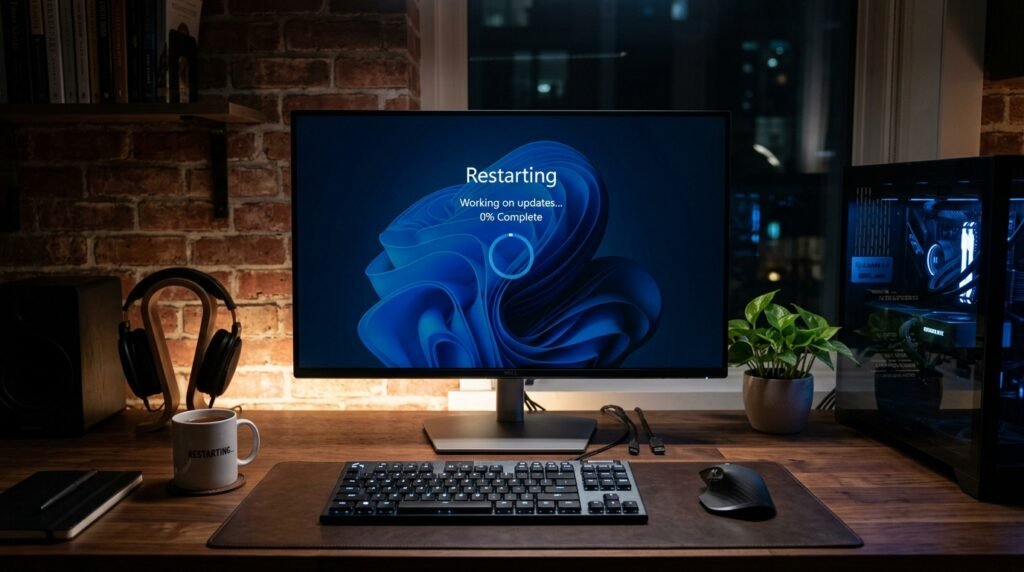
Some OSes like to install critical security patches when the computer restarts. When only using the sleep mode, one may miss out on important updates, which could otherwise prevent loss of personal information.
Reduce Background Noise and Heat
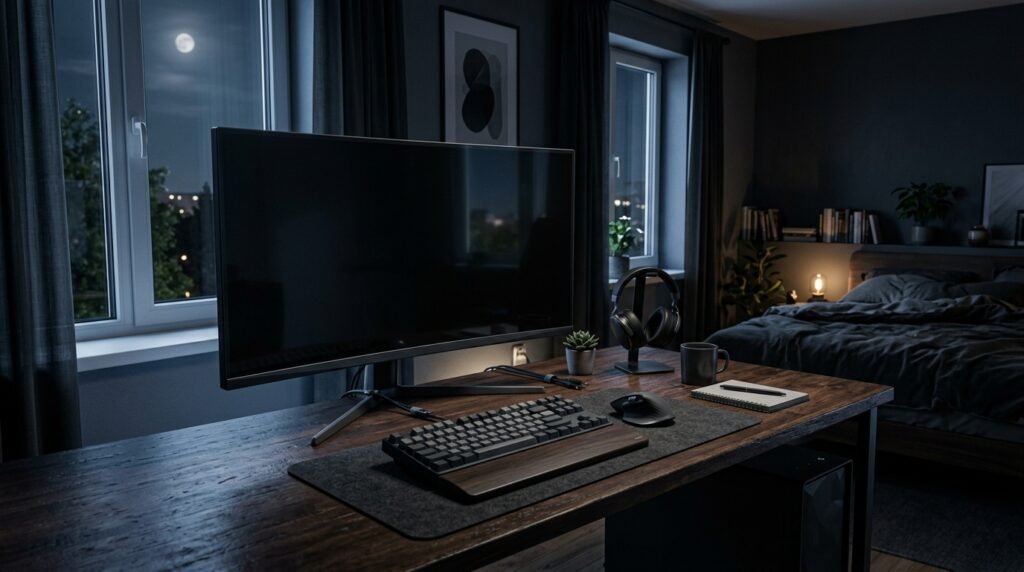
Occasional spinning of internal fans or blinking of lights may be observed even in sleep mode. No one knows you’re coming if your computer is in your bedroom or studio, so you’ll find this to be a wonderful benefit of shutting off.
Speed Up Your Morning Routine

If you’re always on the go, sleep mode will probably be your best friend. Being able to come back to your tabs and docs in seconds is a lot of help for day-to-day productivity.
Impact on Solid-State Drives
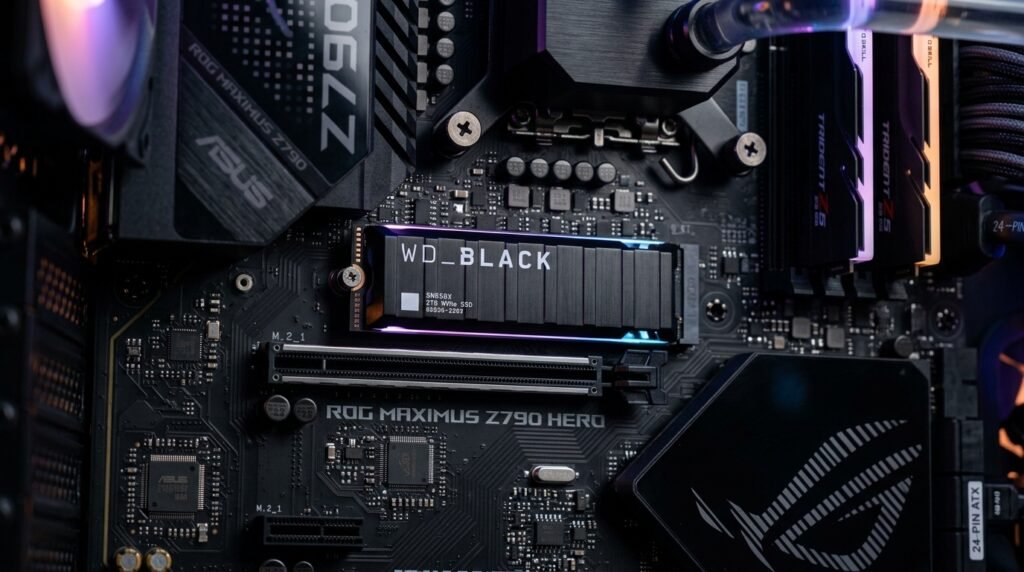
Modern SSDs are extremely sturdy and are not affected by boot-up. PCWorld research shows that the stress experienced during boot-up is almost imperceptible throughout the drive’s life.
Give the Operating System Rest
Software, like people, can use a complete overhaul. It lets the kernel be reloaded and can help to resolve unsolvable slowdown problems that may occur in a computer that runs for weeks without turning off.
