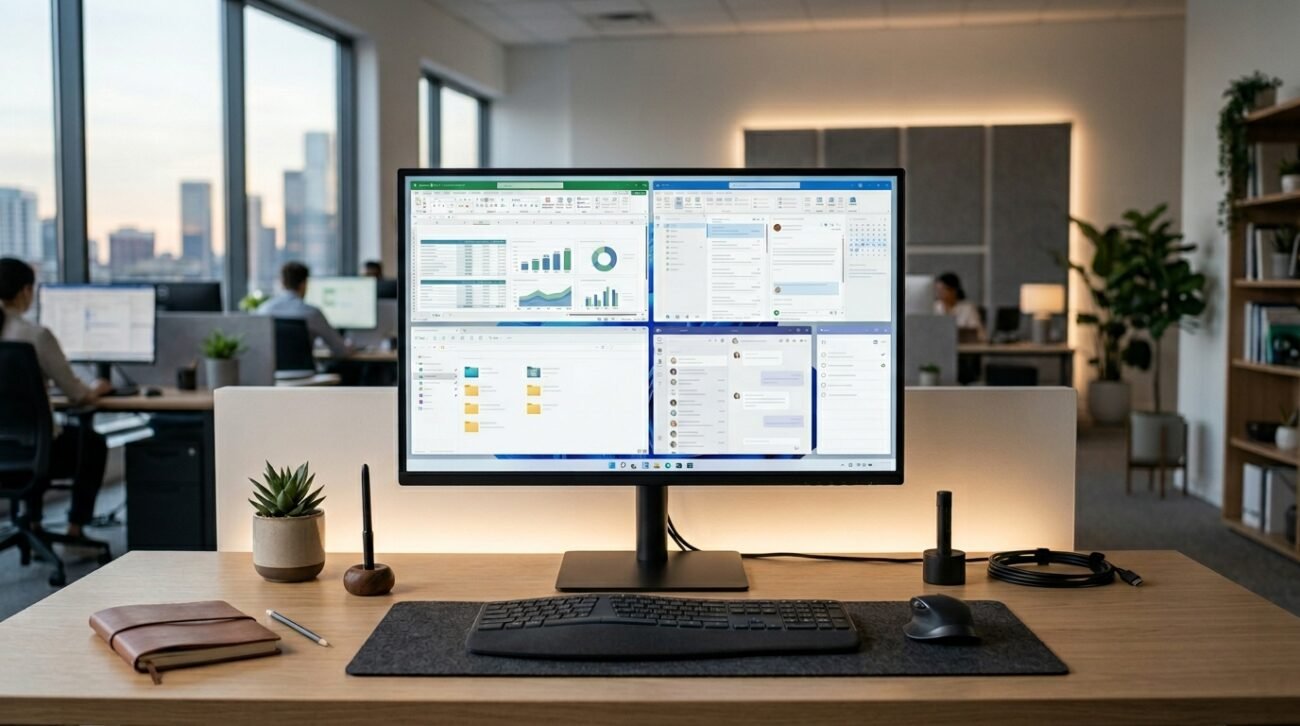
We often get so lost in doing daily computer work that we end up looking for third-party software, totally missing the valuable, powerful tools that are right there on our hard drives. Fascinating system data compiled by tech analytics firms like Statcounter consistently demonstrates that Windows dominates desktop spaces across the United States. Many of these pre-installed gems can optimize your workflow silently. Let us dive into some incredibly handy, built-in tools that might completely transform your daily PC experience.
Master Efficiency With Microsoft PowerToys
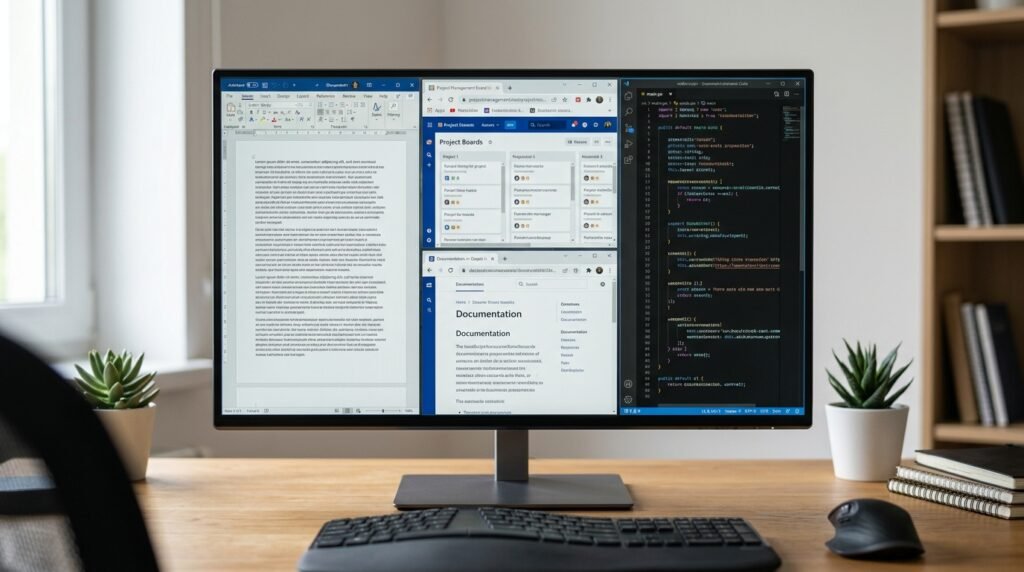
Quite amazingly, at zero cost, this software bundle gives advanced utilities such as window tiling and renaming many files at once. System administrators report that these time-saving tools for repetitive desktop management are not lost on them.
Find Anything Instantly With Windows Search
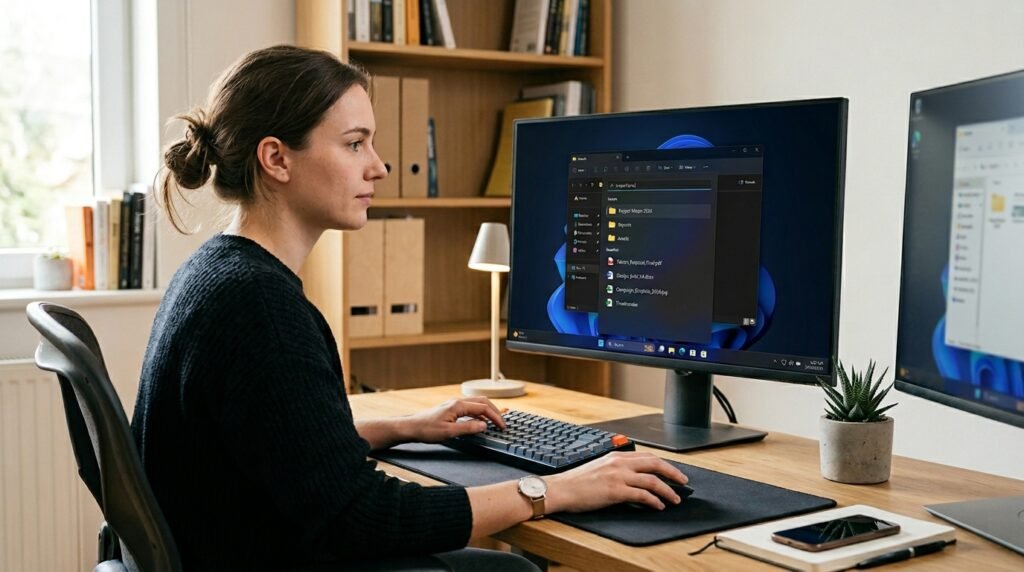
By tweaking your settings to prioritize local indexing over web results, this tool feels lightning fast. Enhanced indexing practices may significantly improve file retrieval speeds for busy remote workers.
Control Chaos With Volume Mixer
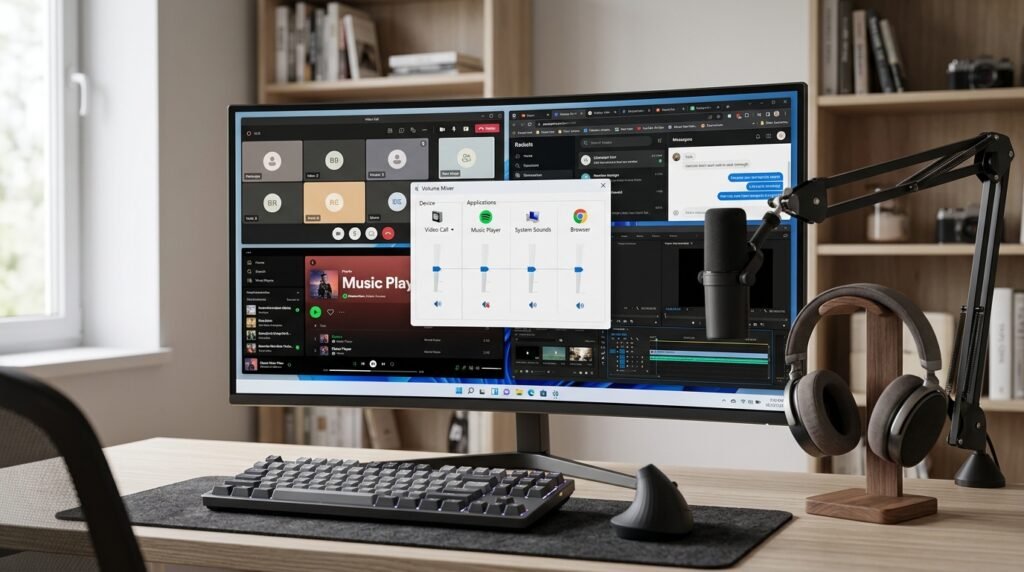
This native tool allows you to adjust the volume levels of individual apps independently. Proper audio segregation might keep background notifications quiet while keeping important video calls perfectly audible.
Isolate Testing Safely With Windows Sandbox
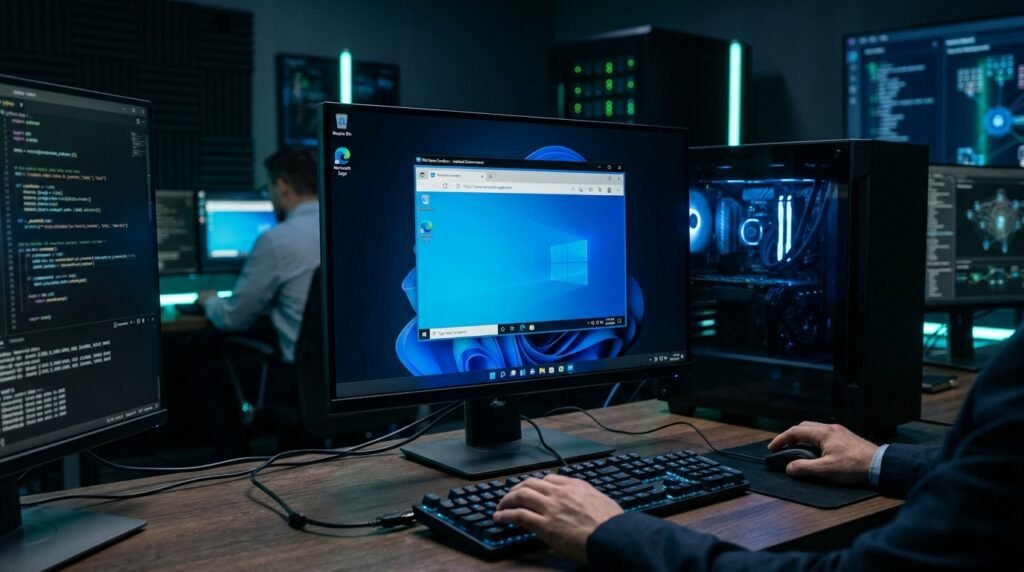
This feature spins up a temporary, isolated desktop environment to run suspicious files safely. Security researchers indicate that virtualization solutions potentially protect the host operating system from malware.
Track System Health With Reliability Monitor
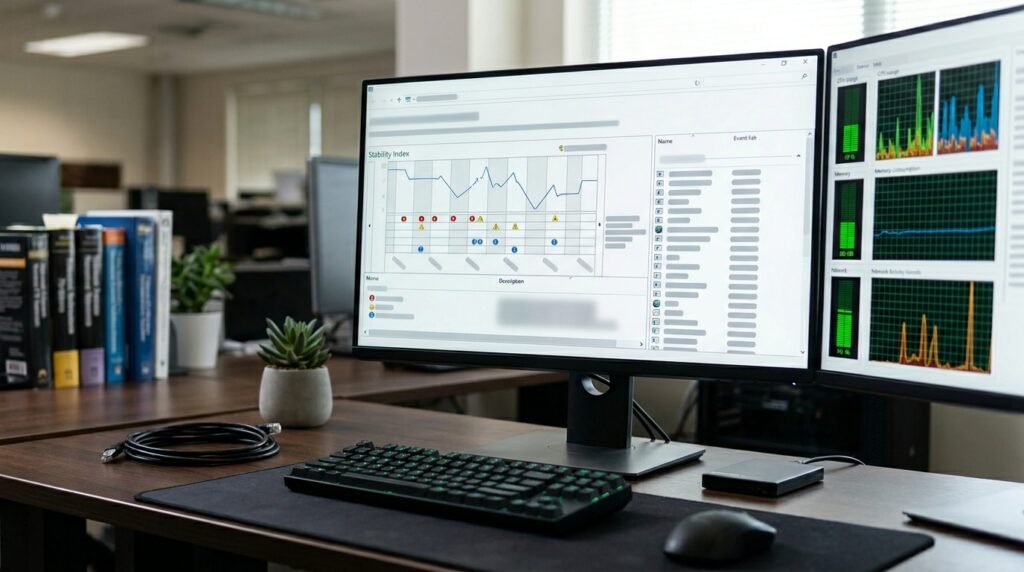
Hidden inside the Control Panel, this tool provides a clear stability chart detailing recent software crashes. Hardware diagnostic logs suggest that it may pinpoint systemic problems much faster than standard lists.
Quickly Record Screens With Xbox Game Bar
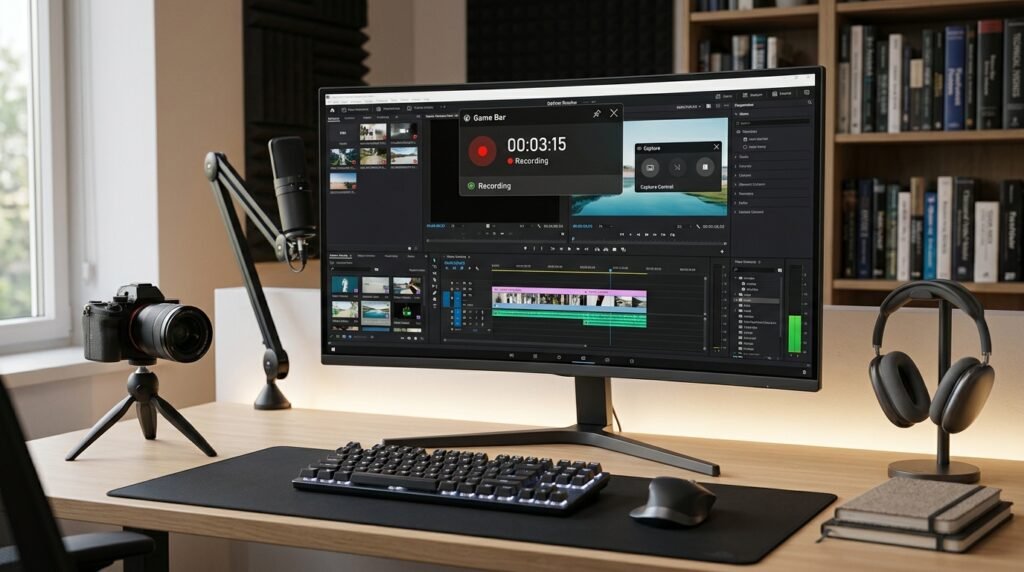
Pressing the Windows key and G opens a native overlay built for recording any active application window. Content creators find that lightweight native recording tools might consume far fewer system resources.
Digitize Notes Effortlessly With Snipping Tool
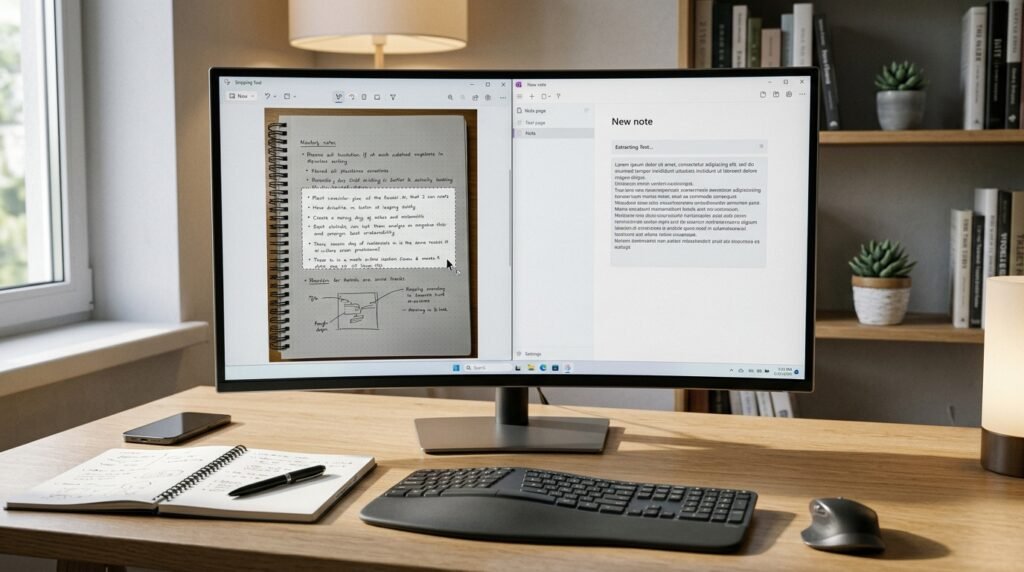
Beyond basic screenshots, the modern Snipping Tool extracts text directly from images using optical character recognition. Office efficiency metrics show that text extraction features could reduce manual typing tasks substantially.
Clean Files Fast With PC Manager
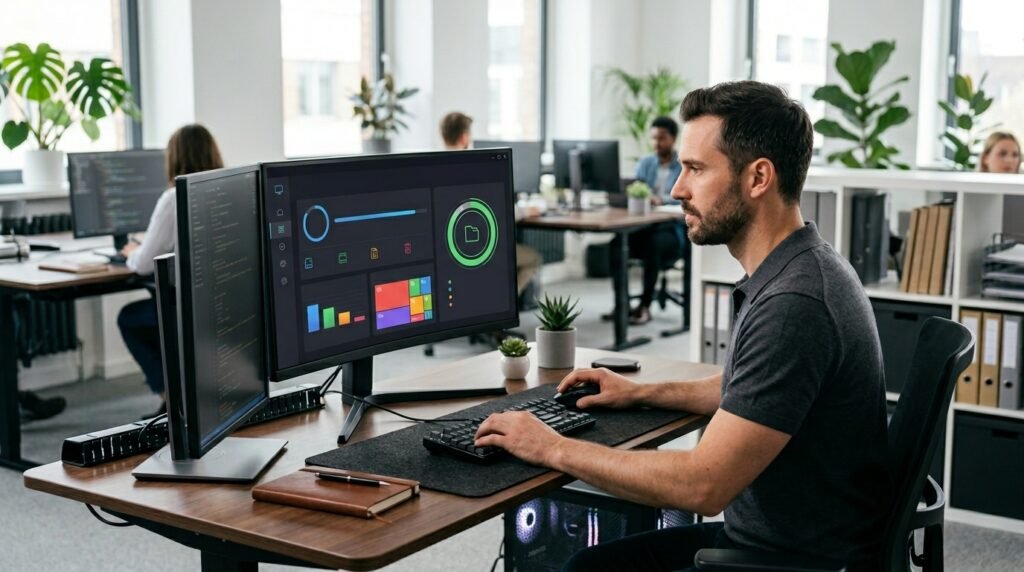
As an official system cleanup utility, this app safely manages startup items and flushes hidden temporary storage. De-cluttering system storage might keep older machines running smoothly during heavy usage.
Magnify Content Using Accessible Zoom Tools
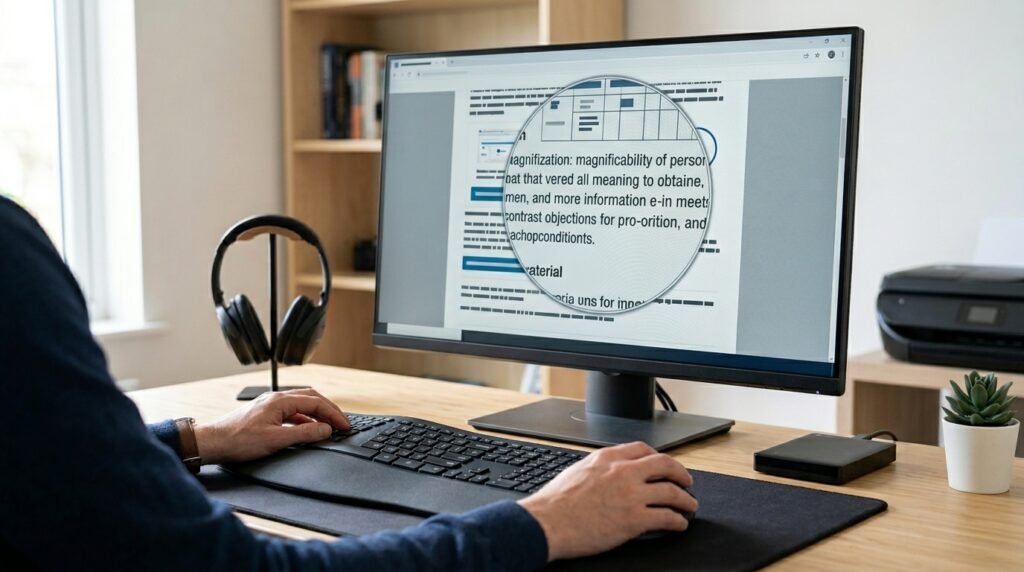
The upgraded Magnifier tool integrates seamlessly with screen readers to announce display adjustments in real time. Accessibility analyses suggest that interactive visual aids may lessen eye strain for users.
Monitor Performance via Detailed Task Manager
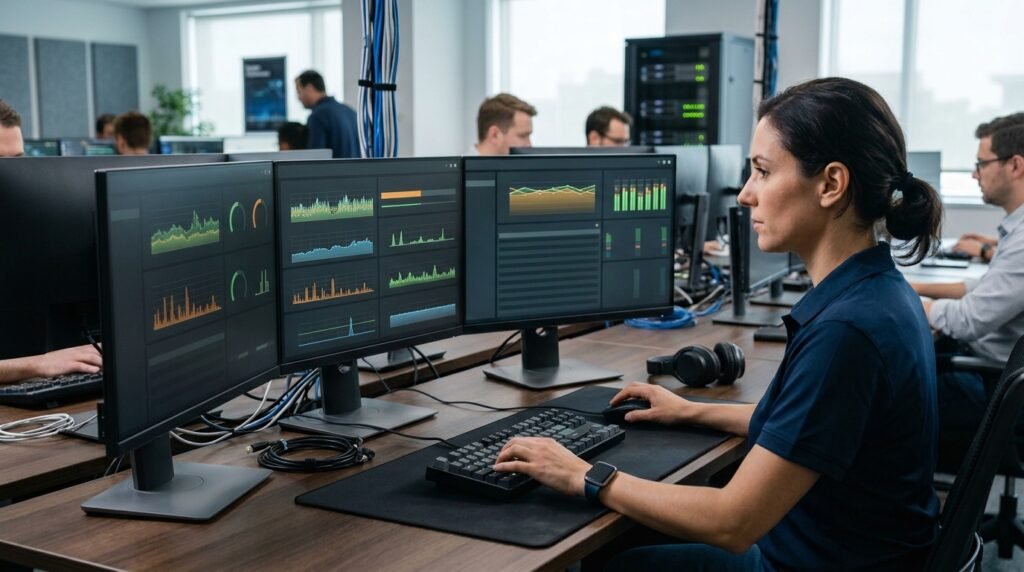
The classic tracking tool now provides dedicated columns to monitor neural processing unit workflows accurately. Technical hardware evaluations suggest that tracking distinct processing components could aid in modern system troubleshooting.
Step Back Safely With System Restore
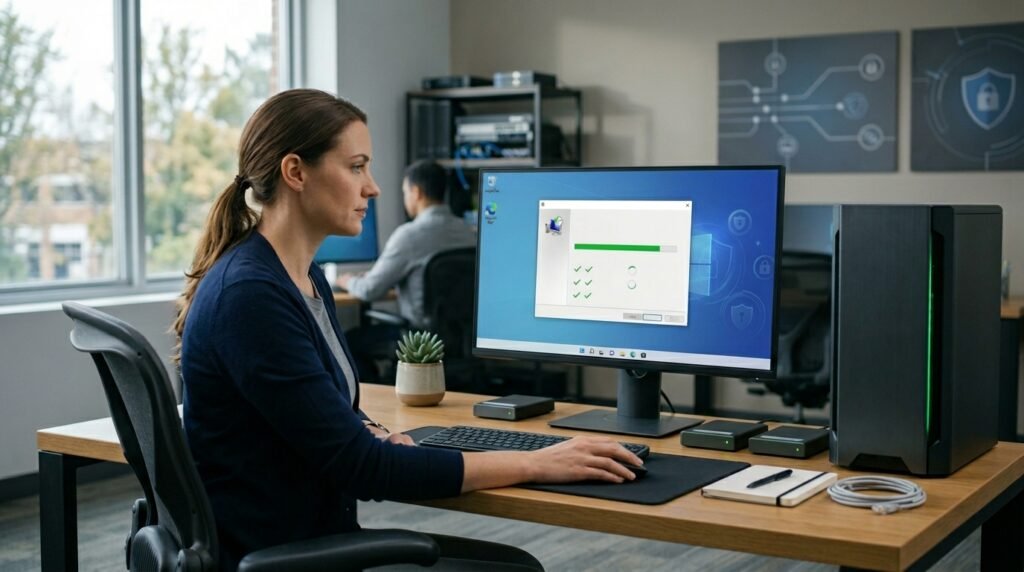
Establishing system restore points means you can reset your system configurations to a previous working state. IT support data implies that regular system recovery points might prevent total data loss.
