Most of us use our computers day after day, but we hardly realize how much Windows has to offer beyond just the basics. Microsoft Support recently revealed some technical tips through their latest efficiency studies: even a few text commands could help you troubleshoot your PC in less than half the time. Instead of laboriously performing one action after another on the menu, what if a few simple tweaks are, in fact, the secret behind a faster, smoother, and more productive digital life?
Use Ipconfig To Check Connections

If the Wi-Fi is a bit temperamental, this command may instantly show you the status of your network in the command prompt. It contains the IP address information needed for troubleshooting the most frequent home network problems.
System File Checker Repairs Errors

The sfc /scannow command is popular for repairing corrupt system files. Windows technical forums claim that this tool can resolve many mysterious issues without needing to reset the system.
Chkdsk Scans Your Hard Drive
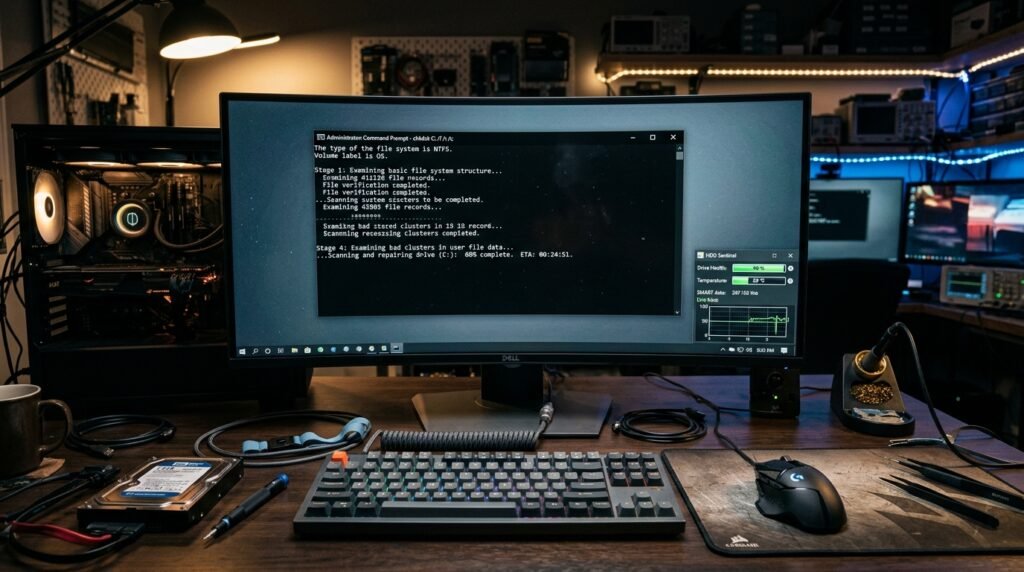
A useful command to test disk integrity for finding bad sectors. It could save the day for anyone fearing their old machine may be outdated or cause data loss.
Shutdown Saves Significant Time

Turning off or restarting the computer via command is possible; also, accessing these options via Start menu clicks can save time. This will definitely be a handy tip for keyboard lovers instead of mouse users.
Systeminfo Provides Full Specs
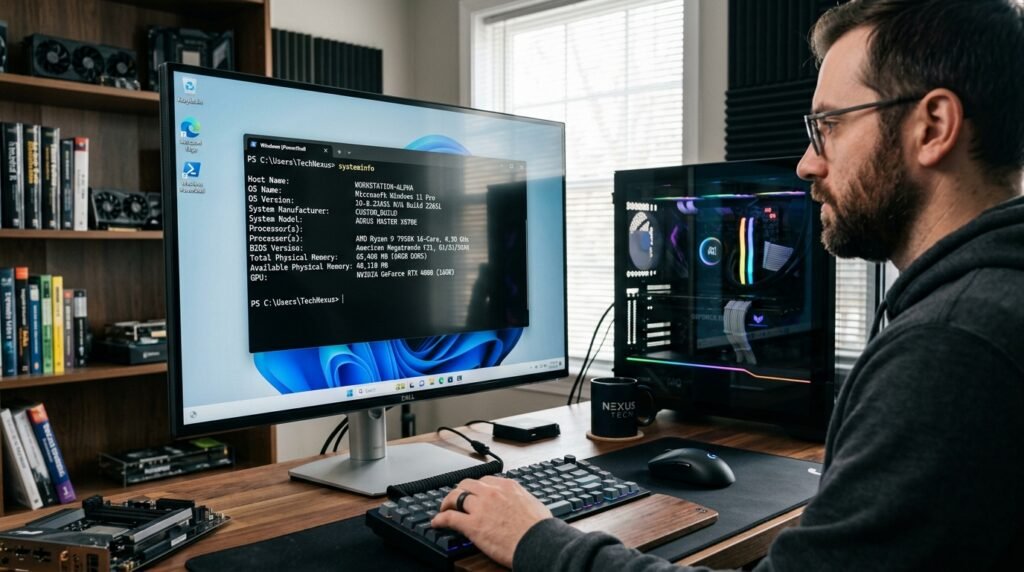
This command will give you the precise information on the build date of your computer and the hardware inside. Provides a comprehensive report, which may be required for software compatibility.
Getmac Identifies Your Hardware
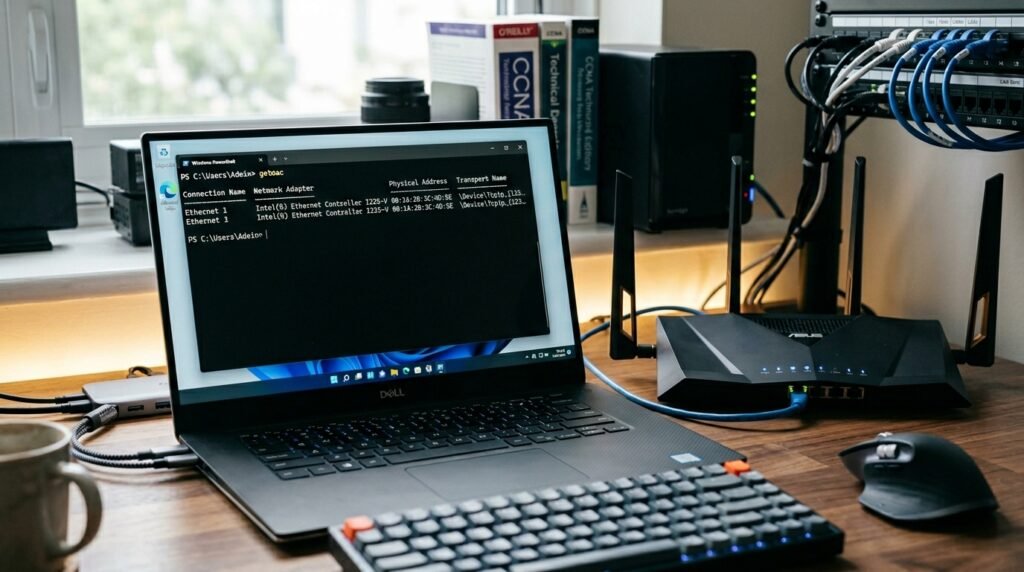
Each network adapter has a physical address, and this command discovers it when it happens. If you need to configure a secure home network setup or troubleshoot a particular connectivity hardware problem, you may need to know the MAC address.
DriverQuery Lists All Drivers

It’s much easier to monitor software that governs your hardware with a generated list. This command lists all installed drivers, which may help you identify which ones you will have to get a new update for.
Assoc Fixes File Extensions
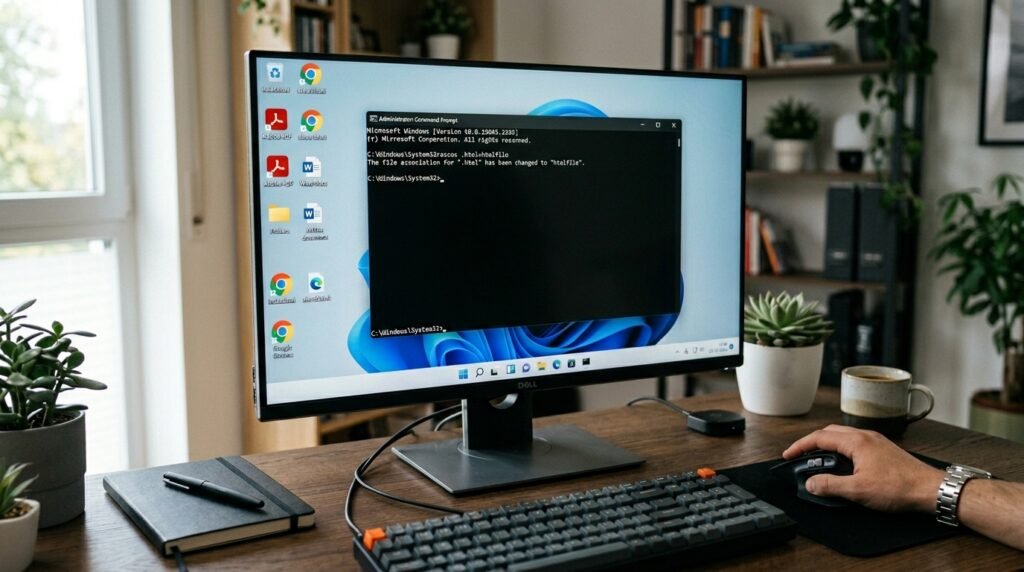
This command is useful if your computer has lost its memory of which app opens PDFs or text files. It displays and changes file associations, which could help fix the frustrating file-opening errors.
Powercfg Analyzes Your Battery

This command will produce a comprehensive report of a laptop’s battery health and energy consumption. Recent hardware research shows that if you pay attention to these statistics, you can help your device last longer.
Nslookup Finds Domain Info

Ever wonder where a website is hosted? This tool could let you know. It makes a request to the Domain Name System (DNS) to get the IP addresses of a certain web address that you typed in.
