
A slow computer can really throw off your pace, whether you are working or having a gaming session. Those piles of digital junk that we do not really care about may be a source of stress and productivity decline, according to the International Journal of Human-Computer Interaction. If you dedicate a few minutes each month to this kind of maintenance, then you should see things work in a more orderly fashion. Here are some straightforward actions that genuinely transform the situation.
Clear Out the Desktop Jungle

Piling files on your screen might slow down your system’s startup time. Keeping the main screen tidy may help your operating system load icons much faster during boot-up sequences.
Purge the Dreaded Downloads Folder

Gigabytes of forgotten PDFs and installers easily accumulate here over thirty days. Clearing this space regularly might free up valuable drive capacity for the files you actually need today.
Run a Quick Malware Scan

Cybersecurity data from the Ponemon Institute suggests that routine, proactive scanning may catch background threats early. Letting a trusted scanner check your system monthly might prevent future digital headaches.
Update Your Operating System Packages

Microsoft and Apple frequently patch hidden security vulnerabilities and performance bugs. Keeping your system updated according to official developer guidelines might protect your data from emerging online vulnerabilities.
Refresh Your Web Browser Cache

Websites may load incorrectly due to cookies and temporary Internet files that have been stored. This data is flushed every month, which might help to decrease odd formatting problems and enhance your browsing speed.
Dust Off the Internal Components
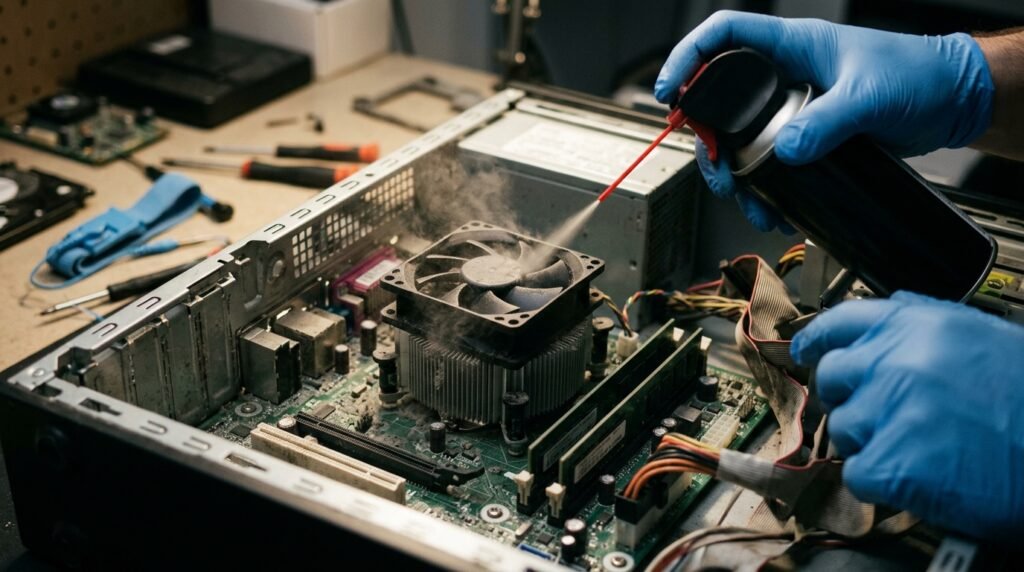
Hardware studies from the IEEE indicate that dust buildup may insulate components, raising internal temperatures. A quick blast of compressed air might keep your cooling fans running efficiently.
Check Your Cloud Backup Status
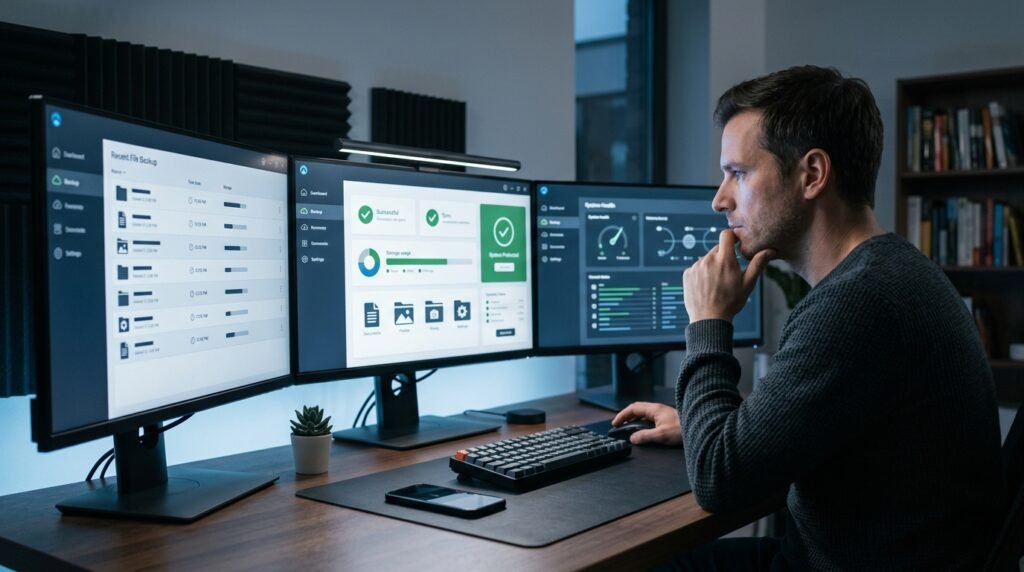
The numbers from Data Loss Prevention released by Backblaze show that frequent backups could help limit the devastating effects of unexpected drive failure. It’s always a relief to know that your backup system is working automatically.
Uninstall Those Forgotten Applications

Apps that you downloaded for one project may be running in the background, using resources. Unused software may free up memory and eliminate background processes that are not needed.
Audit Your Startup Program List
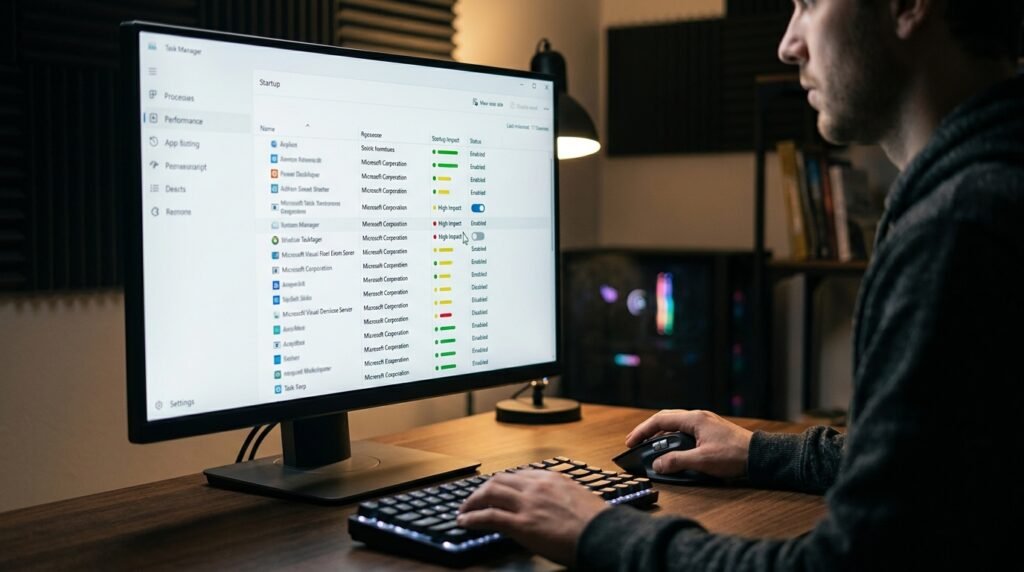
When you boot up your computer, don’t have too many apps clamoring to get started, or you will get mad. You may find that you can get to work a lot quicker by disabling non-essential startup items.
Empty the Digital Trash Can

Items you delete are not removed from your computer until you empty the Recycle Bin. By getting rid of it monthly, it will forever free up the storage space for your more valuable digital projects.
Organize Your Active Project Folders
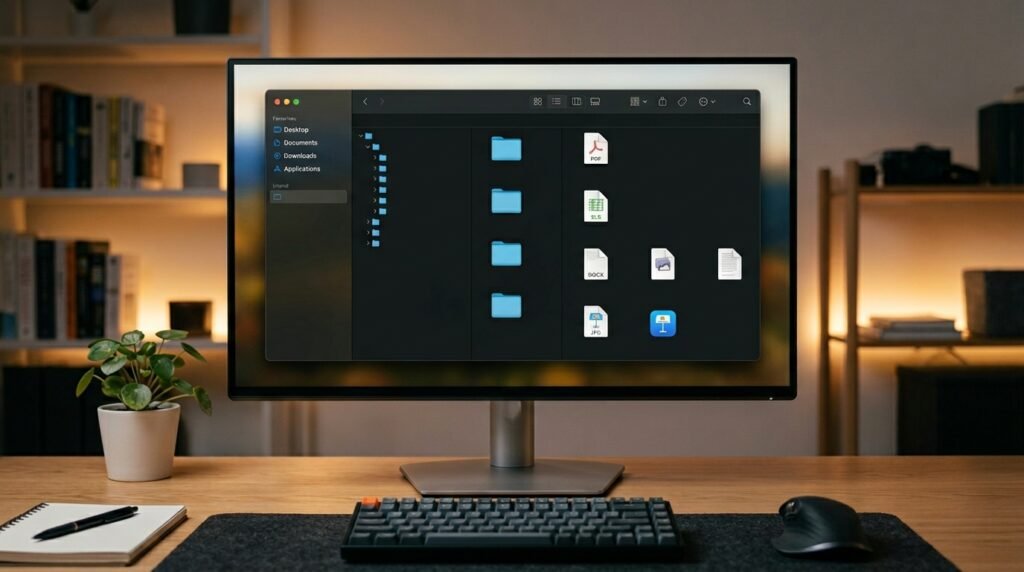
Sorting loose files into clearly labeled folders makes finding your work much simpler later. Better digital organization may reduce the mental fatigue associated with searching through chaotic directory structures.
Clean the Keyboard and Mouse

Microbiology research in the American Journal of Infection Control notes that shared office surfaces harbor surprising bacteria. Wiping down your inputs monthly might support better personal hygiene.
Review Your Saved Browser Extensions

Unnecessary add-ons can quietly track your data or slow down page rendering speeds. Removing sketchy or redundant extensions might make your internet browser feel incredibly snappy and secure again.
