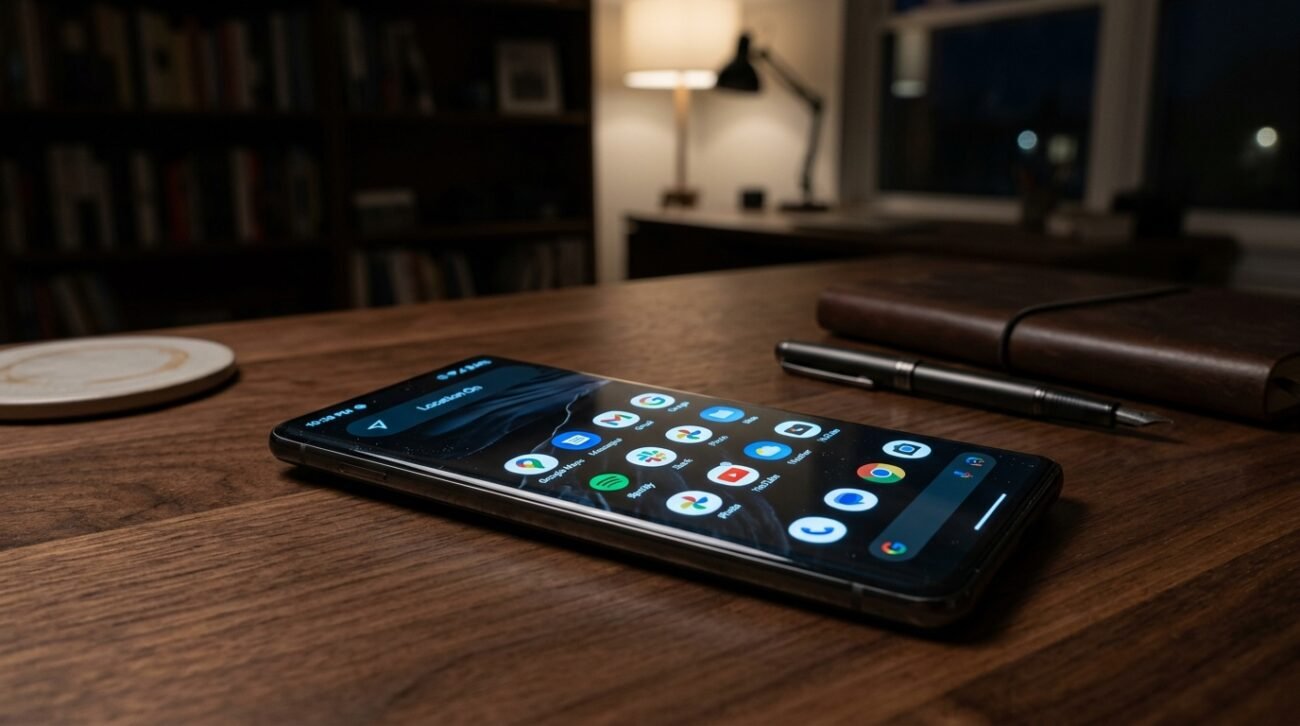
In a world where our smartphones are more like extensions of our very own limbs, the omnipresent buzz of digital surveillance might appear a bit overwhelming. Recently, the Electronic Frontier Foundation has recorded new statistics that indicate that hundreds of applications might be silently collecting location data without explicit permission. Although it is not an easy task to achieve a state of complete anonymity, a few minor adjustments to a few of your core settings may well potentially afford you the opportunity to reclaim your online presence, as well as provide you with the privacy to continue your movements unnoticed.
Disable Your Location Services
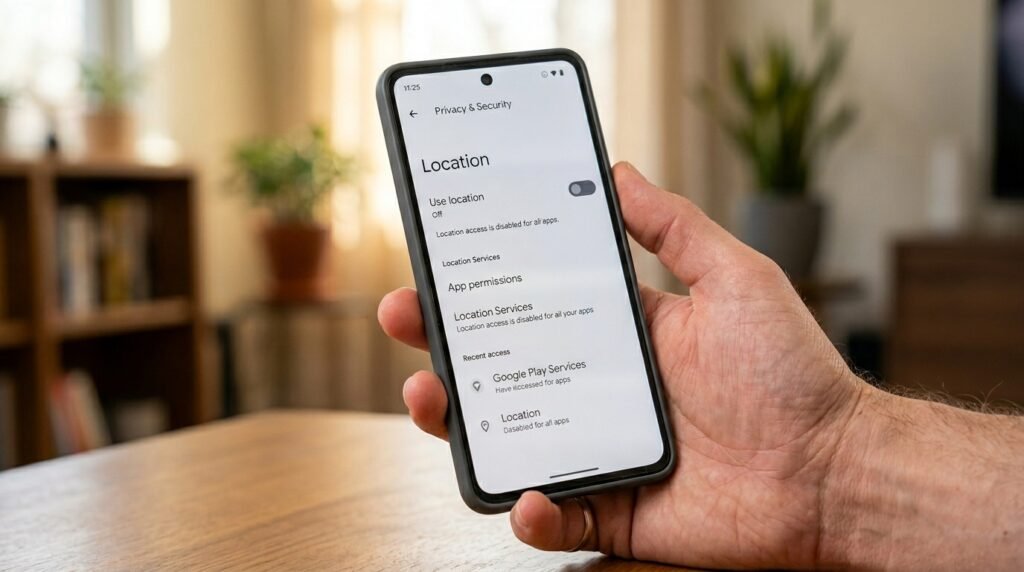
One of the initial steps is to switch off the main location switch. A study conducted at Princeton University indicates that although off, certain sensors may still gather information, but this greatly restricts the overall monitoring of the app.
Manage App Permissions Individually
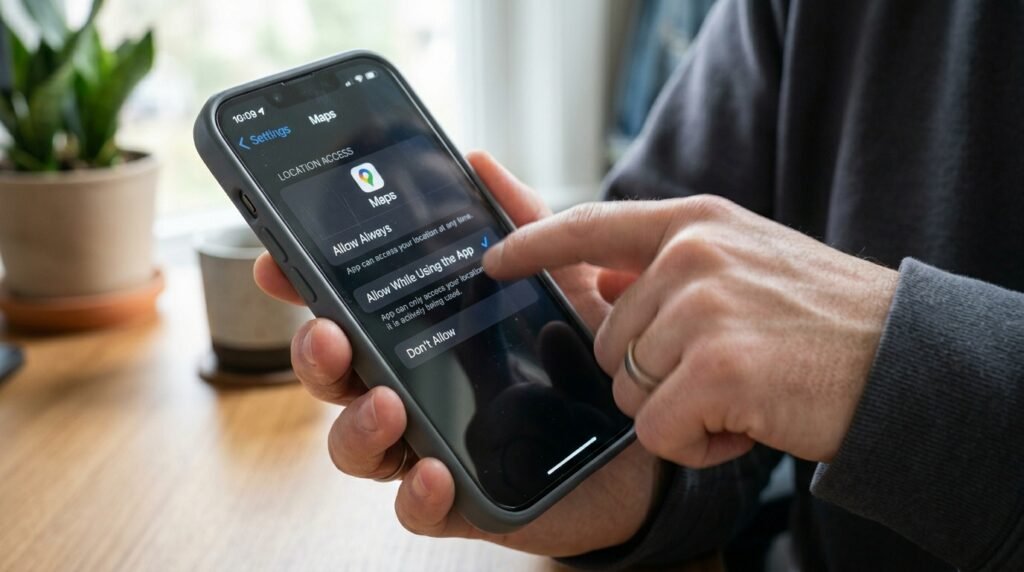
Numerous applications demand access to location when they do not necessarily require it to be functional. These permissions can be limited to only while using, which could potentially reduce the amount of background data that is distributed to third parties.
Limit Significant Locations’ History
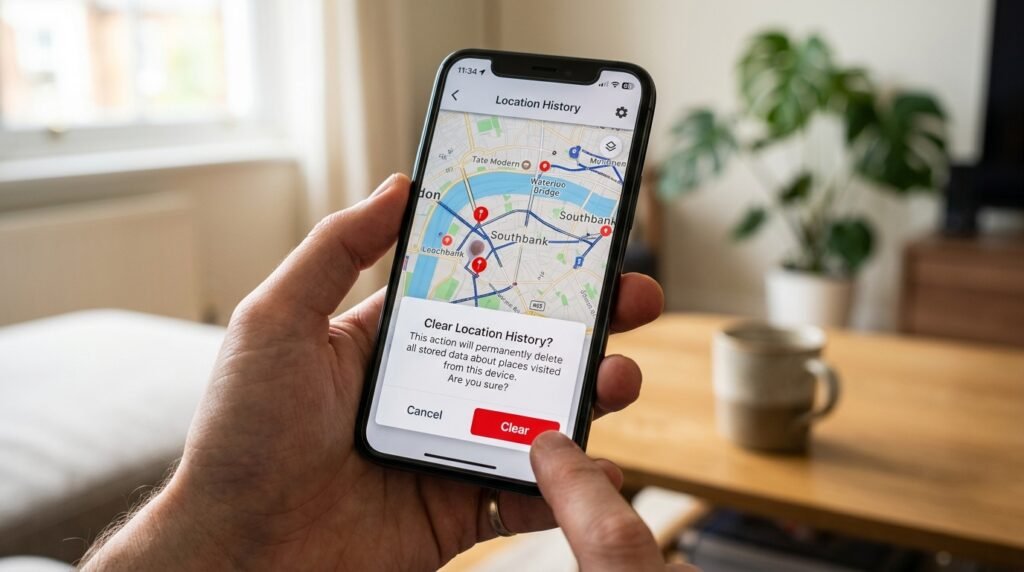
Your phone tends to have a history of the kind of places that you visit regularly. The deletion of this history and the deactivation of the feature could possibly lead to your device not storing a detailed map of your routine of your life.
Turn Off Wi-Fi Scanning
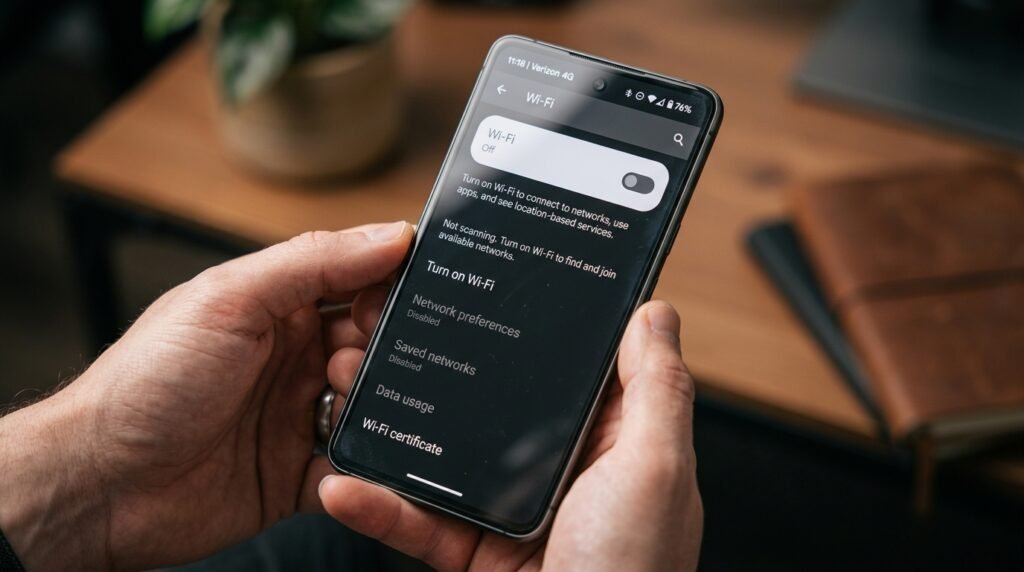
To enhance location accuracy, even when Wi-Fi is turned off, some phones scan surrounding networks. Switching this off in your settings may possibly ensure that your phone is not pinged by the local routers.
Disable Your Bluetooth Scanning
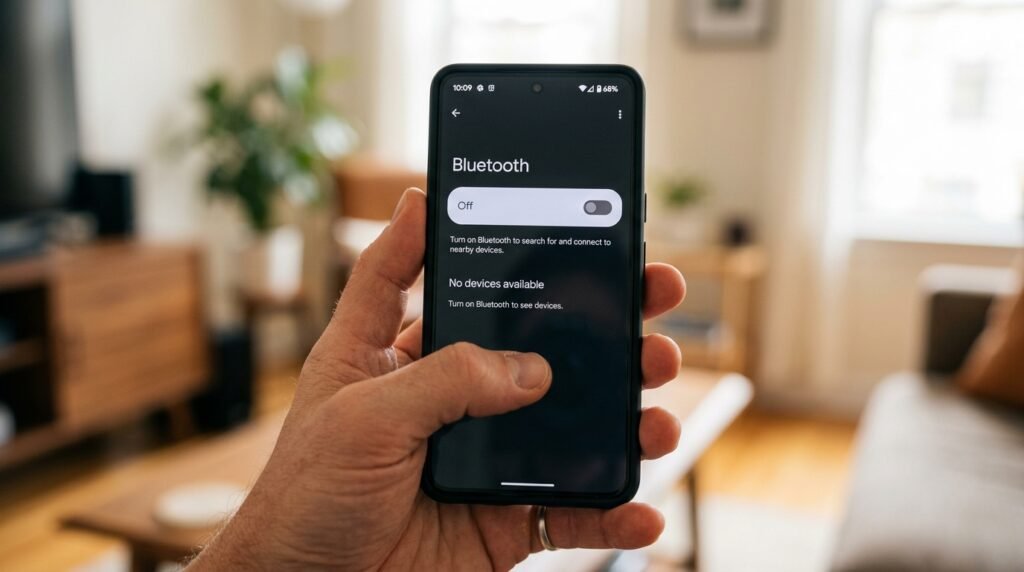
Like Wi-Fi, with Bluetooth, you can track your physical location in stores. If you are not using it, it will be a good idea to turn it off and thus avoid being identified by other beacons around.
Use a Reliable VPN
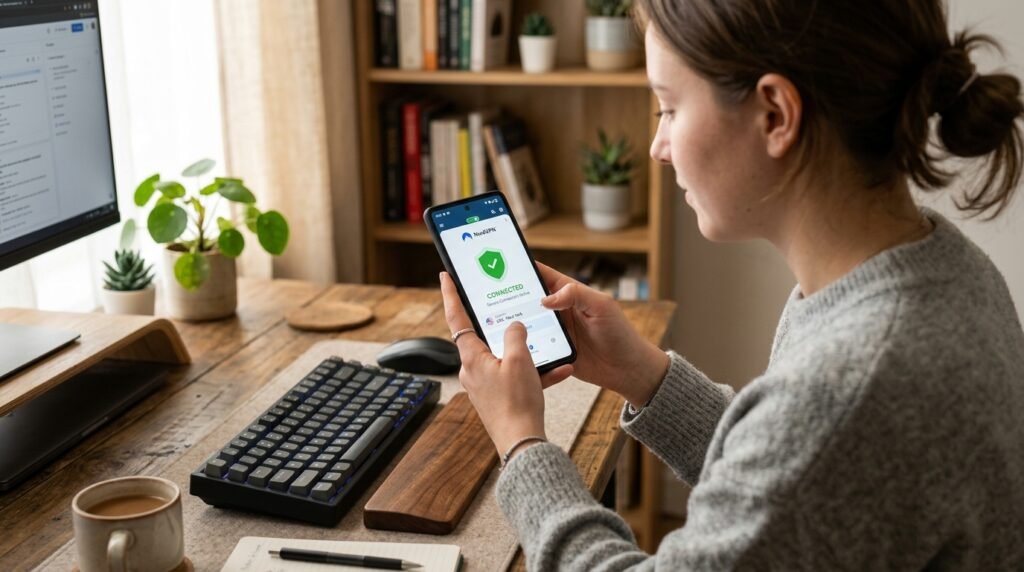
A Virtual Private Network conceals your IP address so that you seem to be in a different place. This could possibly conceal your browsing location in the eyes of your internet service provider and other trackers of websites.
Turn Off Geotagging Photos
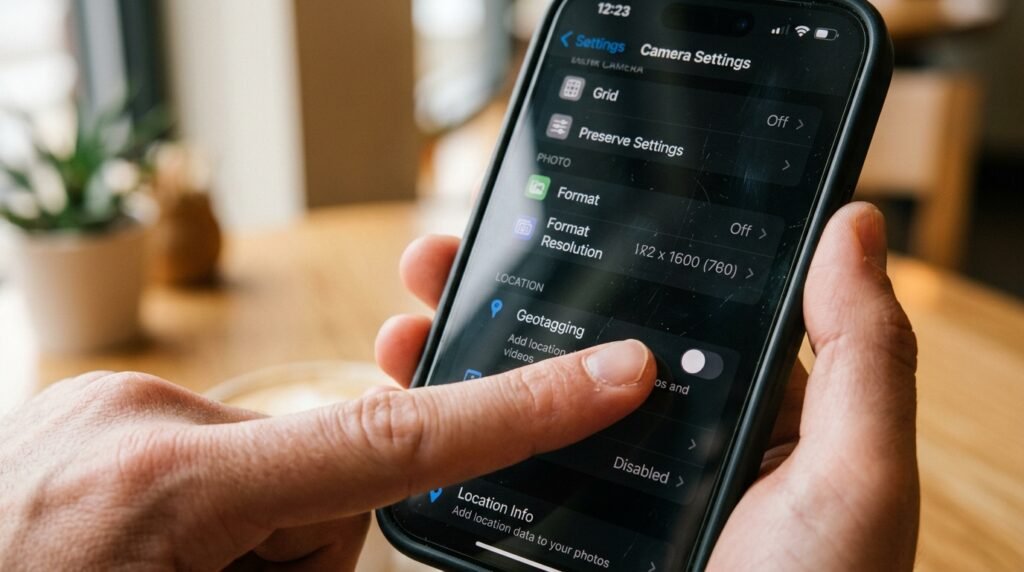
Photo metadata has the ability to tell precisely the location where the photo was captured. The best thing to do is to disable location tags in your camera settings because it may possibly stop you from accidentally sharing your home address with shared pictures.
Audit Background App Refresh
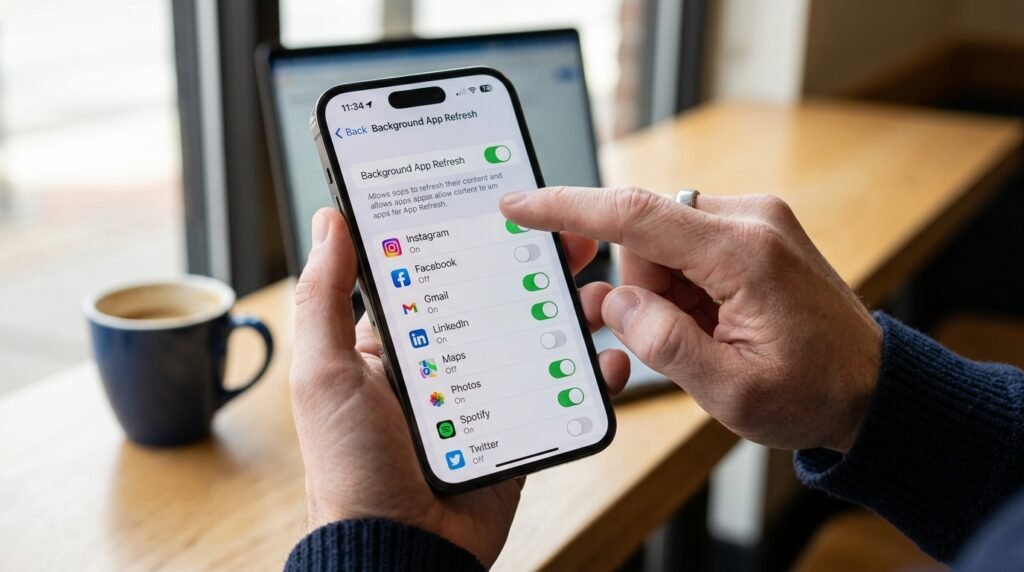
Background refresh apps could be used to send information even when you are not using your screen. This could be potentially saved with a limitation of this feature, which would save battery life as well as decrease the occurrence of silent data transmissions.
Clear Your Search History
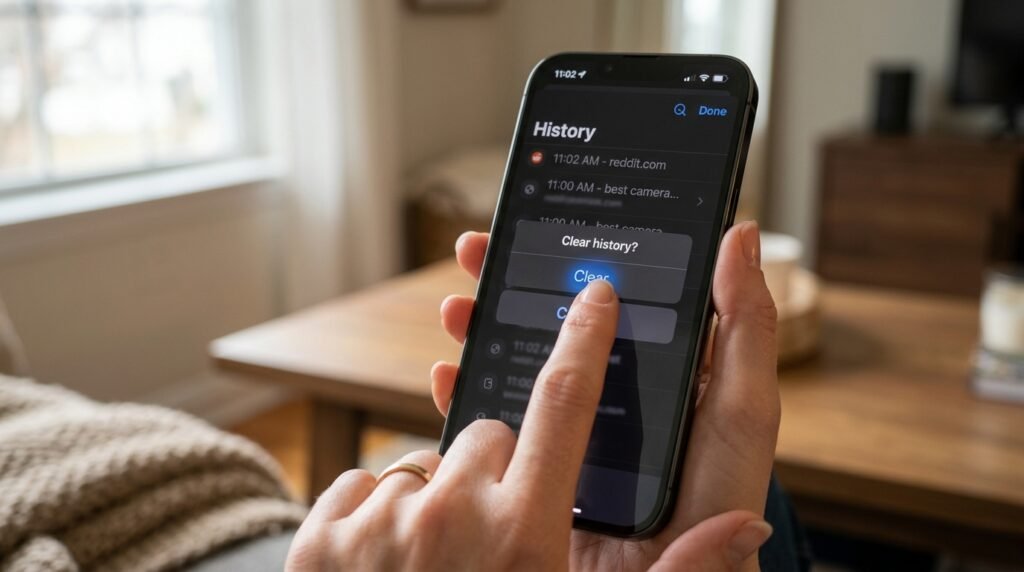
Your location-based search is stored by default in Google and other engines. Frequently deleting this information from your account could potentially prevent companies from predicting your future actions based on the previous queries.
Consider a Faraday Bag

When you require your device to be as silent as possible, the Faraday bag will block all radio signals. This physical block could possibly guarantee that no data can be accessed in or out of your phone.
