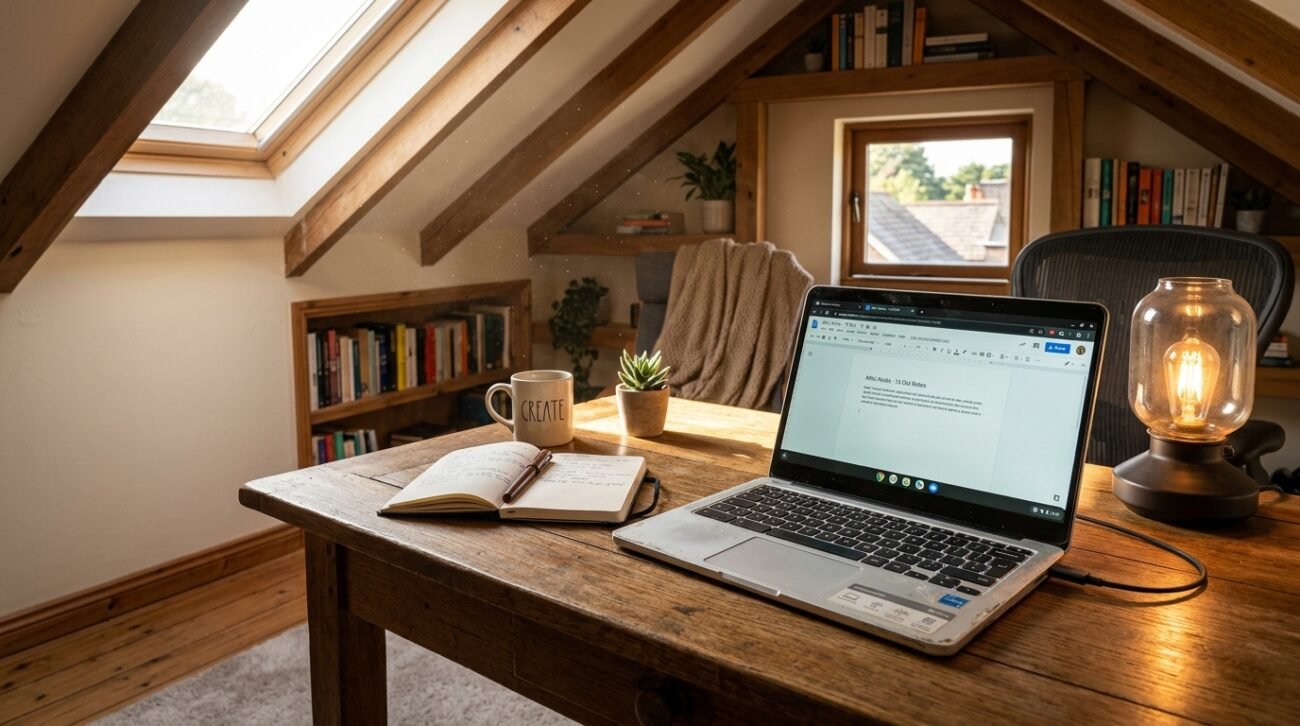
The old laptop you’re stashing away in the attic or basement may feel like a forgotten artifact, but there are many ways it can still be put to use. Google is still sticking with its generous 10-year policy for keeping ChromeOS devices current, as per recent announcements in Business Standard. The long-term commitment also ensures that your older devices will stay safe and operational, providing an incredible chance to resurrect an everyday tech sidekick.
Turn It Into a Digital Photo Frame
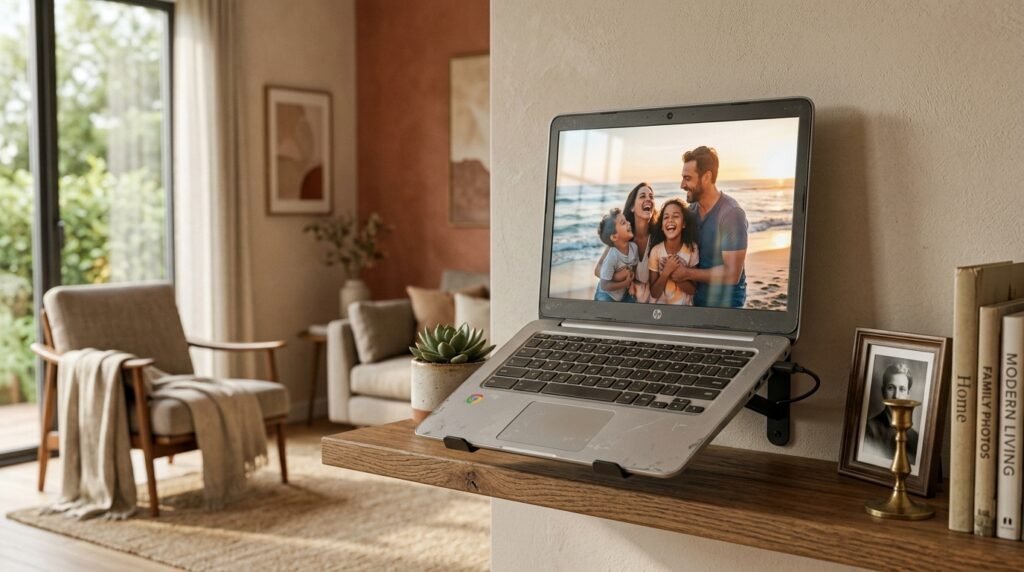
Your old device can easily display your favorite memories. Digital lifestyle reports say that putting the system in full-screen mode with cloud-connected albums makes the screen a stunning, rotating art gallery.
Upgrade the System With ChromeOS Flex
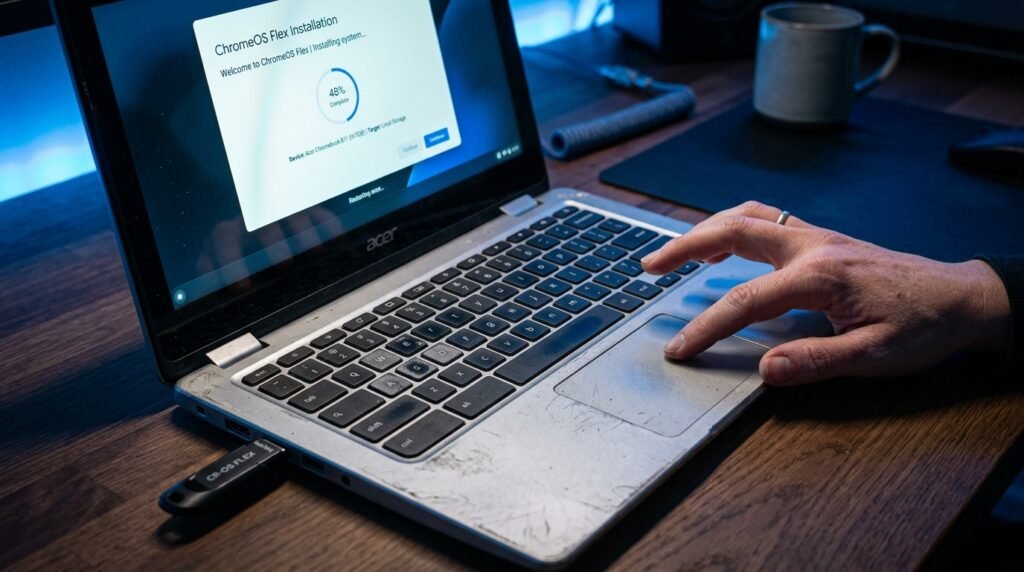
If you no longer get regular updates with your laptop, there’s an easy way to get around this. The technology assessment reveals that it’s possible to update the old parts of the device and to significantly improve the speed of basic web browsing operations by installing ChromeOS Flex.
Use It as a Second Monitor
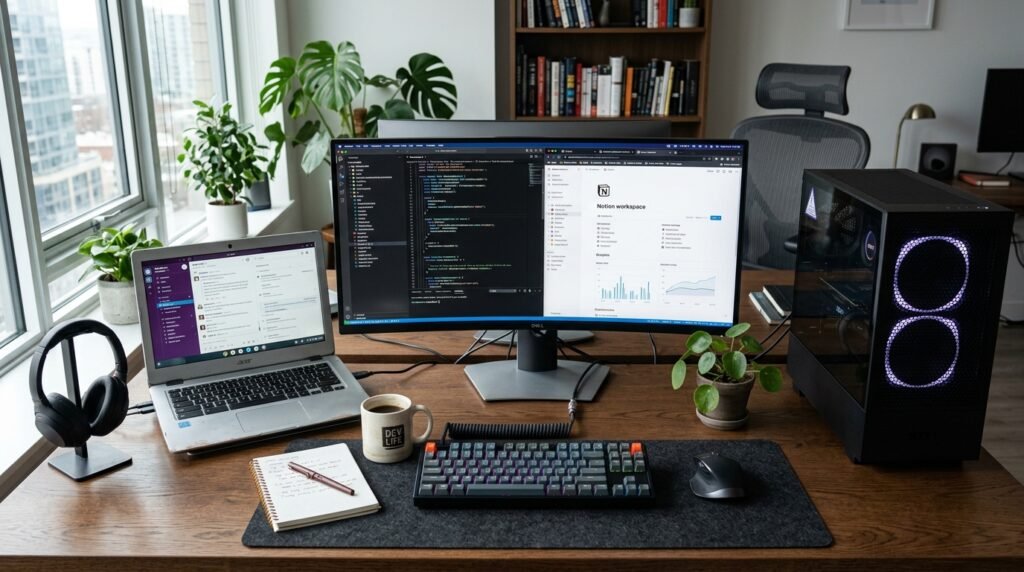
Expanding the work area on a desktop computer need not be costly. There are specific applications that show facilities that will connect the old screen to the main computer, which will make you much more efficient and productive at multitasking.
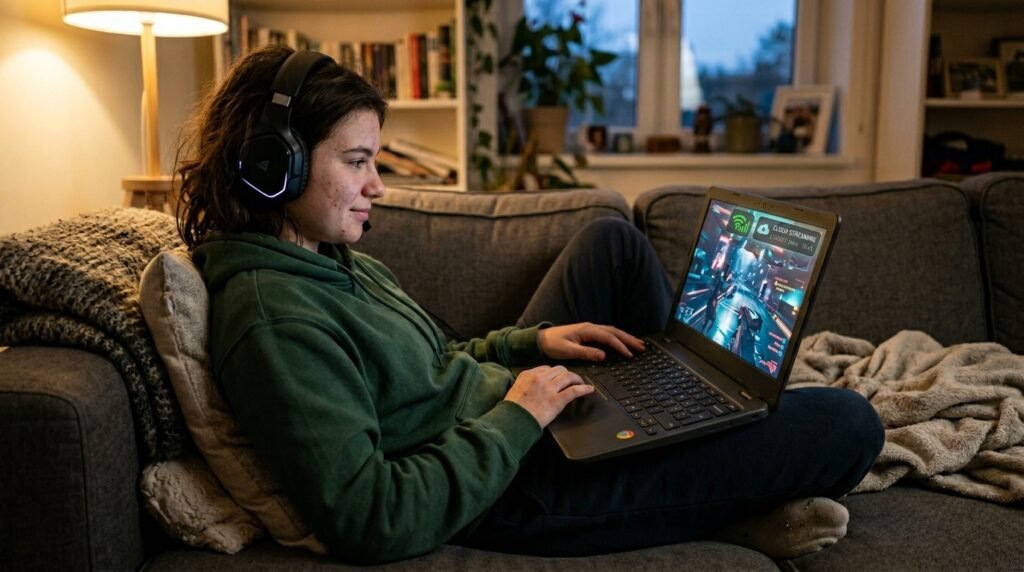
Dedicate It to Casual Cloud Gaming
Modern video games don’t require strong graphics power in order to be enjoyed. According to network engineering information, the streaming service takes care of heavy processing, which means that the older equipment can still show games flawlessly via Wi-Fi.
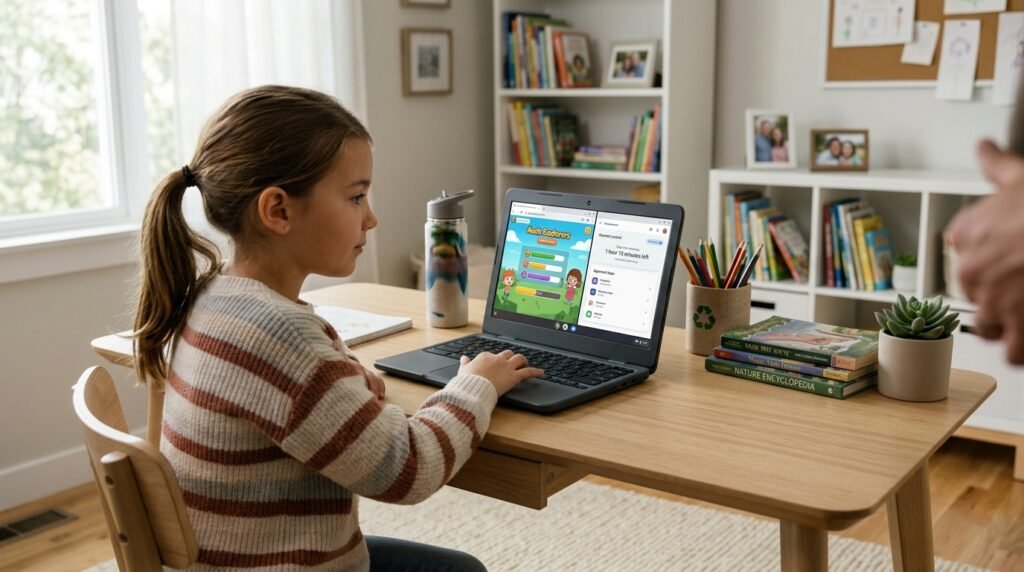
Set Up a Supervised Kid Station
Older kids in the family will find an older laptop to be a good first machine. Built-in parental controls safely limit screen time while letting you go to educational games and videos that are appropriate for children.
Transform It into a Security Monitor
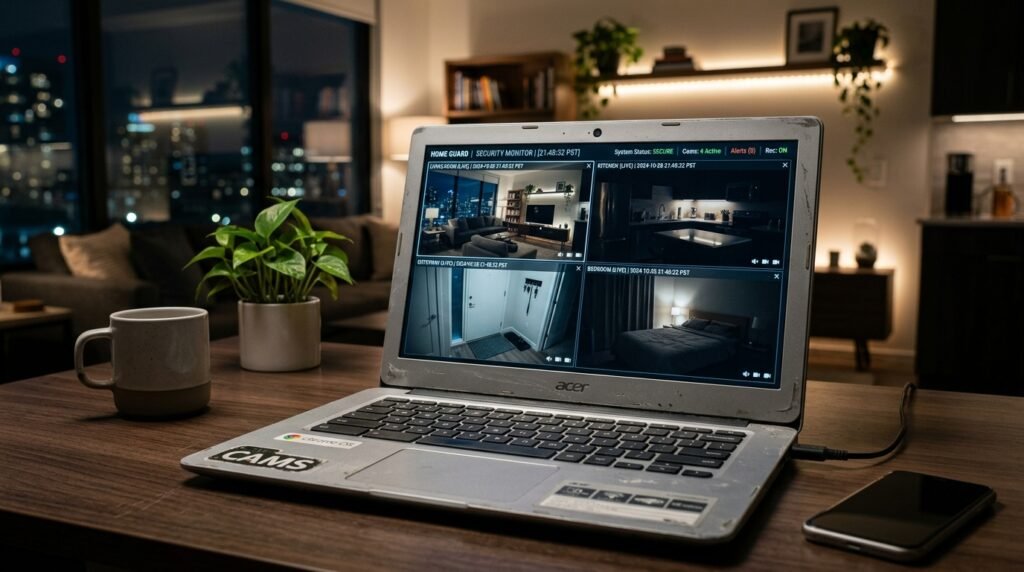
The built-in webcam can serve as a brand new feature within the home security system. Simple applications of video streaming can enable you to keep an eye on a pet or verify a separate room without spending a lot of money on equipment.
Run a Dedicated Media Server
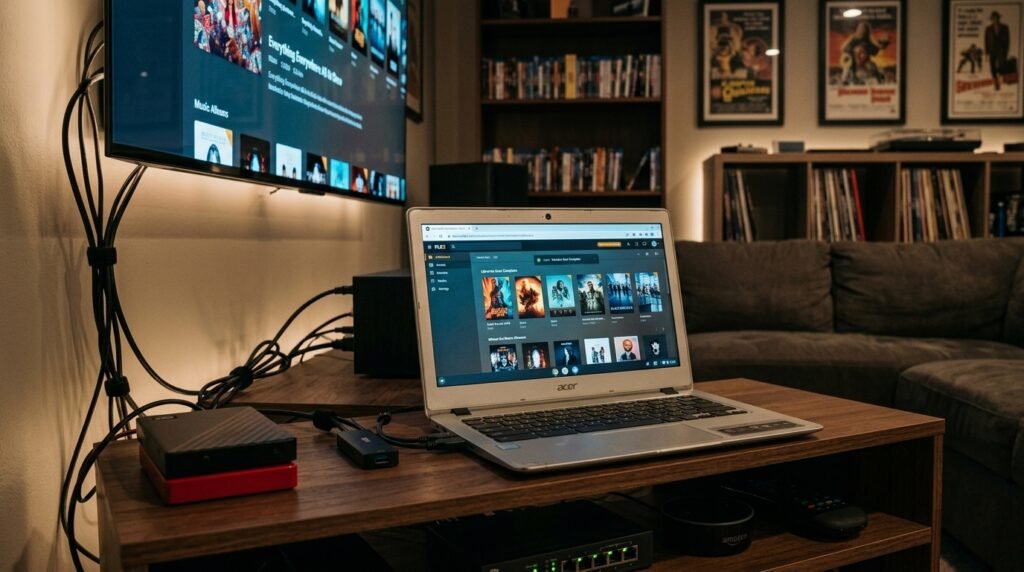
Modest equipment can be used for storing and streaming audio files. Network sharing systems can be set up to serve the data quietly so that the data is available locally to your media collection without impairing the performance of other computers.
Learn the Basics of Linux
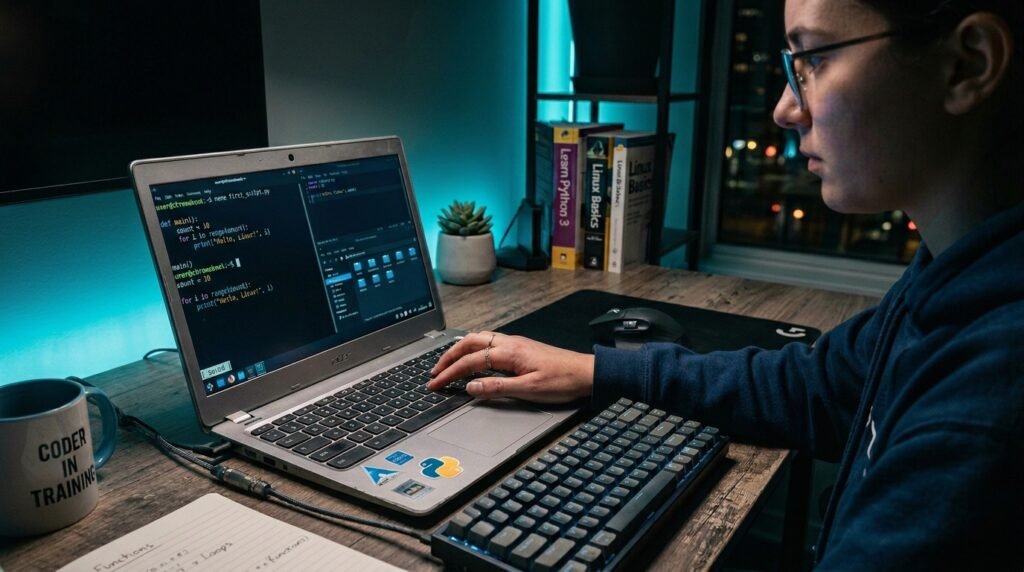
Older hardware provides a secure environment to try out other operating systems. A common tip for computer science education is to enable the built-in Linux terminal to practice and learn coding without getting any data on your main workstation’s data.
Create a Distraction-Free Writing Tool
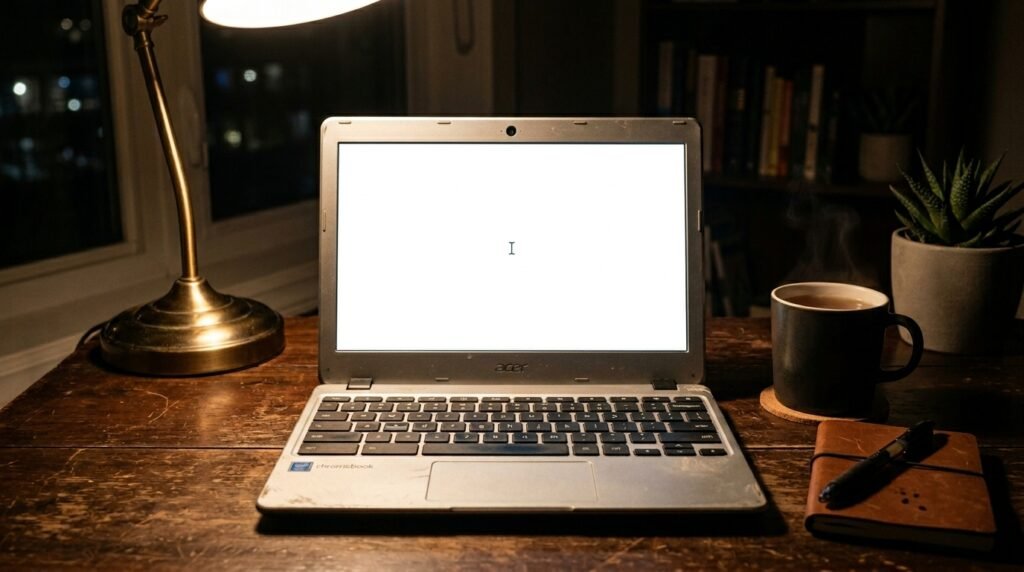
Simple interface to preserve a sense of the “big picture” for creative work. Turning off non-essential notifications makes the laptop into a dedicated typewriter that is ideal for writers to work on a draft without ever getting distracted by notifications.
Keep It as a Backup Device
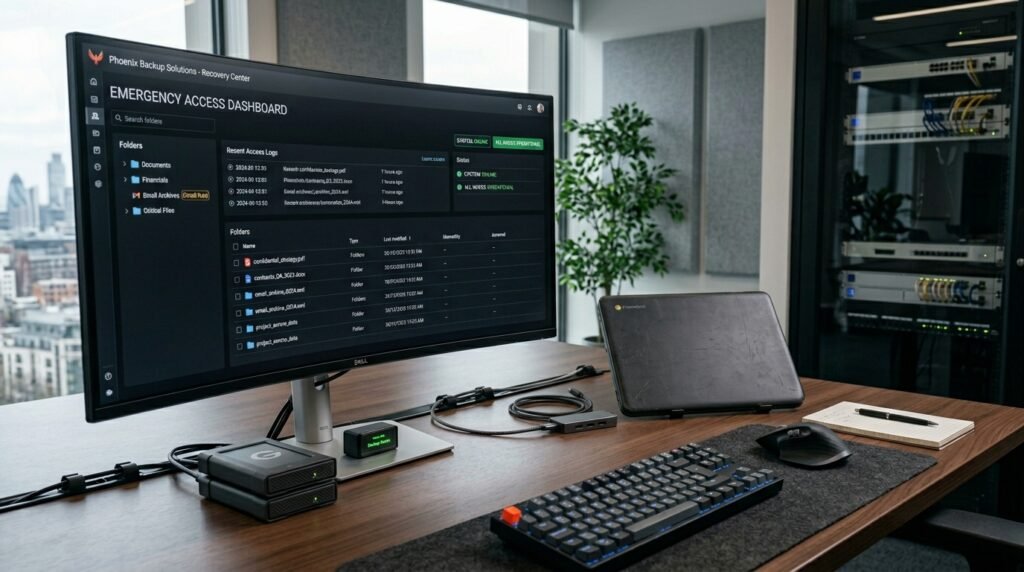
An additional computer isn’t going to cause big hassles when there are unforeseen technical emergencies. If your main computer goes down, a secondary device will allow you to have access to your emails, bank statements, and other important documents.
