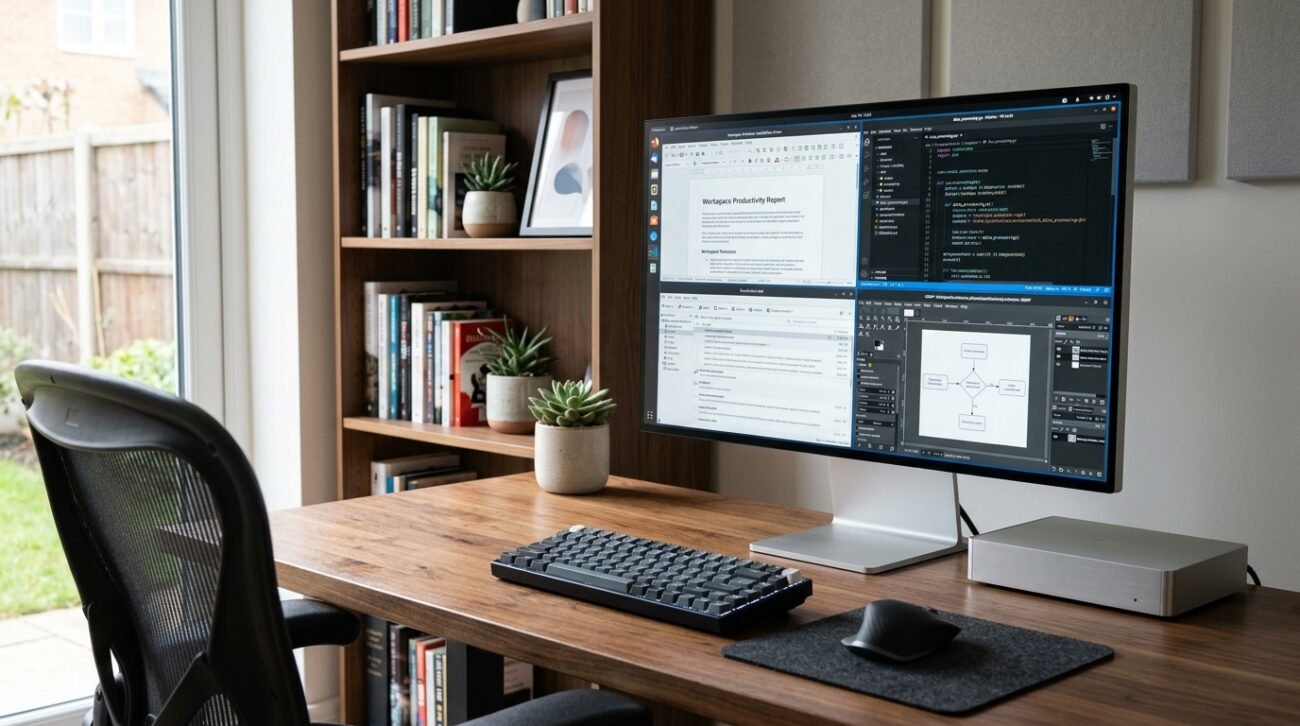
Booting up your PC shouldn’t feel like walking through a digital minefield of pop-ups, slow loading screens, and forced software updates. A recent user sentiment report highlighted by PCMag confirms that countless desktop users are growing weary of heavy system bloatware and rigid pre-installed tools. Thankfully, there is no need to keep the default ecosystem. Changing out cumbersome built-in software with simple standalone options could transform your everyday computer experience.
Swap Cortana for Flow Launcher
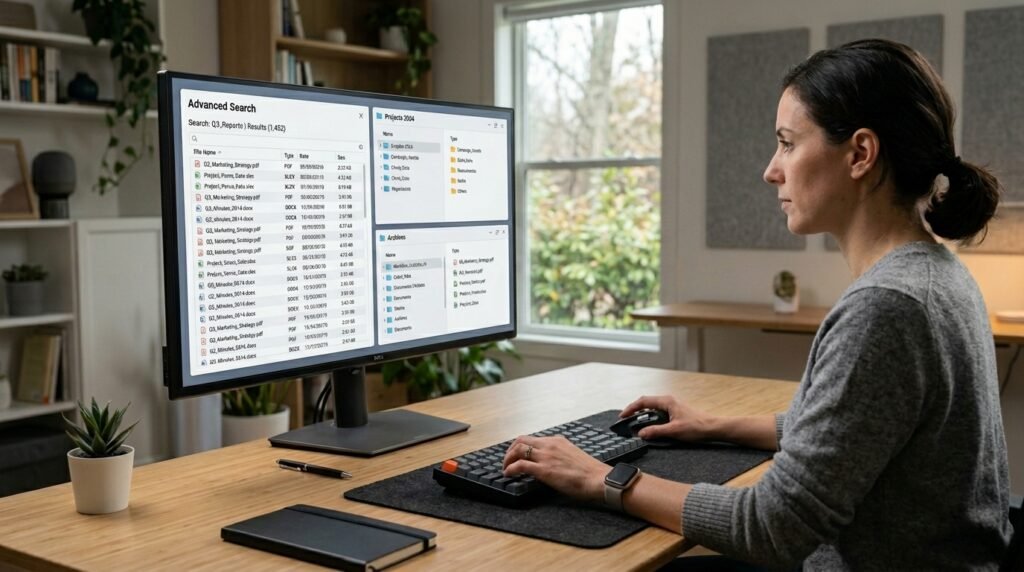
The built-in desktop search bar often drags internet results into local file queries. A lightweight launcher instantly searches your hard drive without consuming precious background random-access memory.
Replace Paint With Krita Painting
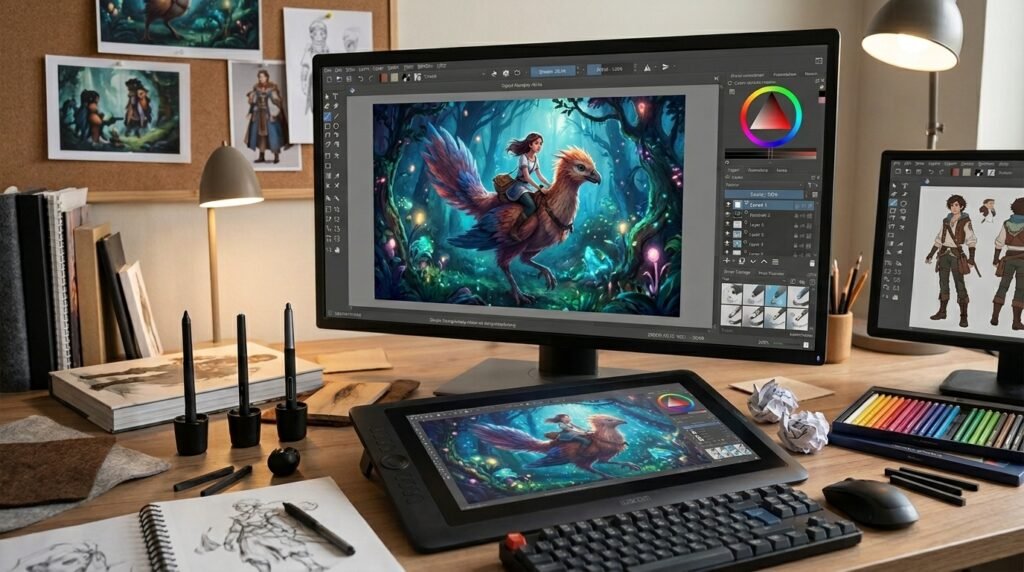
The classic drawing app feels a bit limited for modern creative tasks. Stepping up to a dedicated open-source suite offers advanced layering tools without a restrictive paywall.
Trade Mail for Thunderbird Client
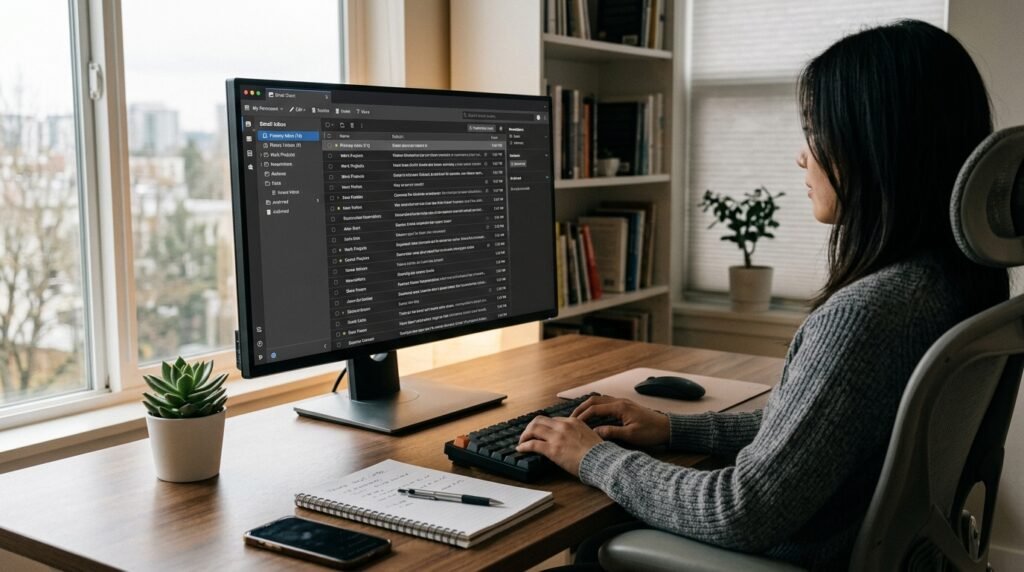
Managing emails through the native client can feel incredibly clunky during heavy workdays. Moving to a robust, community-driven client might streamline multiple inboxes into a single clean view.
Ditch Photos for ImageGlass Viewer
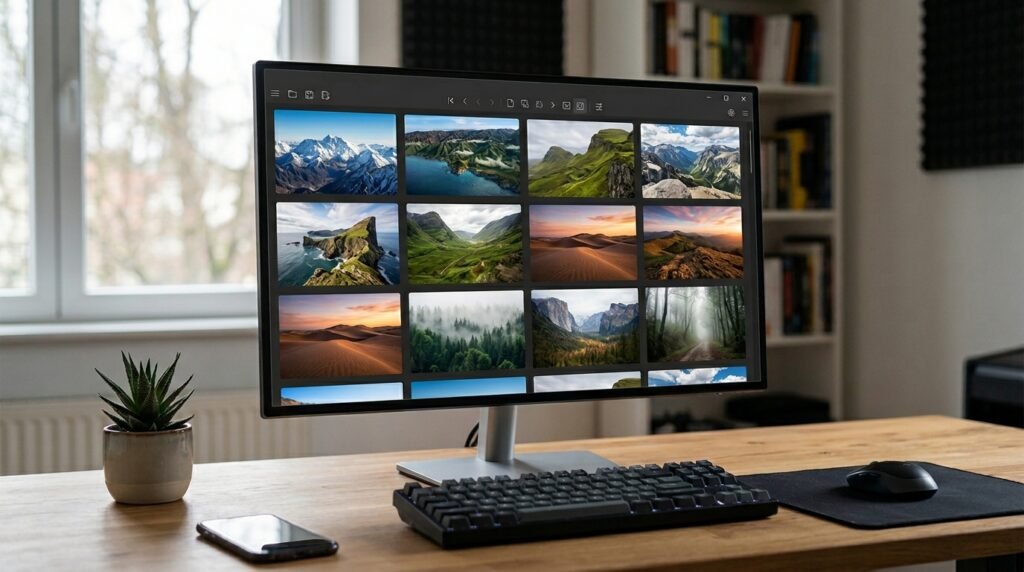
Opening a simple picture shouldn’t cause your system to freeze or lag. A minimalist, lightning-fast image viewer allows you to flip through memories without any annoying background processing.
Swap Media Player for VLC
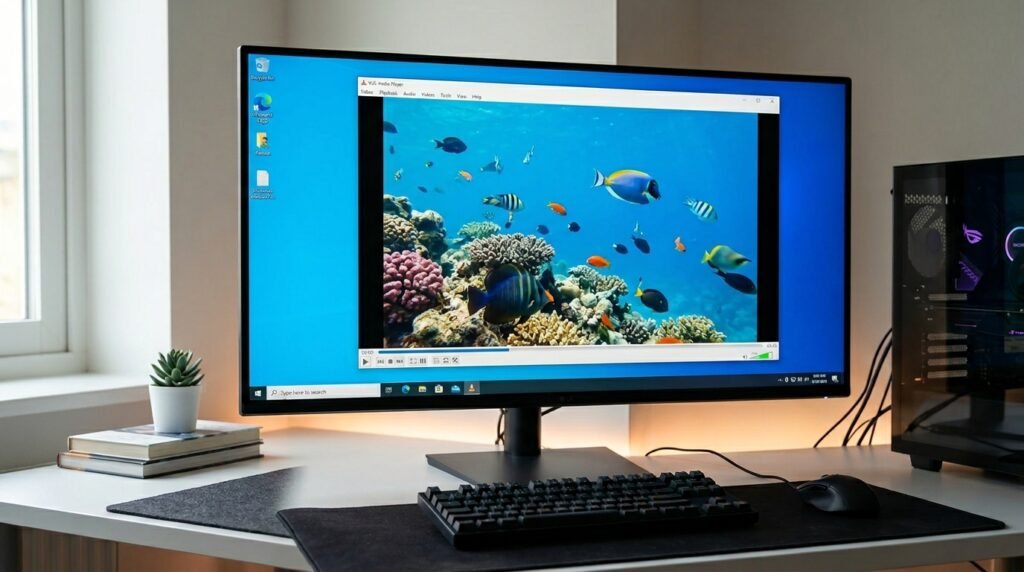
The stock media application often struggles with rare audio and video file formats. Utilizing a classic, open-source player ensures virtually any video clip plays instantly without codec errors.
Replace Sticky Notes with Notebook
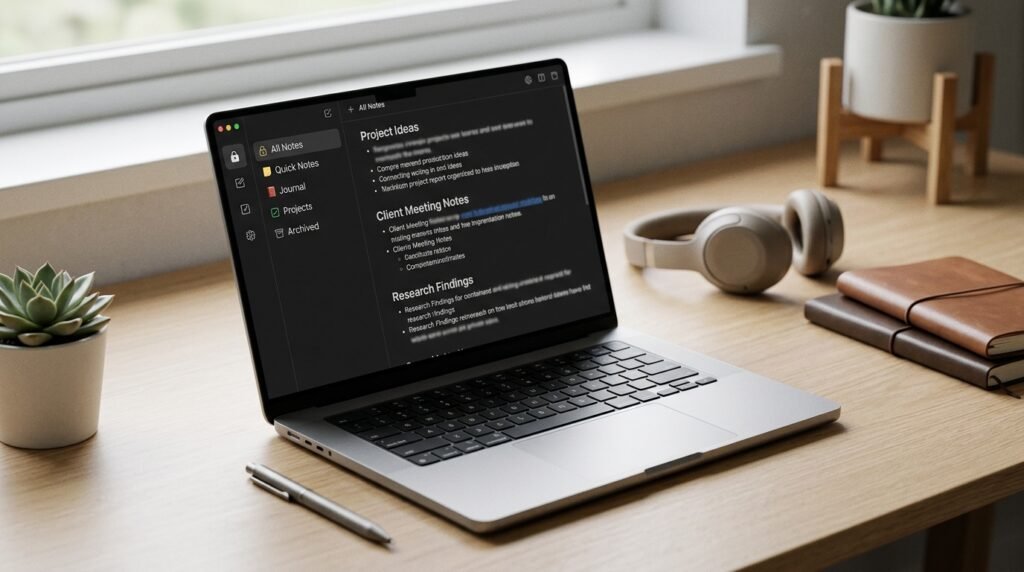
Forgetting a quick reminder because your desktop app failed to sync is incredibly frustrating. Switching to an encrypted, cross-platform notebook ensures your thoughts remain totally private and accessible.
Trade Notepad for Notepad++
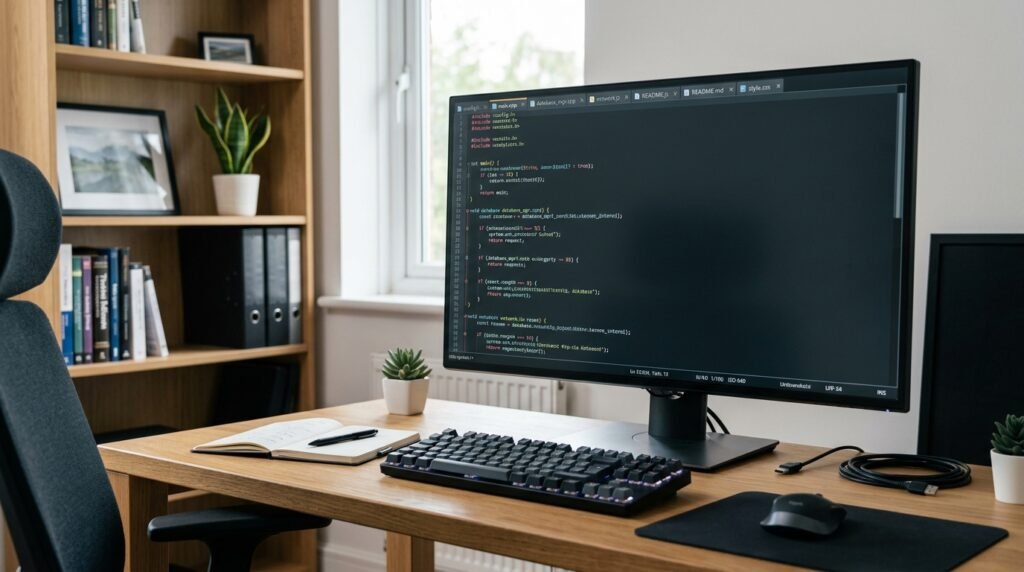
The basic text editor can struggle when opening massive data or coding documents. Upgrading to a developer-friendly alternative provides useful syntax highlighting and robust multi-tab file management.
Swap Snipping Tool for ShareX
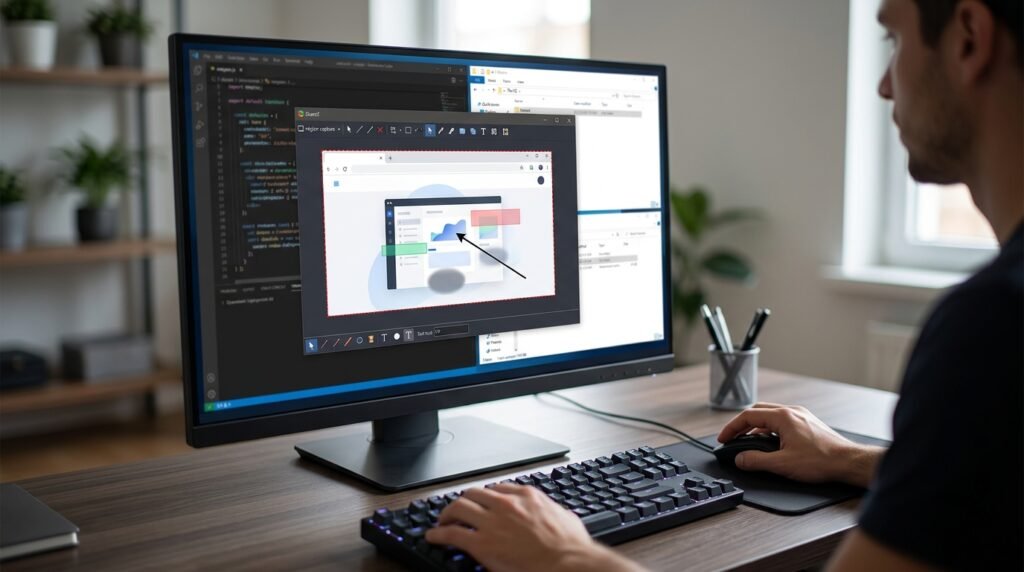
Taking a quick screenshot should be easy and require only a single click. The advanced capture utility can provide instant cropping, blurring, and uploading to the cloud without any complicated extra steps.
Replace Calculator with SpeedCrunch Engine
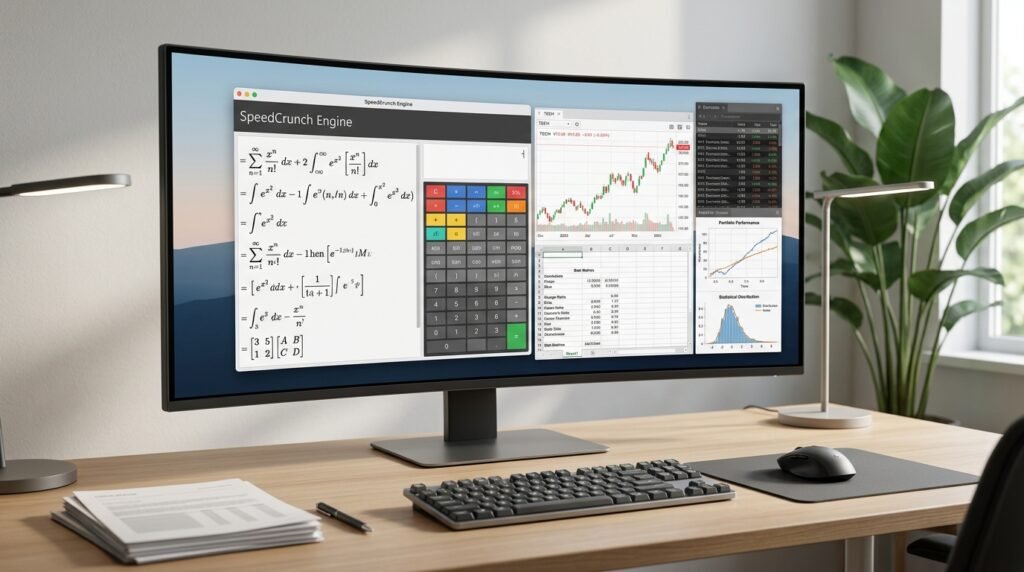
The default calculator can feel a bit basic for complex budgeting or algebraic equations. A high-precision keyboard-driven calculator allows you to type out long expressions with total clarity.
Trade OneDrive for Syncthing Utility
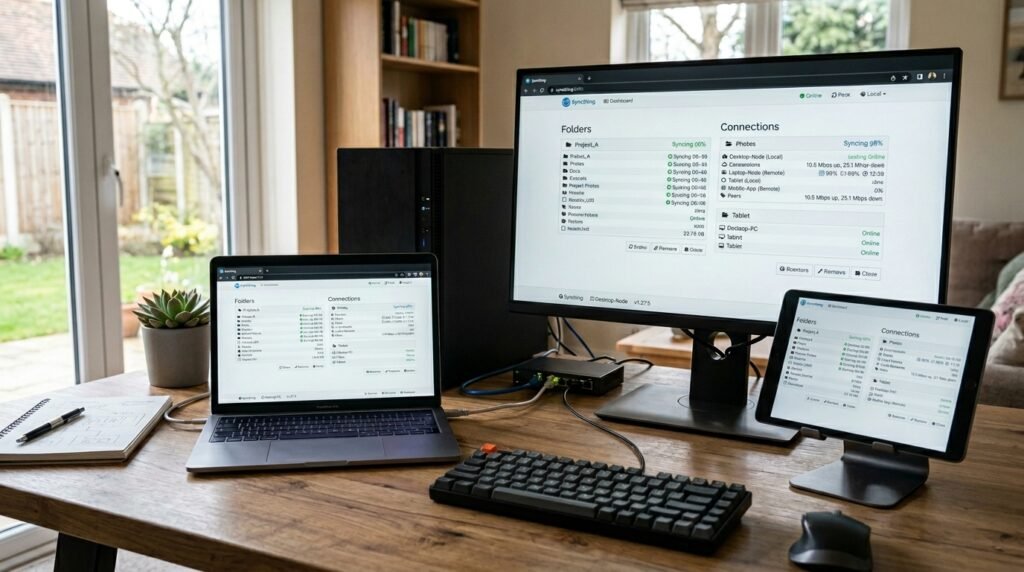
Forced cloud backups can sometimes confuse folder paths and slow down your internet upload speeds. A decentralized synchronization tool copies files directly between your devices without third-party servers.
Ditch Defender for Open-Source Firewalls
Relying entirely on standard background security can sometimes lead to unexpected system slowdowns during gaming. Exploring lightweight, highly transparent security tools might give you much finer control.
Swap Defrag for Defraggler Tools
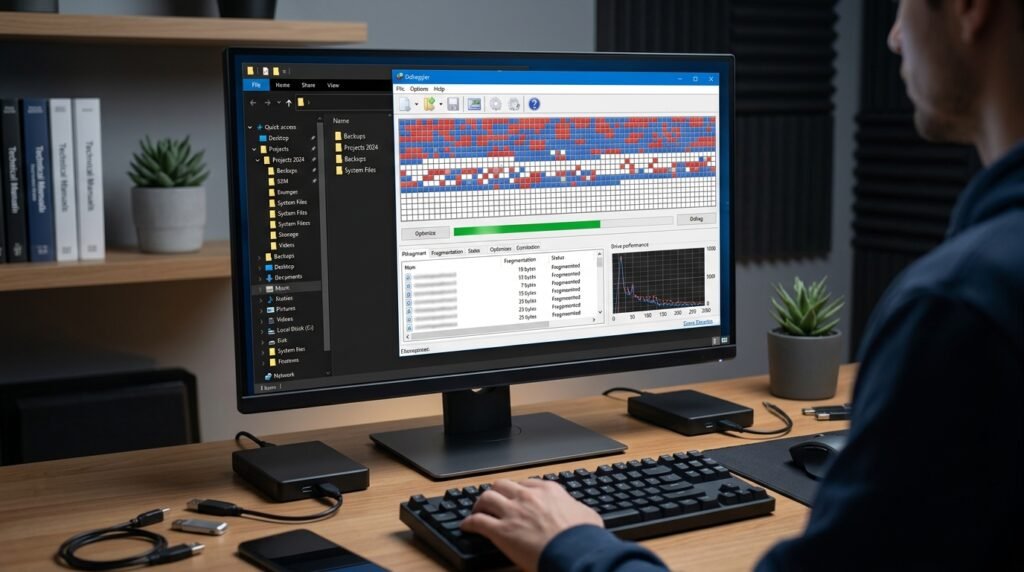
The automated drive maintenance tools built into the system can feel incredibly rigid. Utilizing a dedicated utility lets you target specific folders for optimization, potentially saving time.
Replace Word for LibreOffice Writer
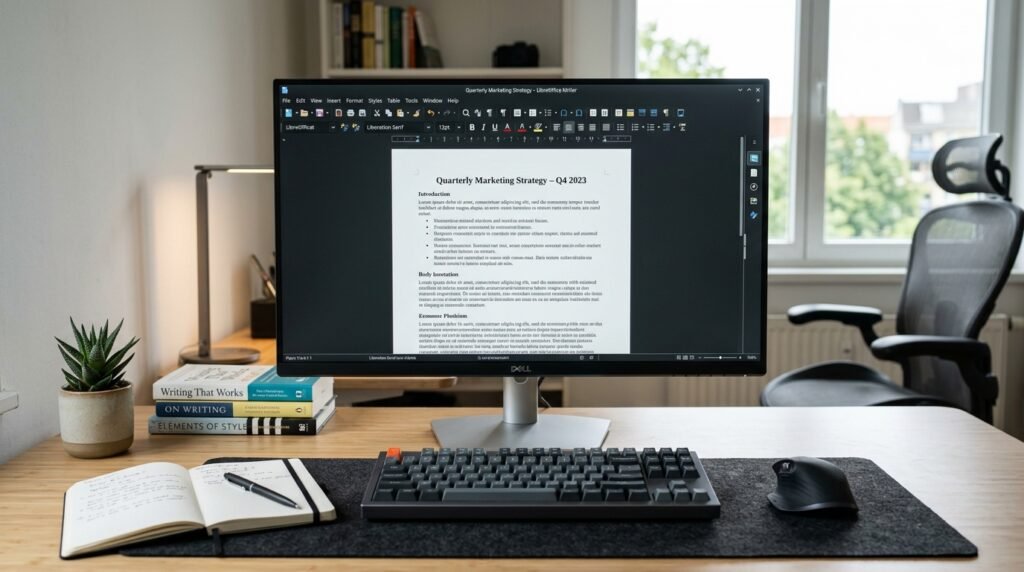
Paying a recurring subscription fee just to type up simple documents feels unnecessary. An open-source office suite handles standard file extensions perfectly without requiring a monthly cloud commitment.
