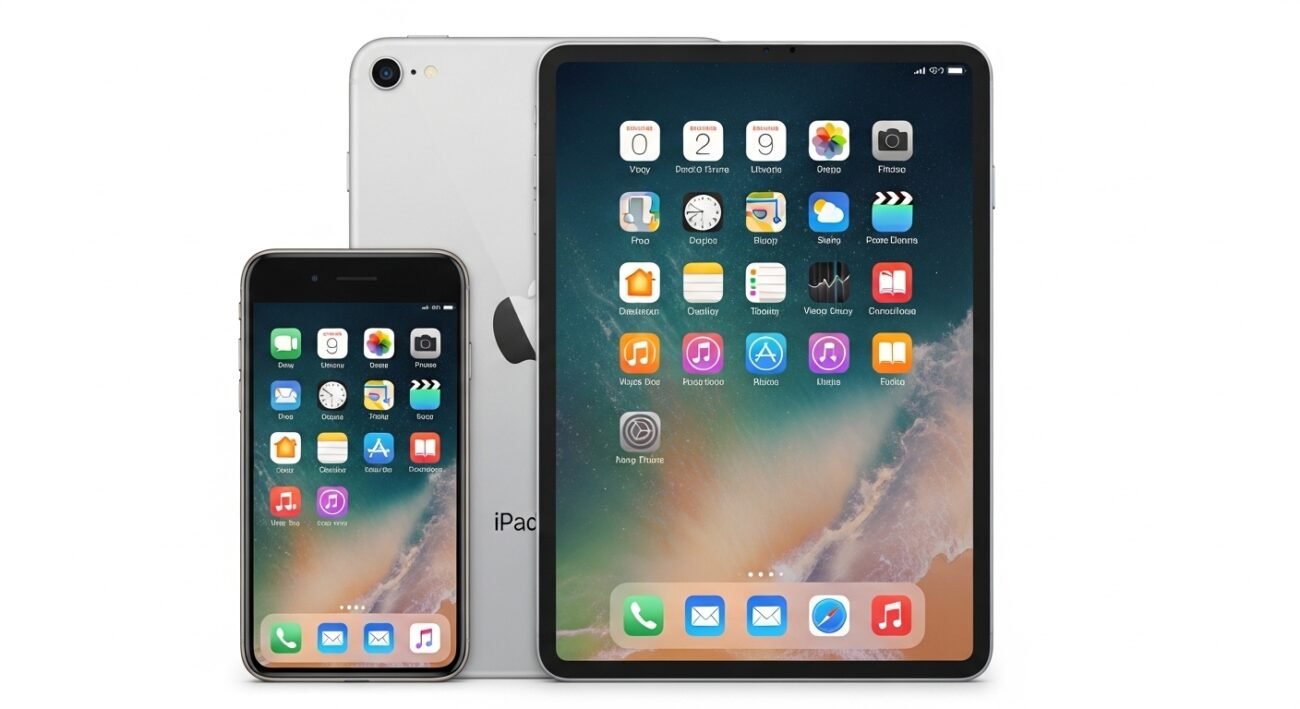
If you already use an iPhone, you might wonder whether an iPad is worth adding to your daily routine. While both devices come from Apple Inc. and share many familiar features, the iPad offers a distinctly different experience that goes far beyond a larger screen. It is designed for productivity, creativity, and multitasking in ways that a smartphone simply cannot match. From advanced workflows to immersive entertainment and precision tools, the iPad fills the gap between phone and laptop. Here are ten capabilities that highlight why an iPad can do things your iPhone just can’t.
Split View Multitasking
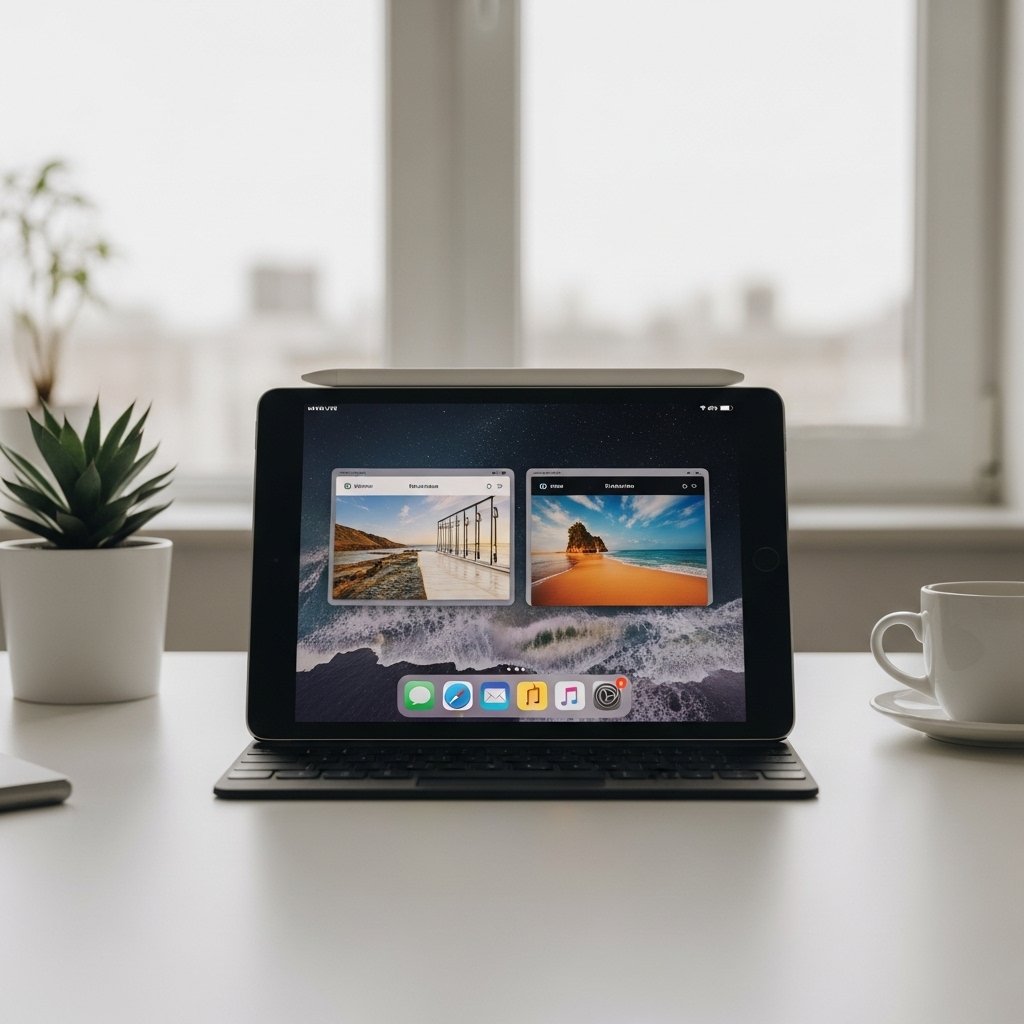
The Apple iPad allows you to run two apps side by side, making it easy to check emails while browsing or take notes during a video call without constantly switching screens.
Full Desktop-Class Browsing
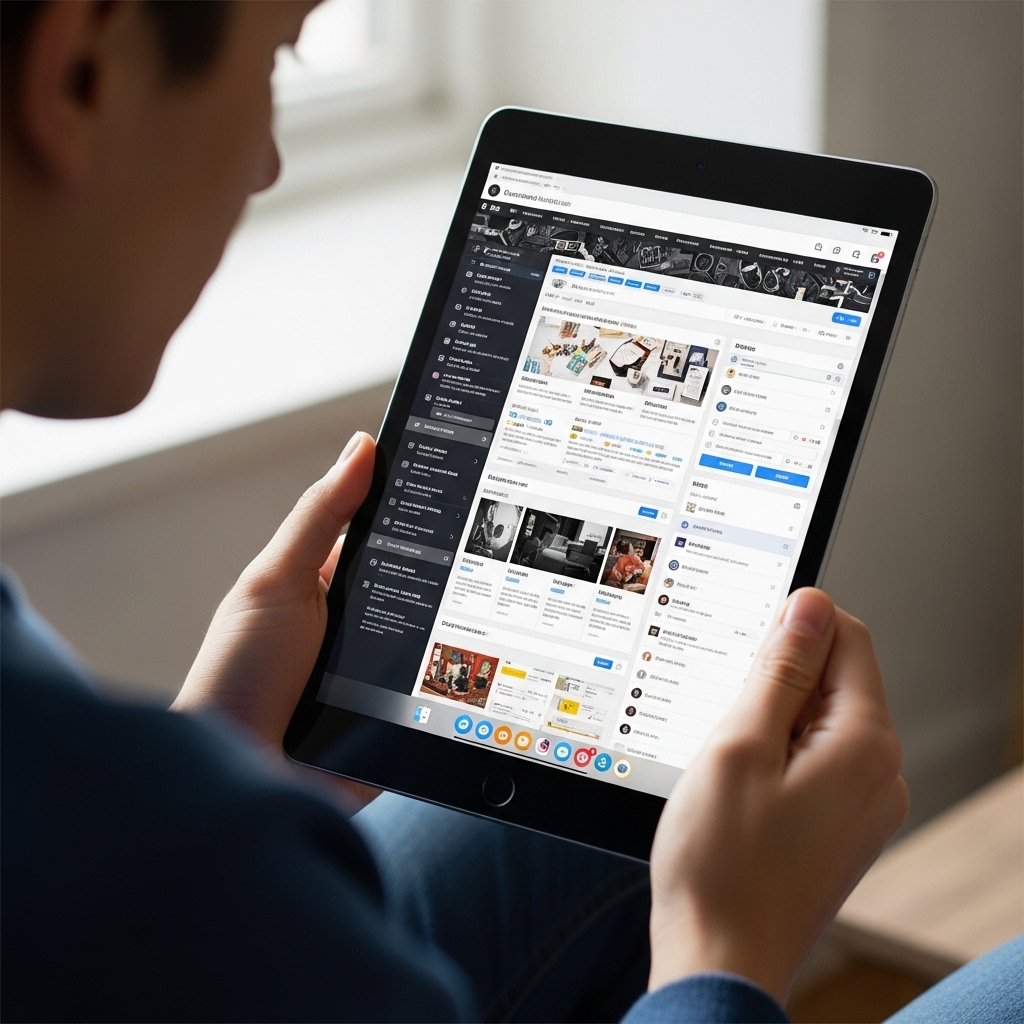
Unlike the Apple iPhone, the iPad delivers a desktop-like browsing experience. Websites load in full versions, offering better navigation, advanced tools, and smoother workflows for research or online tasks.
Apple Pencil Precision Input

The iPad supports the Apple Pencil, turning it into a digital notebook or sketchpad. You can draw, annotate documents, or jot down ideas with accuracy that a touchscreen phone cannot replicate.
Advanced Creative Apps
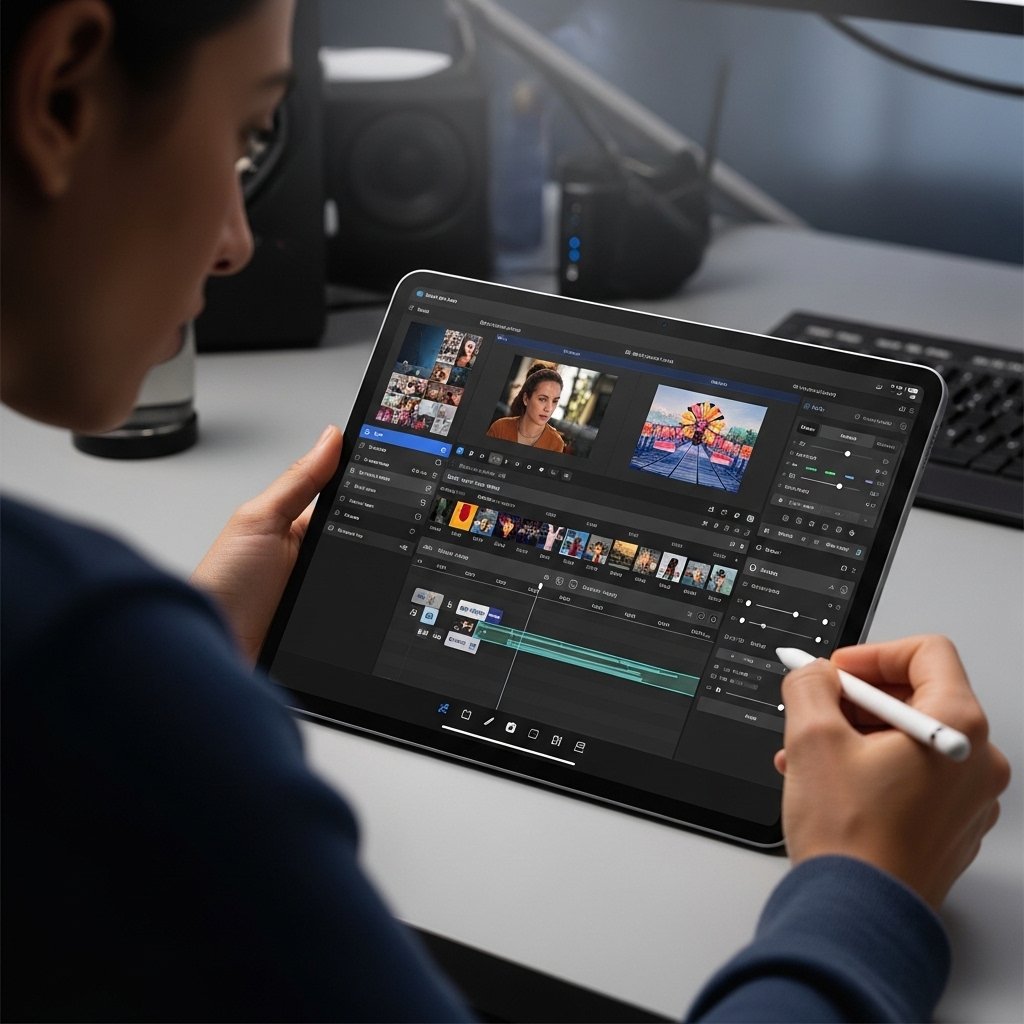
Many professional apps for design, video editing, and illustration are optimized for the iPad’s larger display, offering more controls and workspace compared to the limited interface on an iPhone.
Enhanced Keyboard Productivity

With external keyboard support, the iPad becomes a lightweight typing machine. Writing emails, documents, or reports feels closer to using a laptop than typing on a phone screen.
Drag and Drop Between Apps

You can drag images, text, or files between apps on an iPad. This simple feature saves time and improves workflow, especially when working across multiple documents or platforms.
Better File Management System
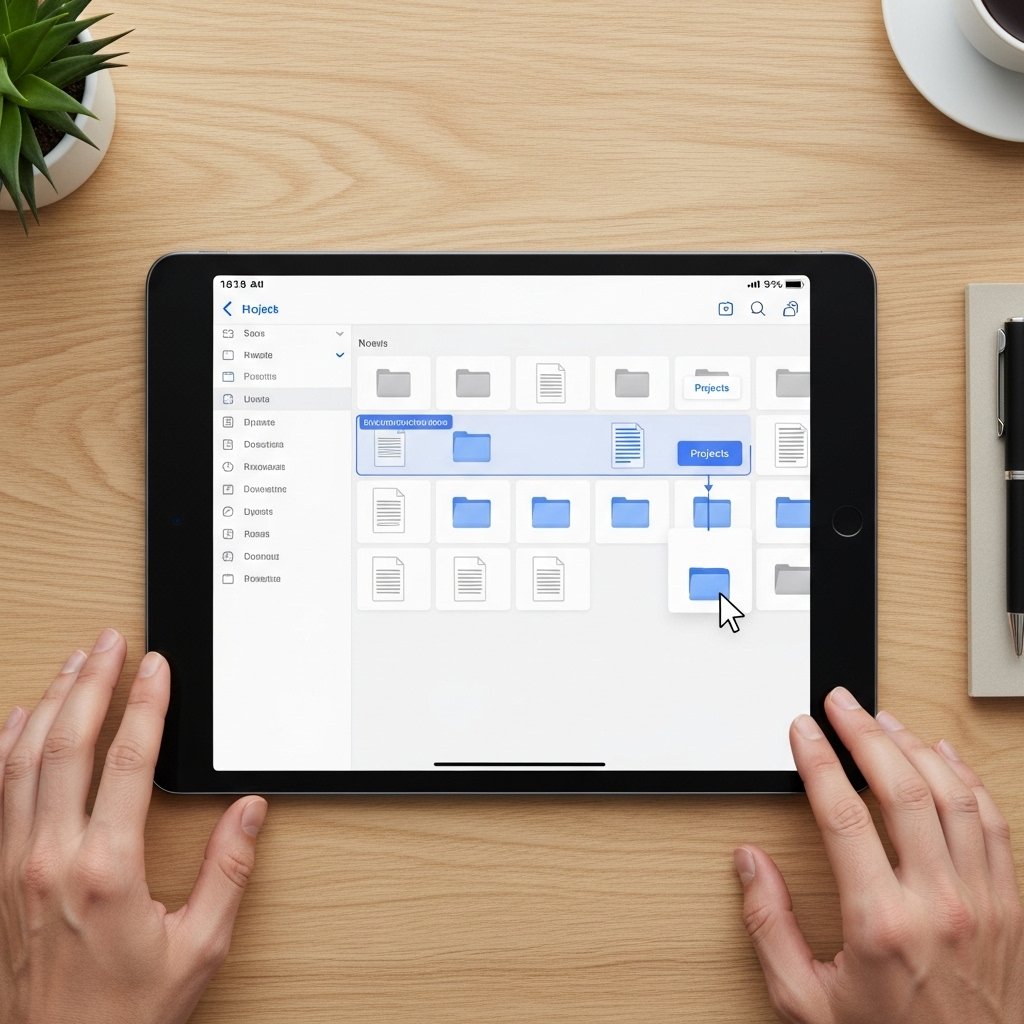
The iPad’s file system is more flexible and closer to a computer. You can organize, access, and manage files in a structured way that goes beyond the basic file handling on an iPhone.
Picture-in-Picture Video Viewing
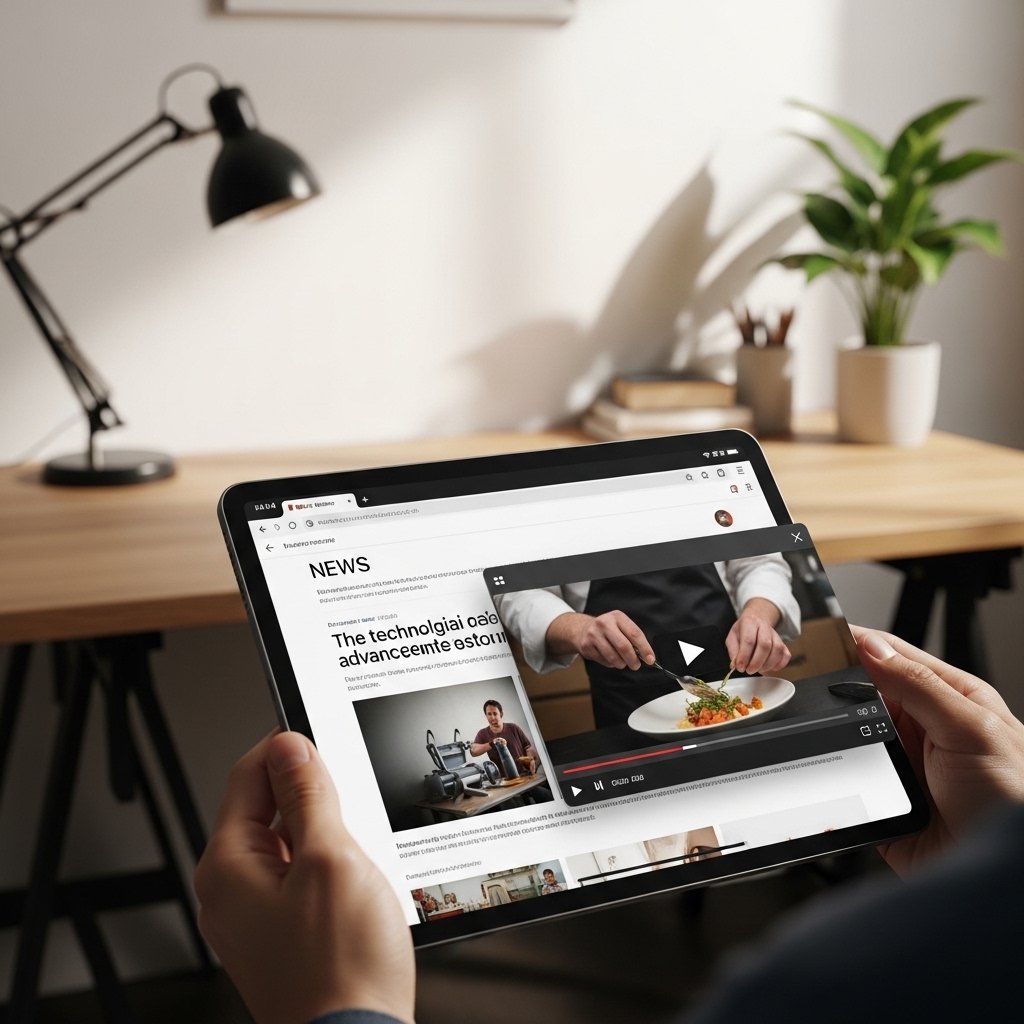
The iPad allows videos to play in a floating window while you work in another app. This makes multitasking more seamless, whether watching tutorials or attending meetings.
Multi-User Friendly Experience

The iPad is better suited for shared environments. Its size and versatility make it ideal for family use, presentations, or collaborative work without the limitations of a personal smartphone.
