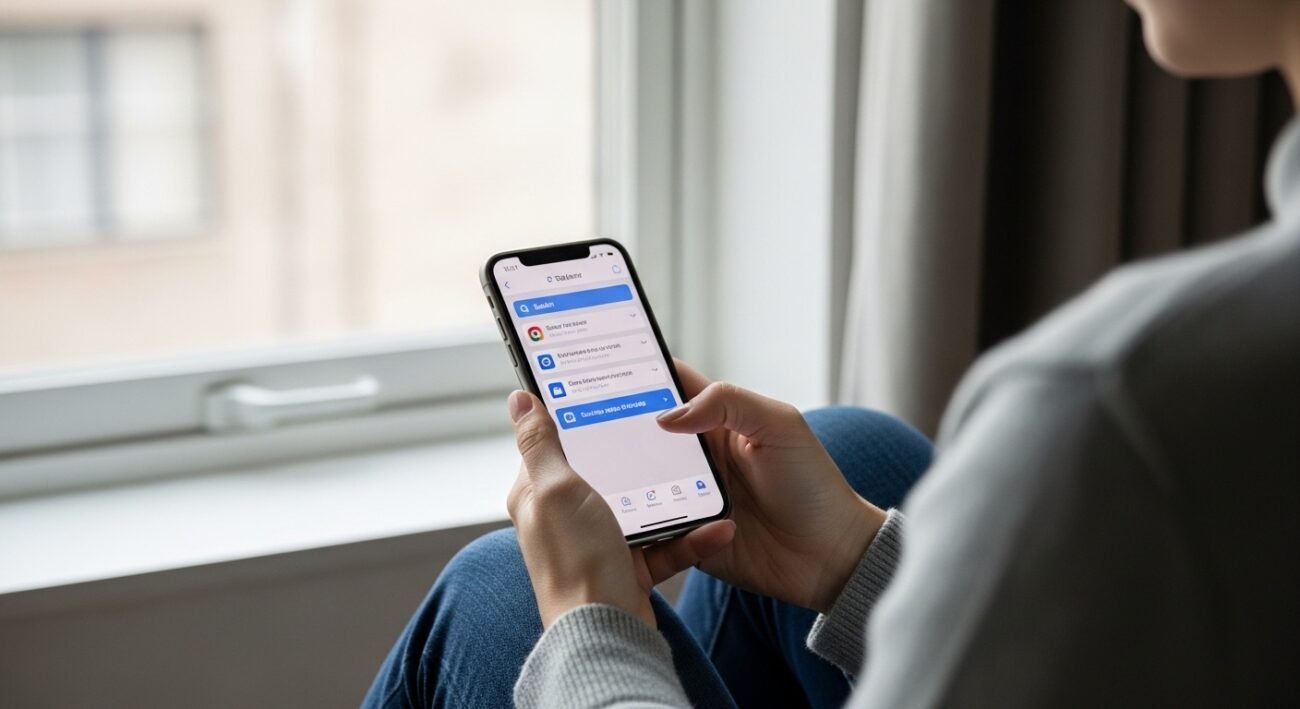
Every day begins the same way for many people, reaching for that familiar device before coffee kicks in. A tap launches Safari almost automatically, like breathing. But hidden speed hides behind small tweaks most never try. What feels instant could feel sharper, given a nudge. Guarded spaces exist within, untouched by default choices. Features linger quietly, overlooked because habit beats curiosity every time. Strength sits still until someone looks beyond the surface. Quiet power does not announce itself.Hidden tools sit tucked within Safari, maybe changing how you browse. If mess frustrates you – or keeping things private feels more urgent – small tweaks offer calm fixes. Little shifts under the hood gain speed before long. Try one at a time, pay attention to what sticks around.
Tab Groups Keep Things Neat
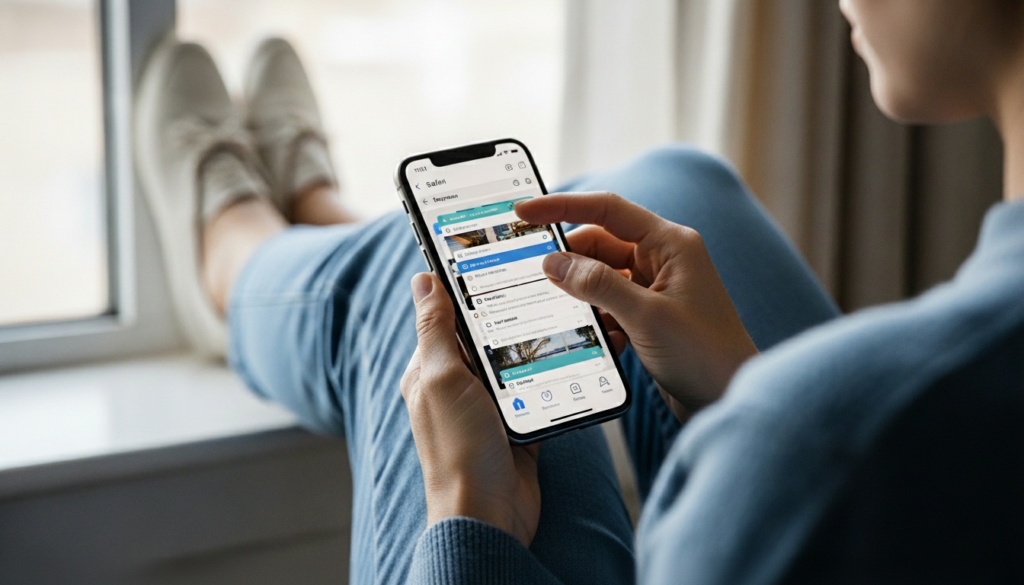
Piles of paper on a desk – tabs can look just like that. Work stuff here, trip ideas over there, stores you browsed down the table. Everything makes more sense once it settles into corners of its own. Jumping around feels smoother now. Screens stop shouting after a while.
Private Browsing Mode
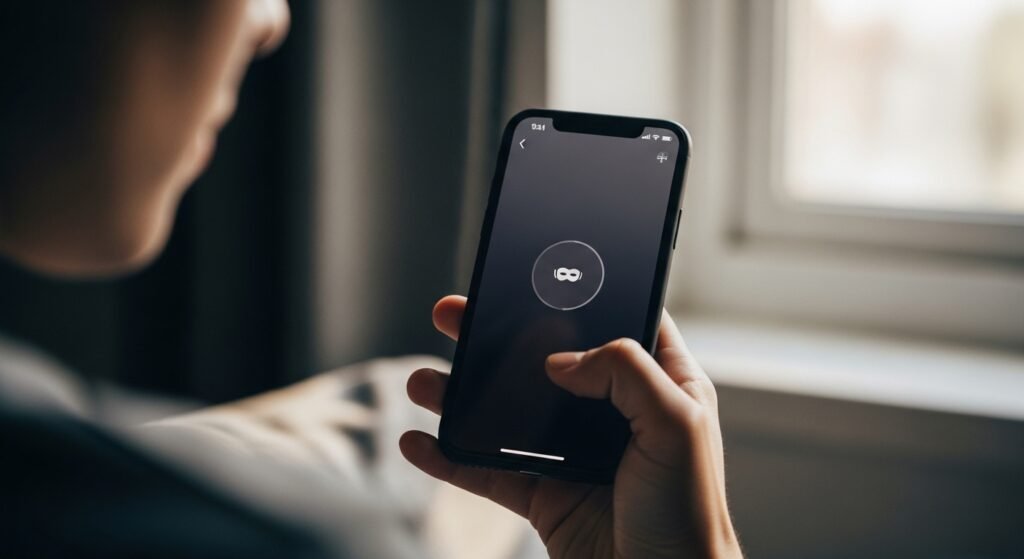
Vanishing happens fast out here – Safari tosses your search history, site details, everything. When fading into the background matters most, especially on devices passed around, footprints stay faint.
Reader Mode for Focus
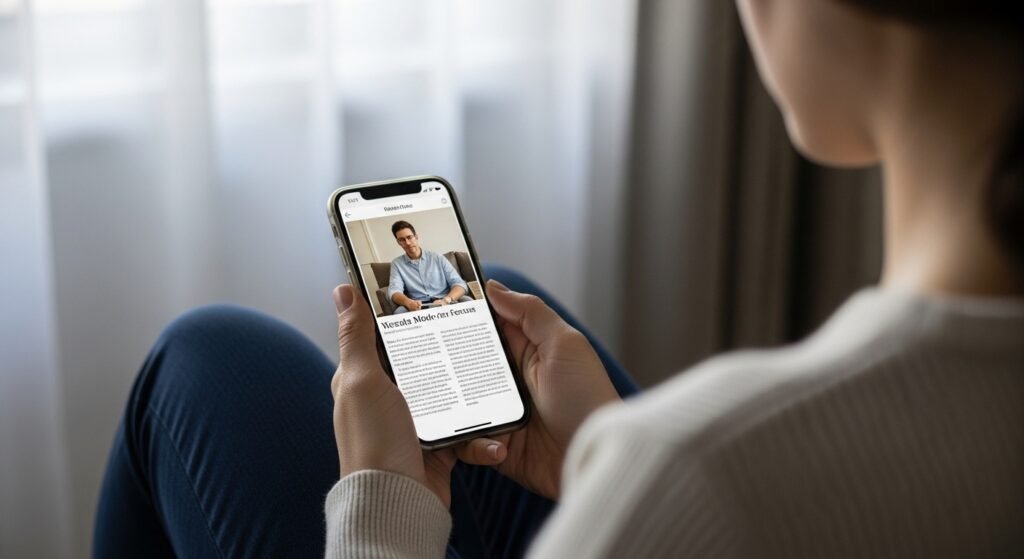
Here, shapes rise higher when noise finally leaves. With commercials off, space opens for stillness. Each alert disappears – first that one, then another. Clutter thins out over time. Attention settles again, calm and clear, right where it belongs. Letters stand spaced apart, much like seats in a silent room.
Live Text in Images
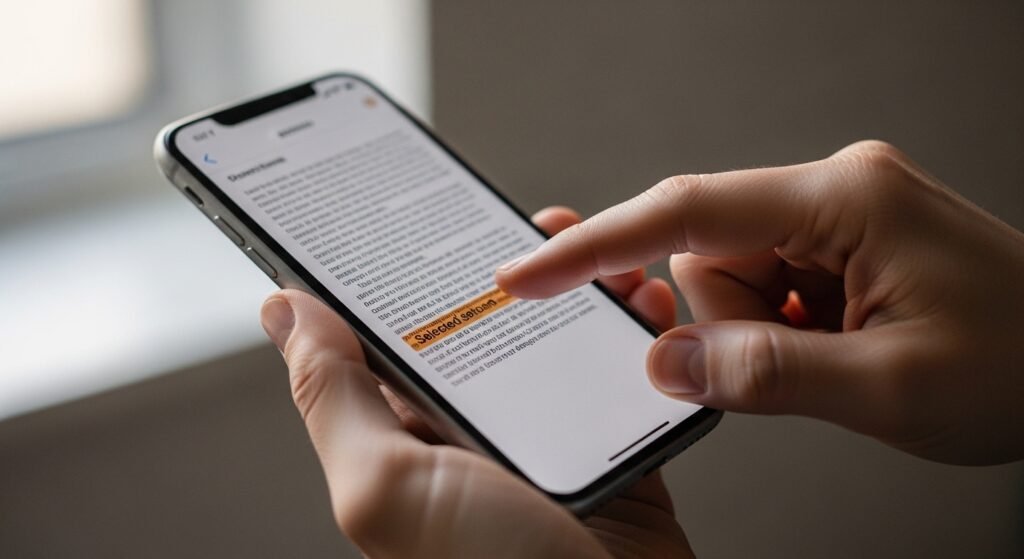
Pictures let you pull text from the screen just by tapping. This shortcut helps grab details such as phone numbers without delay. When you need an address fast, that small step saves time.
Website Translation
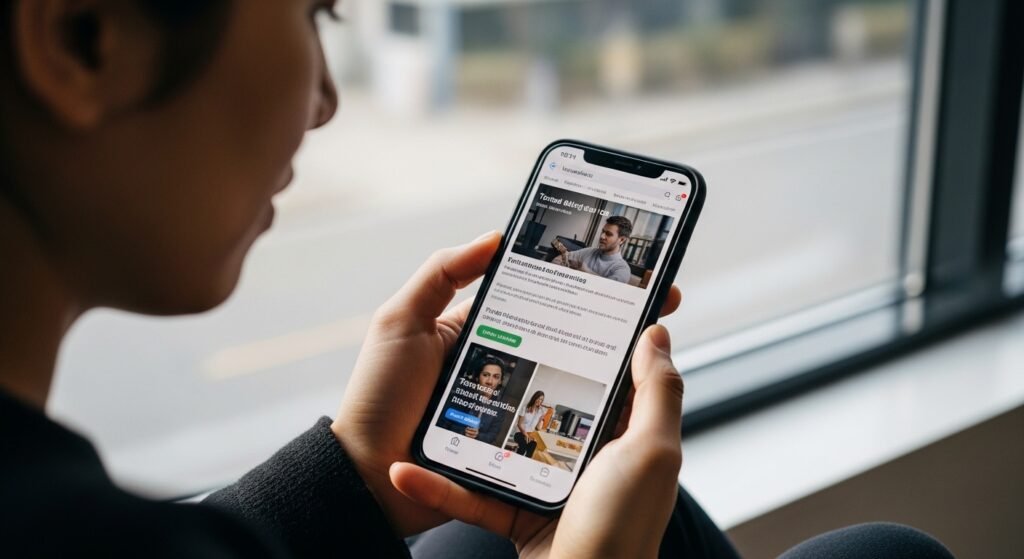
Tap once, then Safari shifts the page into your chosen tongue. Right inside the browser, stumbling through unknown sites gets simpler since words change right where they sit.
AutoFill speeds up form completion
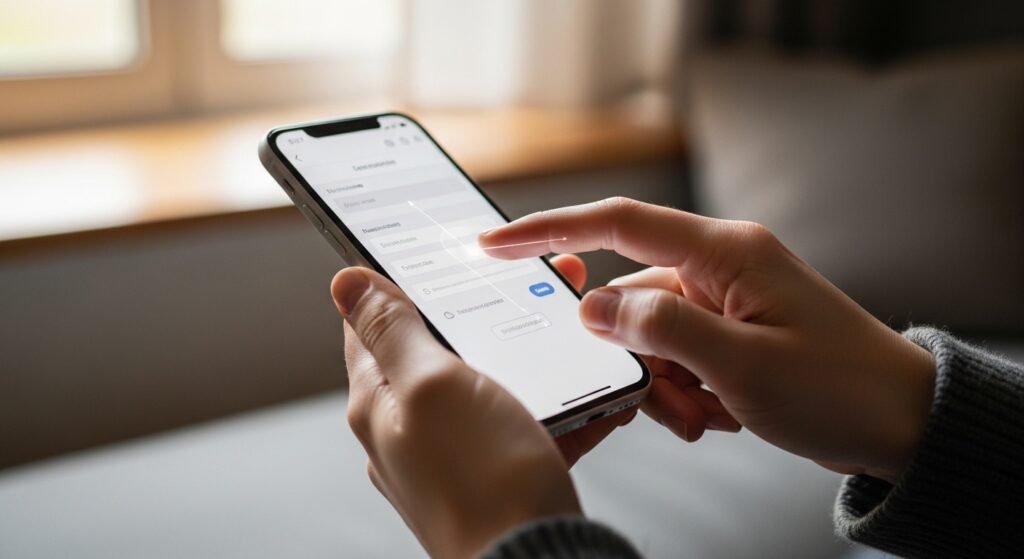
Most of what you type vanishes once AutoFill holds onto your info – addresses, logins, things like that. Need speed? Saved data lands directly where it belongs on websites. Retracing steps becomes rare, since old inputs reappear, sliding smoothly into place. Passwords show up only when needed, slipping in quietly and precisely. Pages complete themselves nearly out of sight, done before you fully notice they began.
Download Manager
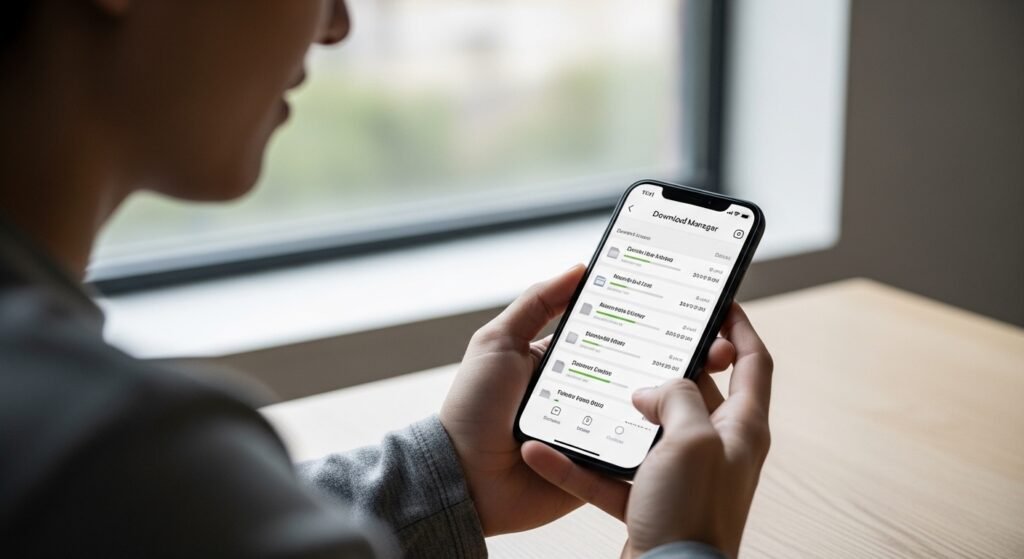
Out of nowhere, Safari lets you pull down files without fuss. Snapshots or paperwork appear as if they were expecting you. Skip hopping between programs – one touch moves you forward. Nothing third-party sneaks in; it all belongs right there. Tidy folders hold items near, kind of like a quiet trick.
Custom Start Page
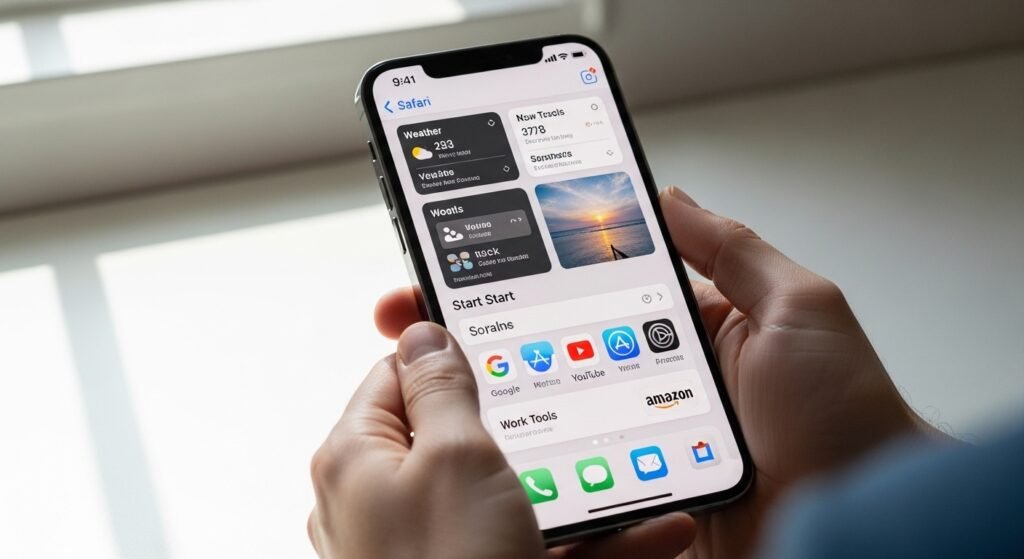
Open Safari. Straight off, familiar websites show up right where you expect. Think about it – pages visited daily snap into view instantly. Back there, a photo of yours spreads wide behind everything on screen. That first step carries a quiet glow – it’s yours alone. Tiny shifts rearrange the air without warning. How things settle begins to differ, almost unnoticed.
Privacy Report

Every time you browse, hidden trackers attempt to latch on. But Safari stops them quietly during each visit. Right off, the count of blocked items shows up clearly. Some web activity catches site owners’ eyes without asking. Instantly, every underhanded grab appears exposed. Here today, active tomorrow. Every appearance carries awareness with it.
