
With remote work, virtual meetings, and online classes having become the new reality, webcams have ceased to be a luxury and are becoming a necessity. Nevertheless, there are also greater risks with this augmented usage, and cyber threats to webcams constantly develop. Protecting your webcam is not just about privacy but also about maintaining control over your digital environment. Being aware of useful, efficient measures can keep the risk of unauthorized access to a minimum and provide solid safety for your personal space.
Maintain Software and Operating System
Precise updates are essential in sealing security loopholes hackers typically take advantage of. When your operating system or applications are still outdated, they could have a vulnerability that can be easily exploited. It is advisable to make sure that automatic updates are turned on, so that an appropriate level of protection can be maintained without the need to do it manually all the time.
Install Trustworthy Antivirus and Security software
An antivirus software package provides a first line defense against viruses that are capable of gaining access to your webcam. Such tools are actively tracking suspicious activity and preventing unauthorized attempts on the spot. Putting money in a trusted security software is a sure security and a sense of order as you transact with your gadget.
Secure your Webcam when not using it
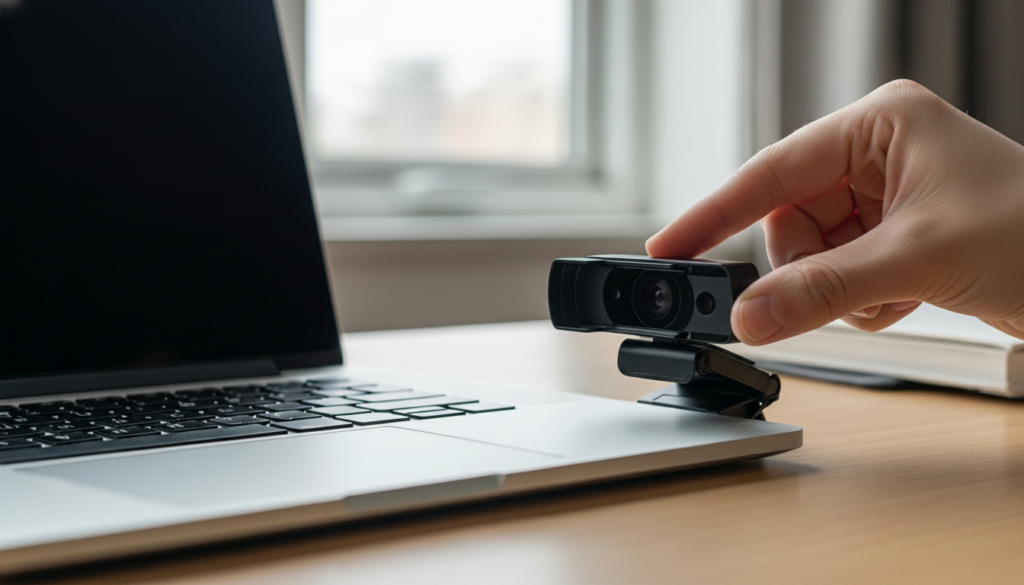
Covering your webcam with a sheet of paper is an easy but very beneficial measure. A cover can guarantee that no visual information can be obtained without your knowledge even in the event of a compromise of your system. This little practice is an additional safeguard that cannot always be ensured by technology itself.
Be Wary of App Permissions

A great number of applications ask permission to use your webcam, and not all applications actually require it. Checking and controlling permissions will mean that only the trusted apps will get access to your camera. It is wiser to take a break and turn off things that are not needed to help minimize the chances of abuse and provide a curtailed exposure.
Note: Never click on suspicious links and downloads
Cyber threats usually start with fake links/ downloads that install malicious software. After being installed, such programs might go ahead and take over control of your webcam without any noticeable declarations. To avoid these risks finding their way into the system, it is necessary to be watchful when browsing or opening emails.
Lock down your Wi-Fi Network

Weakly secured or lack of security on a network can act as an entry point to attackers. The passwords should be powerful and encrypted with up to date encryption techniques to protect your connection. A safe network would make sure that your webcam and other devices that are connected to the network are not accessed by unauthorized third parties.
Enable Firewall Protection

A firewall is a shield that protects your computer and the internet. It tracks both the incoming and outgoing traffic and blocks the suspicious traffic before it can cause any harm. This is another level of protection you should have in place to your security system through turning on your firewall.
Check on Unknown Applications regularly

There are applications that can be hidden or unused, and they can be dangerous, on your computer. It is always advisable to check on installed programs periodically as this enables you to detect and delete any suspicious programs. Keeping a clean system environment would minimize the likelihood of unrecognized software using your web camera.
Use Powerful and Special Passwords

The use of weak or used passwords may enable attackers to access your accounts and devices easily. Strong passwords on individual platforms are a powerful step towards ensuring good security posture. This, coupled with other authentication techniques, goes further to increase security against unauthorized access.
