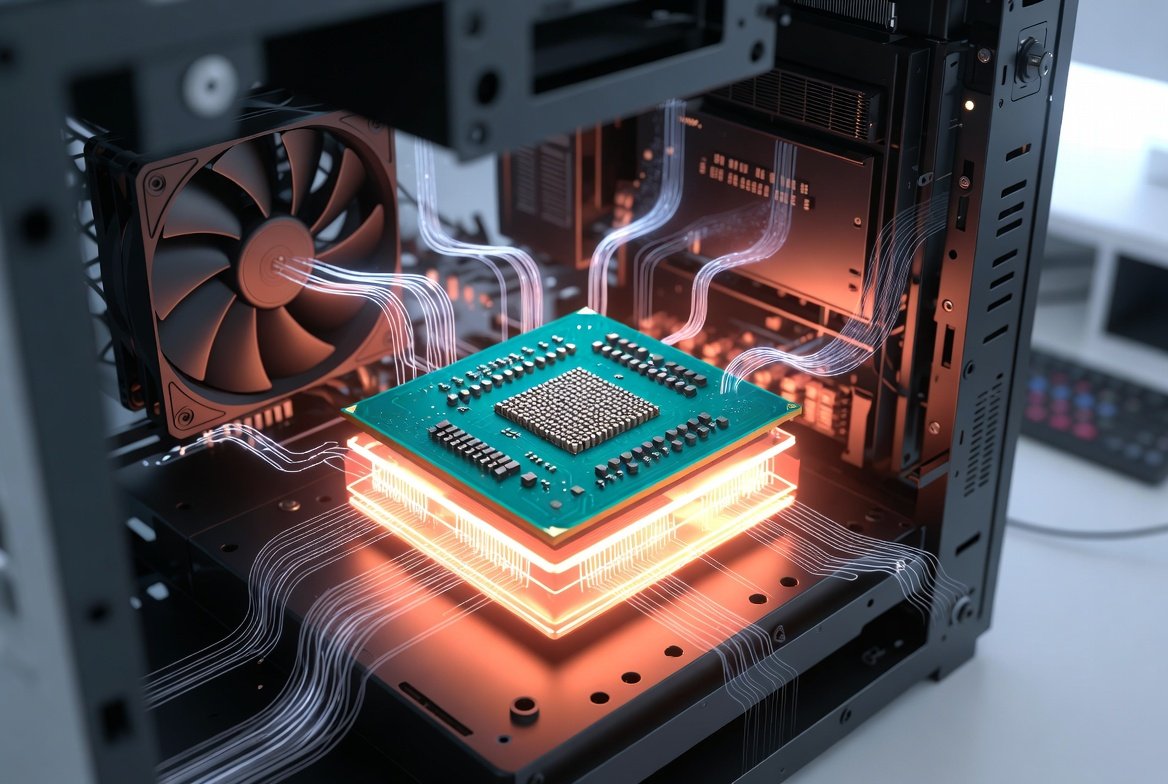
The processor is working in the background of the computer, and it governs all the commands, applications, and system tasks. Gradually, with time, heat and dust, unreliable power supply, and irresponsible use may silently reduce its working life. A large number of users upgrade systems sooner than they need to, not due to the failure of the processor, but due to neglect of basic care procedures. Through the practical habits, one can achieve stable performance, avoid additional stress and high costs of replacements. Minor modifications in cooling, cleaning and usage habits can make a difference. These practices are easy to follow and aim at securing your system and maintaining the normalcy and reliability in doing your daily business activities.
Keep Air Vents Clear
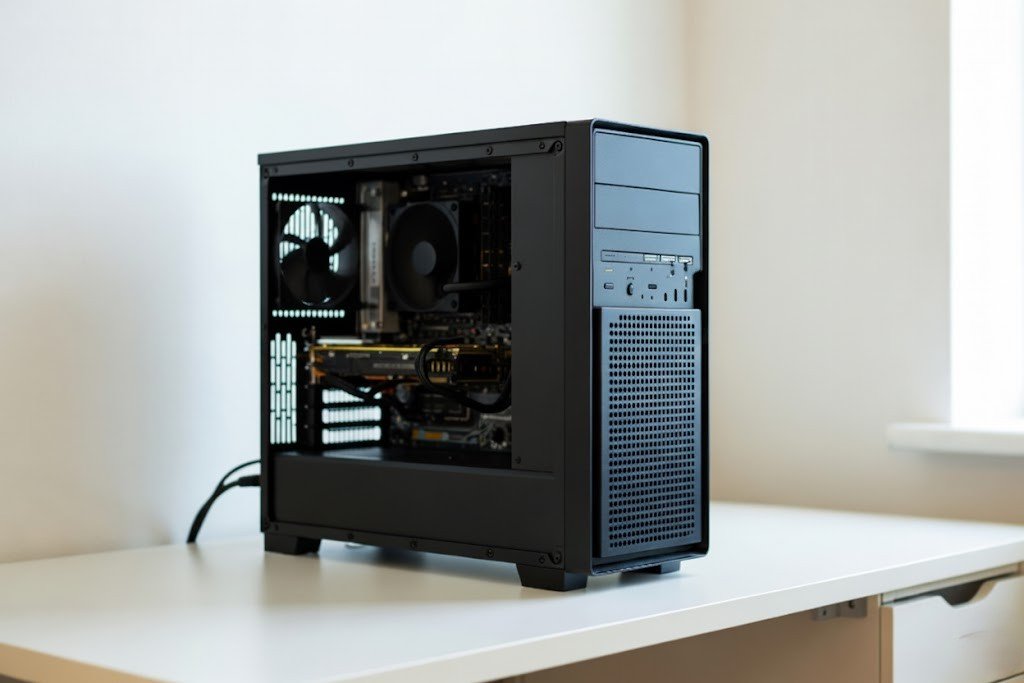
Obstructed air vents impede airflow so effectively that it is retained inside the cabinet. Always ensure free space around the computer for warm air to circulate. This simple trick makes it possible to prevent overheating and demobilises the processor under normal working hours.
Clean Internal Dust Regularly
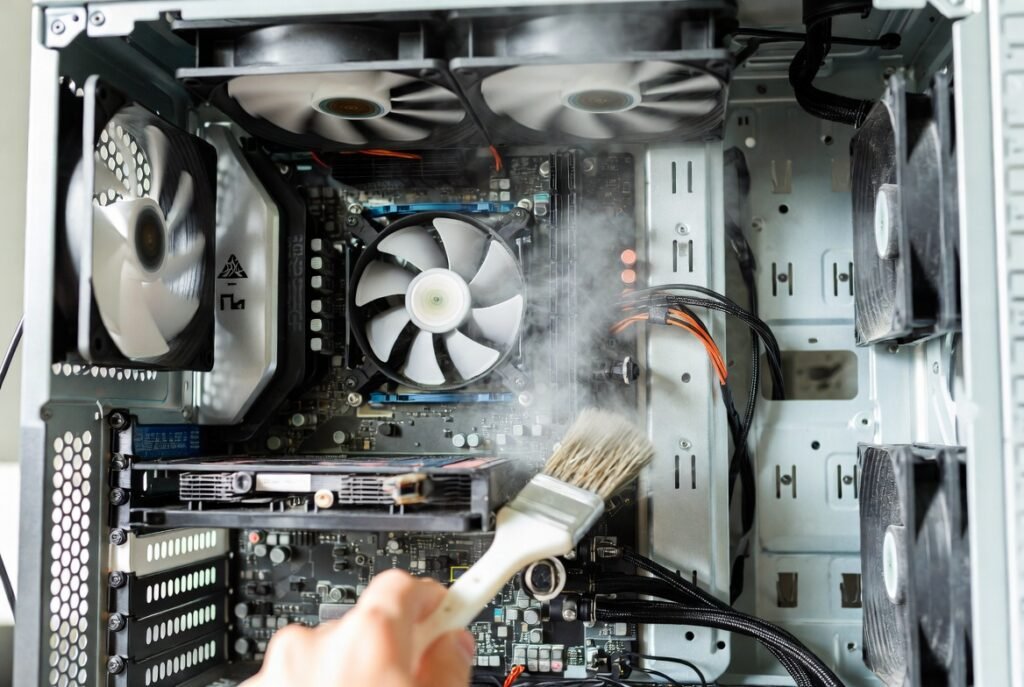
The accumulation of dust on fans and heat sinks serves as insulation and raises the internal heat. Regular mild cleaning enhances the cooling efficiency, and the processor can work under less risky thermal conditions and minimise unreasonable wear due to the extended exposure to heat.
Use a Reliable Power Source
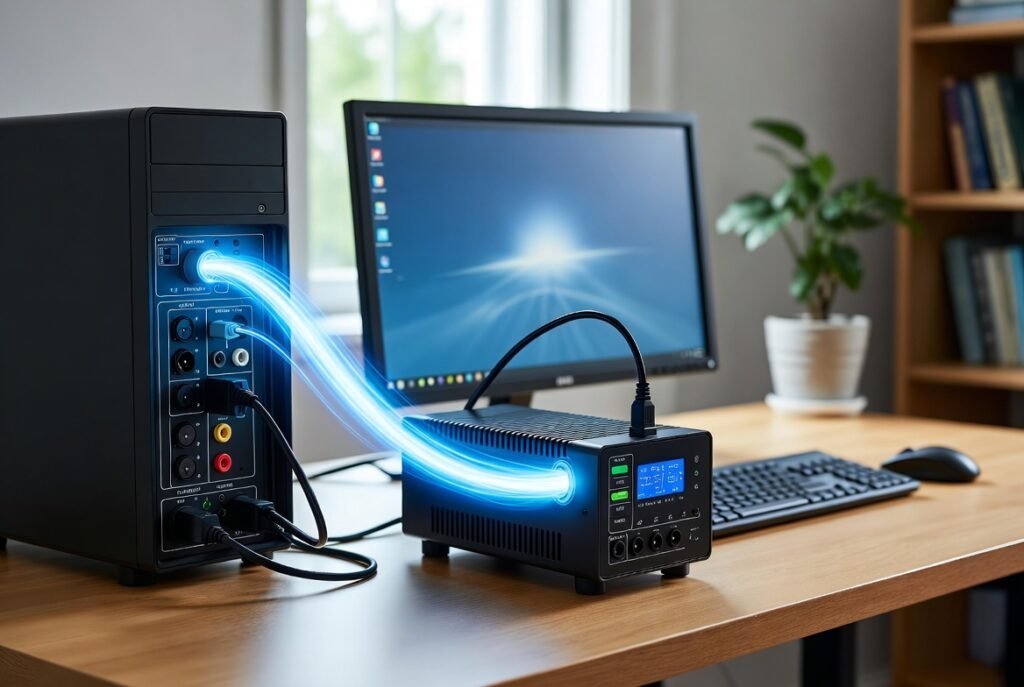
A fluctuating supply of power may result in voltage variation that pushes internal parts. Good-quality power backup, or stabiliser, should be used to maintain continuity in the electrical flow, so when there is a sudden spike, which can slowly damage internal circuits in the processor, the continuity will be maintained.
Avoid Constant Maximum Load
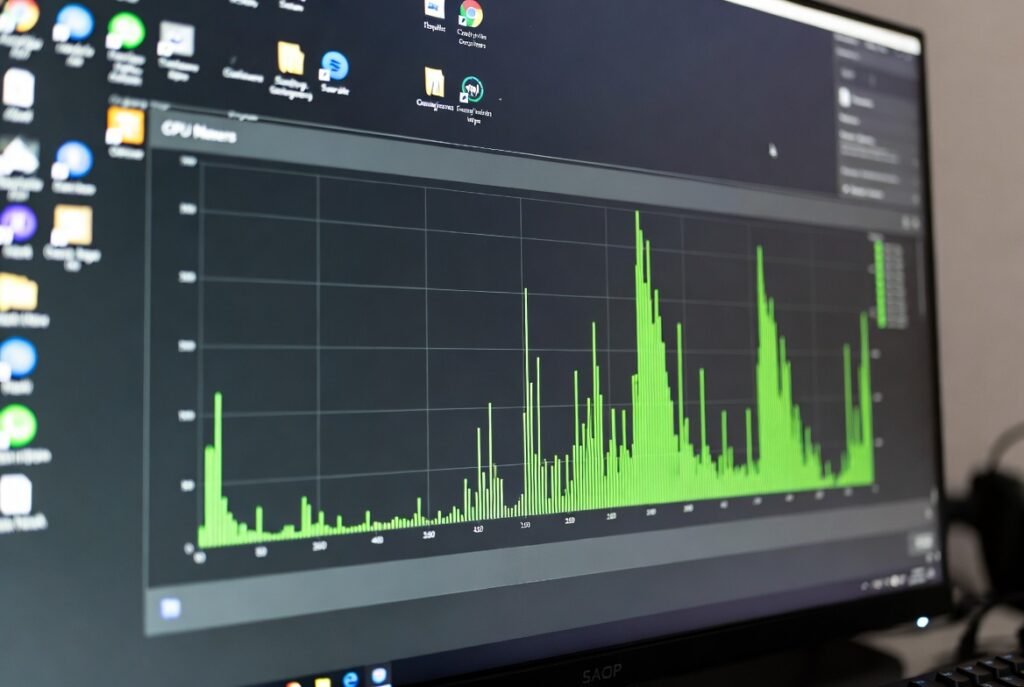
The continuous activation of the heavy programs keeps the processor busy at all times. Balancing workloads, shutting down idle applications and giving idle time are good measures towards keeping healthy operating temperatures and keeping internal efficiencies intact during the longer period of usage.
Keep Software Updated
Improvements in performance and stability are common in operating systems and driver updates. These updates make the processor perform better with the tasks to be executed without the unnecessary background activity and compatibility with applications and system processes of the modern world.
Monitor System Temperatures
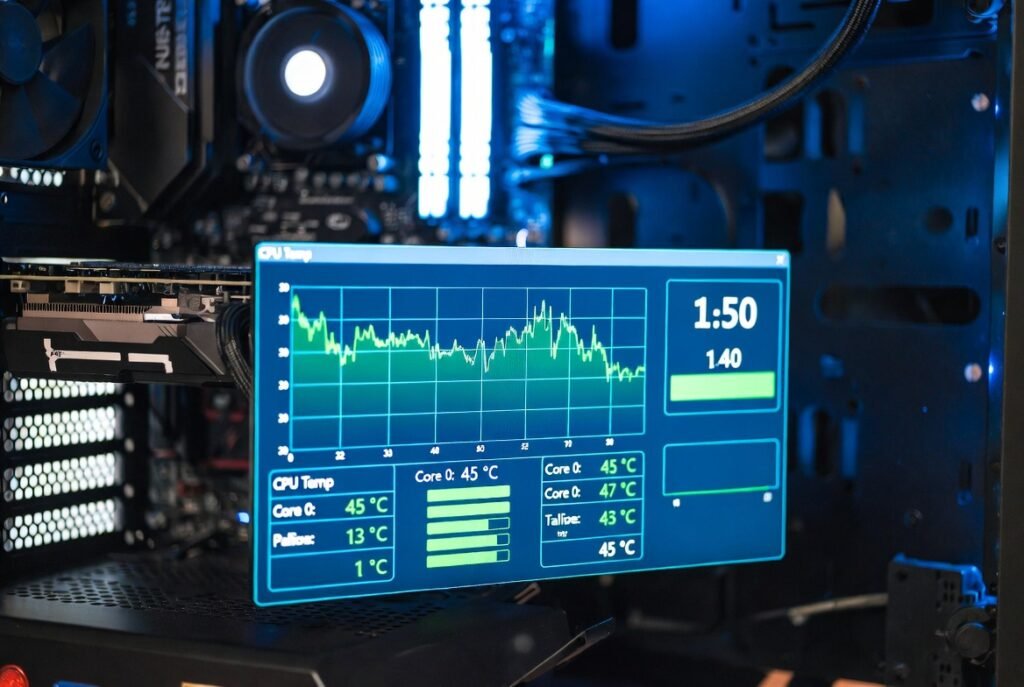
Simple monitoring tools can be used with the aim of tracking internal temperatures. When an increase in heat is detected early, cleaning/cooling can be adjusted as early as possible, and meanwhile, it would not be exposed to high temperatures, gradually weakening the processors.
Replace Thermal Paste When Needed
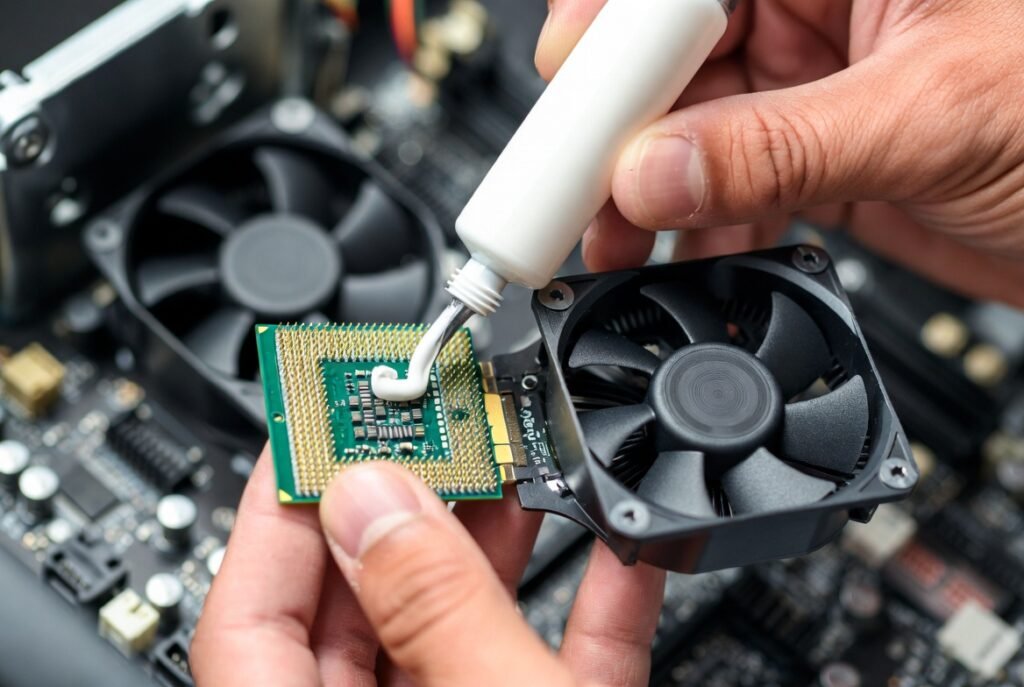
The thermal paste conducts the heat from the processor to the cooling unit. In the long run, it evaporates and becomes inefficient. Periodical replacement should be done to have the appropriate heat transfer and assist in keeping the cooling consistent when the task is challenging.
Use Energy-Efficient Settings
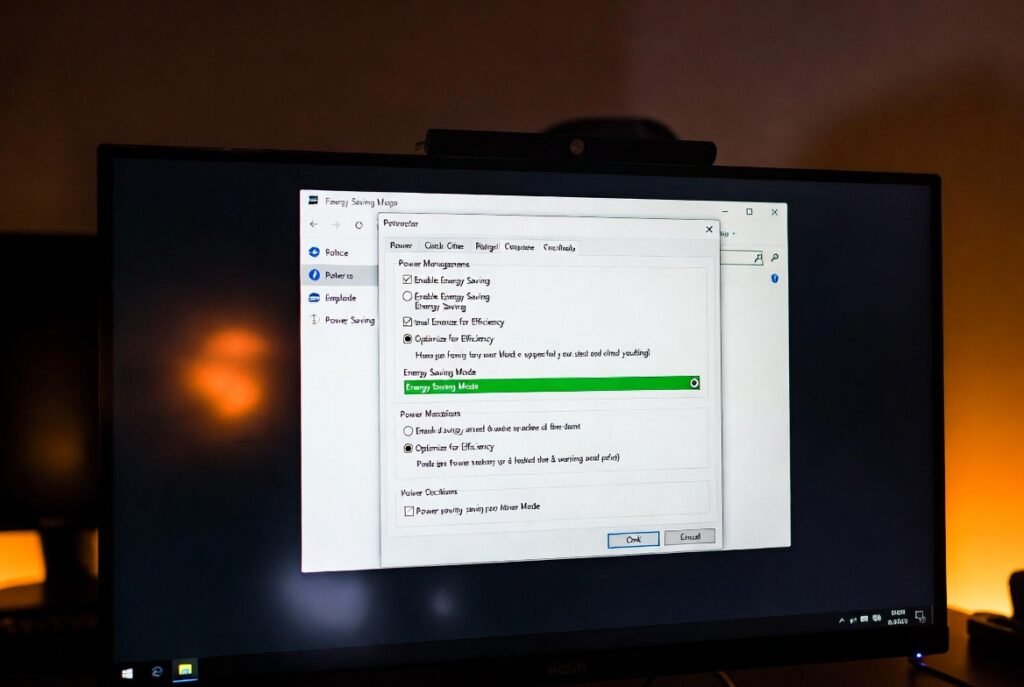
Power management modes minimise the unwanted processor activity when performing low-demand tasks. These environments reduce the heat production, electric stress, leading to an increased life cycle without impacting the daily performance requirement.
Avoid Sudden Shutdowns
Often forced shutdowns disrupt internal processes and can put a strain on hardware. Never leave without the right shutdown procedures so that the processor and other associated systems can be allowed to finish their background tasks safely.
Maintain Proper Room Ventilation
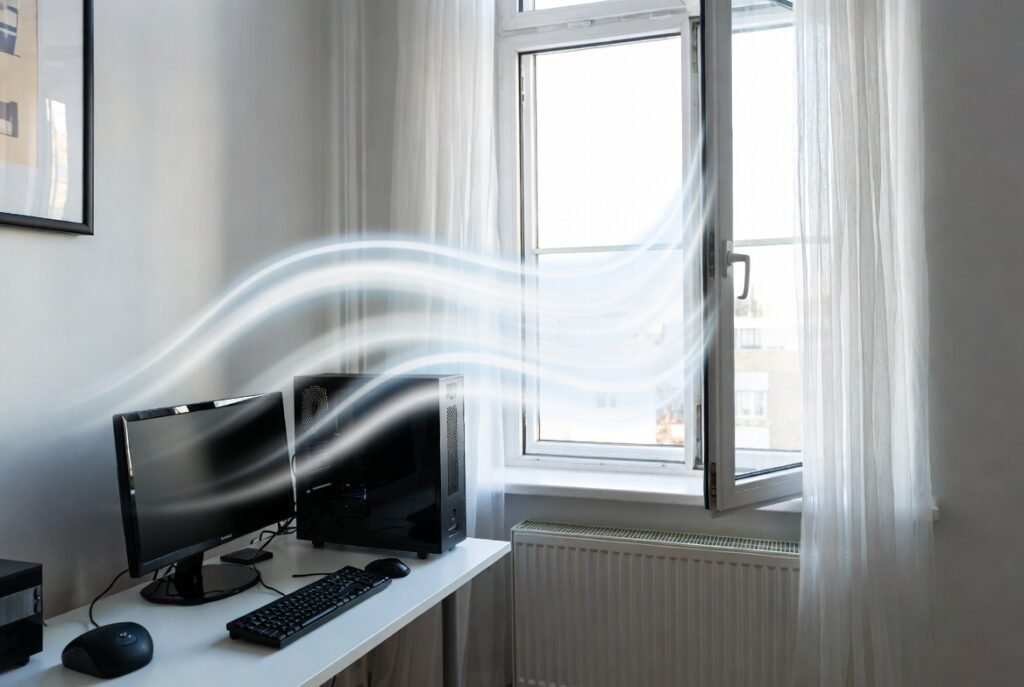
A properly ventilated workspace helps you to avoid the accumulation of hot air around your system. A fresh air environment helps your computer cooling system to operate effectively, and your computer processor temperature remains within a safe range even during prolonged use.
Do Not Skip Routine Maintenance
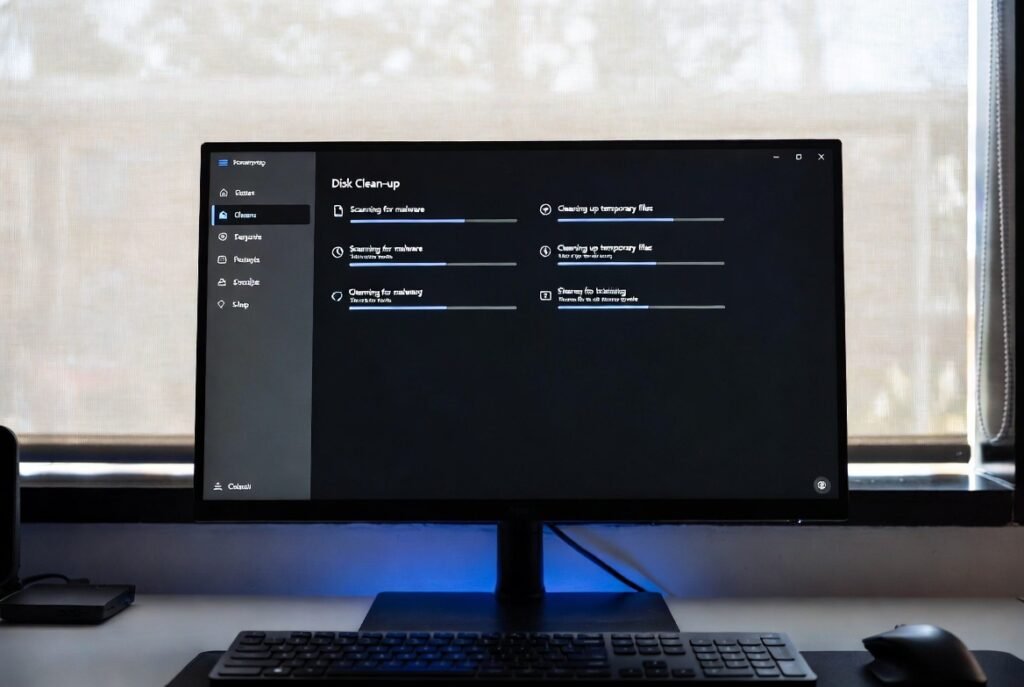
Simple system maintenance, such as disk clean-up, malware scans, will minimise unwarranted background load. A well-kept system enables the processor to concentrate on the necessary work, helping to work more stably and avoid failure in the long term.
