
Android phones come with many helpful features, but most of us only use the basics. I ignored several built in tools for years without knowing how useful they were. Once I started using them, daily phone use became easier, faster, and less stressful. These are the Android features I truly wish I had used earlier.
Digital Wellbeing Tools

This feature shows how much time you spend on apps. It helps you understand habits clearly. Seeing real numbers makes it easier to control screen time and feel more balanced.
Built In Screen Recorder

Android can record your screen without extra apps. It is useful for saving tutorials or explaining something to others. This feature works smoothly and saves time.
Split Screen Mode
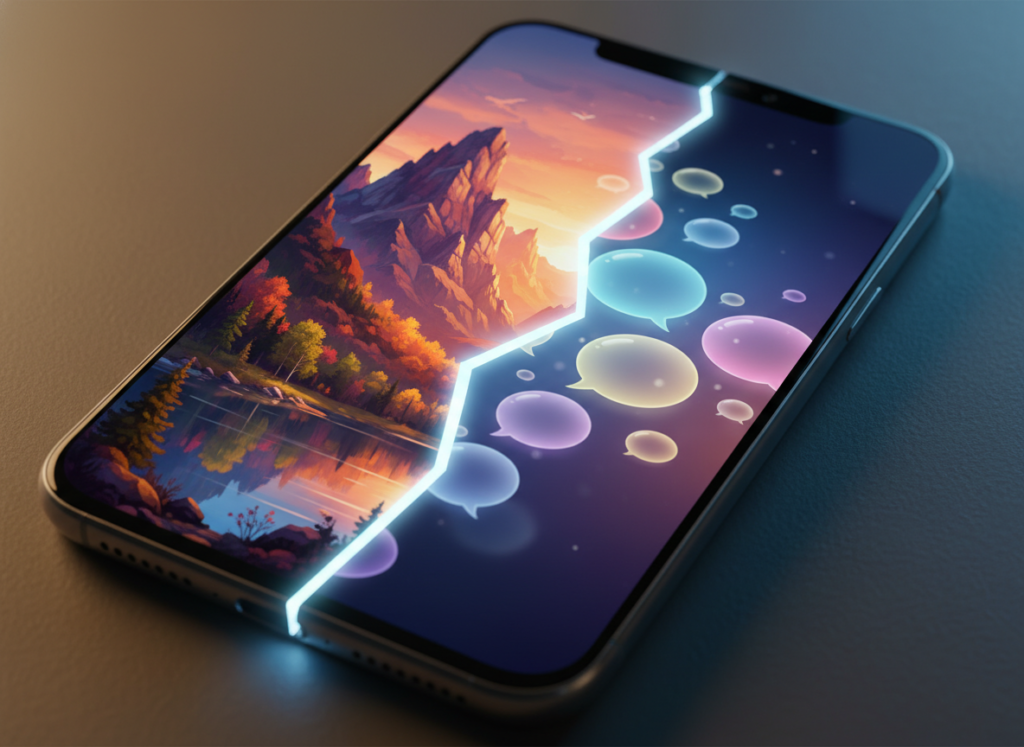
Split screen lets you use two apps at once. You can watch a video and reply to messages together. It makes multitasking simple and practical. However, it’s ideal for small tasks but not good for long hours of work.
Notification History

This feature saves recently dismissed notifications. If you clear alerts by mistake, you can still check them. It removes stress about missing important messages.
One Hand Mode
Large phones are hard to use with one hand. One hand mode shrinks the screen area. This makes typing and browsing more comfortable. It is good for those having difficulty in accessing large touchscreen panels.
Smart Text Selection

Android can recognize text like addresses or phone numbers. You can copy or open them quickly. It saves time and reduces manual typing and it can save those that are repeated frequently.
App Permissions Control

You can control what apps access. This includes camera, mic, and location. Adjusting permissions improves privacy and peace of mind. This also helps in preventing misuse of data from another person.
Live Caption

Live caption adds text to videos automatically. It works even without sound. This is helpful in quiet places or noisy environments. Basically, good for video based edits or quick captions in a video for text recognition.
Focus Mode

Focus mode pauses distracting apps. It helps during work or study time. Turning it on makes concentration easier and helps children and anyone using it without distracting from other app’s notifications.
Find My Device

This feature helps locate a lost phone. You can ring it, lock it, or erase data remotely. It adds strong security without effort. Many found it a super important feature in their device.
