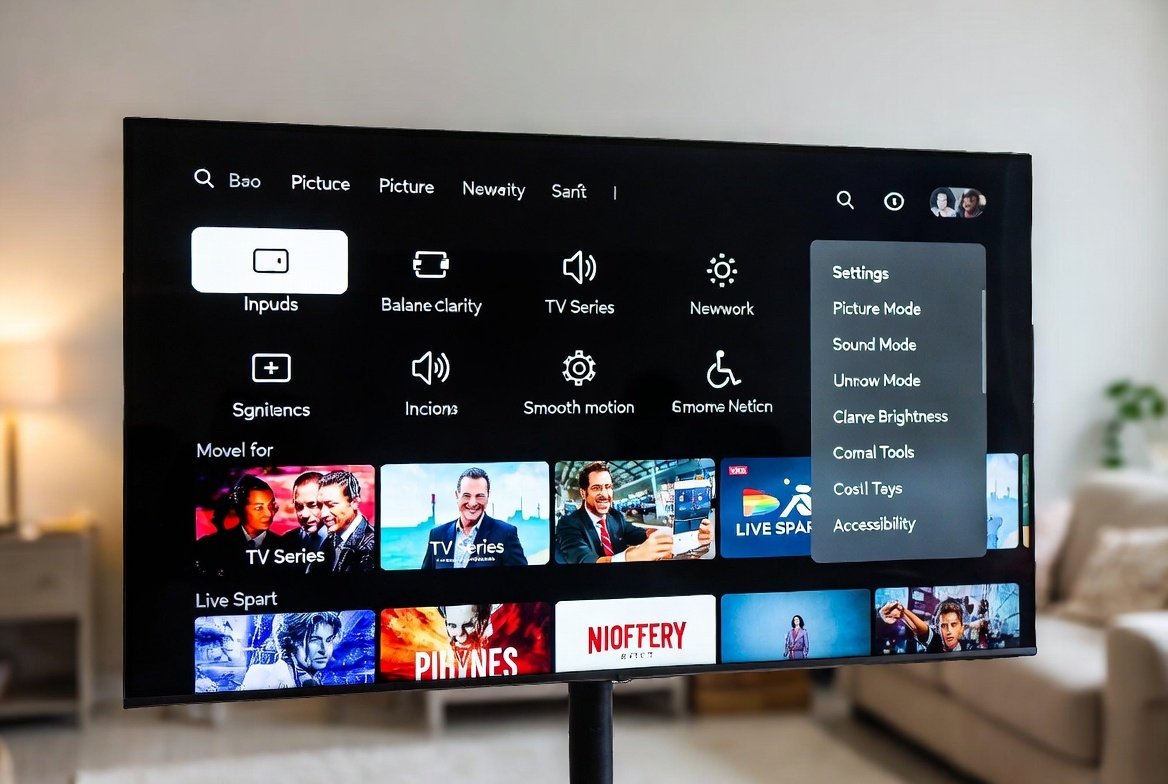
New intelligent televisions are equipped with various functions that can make the process of watching TV much smoother and comfortable. Although a lot of users leave their TVs as they are, they have the potential to enhance picture quality, audio crispness, and comfort by going through their available options. Since it is possible to change display modes, as well as personalise accessibility tools, these settings are meant to make entertainment easier. You might be watching movies, watching series or enjoying live sports and in such a case, optimising your TV will save time, lessen your eye strain and improve the sound. The following is a step-by-step guide to 10 of the most important smart TV settings and their activation.
Picture Mode Optimisation
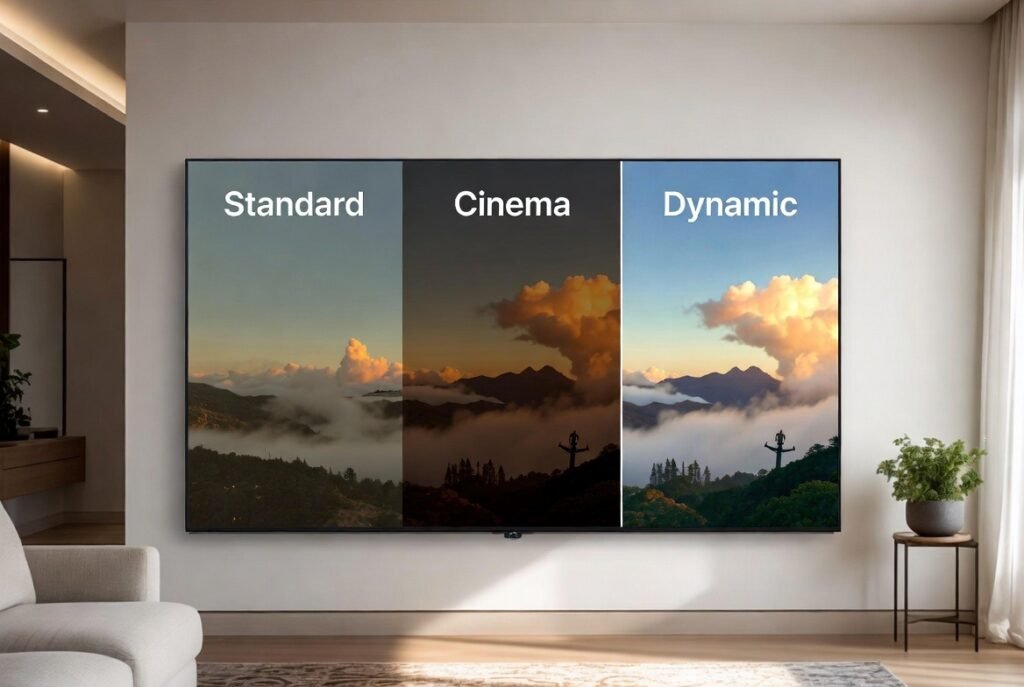
The picture mode can make a difference in your viewing. The TVs often have modes such as Standard, Cinema or Dynamic. Test to discover the one that suits the lighting conditions of your room in terms of brightness, contrast and colour.
Brightness and Contrast Adjustment
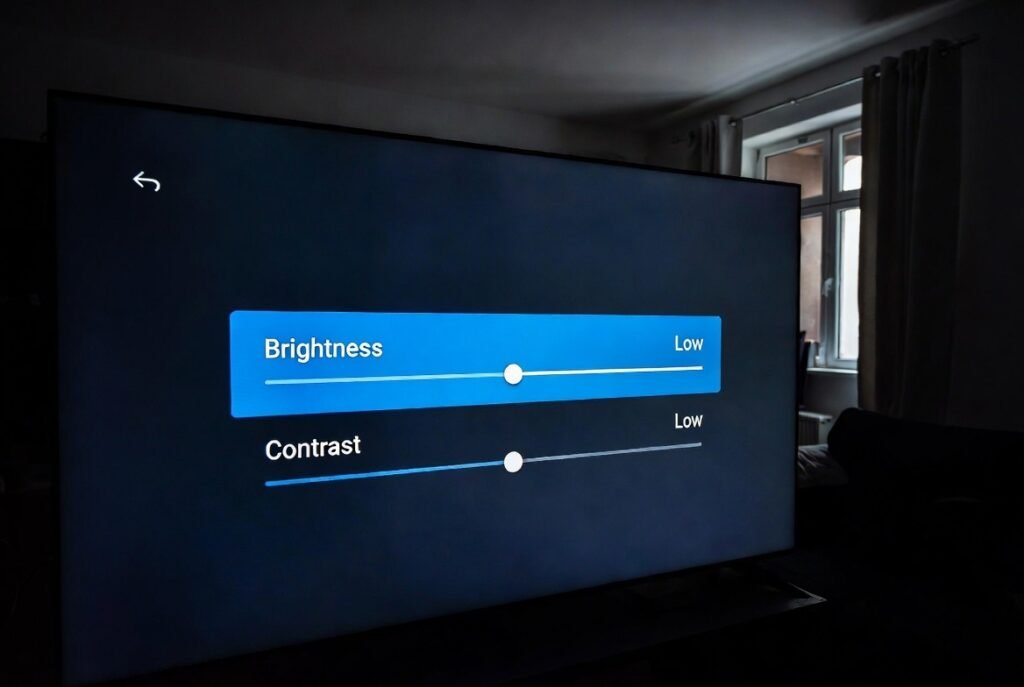
Reducing the brightness and contrast puts the image not so shiny or faint. Set these options depending on the ambient brightness and, as per your own choice, to minimise eye strain during prolonged viewing hours.
Colour Temperature Settings
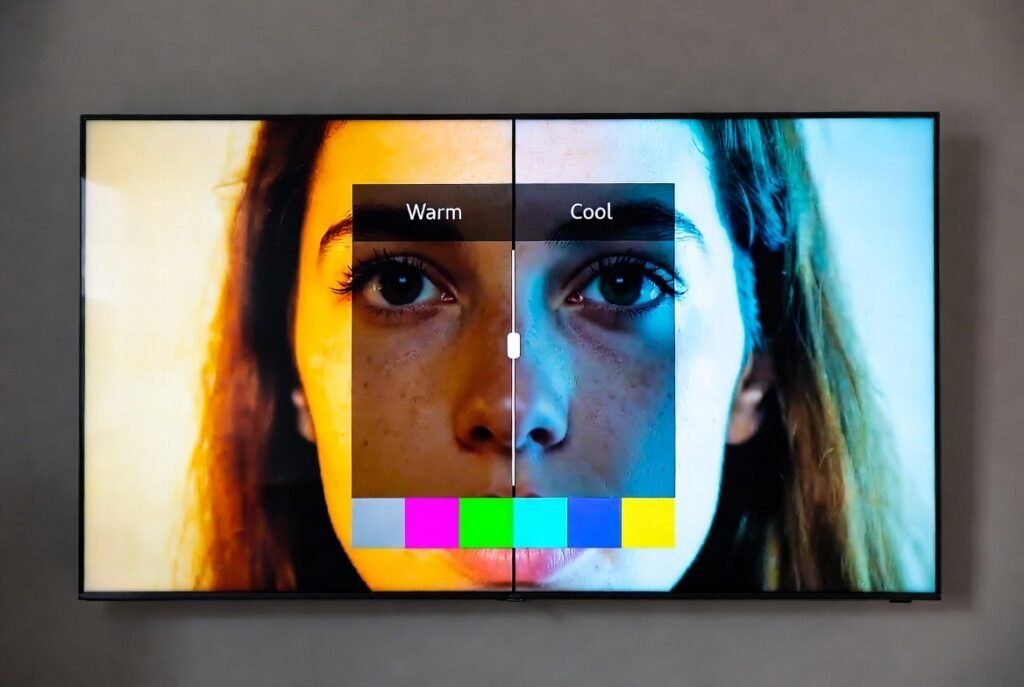
The temperature of the colour is used to regulate the heat or cold of the display. Warmer colours give a natural appearance, whereas cooler colours are more energetic. This can be modified to enhance skin tones and general picture realism.
Motion Smoothing Features
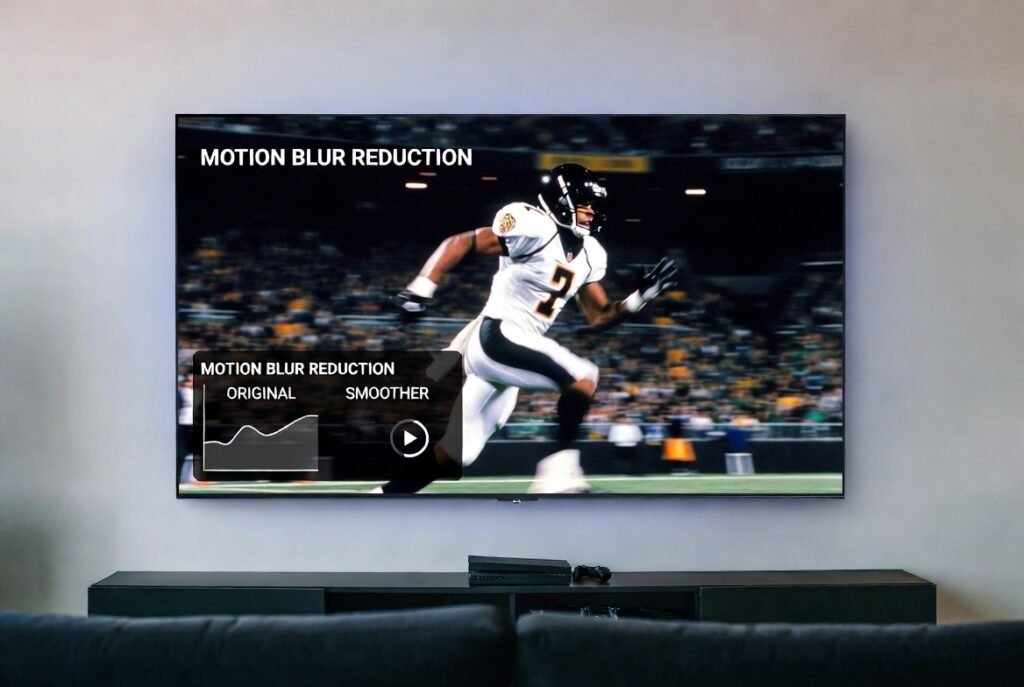
Most sets have motion smoothing or interpolation features that decrease the blur in high-speed action. It can be switched on to make sports or action movies smoother, but some would want to keep it off to give it a more cinematic effect.
Backlight Control
The backlights change the brightness of a screen and the power consumption. Making it brighter would enhance the appearance of sunny rooms, whereas making it dim would enhance the contrast of dark rooms. A lot of television sets also have automatic backlight controls depending on the amount of light in the room.
Audio Mode Selection
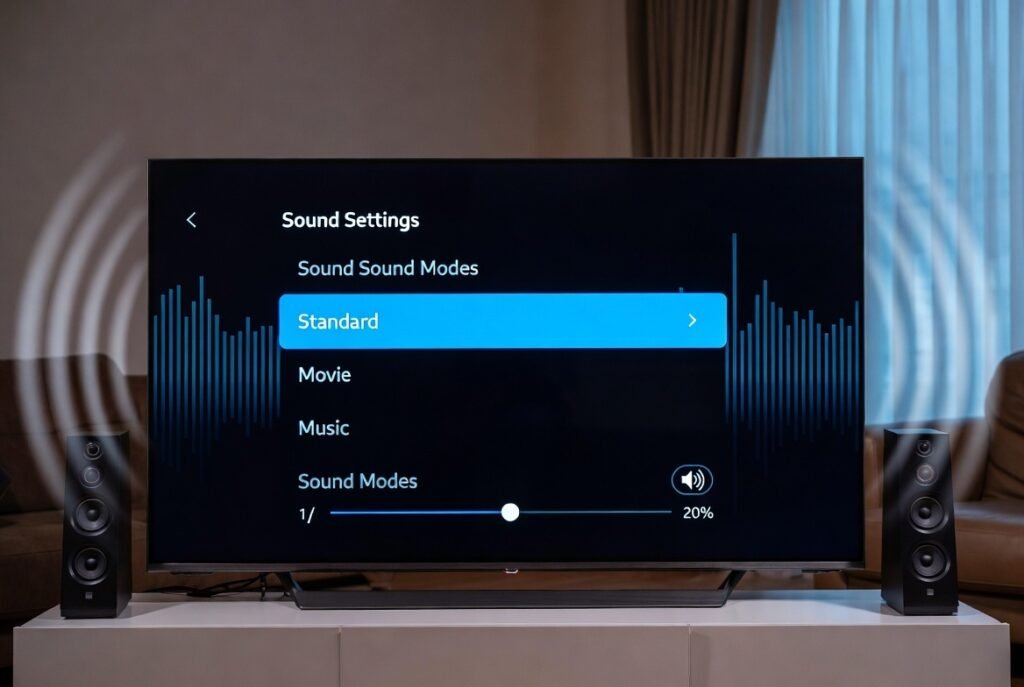
Smart TVs typically come with a selection of pre-set sound options such as Standard, Music or Movie. The right mode selection according to the content will enhance your overall sound experience, speech clarity or bass.
Volume Leveling
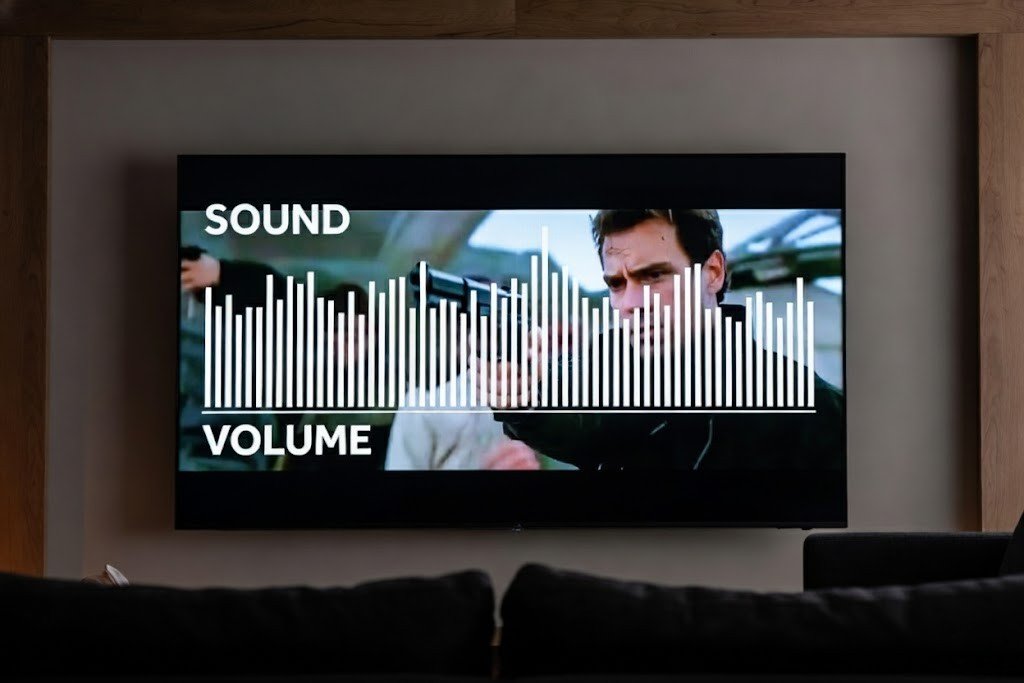
Volume levelling eliminates the spikes in sound when switching channels or watching commercials. This will allow us to listen at a reasonable volume, but still be able to experience music and not have to hear it playing from the speakers.
Voice Control Setup
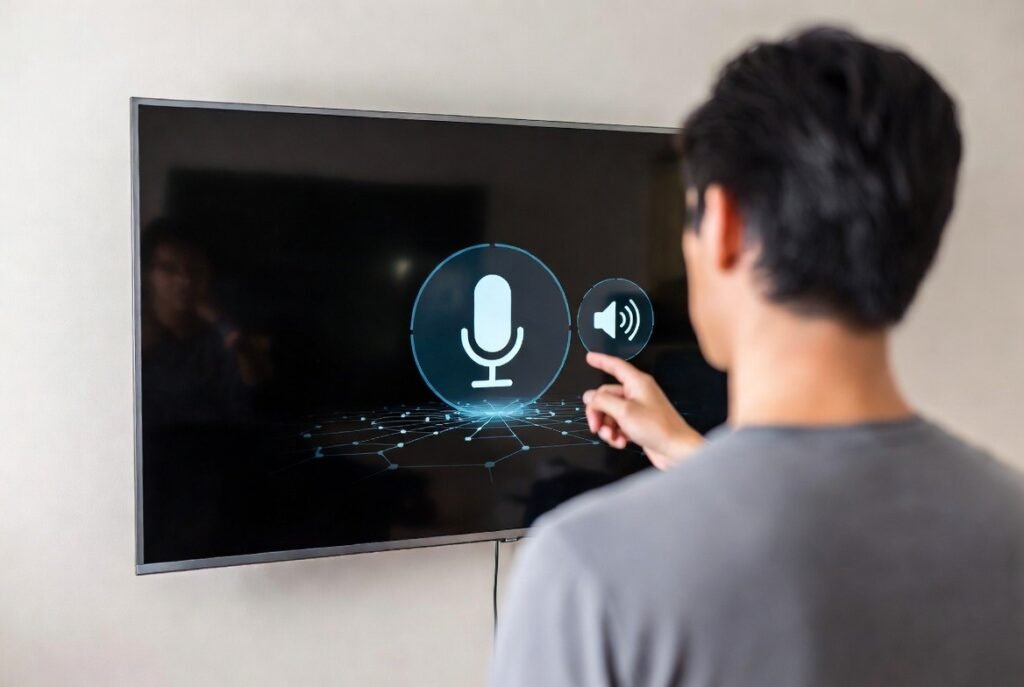
Numerous intelligent televisions have voice recognition. Using a voice assistant, whether you are navigating, searching the content, or controlling your smart home devices, is easy because of activation and linking.
App Shortcuts and Favourites
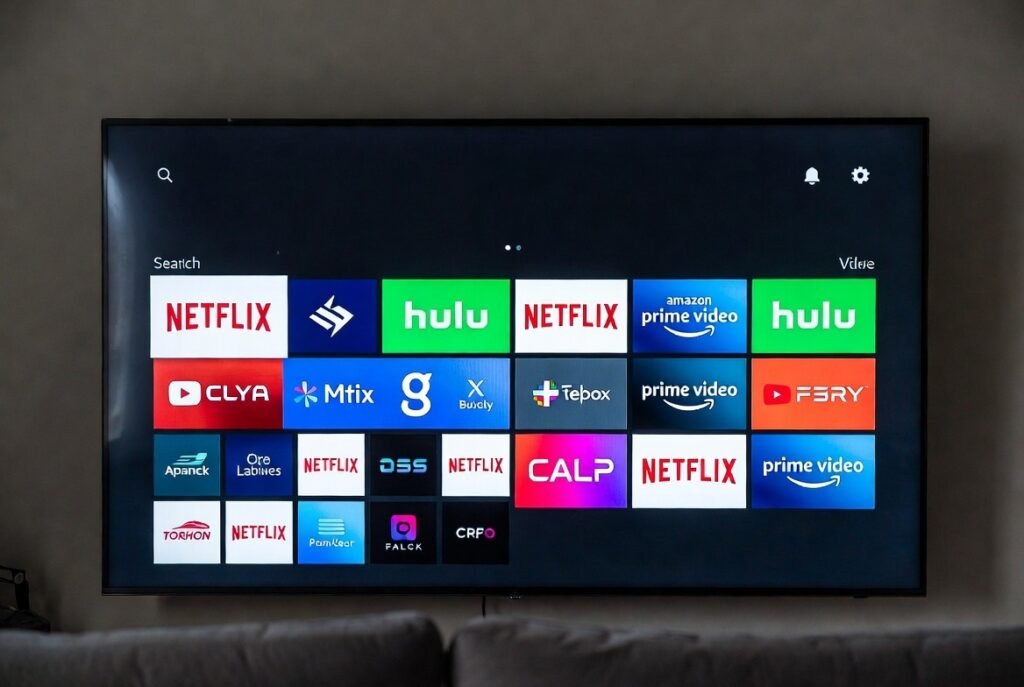
A few have made it easier to access popular streaming services by making app shortcuts on the home screen or by making favourite channels. It’s less of a time-trash, and there’s no need to navigate multiple layers of menus.
Energy-Saving Features
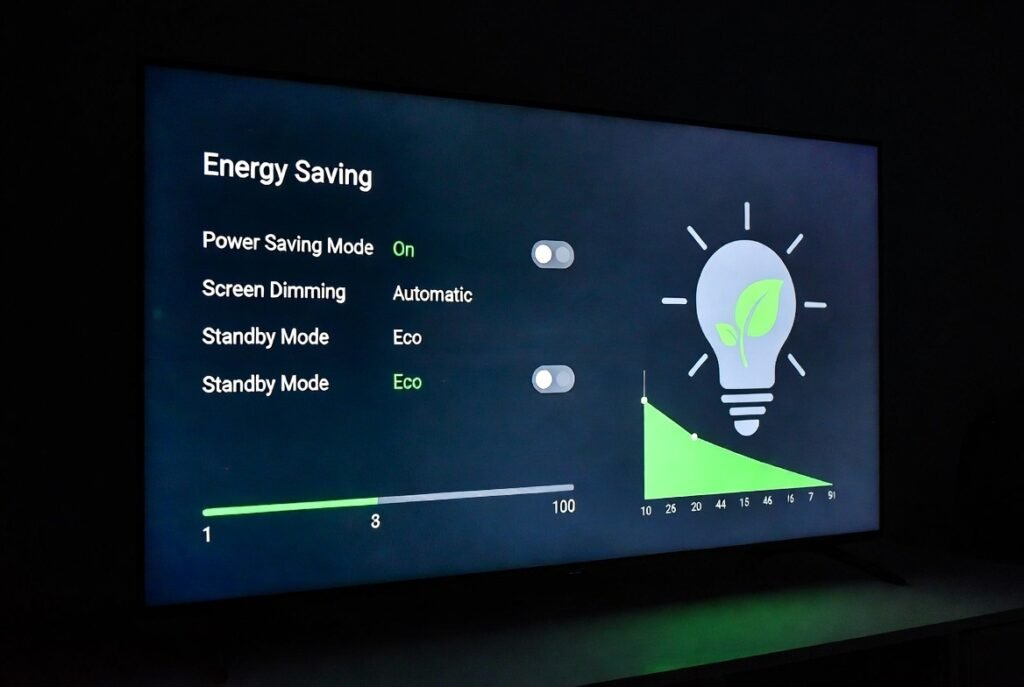
Most connected smart TVs will come with energy-saving settings that adjust the brightness, stand-by time and how long the screen should be off. This is not only economical when it comes to electricity but also lengthens the lifespan of the TV.
