You know that your CPU is like the brain of your computer. Many problems with your computer come from things like heat, dust or using your computer much. Your CPU can last a long time if you take care of it. The good thing is that you can do things every day to protect your CPU. Practice the following tips which are very simple and easy to do.
Keep Your Computer Cool
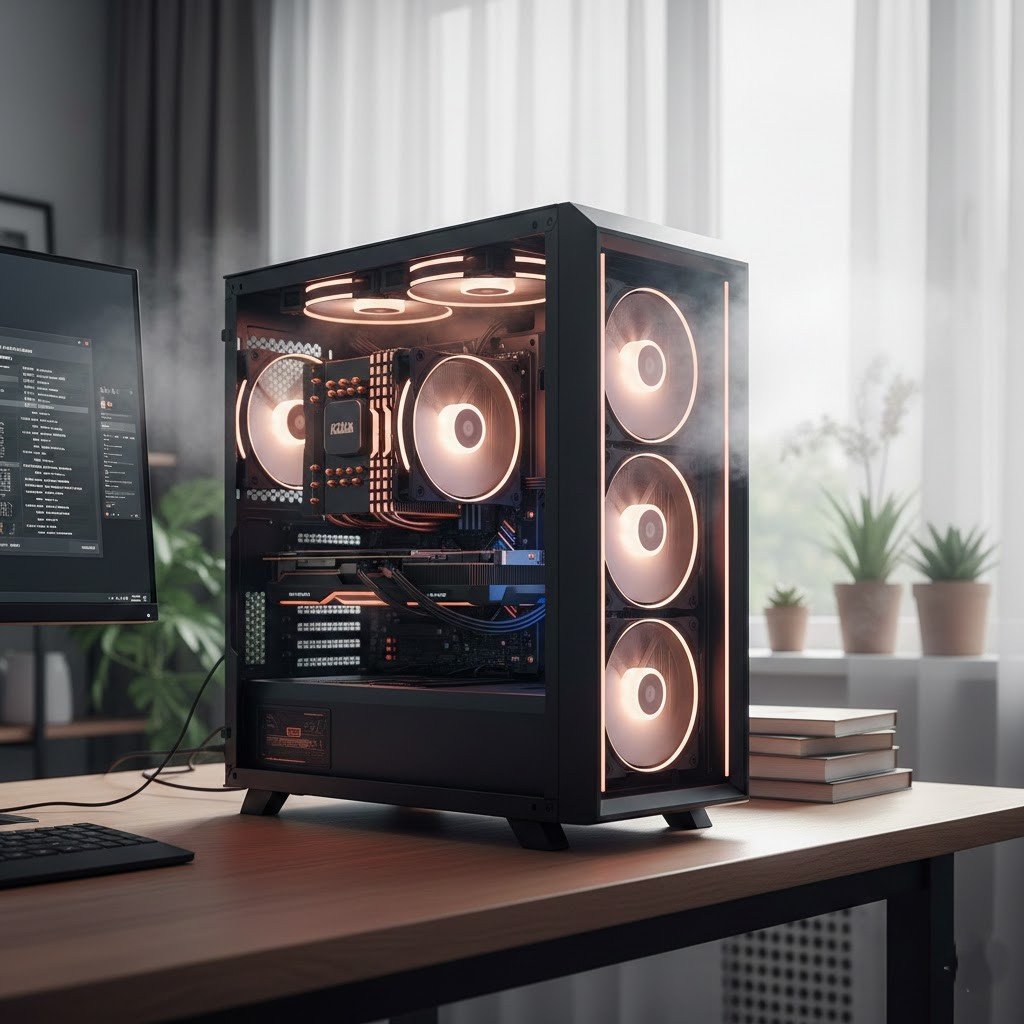
Brough cooler device for your CPU which can highly prevent heating your CPU while working long days and nights. This helps to reduce heat. Heat is a problem for a CPU. So keeping your computer in a space is very important to protect the CPU over time.
Clean Dust Regularly
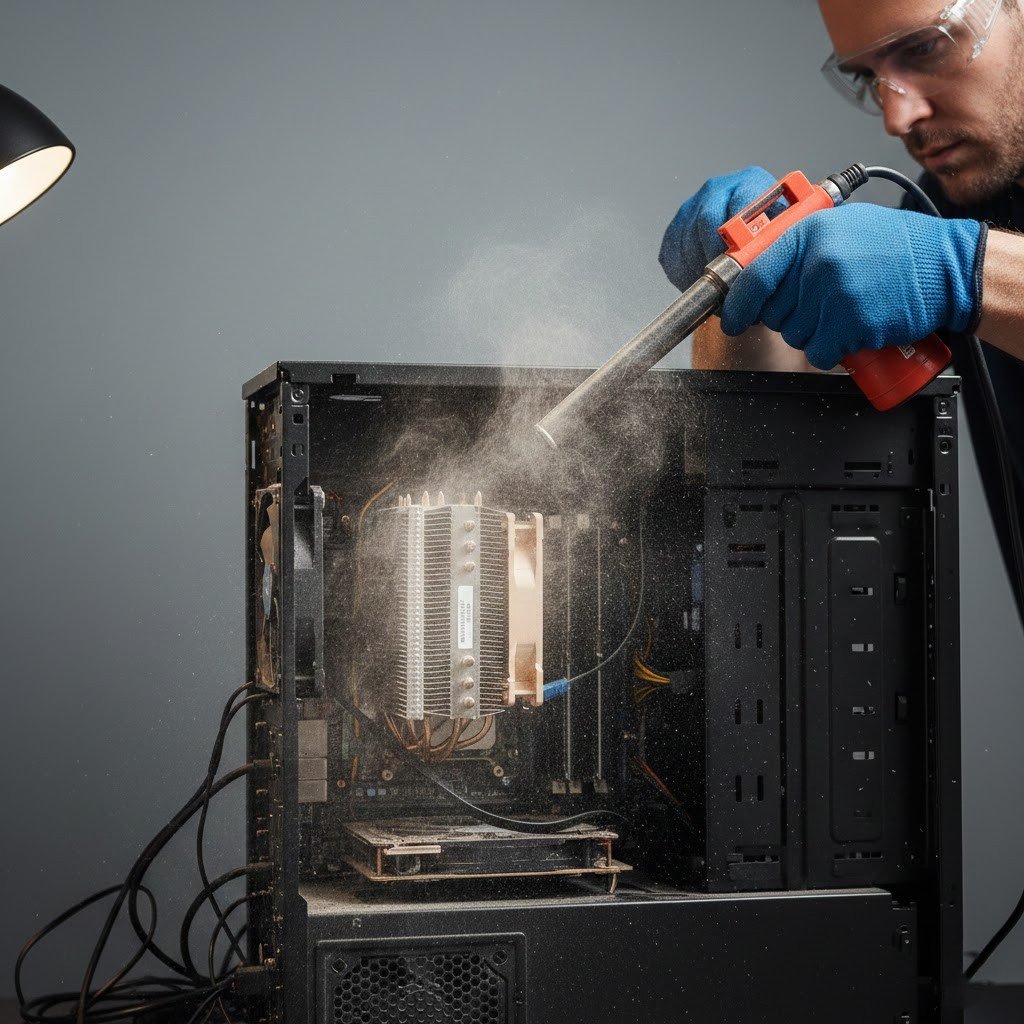
Dust is really bad for computers. It blocks the air from flowing and traps heat inside the system. This is not good. You should clean the vents and fans every month. This helps the CPU stay cooler.
Avoid Constant Heavy Usage
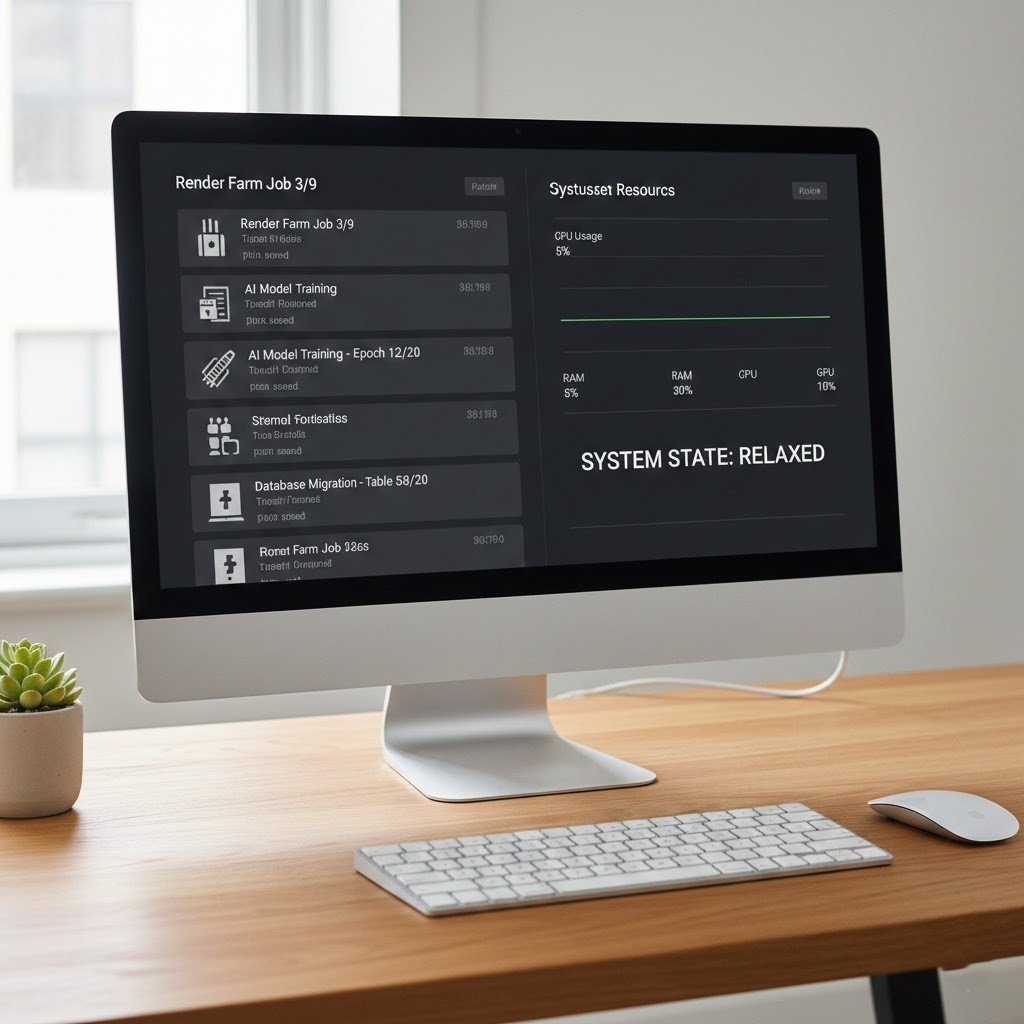
Running demanding tasks all day really puts a lot of stress on the Central Processing Unit. If you give your system breaks it helps to reduce the wear and tear on it.
Monitor CPU Temperature

The CPU temperature is like a warning sign. If you fix the heat problems with the CPU temperature on you can prevent the CPU from getting damaged over time.
Use Proper Power Settings

Using power settings is a good idea because it reduces unnecessary strain on the computer. The computer has performance modes that keep the Central Processing Unit or CPU running fast all the time.
Keep Software Updated

Getting updates is a thing because it helps your computer work better and it does things faster. New software is really good at managing the computer’s brain, which is called the CPU.
Replace Thermal Paste
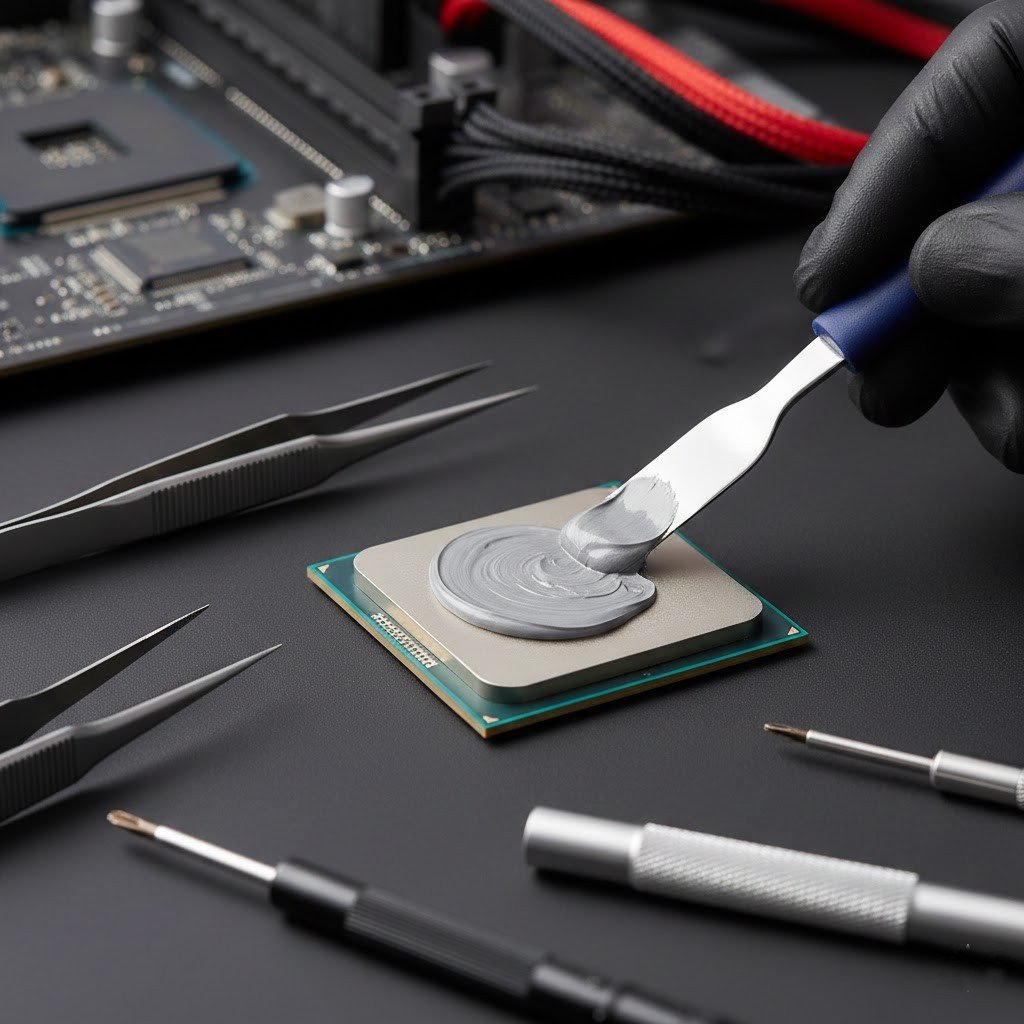
The thermal paste is really good at moving heat from the CPU. This thermal paste does a job of keeping the CPU cool. The thing is this thermal paste will dry out after a while.
Avoid Overclocking
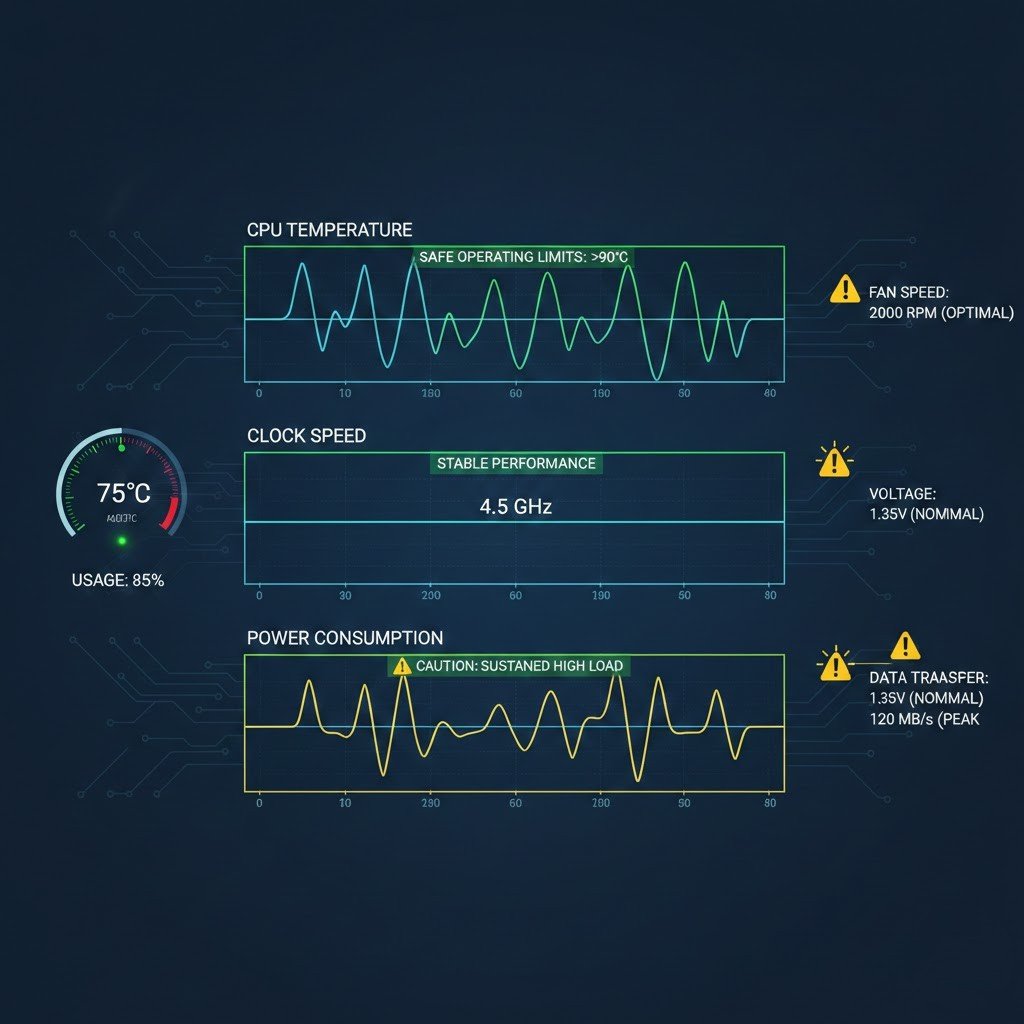
When you do something called overclocking it makes the CPU work really hard beyond what it’s supposed to do. This makes the CPU get very hot. It gets stressed out.
Shut Down When Not in Use

Leaving a computer running all the time keeps the CPU active. Shutting down when not needed gives the processor time to rest and cool completely.
Quality Cooling Hardware
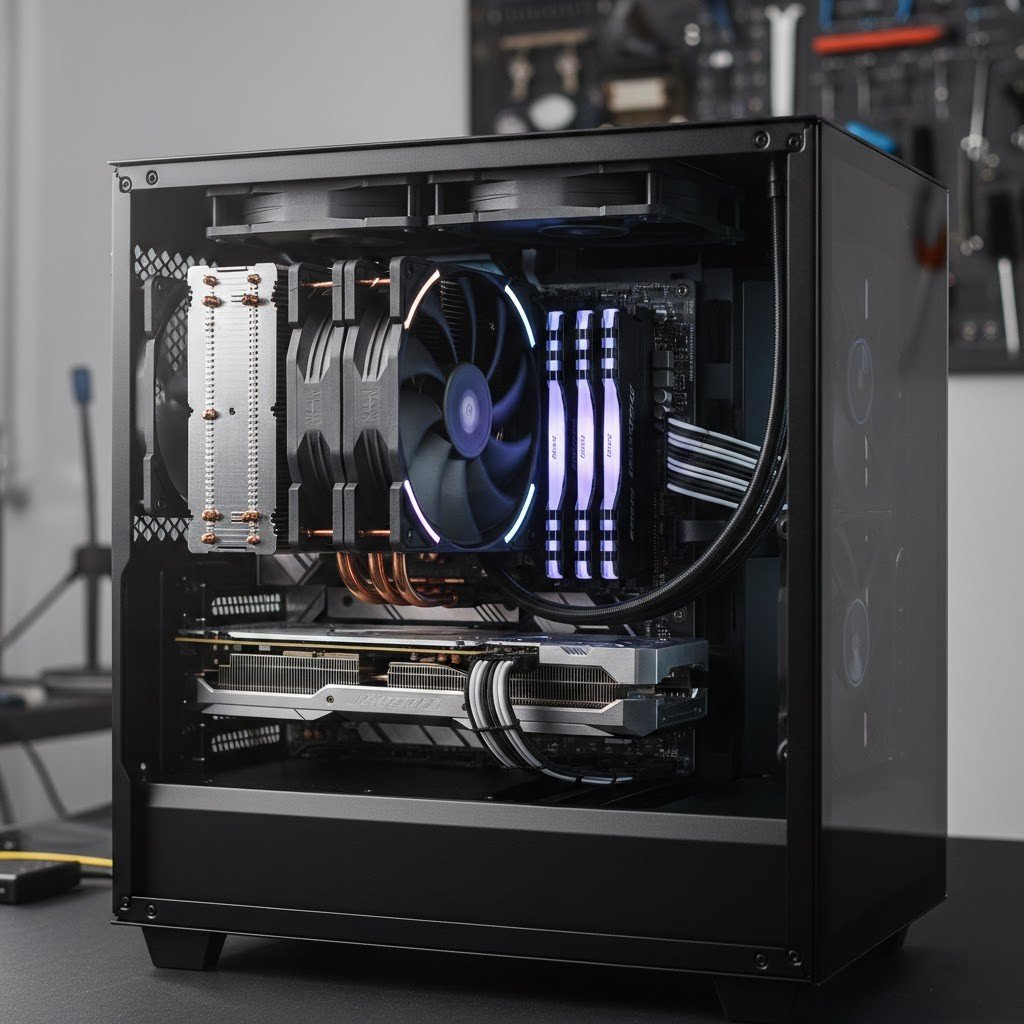
Good fans and coolers make a big difference. Quality cooling keeps temperatures stable. Investing in proper cooling helps protect the CPU for many years.
