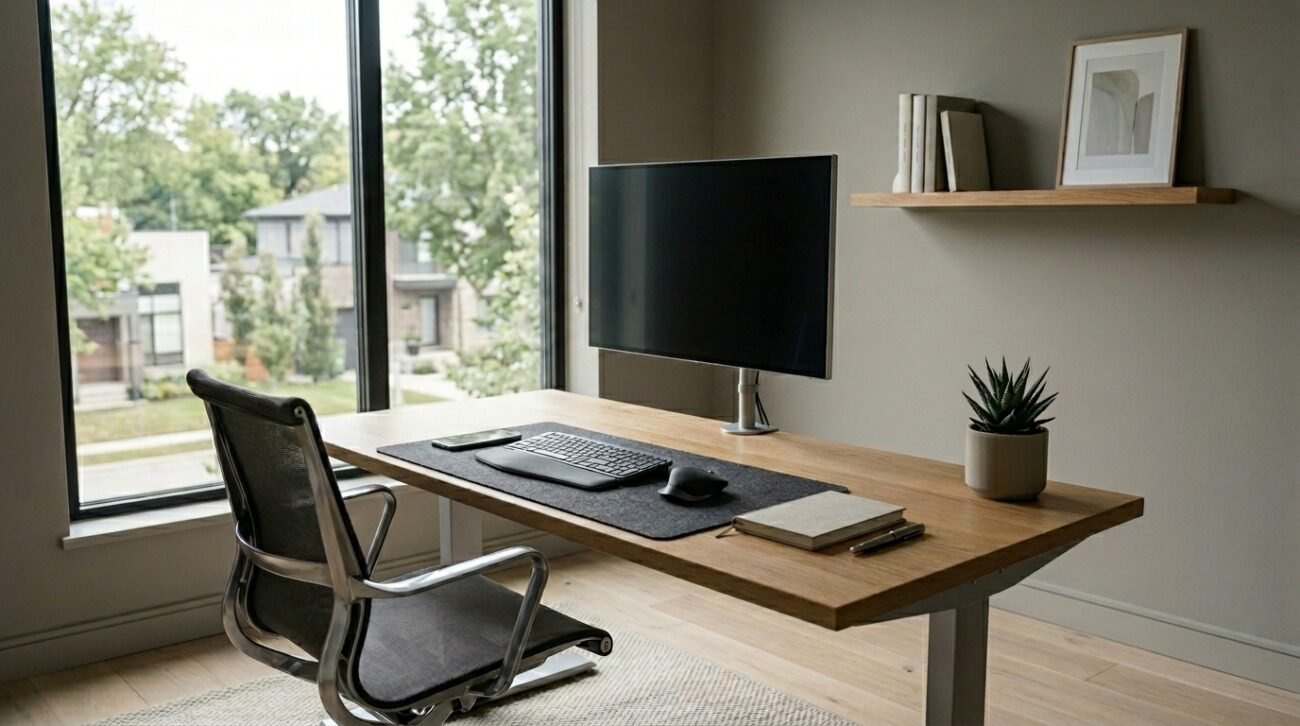
Being at an unorganized desk could make you feel overwhelmed before your workday starts. According to data from environmental psychology published in The Journal of Environmental Psychology, the physical clutter of the visual environment may continually take a toll on your cognitive resources and raise your levels of stress throughout your day. Upgrading to a streamlined workspace this year might completely transform your daily workflow. Let us explore some simple, intentional design updates to build an inspiring and efficient daily remote work oasis.
Selecting a Clean Electric Standing Desk
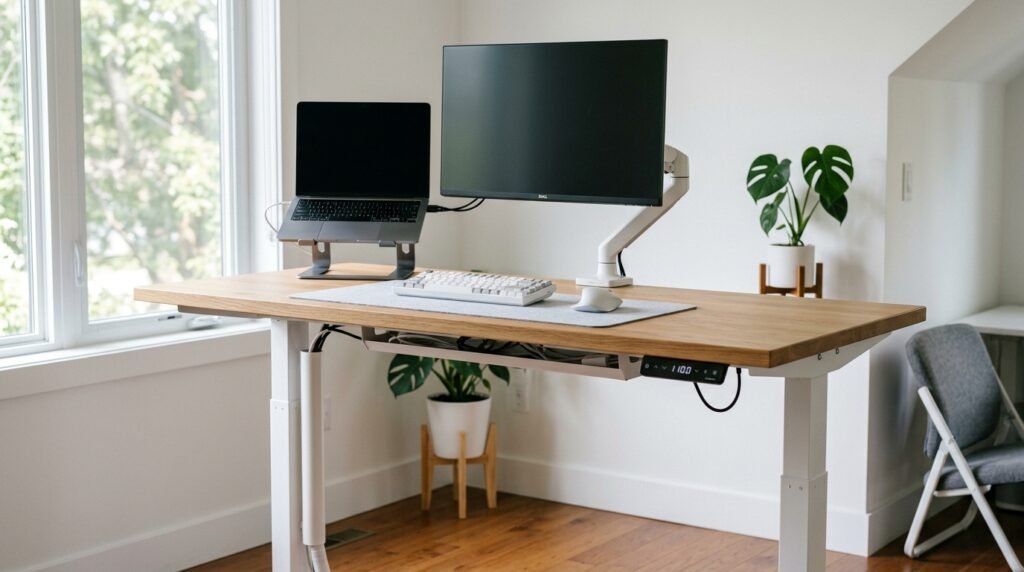
A simple, motorized adjustable desk can make it easier for you to move around during your shift. Research has indicated that switching from sitting to standing positions may help to alleviate lower back strain to a great extent.
Finding an Ergonomic Task Chair
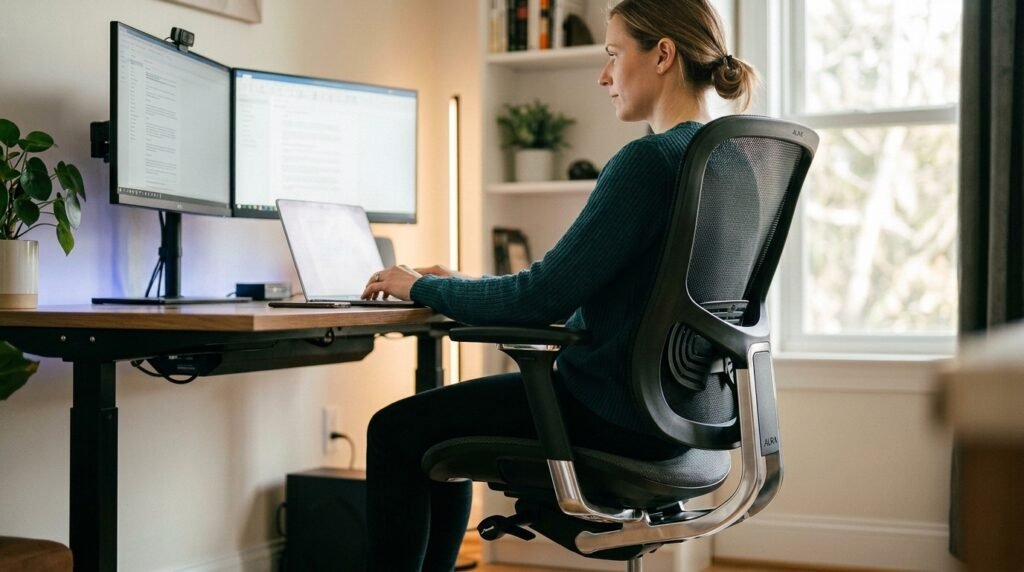
A supportive chair that promotes natural alignment keeps your body comfortable during long projects. Prioritizing adjustable lumbar support may prevent the subtle posture fatigue that slows down your afternoon output.
Mounting a Single Ultrawide Monitor
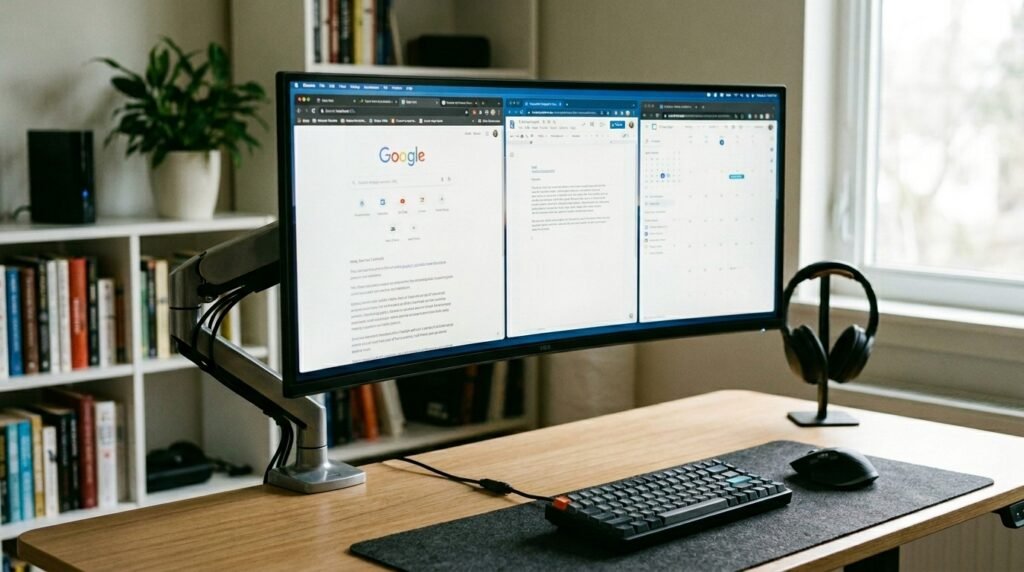
Swapping multiple messy screens for one expansive display instantly streamlines your desktop. This visual consolidation simplifies your focus, making it much easier to track open tabs without feeling distracted.
Investing in Wireless Desk Peripherals
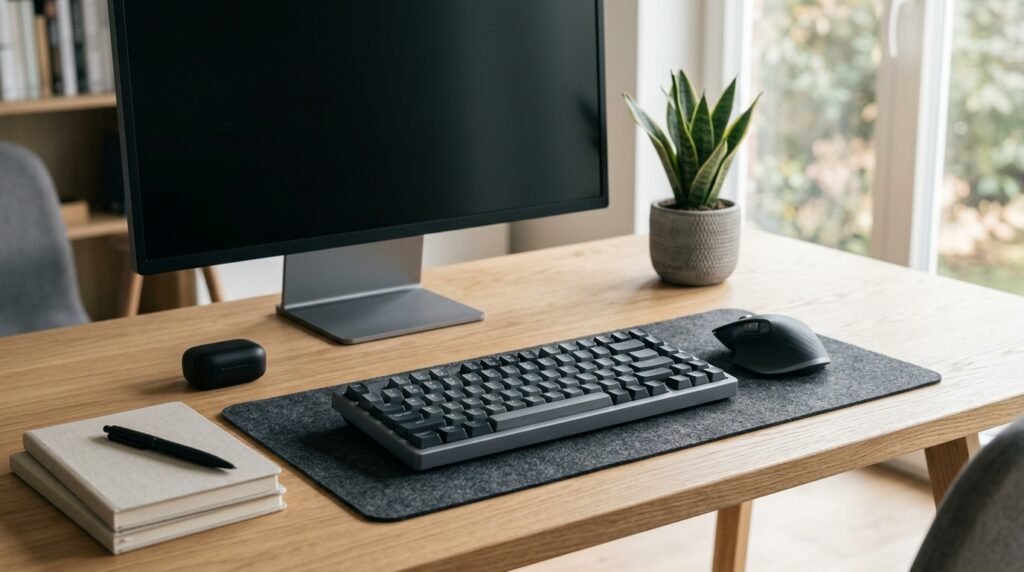
You won’t have to battle with charging cords anymore with this beautiful Bluetooth keyboard and mouse. When you don’t have visible cable tangles, you have a very smooth surface that is very well ordered and functional.
Tucking Away Heavy Power Strips
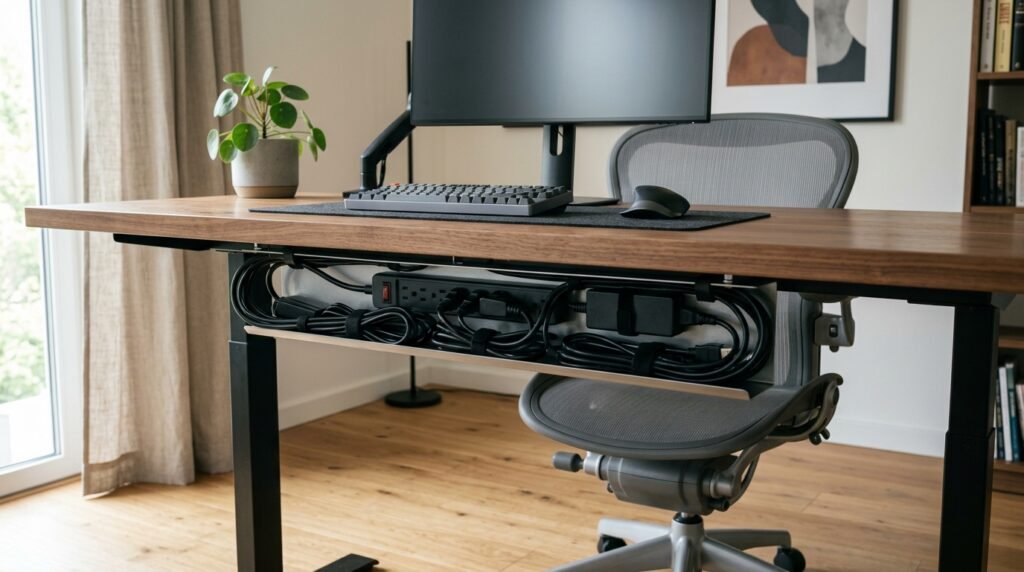
Mounting an enclosed cable management tray underneath your desktop hides bulky adapters beautifully. Keeping power cords completely out of sight prevents visual distractions from disrupting your creative focus.
Choosing a Flexible Monitor Arm Mount
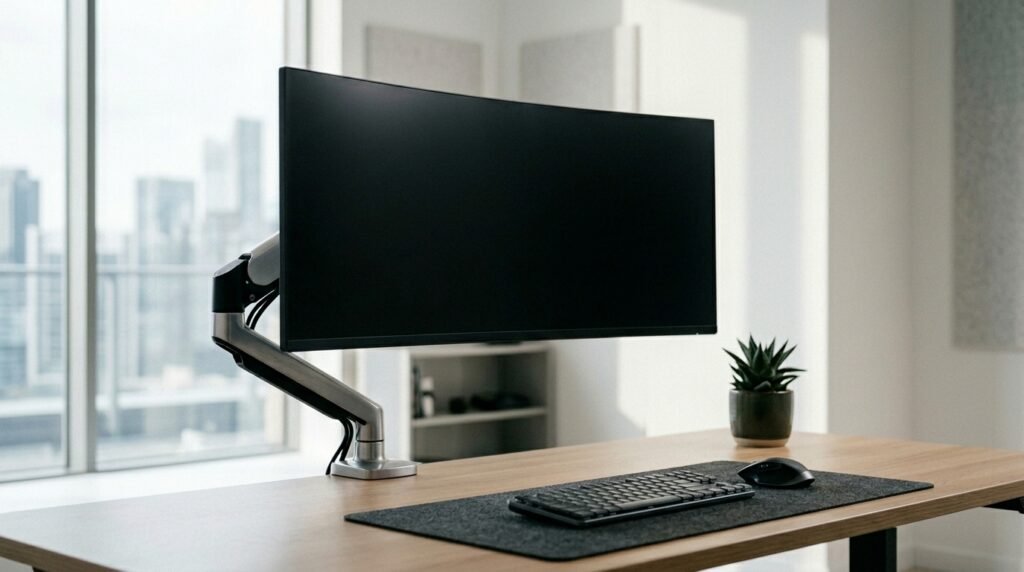
Floating your screen on an adjustable mechanical arm frees up valuable desktop real estate. This lift allows you to position your display perfectly at eye level, protecting your neck muscles.
Adding a Sleek Monitor Light Bar
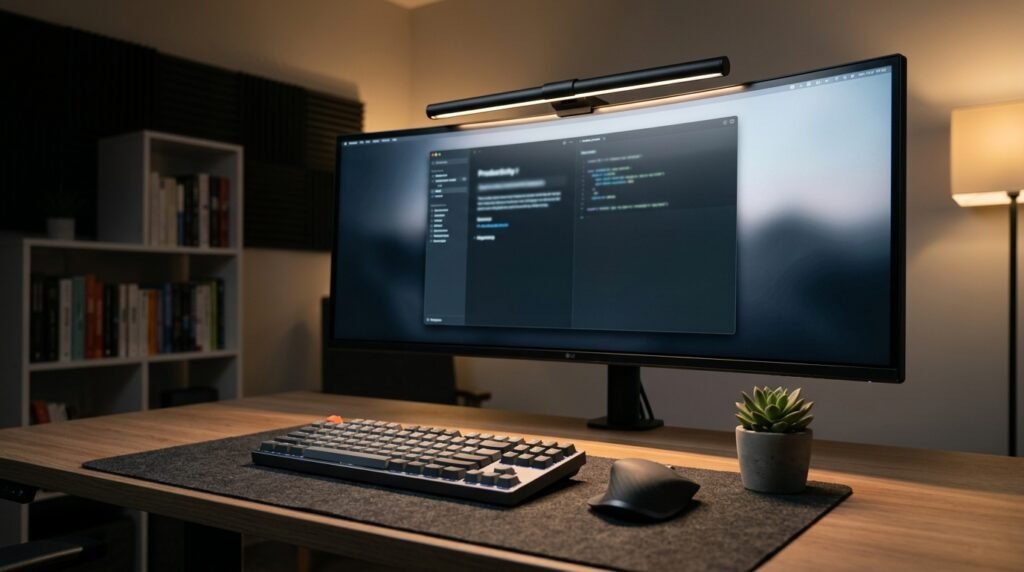
Clamping an asymmetrical LED lamp directly atop your screen illuminates your work area evenly. This direct casting method brightens your paperwork while reducing the frustrating screen glare that strains eyes.
Relying on a Single Charging Dock
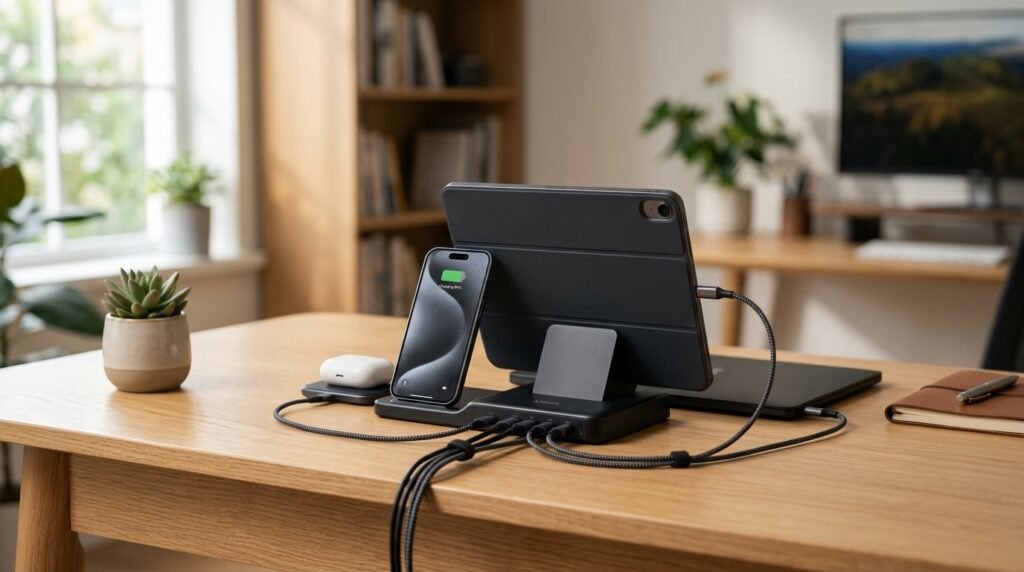
A compact multi-device station powers your smartphone and wireless earbuds in one spot. Keeping your tech corralled prevents multiple loose cords from migrating across an otherwise clean desk surface.
Keeping a Dedicated Physical Notebook

Your brainstorming session will be restricted to a single high-quality paper journal, which helps maintain your focus on the digital device. Taking handwritten notes while working through ideas helps you to keep a browser window closed.
Choosing a Matte Neutral Color Palette
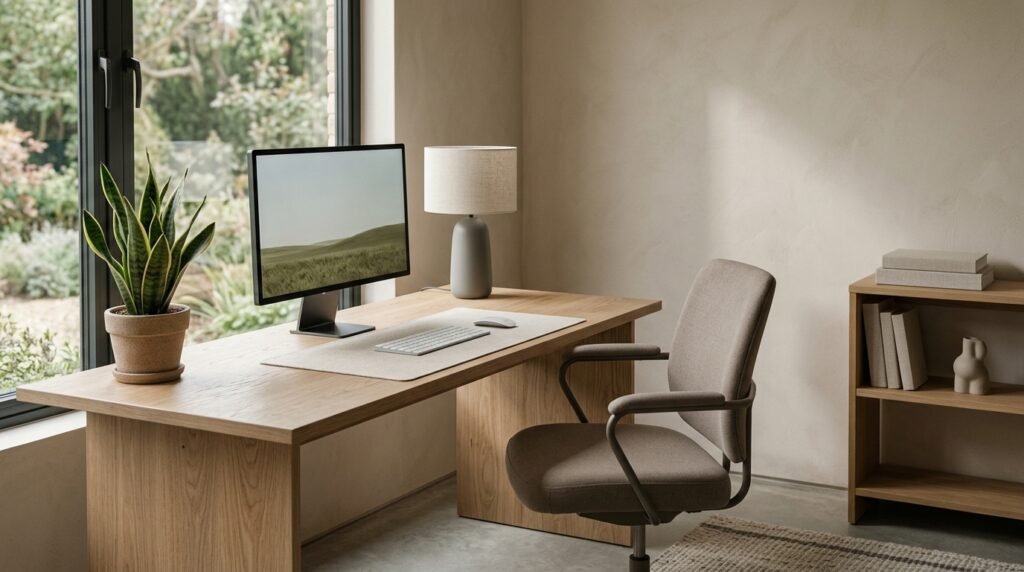
Decorating your immediate wall space with soft whites, grays, or wood tones creates calm. Subdued finishes can reduce sensory overstimulation, helping your brain maintain a relaxed and clear state.
Storing Your Extra Tools in Drawers
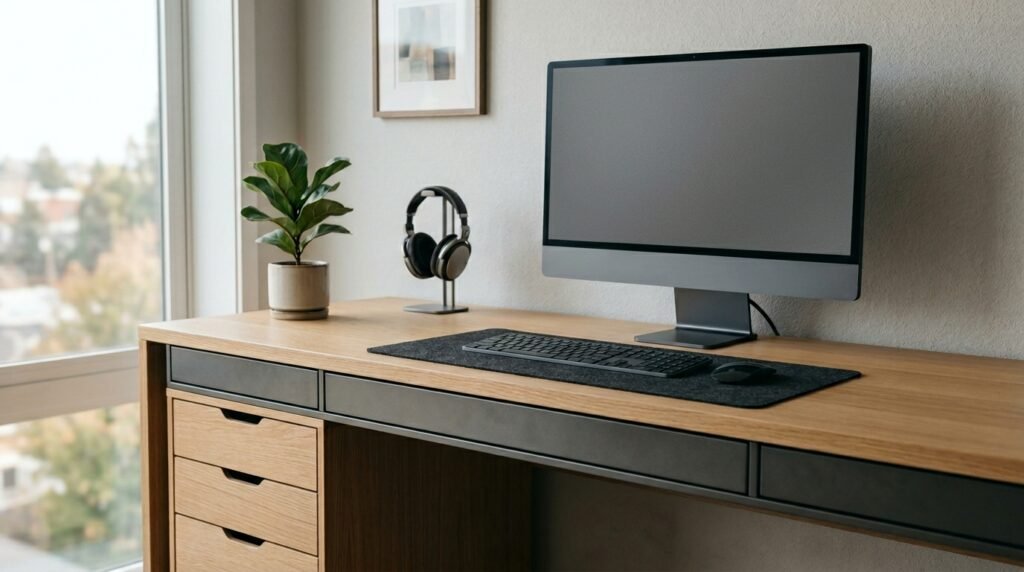
Moving spare pens, sticky notes, and lip balms into a rolling cabinet keeps them hidden. Ensuring your main desk surface only holds active tools promotes a beautifully minimal mindset.
Designing a Highly Intentional Workspace

Clearing away the non-essential items creates plenty of physical and mental room to create. Cultivating a personalized minimalist setup ensures you wake up excited to conquer your professional goals.
