Anger over a cluttered list of app icons and notification badges, which are impossible to navigate, can boost your daily challenges. The Journal of Computer-Mediated Communication reports on a series of digital habit studies, indicating that too much messiness in the user interface could be a constant burden on your mental faculties and lead to a bit of mental fatigue. A very minimalistic and visual approach to the layout may help to introduce some relaxation to your everyday screen interactions. Let’s look at some of the simplest ways to design a beautiful, minimalist display.
Ruthlessly Purging Unused Digital Applications
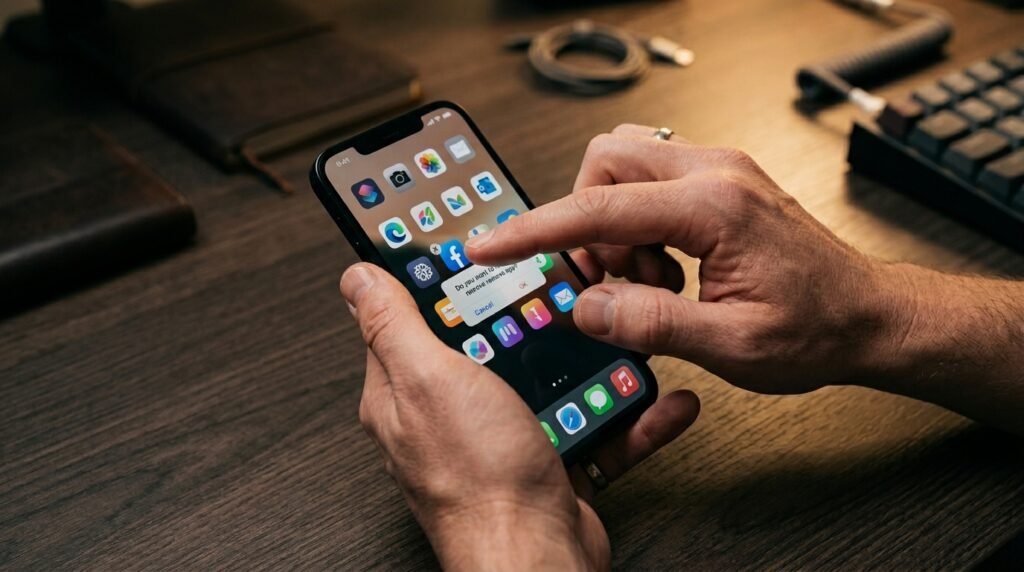
Scanning through your software library to delete hidden programs you haven’t opened in months instantly frees up storage. Removing this background weight simplifies your interface and makes finding essential tools completely effortless.
Consolidating Clutter Into Tidy Smart Folders
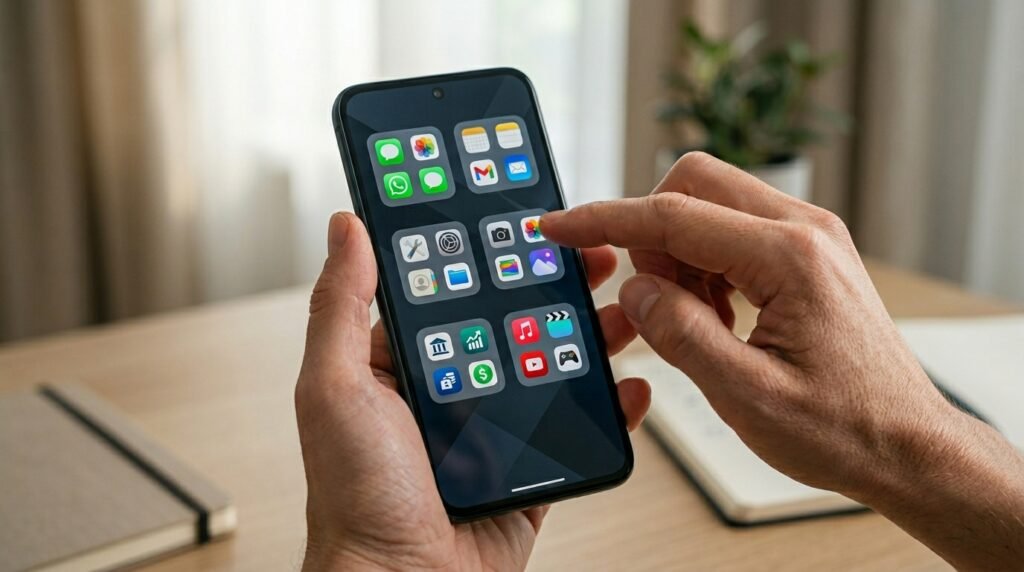
Grouping your remaining applications into small, thematic categories keeps your display looking beautifully organized. Labeling these folders with simple, single words or basic icons keeps your home screen perfectly tidy.
Hiding the Distracting Red Notification Badges
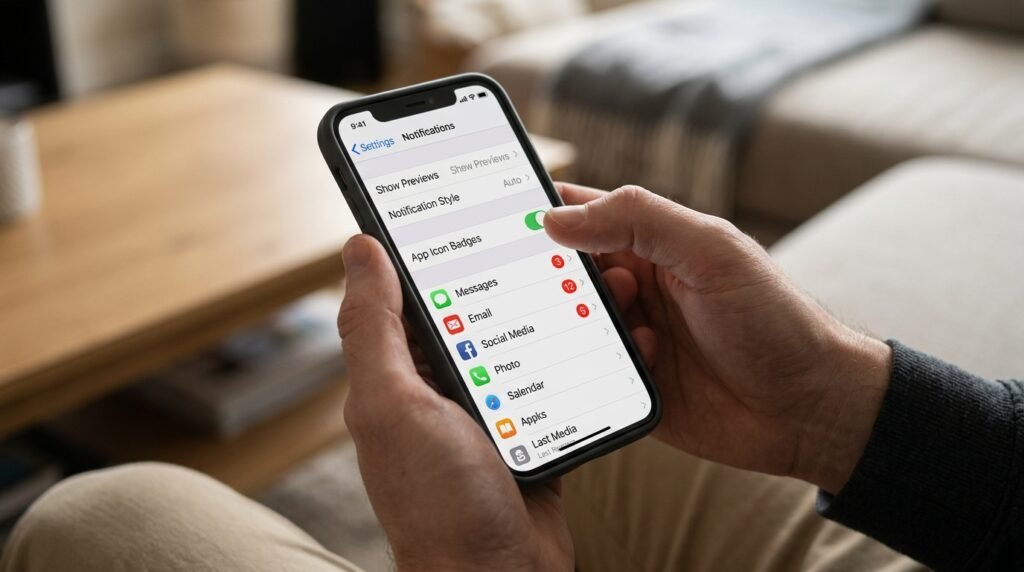
If the bright alert dots in your main settings menu are an immediate source of sensory overstimulation, simply turn them off. This visual modification helps you to be more purposeful than reflexive when checking your messages.
Banishing All App Icons From Home
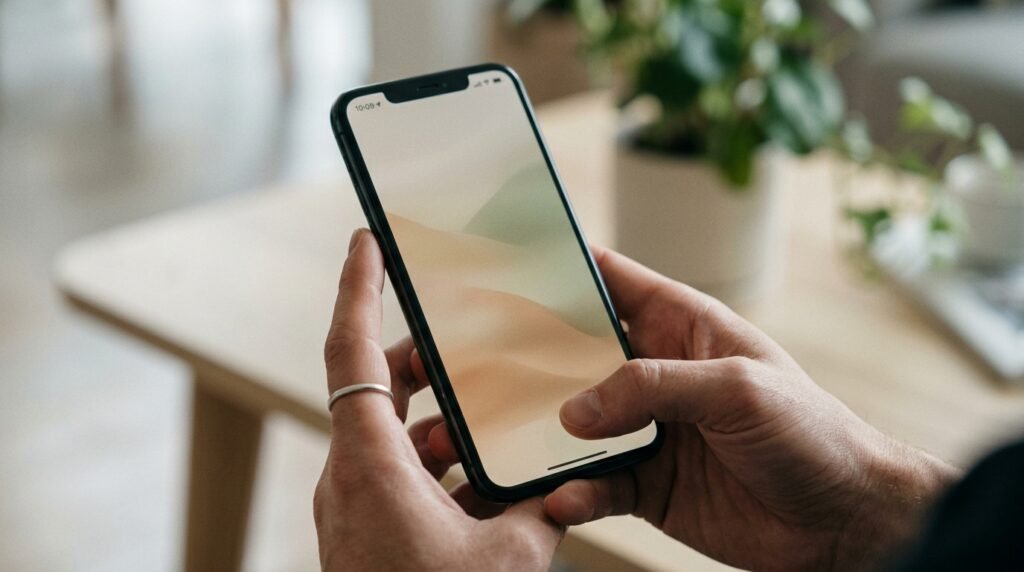
Moving your entire daily software collection into a hidden app library creates a stunning, distraction-free primary screen. It leaves your interface looking incredibly polished and modern right from the first swipe.
Selecting a Monochromatic Minimalist Wallpaper
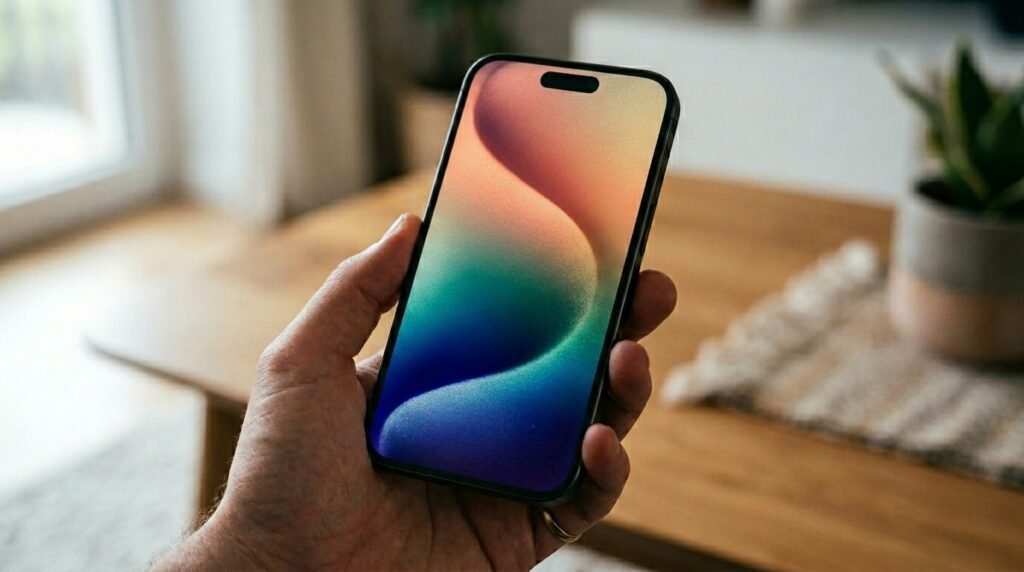
Choosing a solid neutral backdrop or a subtle textured dark background limits heavy visual noise. A simple canvas lets you focus your eyes comfortably without competing with a busy photographic print.
Standardizing Custom Uniform App Icon Sets
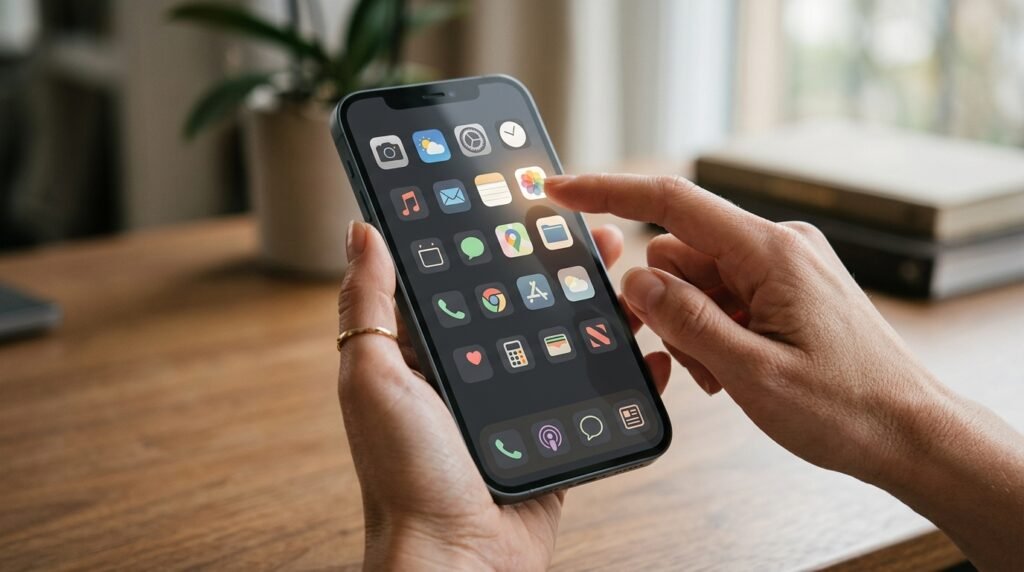
Just like that, you can match your whole digital theme with an icon pack and create a beautiful theme. Removing a disruptive mismatch of random corporate branding colors produces a stunning visual fluidity and uniformity.
Setting Up a Dedicated Focus Mode
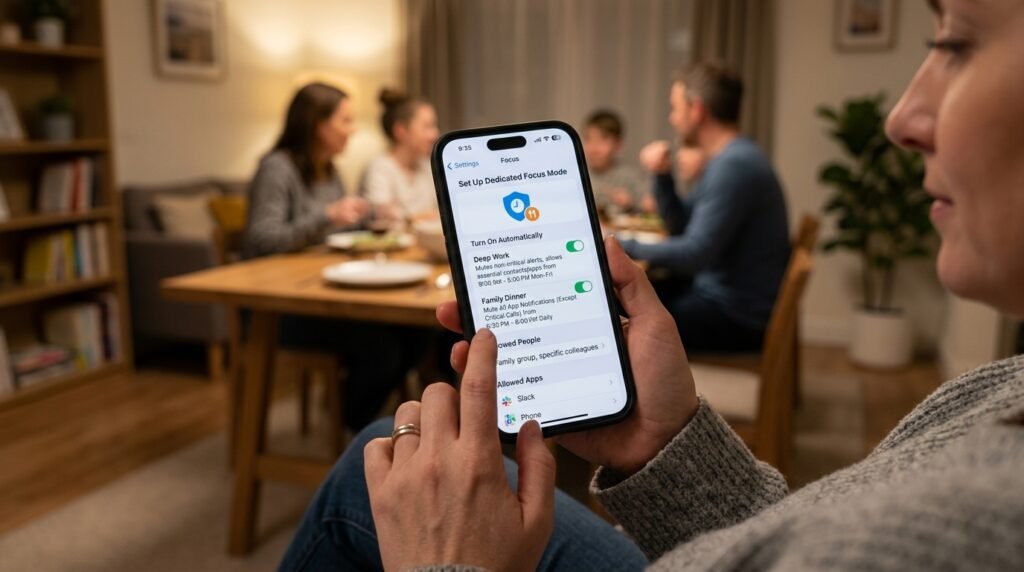
Custom System Profiles are used to mute non-critical alerts during critical work blocks or when it’s time to eat dinner with the family. By filtering your notifications, you can only receive the information that you are interested in when you need it.
Streamlining Your Control Center Shortcuts
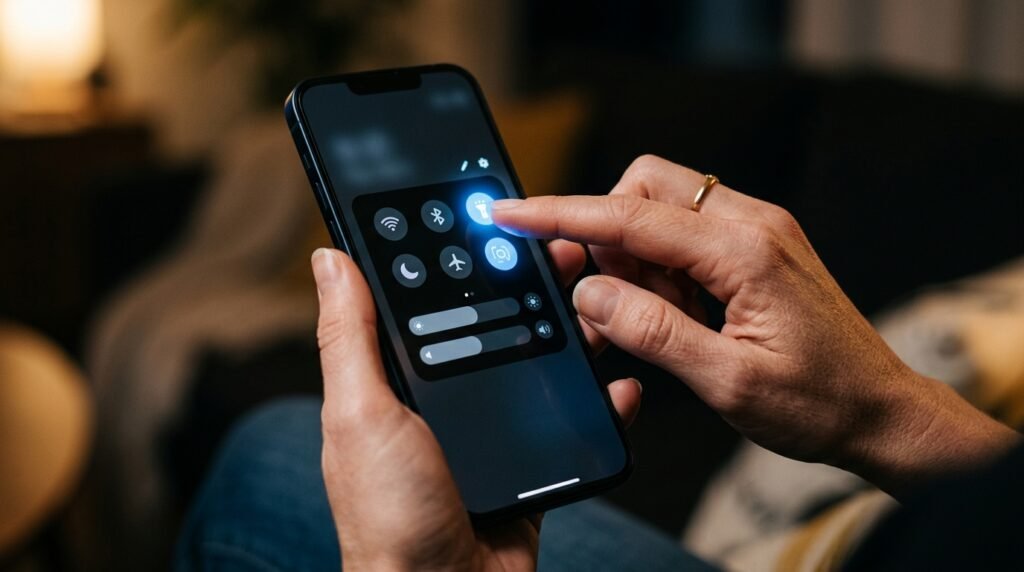
You can get rid of the unimportant utility toggles in your quick-swipe control panel, and you will only have the most important shortcuts. The flashlight and Bluetooth features are turned on without searching.
Hiding Unnecessary System Search Bars
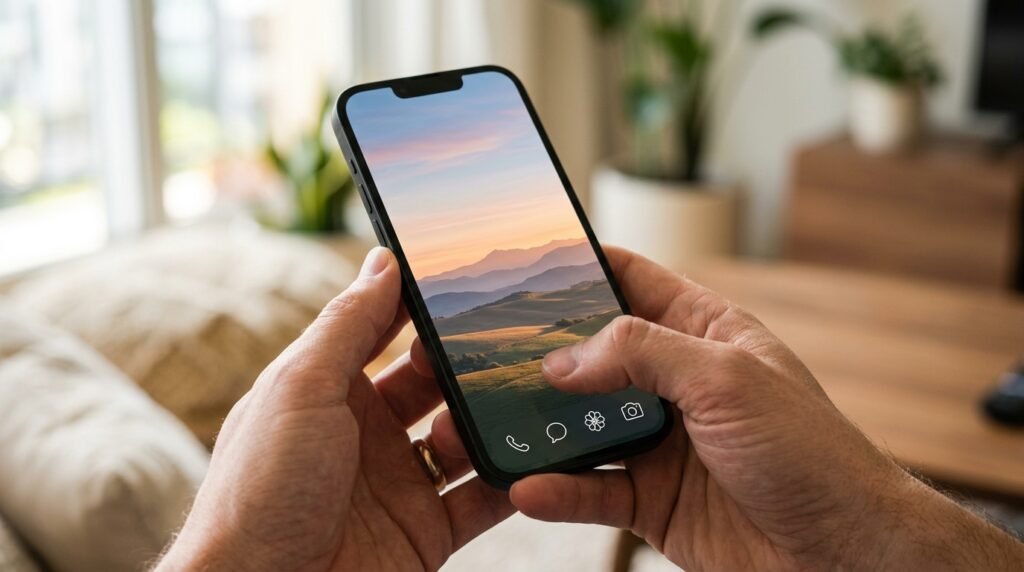
Displaying visible but not so prominent search boxes or navigation strips on the screen and then toggling them off once you’ve reached your destination saves valuable screen real estate. It’s a quick settings tweak that lets you view your favorite wallpaper choice much cleaner and with more space.
Maintaining a Beautifully Intentional Screen Routine
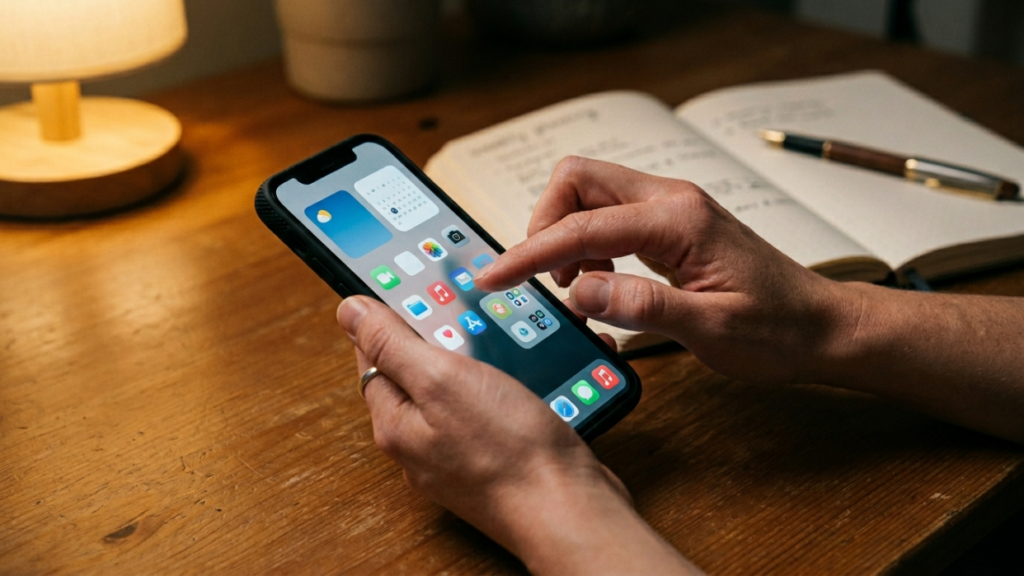
Spending just two minutes every Sunday evening refreshing your digital layout prevents clutter from quietly returning. Keeping a minimal setup ensures your smartphone remains an incredibly peaceful tool for your week.
