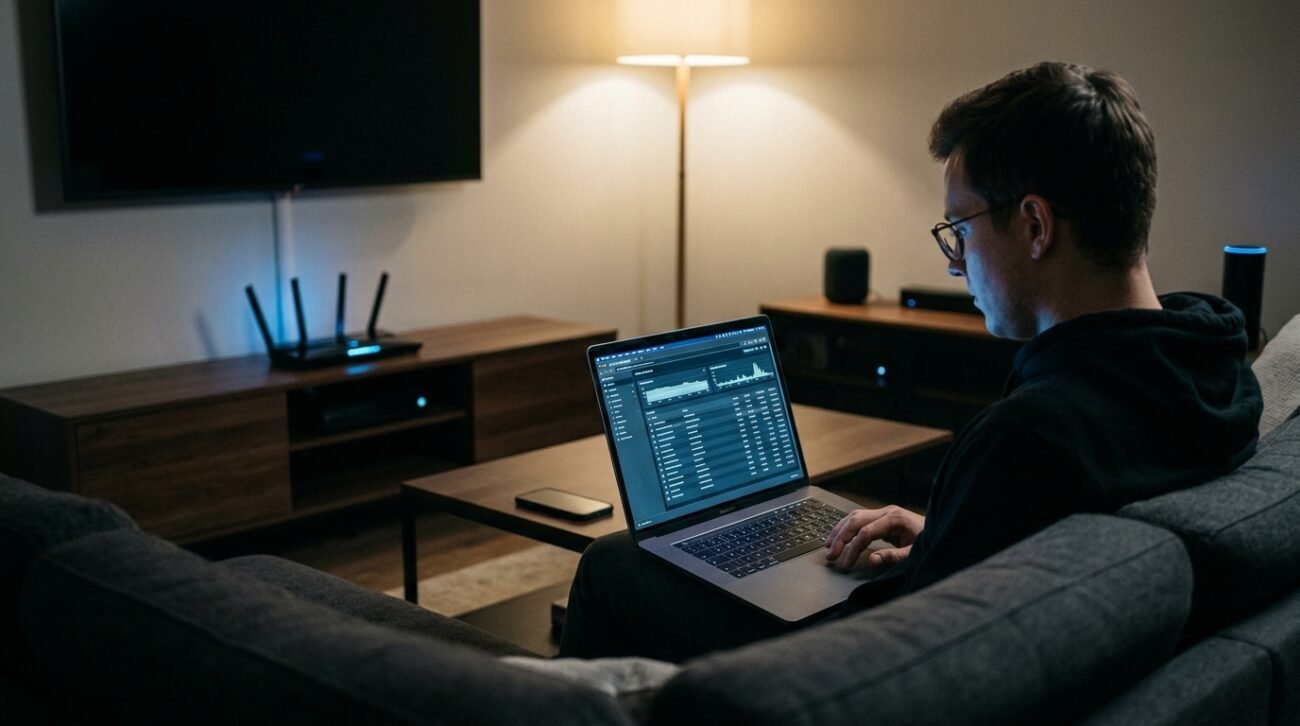
We all want a quick internet connection at home, but when there’s a not-so-soon-to-be-welcome stranger in the home, whom we don’t want to share our digital world with, it can be a problem. Unsecured wireless access points are often used to allow unauthorized traffic, as highlighted in cybersecurity reports issued by the Cybersecurity and Infrastructure Security Agency (CISA). The good news is that there is no need to have a computer science degree to be able to detect the signs of a breached network, only some great tips.
Notice Unexpected Drops in Speed
If your video stream buffers all of a sudden at peak times, it may mean someone else is consuming your bandwidth. Network traffic analysis reveals that many unauthorized users can produce significant slowdowns or lags.
Track Unknown Connected MAC Addresses
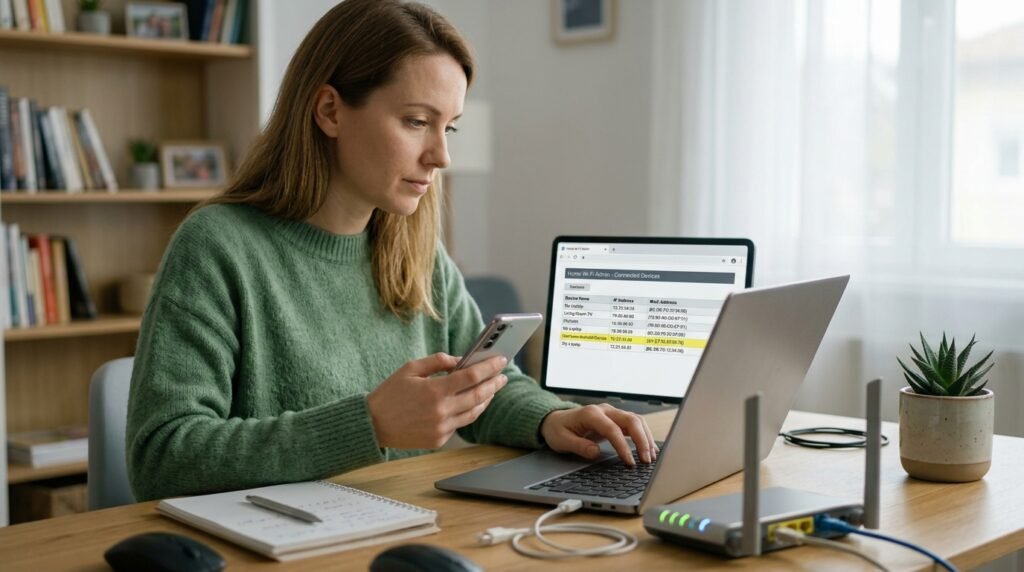
Each gadget has a distinctive media access control address. Trying to compare this list of devices with those at home could assist you in identifying rogue smartphones or PCs and block them from connecting to your internet without your knowledge.
Audit Your Smart Home Devices
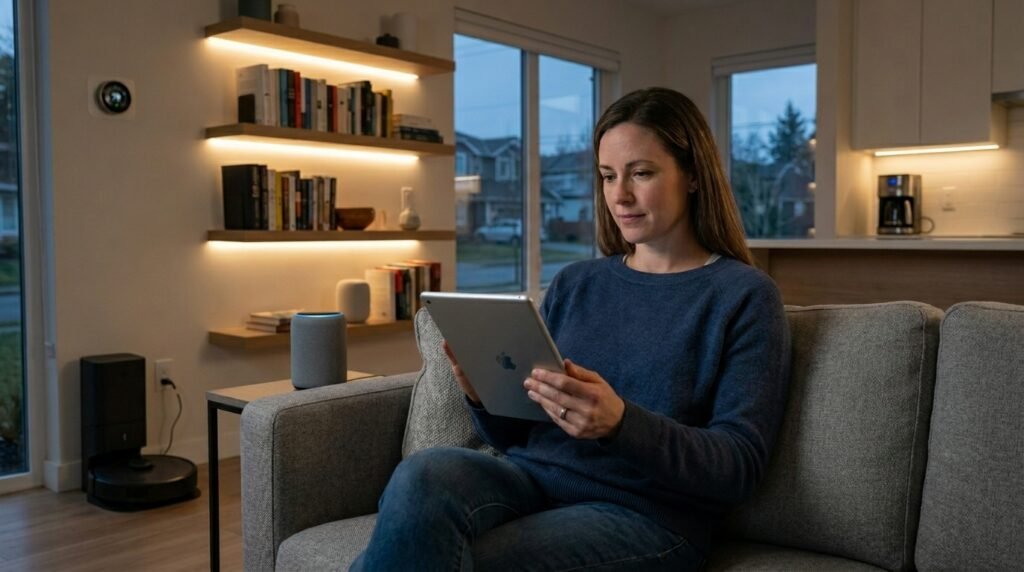
That thing on your network that you don’t remember having – it’s probably an abandoned smart bulb! If there is a false alarm, you may be able to eliminate the possibility by investigating the electronics that are connected to your home.
Utilize Network Scanning Mobile Apps
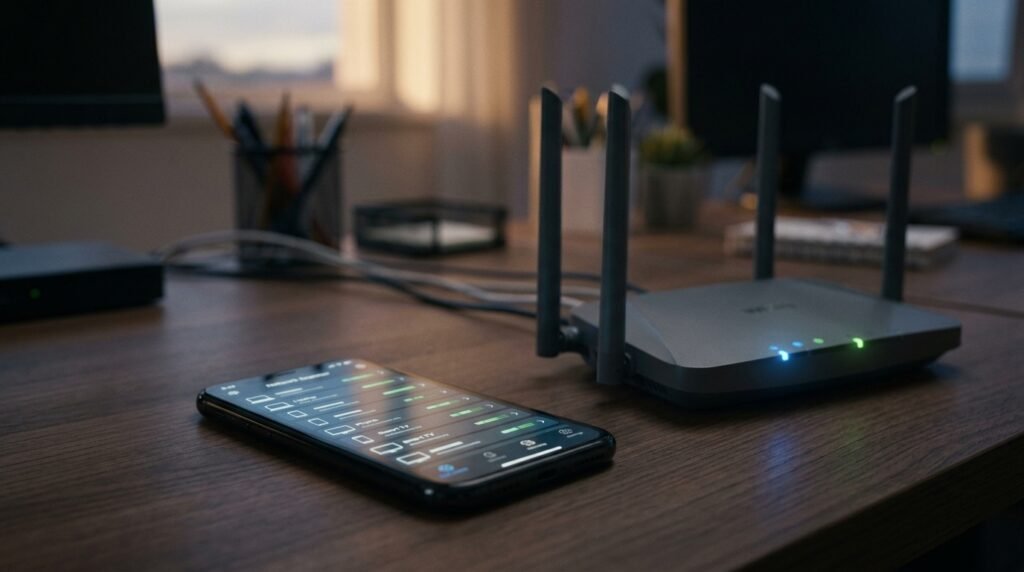
Any application with a simple and trusted network analyzer can scan your local subnet in seconds. These tools are commonly used by techs to sketch out all live connections on a home wireless frequency.
Inspect Your DNS Server Settings
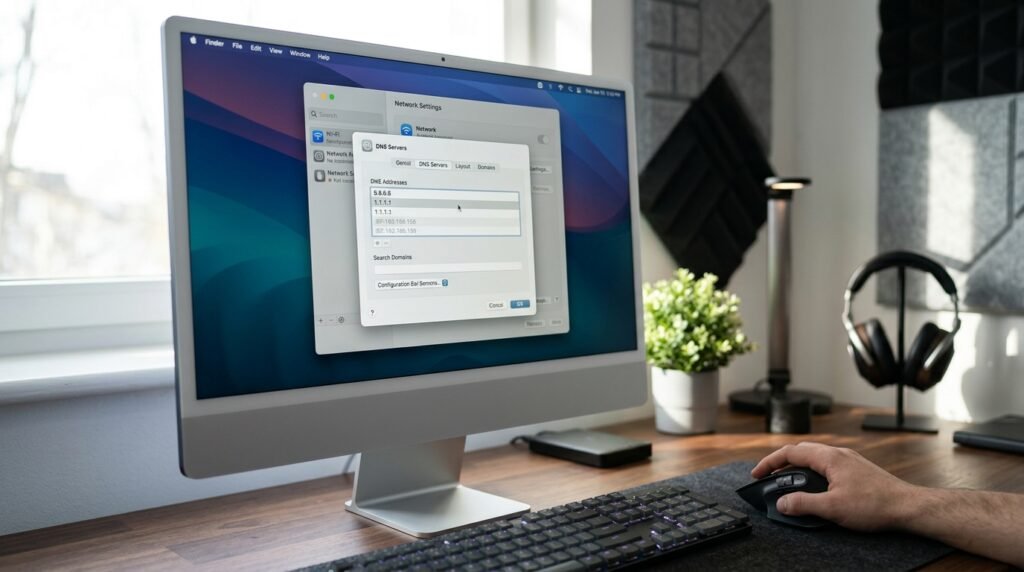
Sometimes, malicious persons change the DNS settings to divert your web traffic. Unusual settings or changes in them could indicate that your connection is being controlled by an individual.
Implement Stronger WPA3 Security Protocols
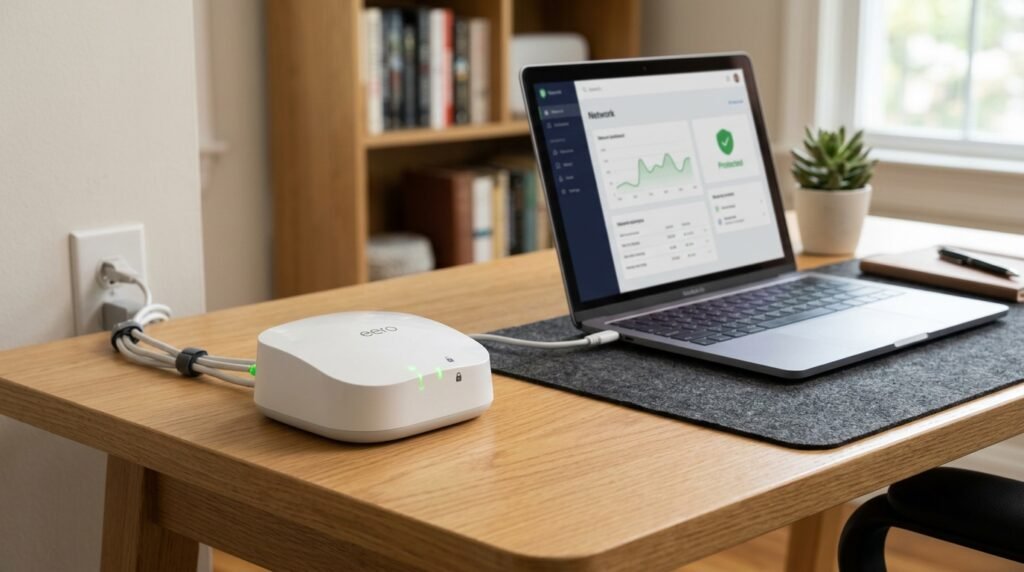
Switching from older encryption methods, such as WEP, to newer ones greatly enhances the protection you provide. According to IEEE Computer Society journals, today’s WPA3 encryption makes it very difficult for neighbors to eavesdrop on you.
Disable Remote Router Management Features
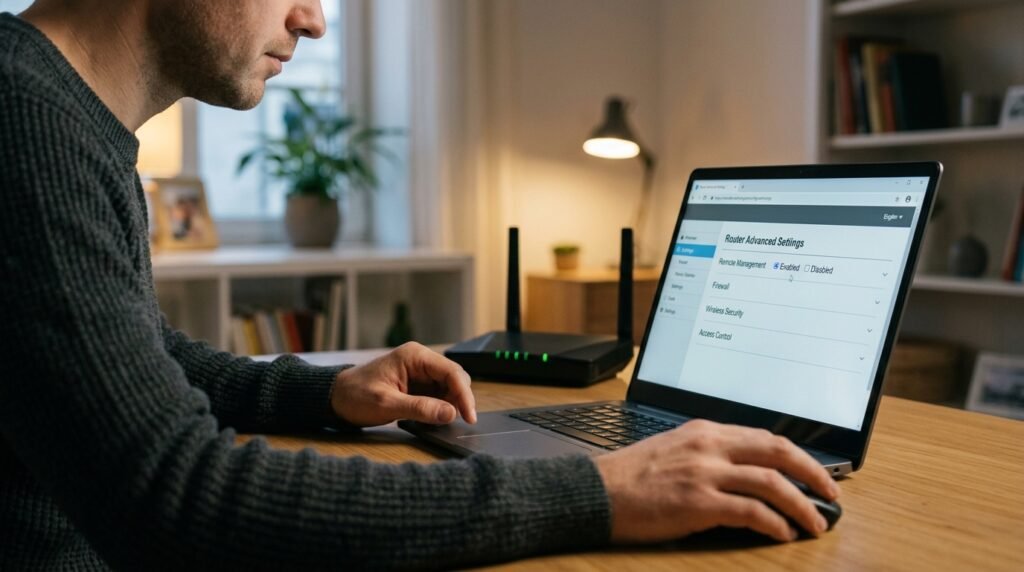
Giving the admin access outside of your home provides you with unnecessary entry points. This particular setting will make sure that your router setup is changed by someone in your home, so to speak.
Create a Separate Guest Network
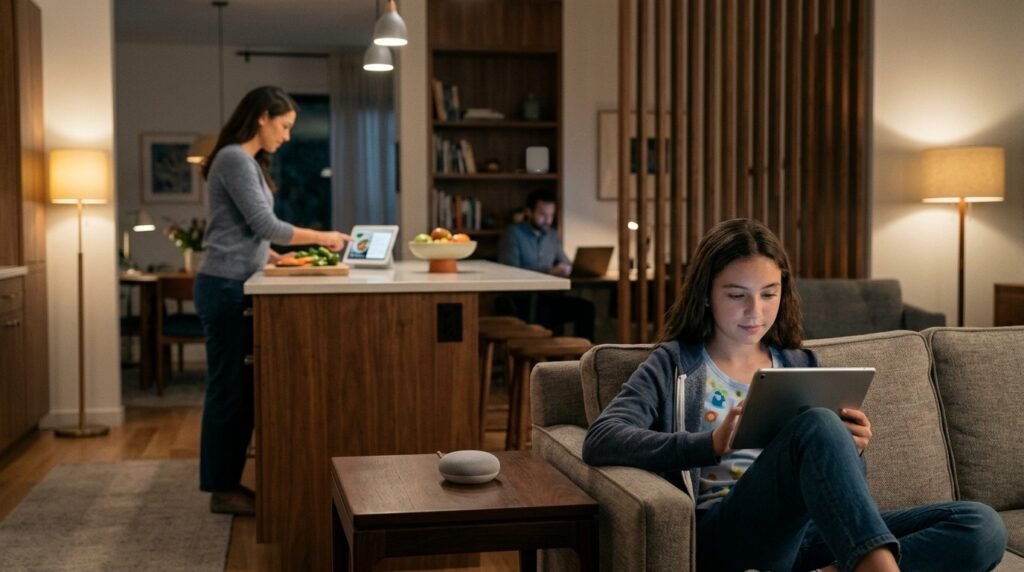
Separating your smart devices and visitors onto another network ensures your main information is safe. The idea of this separation is based on network security models that advocate the use of this separation in order to reduce the impact in case of a compromise of a single device.
Change Default Administrative Passwords
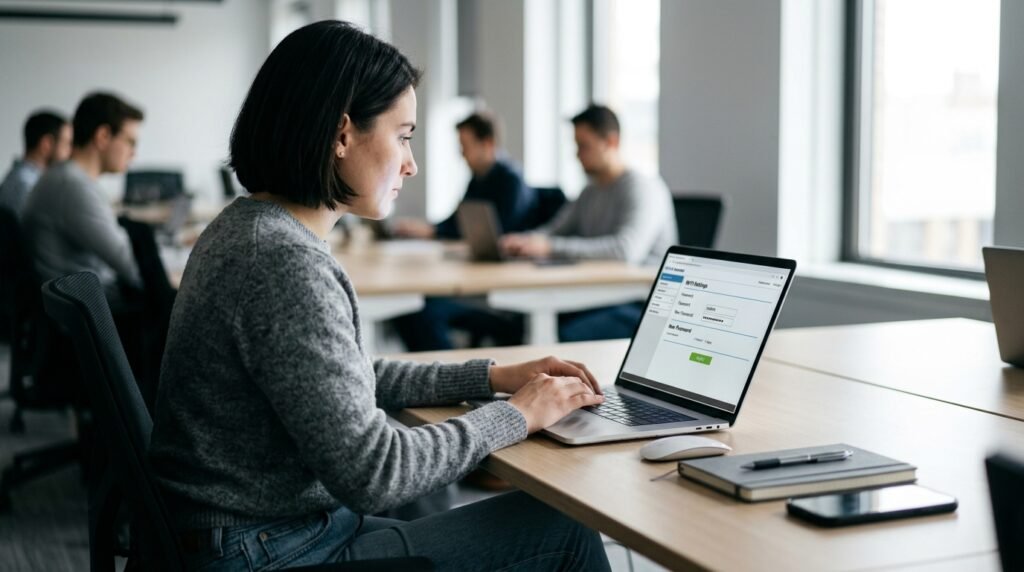
A lot of people have the factory login configured on their home routers. As soon as the credentials change, intruders will not be able to have deep access into your network settings and track your activity.
Reinitialize Your Router Safely
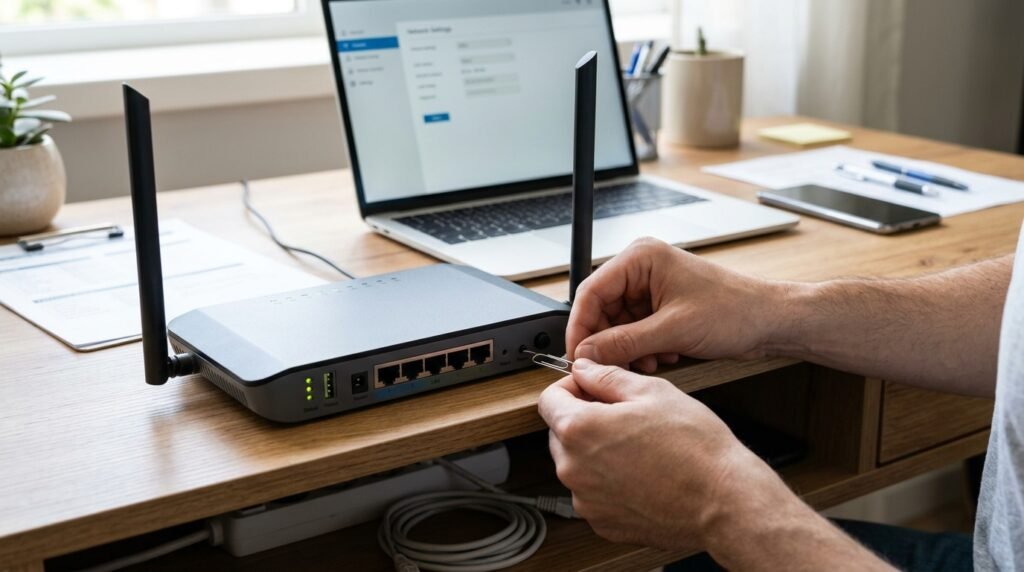
If in any doubt, one can perform a factory reset to remove any possible unauthorized access. This is a step you can take to get a fresh start in order to reset your security and privacy settings.
