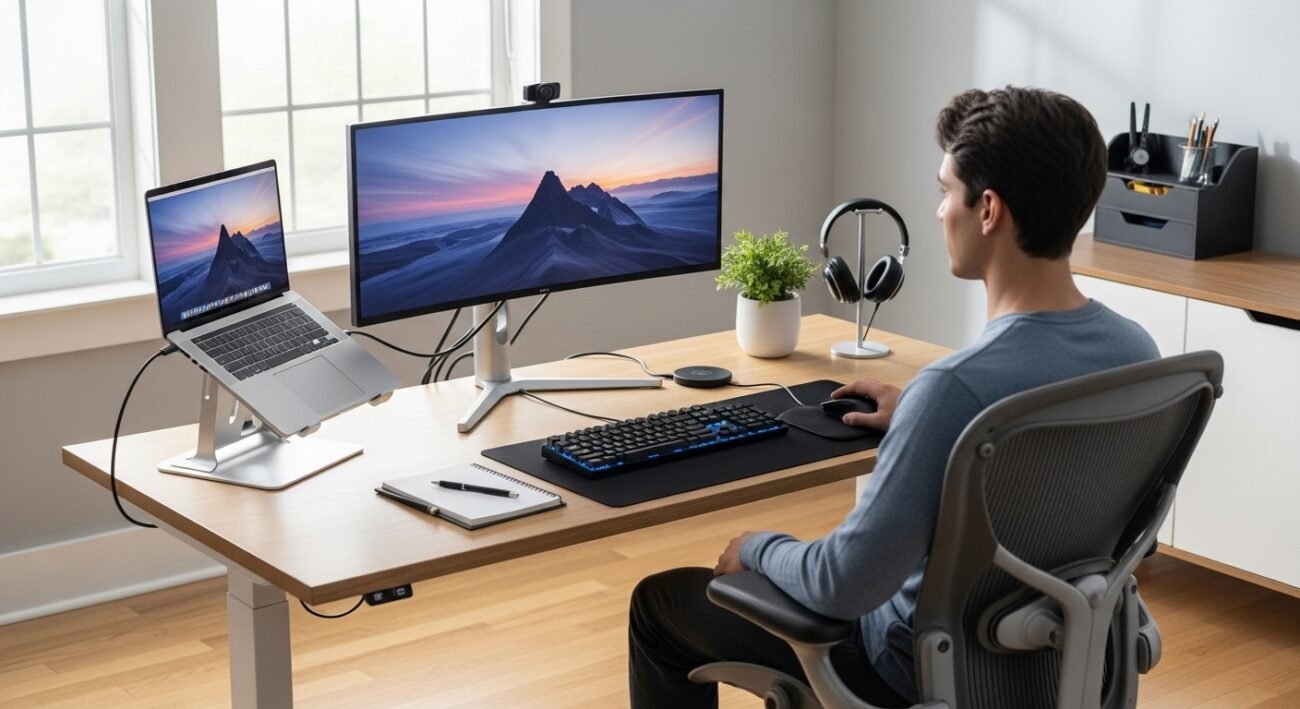
While desktops are more comfortable and efficient, laptops may be utilised in bed or on the go. A bigger screen, better posture and more multitasking can make daily computer use a lot easier. The upside is that you don’t need a new laptop to make use of them. As long as you get a few accessories that work with it, a laptop can be your full system at home or in the office. This method is cost-effective, saves on space and keeps the mobility element. Through a few accessories and some adjusting of settings, it’s possible to create an office experience at home that feels as immutable yet as adjustable when necessary as the real thing.
External Monitor Setup
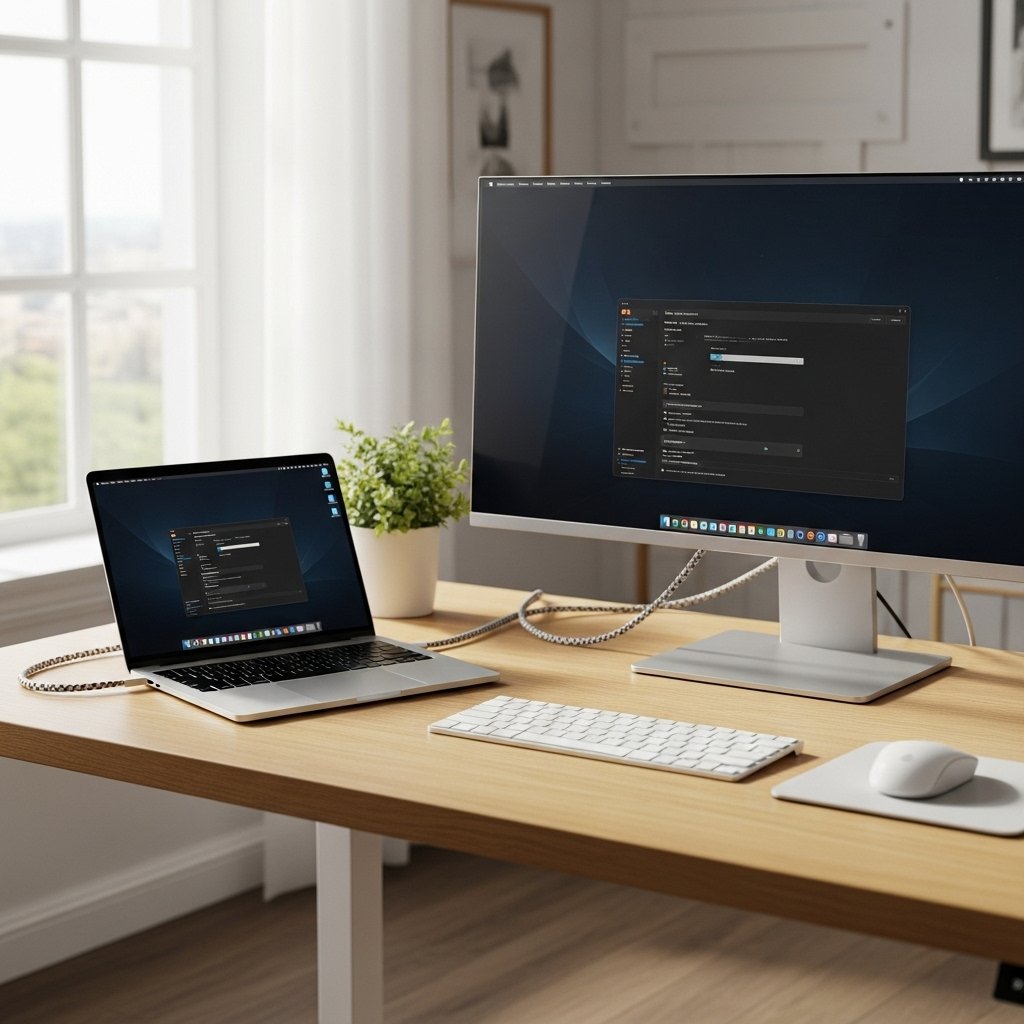
Use an external monitor to extend your screen. Connect an external monitor for extra space. Larger screen size reduces eye fatigue and improves focus. Position it at the level of the eyes to feel comfortable. Your laptop screen can double as a second display.
Full-Size Keyboard Addition
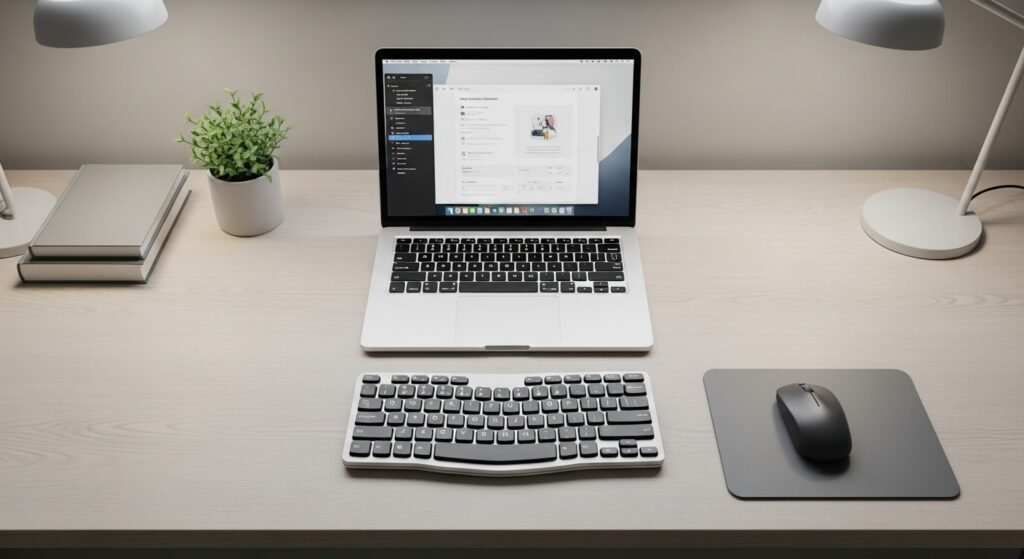
For more comfortable typing, use a full-size keyboard. It relaxes grip and increases accuracy. Distance it naturally. This setup feels familiar to long-time desktop users.
Dedicated Mouse Use
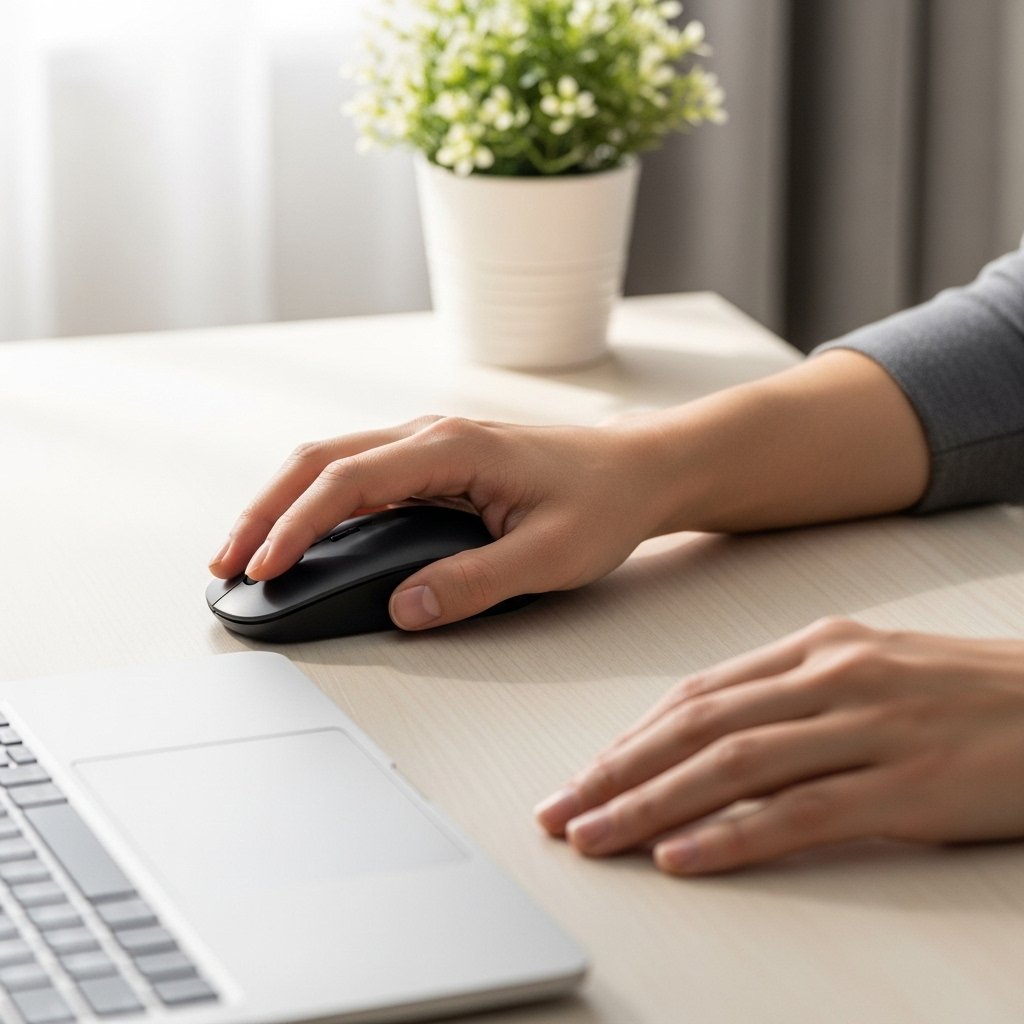
Replace the trackpad with an actual mouse. A mouse is more fluid to control and is less stressful for your wrist as well. Find one that suits your hand. Accuracy gets better over long work sessions.
Laptop Stand or Dock
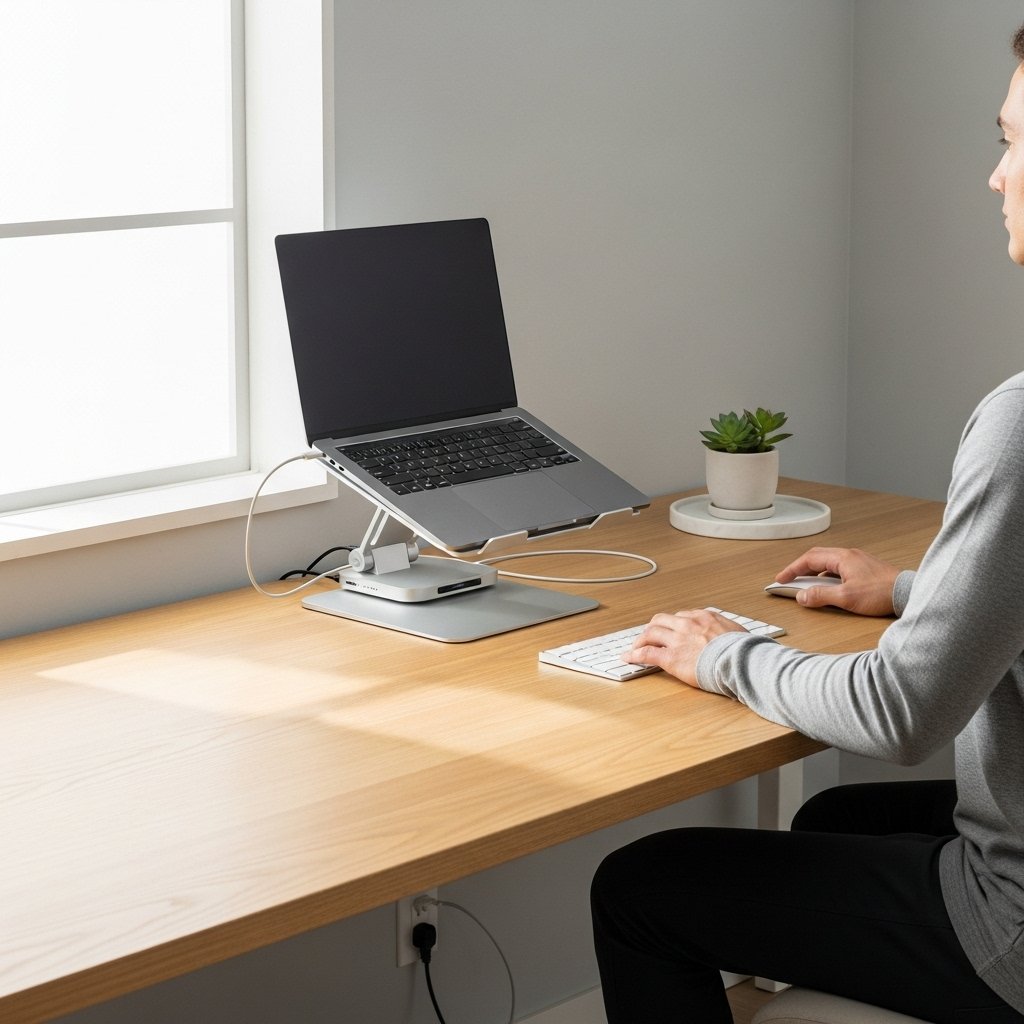
If you are using a stand or a dock for your laptop. Adequate height promotes positive posture and a clear airway. Docking stations are also a nice way to simplify cable connections. It makes your desk look neater and more organised.
Power and Cable Management
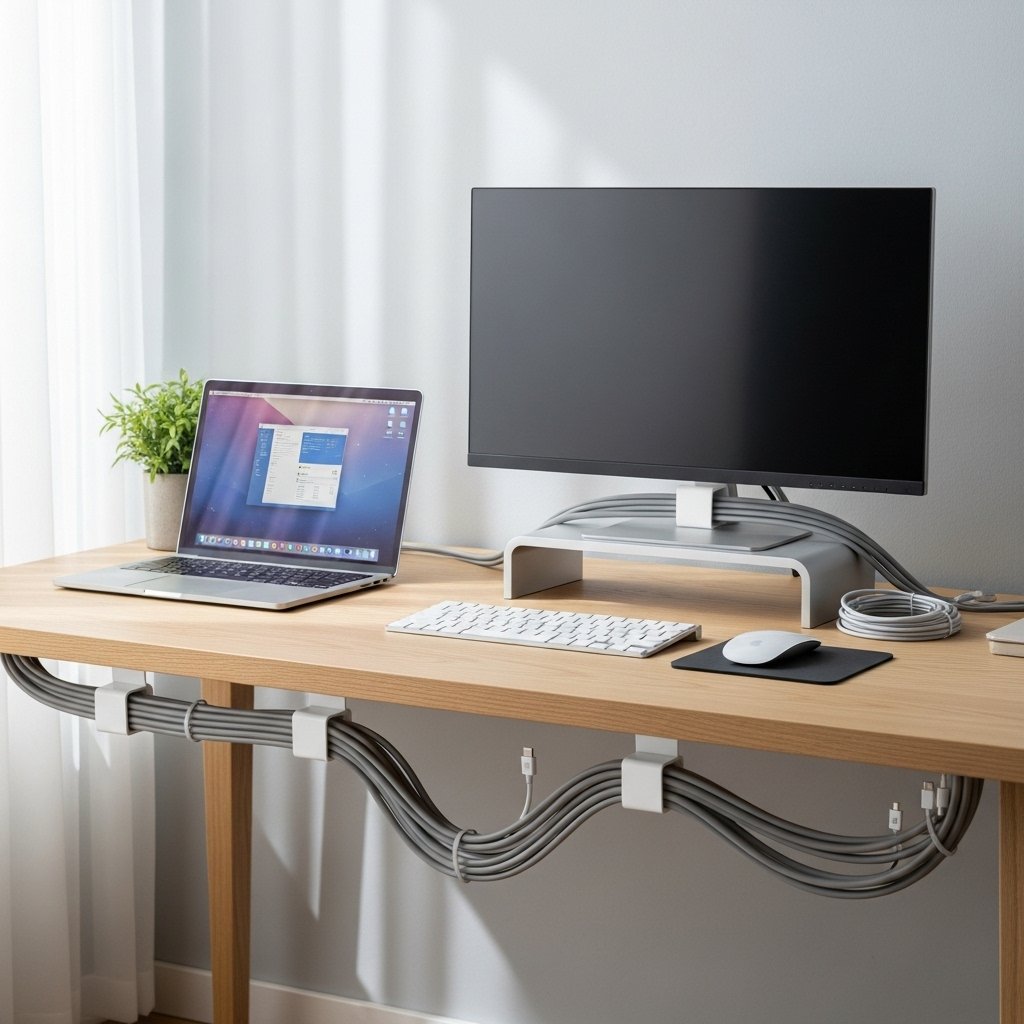
Keep your laptop charged while working at a desk. Clips or sleeves are used to route cables neatly and tidily. This makes for no mess and accidental pulls. A clean space helps you concentrate and get the job done.
Desktop-Style Audio
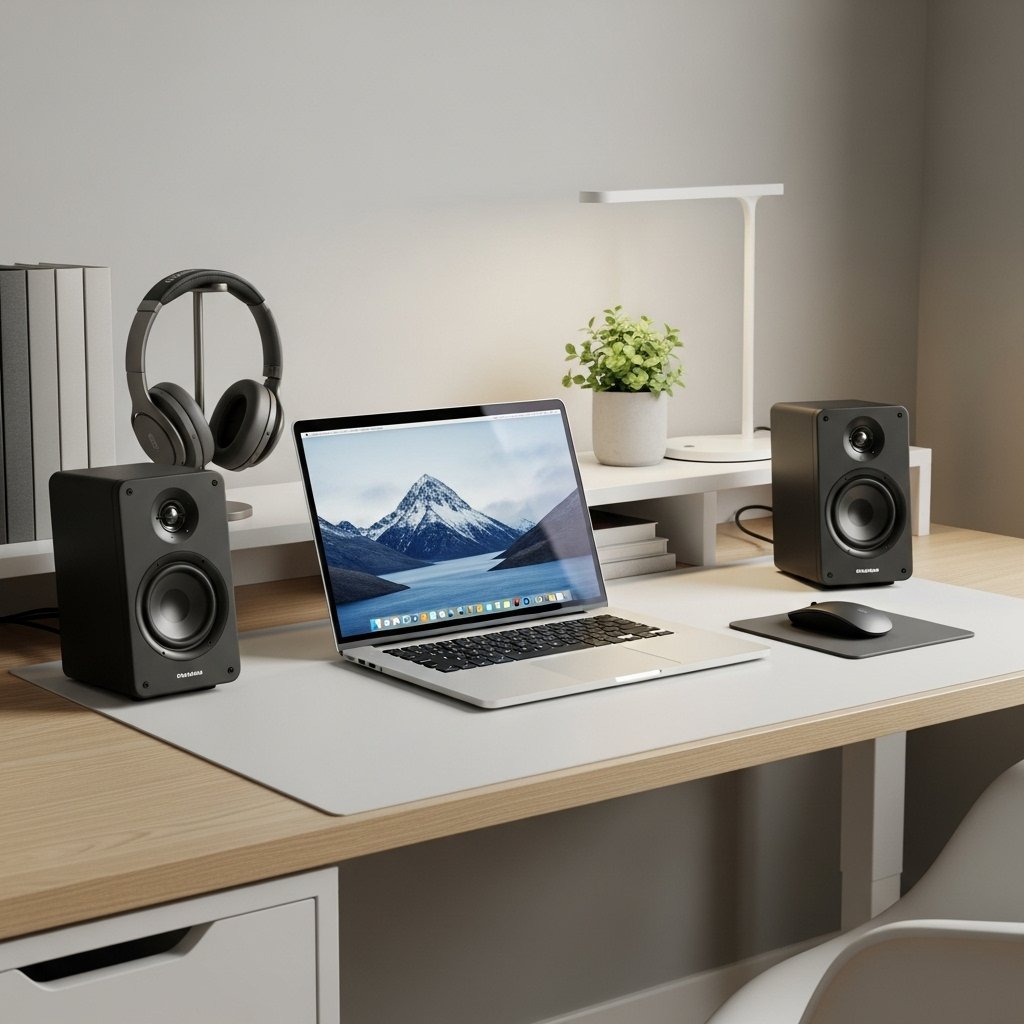
Include external speakers or high-quality headphones. In-laptop sound quality often sucks. Better sound enhances calls, videos, and music. Place speakers at equal distances to achieve a balanced output.
Operating System Display Settings
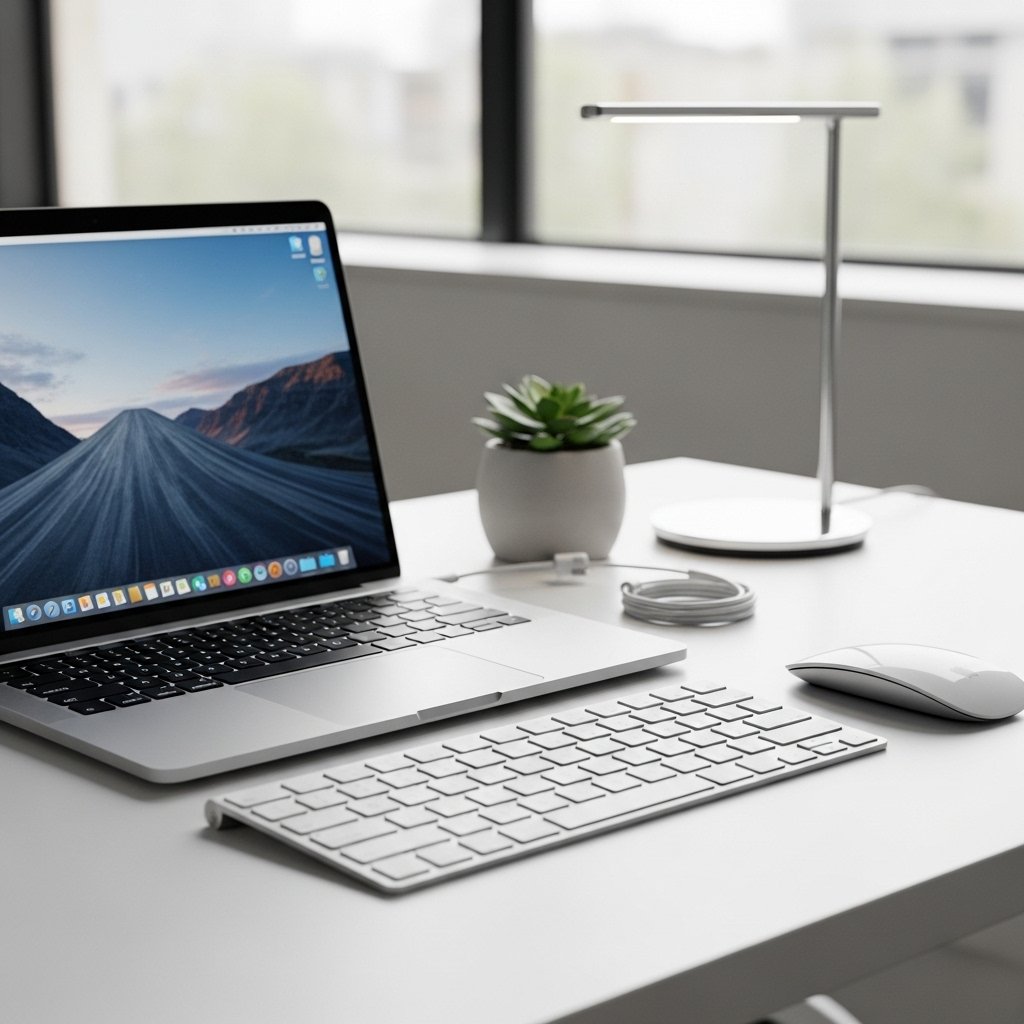
Adjust display scaling and resolution for the external monitor. Set the primary screen correctly. This ensures smooth window movement. Text and icons will appear clear and comfortable.
Desktop Workspace Layout
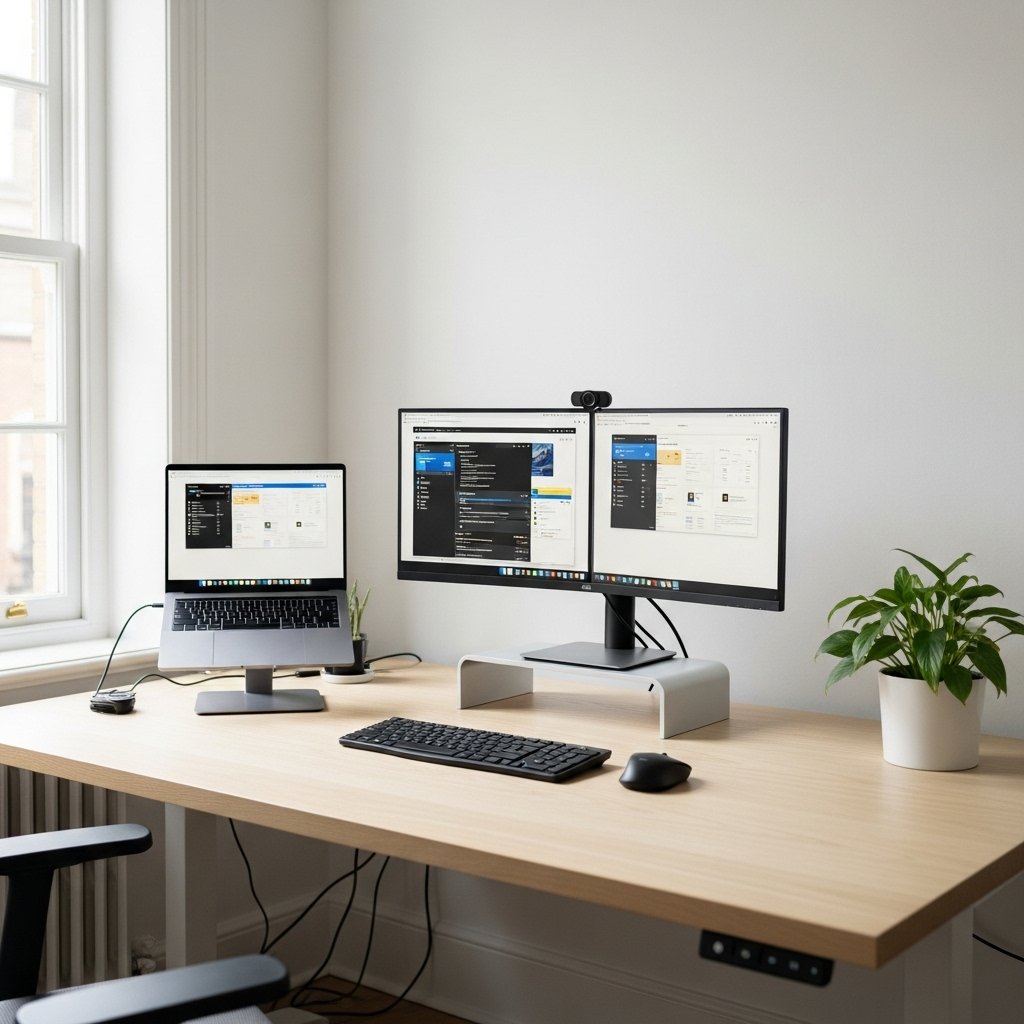
Arrange your desk like a desktop station. Lower frequently used technology to an accessible height for easy access. Maintain clear space for movement. A stable layout reduces daily distractions.
External Storage Solutions
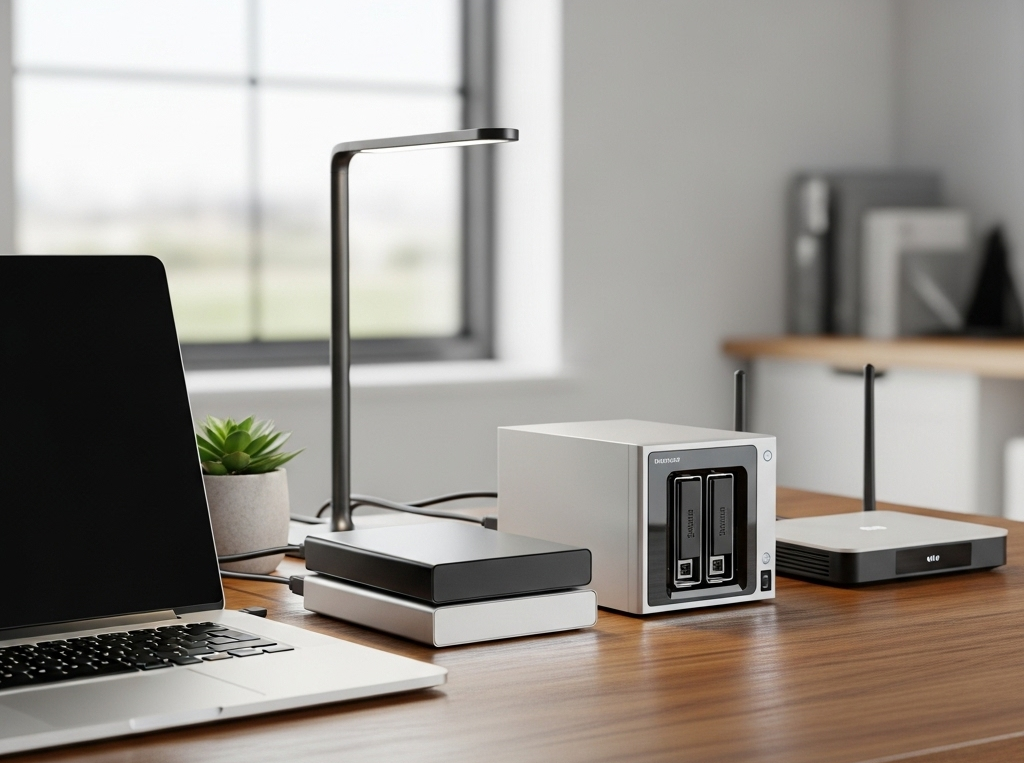
Use external drives or network storage for large files. This keeps your laptop fast and organised. Access data easily without filling internal storage. Backups become simpler and safer.
Cooling and Ventilation Care
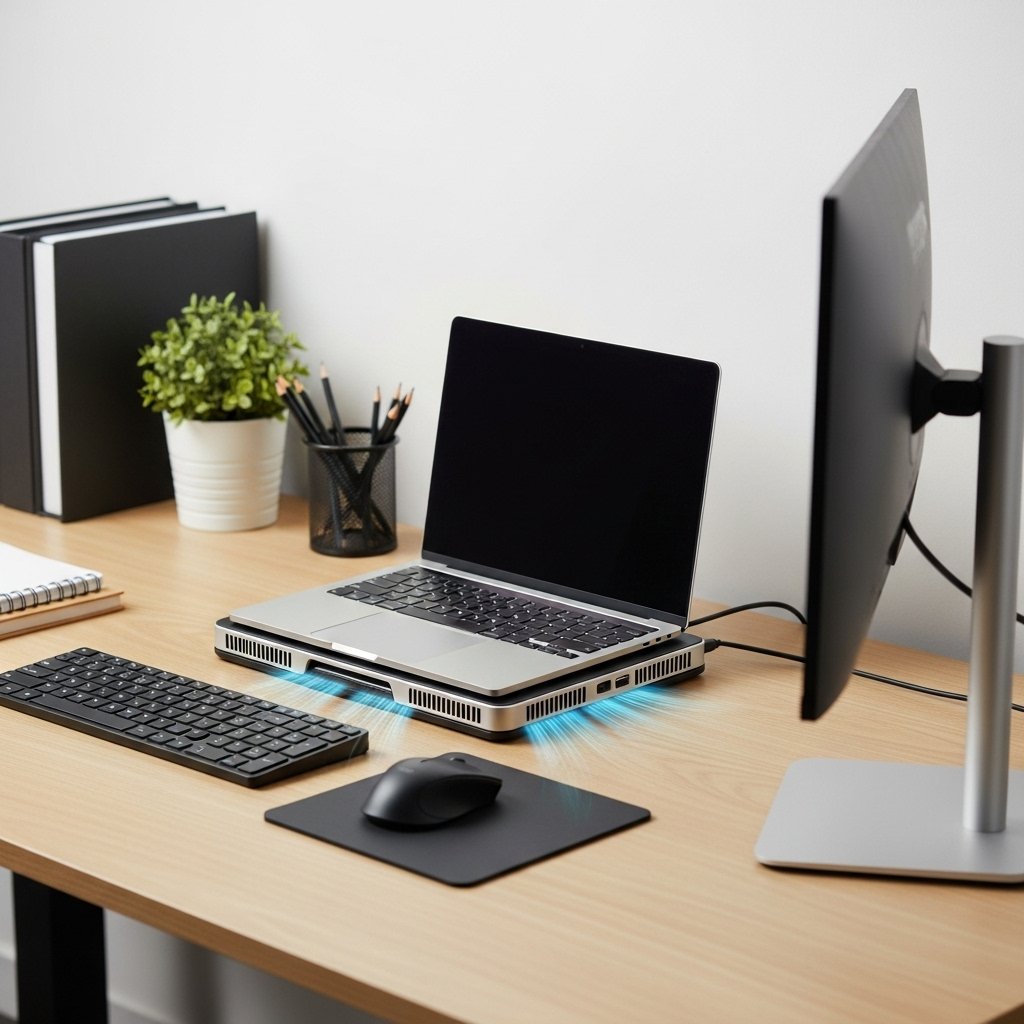
To avoid overheating, ensure your laptop is well-ventilated. Allow sufficient space around it. Avoid blocking vents. A cooling pad can help during heavy use. Stable temperatures improve performance and device lifespan.
Quick Undock Routine
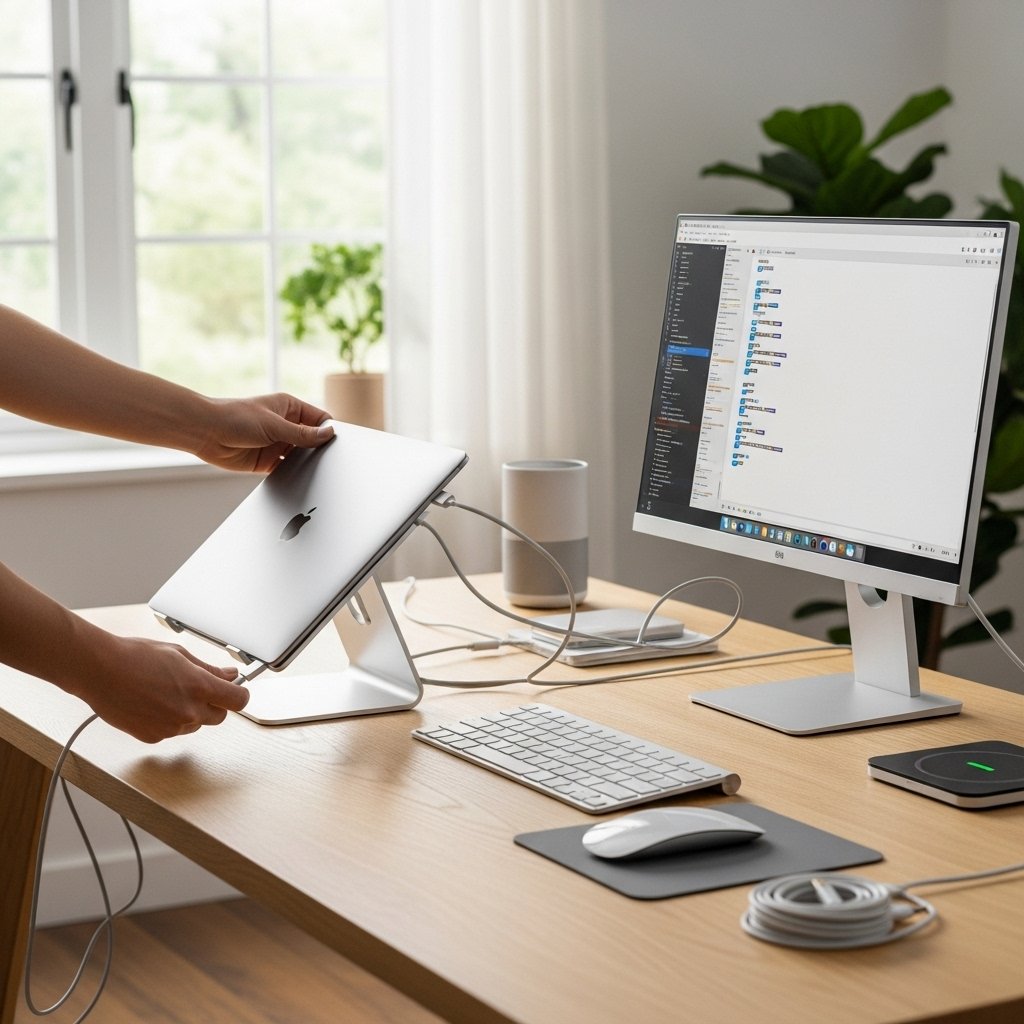
Plan a simple disconnect routine. Close programs, unplug accessories, and pack essentials quickly. This keeps mobility intact. You can switch between desktop mode and travel mode with ease.
