Android phones are famous for their versatility, but not everyone understands how to unlock the full potential of a smartphone. Secret settings and simple tweaks can make devices easier to use and faster without the bugs, crashes and errors that I constantly test gadgets for in my work as a reviewer. These changes don’t involve any technical know-how or dangerous apps. They simply adjust how the phone behaves and looks. When used thoughtfully, customisation helps the device feel calmer, cleaner, and more personal. This is relevant when a phone is a work and communication tool, but also an organizer. The concepts are centered on control, simplicity and clearness. Each trick is practical and subtle. Together, they can refresh your Android experience without overwhelming your routine.
Icon Size Adjustment
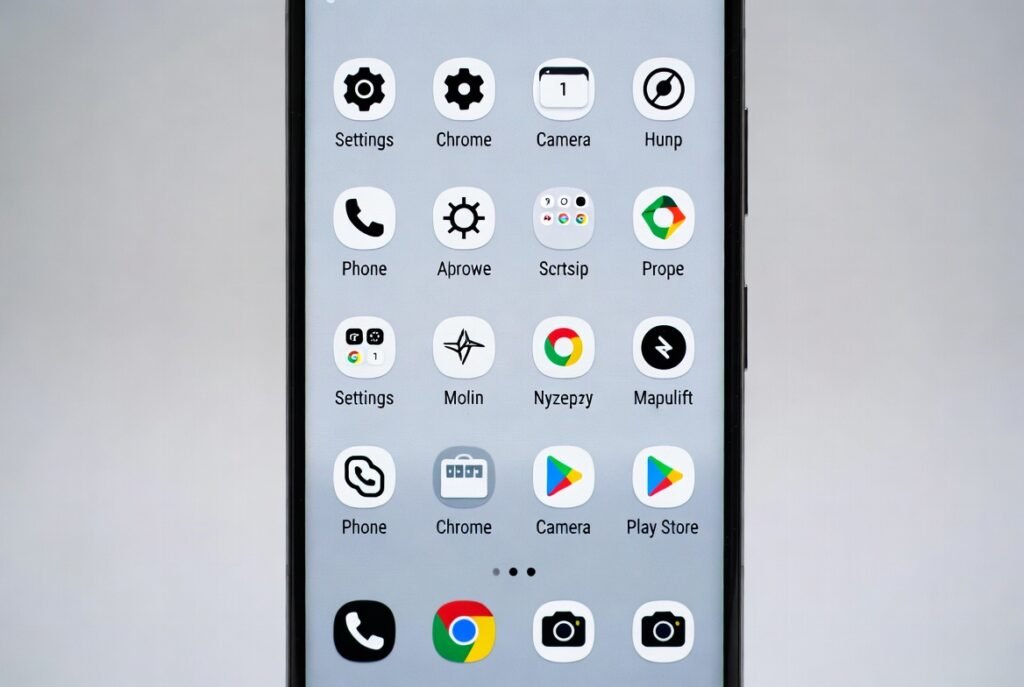
Change icon size from home screen settings. Slightly smaller icons create breathing space. Text looks cleaner. Fewer visual distractions appear. The screen feels balanced. This helps during long use and reduces eye strain without changing your layout.
Custom Quick Settings Tiles
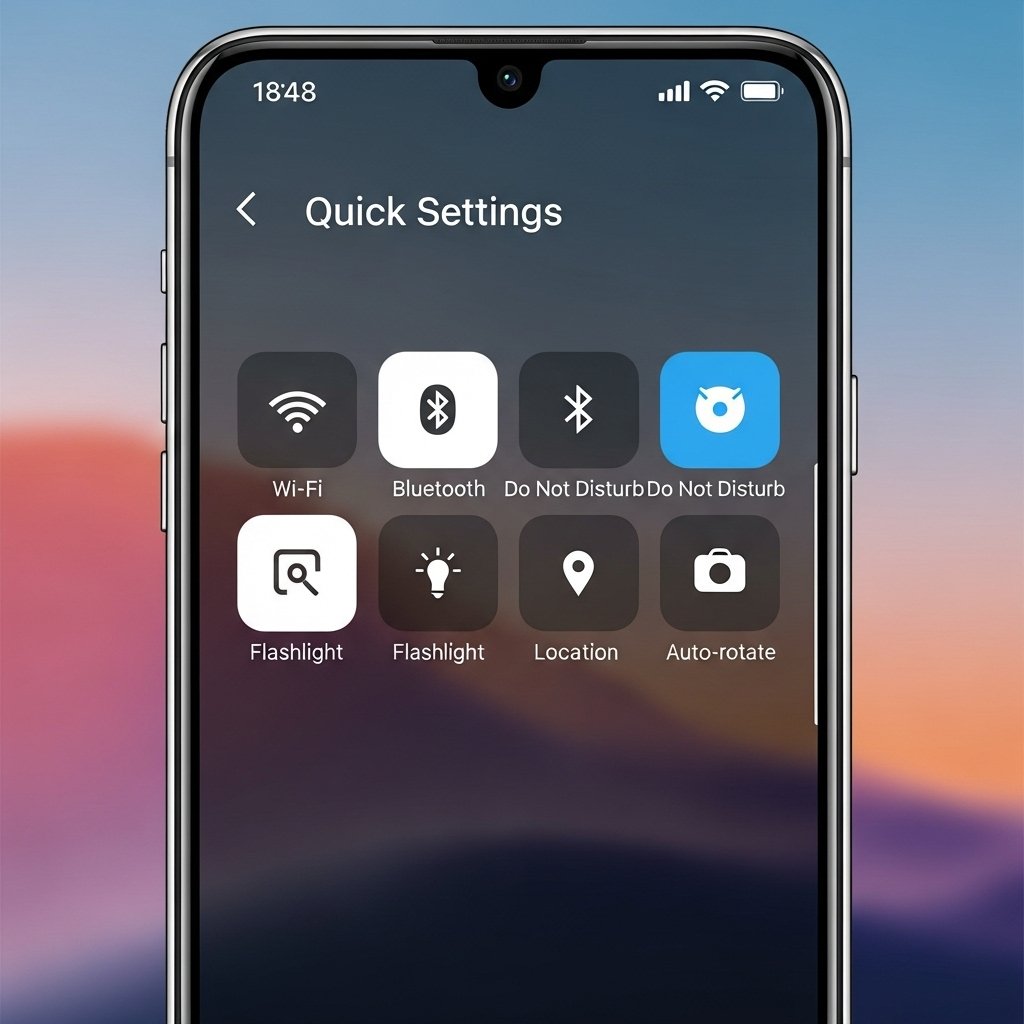
Edit Quick Settings tiles to keep only essentials. Remove unused toggles. Reorder important ones to the top. This saves time daily. The panel becomes purposeful and easier to read, especially when checking settings quickly.
One-Hand Mode Setup
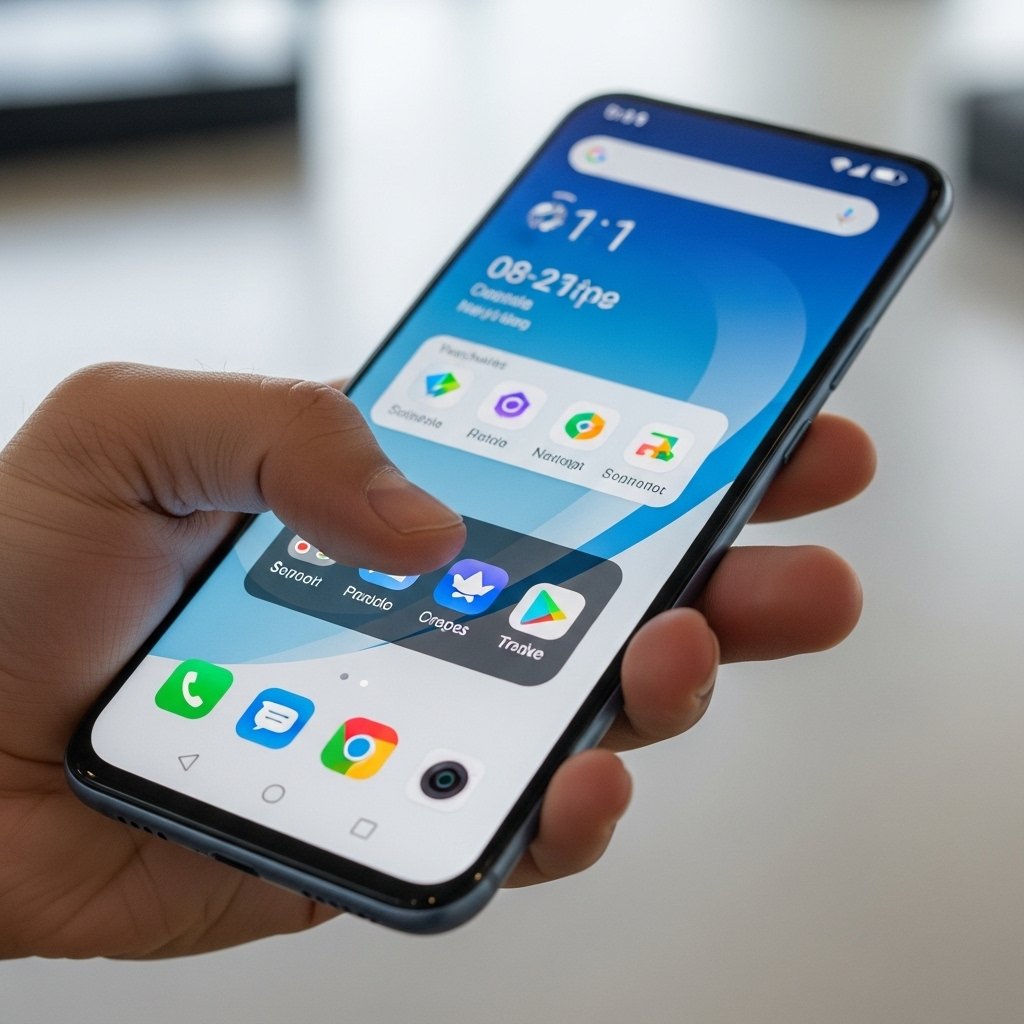
Enable one-hand mode from system navigation settings. The screen shifts downward briefly. This improves reach while standing or commuting. It reduces accidental drops and makes large phones easier to manage during busy moments.
App Pair Shortcuts
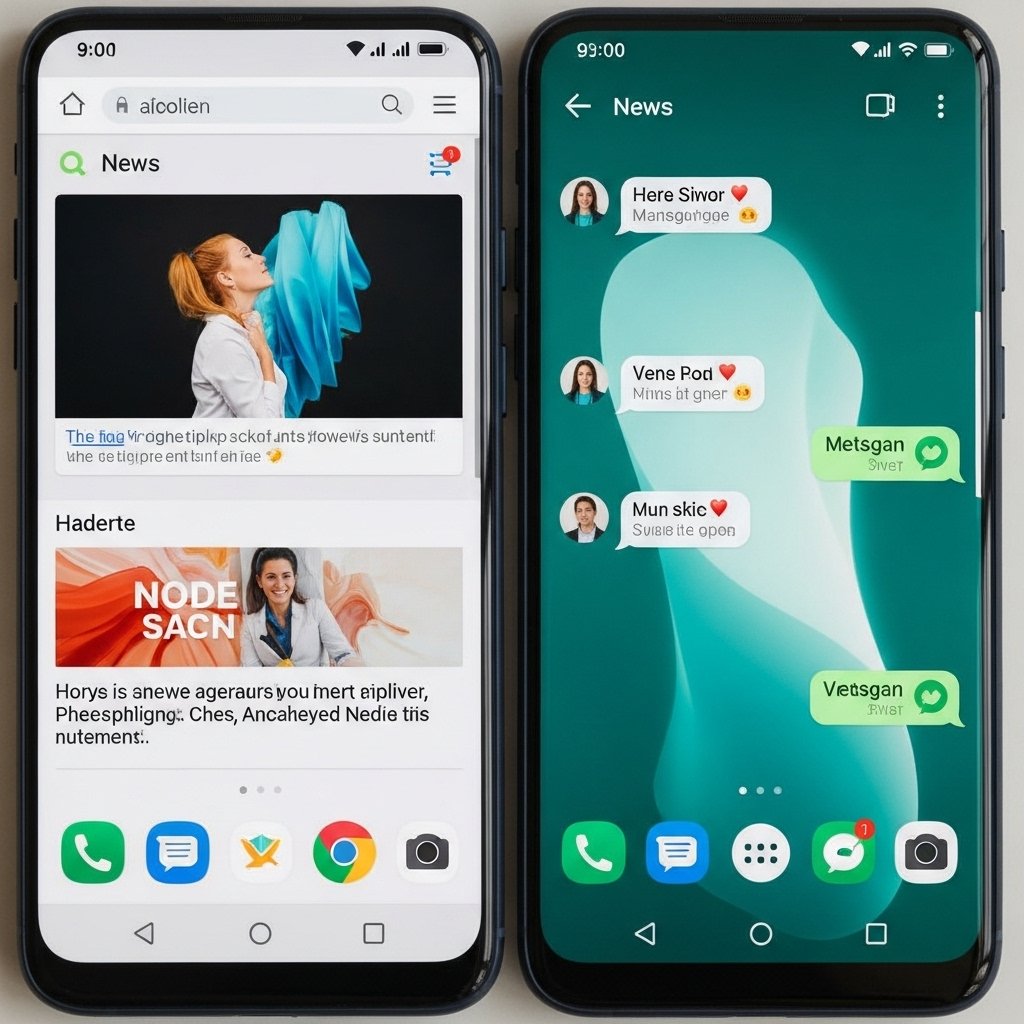
Create app pairs using supported launchers. Open two apps together with one tap. This works well for mail and calendar, or notes and browser. Multitasking feels smoother and more intentional throughout the day.
Notification History Access
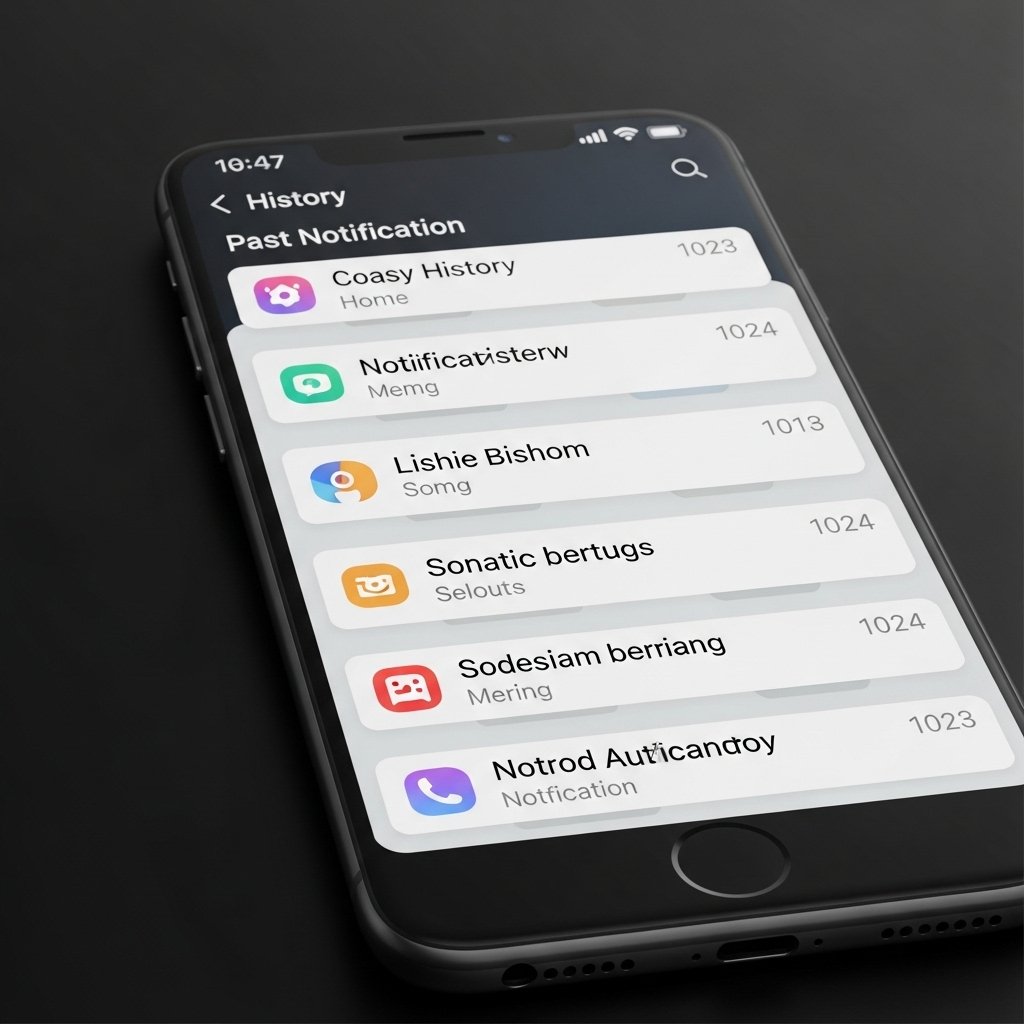
Turn on notification history in system settings. Missed alerts can be reviewed later. Important messages are not lost. This adds calm and control, especially when notifications arrive during meetings or travel.
Live Caption Control
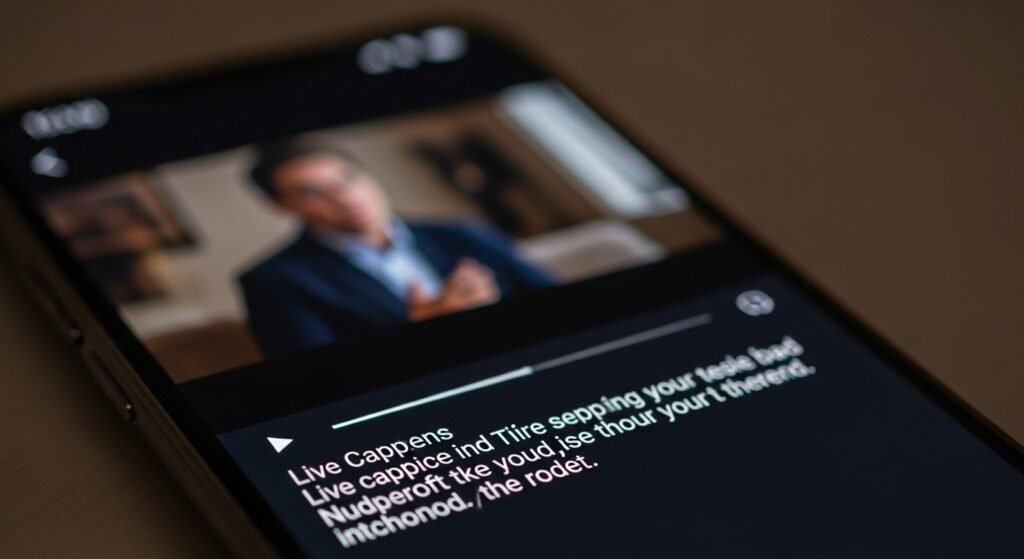
Activate live captions only for needed apps. Captions appear without sound. This helps in quiet environments. Battery use stays balanced. The feature remains useful without becoming distracting during regular media use.
Lock Screen Shortcuts
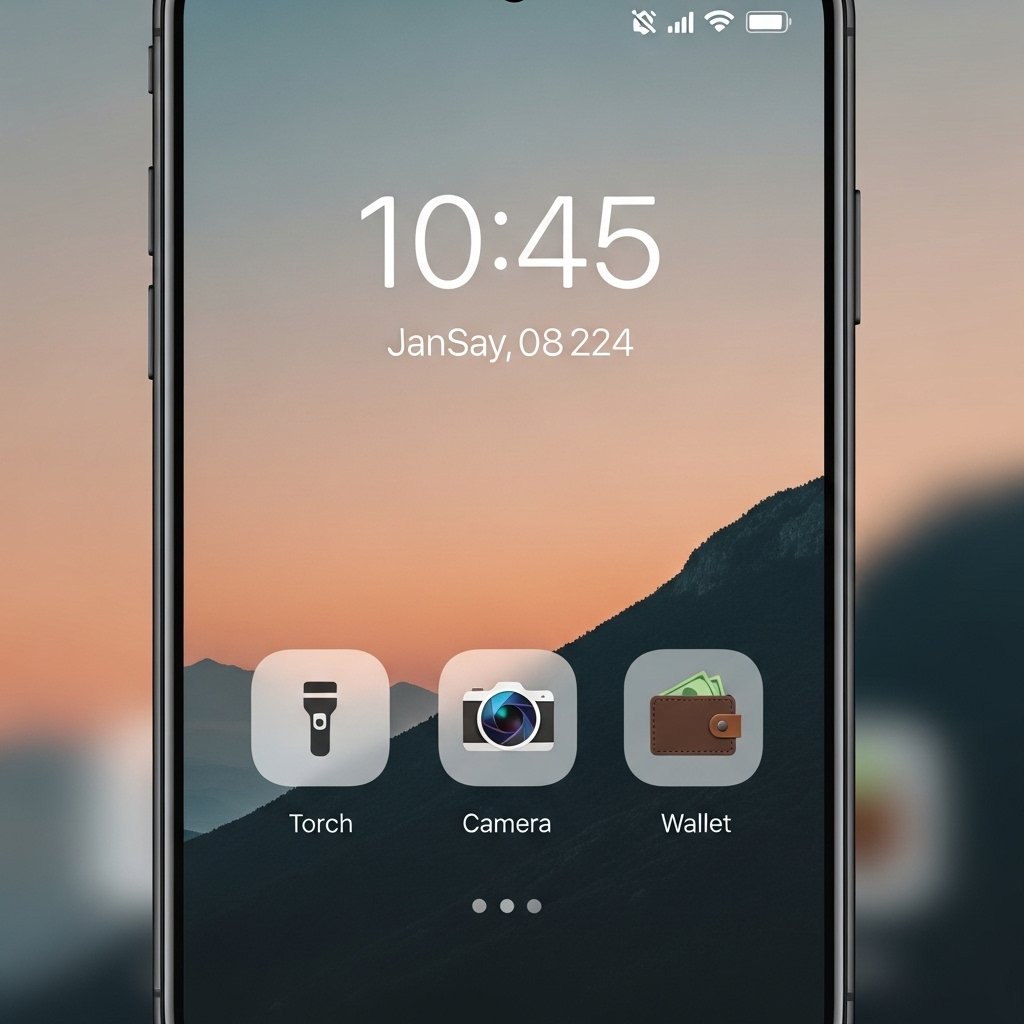
Customize lock screen shortcuts. Replace default icons with tools you actually use. Torch, wallet, or camera access becomes quicker. This saves steps and keeps common actions available without unlocking the phone.
Digital Wellbeing Focus Filters
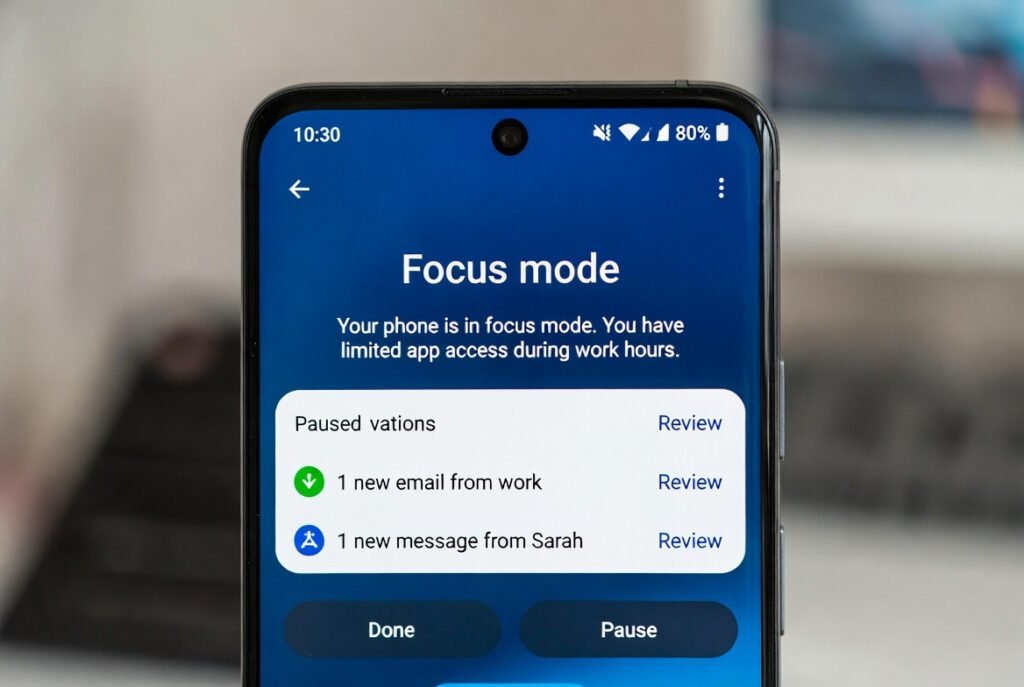
Use focus filters to limit app access during chosen hours. Notifications pause gently. The phone stays functional, not silent. This encourages attention without strict rules or constant reminders.
Accent Colour Matching
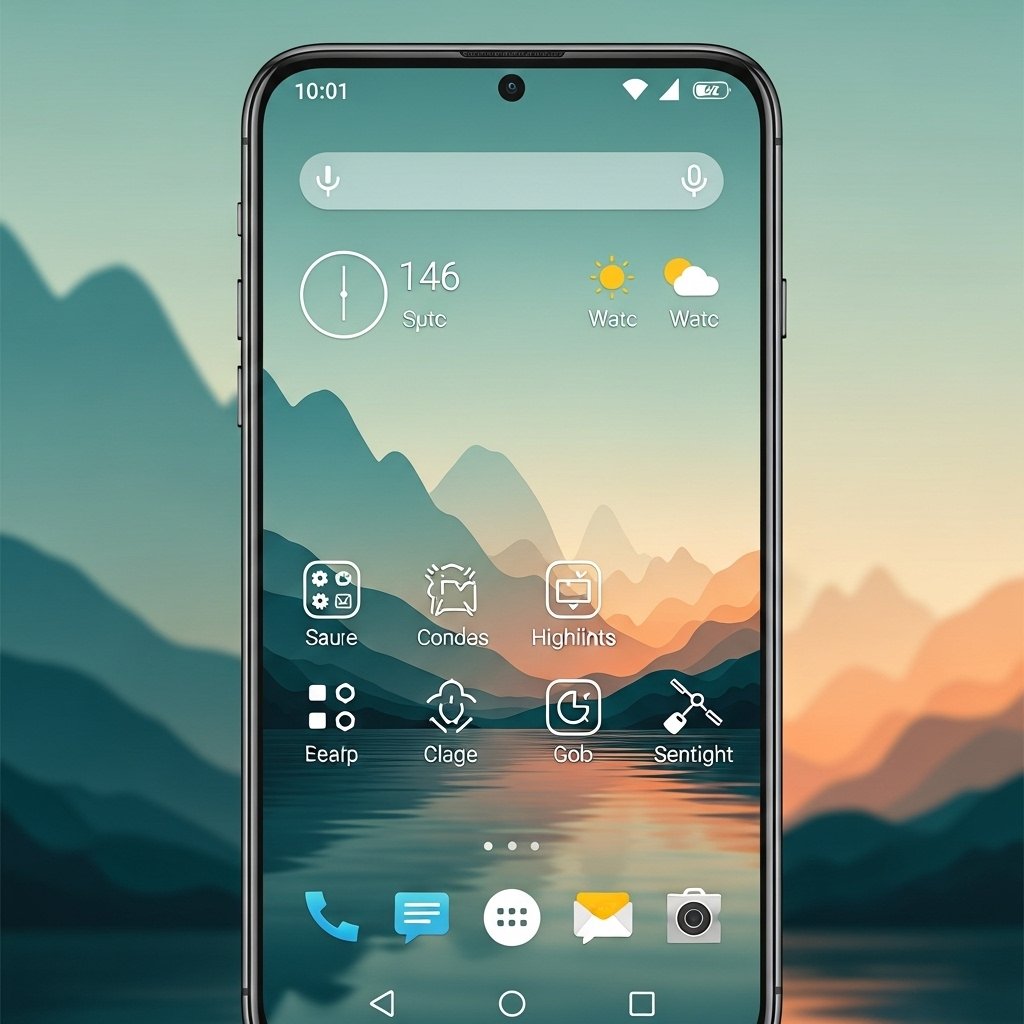
Match system accent colours with wallpaper tones. Menus feel cohesive. Visual noise reduces. The interface looks calmer and more refined. Small colour harmony changes can improve comfort during extended screen time.
Default App Refinement
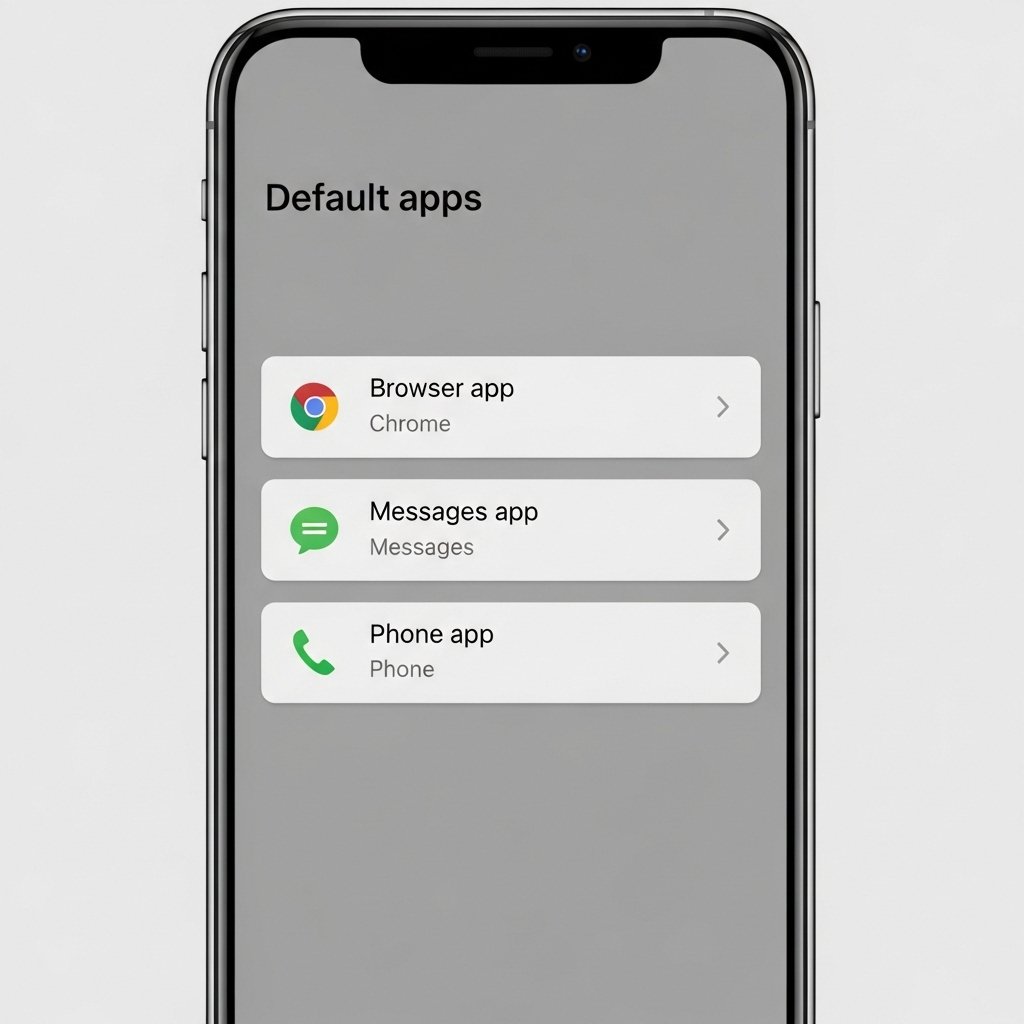
Review default apps for browser, messages, and phone. Choose tools you trust and prefer. This avoids repeated prompts. Daily actions become smoother and more predictable across the system.
Gesture Sensitivity Tuning
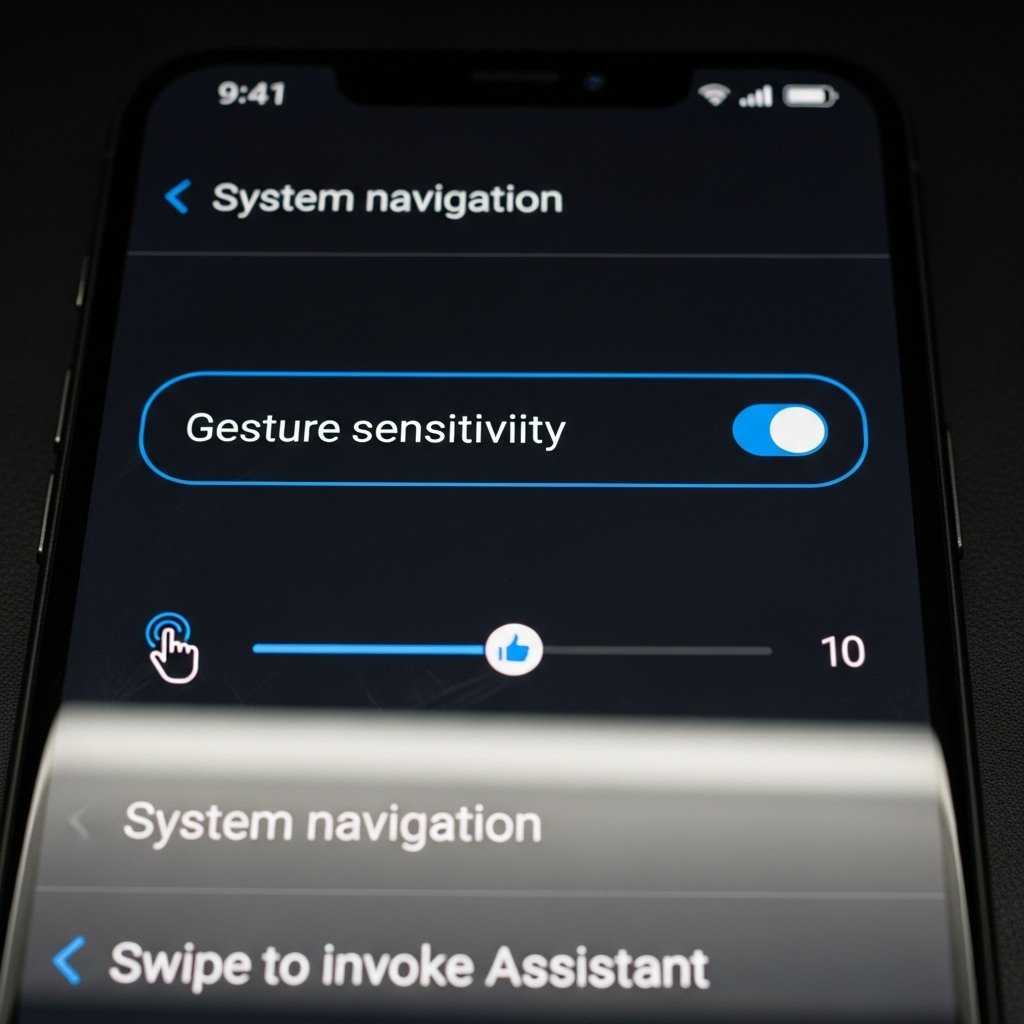
Adjust gesture sensitivity in navigation settings. Reduce accidental back actions. Improve swipe accuracy. The phone responds more precisely. This creates confidence during fast use and lowers frustration over repeated gestures.
