We have all experienced that slight irritation when our beloved tools are filled with stuff that wasn’t really ours. Lately, it seems Microsoft is making a change in approach by removing some of the more annoying features, such as the promotional “Start Menu ads.” According to the recent 2026 reports from the Windows Insider Blog, this “quality reset” will put a greater focus on system stability and user control instead of excessive features.
Removing Start Menu Ads
Microsoft is set to turn off the Start menu suggestions that some users deemed obtrusive. The move could lead to a more streamlined design that showcases your apps, not some unwanted suggestions.
Scaling Back AI Bloat
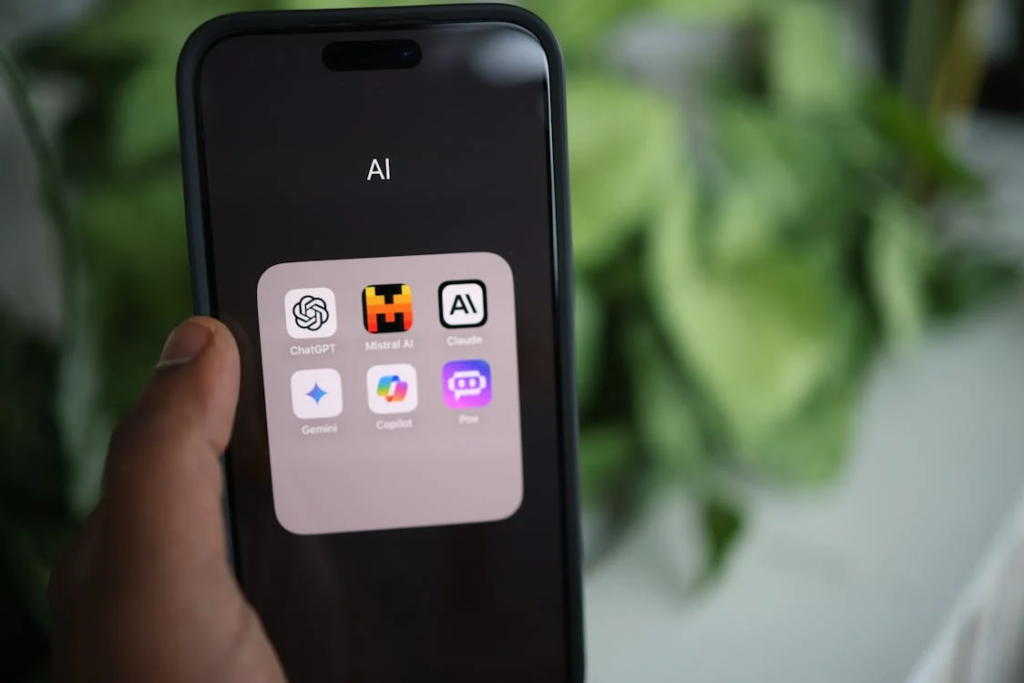
The term “Copilot” is being dropped from basic apps such as Notepad and the Snipping Tool. Studies have shown that excessive integration of AI in utilities can often make tasks more difficult.
Quieter Default Widgets
Widgets will be less disruptive by default to minimize distractions during the day. This could be a welcome distraction reduction to help you concentrate on the task at hand, no longer distracted by news tickers.
Faster File Explorer
The latest changes seek to dramatically reduce the lag in searching and navigating through your directories. By enhancing the basics, your experience using your computer could be considerably faster.
Fewer Forced Reboots
Windows Update is working towards just one monthly reboot for most users. This could help avoid those pesky times when your PC reboots while you’re in the middle of something.
Streamlined Device Setup
The new PC setup is getting less noisy with fewer screens and restarts. Simplifying the “out-of-the-box” experience may help alleviate the anxiety of setting up a new PC.
Disabling Copilot in Enterprise
Companies can now completely uninstall Copilot in an unused state. This could offer greater control over the digital workplace and lessen background noise.
Redesigned Settings Dialogs
The Settings app’s dialogs are also being updated to better support dark mode. This aesthetic improvement could make it easier for you to navigate your system settings.
Improved Pen Integration
The pen settings have been improved to provide more reliable responses for different hardware. This may help digital artists and note-takers who need consistent responses from their tablets.
Reliable Facial Recognition

Do you make signing in quicker and more reliable with fewer retries, Windows Hello improvements? Improving these biometrics may save you a couple of seconds of aggravation every day.
Enhanced Lock Screen
Users could soon be given more options for customizing the lock screen widgets. Customizing this space could potentially allow you to access the information you want to read at a glance.
Better Display Metadata
Stability is being enhanced for high-end HDR monitors to report more accurate sizes. This change could potentially help artists in particular make the most of their pricey displays.
