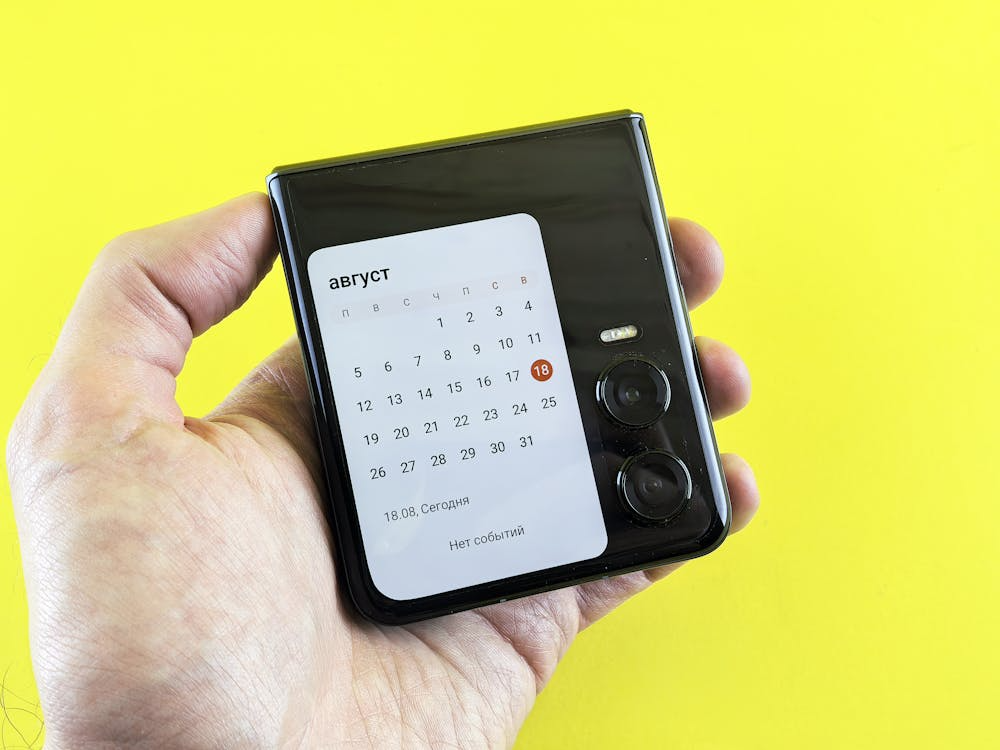
Being in possession of a foldable phone is like holding a slice of the future in your pocket, and such multitasking devices demand some special attention. As recent tech durability research by the International Journal of Human-Computer Interaction suggests, the special form factor of folding screens can greatly transform how we engage with mobile hardware. The perception of the fine line between performance and screen life could help you take the best out of your money.
Optimize App Continuity
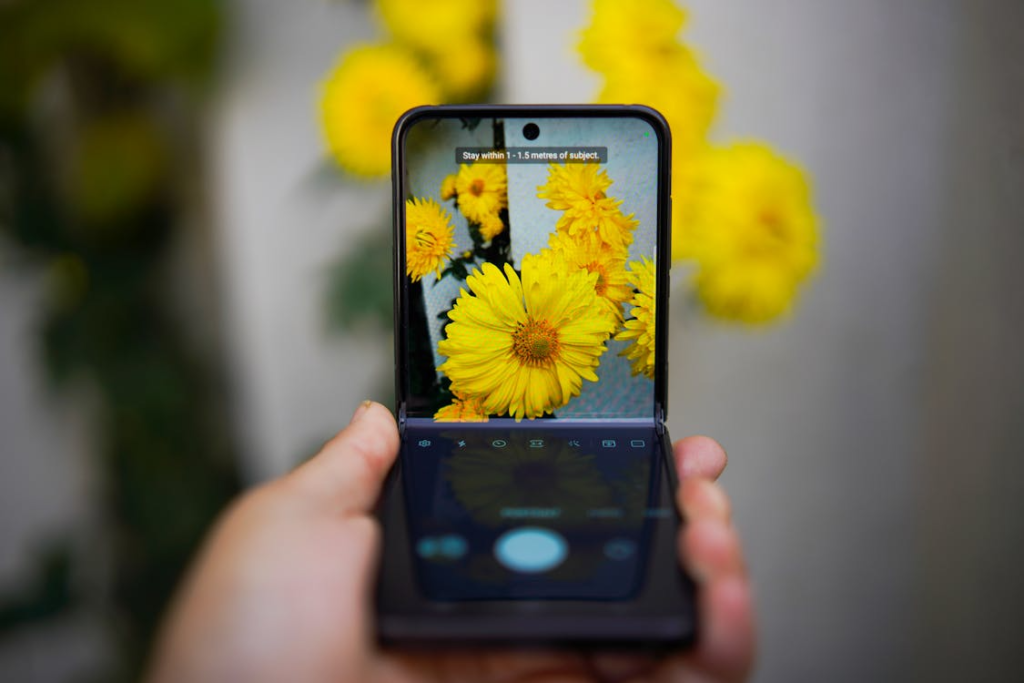
It is critical to blend the small front cover into the large inside display seamlessly. You may wish to enable features that would enable applications to remain open when you close the gadget.
Use Flex Mode
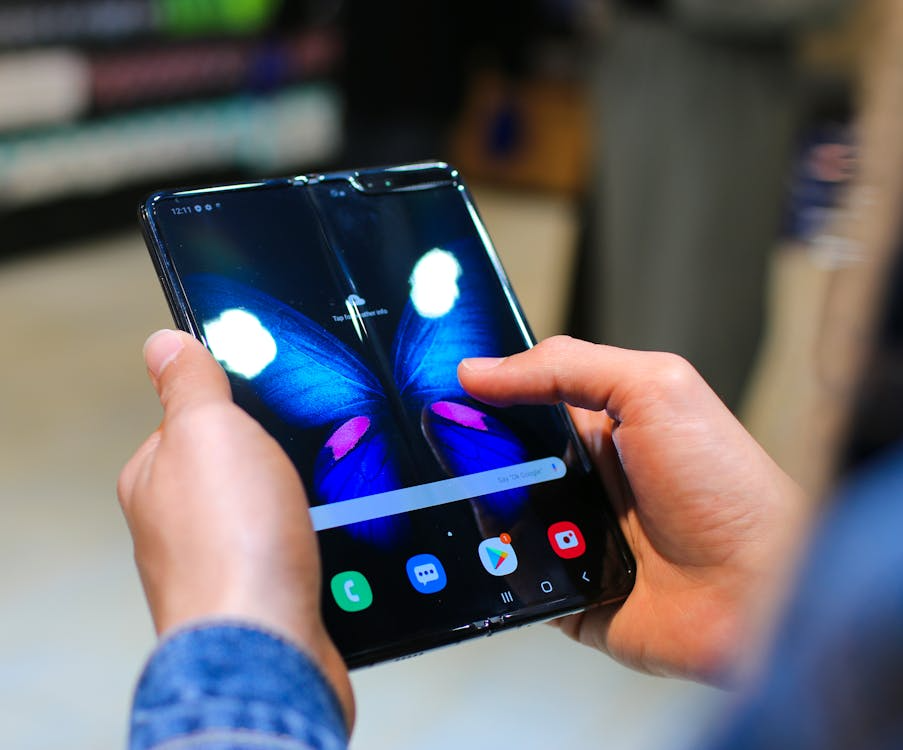
It can be a great idea to set up your phone like a mini laptop and conduct a hands-free video call. This physical layout could lessen the strain on the neck, which is typical in contemporary ergonomic studies.
Protect the Inner Screen
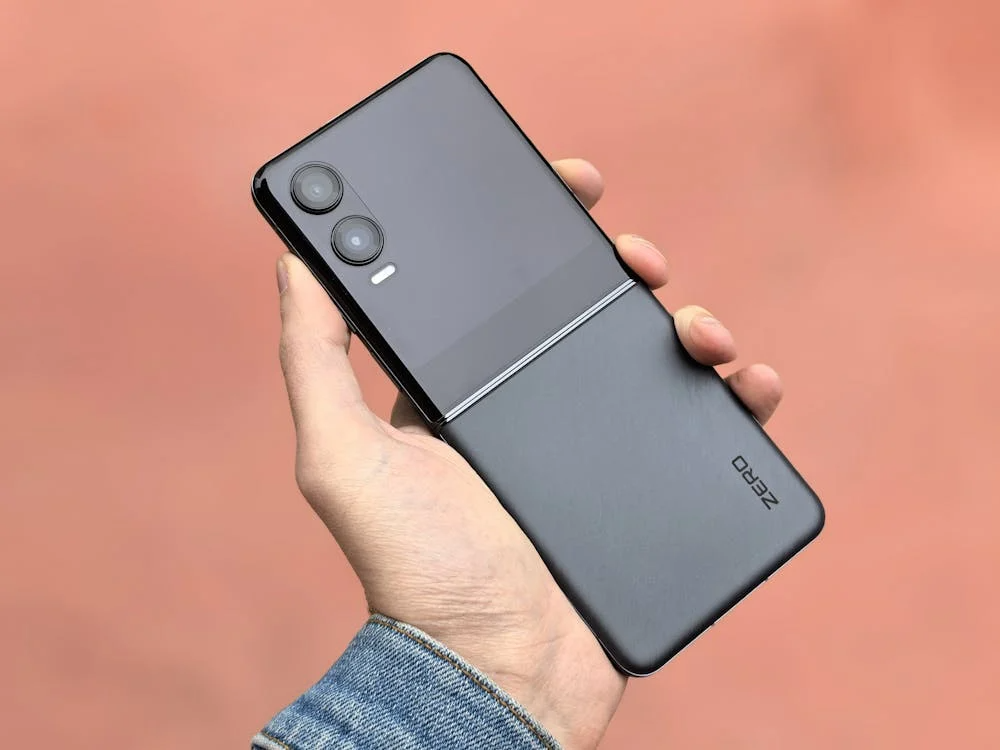
The bendable screen is normally softer than normal glass. The permanent indentation could be avoided by avoiding sharp objects or putting too much pressure on nails, as recommended by several manufacturers’ durability manuals and independent technology reviews.
Customize the Taskbar
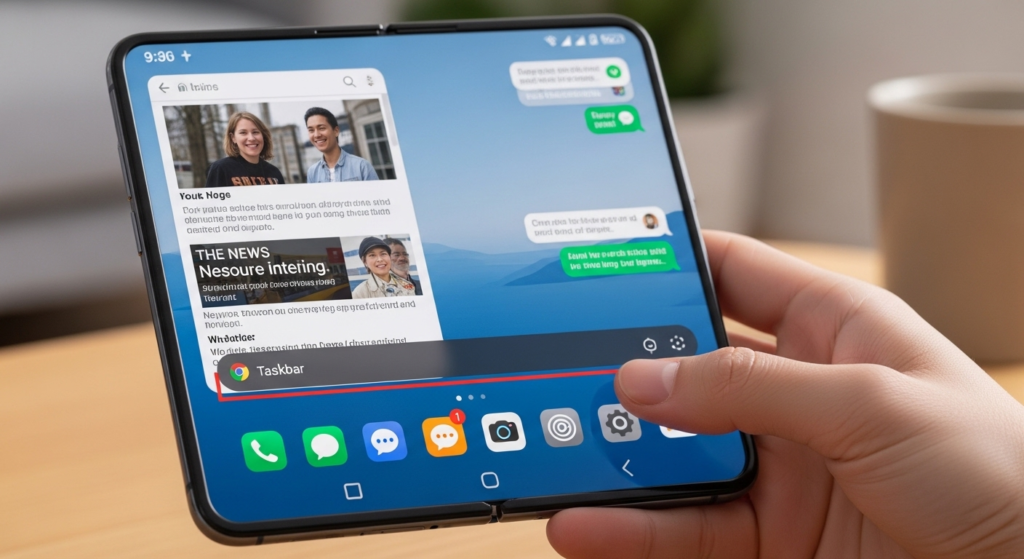
An ever-present taskbar that is located at the base of your screen can help you to switch between your favorite tools a lot faster. This aspect may resemble a desktop experience and could make complicated digital tasks seem simpler.
Adjust Display Scaling

Due to the screen ratio, which is exclusive, certain applications may appear stretched. However, changing the aspect ratio in your settings may perhaps guarantee that your preferred social media feeds appear spotlessly clear and are centered.
Leverage Drag and Drop
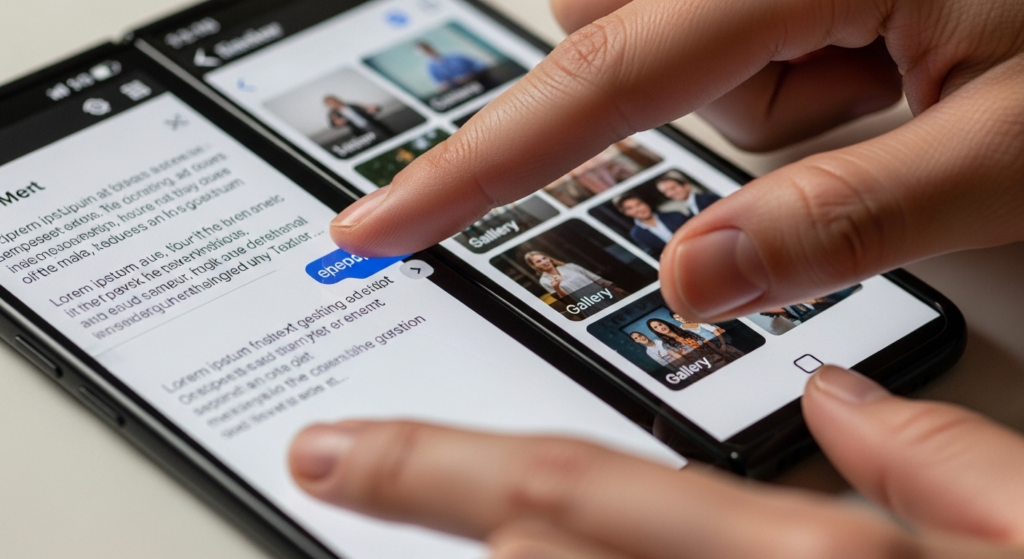
It is often as easy as a long press to move text or images between two apps that are open apps. This user-friendly gesture could save time in sorting out emails or making fast digital notes.
Check Hinge Maintenance
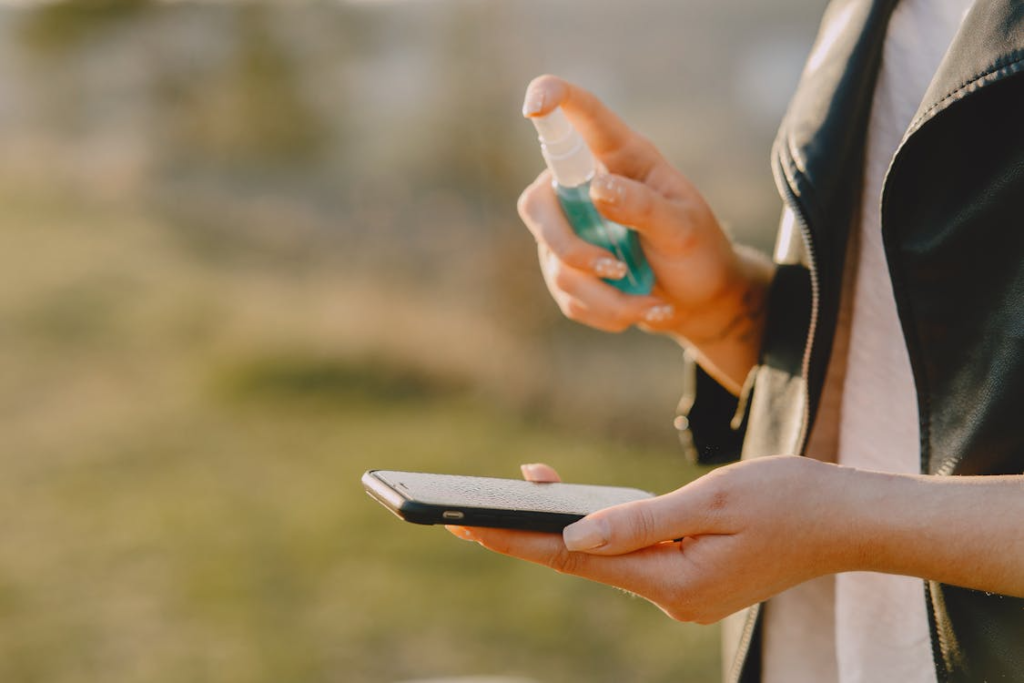
Very small particles may occasionally enter the folding process. By maintaining the hinge area clean, this may result in a smoother opening experience and may possibly add to the mechanical life of your phone.
Explore Dual Preview
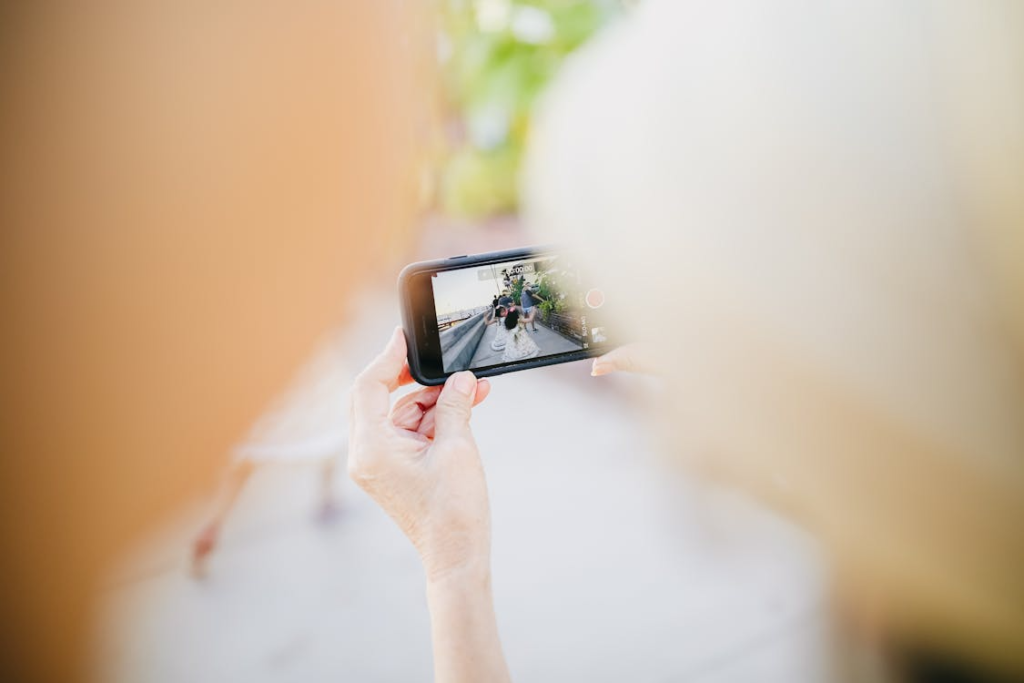
You are able to provide the subject with a preview of the photo on the cover screen when taking pictures. The latter can result in more successful portrait creation, as the individual being photographed is able to observe his or her pose.
Enable Battery Protection
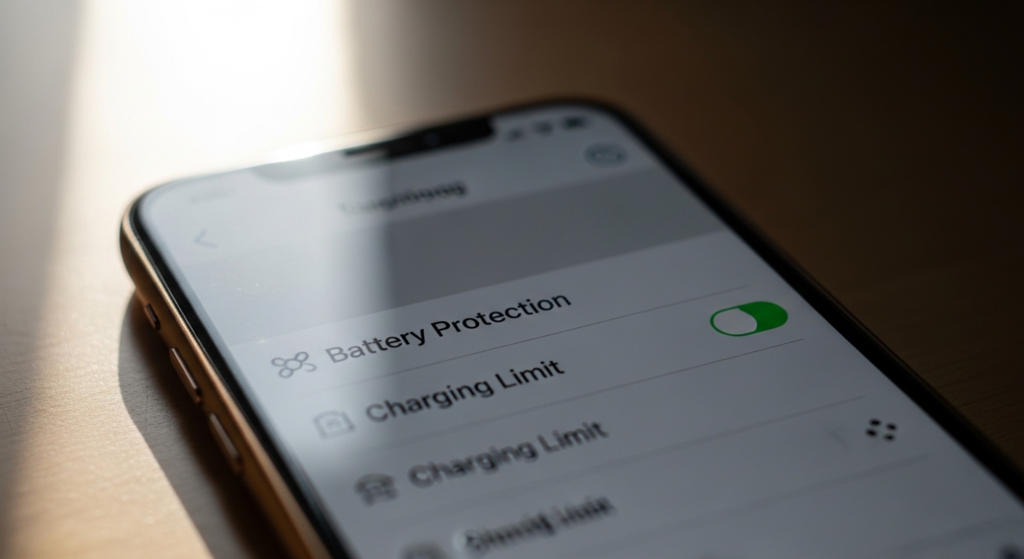
High-resolution screens consume a lot of power. Built-in battery limiters may be useful in protecting the long-term health of your lithium-ion cells, which is endorsed by energy studies in the Journal of Power Sources.
Try Tablet Mode
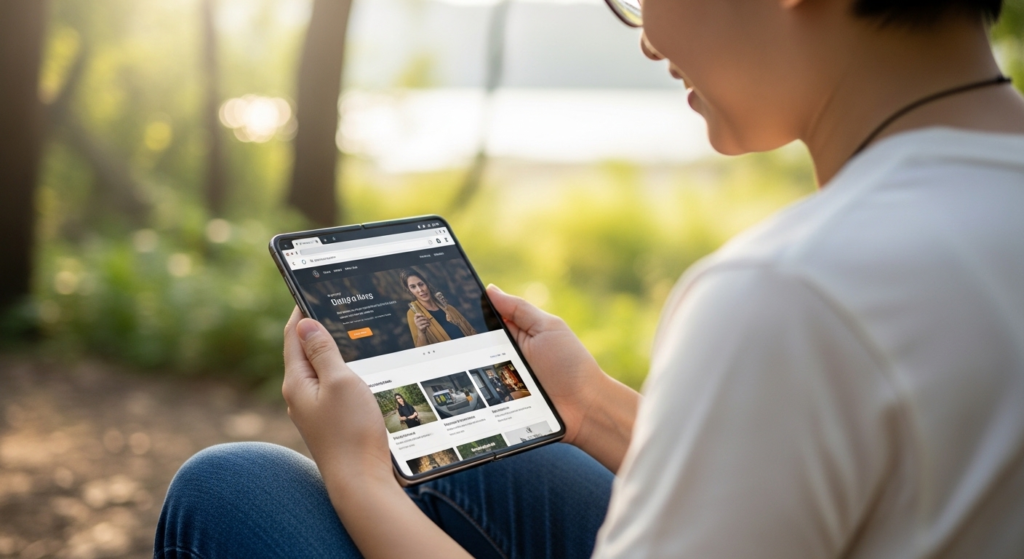
Numerous websites will be loaded on a foldable display in their desktop version. This could offer a more detailed viewing experience, which could enable you to view more without zooming or scrolling all the time.
Manage Screen Protectors
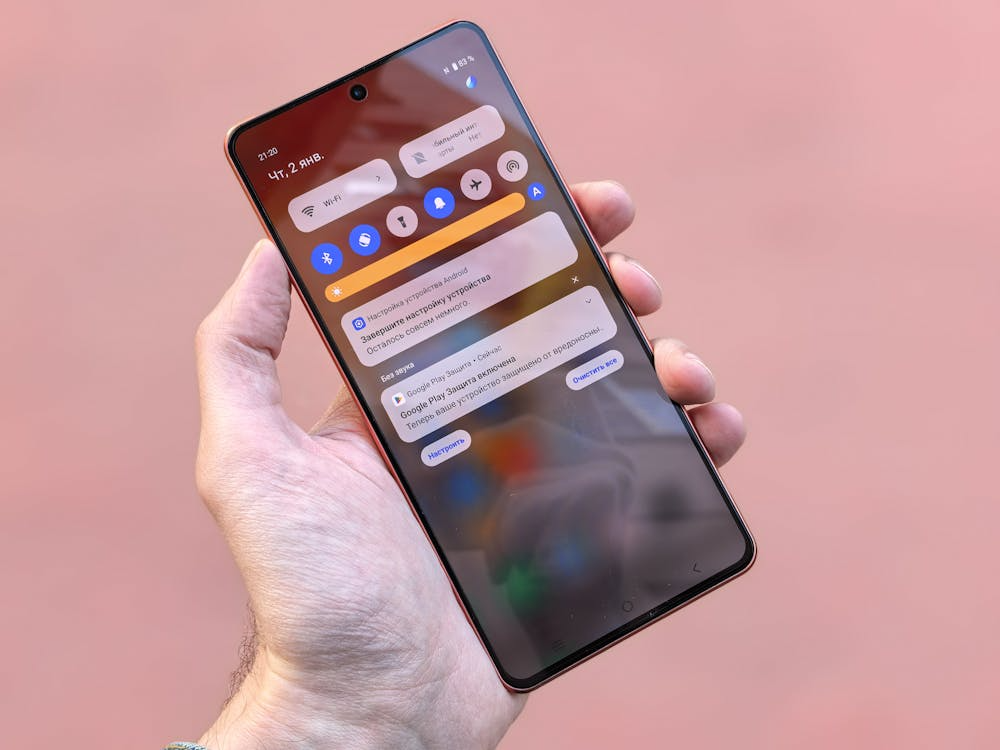
The inner-screen film, which is pre-installed, is usually structural. Doing it yourself may lead to destruction, and it is normally thought to be the safest way of keeping the hardware in place without failure.
Set Routine Triggers
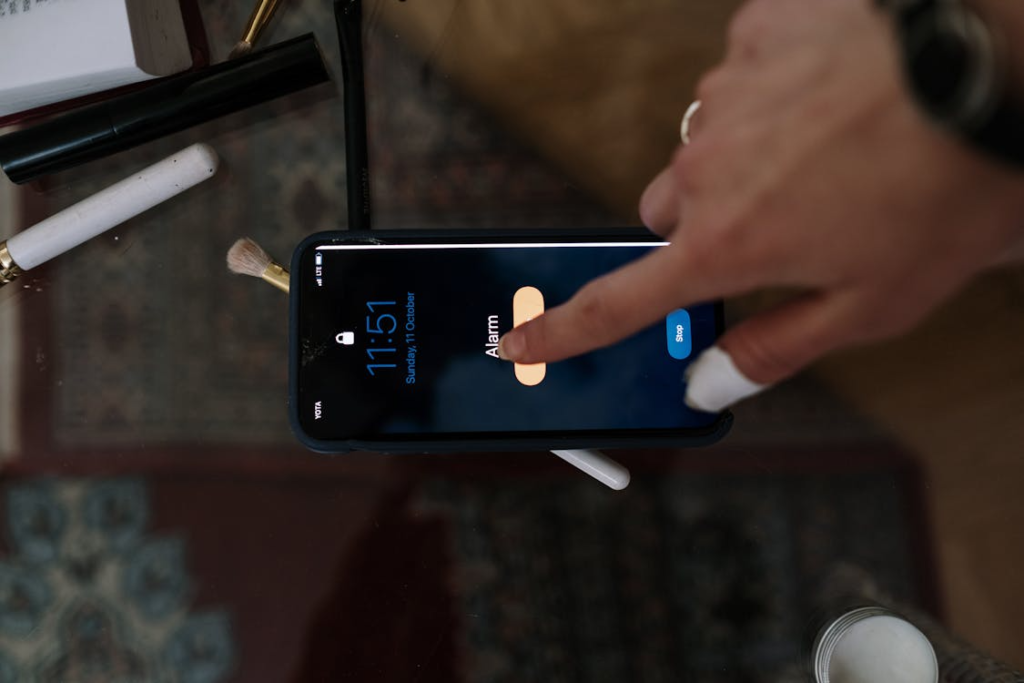
It is possible to program your phone to alter settings when unfolded. As an example, when you open the device, it may activate “Do Not Disturb,” which may actually assist you in doing deep work or reading.
Use Palm Shutter

Foldables can be used to stand on their own, so hand gestures to capture a photo are extremely useful. This trick could save you from having to carry a tripod next time you have a group photo session.
