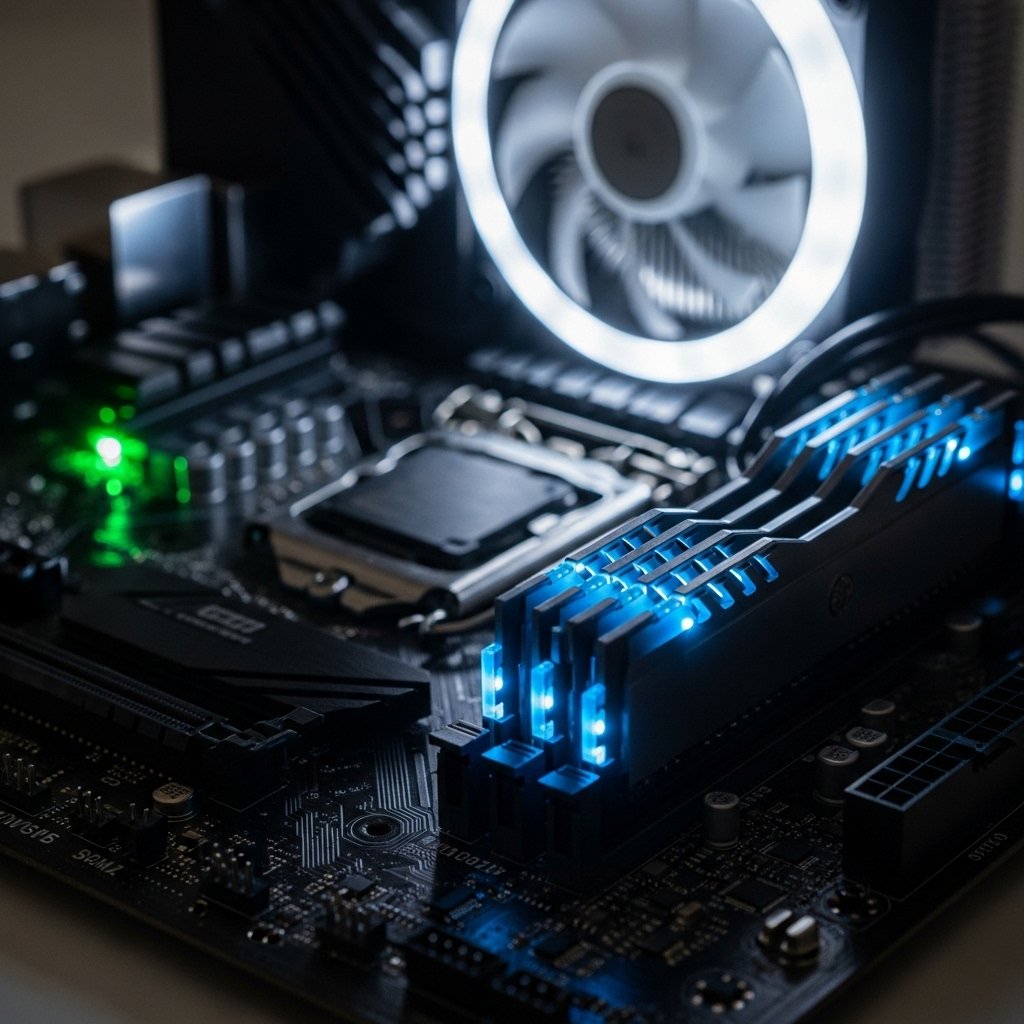
Hidden beneath the surface, a silent routine begins each time you power up. Though invisible, it handles communication between hardware and operating system. Most forget about it unless trouble strikes suddenly. Glitches may creep in when updates lag behind – erratic behavior, sluggish starting times, unexplained faults at launch. Only then does its role become obvious. Fixes patch hidden issues spotted only once software is live. When gaps could let intruders in, some updates block those paths quietly. Smooth operation with fresh devices often ties back to tiny tweaks made behind the scenes. Without regular refreshes, earlier builds simply lack these subtle upgrades.
What the BIOS Actually Does
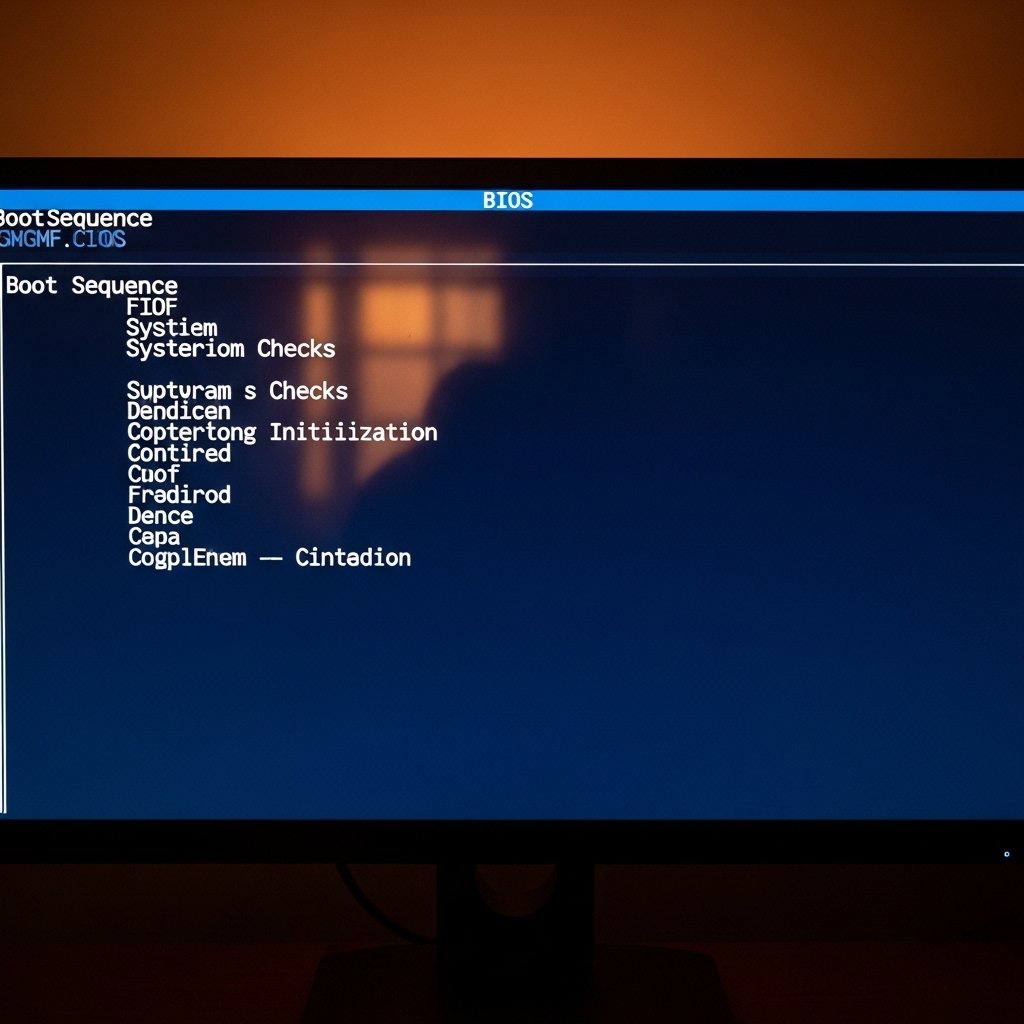
Before anything loads, the BIOS takes charge without delay. From silence, components stir – processor first, then memory, storage following close behind. Only when each part answers does authority pass onward to the operating system. Without this quiet handshake at startup, nothing else stands a chance of beginning.
Improves System Stability

A sudden update appears, slipped in quietly while engineers adjust how things run under the surface. Months – or even years – pass before hiccups start showing up; strange freezes that vanish when newer programming settles in.
Enhances Hardware Compatibility
Out of date firmware often fails to recognize modern hardware components. Without an update, newer pieces can sit unused while the system runs blind.
Fixes Security Vulnerabilities
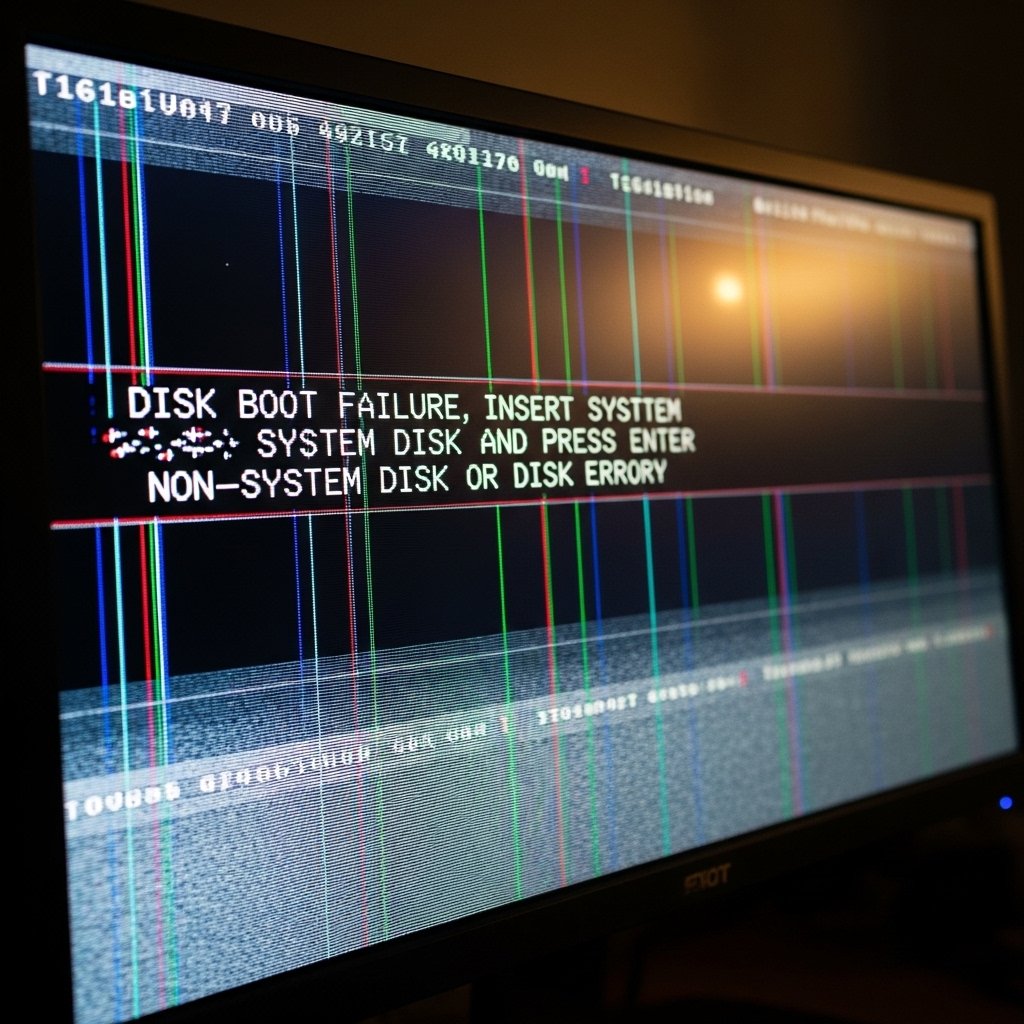
Some older BIOS versions can let attackers slip right in. Once updates appear, though, those gaps often vanish – cutting off silent threats that typical antivirus tools overlook.
Supports New Features
Once in a while, firmware tweaks slip new tricks into old hardware – power flows steadier, fans think ahead, settings open up. These quiet upgrades make the system hum closer to how it should, reacting just a beat faster when you need it.
Prevents hardware problems

Old firmware could be the real problem, not the damaged circuit board. When components fail to communicate properly, installing a new BIOS often fixes those glitches. Sometimes it’s the hidden software layer causing chaos. Outdated system code quietly disrupts what looks like hardware failure. A clean update brings stability without touching any wires.
People Skip Updates

Skipping BIOS updates is common. People worry things might go wrong. Still, following each instruction exactly – just like the manufacturer shows – makes it manageable. Mistakes can cause problems. But when you move carefully, step after step, risk drops fast. Doing what the manual says turns a risky task into one that just works.
Update Timing
Most times, touching nothing inside BIOS brings no trouble. When glitches show, though, a change might help instead. New hardware installed? An upgrade could smooth things out then. Now and again, security fixes give good reason to step in anyway.
Do It Right
Grab the latest updates directly from your laptop or motherboard manufacturer – that source alone stays trustworthy. Following every step, one after another, helps avoid hiccups later on. Halfway done and you quit? Your system could stop responding entirely.
