
A hum escapes whenever your device reaches for earbuds or fitness bands. While useful, those quiet pulses could be picked up by strangers within range. Rather than staying silent until summoned, certain setups murmur bits of data nonstop. Without sharing secrets outright, the trail reveals habits – routes taken, rhythms followed. One change quiets the endless pings by morning. Fewer alerts make it harder for unknown faces – or software – to track moves. Switch off visibility once done, traces vanish quicker. Tiny steps frustrate online watchers banking on automatic settings.
Turn off bluetooth when not using it
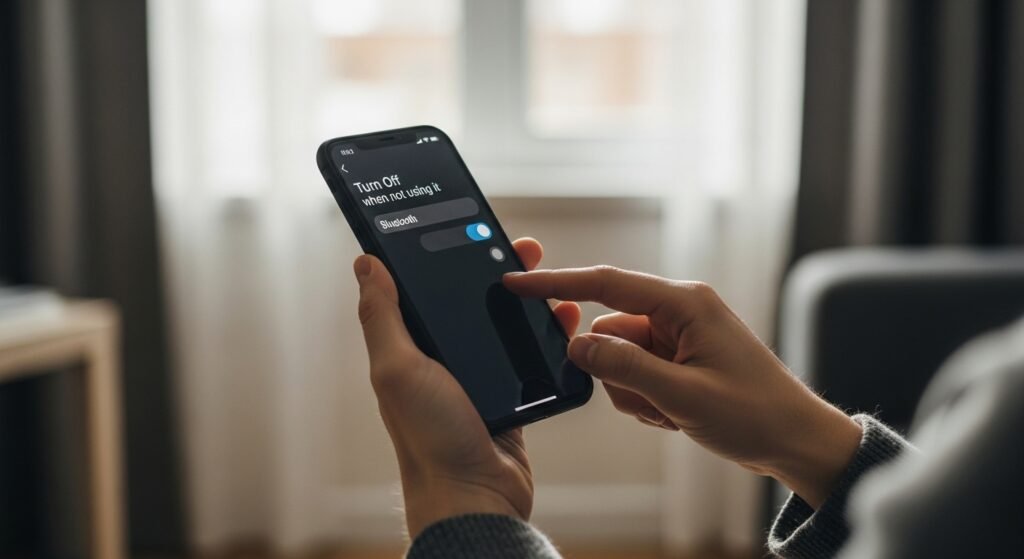
When idle, disable Bluetooth. This prevents automatic data exchanges. Battery drains slower once background scans cease. Devices that stay silent avoid unwanted attention.
Turn Off Always Discoverable
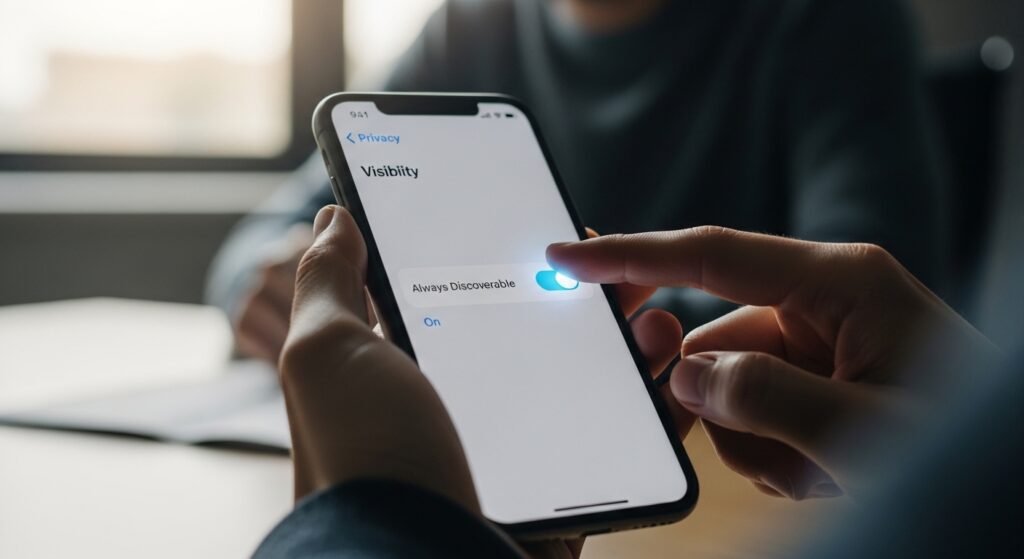
Gadgets usually appear online the moment they connect. Turn off discovery mode, though, and your phone stays hidden from devices close by. Strangers then have a harder time spotting it.
Remove outdated linked devices
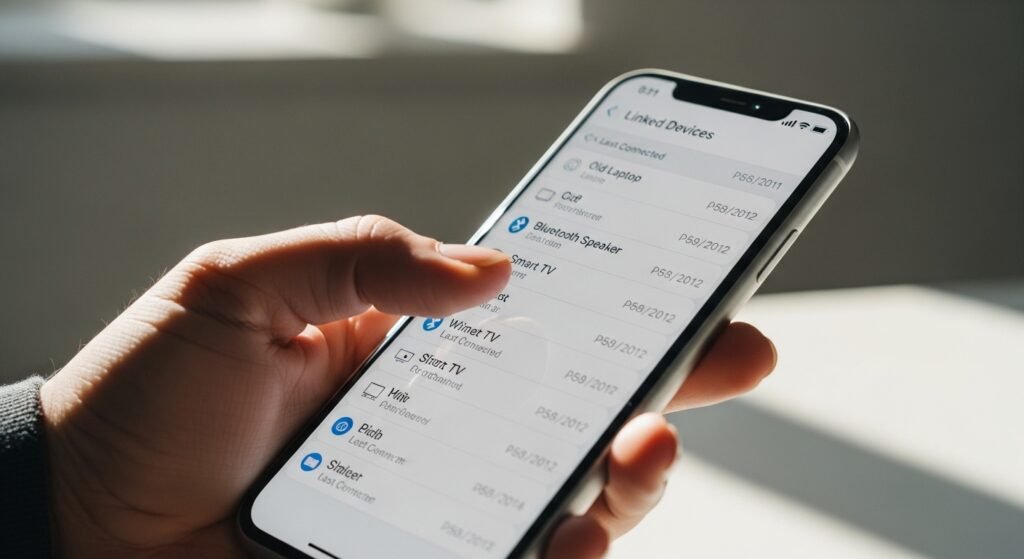
Ghosts of past devices hang around inside your phone, occasionally waking up by themselves. When cleaned out, ancient links vanish completely. With those removed, fewer secret conversations take place without notice. Risks tend to fade once those weak spots close.
Limited App Access to Bluetooth
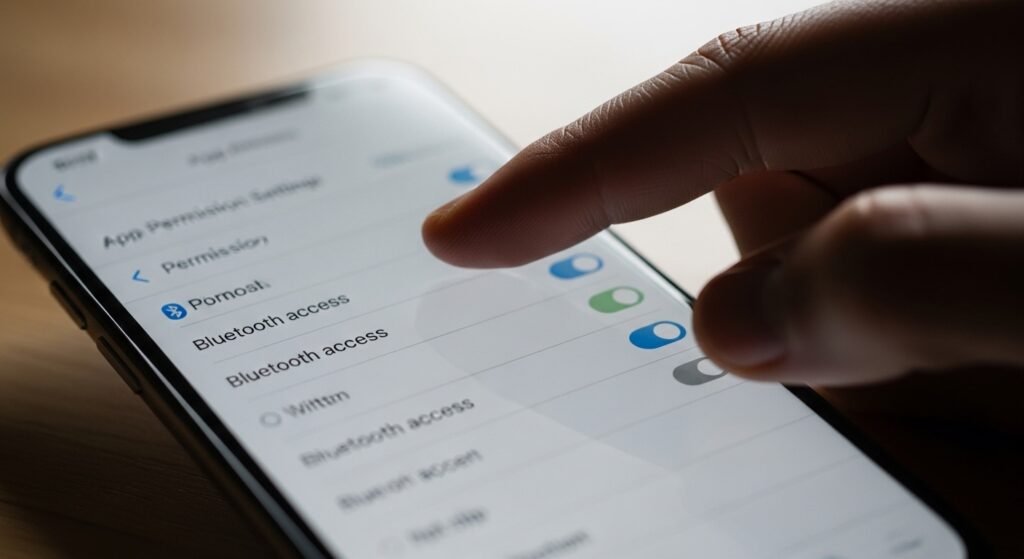
A handful of apps try reaching out using Bluetooth, searching for nearby devices without saying so. Locking their permissions means only essential ones slip past the gate. Sneaky tracking stops cold – no chance to even begin.
Turn Off Bluetooth To Prevent Location Tracking
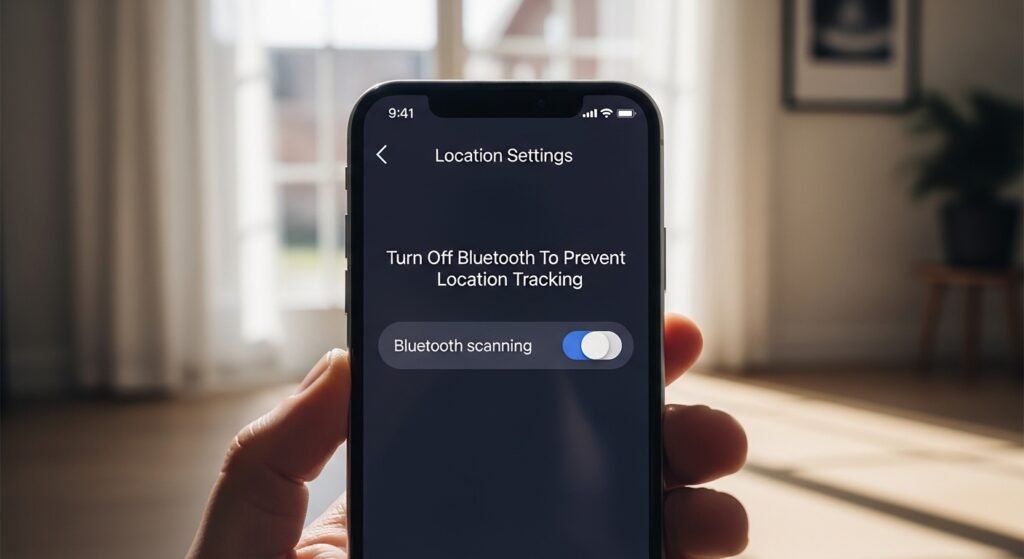
Not every phone actually stops using Bluetooth even when you believe it’s off. Because instead of relying on full connections, they tap into location hints from nearby devices. Once you disable Bluetooth scanning in the settings tied to whereabouts, things shift – silently. Tracking that sneaks through dormant pings fades out like background noise finally gone.
Regular System Updates
Most updates include patches closing off radio-based risks. Over months, keeping systems fresh builds tougher shields. Fewer openings mean hackers find less to grab hold of.
Avoid Pairing in Public Places

Hidden corners beat crowded streets when syncing new devices. Strangers could tap in if you connect where traffic flows heavy. Choose calm spaces to set up – quieter air makes tighter shields. Safety leans closer there.
View Connected Devices
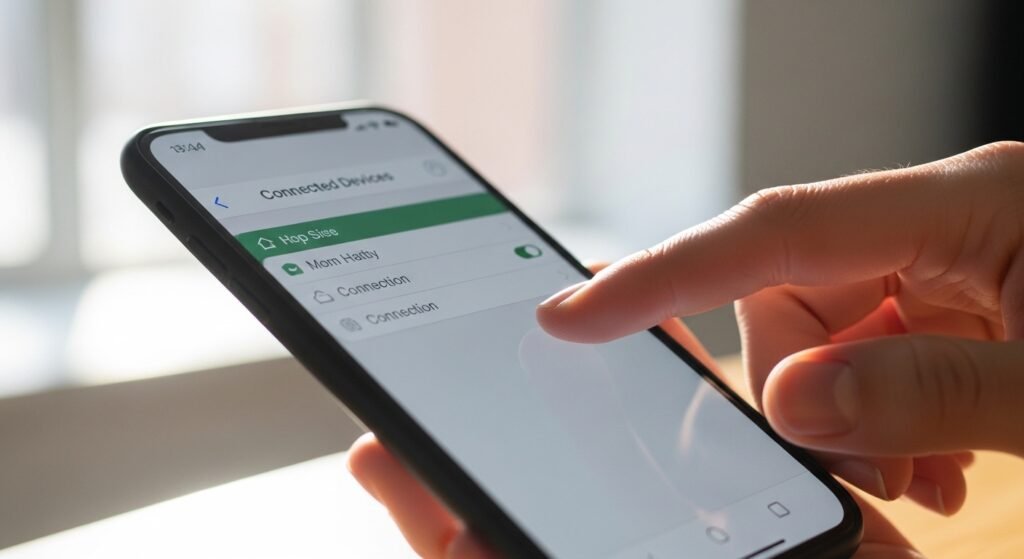
One phone feature lets users control visibility duration. Choosing “just during setup” limits exposure sharply. Hidden by default, it appears only when needed.
Turn Off Nearby Device Scanning
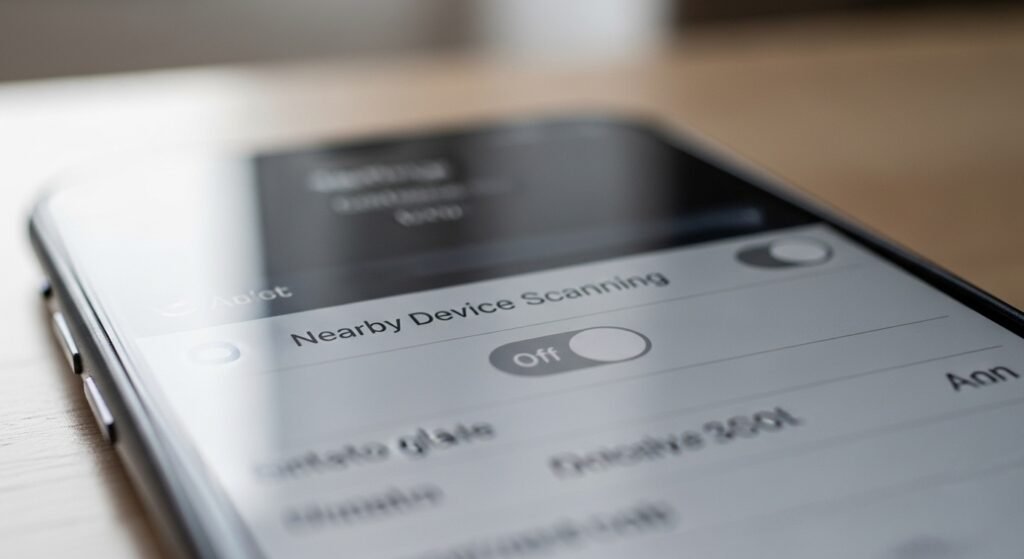
Shutting down auto-detection of surrounding devices cuts down on transmissions. Fewer signals go out when that feature is disabled. Power lasts longer without constant scanning active. Running quiet behind the scenes uses less energy. Off switches here mean slower drain over time.
Check Connected Devices
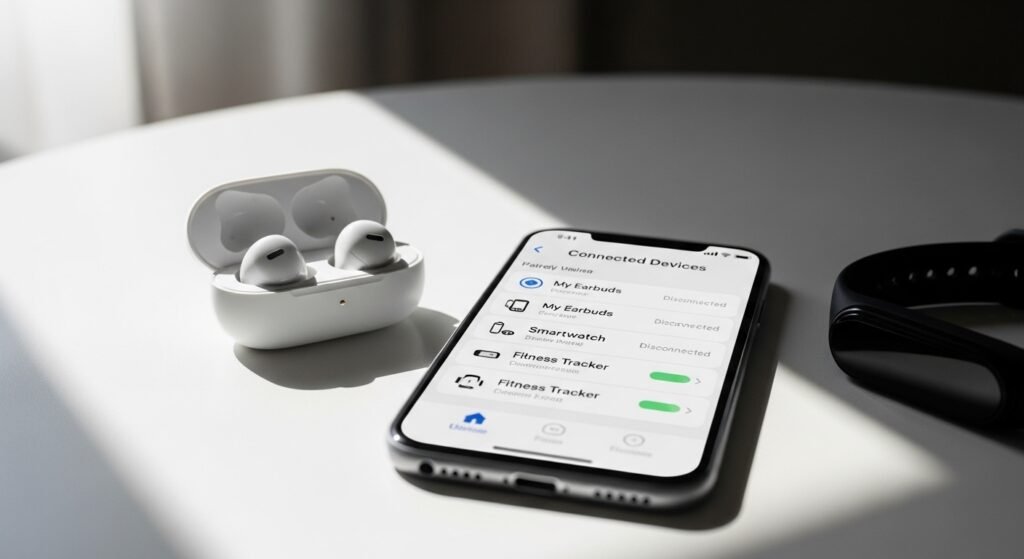
Out of sight, signals still slip free from fitness bands and common extras. Changing their settings can reduce what you absorb. When every gadget hums instead of shouts, safety grows behind the scenes.
