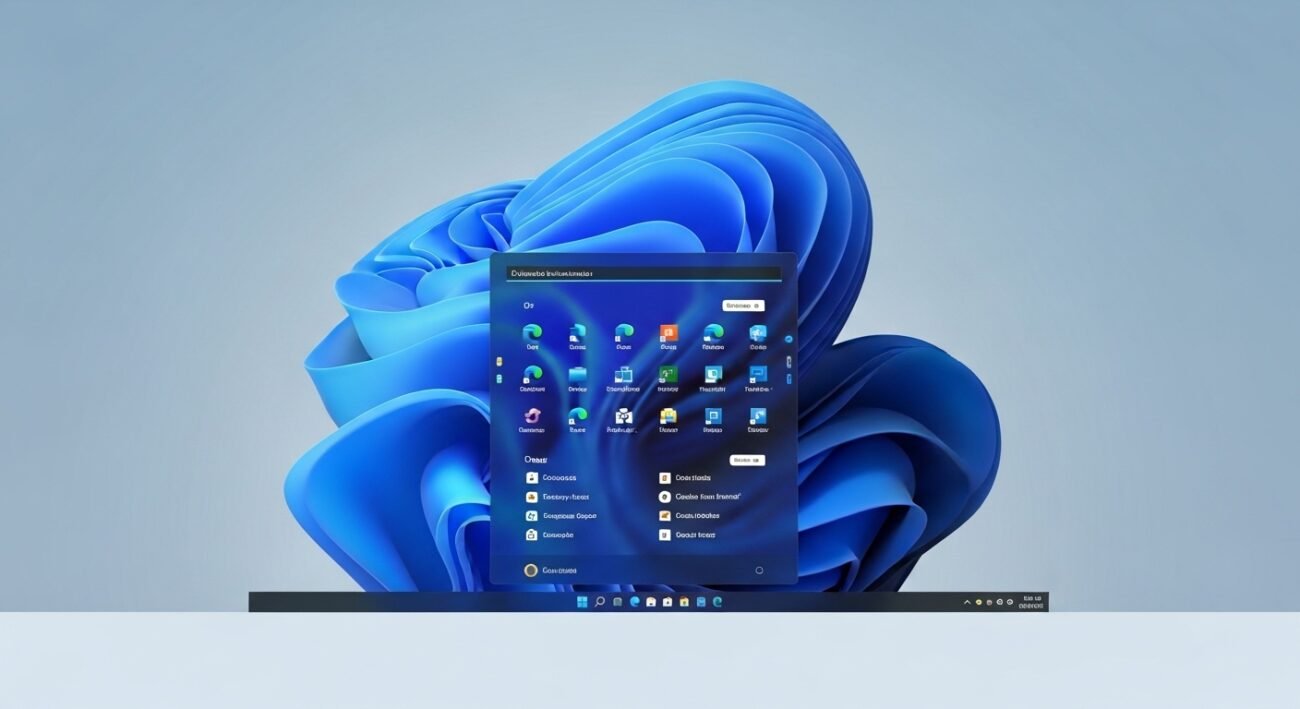
Windows 11 offers a clean design and useful features, yet many users don’t fully benefit from it due to simple, avoidable mistakes. Often, these habits come from years of using older systems or skipping small but important settings. Over time, these oversights can affect performance, privacy, and overall experience. The good news is that most of these issues are easy to fix once you recognize them. By understanding common errors and making a few adjustments, you can enjoy a smoother, faster, and more secure system. Here are some frequent mistakes users still make and how to stay ahead of them.
Ignoring System Updates
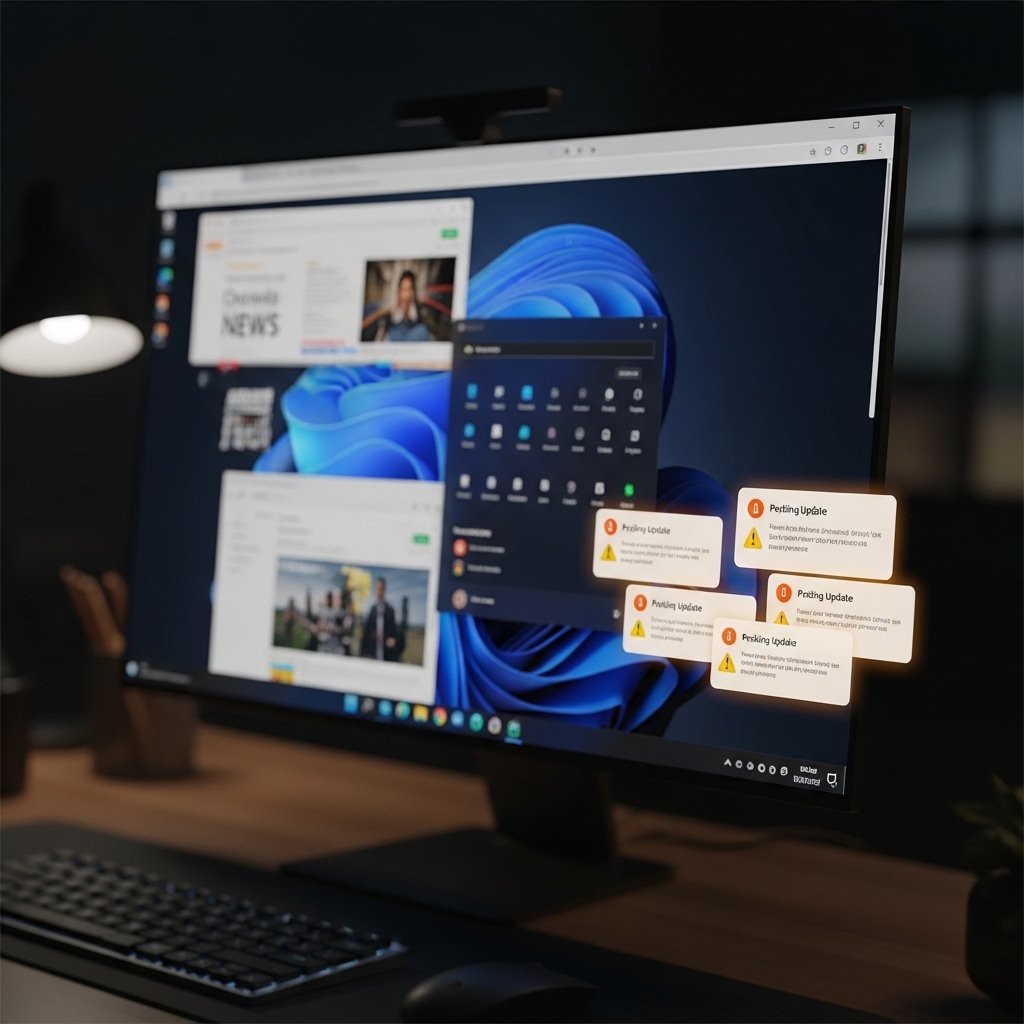
Many users delay updates, thinking they slow things down. In reality, updates fix bugs, improve security, and enhance performance. Skipping them regularly can leave your system vulnerable and less efficient over time.
Not Customizing Privacy Settings
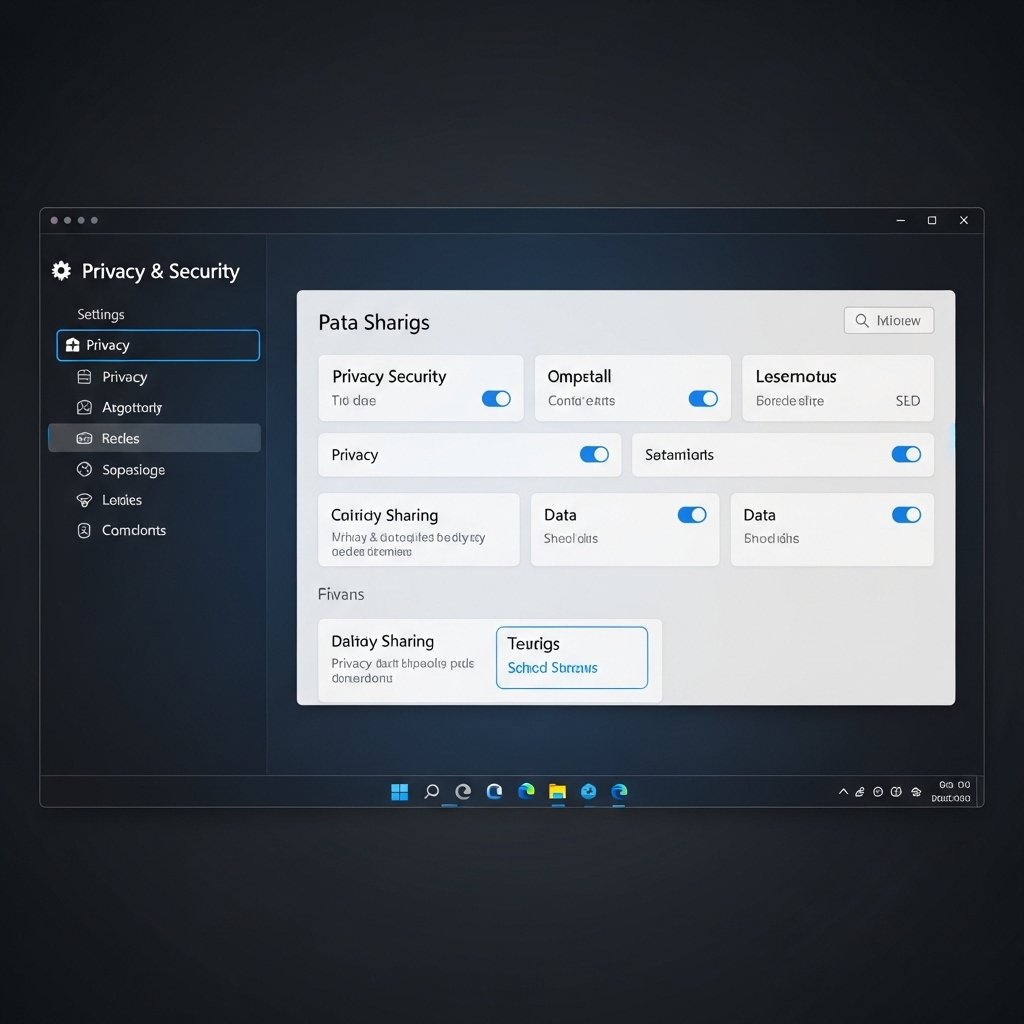
Default privacy settings may not match your preferences. Many users never review them, unknowingly sharing more data than intended. Taking time to adjust these settings can significantly improve your control over personal information.
Overloading Startup Programs
Too many startup apps can slow down boot time noticeably. Users often install programs that automatically run at startup. Disabling unnecessary ones helps your system start faster and run more smoothly.
Using Default Storage Without Cleanup
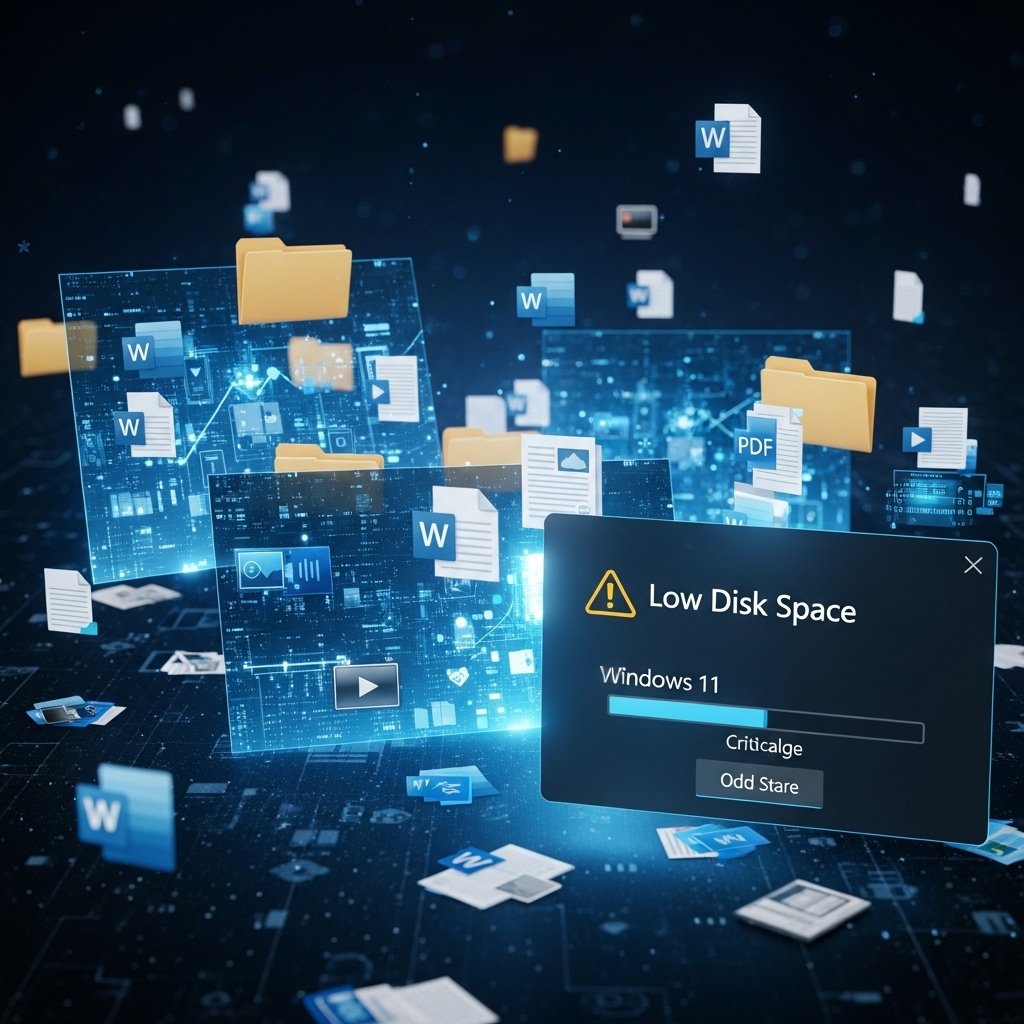
Files, temporary data, and unused apps pile up quickly. Without regular cleanup, storage becomes cluttered, affecting performance. Built-in tools make it easy to manage space, yet many users rarely use them.
Skipping Backup Options

Not backing up important files is a common oversight. Unexpected issues can lead to data loss. Using built-in backup features or cloud syncing ensures your files remain safe and easily recoverable.
Mismanaging Power Settings
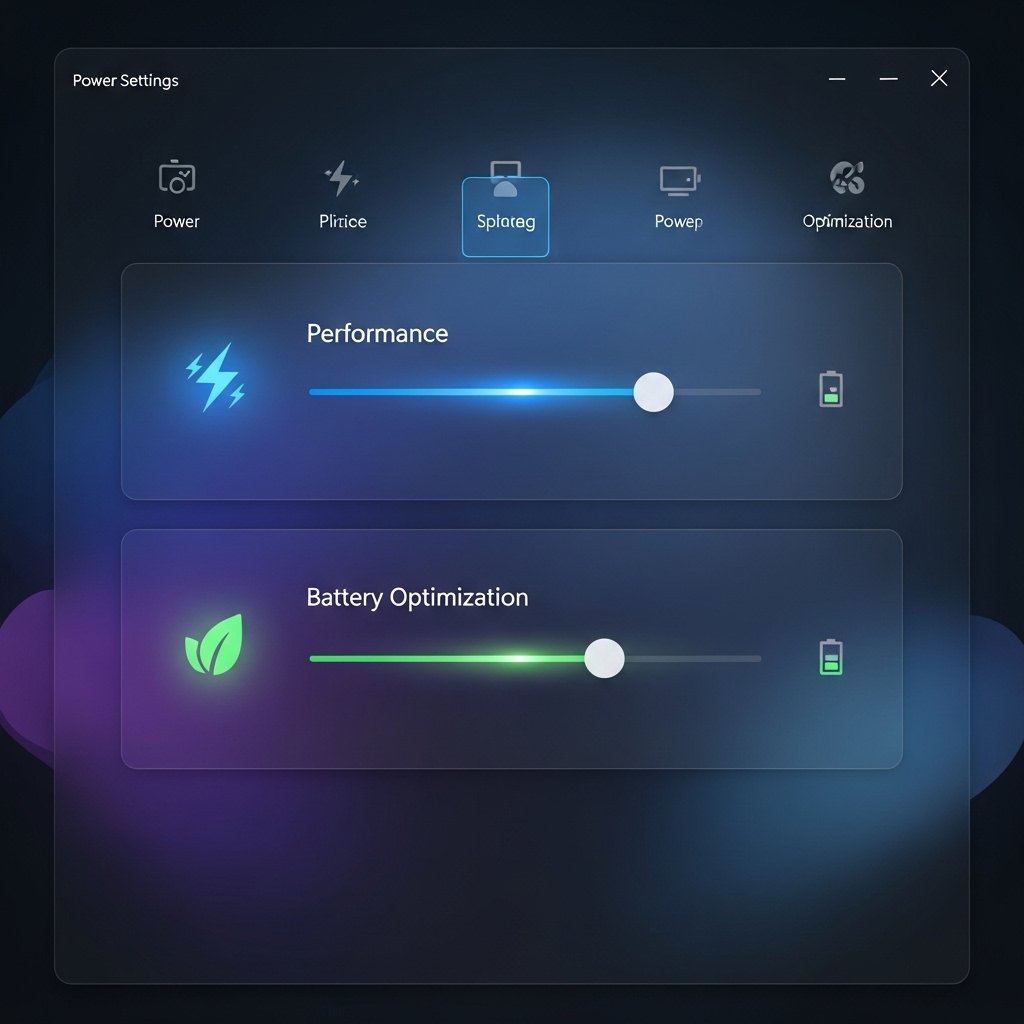
Default power settings may not suit your usage. Many users overlook this, leading to reduced battery life or unnecessary energy use. Adjusting these settings can improve both performance and efficiency.
Ignoring Security Features
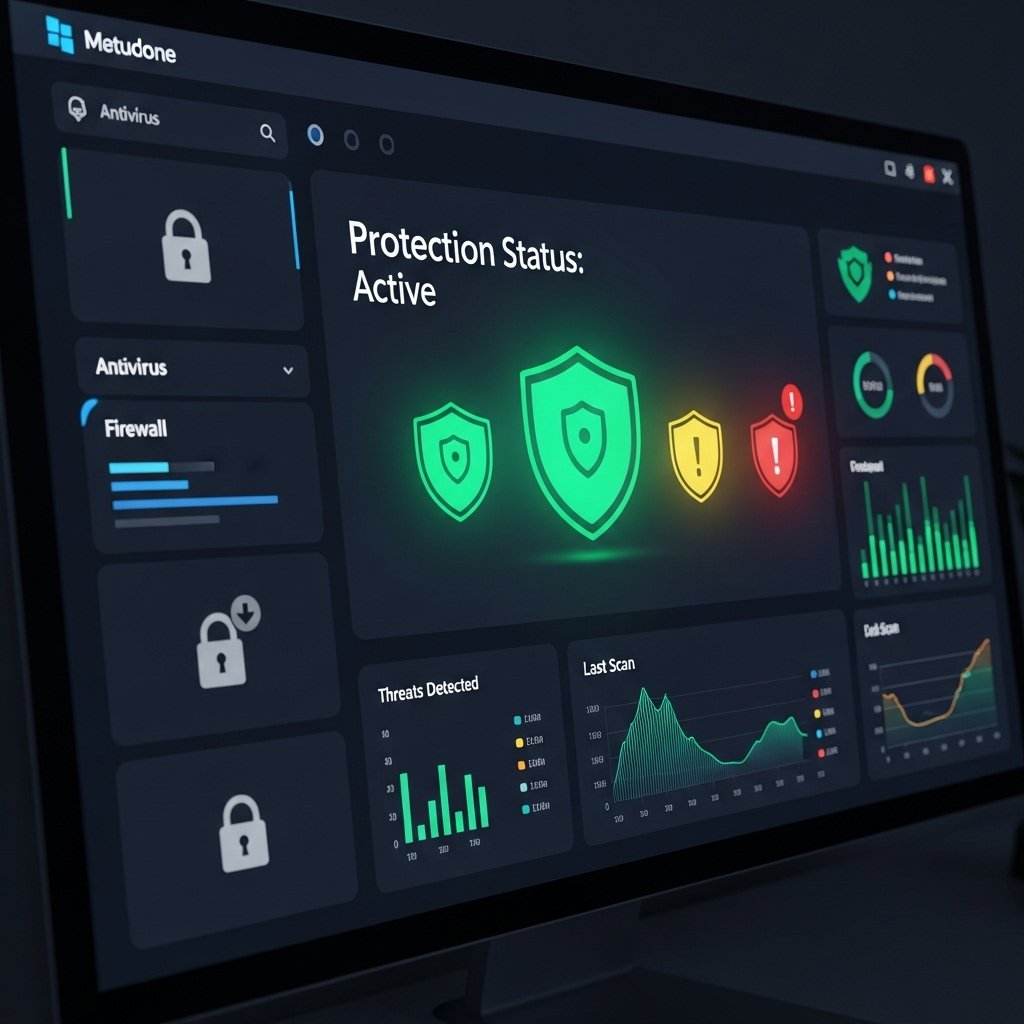
Windows 11 includes strong security tools, but users often leave them underutilized. Features like built-in protection and account safeguards add an extra layer of safety when properly configured and regularly checked.
Not Exploring New Features
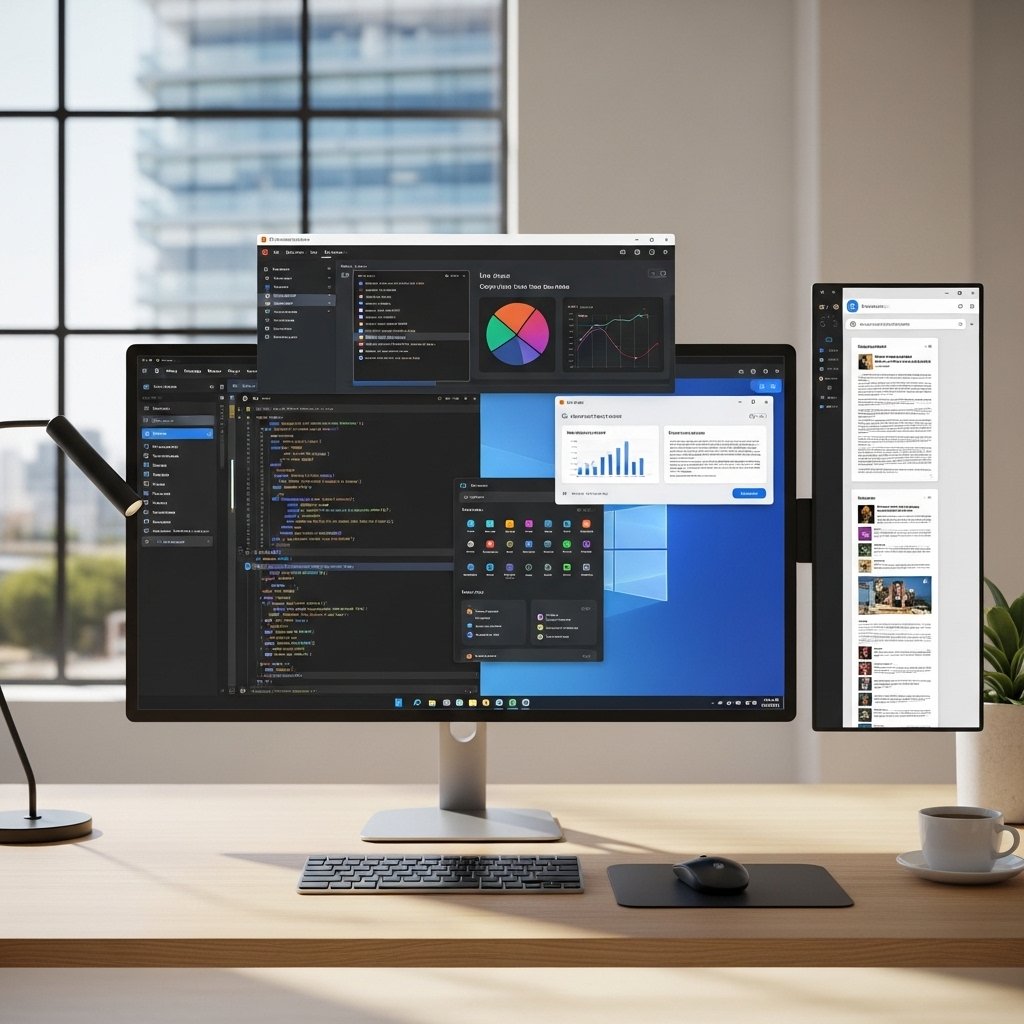
Some users stick to old habits and ignore new tools. Windows 11 offers features that improve multitasking and productivity. Exploring these can make everyday tasks easier and more efficient.
Poor File Organization Habits

Saving files randomly across folders makes them hard to find later. Many users overlook simple organization methods, which can lead to wasted time and confusion when searching for important documents.
Overlooking Display and Accessibility Settings
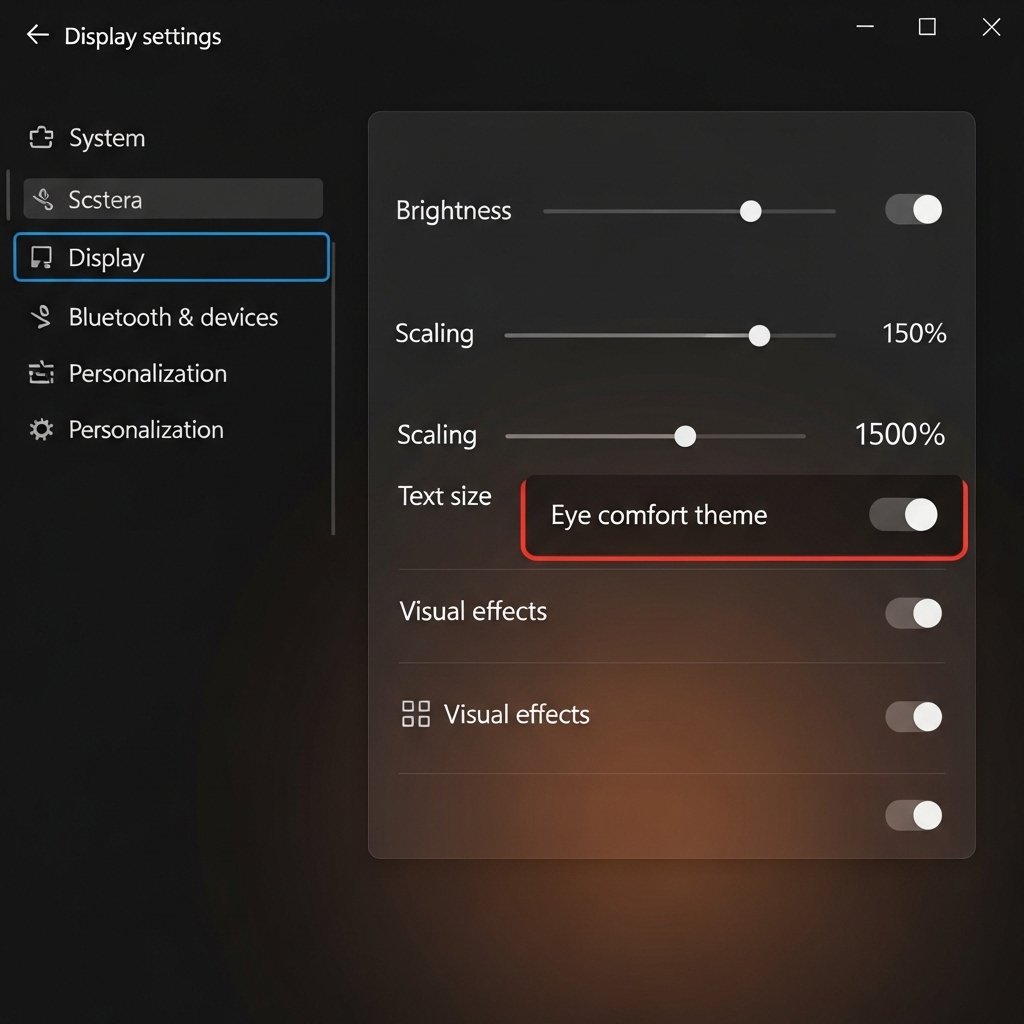
Default display settings may not be comfortable for everyone. Adjusting brightness, scaling, and accessibility features can reduce eye strain and make daily use more comfortable and enjoyable.
Not Restarting Regularly

Leaving the system running for long periods without restarting can cause minor issues to build up. Restarting occasionally helps refresh the system and maintain consistent performance.
