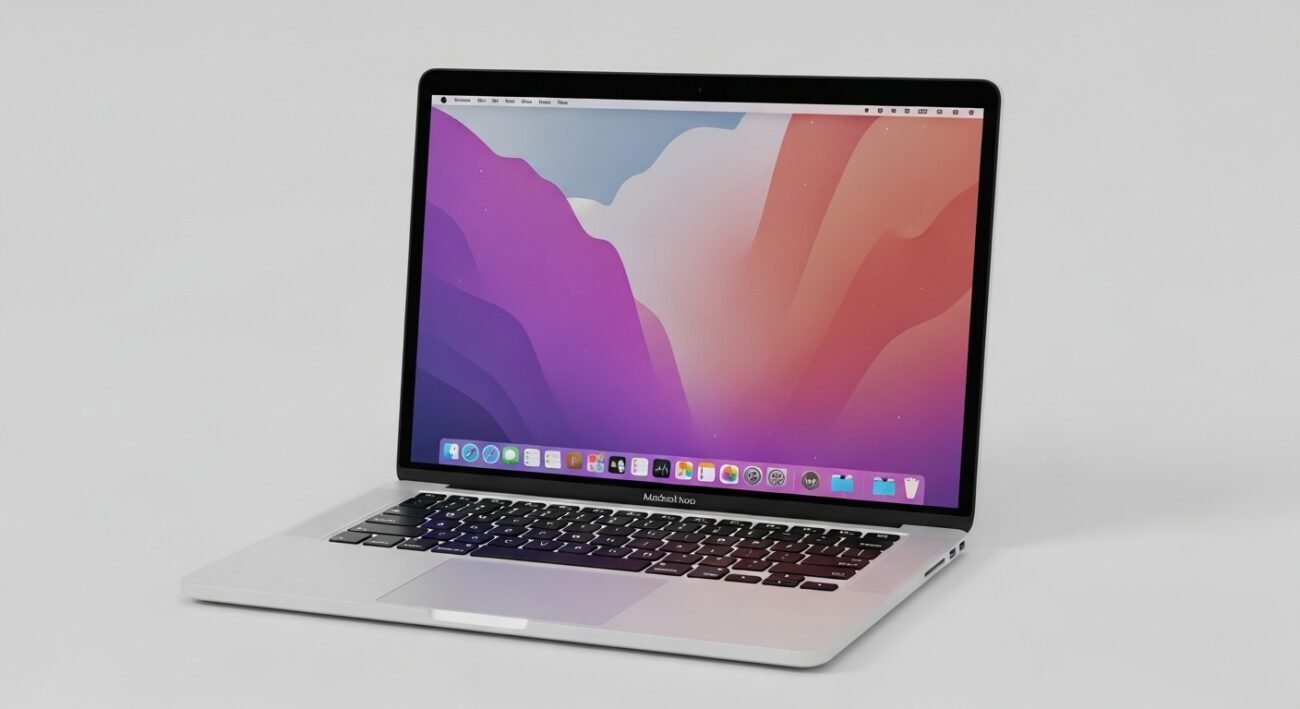
Using a MacBook Neo every day can feel routine, but small changes in how you interact with your device can make a noticeable difference. Many users rely on the same patterns without exploring features that improve speed, comfort, and efficiency. By building a few thoughtful habits into your daily workflow, you can save time, reduce strain, and get more value from your device. These habits are not complicated or technical, but they can reshape how smoothly your day flows. Whether you work, create, or simply browse, adopting smarter usage practices helps you stay organized, focused, and productive.
Master Keyboard Shortcuts

Learning essential keyboard shortcuts reduces reliance on the trackpad and speeds up daily tasks. Simple combinations for switching apps, taking screenshots, or opening search can make navigation faster and more comfortable over long sessions.
Organize Your Desktop
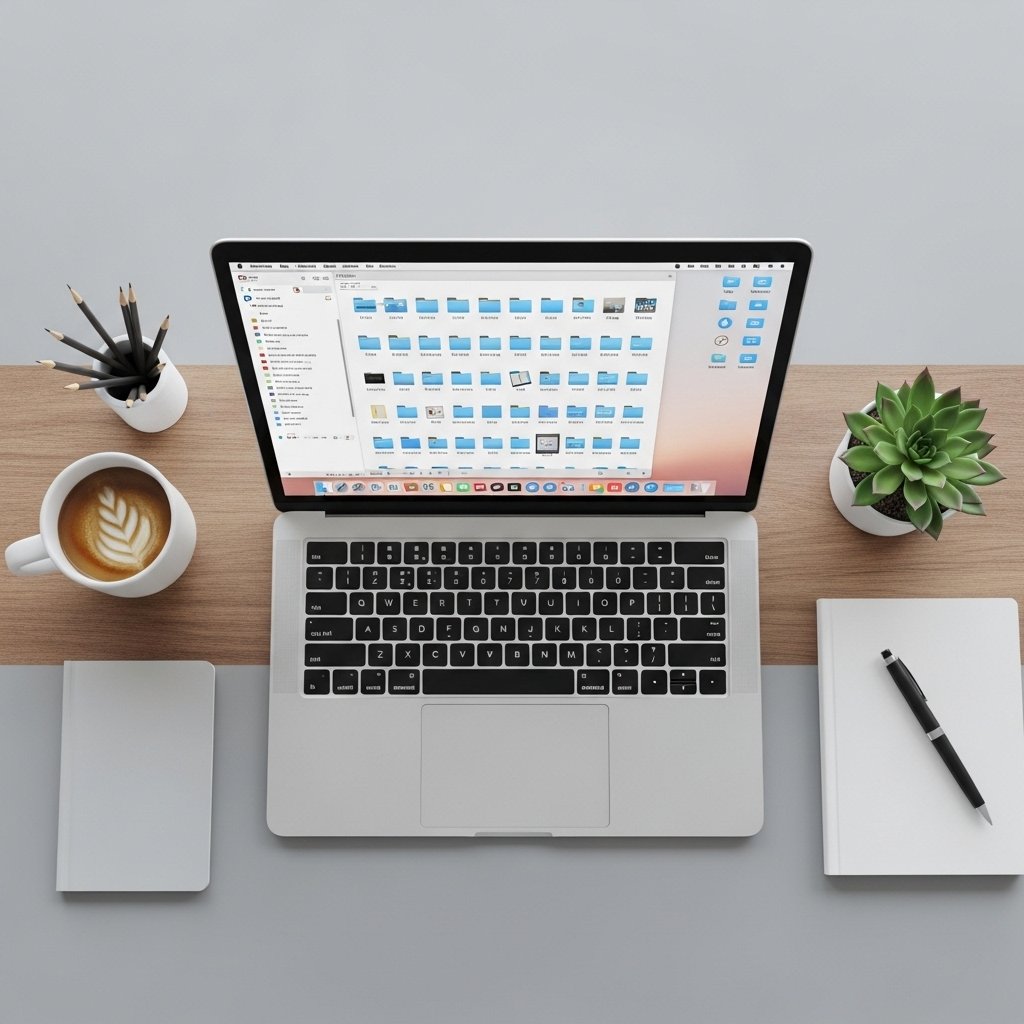
Keeping your desktop clean helps you stay focused and find files quickly. Use folders, stacks, or minimal icons to avoid visual clutter that can distract you during work or important tasks.
Use Split View Efficiently
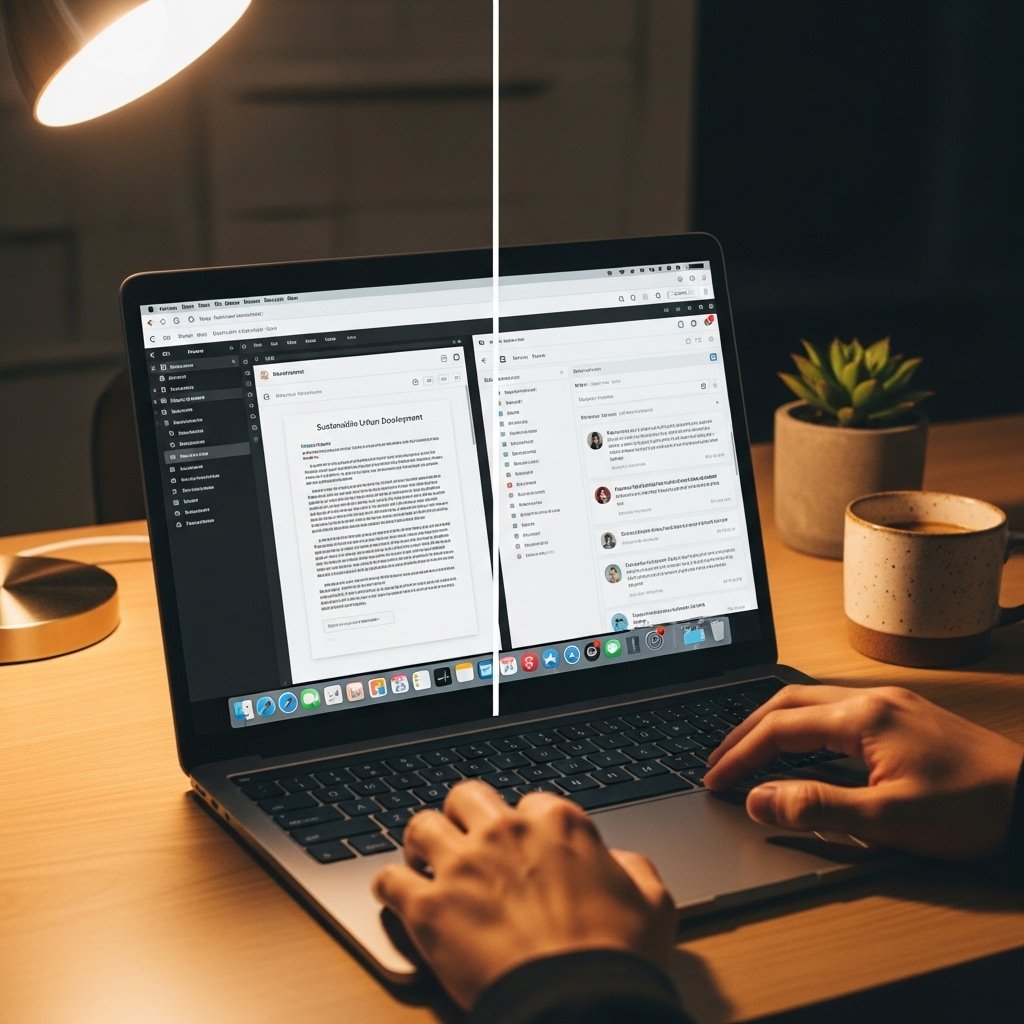
Split View allows you to work with two apps side by side. It improves multitasking by keeping everything visible, making it easier to compare documents, manage emails, or reference information without constant switching.
Customize Trackpad Gestures

Trackpad gestures can be tailored to match your preferences. Swiping between apps, opening mission control, or zooming becomes more intuitive, helping you move through tasks with less effort and better precision.
Manage Notifications Smartly

Limiting unnecessary notifications helps reduce interruptions. Adjust settings so only important alerts appear, allowing you to maintain concentration and avoid frequent distractions during your workflow.
Use Spotlight Search Regularly

Spotlight search is a powerful tool for quickly finding files, apps, and information. Instead of manually browsing folders, typing a few letters can instantly bring up what you need, saving time each day.
Keep Software Updated
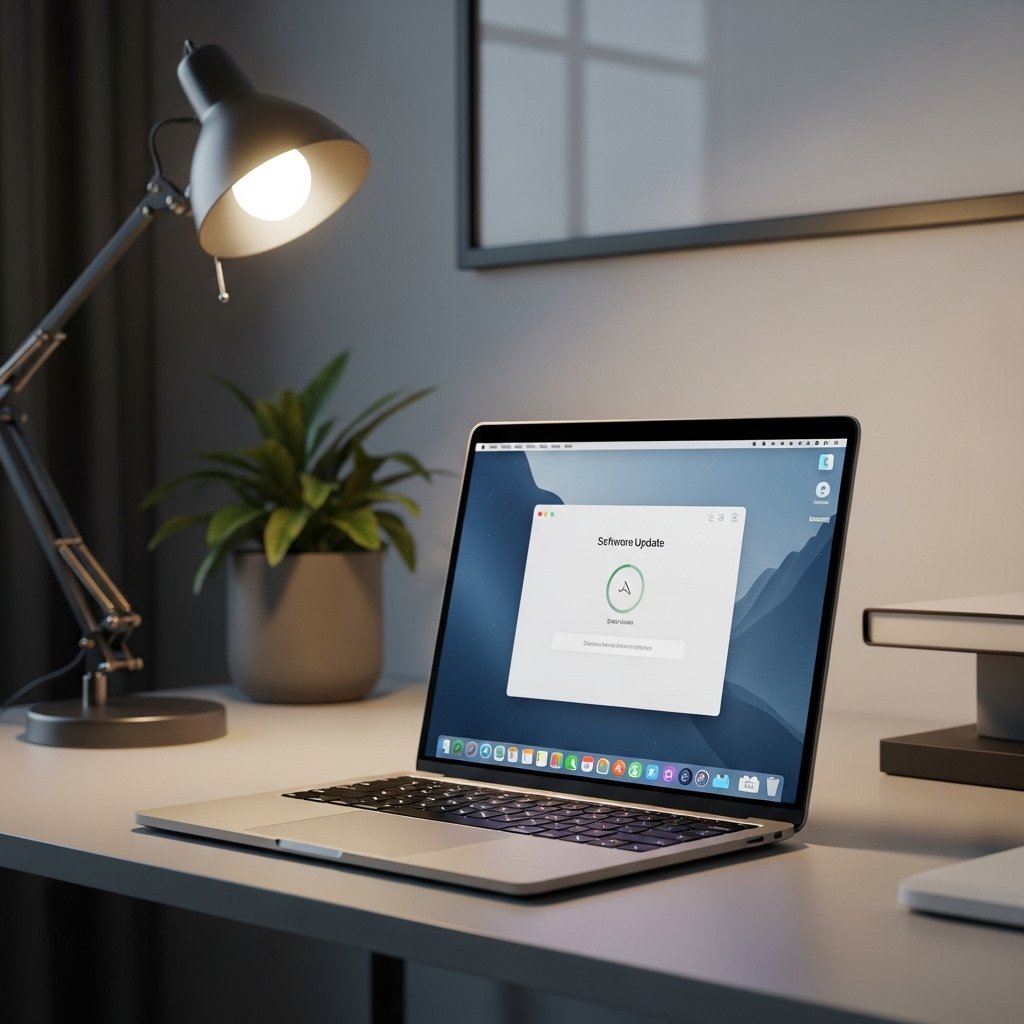
Regular updates ensure your system runs smoothly and securely. Updates often include performance improvements and fixes that help your MacBook Neo function more reliably over time without unexpected slowdowns.
Optimize Battery Usage
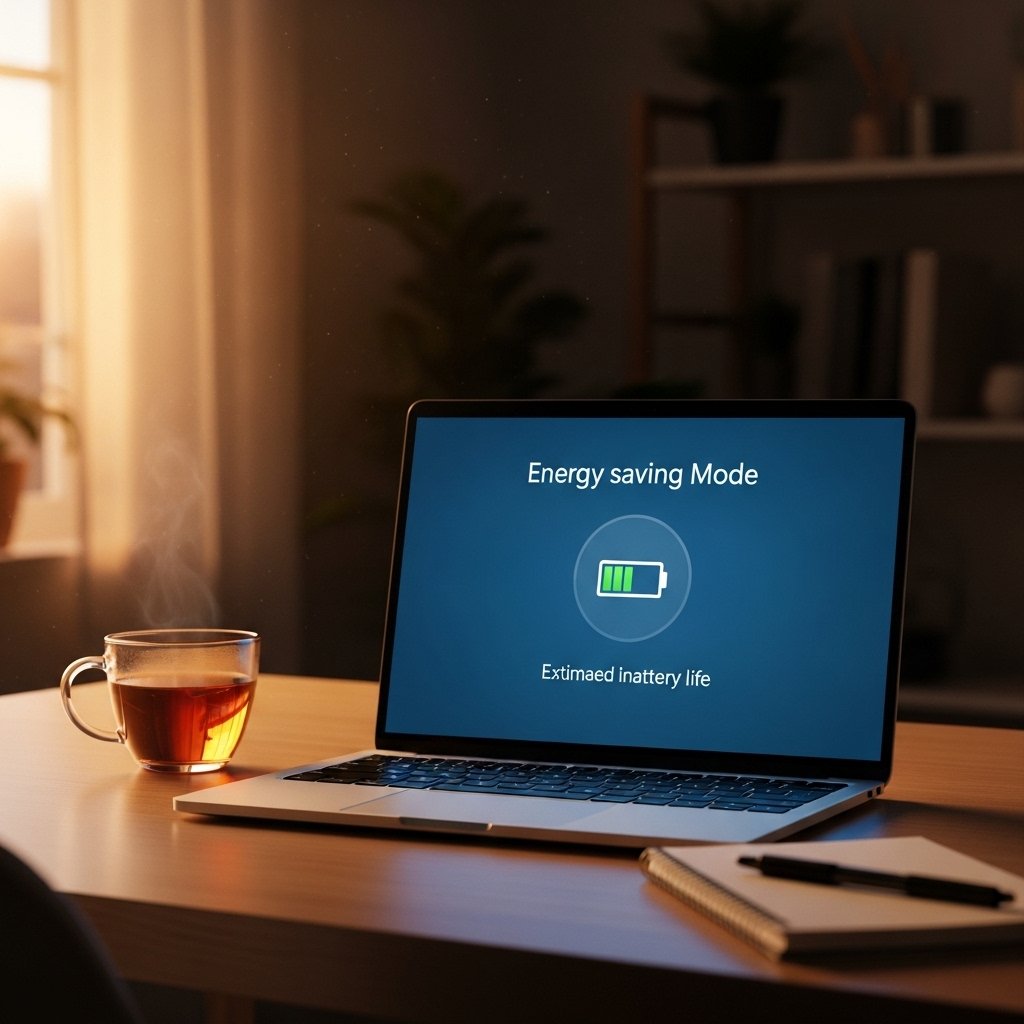
Adjust brightness, close unused apps, and monitor battery settings to extend usage time. Efficient battery habits reduce the need for frequent charging and support better long-term battery health.
Use Cloud Sync Wisely

Saving files to cloud storage allows access from multiple devices. It also protects important documents from loss, ensuring your work remains available even if something happens to your device.
Take Regular Breaks

Stepping away from your screen at intervals reduces eye strain and fatigue. Short breaks help maintain energy levels and improve focus when you return to your tasks.
