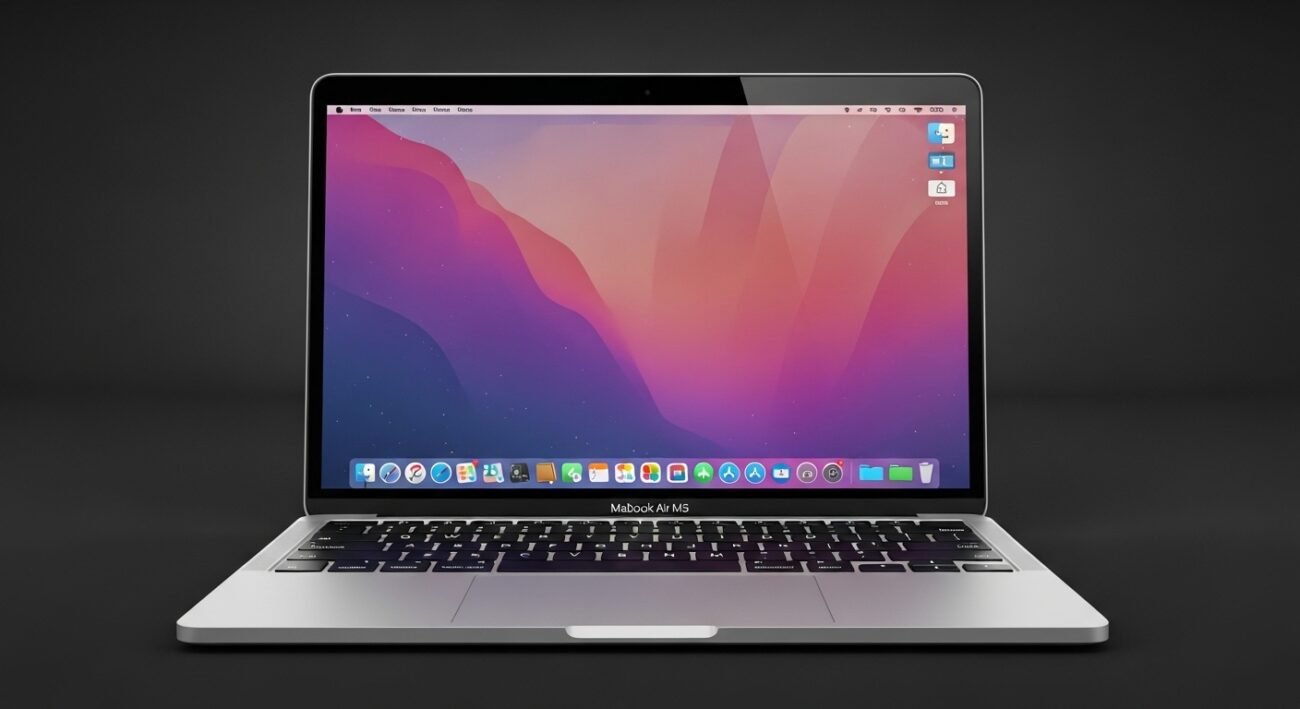
The MacBook Air M5 is designed for speed, efficiency, and everyday convenience, but many users only scratch the surface of what it can truly do. With a few thoughtful adjustments and built-in features, you can significantly improve productivity, extend battery life, and simplify daily tasks. Whether you use your laptop for work, creativity, or communication, these smart tricks can help you unlock a smoother and more enjoyable experience. From better multitasking to smarter energy use, these practical ideas focus on getting the most out of your device without needing additional tools or complicated setups.
Smarter Desktop Organization

Use Stacks and folders to keep your desktop clean and manageable. Group similar files automatically so you spend less time searching and more time focusing on what matters throughout your day.
Effortless Multitasking with Split View
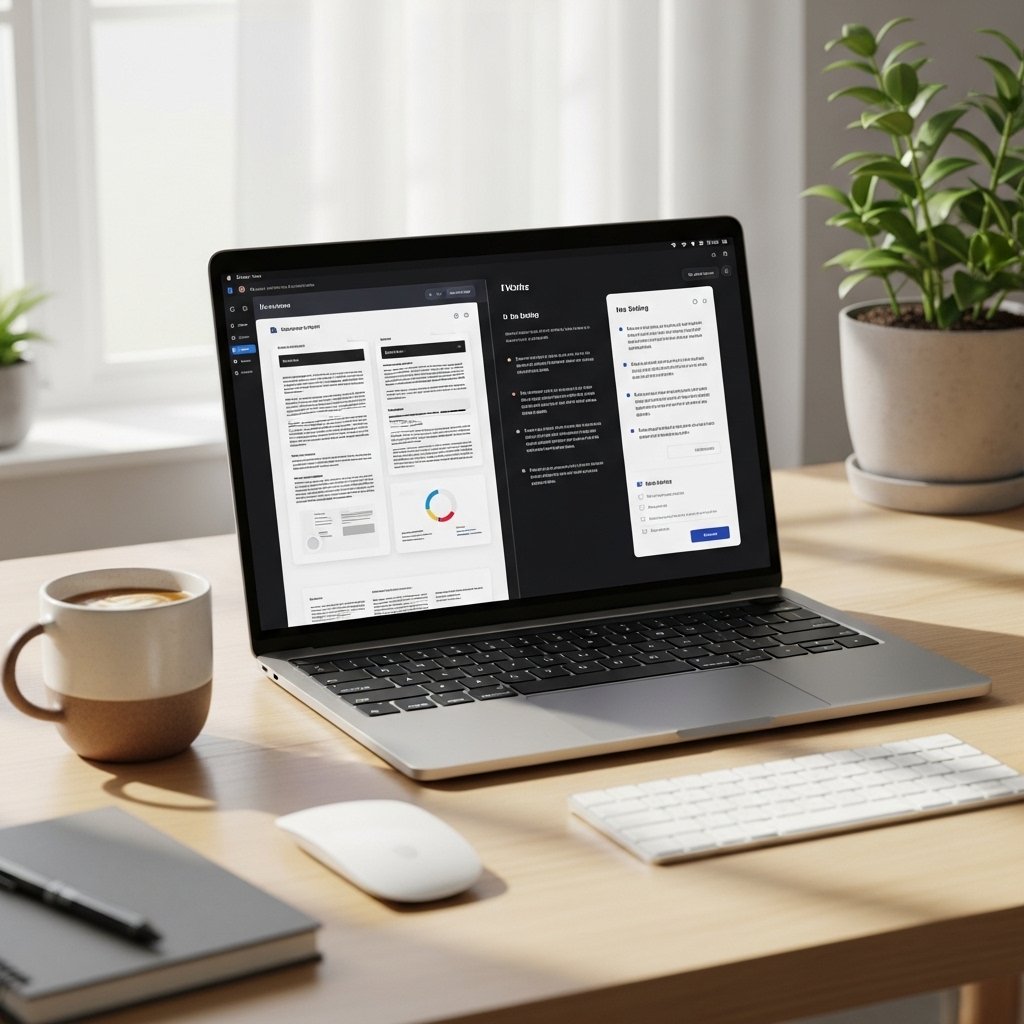
Split View lets you run two apps side by side without distractions. It helps you compare documents, take notes while browsing, or manage emails while working on presentations more efficiently.
Optimized Battery Usage Settings

Adjust battery preferences to reduce background activity and screen brightness. These small tweaks can extend usage time, making your laptop more reliable during travel or long work sessions.
Keyboard Shortcuts for Faster Navigation

Learning a few essential keyboard shortcuts can save minutes every day. Quickly switch apps, take screenshots, or access settings without breaking your workflow or relying heavily on the trackpad.
Spotlight Search for Instant Access
Spotlight is more powerful than it seems. Use it to open apps, find files, perform quick calculations, or even look up information without opening a browser, saving both time and effort.
Custom Trackpad Gestures

Adjust trackpad gestures to match your habits. Swiping between apps, accessing Mission Control, or revealing the desktop becomes faster and more natural with personalized gesture settings.
Focus Modes for Fewer Distractions

Enable Focus modes to control notifications during work hours or relaxation time. This helps maintain concentration while ensuring important alerts still come through when necessary.
Cloud Sync for Seamless File Access
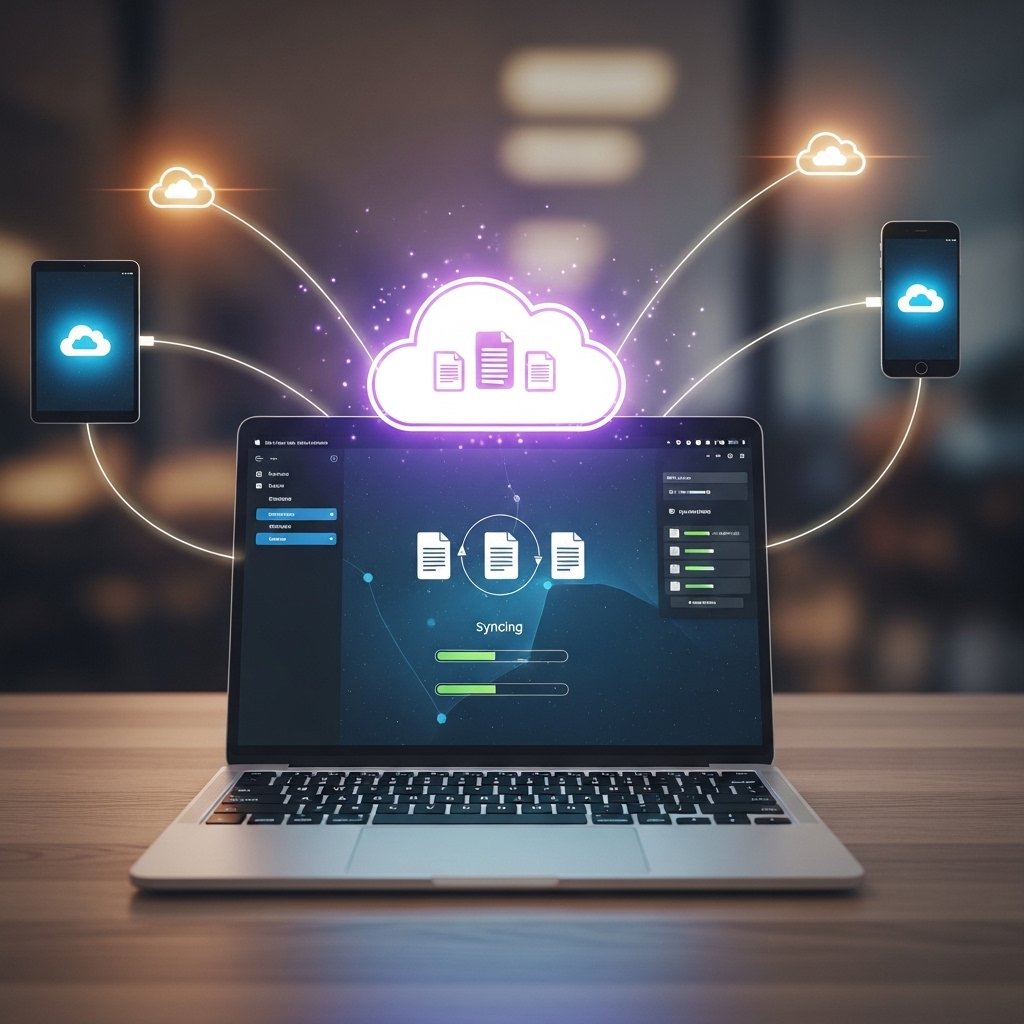
Use cloud syncing to access files across devices without manual transfers. It ensures your important documents are always available and safely backed up in case of unexpected issues.
App Management for Better Performance
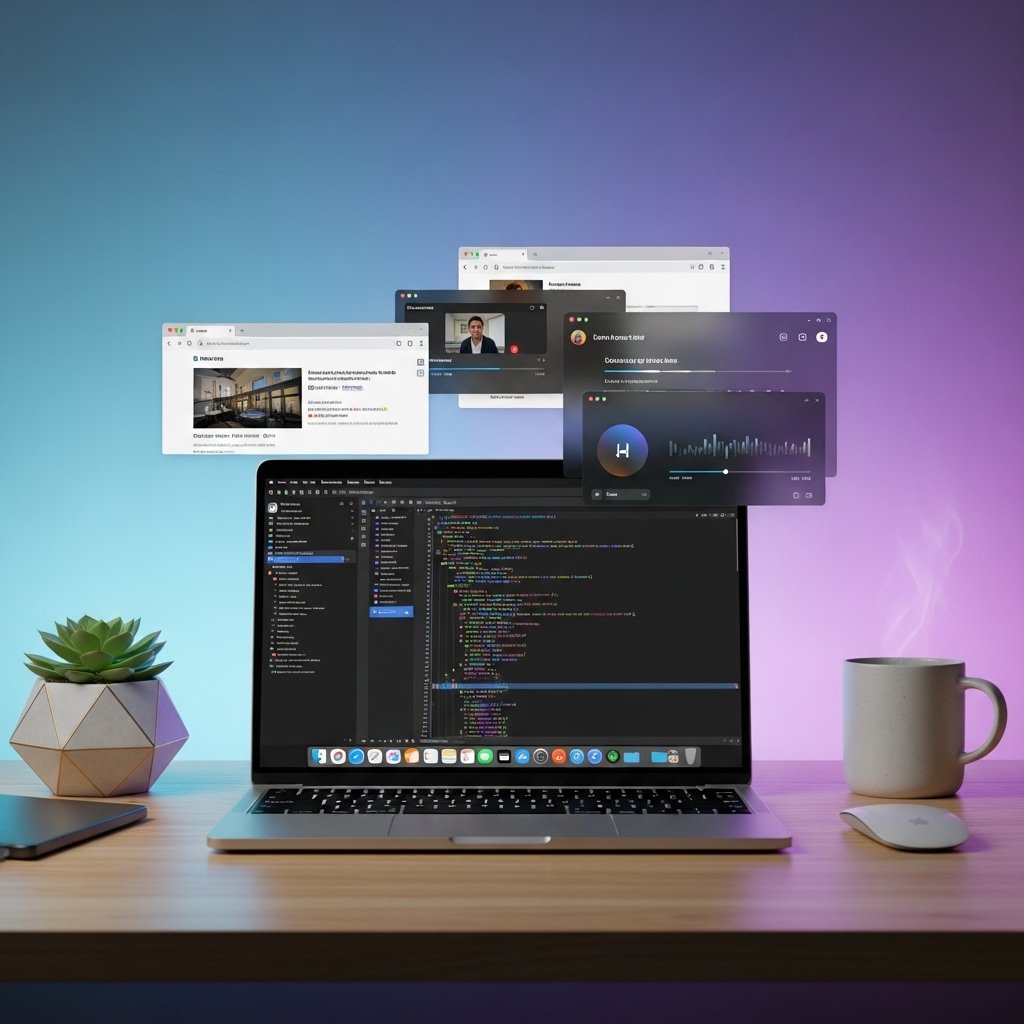
Close unused apps running in the background to free up memory. This keeps your system running smoothly, especially when handling multiple tasks or heavier applications.
Regular Updates for Peak Efficiency
Keep your system updated to benefit from performance improvements and security fixes. Updates often include enhancements that help your device run faster and more efficiently over time.
