
Managing user accounts has long been one of the more frustrating aspects of using Windows 11, especially for those who want a balance between control, privacy, and convenience. From confusing sign-in options to limited flexibility with local accounts, many users have faced small but persistent hurdles over the years. With recent updates, Microsoft appears to be listening more closely to everyday user concerns and refining how accounts function across devices. These changes aim to make account management smoother, more transparent, and less intrusive. Here’s a closer look at the practical improvements that are making a noticeable difference.
Better Local Account Setup
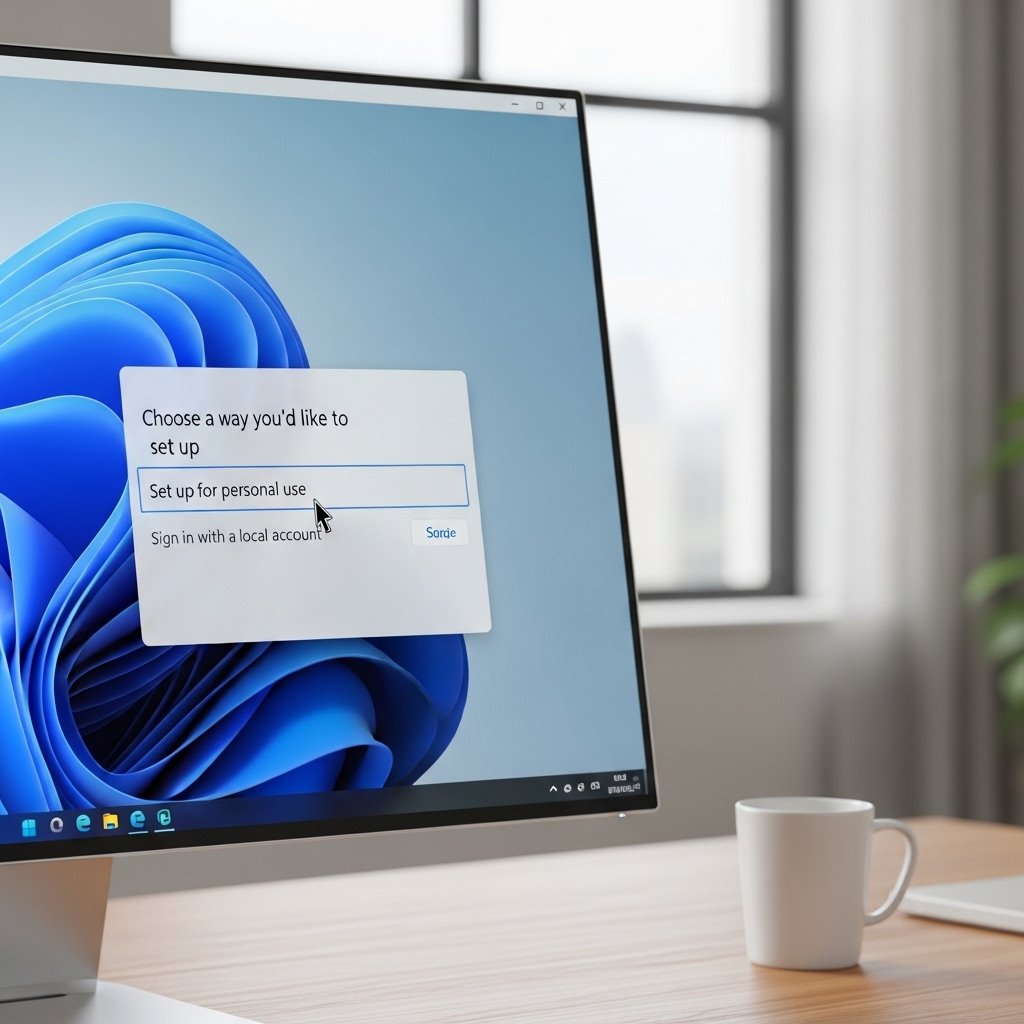
Setting up a local account is now more straightforward. Users can skip unnecessary steps and create offline profiles without feeling forced into cloud-based sign-ins, making initial setup less complicated.
Simplified Sign-In Options
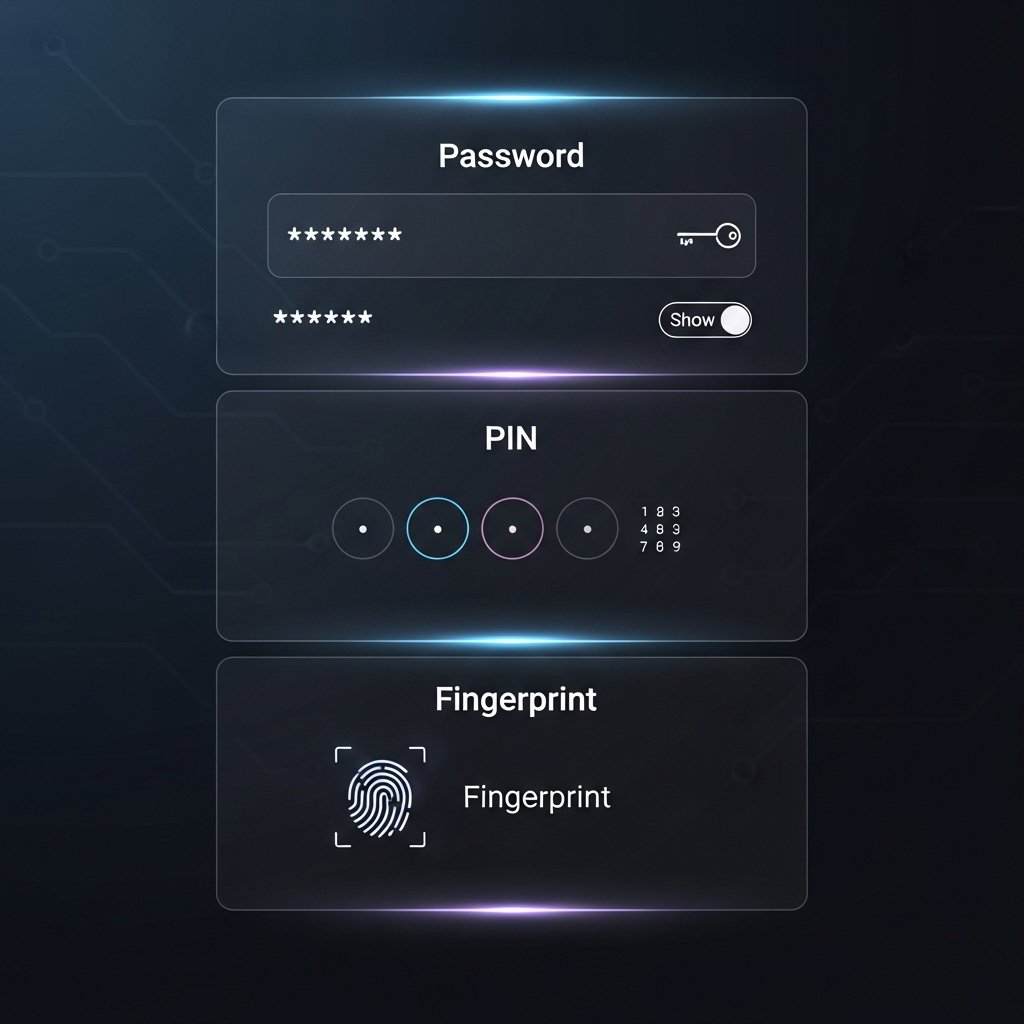
Password, PIN, and biometric options are now better organized. The interface makes it easier to switch between methods, reducing confusion and helping users choose what works best for their routine.
Improved Account Switching

Switching between multiple user accounts has become quicker. The system now responds faster and maintains app states more reliably, which is helpful for shared computers in households or small offices.
Clearer Privacy Controls
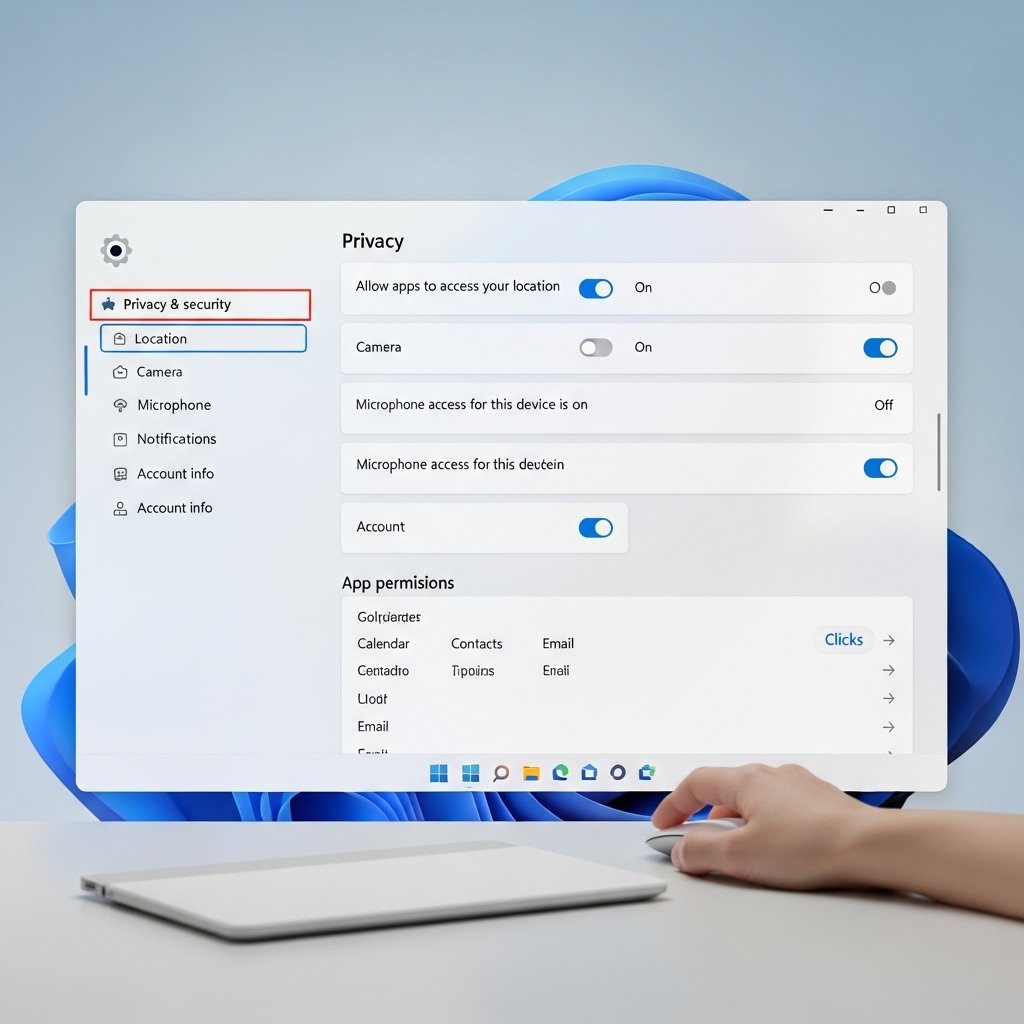
Privacy settings tied to user accounts are now easier to understand. Users can quickly see what data is being shared and adjust permissions without digging through multiple menus.
Reduced Microsoft Account Pressure

There is less insistence on signing in with a Microsoft account. While still encouraged, users now have more freedom to use local accounts without repeated prompts interrupting their workflow.
Enhanced Family Safety Features

Family account tools are more intuitive. Parents can manage screen time, app access, and activity reports with clearer dashboards that reduce the need for technical expertise.
Seamless Sync Across Devices

For those using Microsoft accounts, syncing settings across devices is smoother. Preferences like themes, passwords, and app settings carry over with fewer glitches.
Faster Login Experience
Login times have improved, especially on modern hardware. The system now handles authentication more efficiently, cutting down wait times when starting or waking a device.
More Transparent Account Settings

Account-related settings are grouped logically. Users can find everything from security options to email preferences in one place without navigating through scattered sections.
Improved Security Alerts
Security notifications are clearer and more actionable. Instead of vague warnings, users receive specific guidance on what action to take, improving overall account safety.
Better Integration with Apps

Apps now interact more smoothly with user accounts. Permissions, sign-ins, and account-linked features work with fewer interruptions, creating a more consistent experience.
