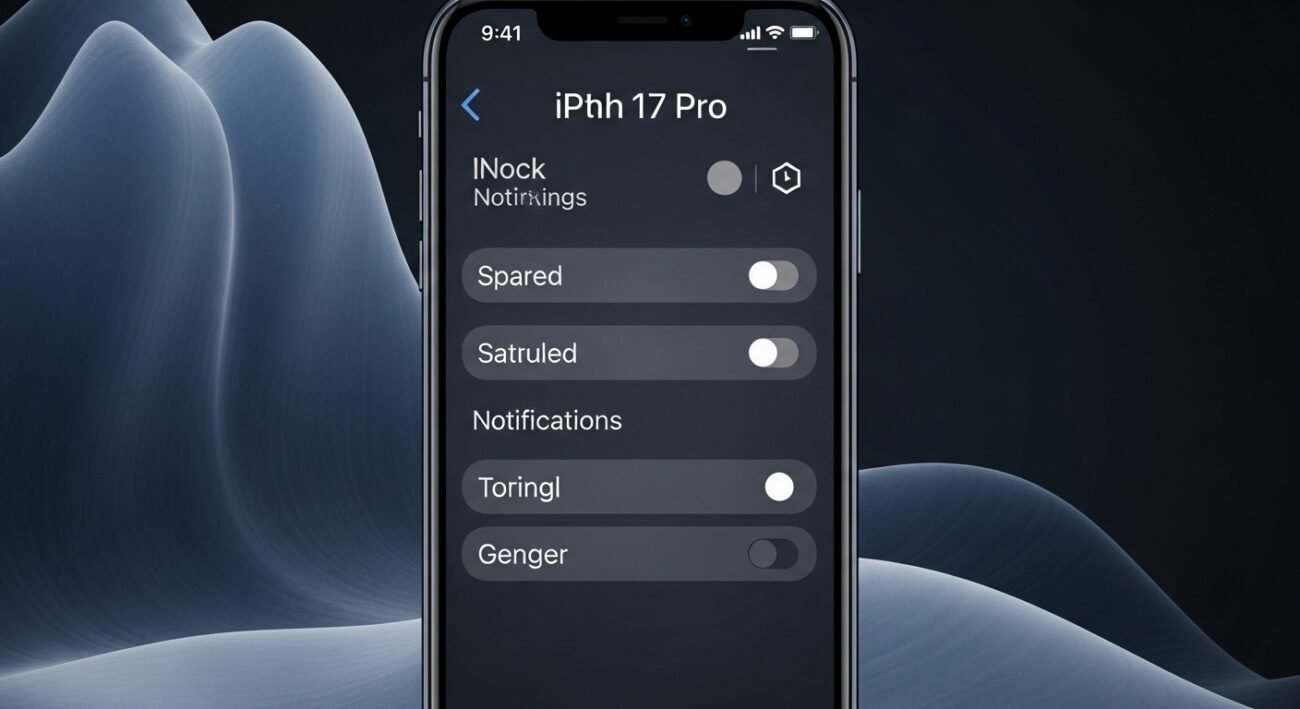
Modern smartphones are packed with powerful features, yet many useful settings remain hidden beneath layers of menus. The iPhone 17 Pro is no exception, offering thoughtful tools that can improve privacy, extend battery life, and make everyday use smoother. These settings are not flashy, but once enabled, they quietly enhance your experience in meaningful ways. Whether you want better control over notifications, stronger security, or a more personalized interface, exploring these lesser-known options can make a noticeable difference. Here are some practical settings you can turn on right now to get more out of your device without changing how you use it.
Back Tap Shortcuts

Back Tap lets you trigger actions by tapping the back of your phone. You can assign shortcuts like taking screenshots, opening apps, or activating accessibility features, making everyday tasks faster without unlocking or searching through menus.
Focus Filters Customization
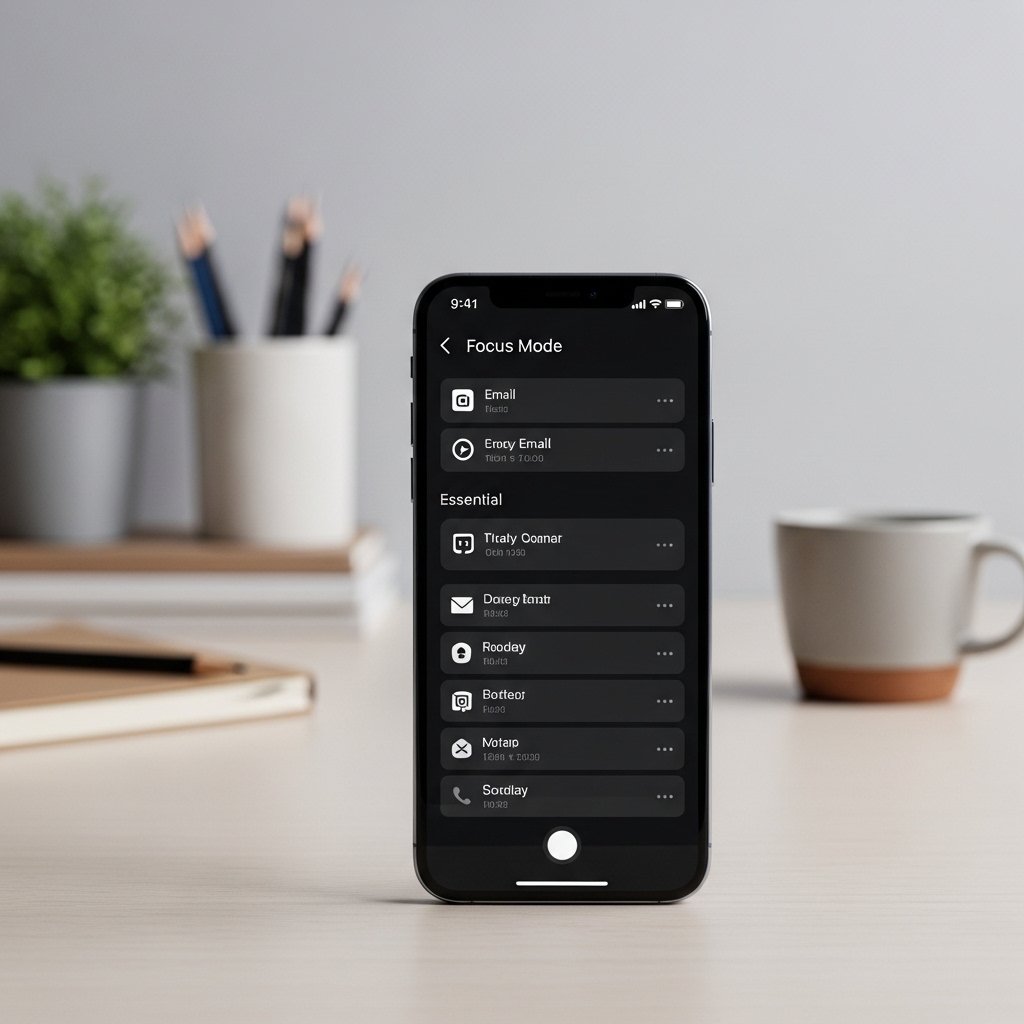
Focus Filters allow you to tailor apps like Mail or Calendar to specific modes. When enabled, they help you see only relevant information during work or personal time, reducing distractions and improving clarity throughout the day.
Live Voicemail Screening
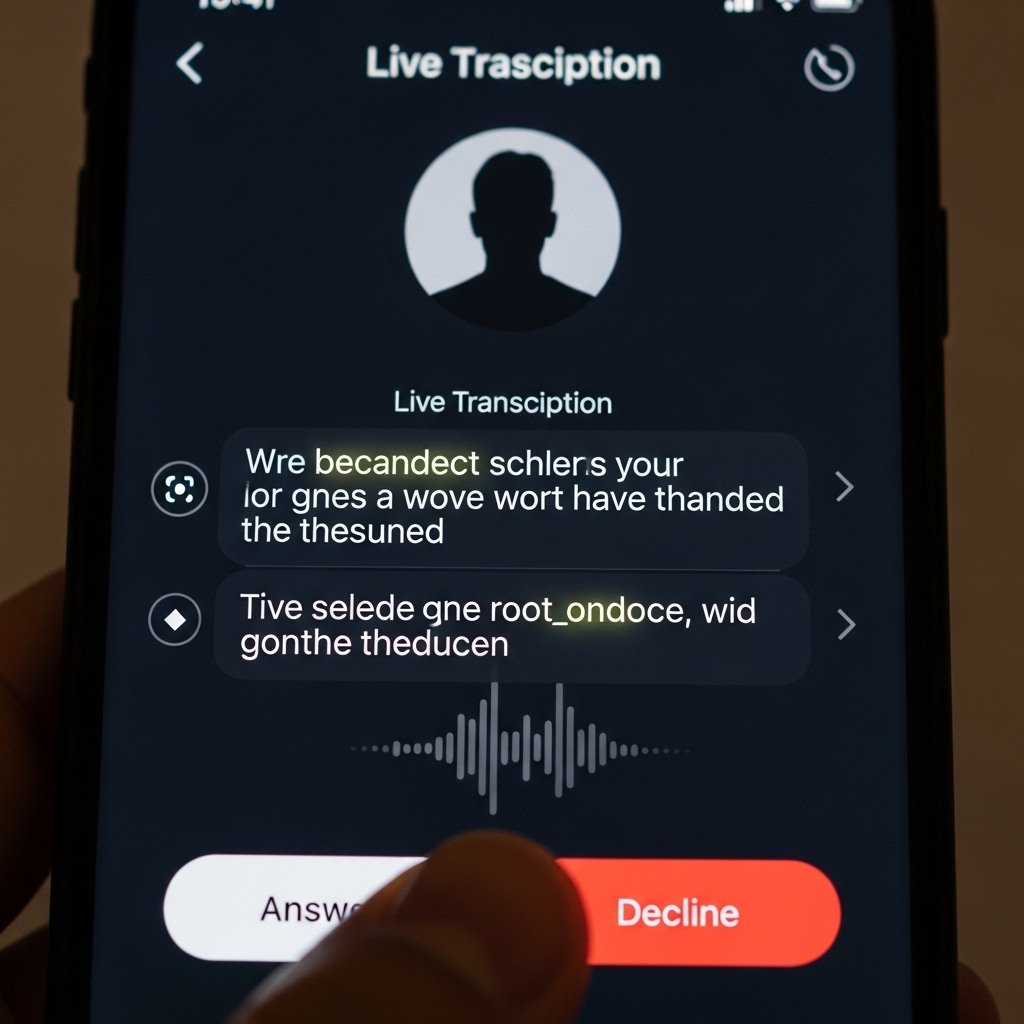
This setting shows real-time transcriptions of incoming voicemail messages. It helps you decide whether to answer a call or ignore it, giving you better control over interruptions without missing important communication.
Enhanced Privacy Tracking Alerts

Turn on tracking alerts to get notified if unknown devices are moving with you. This feature strengthens personal safety by detecting unwanted tracking attempts and giving you clear steps to handle the situation.
StandBy Display Mode
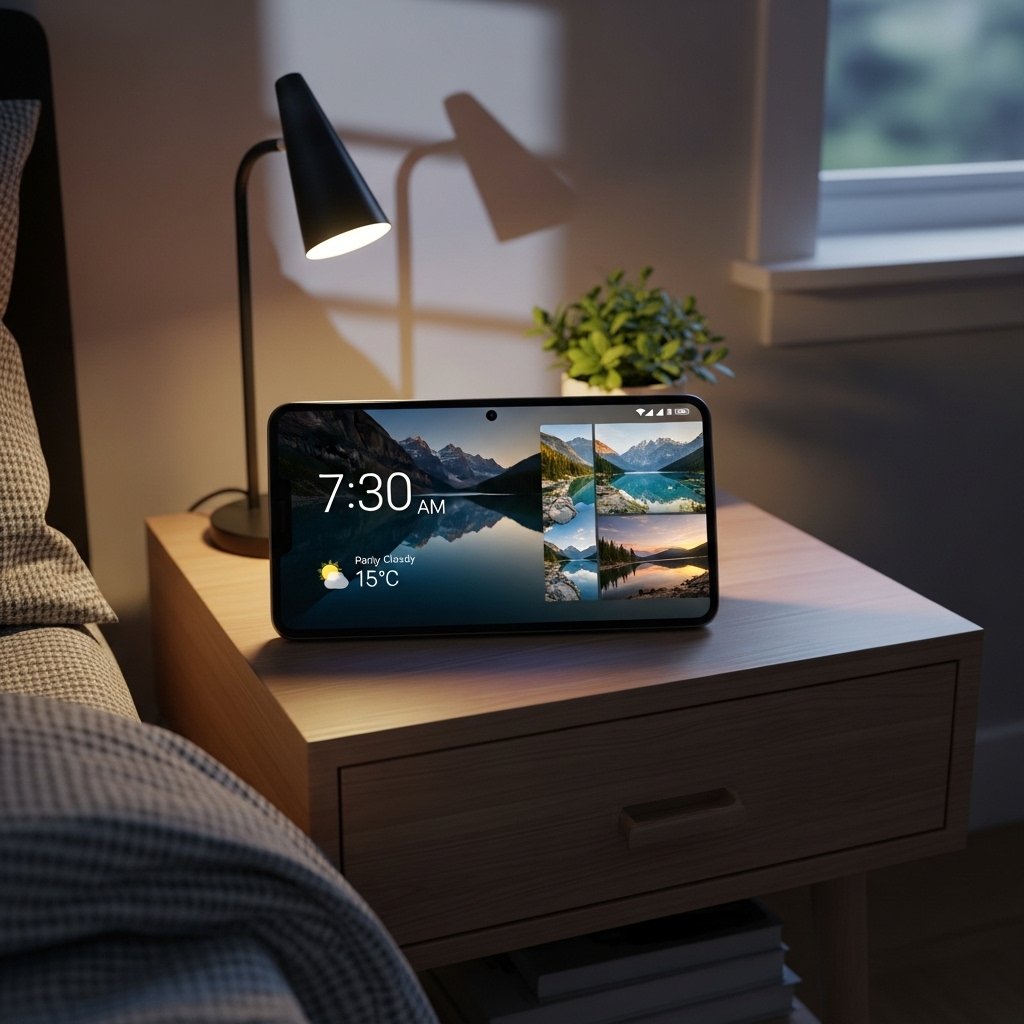
StandBy mode transforms your phone into a smart display while charging. It shows widgets like clocks, weather, or photos, making your device useful even when not actively in use, especially during evenings or work hours.
Keyboard Haptic Feedback

Enabling haptic feedback on the keyboard adds a subtle vibration with each key press. It improves typing accuracy and provides a more responsive feel, making messaging and note-taking more comfortable.
Limit Frame Rate for Battery Saving
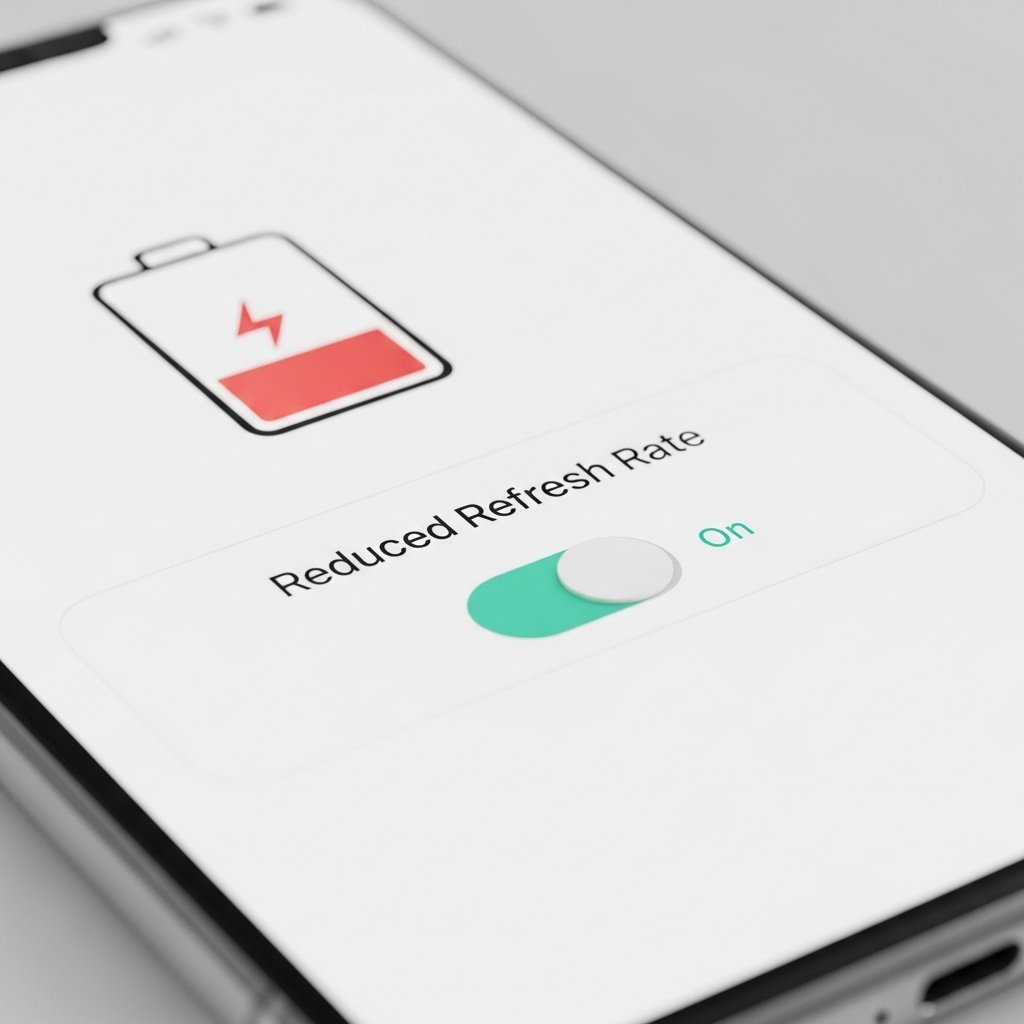
Reducing the screen refresh rate can extend battery life significantly. This setting is helpful during long days when charging options are limited, without affecting basic tasks like browsing or messaging.
Personalized Spatial Audio

This feature adjusts audio based on your ear shape using a quick scan. It creates a more immersive listening experience, especially when using headphones, making music and calls sound clearer and more natural.
Auto Delete Verification Codes
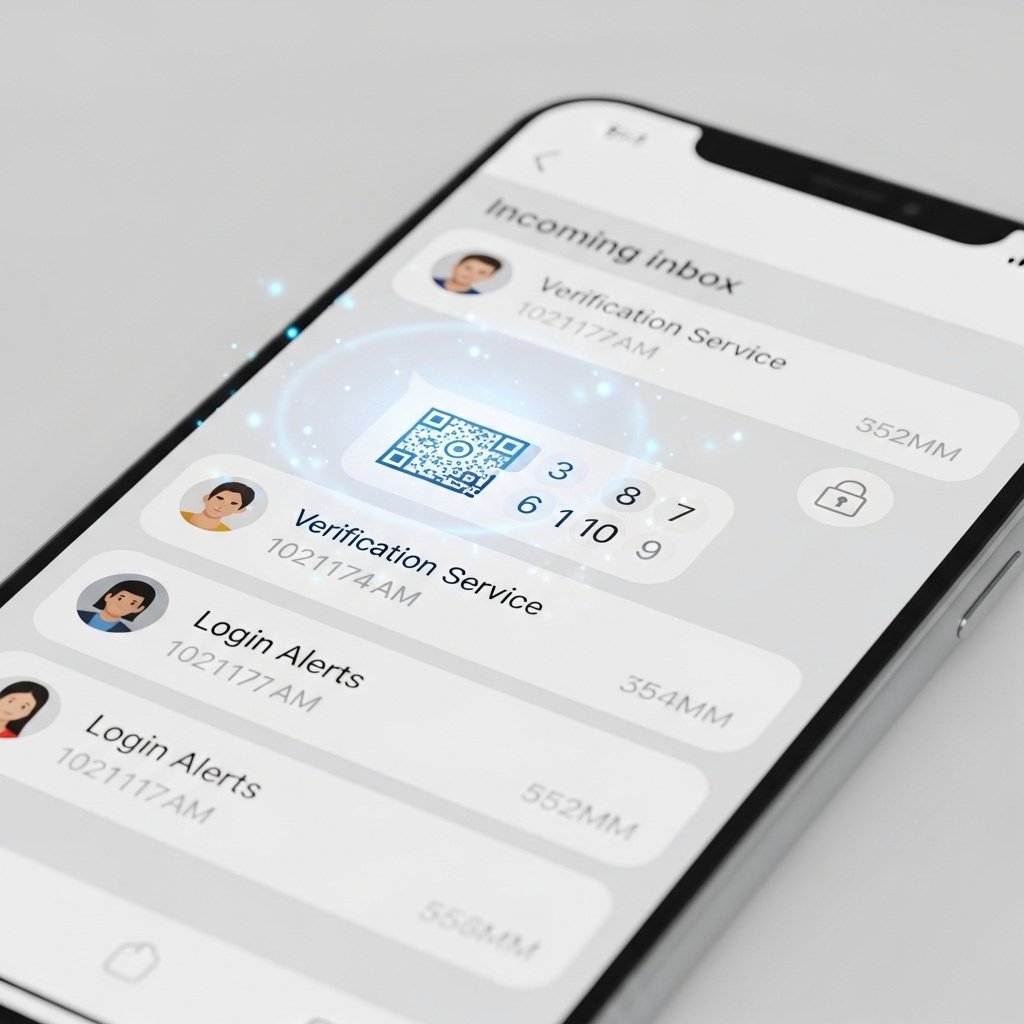
Your phone can automatically remove one-time passcodes from messages after use. This keeps your inbox cleaner and adds a layer of security by reducing stored sensitive information.
App Privacy Report
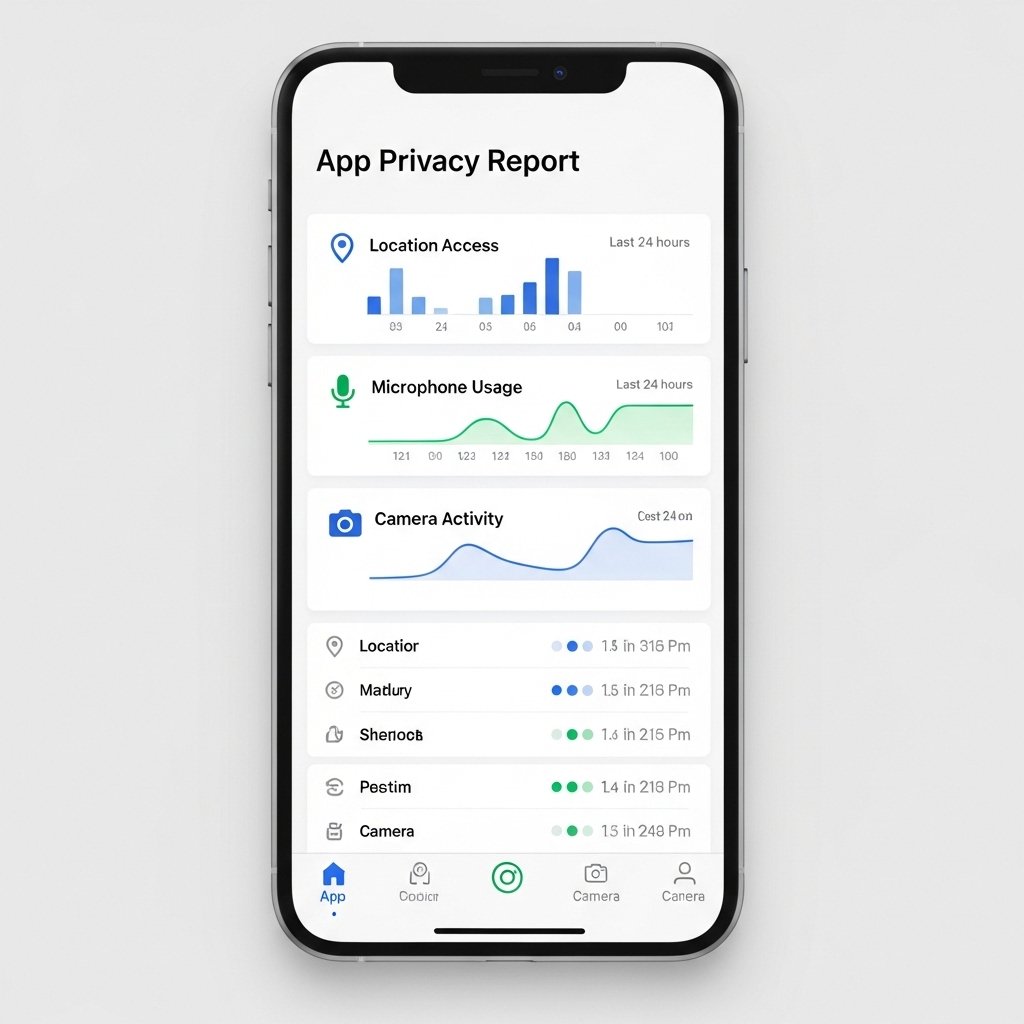
The App Privacy Report shows how often apps access your data, such as location or microphone. It gives you a clearer understanding of app behavior and helps you make informed decisions about permissions.
