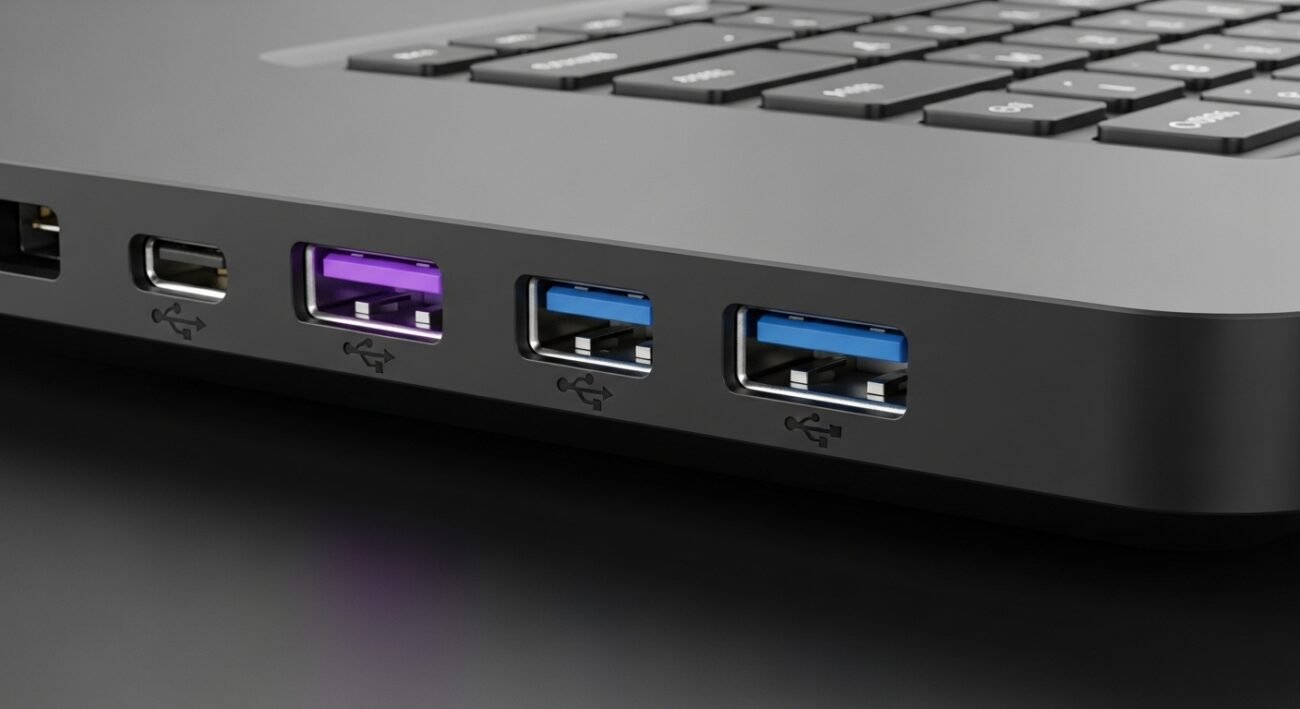
Have you ever noticed a purple-colored USB port on a computer or laptop and wondered what makes it different from the usual black or blue ones? While most people recognize USB ports by their shapes, the colors actually carry important meaning. Purple USB ports are not random they are designed with a specific purpose that can improve your everyday computing experience. Understanding these color codes can help you connect devices more efficiently, avoid compatibility issues, and even benefit from features that continue working when your system is off. Let’s explore what makes these purple ports stand out and why they matter.
Always-On Power Feature
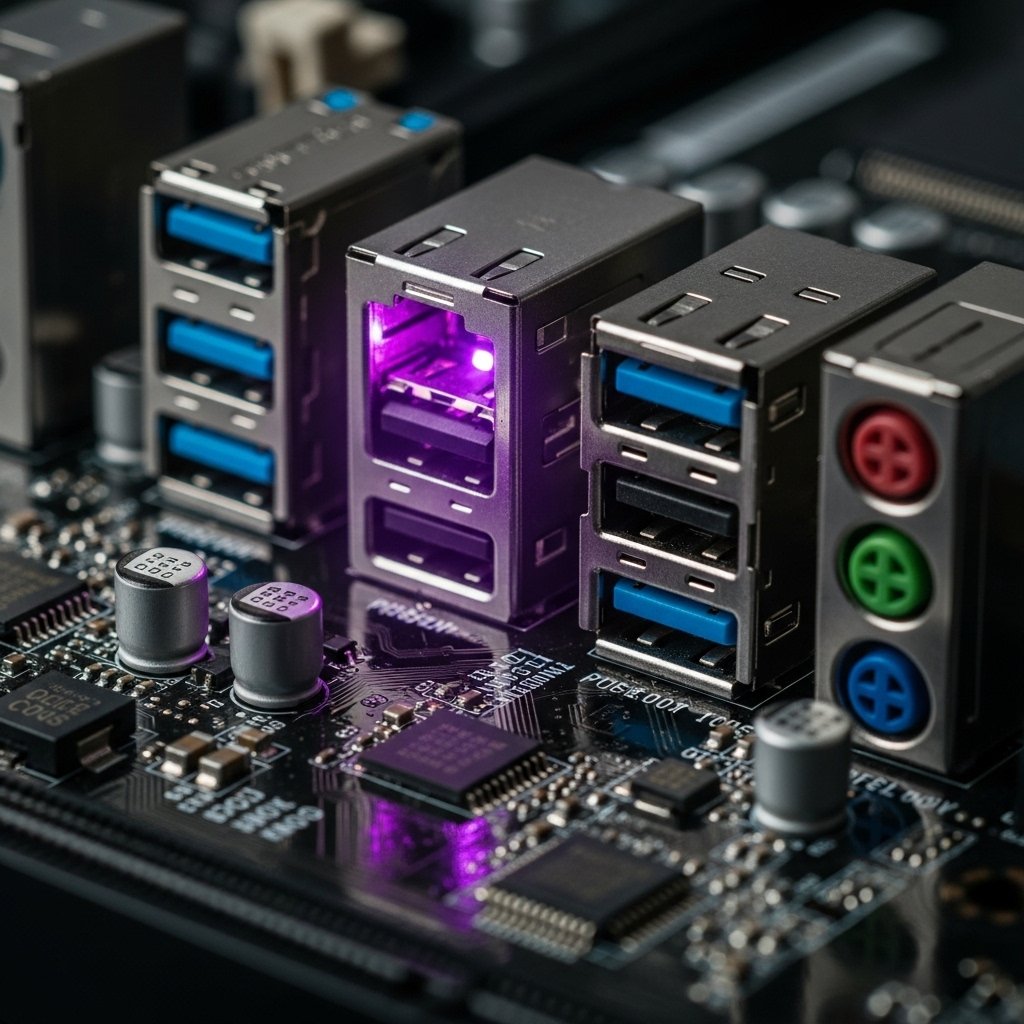
One key reason for purple coloring is to show that the port can supply power even when the computer is turned off, allowing devices to charge continuously.
Ideal for Charging Devices
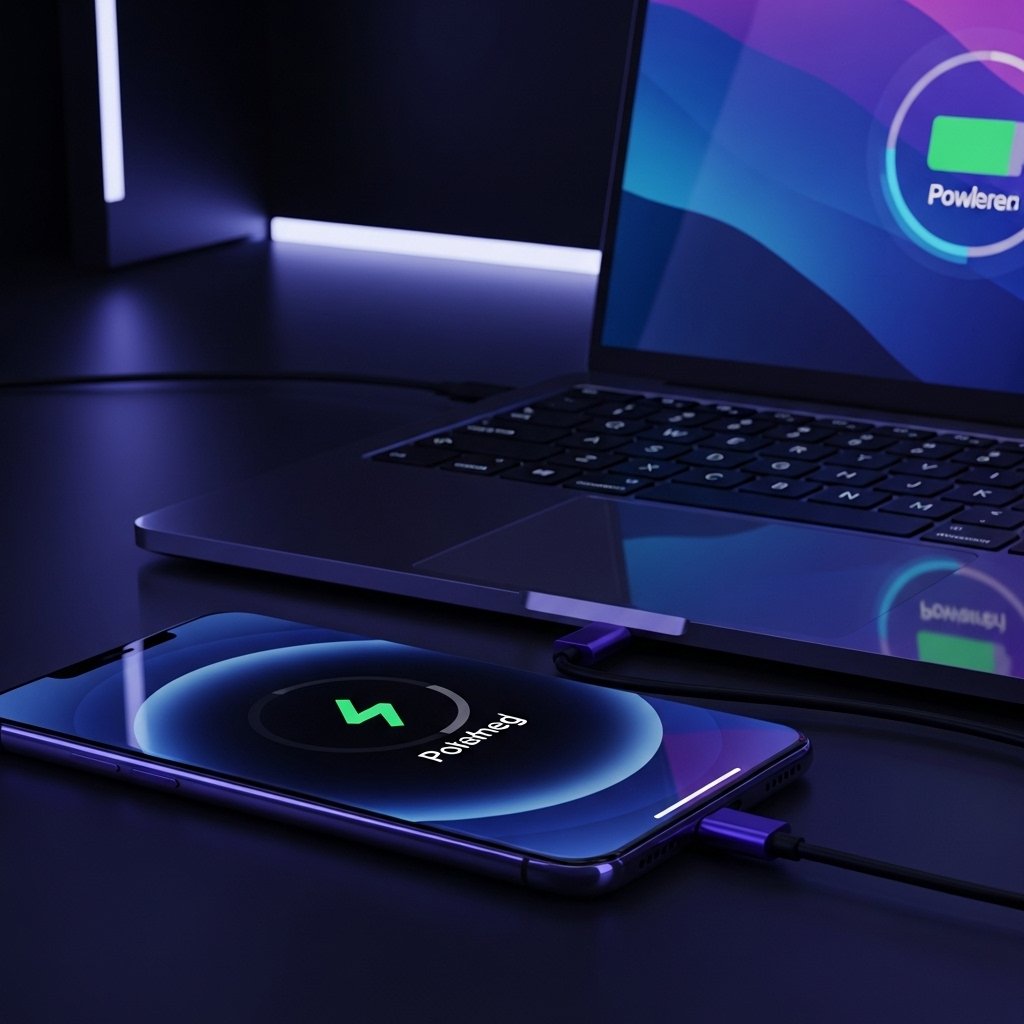
These ports are often used for charging smartphones, tablets, or accessories without needing the system to be active, making them highly convenient for everyday use.
Faster Power Delivery
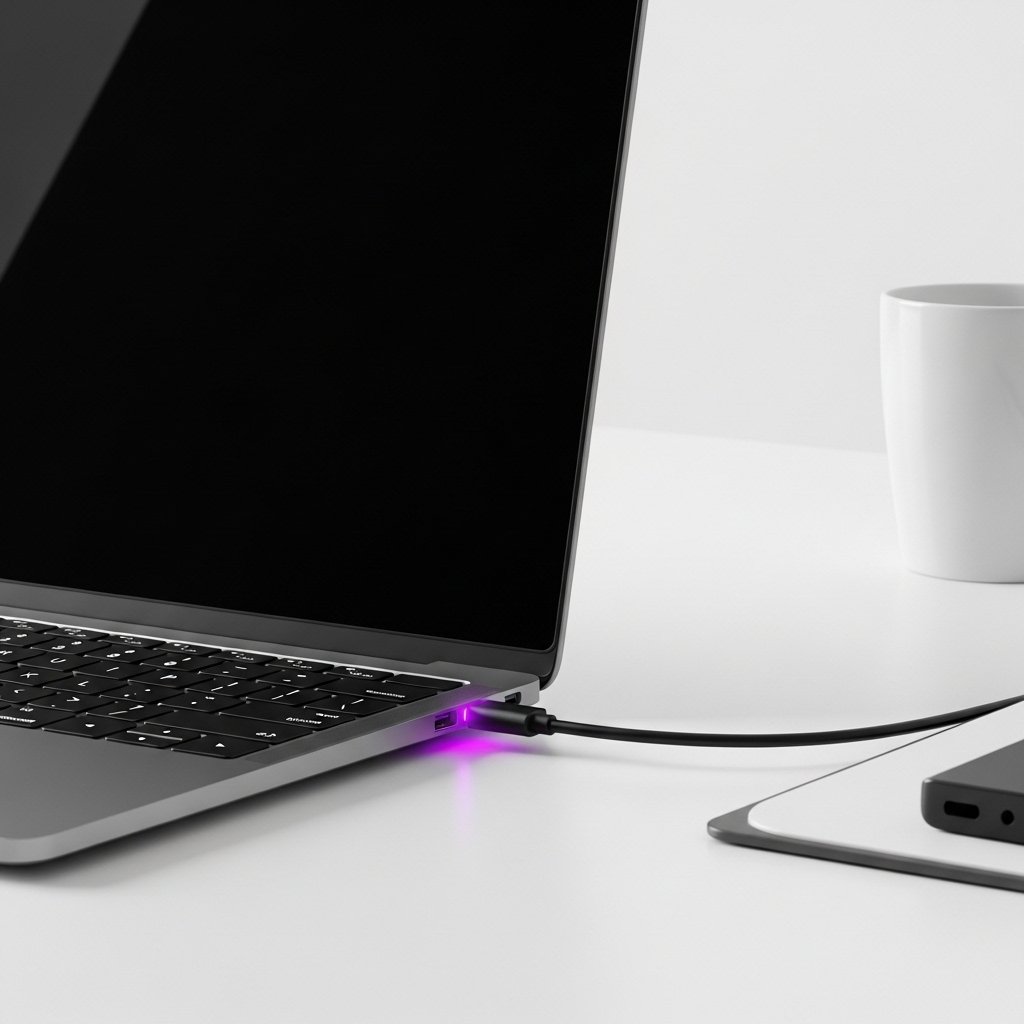
Some purple USB ports support higher current output compared to standard ports, enabling quicker charging for compatible devices.
Designed for Peripheral Devices
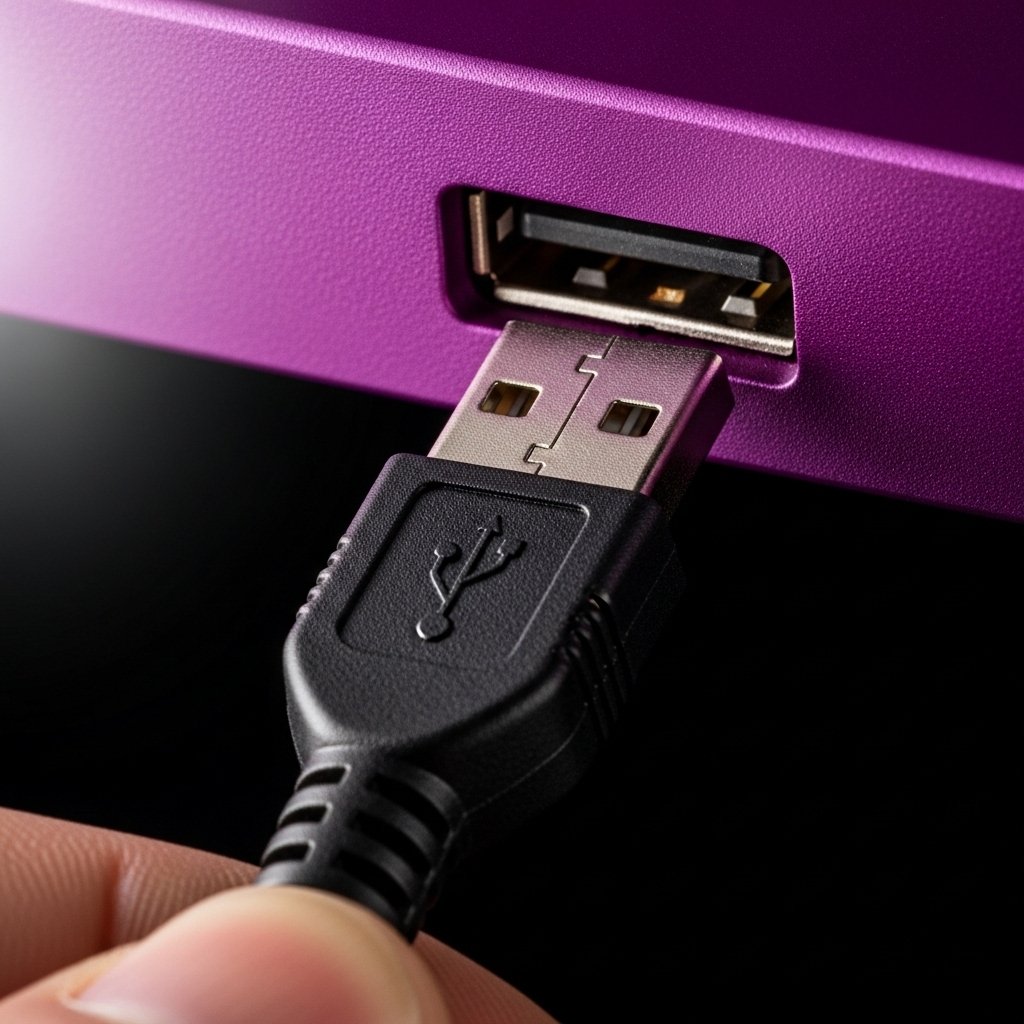
In certain systems, purple ports are optimized for input devices like keyboards and mice, ensuring stable and uninterrupted connectivity.
Motherboard Manufacturer Customization
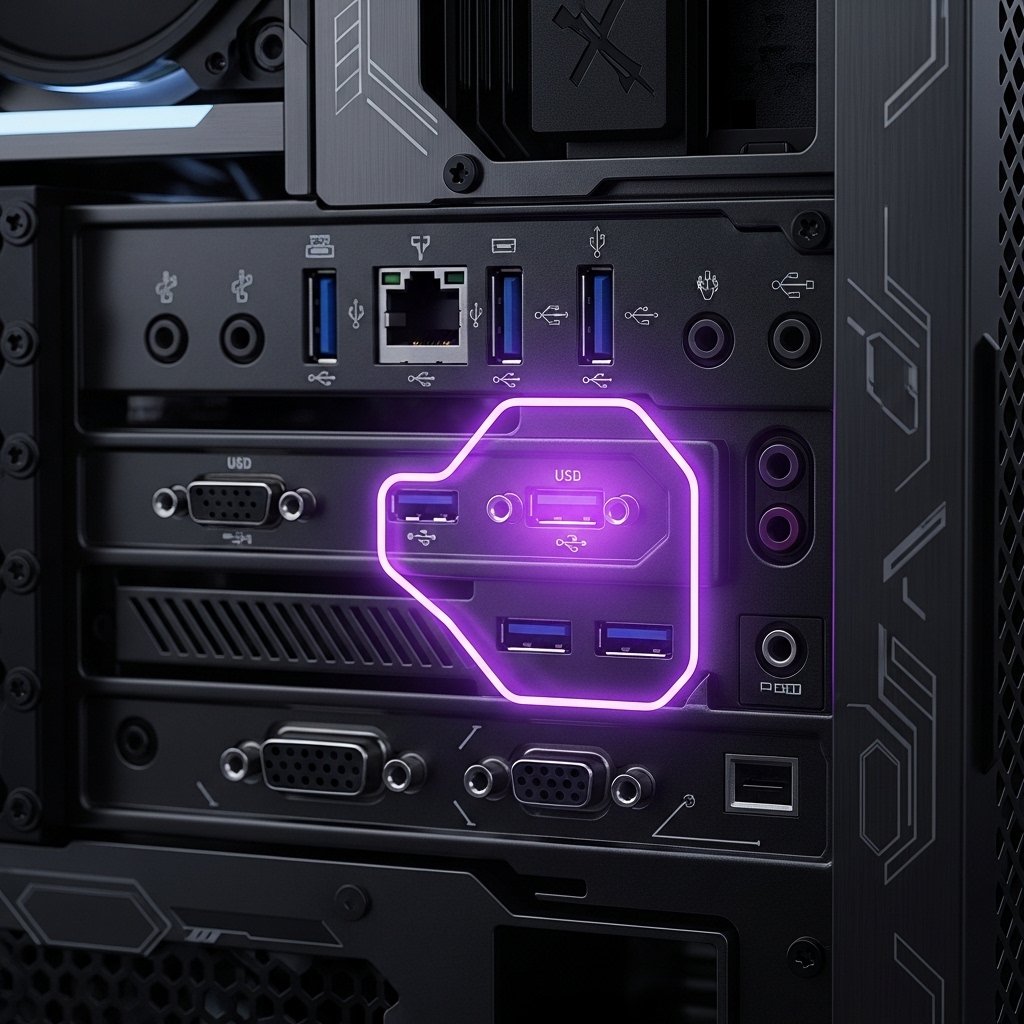
The meaning of a purple USB port can vary depending on the motherboard brand, as manufacturers sometimes assign unique functions to colored ports.
Helps Users Identify Functions Easily

Color coding makes it easier for users to distinguish between ports without needing technical knowledge or checking manuals every time.
Not Always Universal Standard
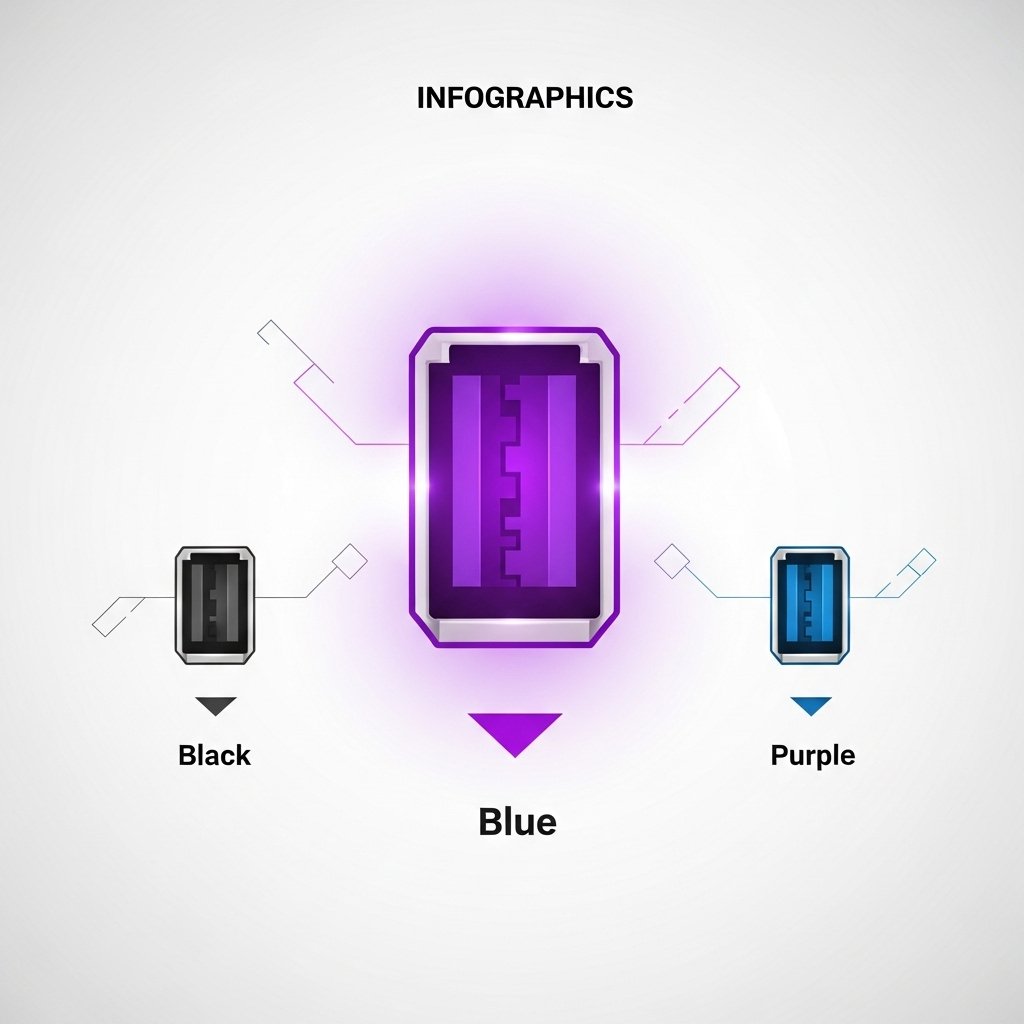
Unlike blue (USB 3.0), purple is not an industry-wide standard, so its exact function may differ across devices and brands.
Useful for Backup Charging
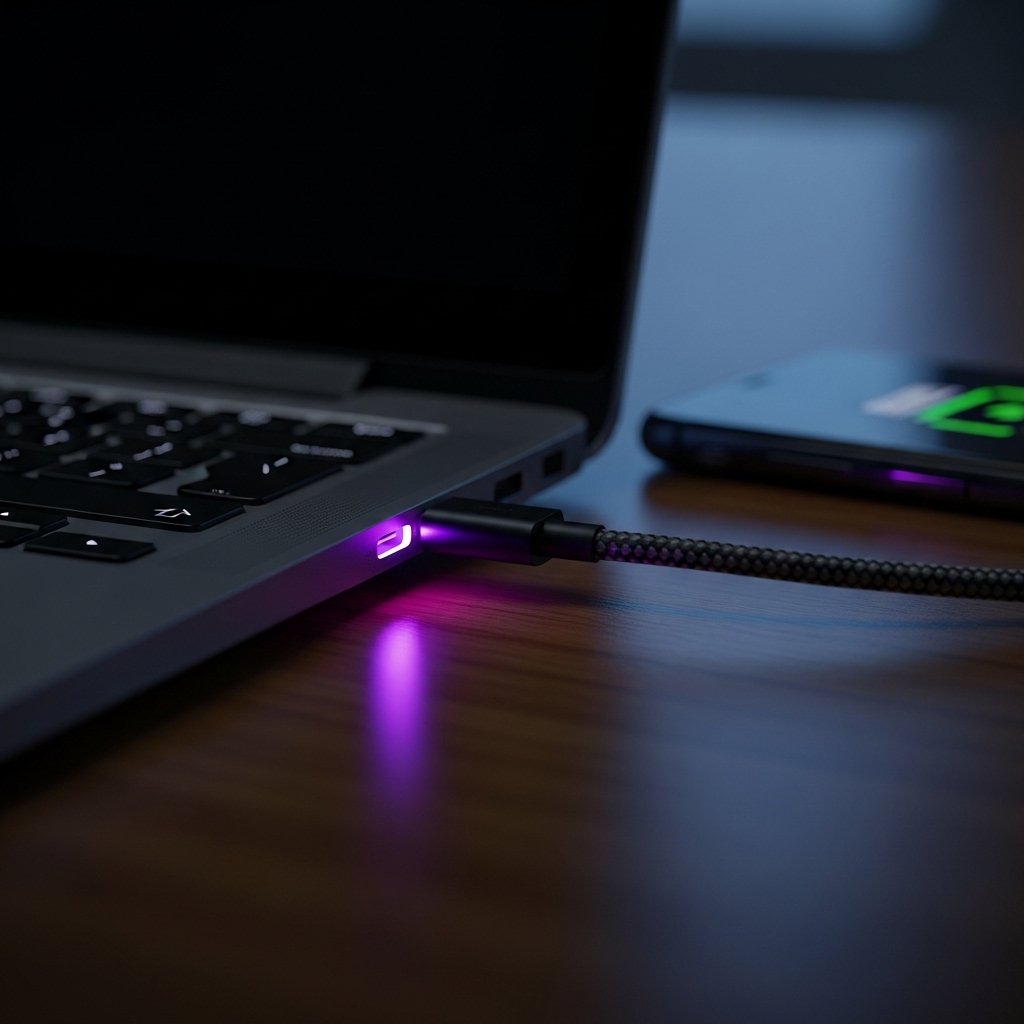
If your main charger is unavailable, a purple USB port can act as a reliable alternative for keeping essential devices powered.
Found Mostly on Modern Systems
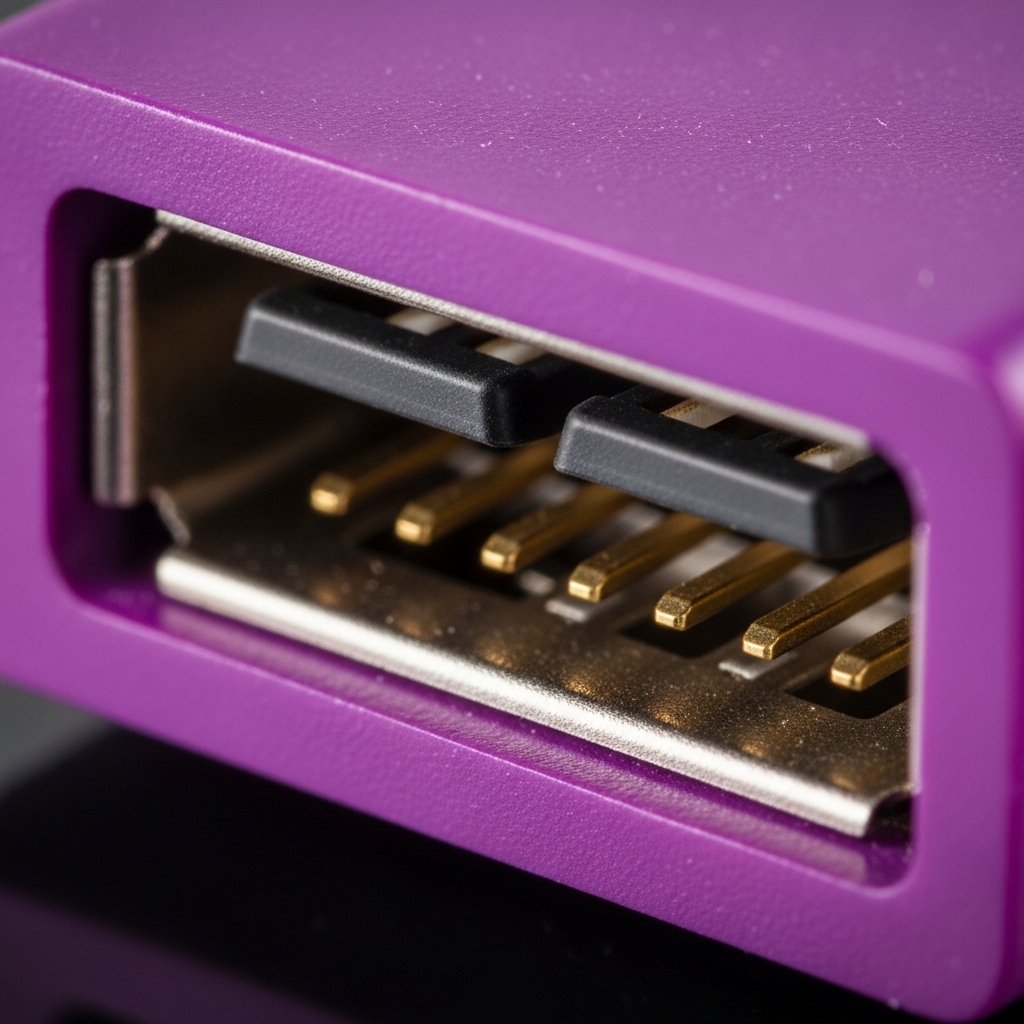
Purple USB ports are more common on newer desktops and high-end laptops that support advanced power and connectivity features.
Smart Power Share Technology

Many purple USB ports use smart power-sharing technology, which intelligently manages electricity flow to ensure safe and efficient charging even when multiple devices are connected.
Check Your Device Manual
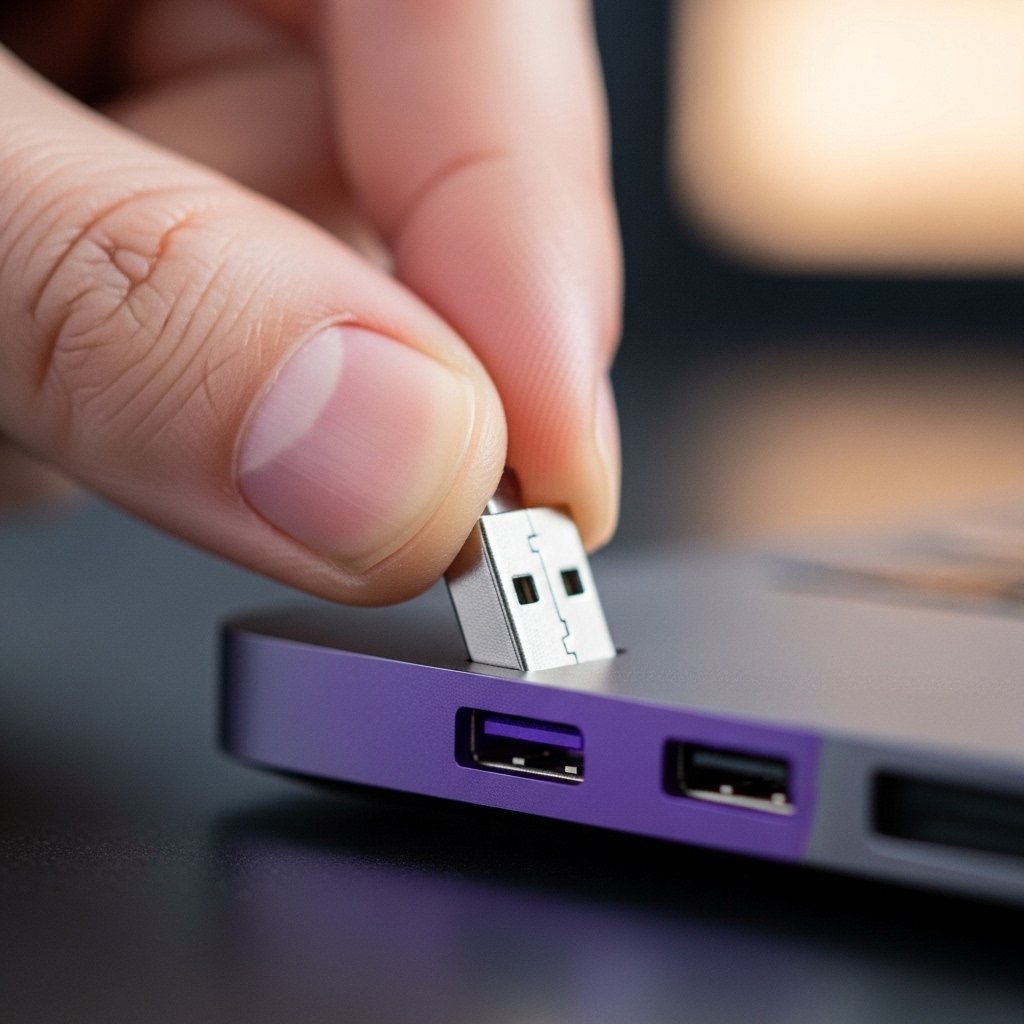
To fully understand what your specific purple USB port does, it’s always helpful to refer to your system’s manual, as features can vary by model.
