
Most people use their iPhone every day without realizing how much is happening beneath the surface. Beyond the touchscreen and camera lies a network of tiny sensors constantly gathering data to improve usability, safety, and performance. These components quietly adjust brightness, track motion, enhance photos, and even help with navigation. While some are familiar, others operate in ways that are easy to overlook. Understanding these hidden sensors not only helps you use your device more effectively but also gives insight into how modern smartphones are designed to respond intelligently to your environment and habits.
Ambient Light Sensor

The ambient light sensor automatically adjusts screen brightness based on your surroundings, helping reduce eye strain and save battery life. It responds instantly to lighting changes without requiring manual adjustment from the user.
Proximity Sensor
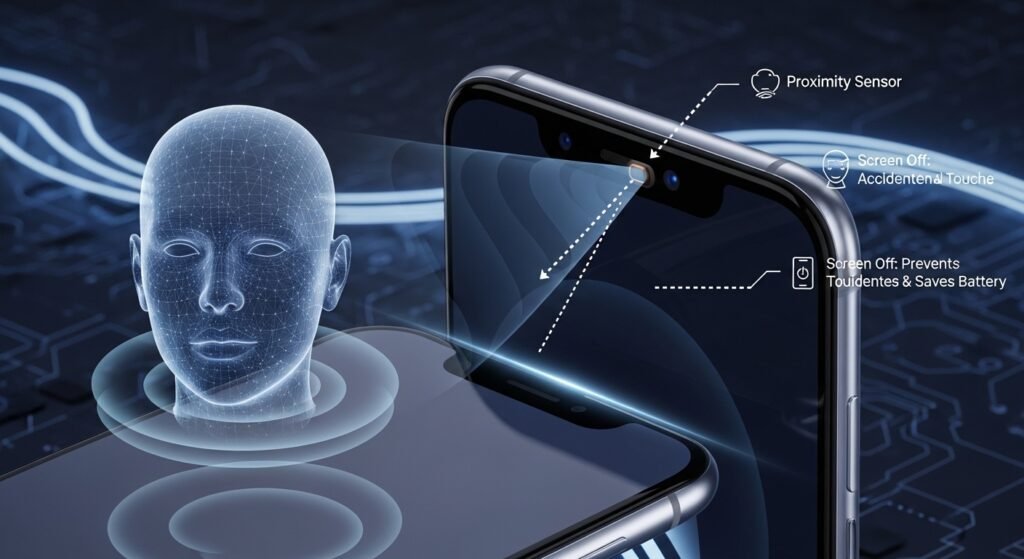
This sensor detects when your phone is close to your face during calls, turning off the display to prevent accidental touches. It also conserves battery by ensuring the screen isn’t active unnecessarily during use.
Accelerometer
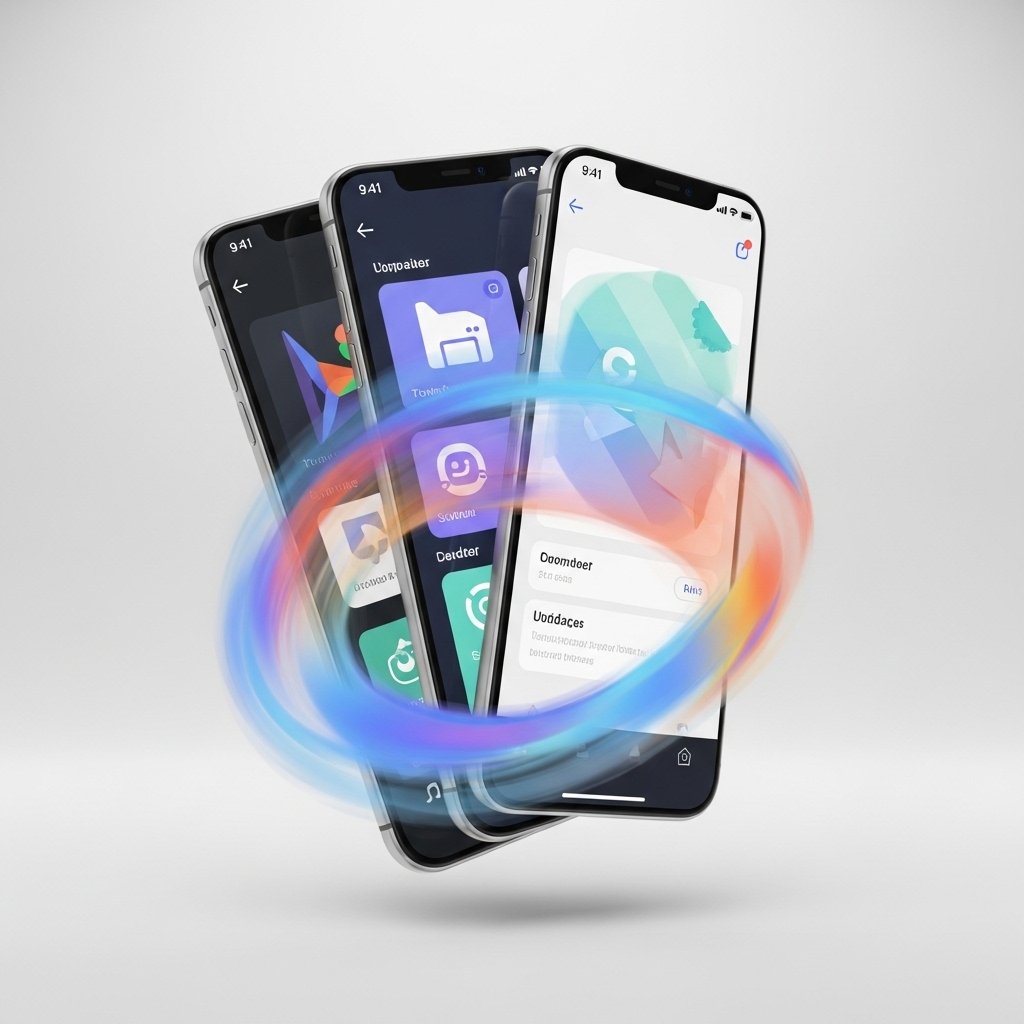
The accelerometer tracks movement and orientation, allowing your screen to rotate between portrait and landscape modes. It also supports fitness tracking and motion-based apps by measuring steps and physical activity throughout the day.
Gyroscope

Working alongside the accelerometer, the gyroscope provides more precise motion tracking. It enables smoother gaming experiences, better augmented reality functions, and accurate motion detection for apps that rely on device orientation.
Barometer

The barometer measures atmospheric pressure to estimate elevation changes. This is useful for fitness tracking, especially when climbing stairs or hiking, as it helps improve the accuracy of activity data.
Magnetometer
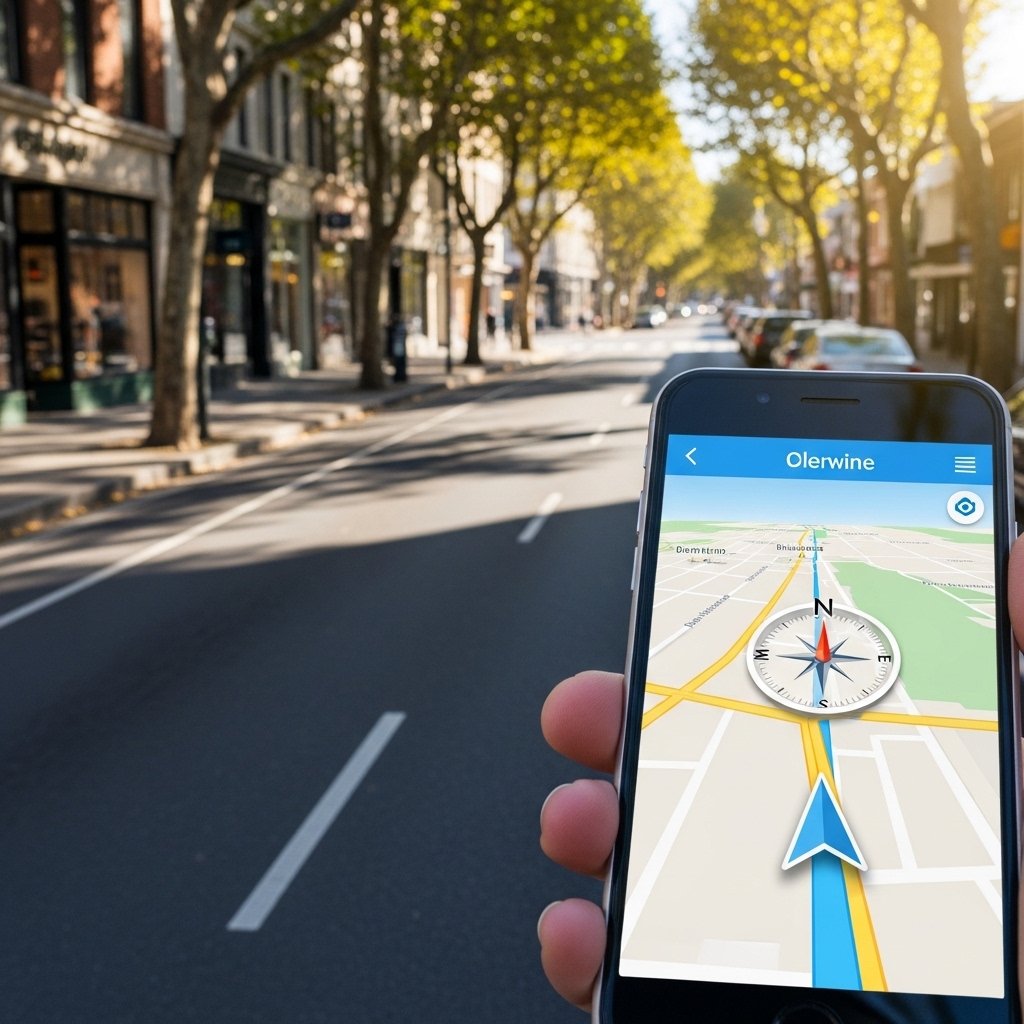
Often called a digital compass, the magnetometer detects Earth’s magnetic field to determine direction. It enhances navigation apps by ensuring maps rotate correctly and point you in the right direction.
Face ID Sensor System

Advanced sensors power Face ID, mapping your facial features with depth data. This allows secure unlocking and authentication, adapting even to changes like glasses or lighting conditions over time.
Microphone Array Sensors

Multiple microphones act as sensors to detect sound direction and reduce background noise. This improves call clarity and enhances voice commands, making communication more effective in noisy environments.
Camera Depth Sensor

Depth sensors in the camera system measure distance between objects, enabling portrait mode effects and improved focus. They also support augmented reality experiences by understanding spatial relationships in real time.
GPS Sensor
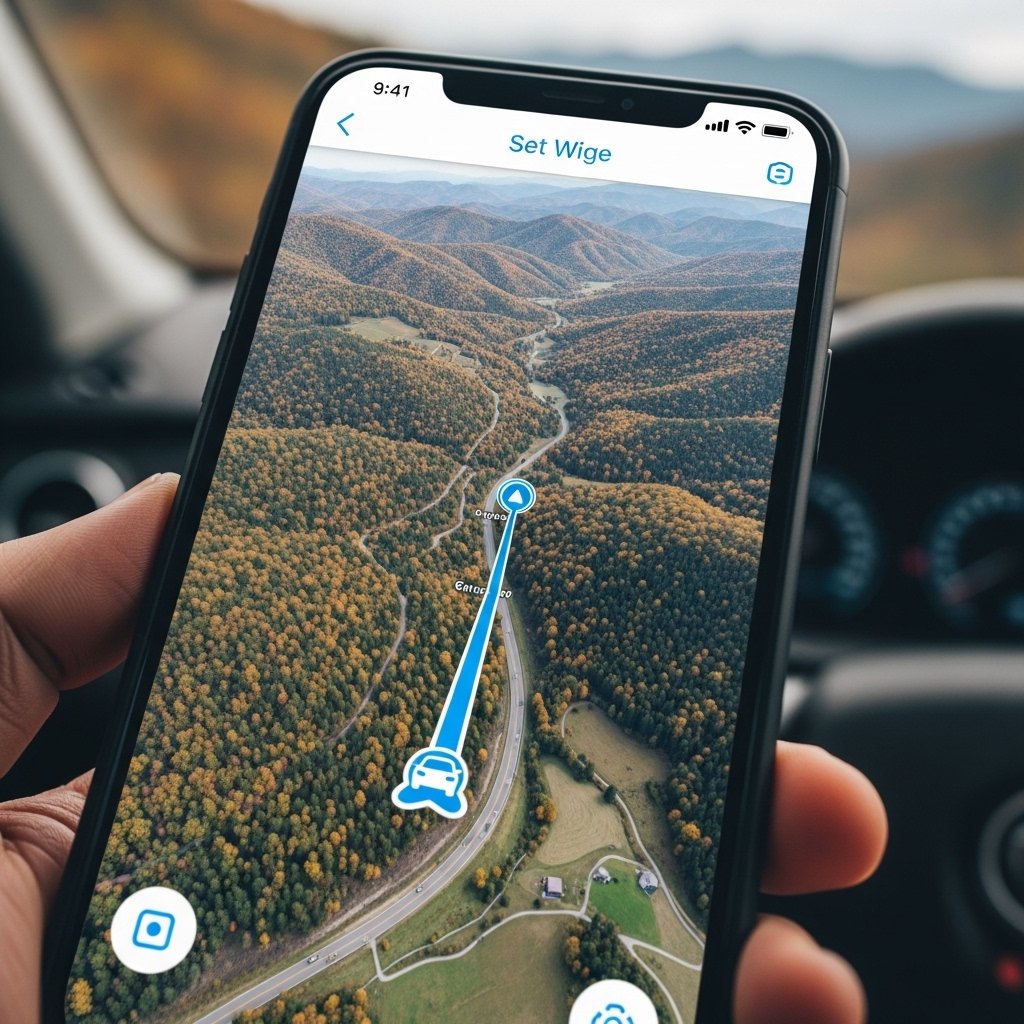
The GPS sensor communicates with satellites to provide accurate location tracking. It powers navigation, location-based reminders, and travel apps, helping you move efficiently and stay oriented wherever you go.
Thermal Sensors
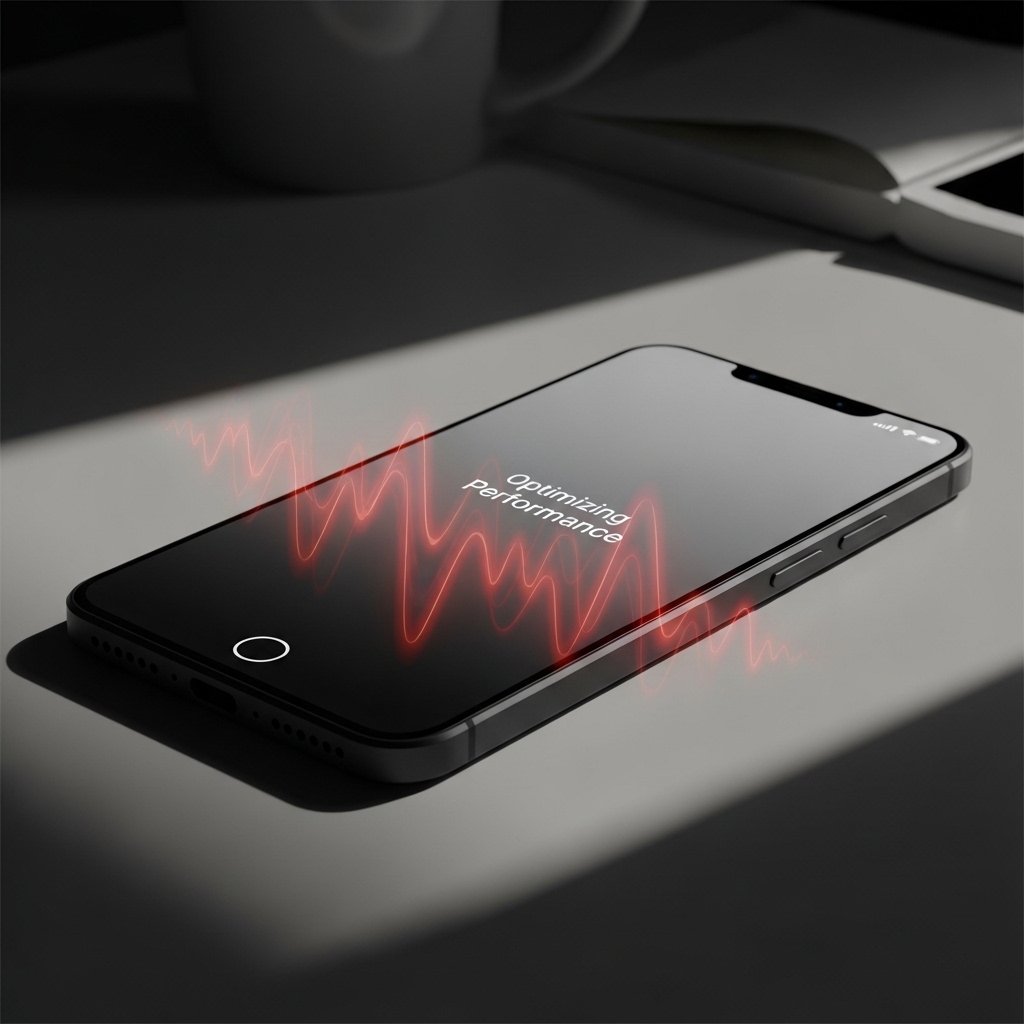
Thermal sensors monitor your phone’s internal temperature to prevent overheating. They ensure performance remains stable by adjusting system activity when the device starts getting too warm during heavy usage.
Touch Sensitivity Sensor

Your screen includes sensors that detect varying levels of touch and pressure. These allow smooth typing, responsive gestures, and precise control, making everyday interactions feel natural and fluid.
Battery Health Sensor
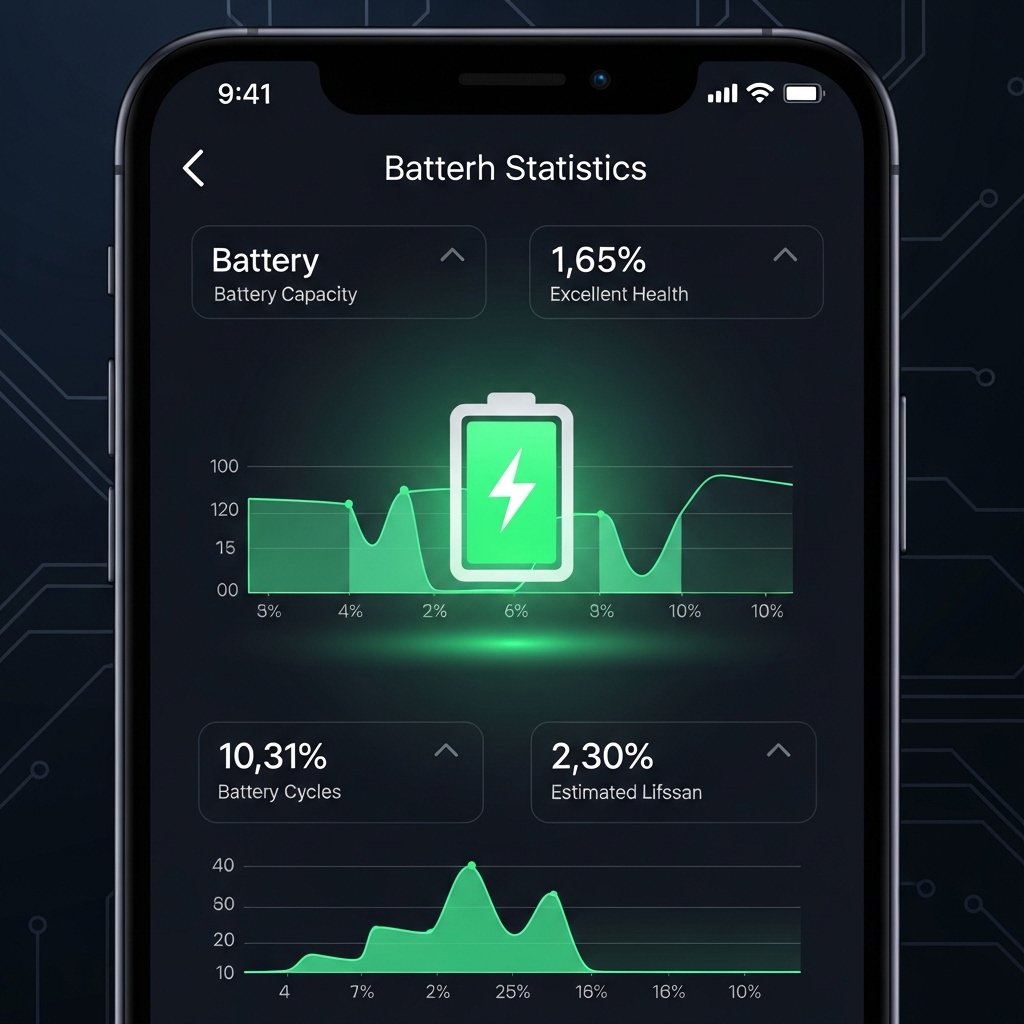
Hidden within the battery system, sensors track charging patterns, temperature, and usage. This helps optimize battery lifespan and provides insights into overall battery health through system settings.
