
Modern devices play a central role in daily life, whether for work, communication, or entertainment. Over time, even the best gadgets can slow down due to clutter, outdated software, or inefficient usage habits. Fortunately, improving device performance does not always require technical expertise or expensive upgrades. Small, consistent actions can make a noticeable difference in speed, responsiveness, and longevity. By adopting practical habits and understanding how devices function, users can maintain smooth performance and avoid unnecessary frustration. The following tips are designed to help keep devices efficient, reliable, and ready for everyday demands.
Clean Storage Regularly

Removing unnecessary files, duplicate photos, and unused applications helps free up valuable storage space, allowing the system to run faster and reducing lag during everyday tasks.
Update Software Frequently

Keeping the operating system and apps updated ensures better security, improved features, and optimized performance, as updates often fix bugs that slow down devices.
Manage Background Apps

Closing apps running in the background prevents them from consuming memory and processing power, helping the device operate more smoothly and efficiently.
Restart Your Device Often

Restarting clears temporary data and refreshes system processes, which can resolve minor glitches and improve overall responsiveness without any technical steps.
Limit Startup Programs

Reducing the number of apps that launch during startup speeds up boot time and allows the device to become usable more quickly.
Use Trusted Applications Only

Installing apps from reliable sources reduces the risk of performance issues caused by poorly designed or harmful software that can overload system resources.
Clear Cache Data

Cache files can accumulate over time and slow down performance, so clearing them periodically helps maintain faster app loading and smoother browsing.
Monitor Storage Usage
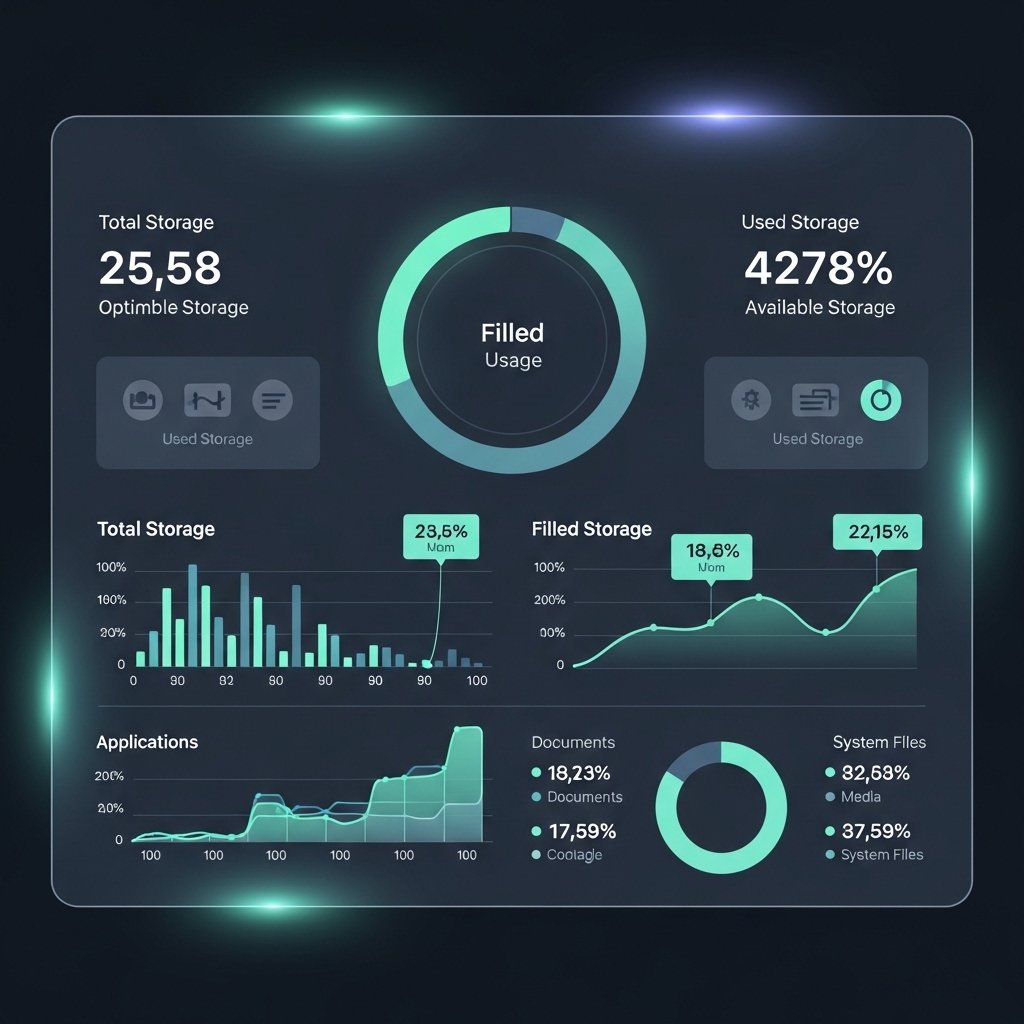
Keeping an eye on storage levels helps prevent overload, ensuring the device has enough free space to perform tasks efficiently without slowing down.
Adjust Visual Effects

Reducing animations and visual effects can improve speed, especially on older devices, by lowering the demand on system resources.
Keep Device Cool

Overheating can impact performance, so using devices in well-ventilated areas and avoiding prolonged heavy usage helps maintain efficiency.
Organize Files Properly
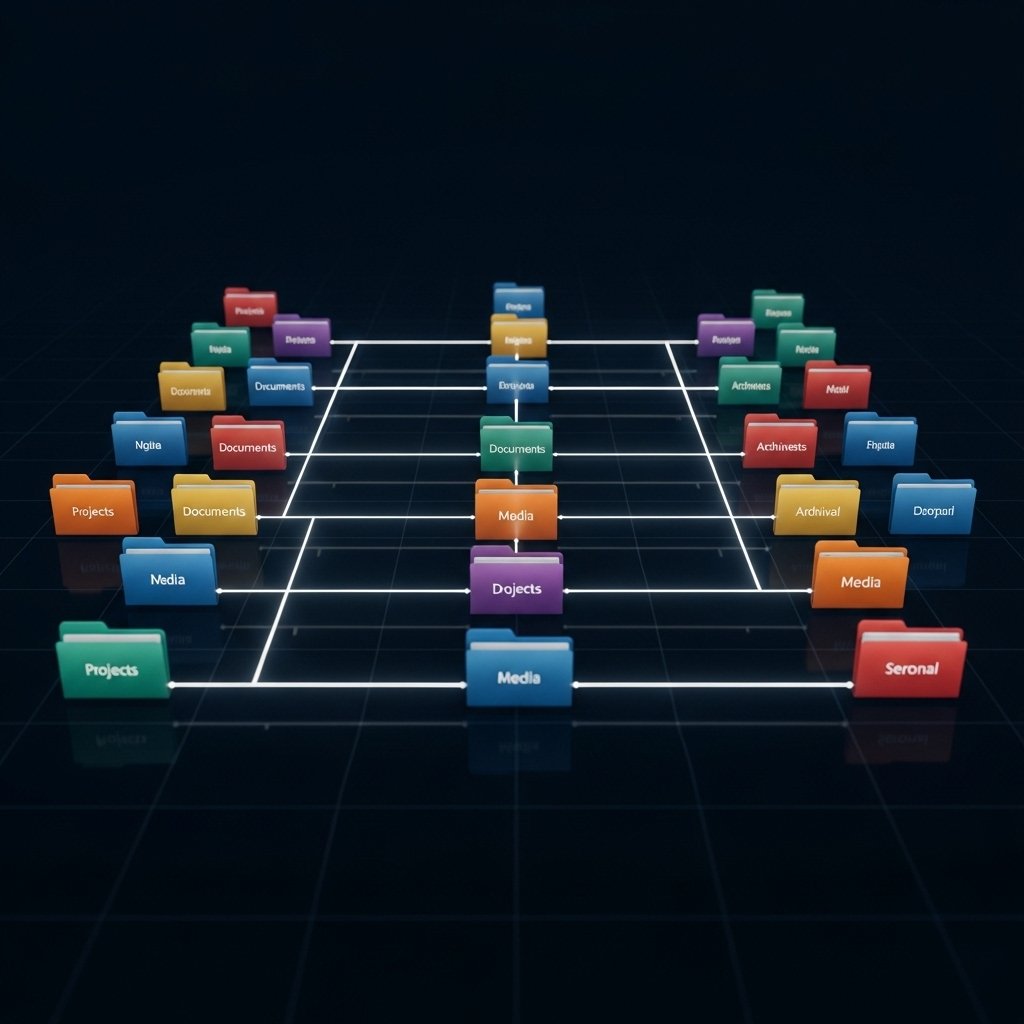
Keeping files and folders well-organized makes it easier for the system to access data quickly, improving overall responsiveness and reducing delays.
Disable Unnecessary Notifications
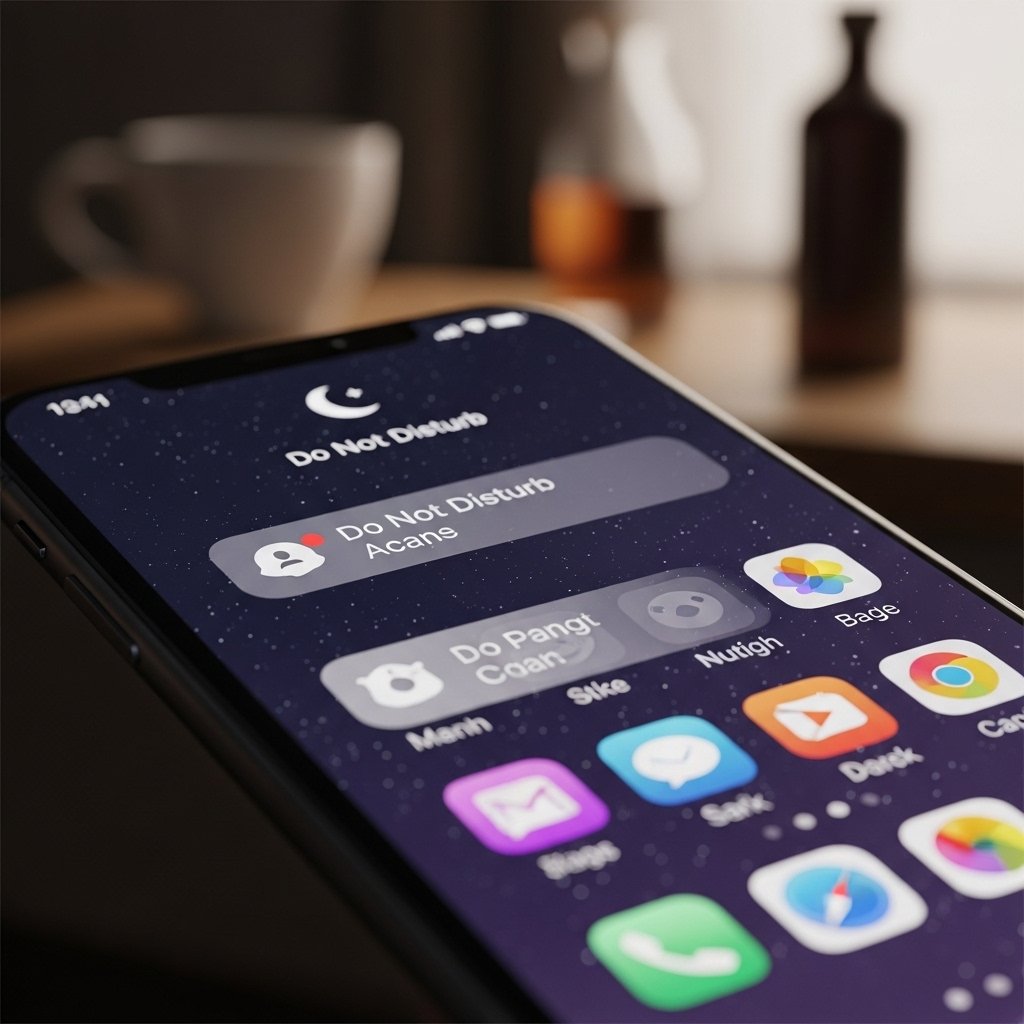
Limiting notifications reduces background activity and interruptions, helping conserve battery and processing power for more important tasks.
Check for Malware or Unwanted Software

Regularly scanning for harmful or unnecessary programs ensures that system resources are not being misused, keeping performance stable and secure.
Optimize Battery Settings
Adjusting battery settings to balance performance and power consumption helps extend device life while maintaining smooth operation.
Reset When Necessary

If performance issues persist, performing a factory reset can restore the device to its original state, removing accumulated clutter and giving it a fresh start.
