
Smartphones contain private conversations, photos, banking and work information. When someone gains surreptitious access, the damage can extend from personal to financial. Many people assume spying requires advanced skills, yet simple signs often appear first. Small changes in performance, settings, or permissions can signal trouble. Checking these signs regularly helps protect privacy and restore control. This article is devoted to practical checks, which don’t require special knowledge. Everything is very well described, practical, and easy to follow. Awareness matters more than fear. By paying attention to daily phone behaviour, users can identify risks early and take calm, effective action.
Unfamiliar Apps Installed

Review your app list carefully. Look for tools you do not remember installing. Spy software often hides behind generic names. Remove suspicious apps immediately and restart the phone. Download apps only from official stores afterwards.
Battery Draining Faster
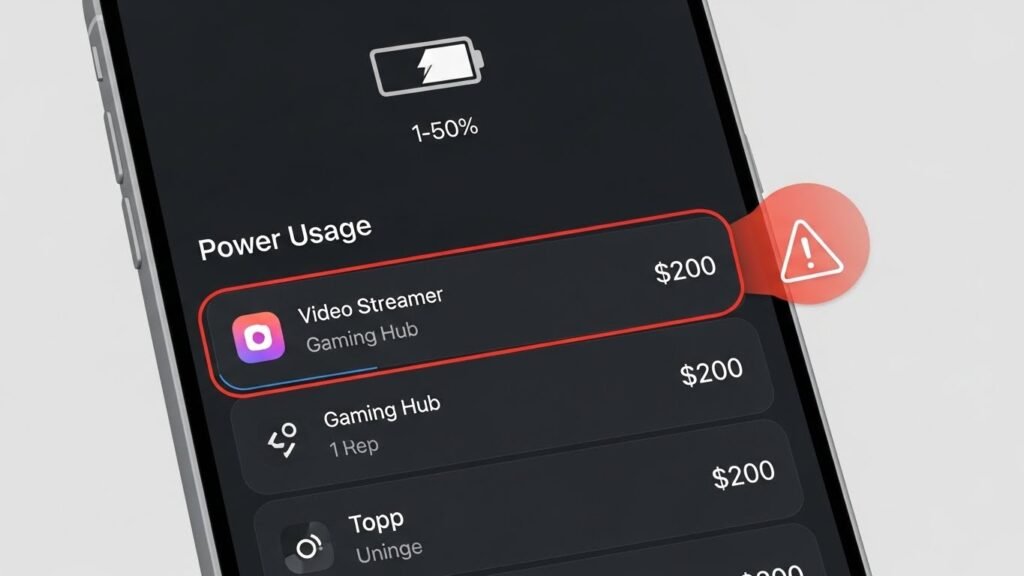
Notice sudden battery drain without heavy use. Spying apps run constantly in the background. Check battery usage settings to see which apps consume power. Remove any app showing abnormal activity.
Phone Running Hot

A warm phone during light use can signal background monitoring. Excessive processing keeps devices hot. Close unused apps and observe. Persistent heating deserves a full security scan or professional assistance.
Increased Data Usage
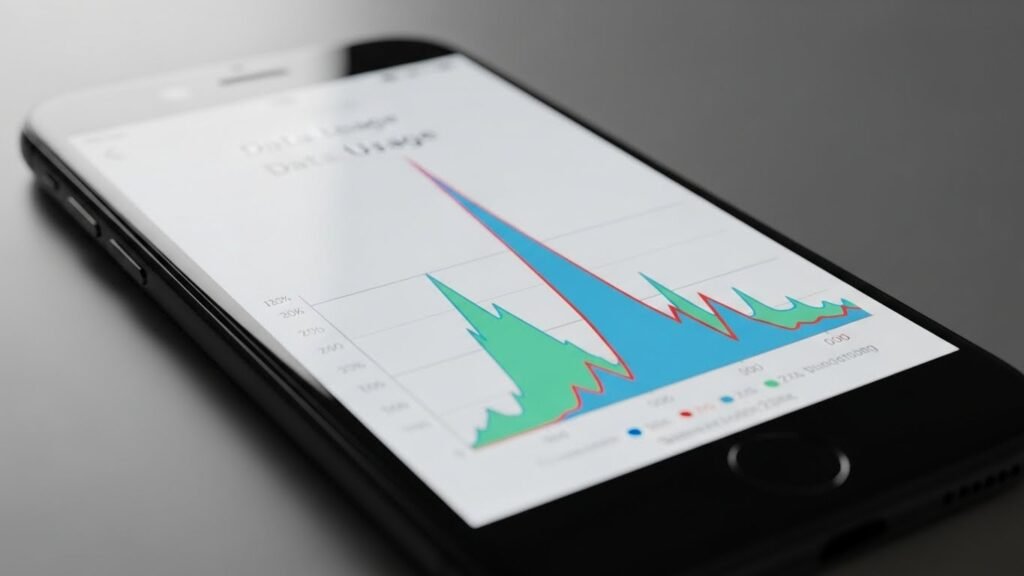
Track monthly data consumption. Spying tools transmit information regularly. Open data usage settings and compare patterns. Apps using data without clear reasons should be investigated and removed promptly.
Strange Pop-Ups or Ads
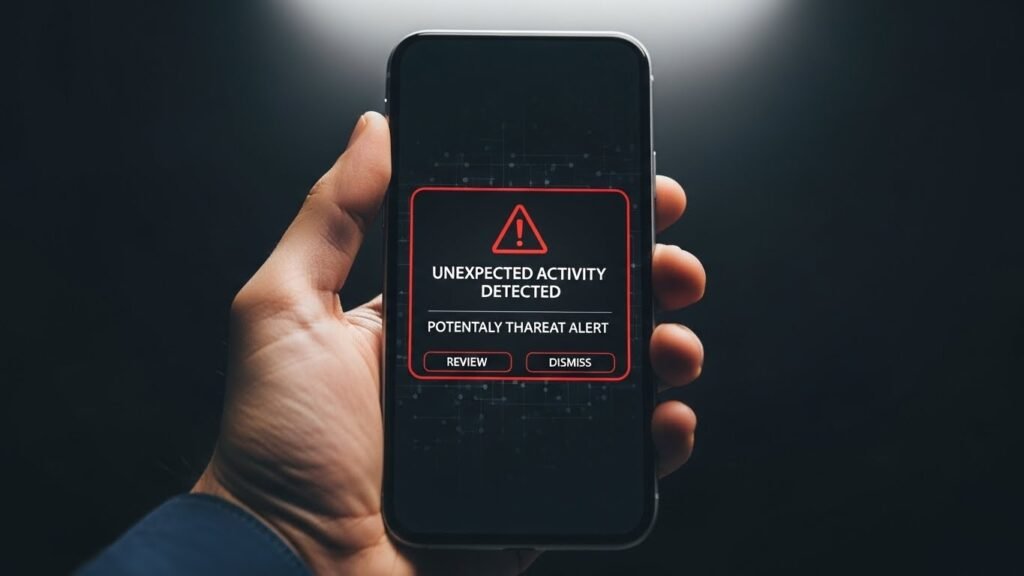
Unexpected pop-ups or system messages are warning signs. Some spying apps display errors or hidden ads. Avoid clicking unfamiliar alerts. Install trusted security software to identify the source safely.
Changed Settings Without Permission
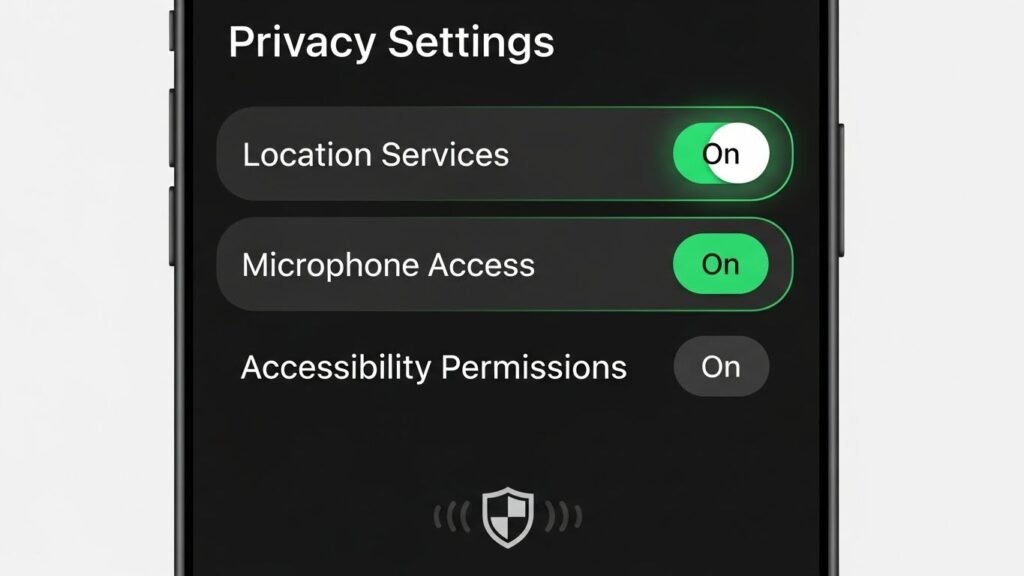
Check settings for location, accessibility, and device admin access. Changes without consent suggest interference. Revoke unnecessary permissions. Reset settings if needed to restore original control.
Delayed Shutdown or Restart
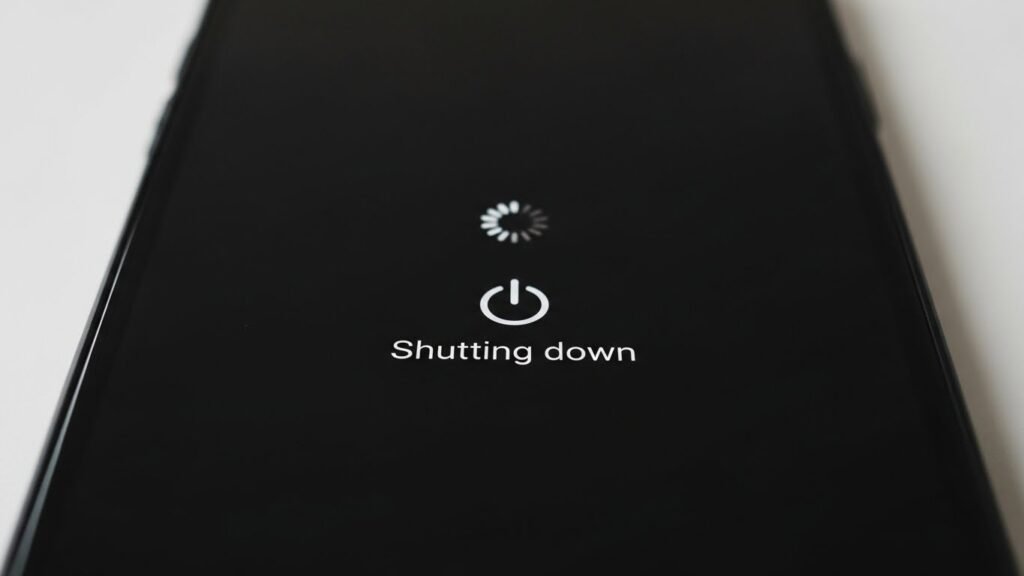
Phones taking longer to shut down may be running hidden processes. Spying software resists closure. Do a reboot in safe mode and see if disabling third-party apps resolves the problem.
Unknown Devices Linked
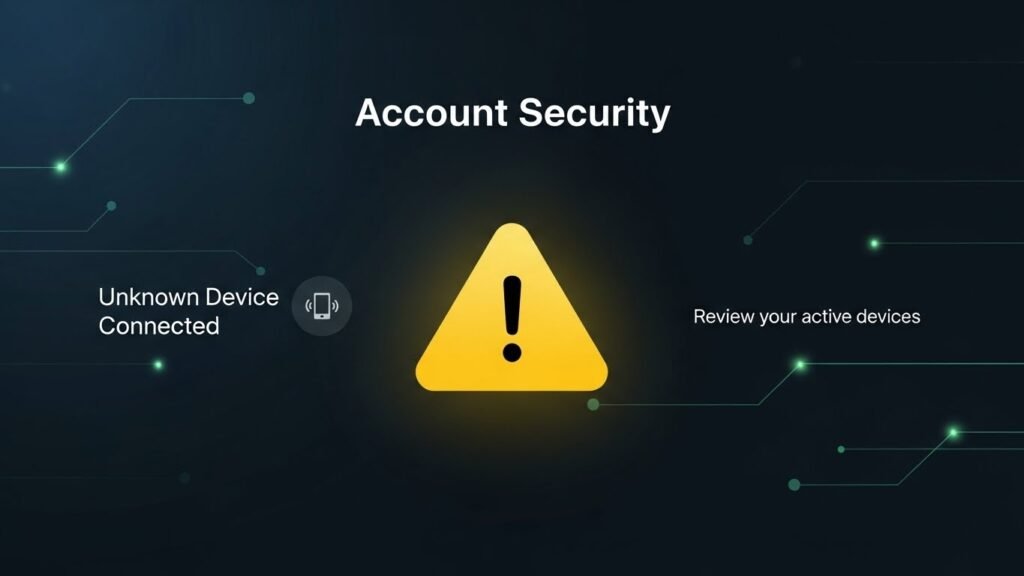
Review connected devices and accounts. Unknown tablets, laptops, or backups can indicate remote access. Remove unfamiliar connections and update passwords immediately.
Messages Marked as Read
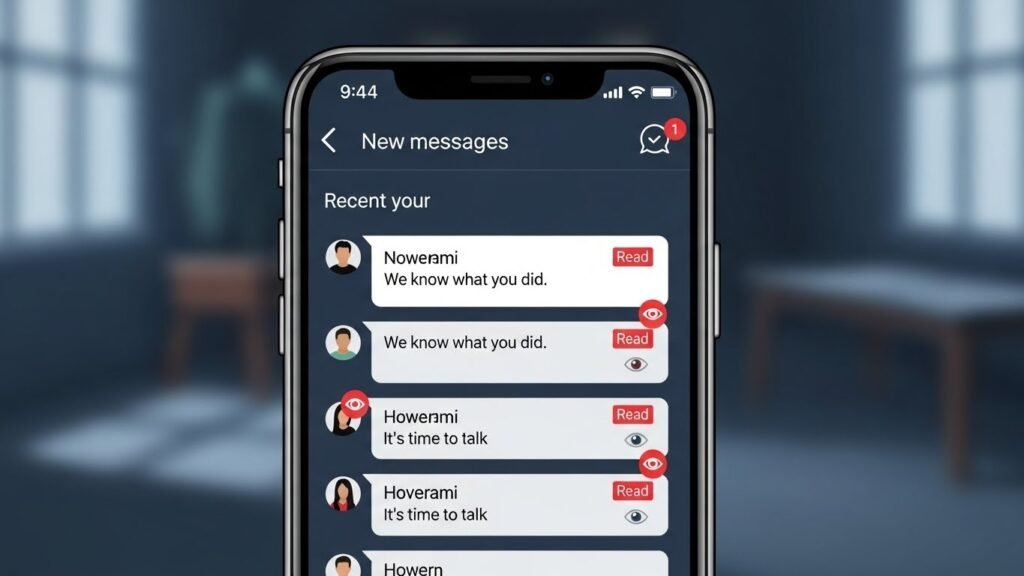
Messages appearing read before opening can signal monitoring. Some tools sync communications elsewhere. He advises you to change all account passwords and add a layer of security like two-step verification.
Microphone or Camera Activating
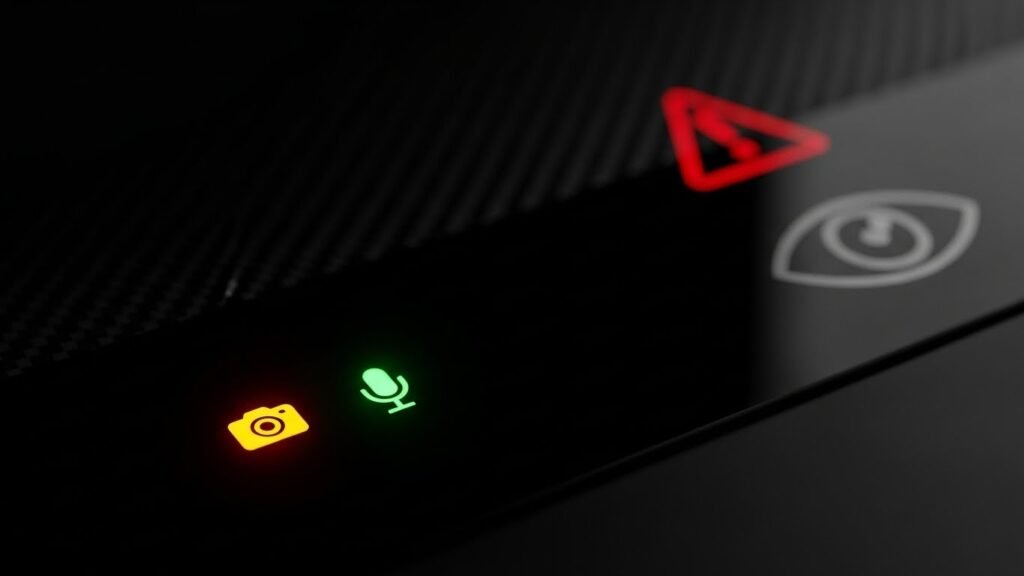
Unexpected microphone or camera indicators deserve attention. Check which app accessed them recently. Disable permissions for non-essential apps and review privacy controls carefully.
Factory Reset as Final Step

If signs persist, back up essential data and perform a factory reset. This removes most spying software. Update the system fully and restore only trusted apps afterwards.
