
The level of cyber threats is becoming advanced each year, and traditional antivirus software is no longer considered sufficient to ensure full protection to the computers. Microsoft is also developing a new secure mode in Windows 11 as part of the quest to counter increasing security issues by ensuring that suspicious applications do not get access to the computer before affecting them. This protection is improved with an aim of not allowing the software, malware, and dangerous changes to the system to be executed. The feature does not protect the operating system by responding to an attack, but by fortifying it on its core. To both regular customers and experts, this update is an indication of transitioning to inbuilt, active PC security.
The Windows 11 Secure Mode in Practice
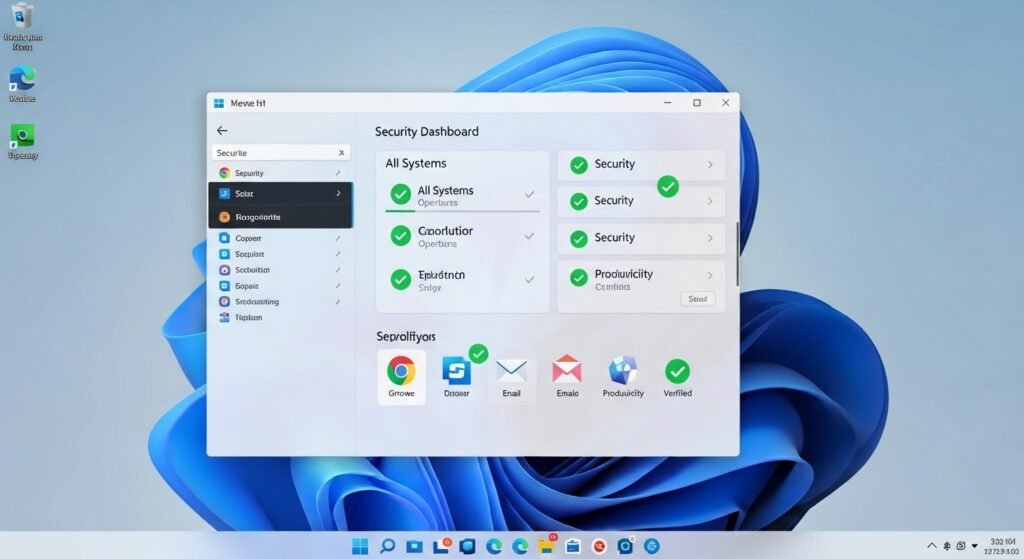
The new secure mode controls what applications can run in your computer. Access to sensitive areas within the system can only be made by a verified and trusted software. This minimises the risk of malware being installed in the background.
Blocking Applications Unknown and Risky
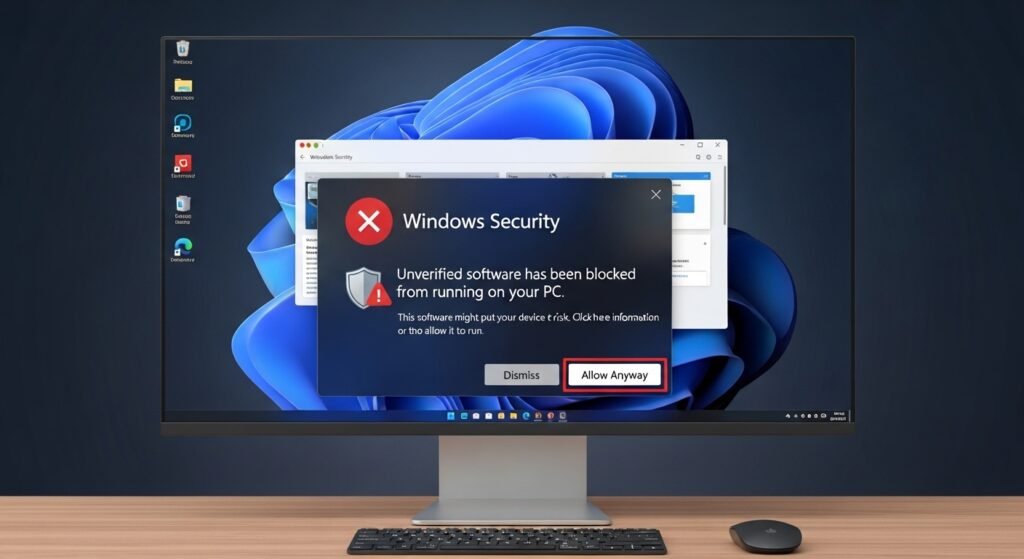
Those programs are automatically blocked that have been downloaded through unverified sources. In case an application fails to satisfy the security requirements, windows do not allow it to start or cause any change to the system. This will prevent infections at an early stage.
Designed based on Hardware-Level Security

Secure mode integrates with the current PC hardware capabilities such as secure boot and protection using virtualization. These layers keep off-limits system processes to ensure that malicious software can easily intrude into the system.
Safer App Installations
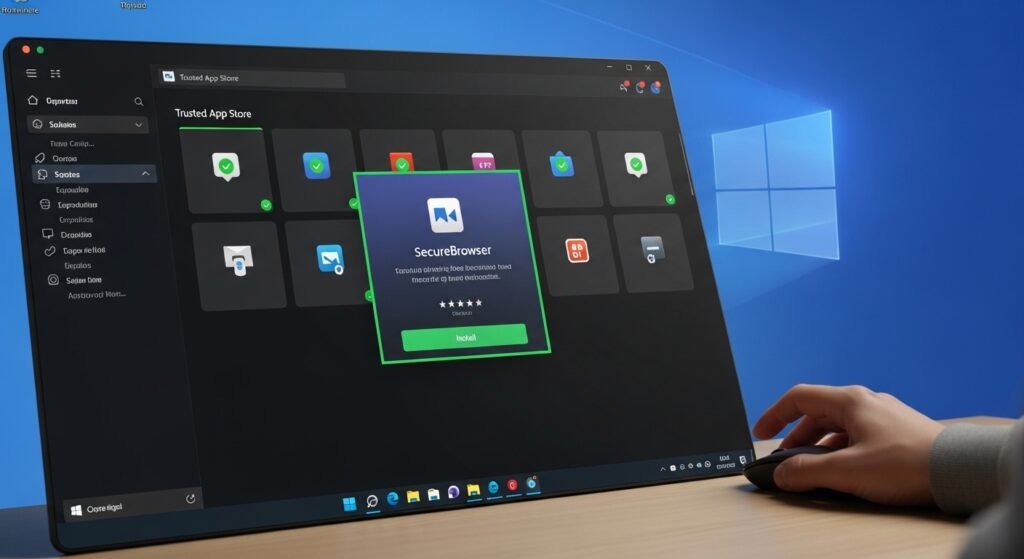
Users will be advised to install apps on reputable stores or verified applications. This will minimize inadvertent downloads of counterfeit software in the form of genuine programs.
Securities without Active Monitoring
Secure mode operates silently in the background, unlike the traditional antivirus tools that keep on appearing in form of frequent pop-ups. The majority of users will receive fewer warnings and at the same time, better protection.
Helps Protection against scammers
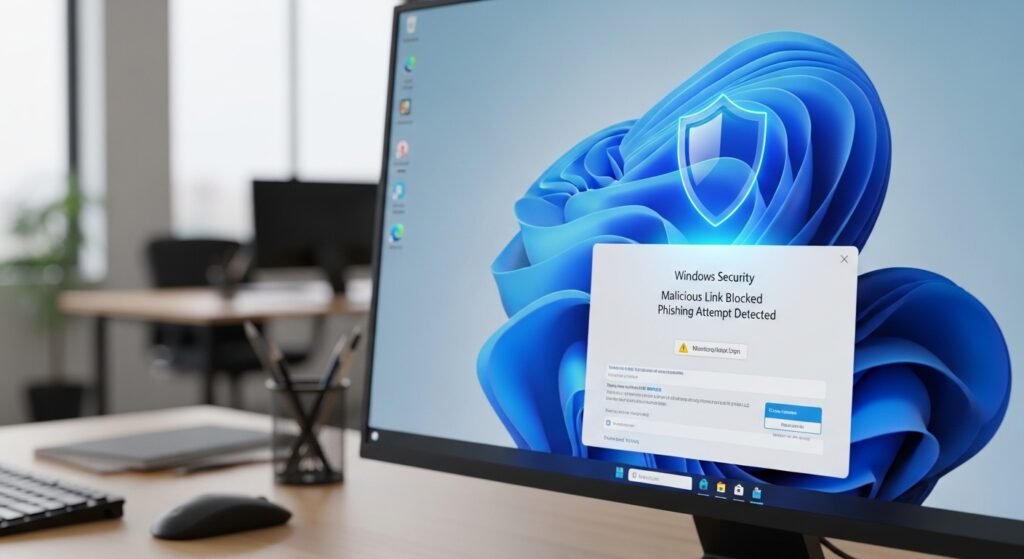
There is a risk that the user can just by clicking an insidious download link but limited permissions do not allow harmful software to operate in full. This is an additional safety measure against typical Internet frauds.
Accessible With the Click of a Button

Secure mode is enabled by using Windows Security settings by following ANS. It does not require high skills in technical use.
Why This Matters Now

With more automated cyberattacks, the operating systems need to offer better protection on default. Inbuilt security minimises the use of third party applications and it is also open to all.
A Trend Away to Prevention, as Cleanup

The secure mode of windows 11 is an indication of a significant shift in the approach to cybersecurity – preventing threats prior to running them instead of cleaning up after them. This proactive feature might cut down on daily online threats to a significant extent to many users.
