
Smartphones are awesome for helping people keep in touch, stay organised, and get up to date. They contain personal messages, photos, contacts and daily schedules. Hundreds of apps quietly peek at location and everything else they can find. Out of this data accrues a digital ledger of likes and dislikes. Some tracking enables helpful features, but unbridled access can compromise privacy and personal control. Small setting changes can limit unnecessary sharing without affecting daily use. Awareness builds better decisions and improves digital comfort. Keeping phone privacy isn’t rocket science. Routine habits can decrease one’s exposure time, help establish personal boundaries and make the cut-and-thrust of everyday digital life more secure and predictable.
Turn Off Location History
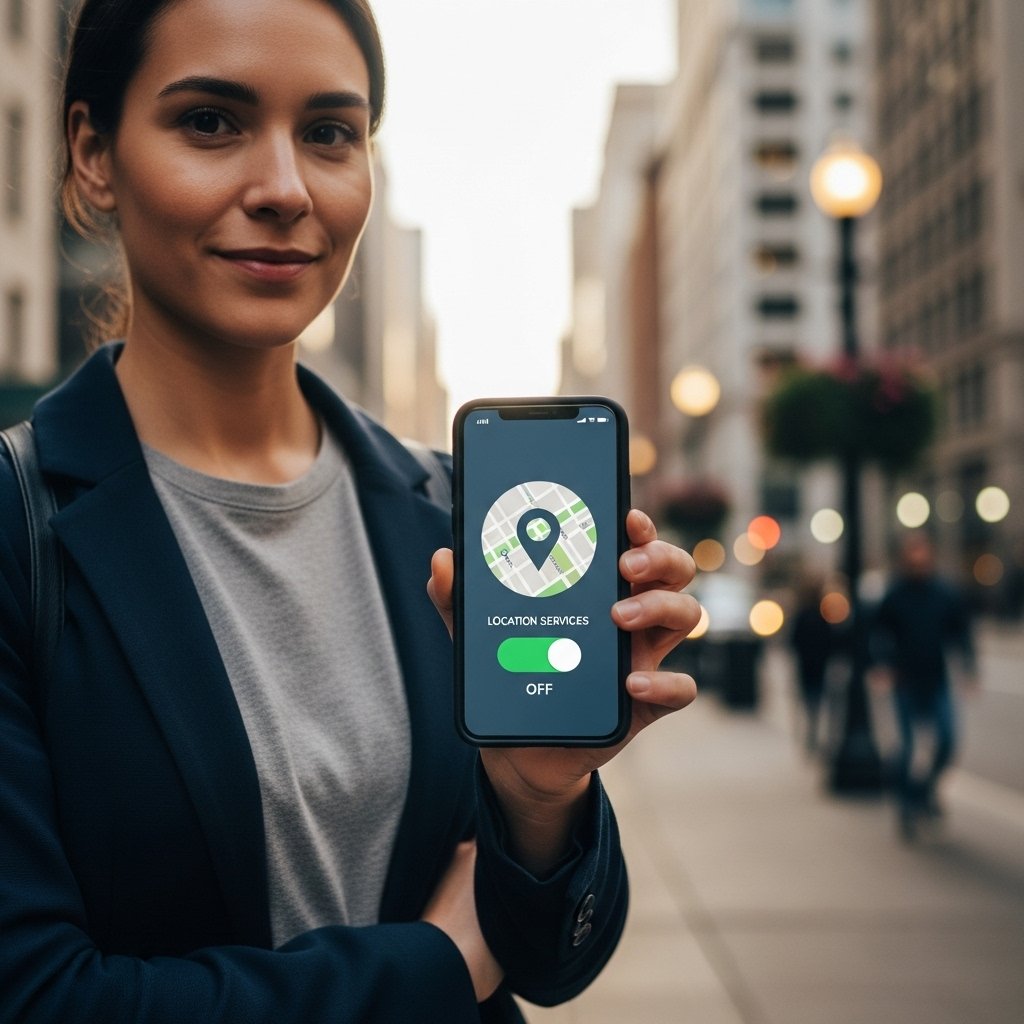
Disable continuous location storage in phone settings. This prevents long-term movement records from building silently. Maps and travel apps can still work when location access is limited to active use rather than constant background tracking.
Review App Permissions
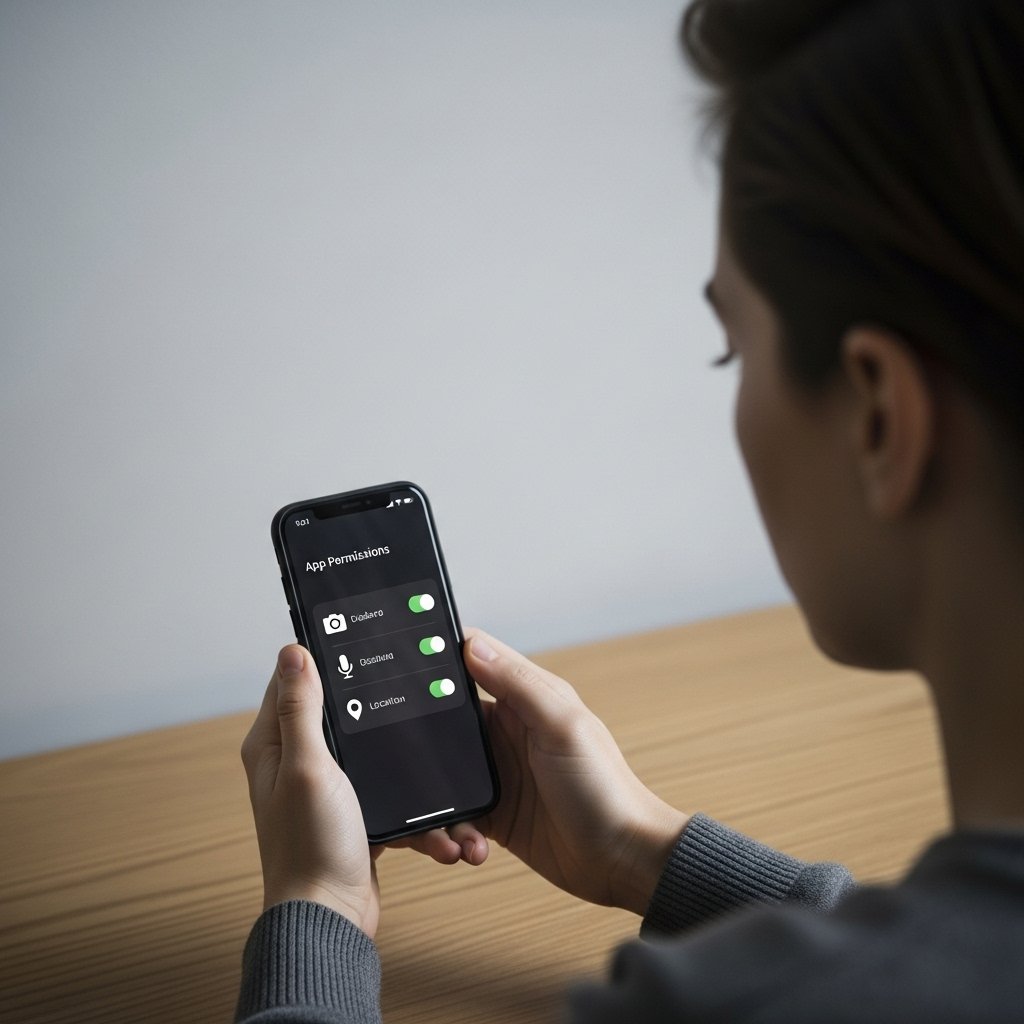
Check permissions for each installed app. Remove access to contacts, camera, or location when not required. This reduces silent data collection and limits how much personal information third-party services can store or share.
Limit Background App Activity
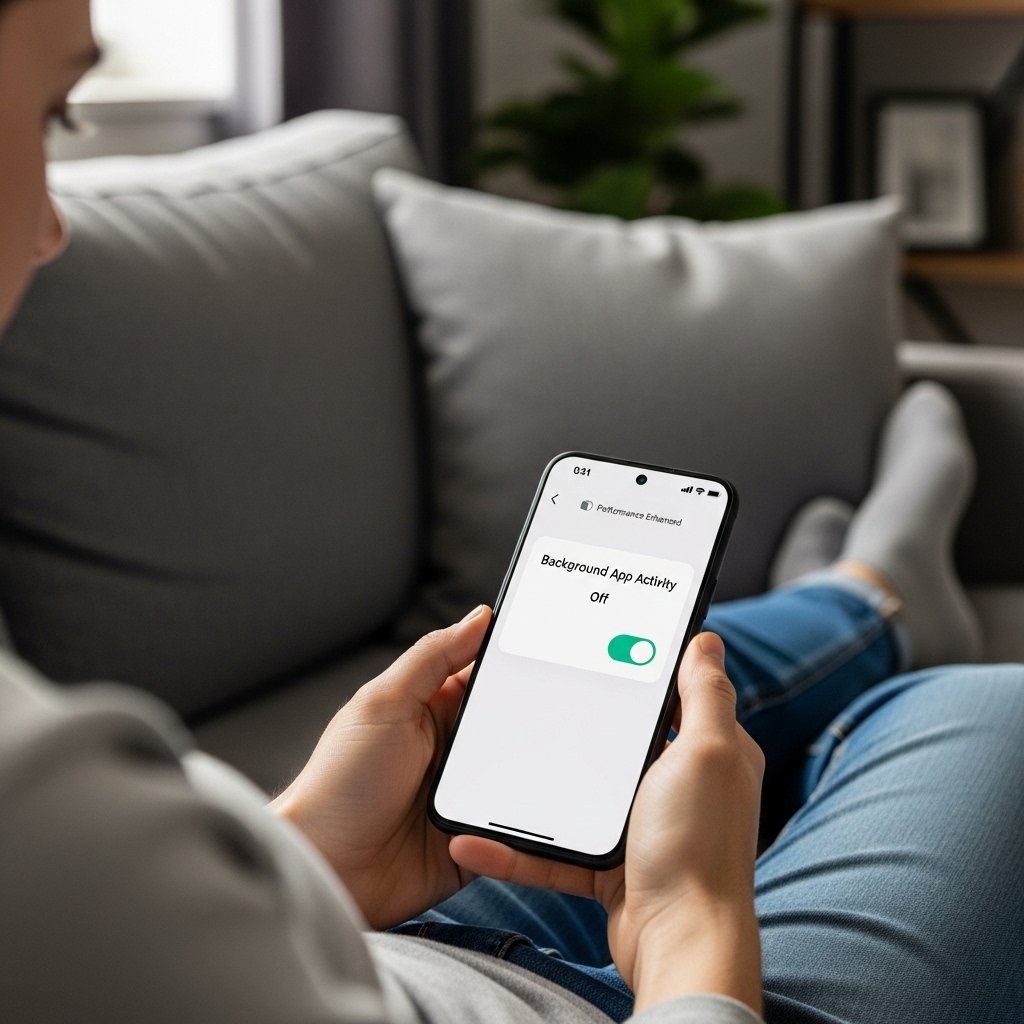
Restrict background data for nonessential apps. This stops them from sending usage details while idle. Phones perform better, battery life improves, and fewer personal patterns are transmitted during inactive periods.
Disable Ad Personalisation

Turn off personalised advertising in privacy settings. This reduces tracking based on browsing habits, app activity, and interests. Ads still appear, but they are less connected to personal behaviour.
Use Secure Screen Locks

Activate a strong screen lock with either a passcode or a biometric option. This will ensure that any data saved on the phone is safe should it be lost, and also blocks any access to personal messages, files or account information.
Avoid Unnecessary App Downloads

Install only trusted apps with clear purposes. Each extra app increases possible data exposure. Keeping the phone simple reduces risk and improves overall performance.
Keep Software Updated
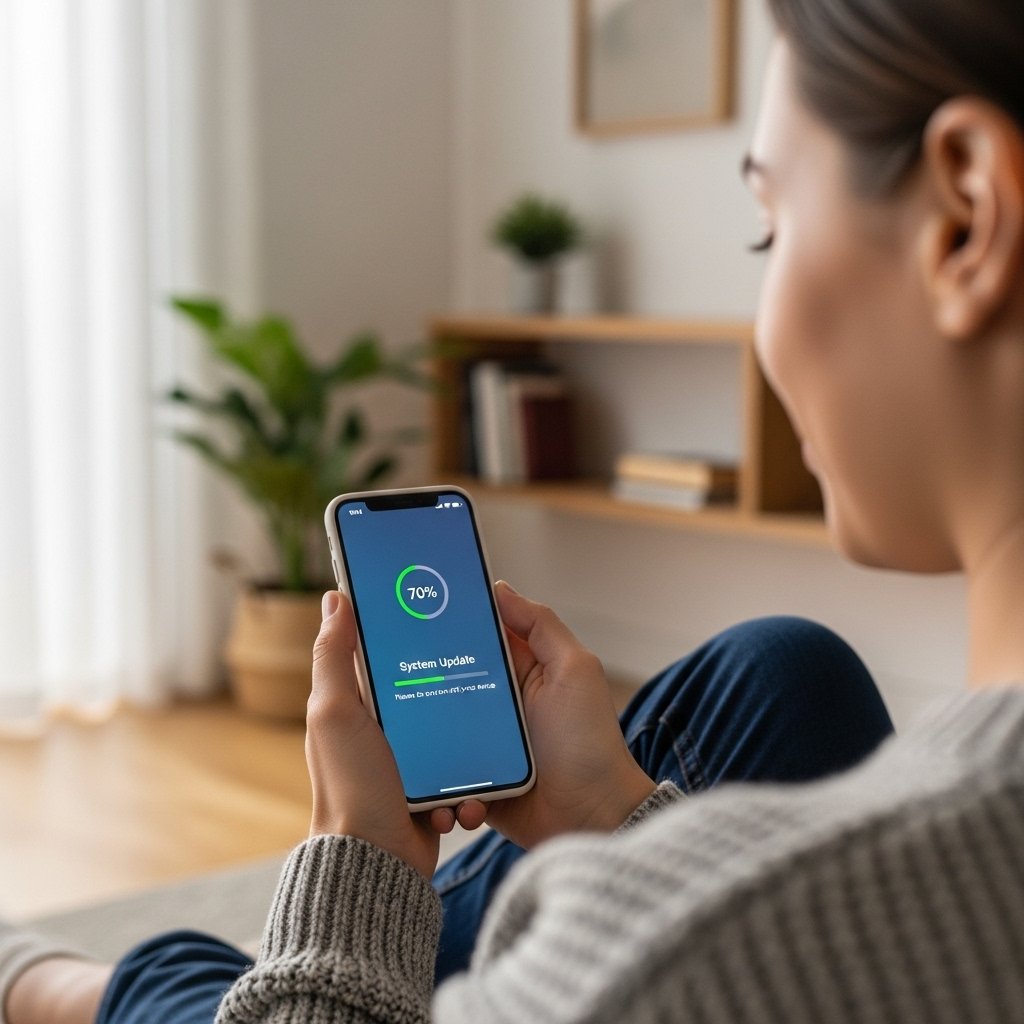
Enable automatic system updates. Updates repair known security gaps and improve protection against data leaks. Delaying updates can leave devices vulnerable to tracking and misuse.
Turn Off Bluetooth When Idle
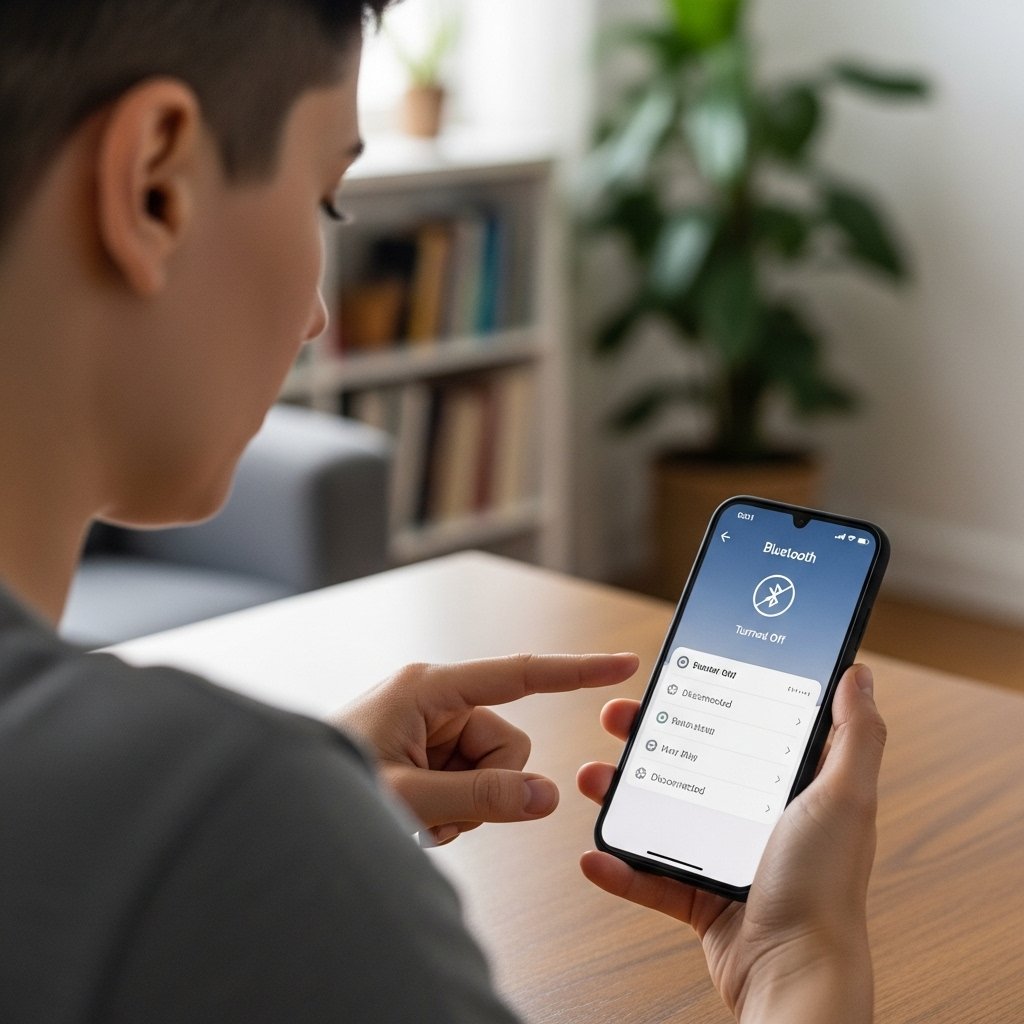
Turn on Bluetooth only when needed. This prevents silent connections and reduces location-based detection by nearby devices or systems.
Use Private Browsing Options

Private browsing reduces stored search history, site cookies, and tracking elements. It supports cleaner sessions and limits long-term digital records.
Review Cloud Backup Settings
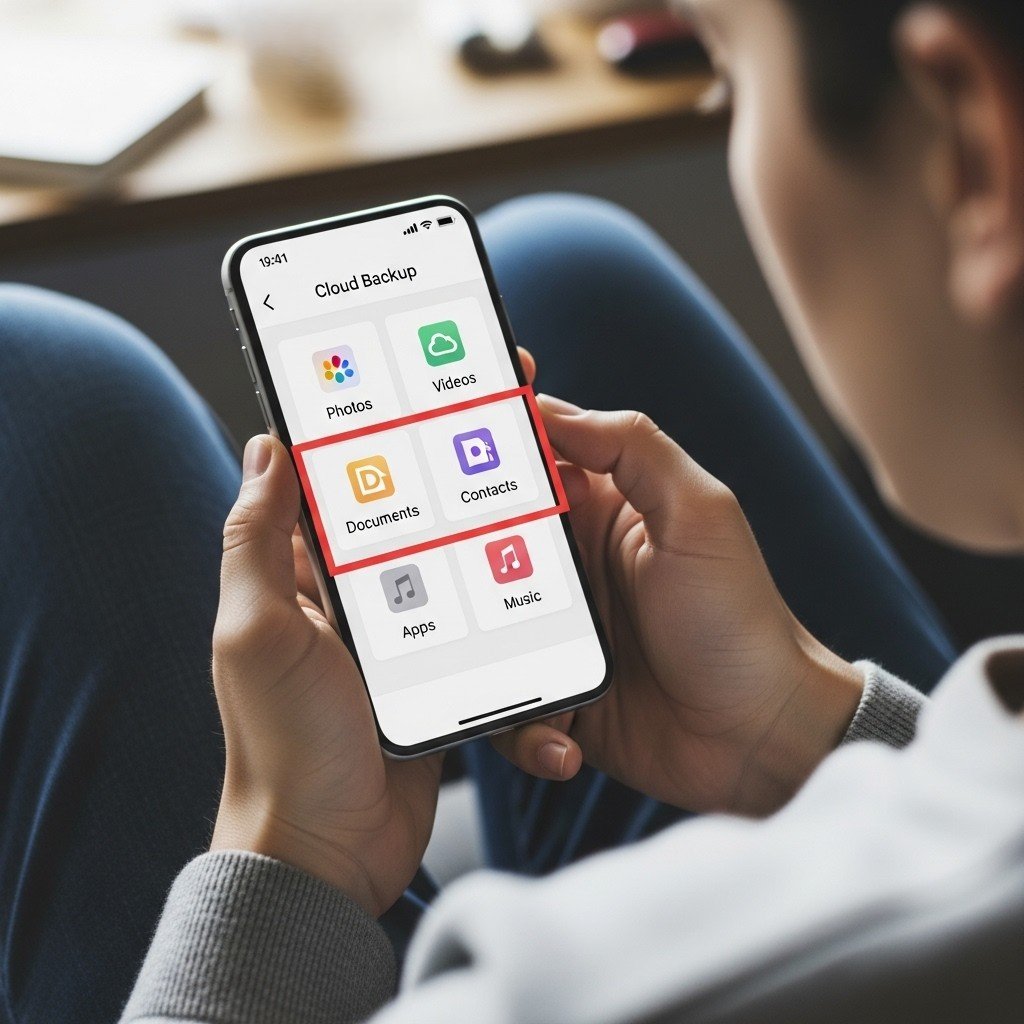
Check what data is backed up online. Limit uploads to essential files. This keeps sensitive information under better control.
Log Out of Old Accounts
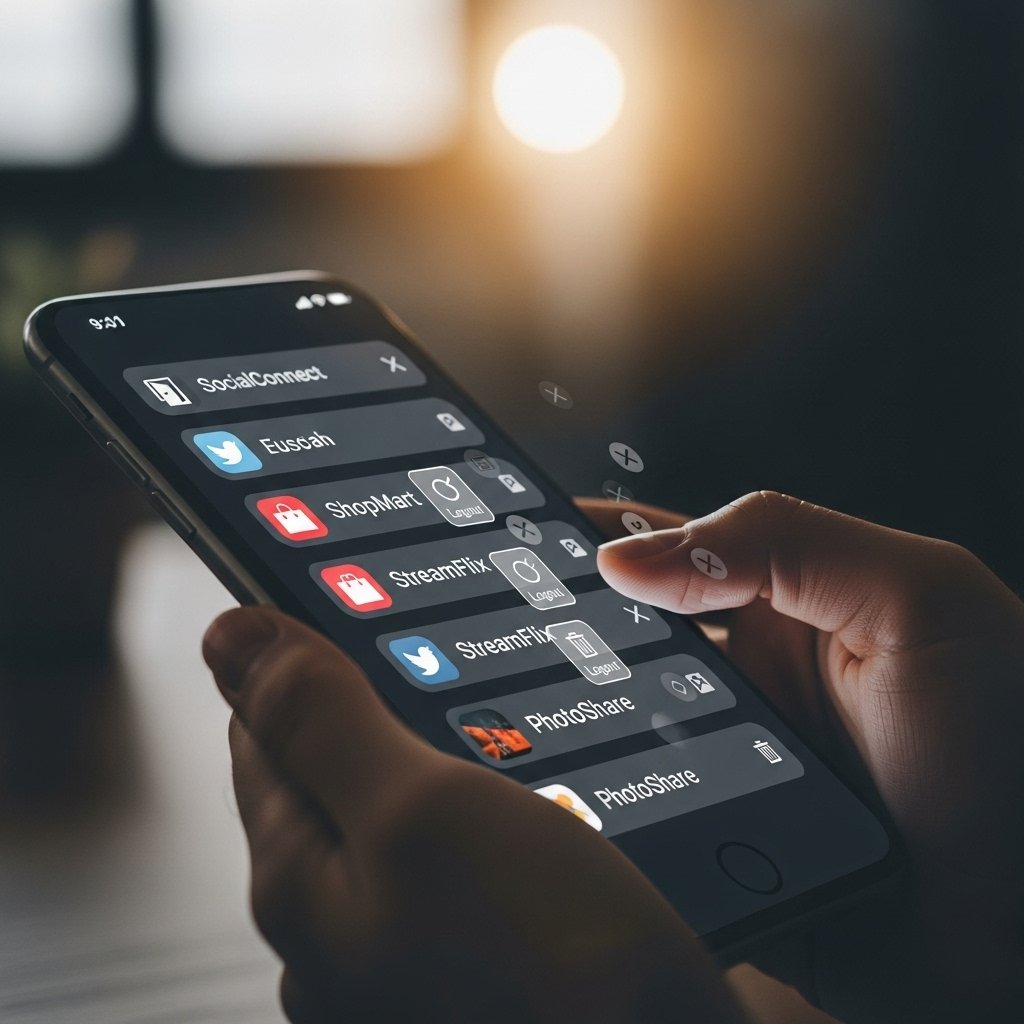
Sign out of unused accounts on apps and websites. This reduces long-term data storage and prevents outdated services from accessing current activity.
