
The keyboards gather dust, crumbs, and daily grime at a rate much higher than anticipated by most individuals. Frequent cleaning makes keys receptive, and devices have a longer consumption time. Screens capture the attention of many people, leaving keyboards, which are touched regularly. Long working hours and improved hygiene and comfort are also supported by a well-maintained keyboard. Making the place clean does not entail the usage of costly equipment or complex procedures. Simple and prudent means may bring back looks and functions. Routine will eliminate accumulation and safeguard internal parts. By careful maintenance, your keyboard can remain clean, durable and easy to work with on your daily chores both at home and at work.
Power Off and Disconnect First

Note also that before cleaning, the device and keyboard should always be turned off and unplugged. This will avoid pressing the keys accidentally and breaking internal circuits. In the case of wireless keyboards, batteries should be removed where possible. The precautions minimise the chances of damage when cleaning.
Shake Out Loose Debris

Tilt the keyboard in an inverted position and shake it gently. Little particles such as dust, crumbs and lint frequently fall out. This one-second action removes dirt on the surface and also pre-treats the keyboard with more thorough cleaning by not forcing dirt inwards.
Use Compressed Air for Deep Gaps

Compressed air assists in eliminating in-between key particles. Short bursts work best. Hold the nozzle at a minor angle to prevent pushing debris into further depths. The technique wipes places which cannot be easily cleaned by cloths or a brush.
Wipe Keys With Microfiber Cloth

Clean off every key with a mildly damp microfiber cloth. Yes, microfiber gets dirty, but it’s not the type of material that will scratch anything. Avoid soaking the cloth. Too much moisture may leak between keys and influence performance. Light wiping keeps the keys in place and touchable.
Clean with a mild cleaning solution
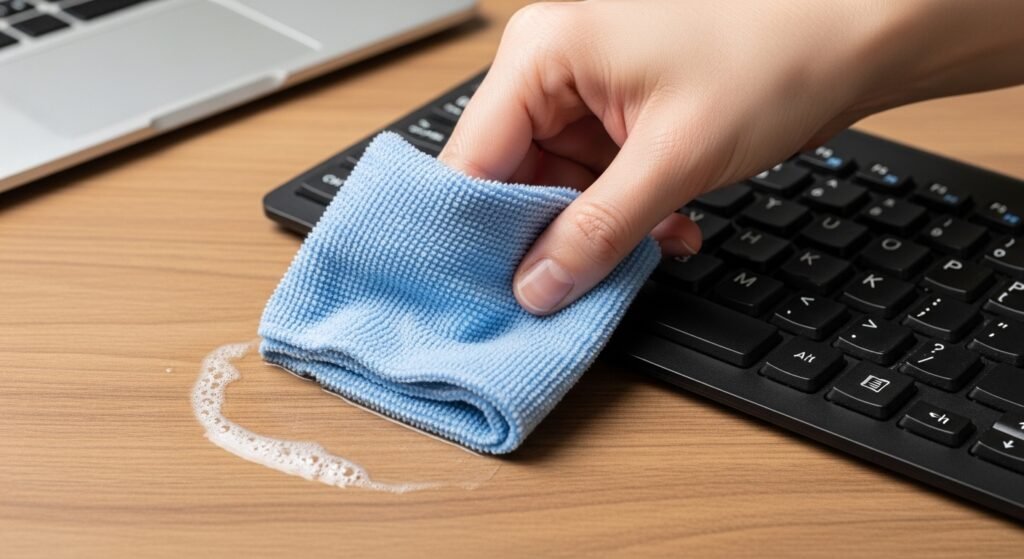
Add some mild soap to water. Wet a cloth with the mixture slightly. Clean the keyboard table. This eliminates oils on fingers and difficult marks. Do not have a dripping wet cloth.
Use Cotton Swabs for Tight Corners

Cotton swabs are useful in cleaning under keys. Wipe them a little with a cleaning solution or water. Along edges where dust gathers, rub lightly. This technique enhances the cleaning process and gives it a shiny look.
Remove and Clean Detachable Keys Carefully
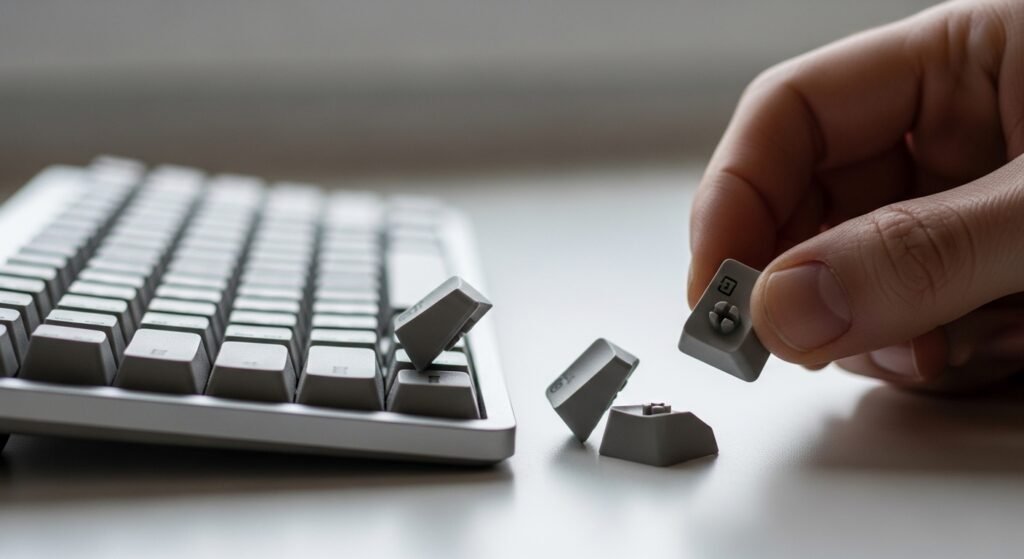
It is possible to remove keyboards from some keyboards. A correct key puller is necessary to prevent a break. Wipe the keys removed individually using a soft cloth. Let them dry completely and rejoin. This assists in case of dirt accumulation under keys.
Dry the Keyboard Thoroughly

When the keyboard is air-dry, reconnect it again. Stagnant moisture inside could have an impact on functionality. Set the keyboard in a well-ventilated place. Adequate drying promotes good working and prevents internal damages are prevented.
Maintain a Weekly Cleaning Routine

The light cleaning on a regular basis removes loads of dirt. Cleaning the keyboard once every week will cut the workload during serious cleaning. Stability is used to preserve hygiene and also increases the life of the keyboard, besides ensuring that the user is comfortable when using the keyboard on a regular basis.
Avoid Eating Near the Keyboard
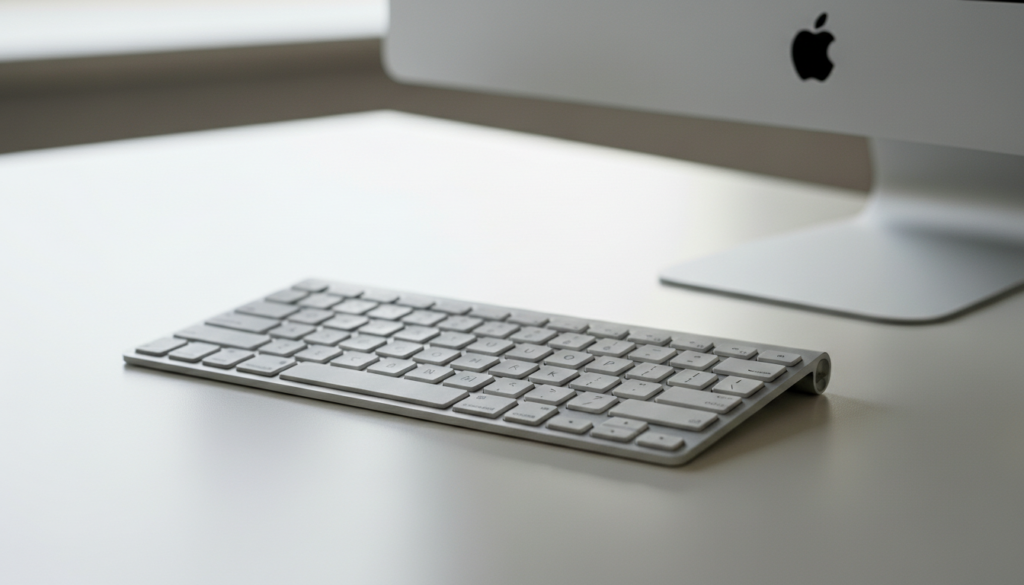
A major cause of dirt and malfunction of the keyboard is food crumbs. Storing snacks lessens the rubbish. A neat office helps in keeping the electronics accessories clear and in order to have a professional and organised working environment.
Wash Hands Before Using Devices

Dirty hands minimise the transmission of oil and dust in keys. The practice helps to keep it clean and also preserves the finish of the keyboard. Frequent washing of hands also enhances the overall cleanliness of work equipment that has to be used frequently.
