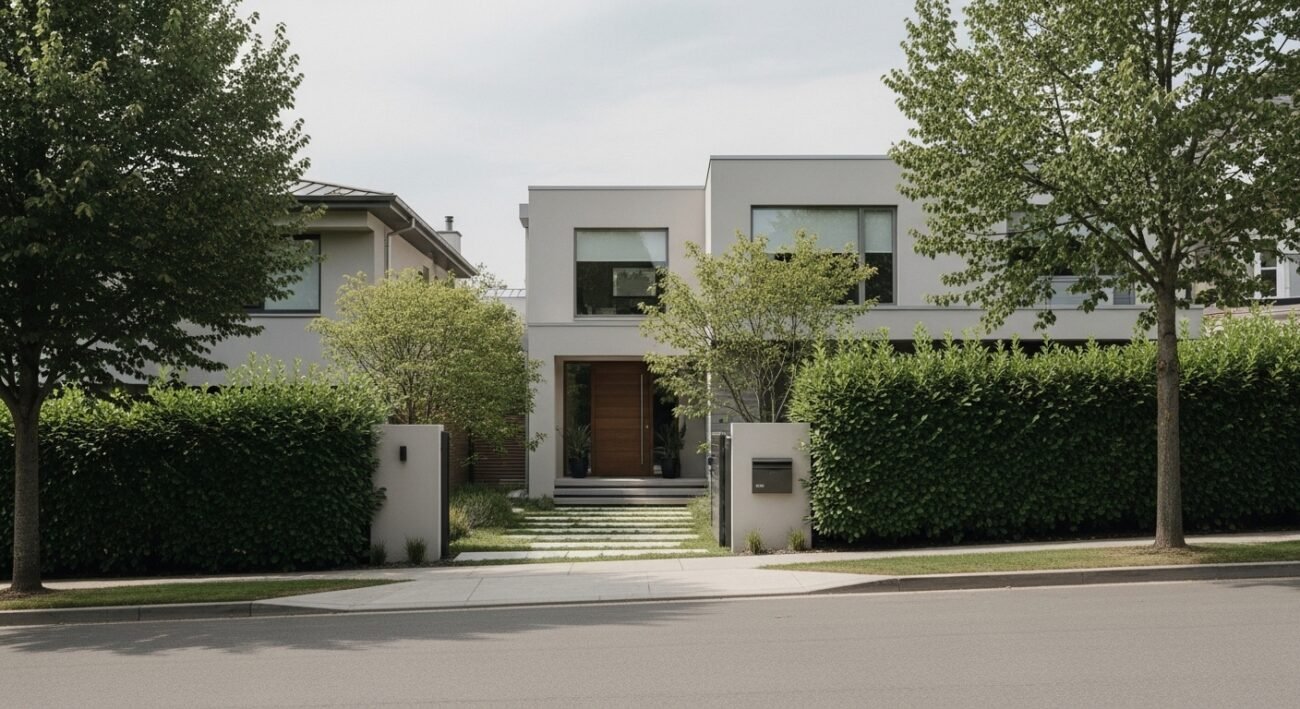
Google Street View can assist individuals to find their way around neighbourhoods, yet it can showcase your house more than you want. Your door, plan or routines can be naked. Most homeowners treasure their privacy and do not involve themselves in rule-breaking and conflict. The good thing is that in order to be less visible, all you have to do is take certain simple, legal measures. These alternatives are digital, physical and a gentle presentation of your home. None of them demands severe measures and technical expertise. Being patient and consistent, you can find a balance between public mapping resources and privacy in your own home, where your home is comfortable, secure, and is not so easily identified on the Internet.
Request Image Blurring
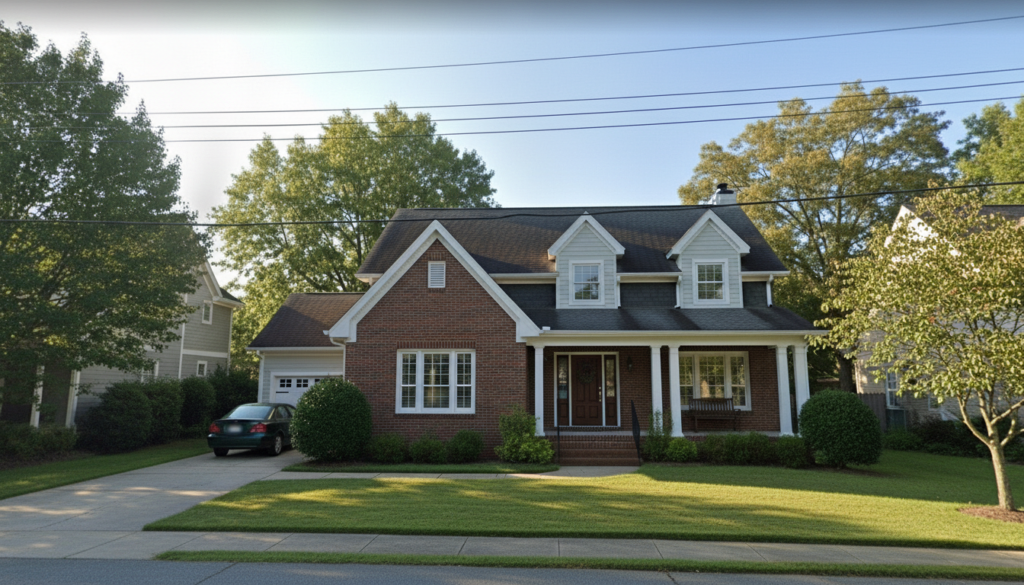
Google gives the opportunity to the owners of homes to request an indefinite blurring of their house. Go to the Street View interface, choose report a problem, map the area, and post it. The blur that is created cannot be undone once accepted.
Blur Specific Details
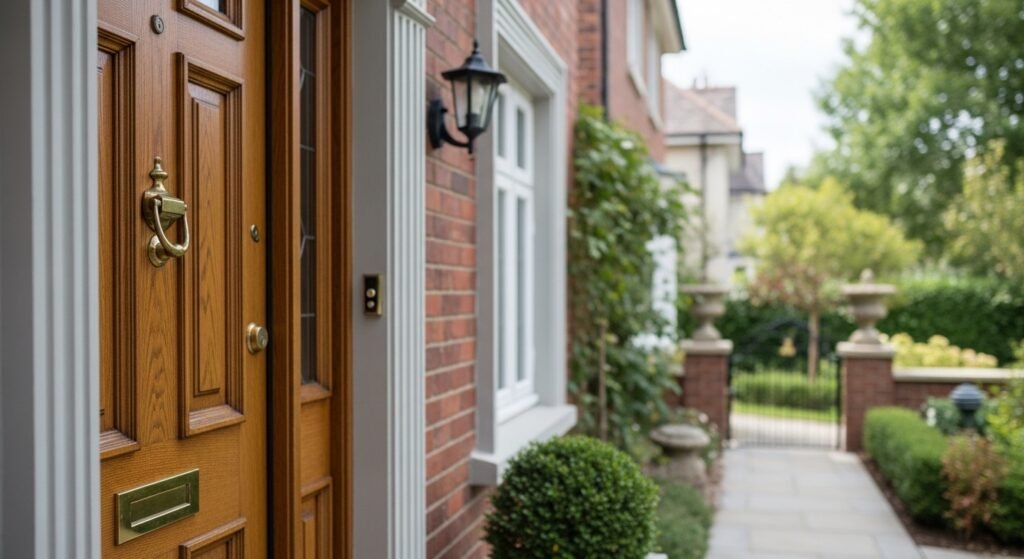
Door, window or license plate blurring is considered a full-house blurring, inappropriate and makes a request. This alternative will be less sensitive and will leave the street around them visible to navigate and reference in general.
Adjust Your Property Boundaries
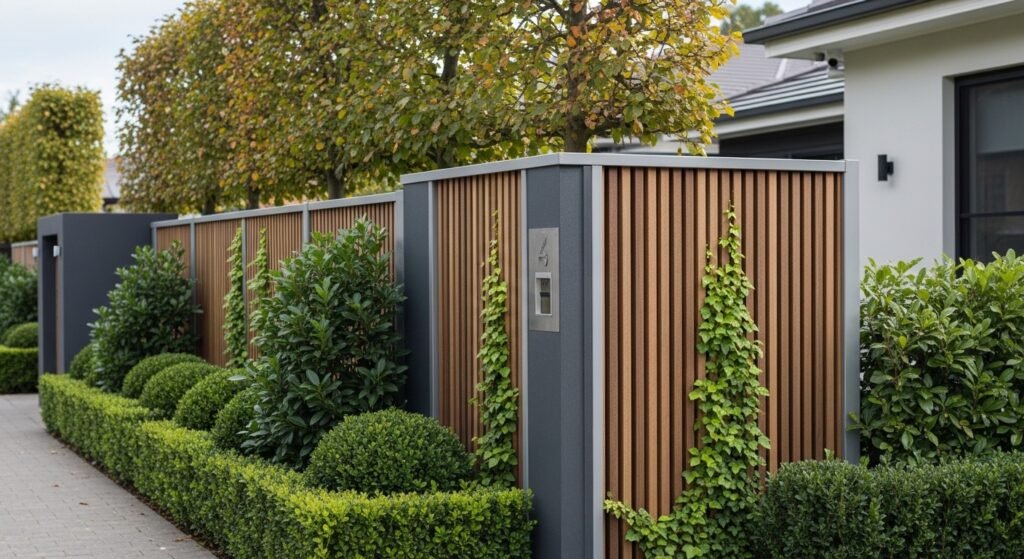
The street is obstructed with strong fences, hedges, or boundary walls, which naturally make direct views impossible. Properly maintained barriers indicate personal space and restrict the amount of information that Street View cameras are able to gather in the form of drive-by mapping.
Use Landscaping Strategically
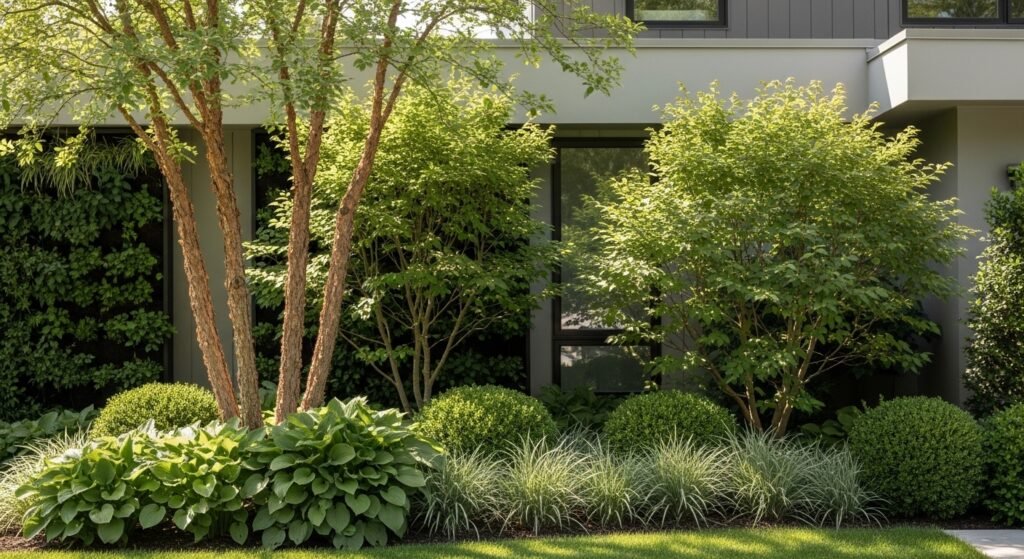
Vertical gardens, trees and tall shrubs are elements that offer privacy without seeming hostile. The natural features make the property appear soft without creating a clear view into the entrance door, windows, and living rooms.
Reposition Entry Points
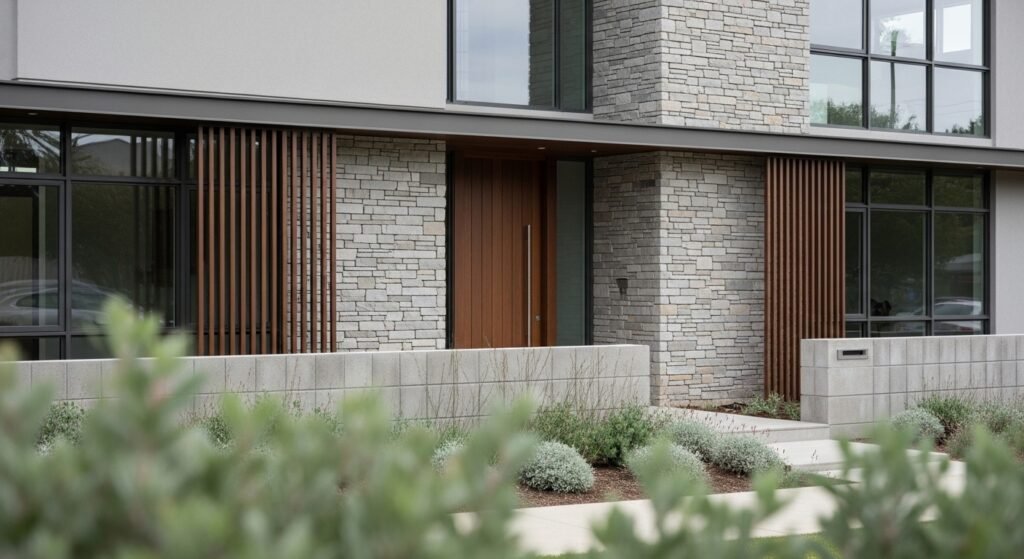
Where feasible, relocate visible elements such as nameplates, door decoration or seating other than on the side facing the street. Minor layouts make it smaller so that identifiable markers that can be captured by a wide-angle camera are minimised.
Choose Subtle Exterior Design
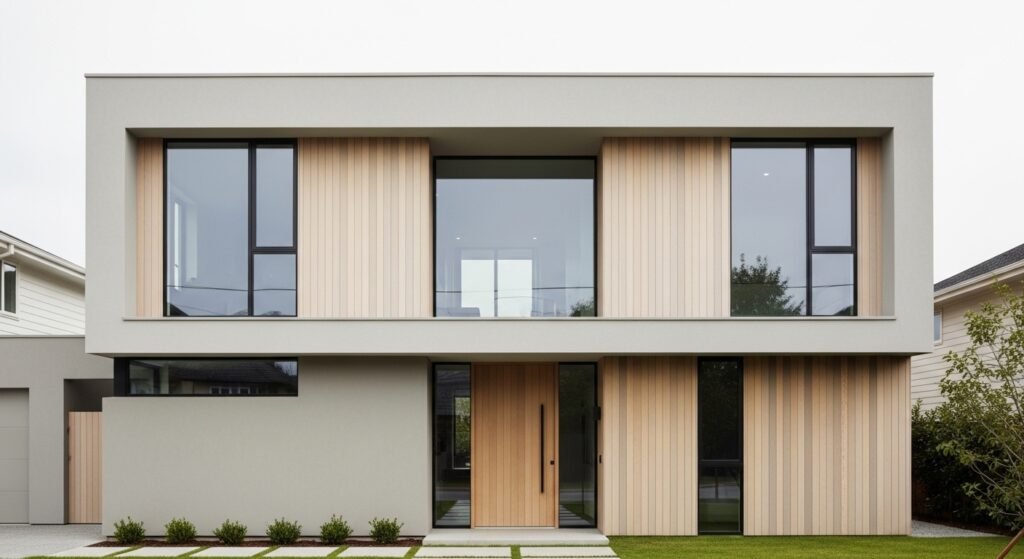
Do not use many unique exterior characters which make your home easily identifiable on the internet. Simple signage, neutral colours and minimalistic decor help to blend and decrease focus in the imagery of the masses.
Limit Visible Personal Items
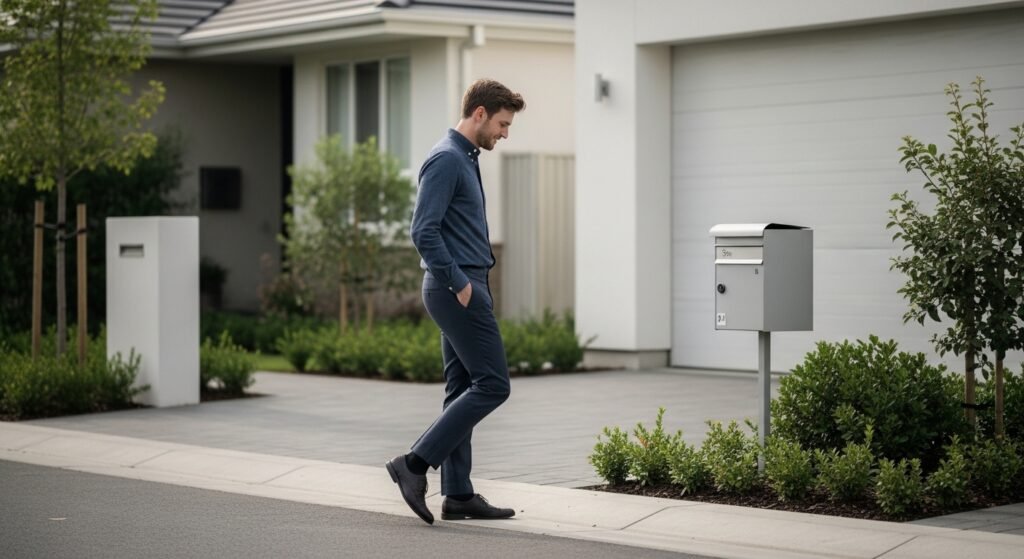
Maintain cars, mailboxes and external objects clean and neutral. By deleting personalised signage or labels, the possibility of identification by use of Street View aids and casual searches via the internet is reduced.
Monitor Updates Regularly
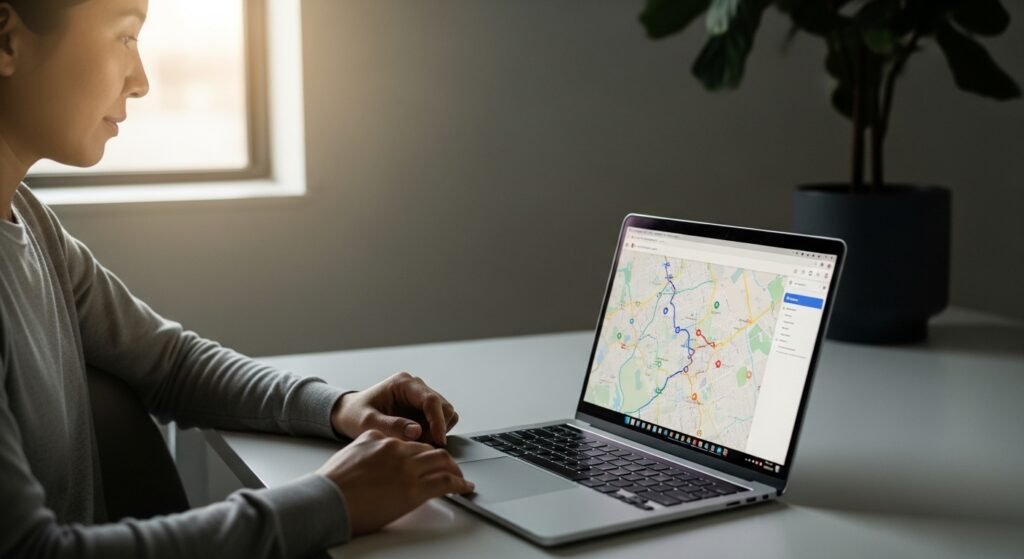
The images provided by the Street View are periodically updated. Check your address to view new captures every now and then. Early review will help you place your blurring requests in time before the images go viral on the platforms.
Understand Local Visibility Rules

There is no restriction on photography in the street, but some restrictions apply to private property. Knowing what’s acceptable is just going to help you come up with privacy settings that are friendly, polite and in line with the local norms.
Coordinate with Neighbors
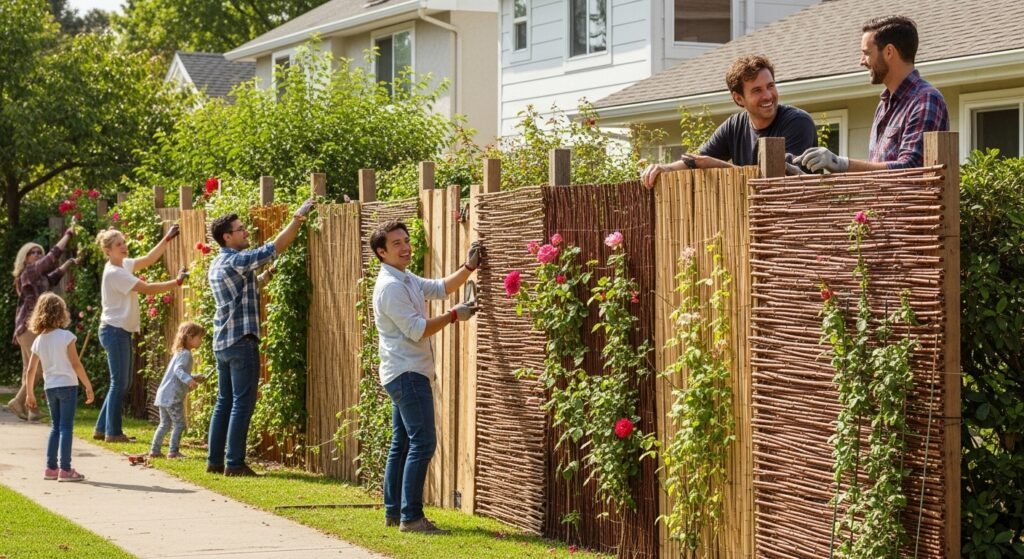
When privacy is also important to the neighbours, a concerted fencing or vegetation establishes a more stable visual shield. Community work tends to appear more attractive and enhance privacy of all street dwellers.
Maintain a Calm Digital Presence

Do not post obvious exterior photos of your house on your public profiles. Limiting online visibility will go hand in hand with Street View settings and leave your address less recognisable on search results.
