
The act of typing on your computer in a comfortable local coffee shop might make you feel completely secure, but in reality, a secret digital danger might be monitoring your every keystroke. The security information released by the Cybersecurity and Infrastructure Security Agency indicates that recording software without making any noise continues to be a principal weapon of today’s criminals for extracting confidential personal information. The early discovery of these invisible electronic footprints may turn out to be the secret to the successful protection of your private information.
Noticing Unexplained Text Lag

When you type a sentence, and the letters take a noticeable moment to appear on your screen, background interference might be happening. This delay could mean a hidden script is processing inputs.
Watching for Sudden Spikes
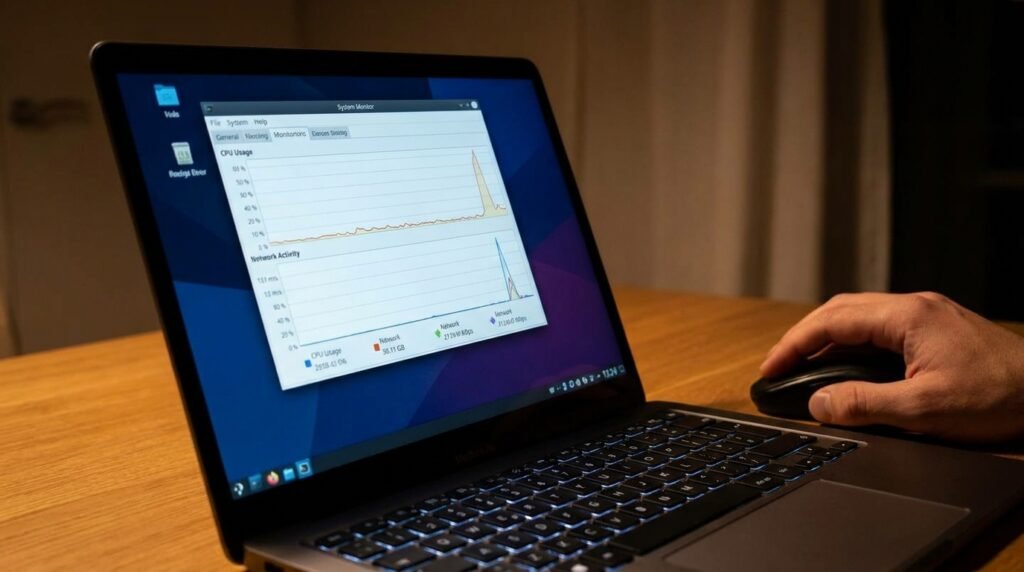
An unexpected surge in your computer’s processing power during idle moments could indicate background tracking. Hidden monitoring tools often require extra system energy to compile and package your typed data.
Checking Strange Network Outbound Traffic
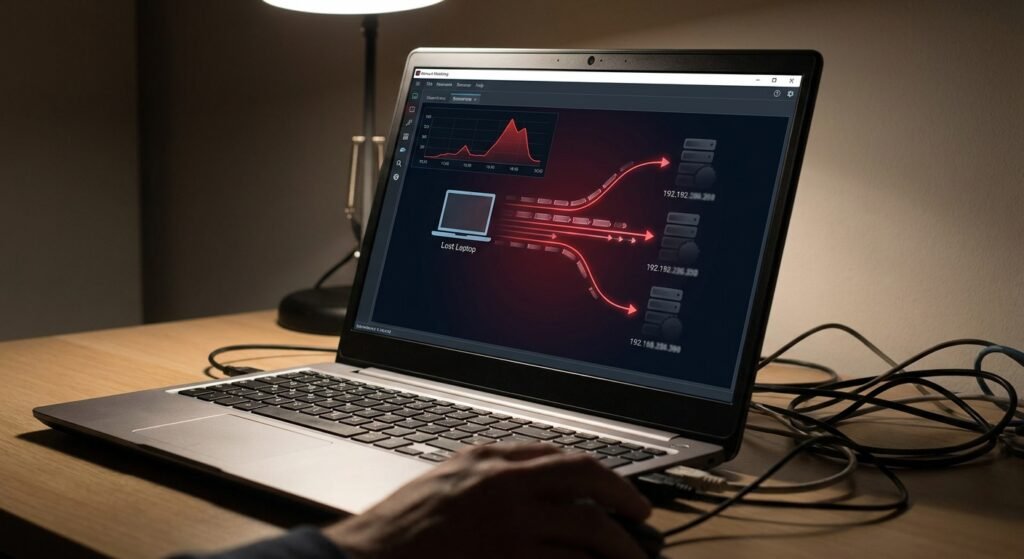
Monitoring your active internet connections might reveal unfamiliar destinations receiving continuous data. According to network protocol studies, tracking tools must occasionally beam your captured keystrokes back to an external server.
Experiencing Mysterious Mouse Movements
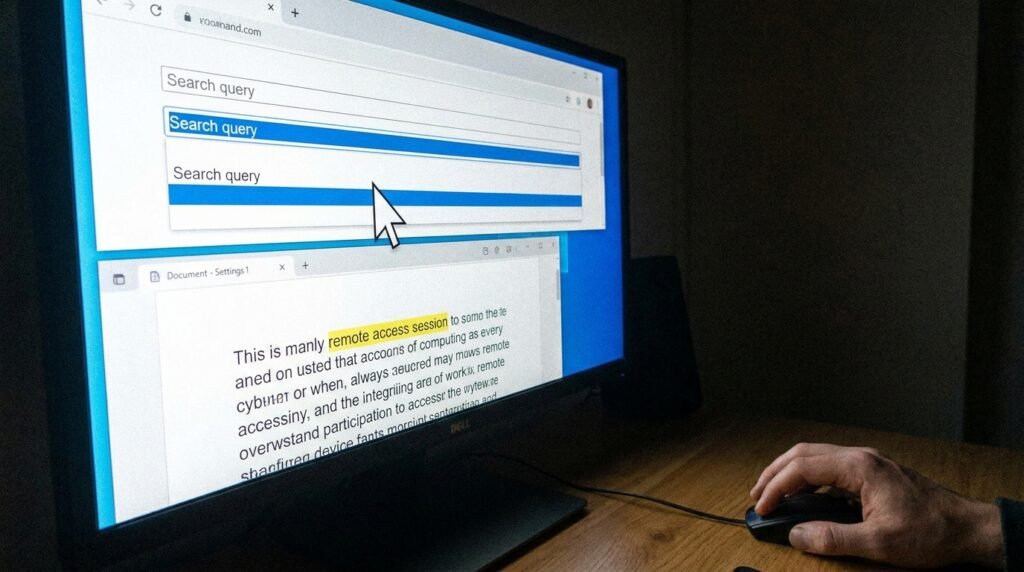
If your cursor jumps erratically or text fields highlight themselves without your input, background activity might be responsible. This strange behavior could point to an active unauthorized remote access session.
Investigating Unfamiliar Background Processes
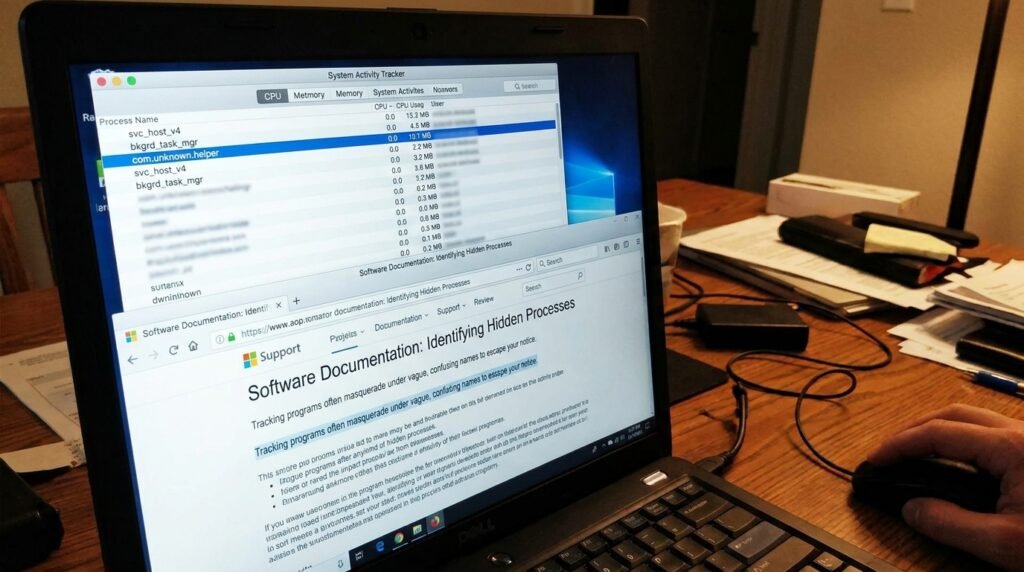
Opening your system activity tracker might expose strange applications running quietly in the background. Software documentation notes that tracking programs often masquerade under vague, confusing names to escape your notice.
Finding Odd Text Files
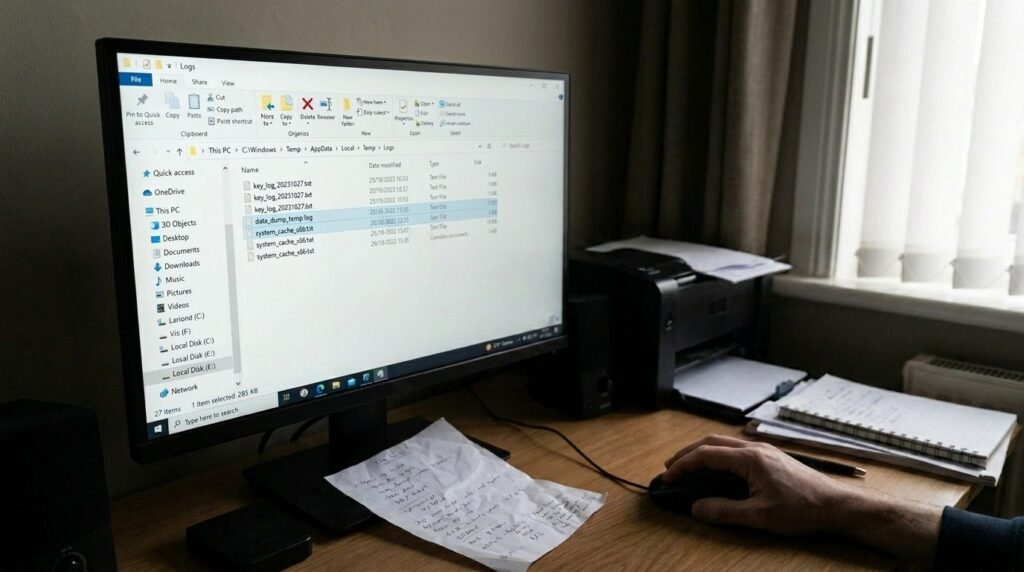
Discovering random text documents in obscure system folders might mean your typing is being logged locally. These files could serve as temporary storage before the data gets transmitted across the web.
Spotting Strange Browser Extensions

Glancing at your active browser extensions might reveal tools you never actually installed yourself. Malicious add-ons could silently capture everything you type directly into web forms and login screens.
Dealing With Random Popups

Encountering strange error messages or sudden advertising windows might mean your core system files have been altered. These annoying intrusions frequently travel alongside tracking software hidden in cheap downloads.
Noticing Changed Default Settings

Having your preferred search engine or home page changed without your consent could pose a security risk. Bunch software tracking can make changes to your browser’s settings to track your internet browsing activity throughout the day.
Observing Delayed Startup Times
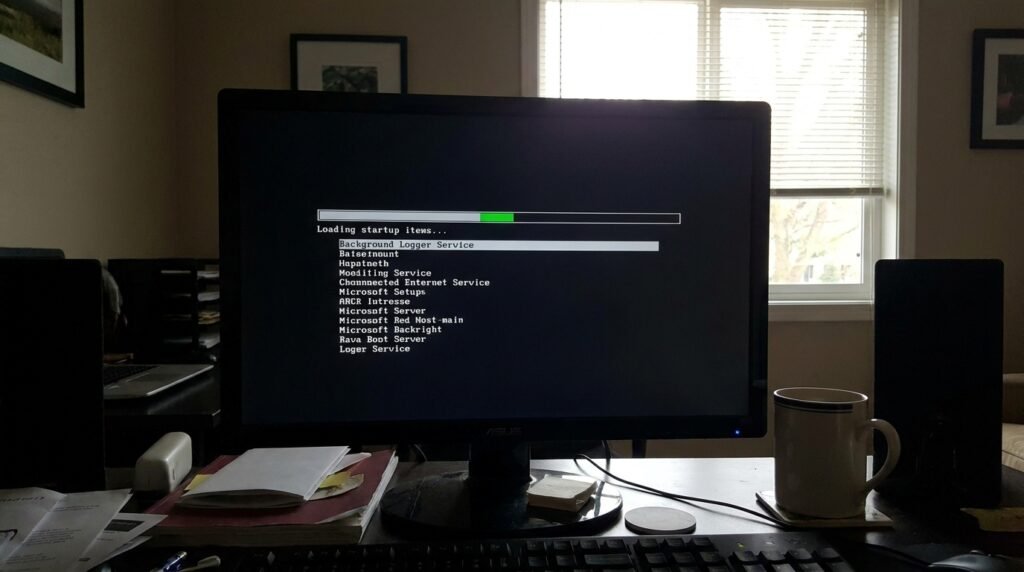
When your computer takes significantly longer to boot up in the morning, extra startup items might be loading. Background logging software often inserts itself into your main boot sequence.
Tracking Sudden Account Lockouts

Experiencing unexpected login failures across your personal banking or social media platforms could mean leaked credentials. This unfortunate scenario might indicate that someone previously logged your exact login keystrokes.
Reviewing Your Installed Applications

Regularly auditing your application folder might turn up software that you completely forgot downloading. Cleaning out these unused programs could easily eliminate hidden tracking risks before they even start.
