
We’ve all experienced the frustration of feeling like we are working in treacle on a computer just before a deadline. The latest tech tests from PCMag indicate that today’s operating systems can suffer when background applications use up random access memory (RAM). With technological limits in place, improving the way your computer manages system data could well help get you back to the “like new” experience that we all envy after a few months of use.
Restart Your System Regularly
One of the fastest ways to clear these is to reboot your system. This will clear the memory of all processes that were in the background and any memory leaks that you might have.
Monitor Current Memory Usage
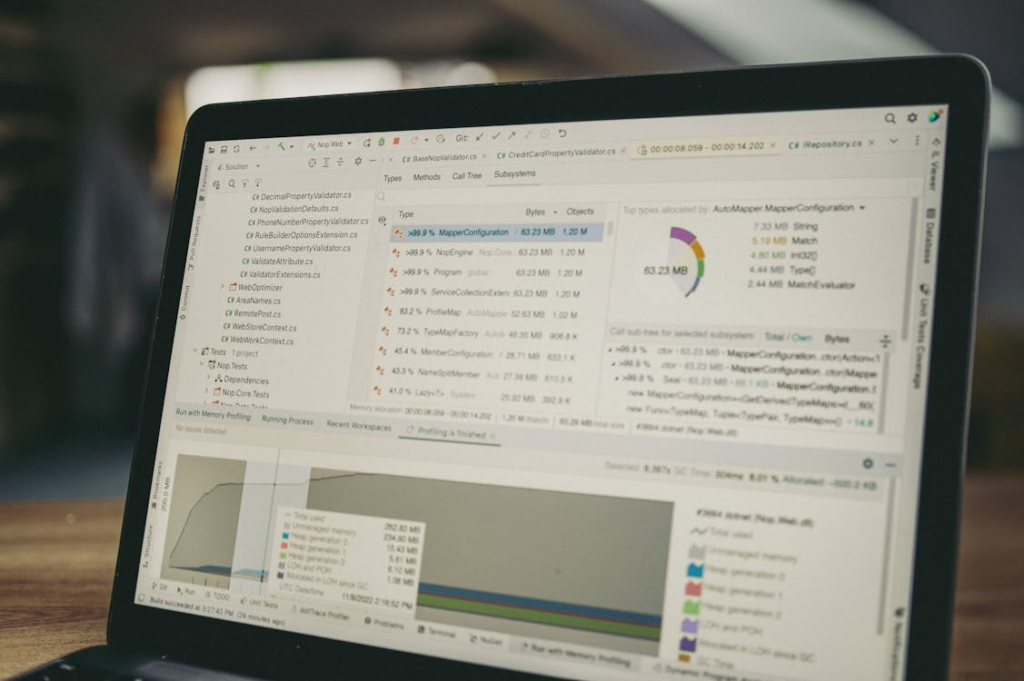
Tools such as the Task Manager (or Activity Monitor on Mac) can determine which programs are the offenders. This could possibly help you make the decision of which resource-intensive apps to shut down.
Close Unnecessary Browser Tabs

In today’s browsers, each tab is an open program. Closing tabs could possibly save you a lot of space, particularly if the sites include multimedia video scripts.
Disable Heavy Startup Programs
A lot of software is configured to automatically start up when you boot up your PC. You can disable these in settings and possibly increase boot speed and free up memory for other programs.
Manage Background Applications
This means that some applications don’t fully close when clicked on the “X.” Searching for these programs in your system tray may be able to fully shut them down and stop them from eating up your system’s memory.
Adjust Visual Effects
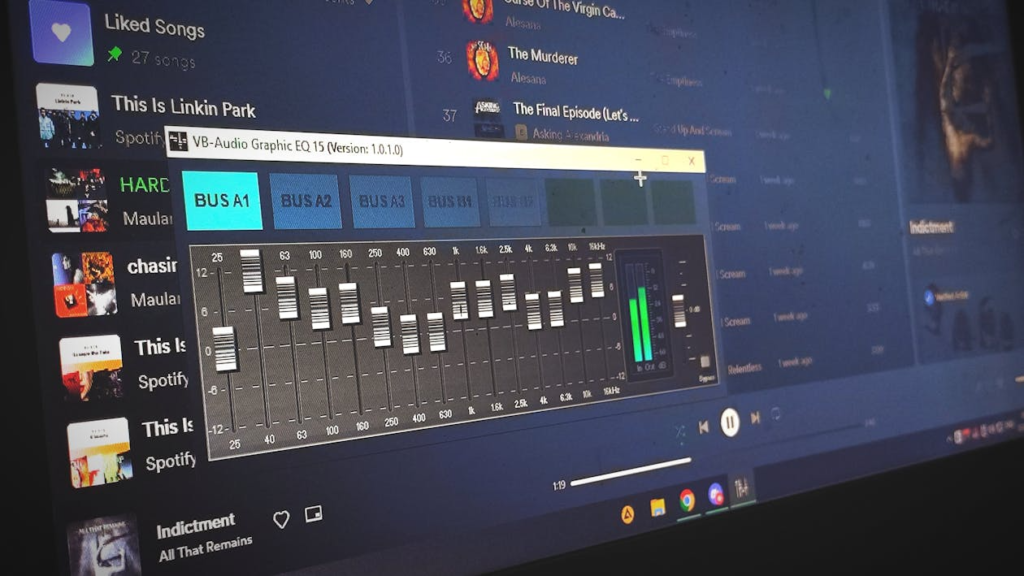
Windows and Mac computers have beautiful animations and shadows, but they take up memory. This could free up some memory for the RAM to work with.
Check for Memory Leaks
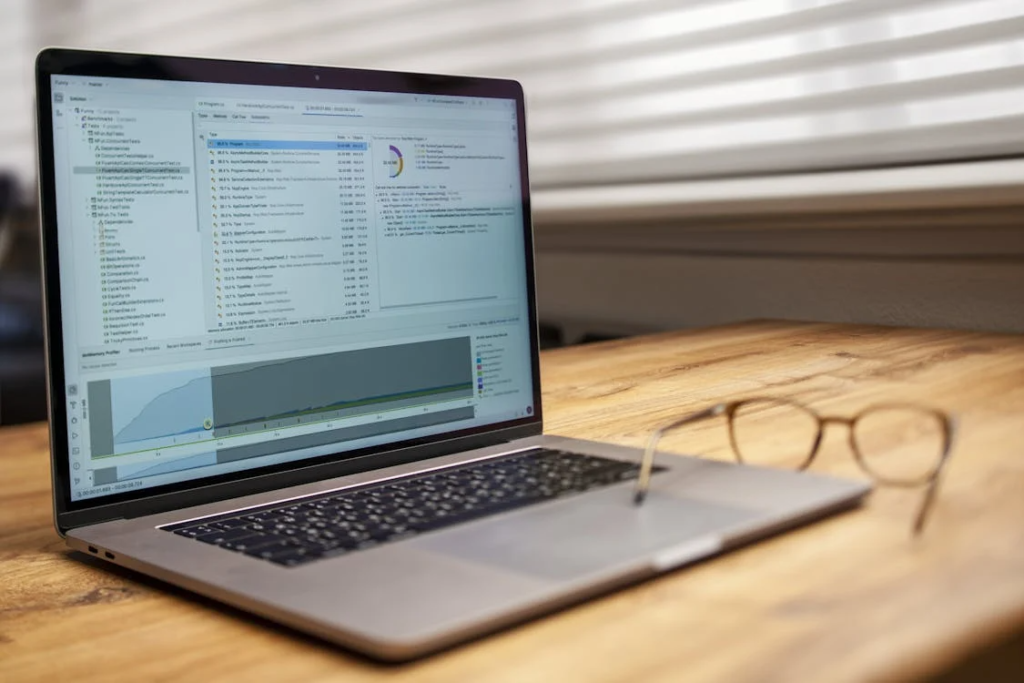
Sometimes, an application that is badly built will keep eating memory all the time. By keeping the software updated, you can solve the problems and improve the stability of your system.
Reduce Browser Extensions

Extensions are useful, but running too many at a time can be a large drain on your memory. Getting rid of those that you don’t use may help you to browse the web faster.
Use a Lightweight Browser

If your vehicle browser is not powerful enough, find a less memory-hungry browser. Some browsers are designed with much less memory in mind and are therefore suitable for older machines.
Keep Software Updated
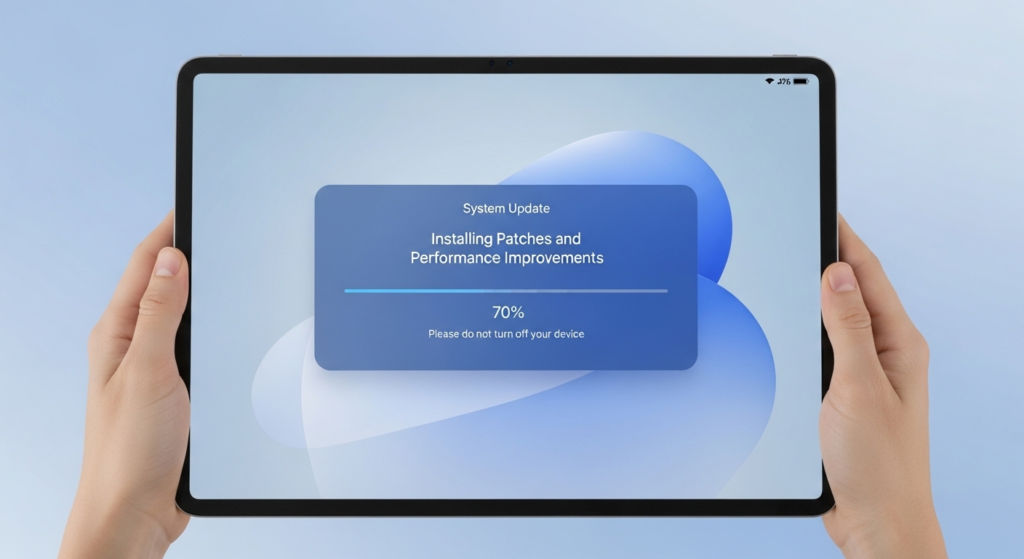
Software manufacturers often issue patches that improve their applications’ memory usage. Keeping up with these patches could potentially mean your software is as efficient as it could be, all the time.
Audit Your Hardware
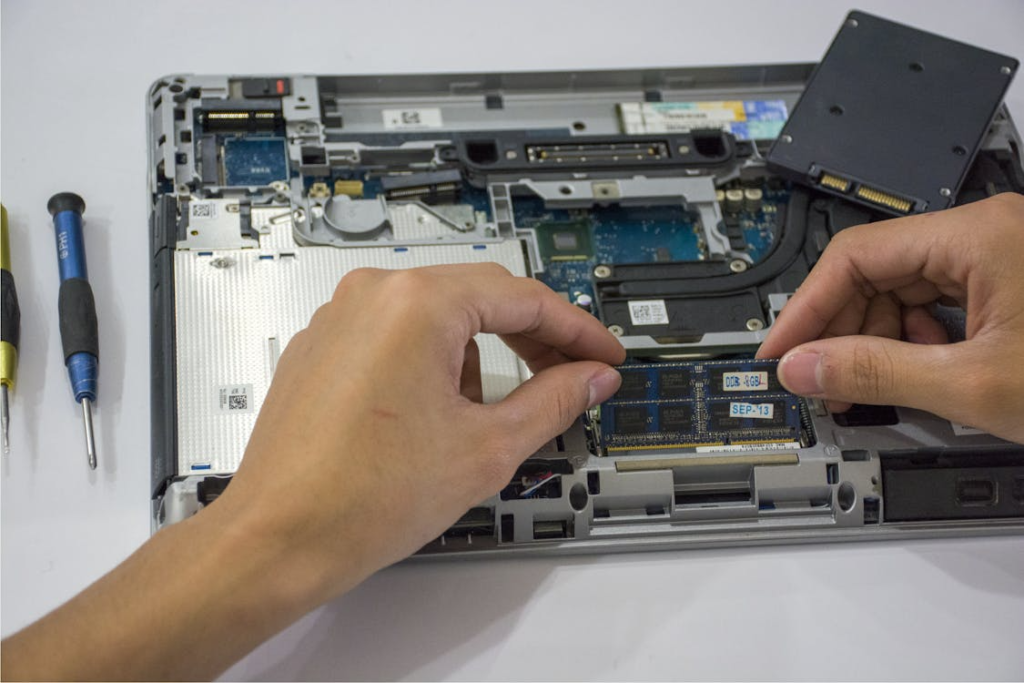
Software upgrades may not be sufficient to keep up with multitasking. See if your device is upgradeable via physical memory, as this could be an end solution for a significantly faster computer.
